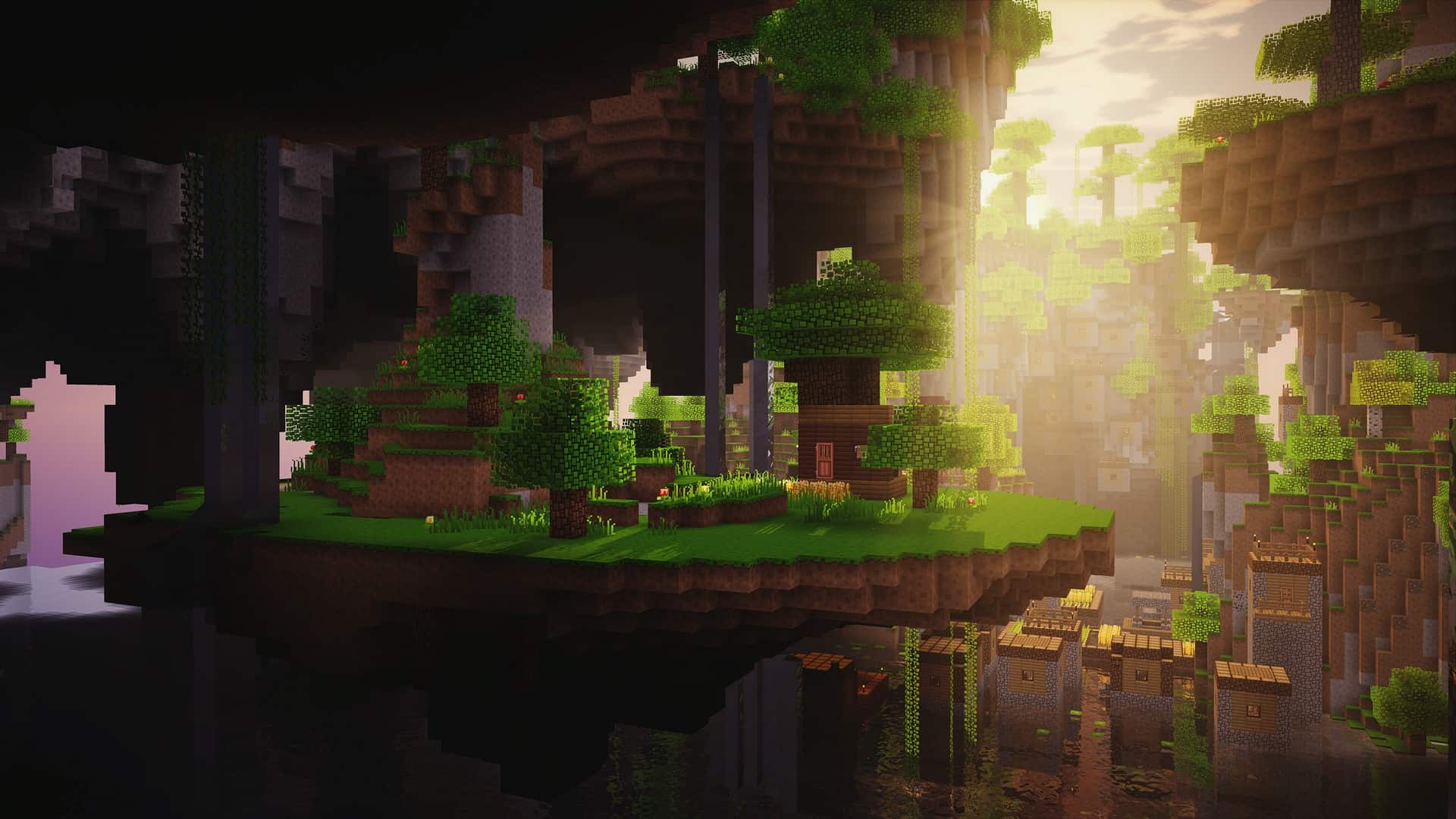
If you have been using BlockPixel as a resource pack for a long time, then chances are that you probably know a bit of its history. It has been in existence for about seven years now, however, it is majorly famous in the Chinese community, which is why most of us never got a chance to really know it for all this time. In that period of seven years, the Blockpixel resource pack has been constantly developing; actually, we are presently using an updated version which functions brilliantly with 1.13 and newer versions. This updated version has been released for a much wider western audience, so if you are not in China, you too can get to try it for yourself and see if it is worth it. The sheer amount of dedication and hard work that has been invested in BlockPixel is genuinely going to blow your mind, and you might actually be missing out on some truly great things if you do not give it a try.
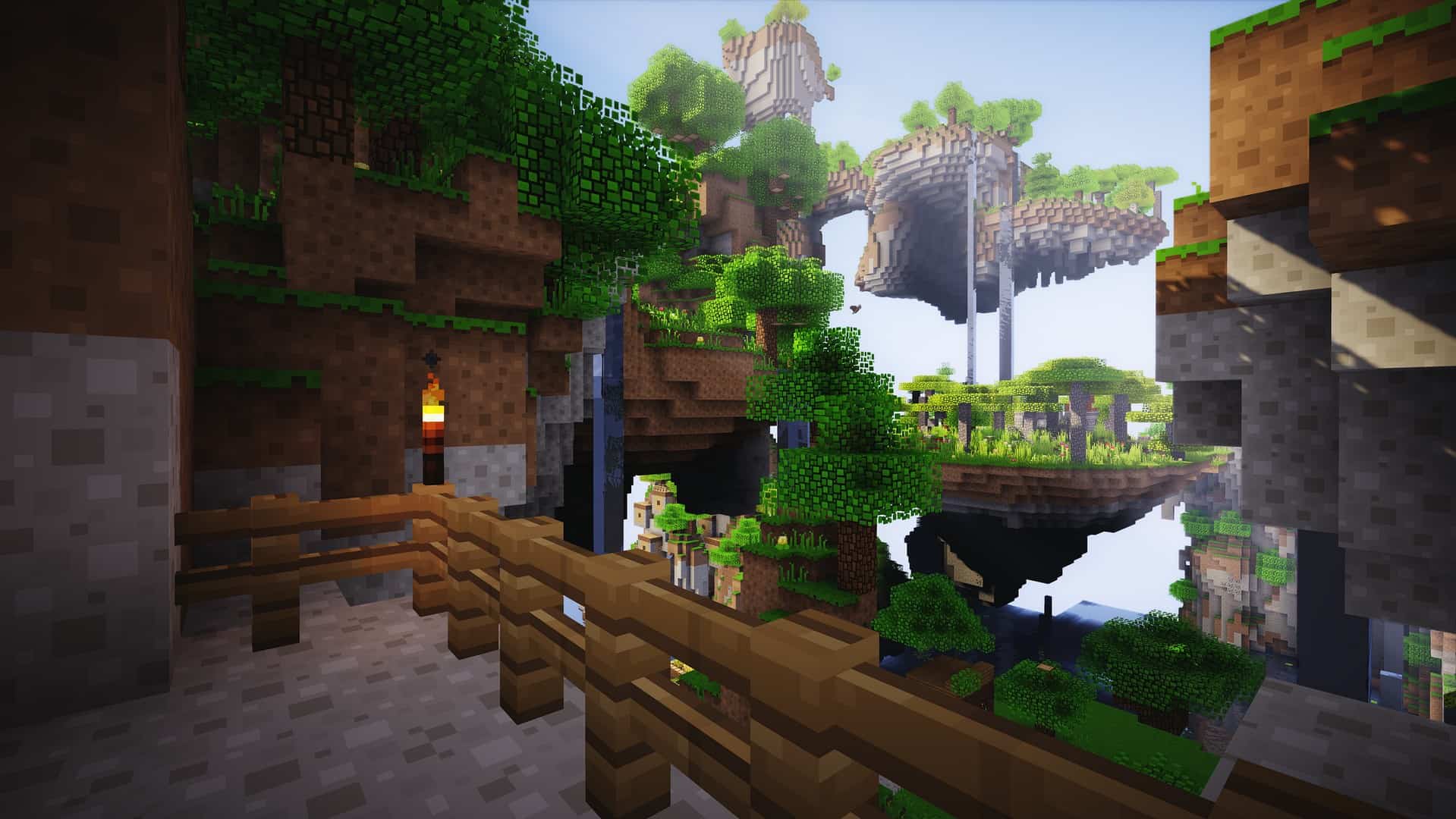
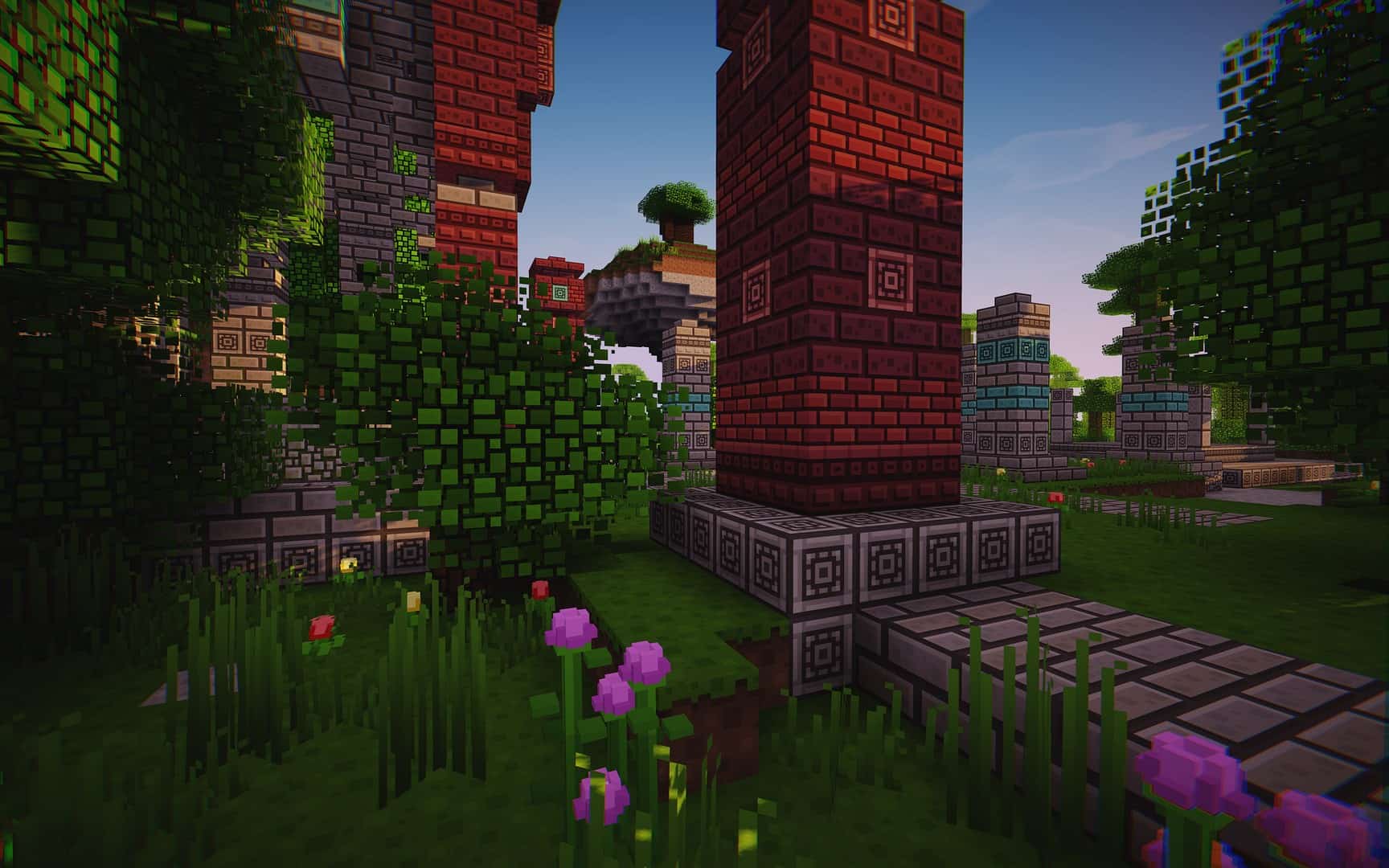
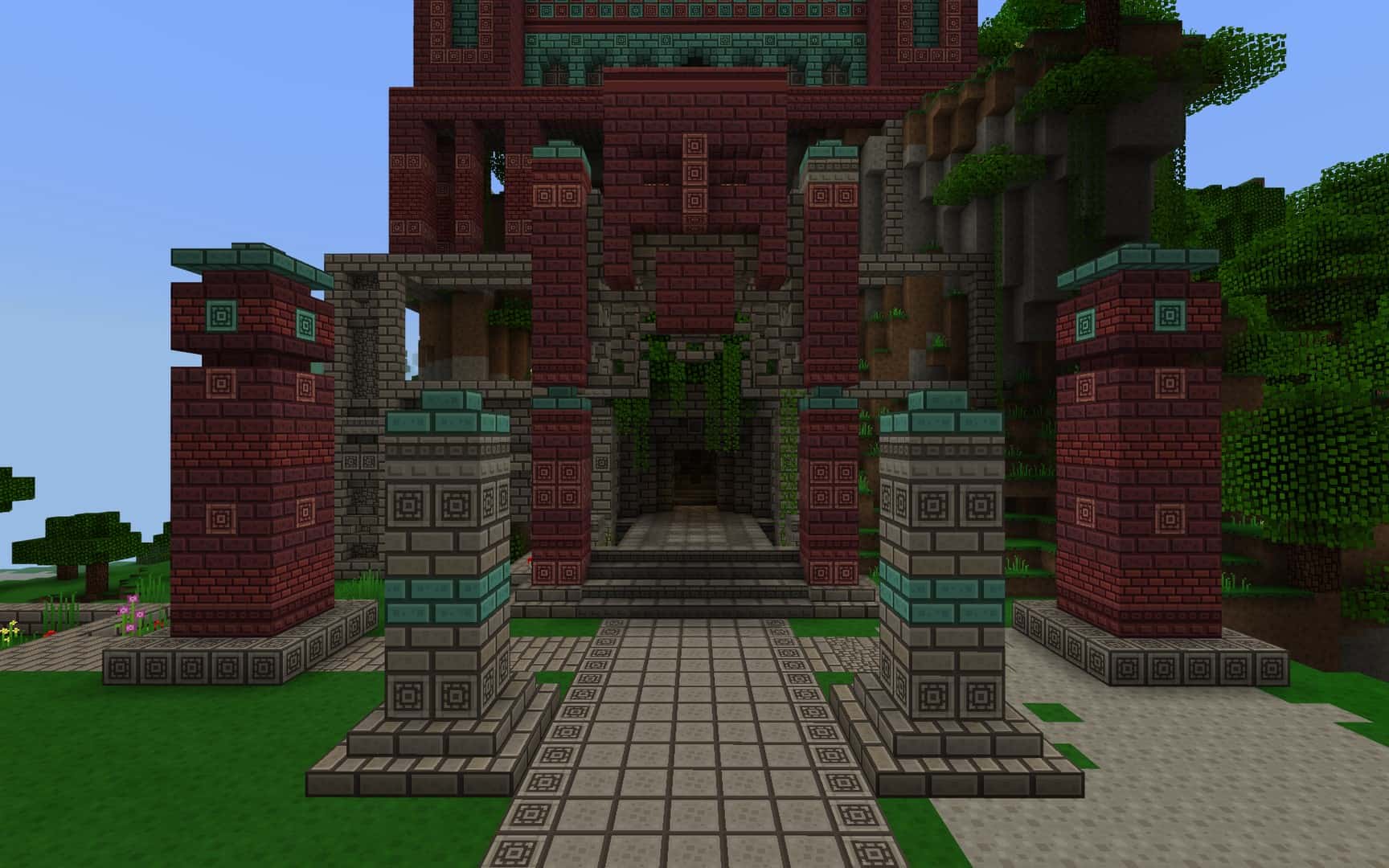
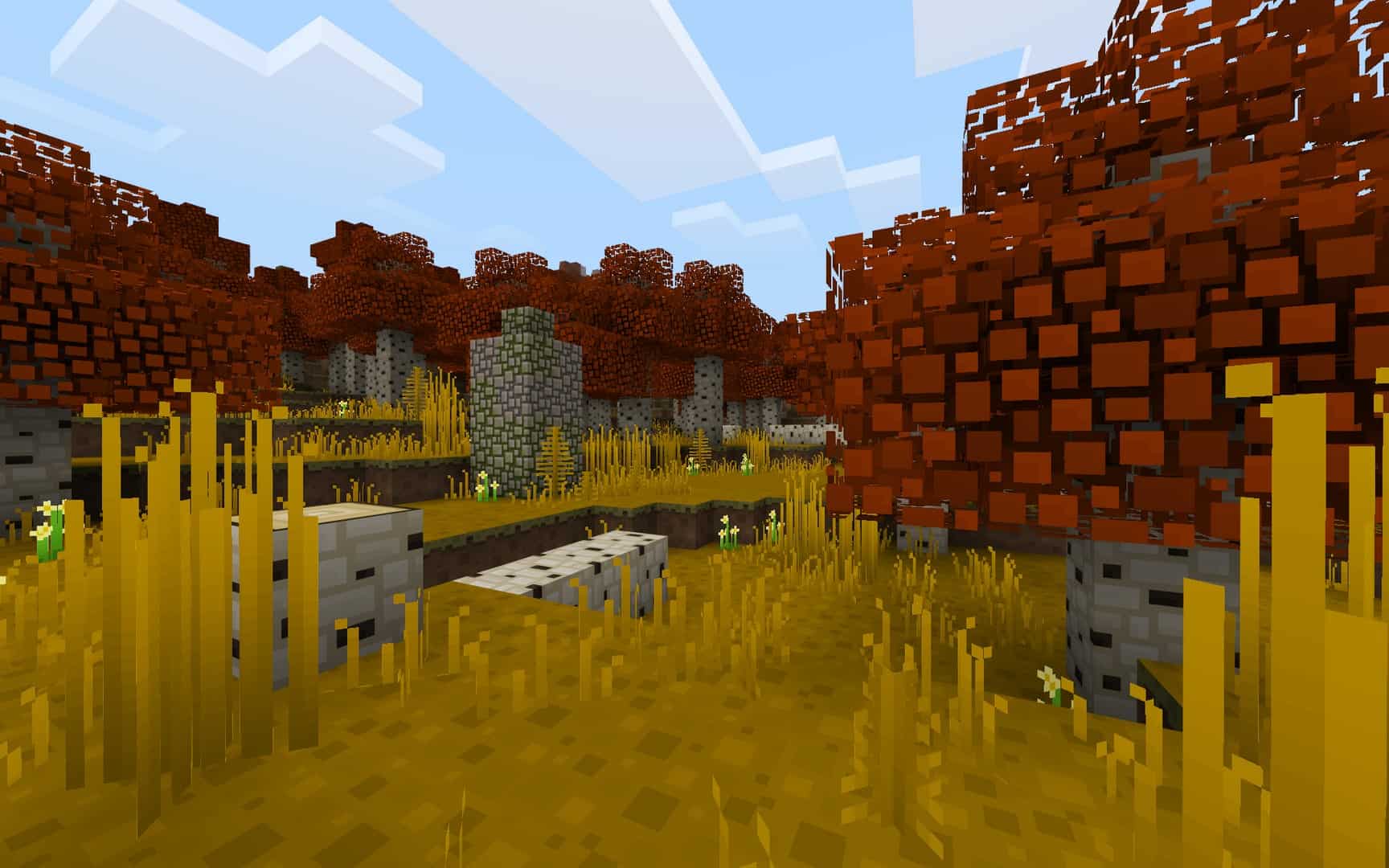
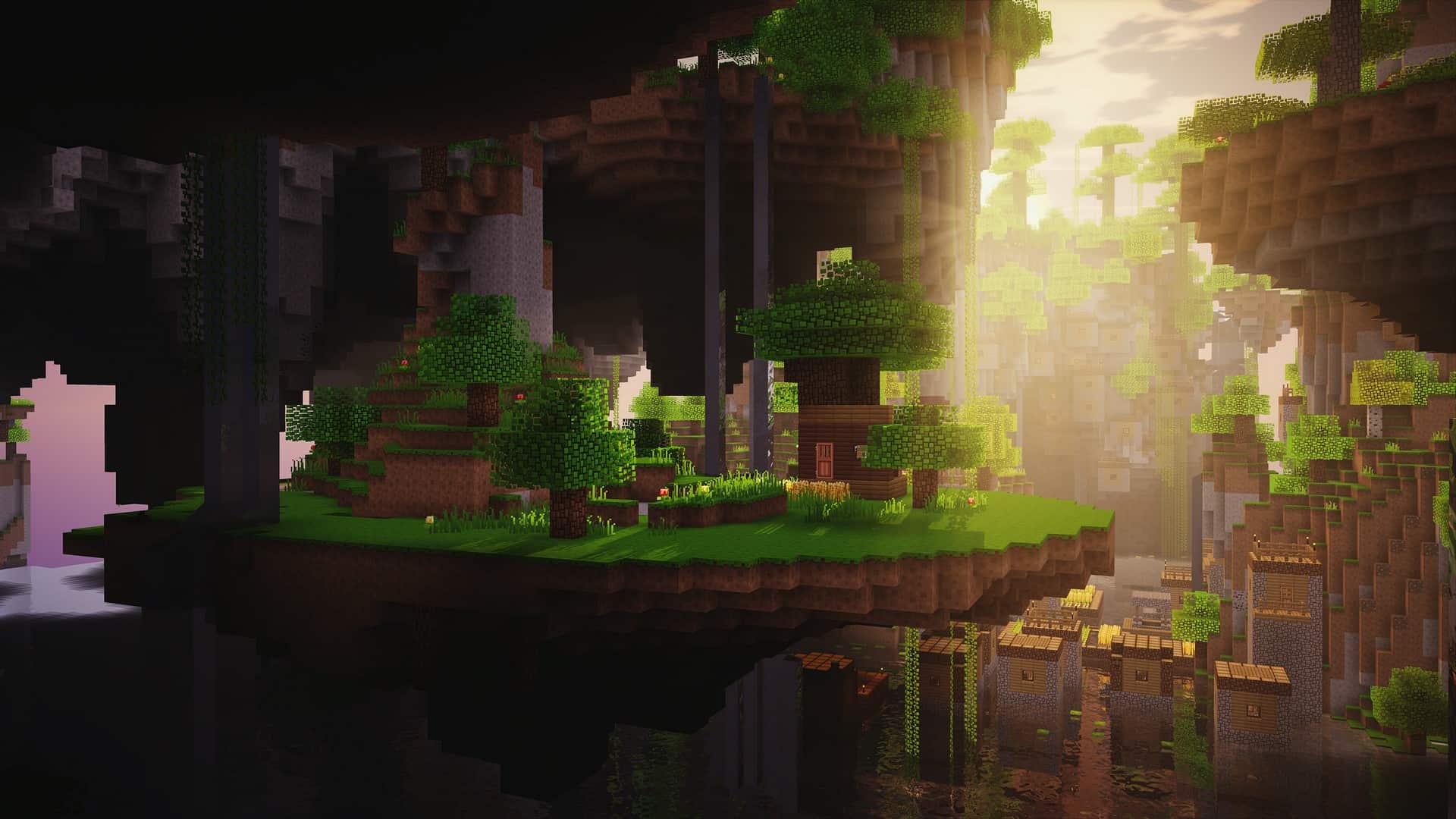
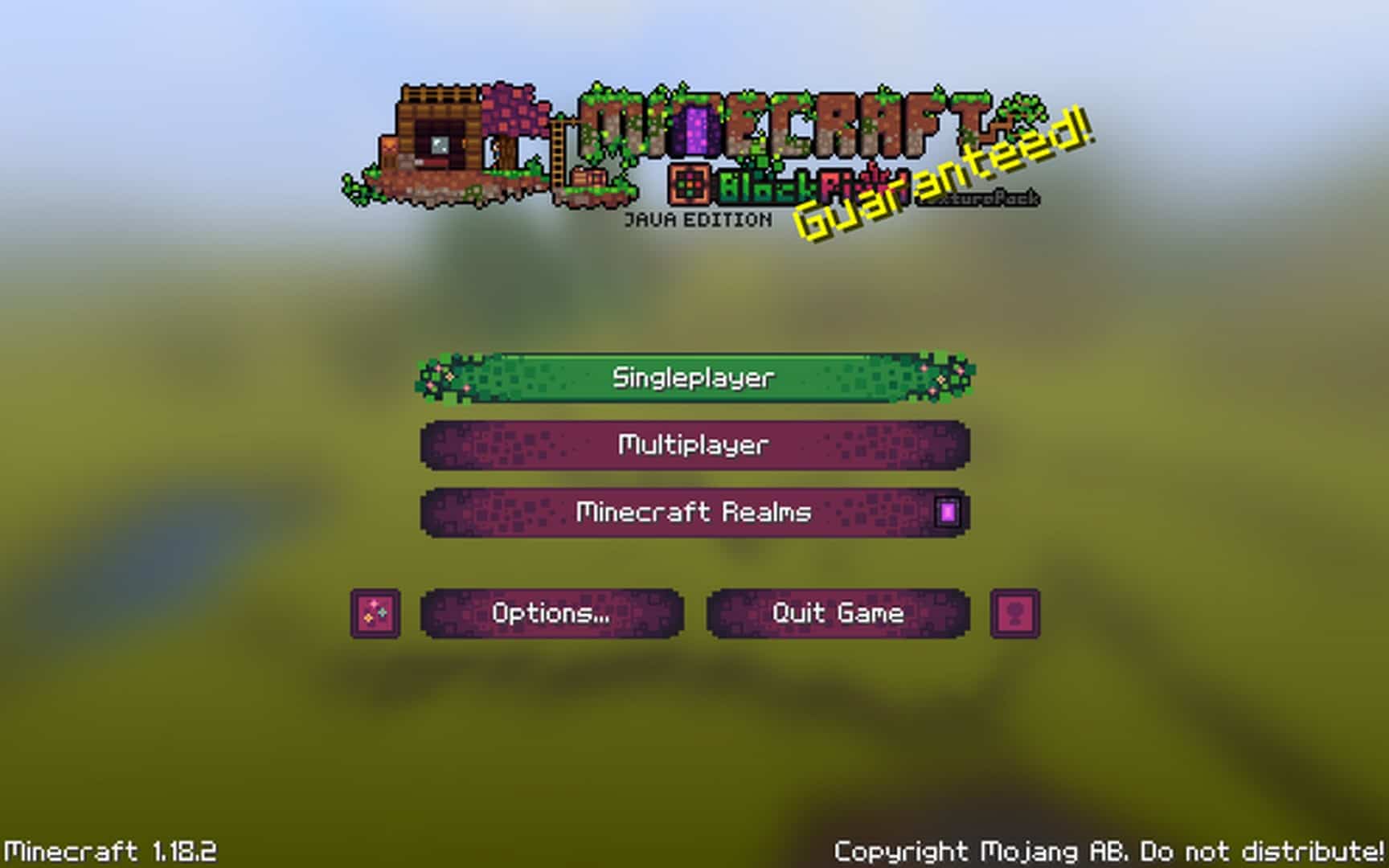
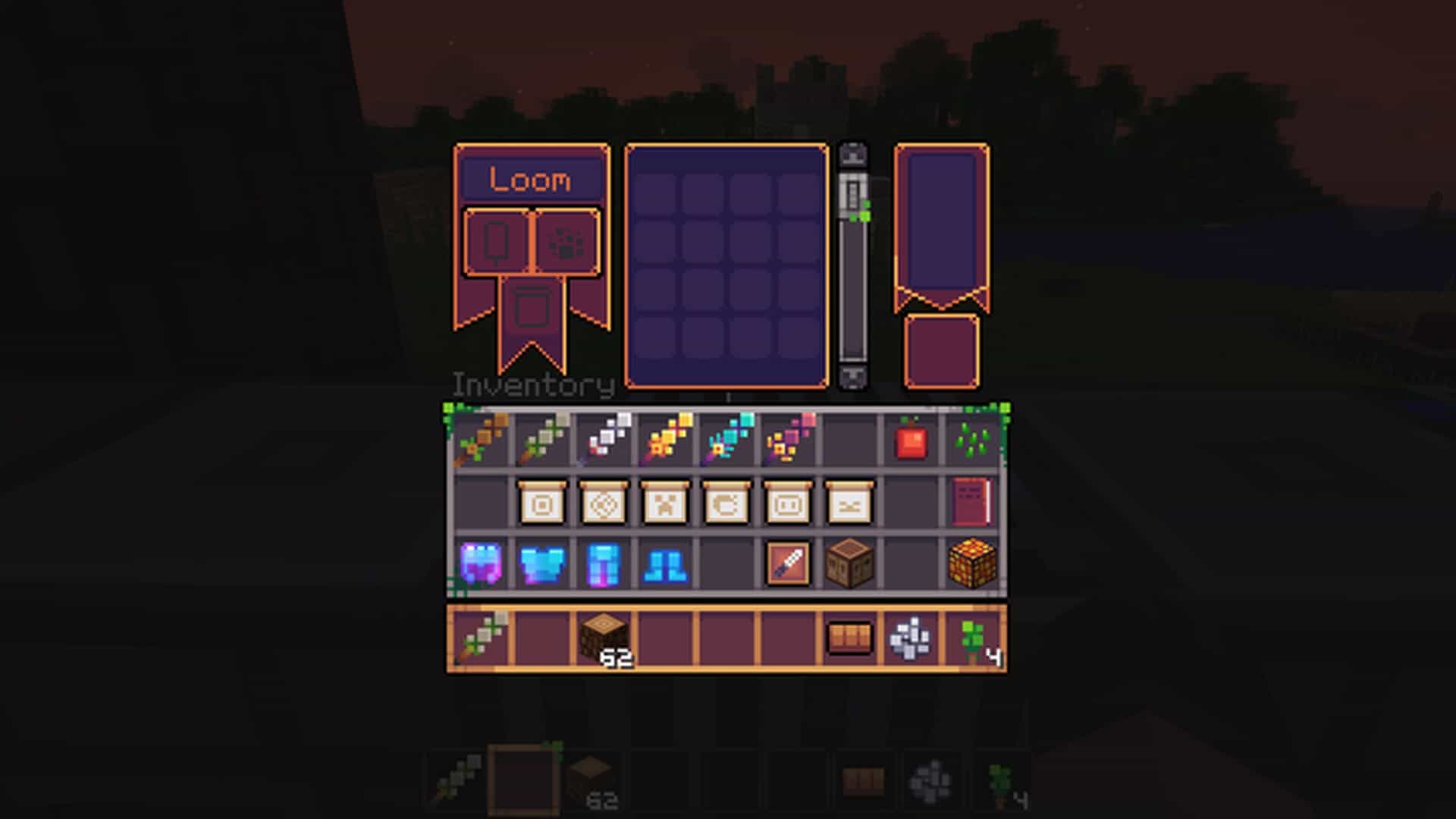
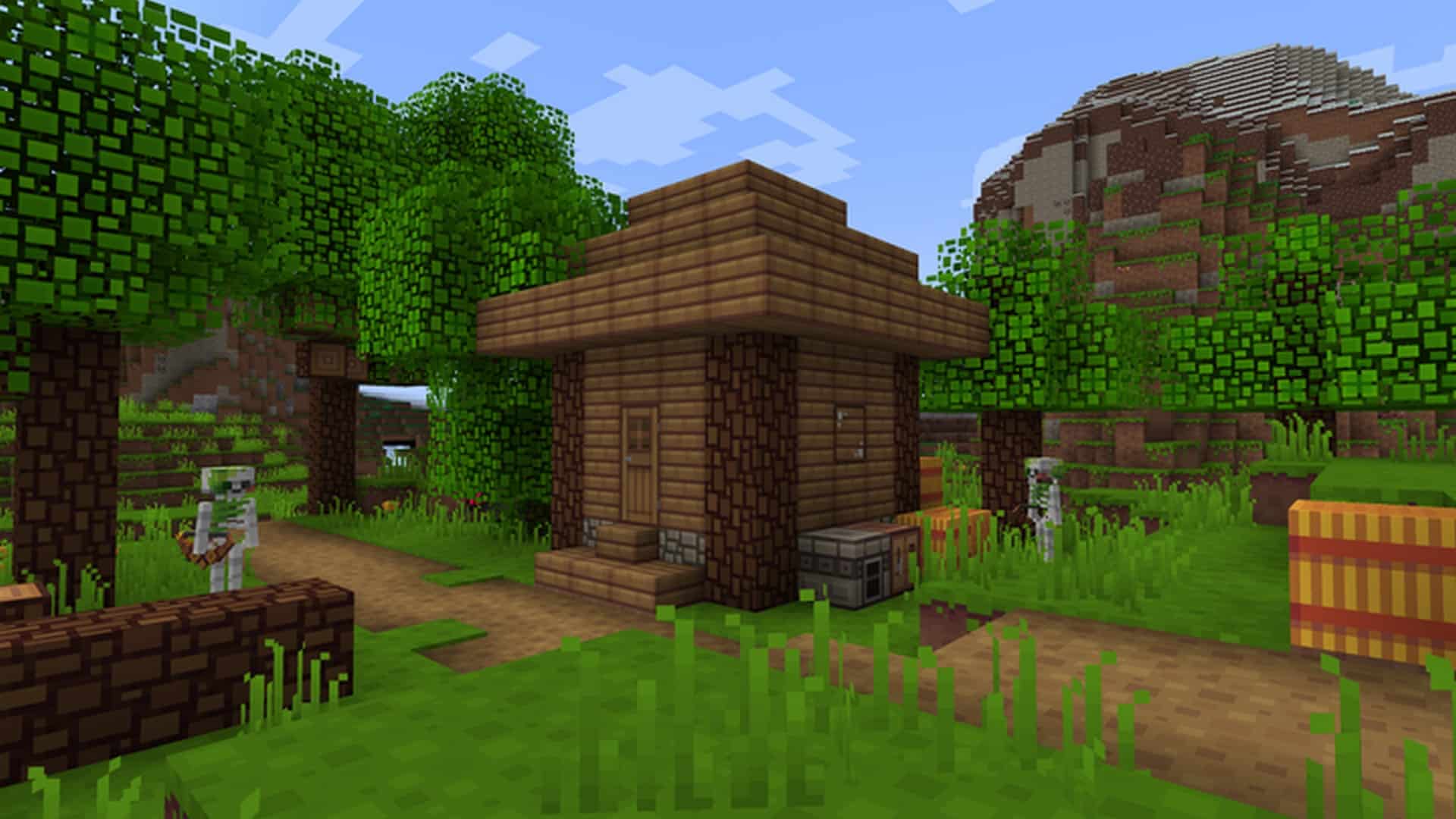
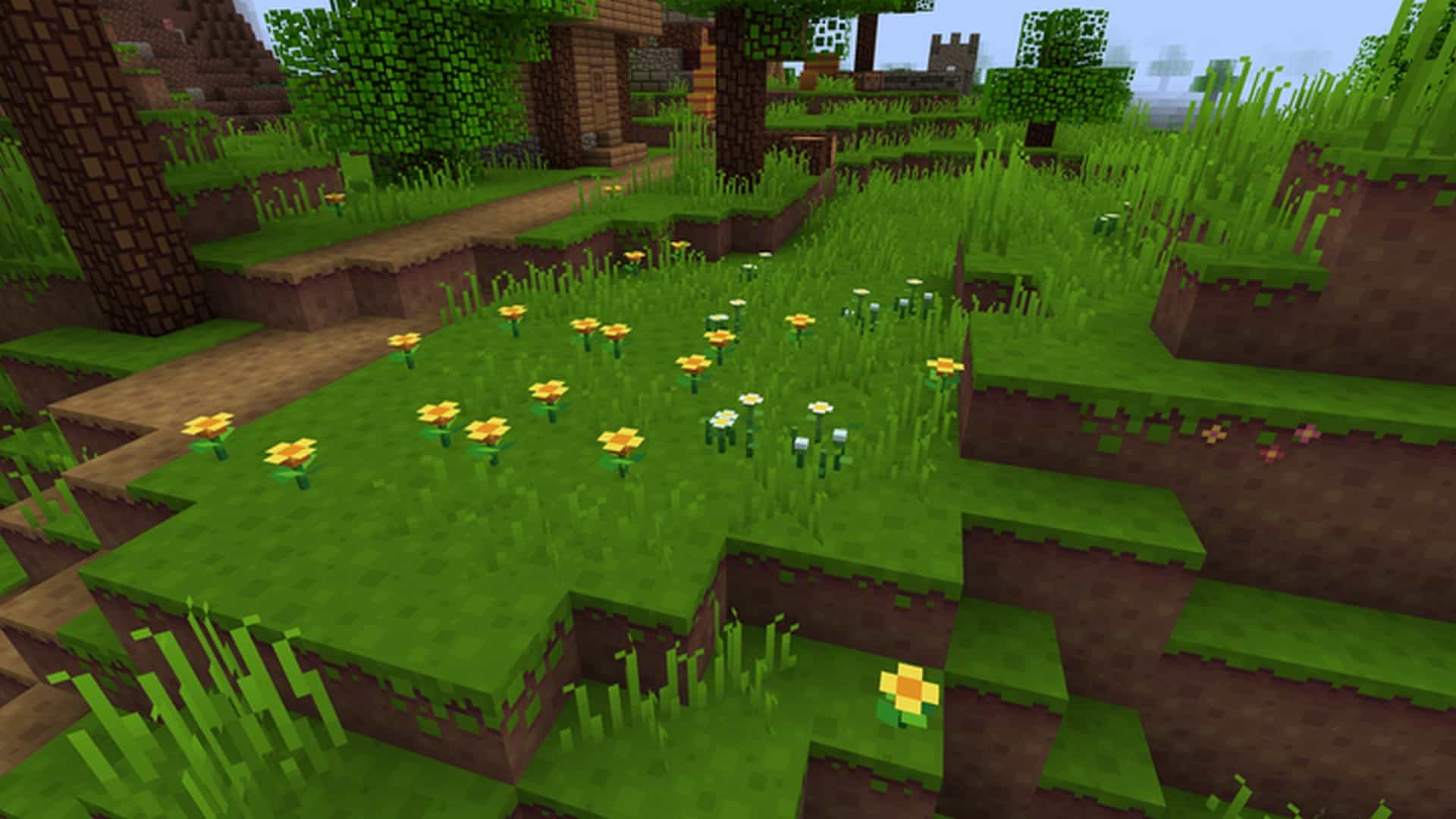
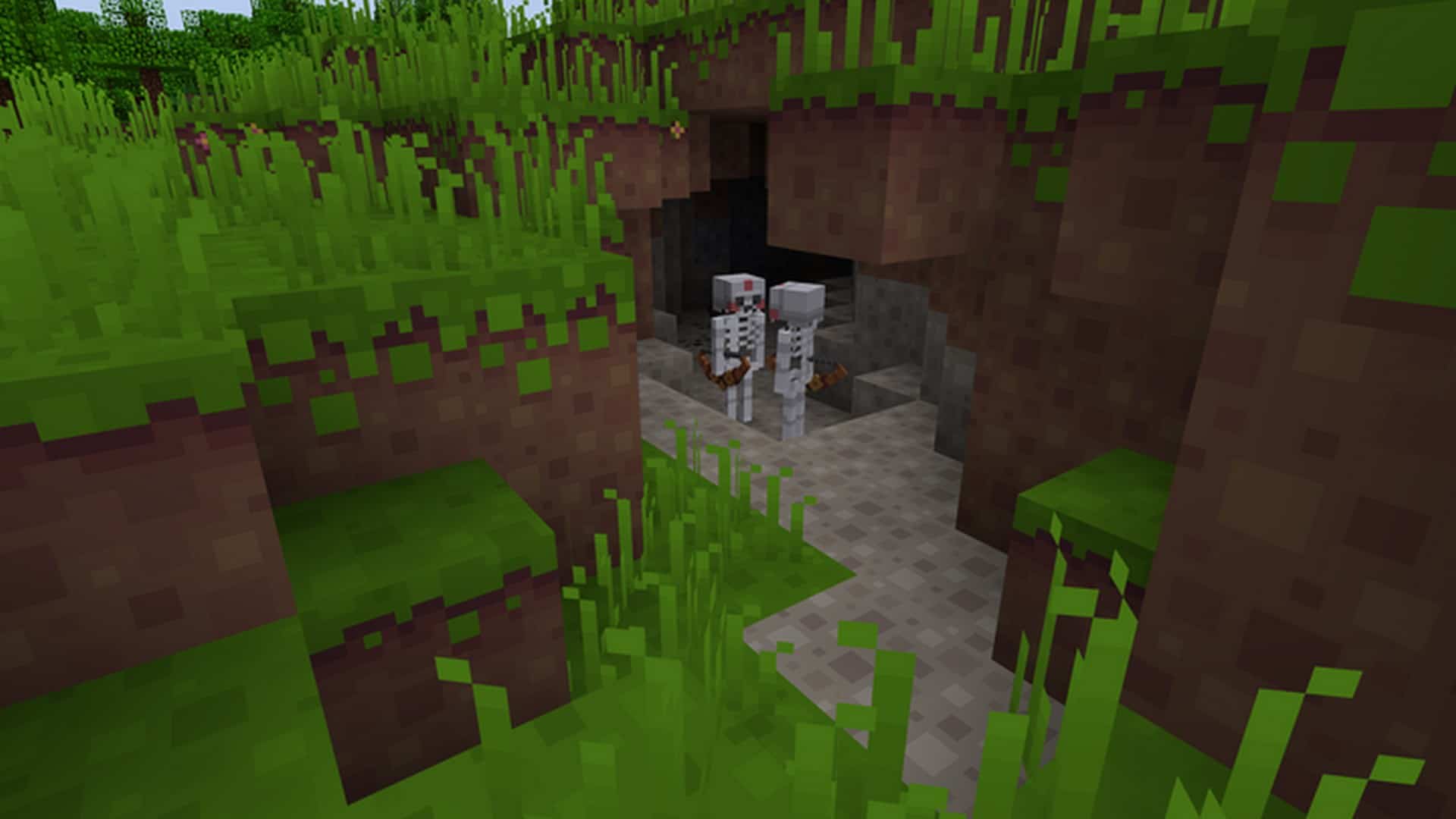
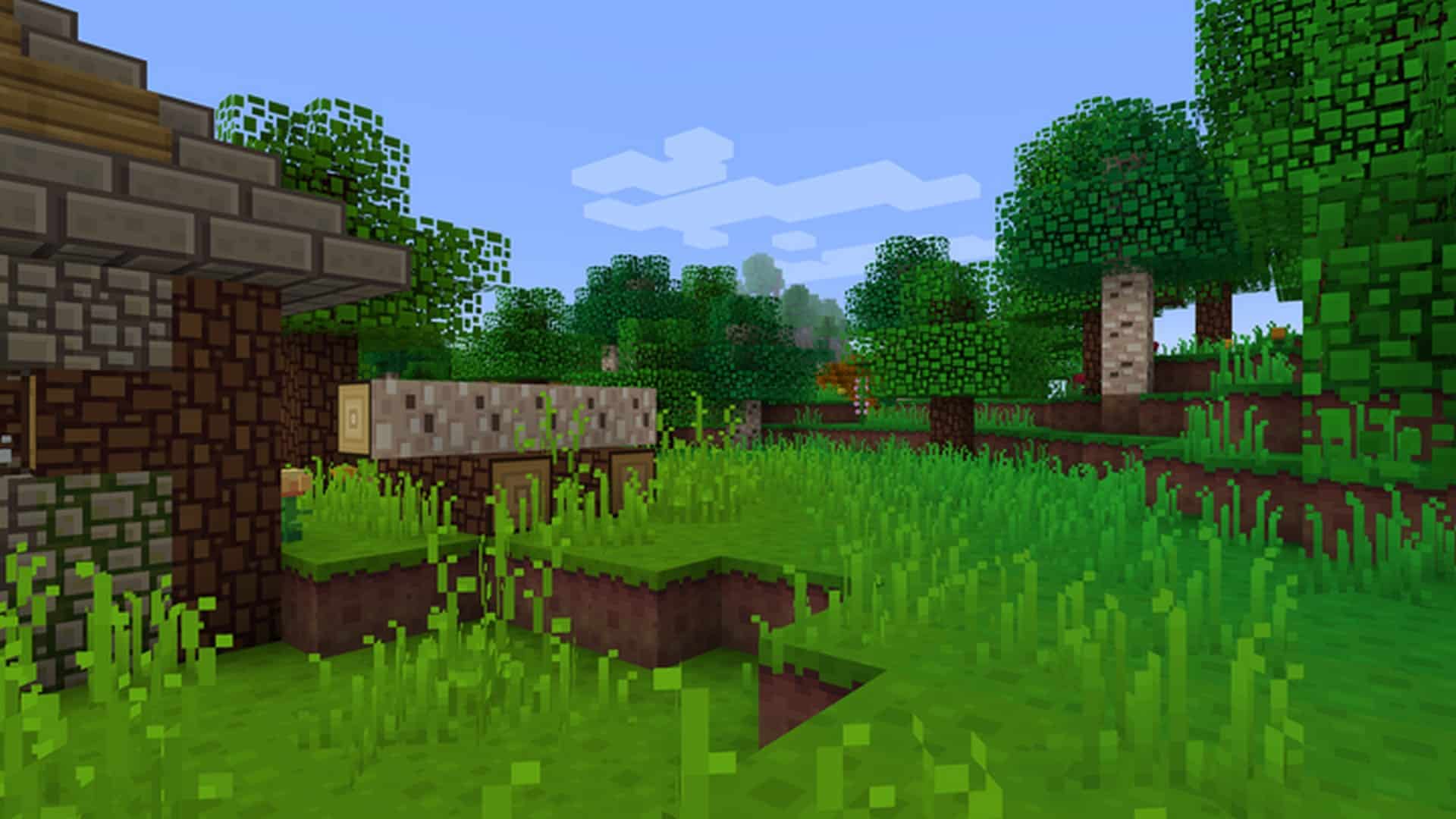
This resource pack has some remarkably unique features, such as a specialized design technique where each and every one of all the textures comprises neat square patterns. Surprisingly enough, this specific design is an absolute perfect fit for the Minecraft game resource pack because the game already has a blocky core design which actually works harmoniously to bring out the iconic blocky appearance that Minecraft has always been known for. The resource pack also features a wide range of creative and dynamic textures which make for a gorgeous sight that anyone would absolutely love. Over the years, the color palette has evolved to appear a bit darker than what we grew up using, and it looks stunning! They made it darker because darker colors have a wonderful tendency of synergizing better with the overall design. The changes made had such a fantastic impact on the game that we really do not have anything to complain about. Best of all, BlockPixel is kept at a smooth 16×16 resolution, meaning that this pack has complete access to almost the entire Minecraft player base since it can work perfectly on any computer that can comfortably handle the vanilla version of the game.
BlockPixel should be compatible with all of these Minecraft versions: 26.2 – 26.1.2 – 26.1.1 – 26.1 – 1.21.11 – 1.21.10 – 1.21.9 – 1.21.8 – 1.21.7 – 1.21.6 – 1.21.5 – 1.21.4 – 1.21.3 – 1.21.2 – 1.21.1 – 1.21 – 1.20.6 – 1.20.5 – 1.20.4 – 1.20.3 – 1.20.2 – 1.20.1 – 1.20 – 1.19.4 – 1.19.3 – 1.19.2 – 1.19.1 – 1.19 – 1.18.2 – 1.18.1 – 1.18 – 1.17.1 – 1.17 – 1.16.5 – 1.16.4 – 1.16.3 – 1.16.2 – 1.16.1 – 1.16 – 1.15.2 – 1.15.1 – 1.15 – 1.14.4 – 1.14.3 – 1.14.2 – 1.14 – 1.13.2 – 1.13.1 – 1.13 – 1.12.2 – 1.12 – 1.11.2 – 1.11 – 1.8.9 – 1.8.8 – 1.8.1 – 1.8.6 – 1.8 – Bedrock Edition – PE
Screenshots

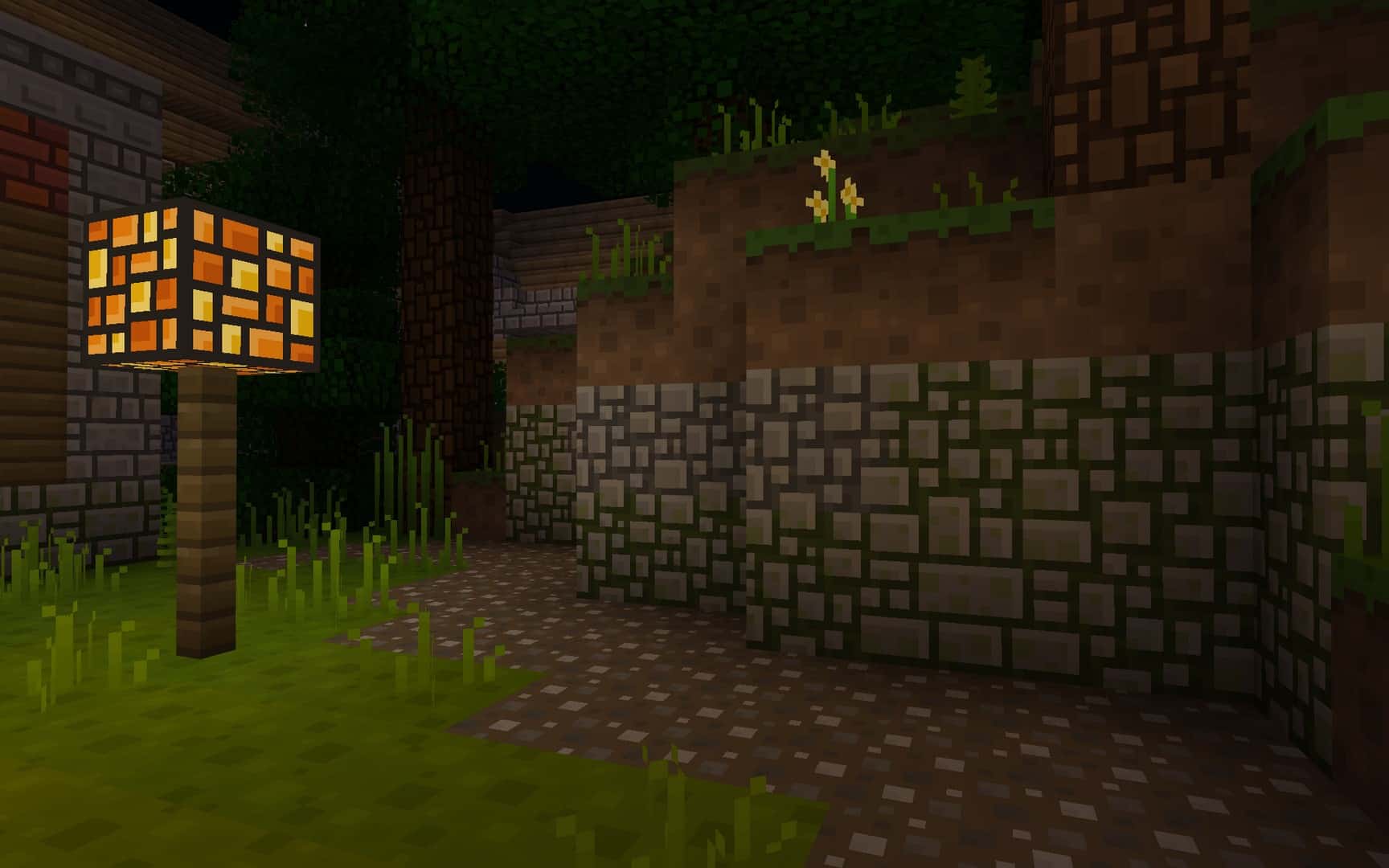
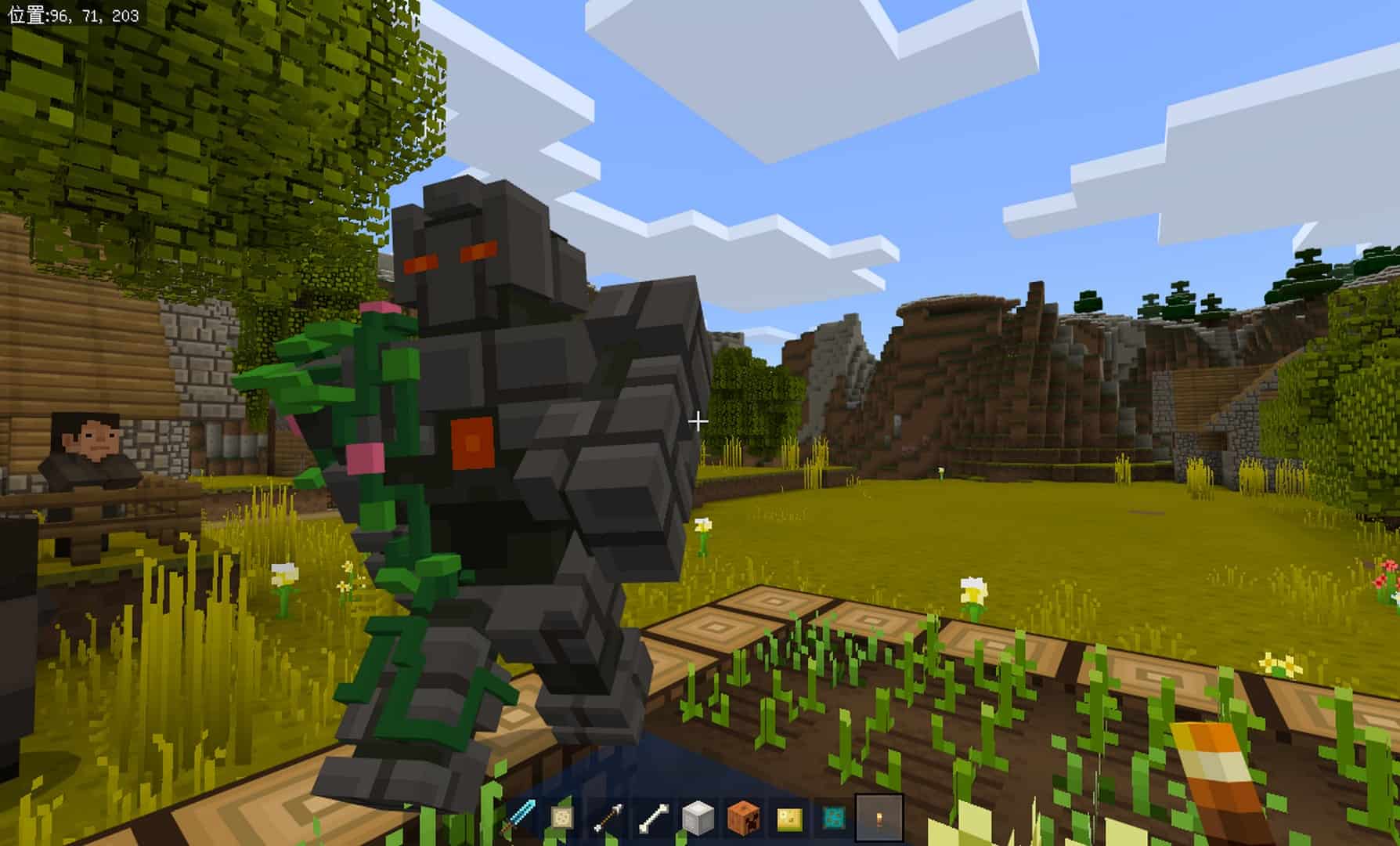
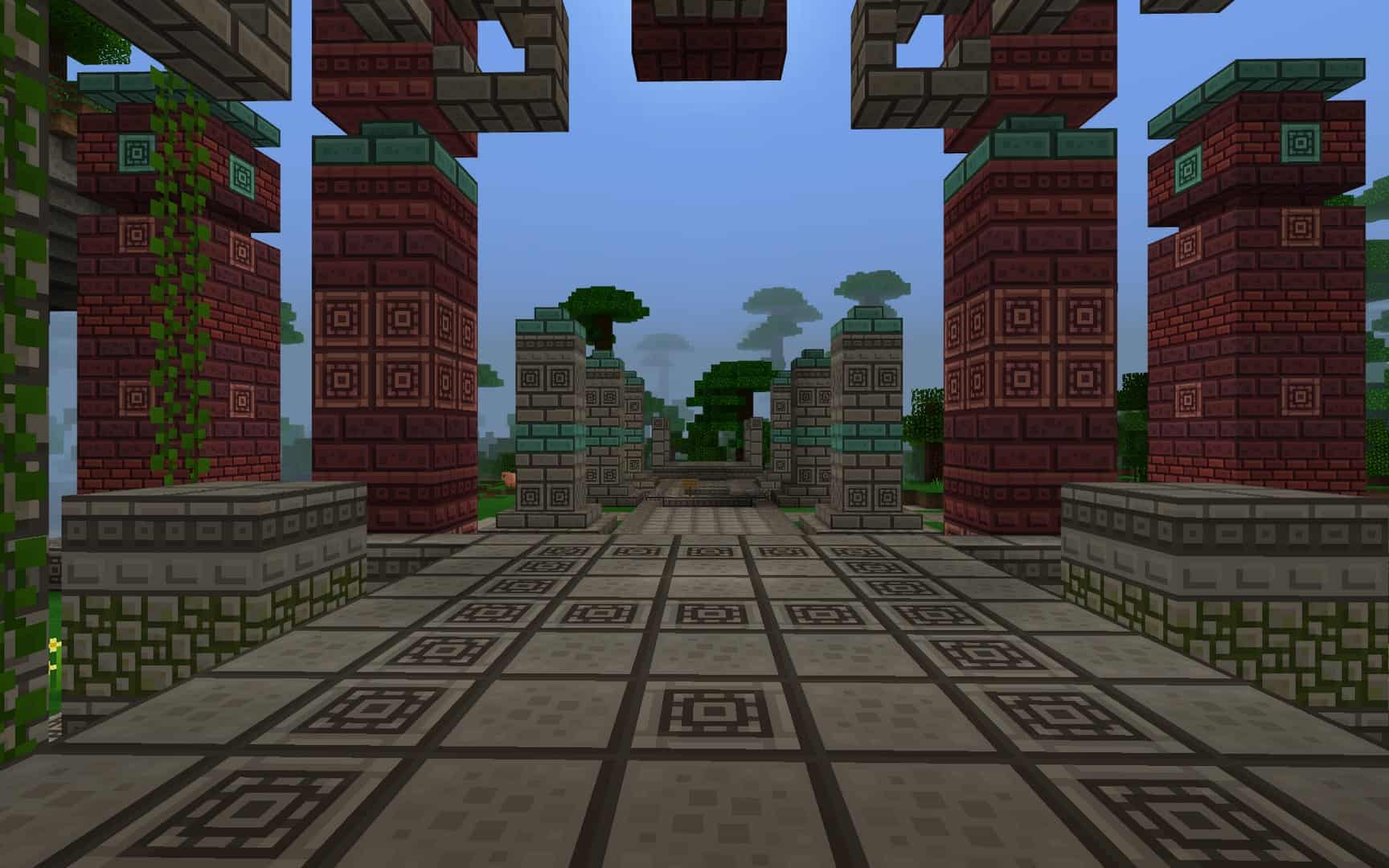
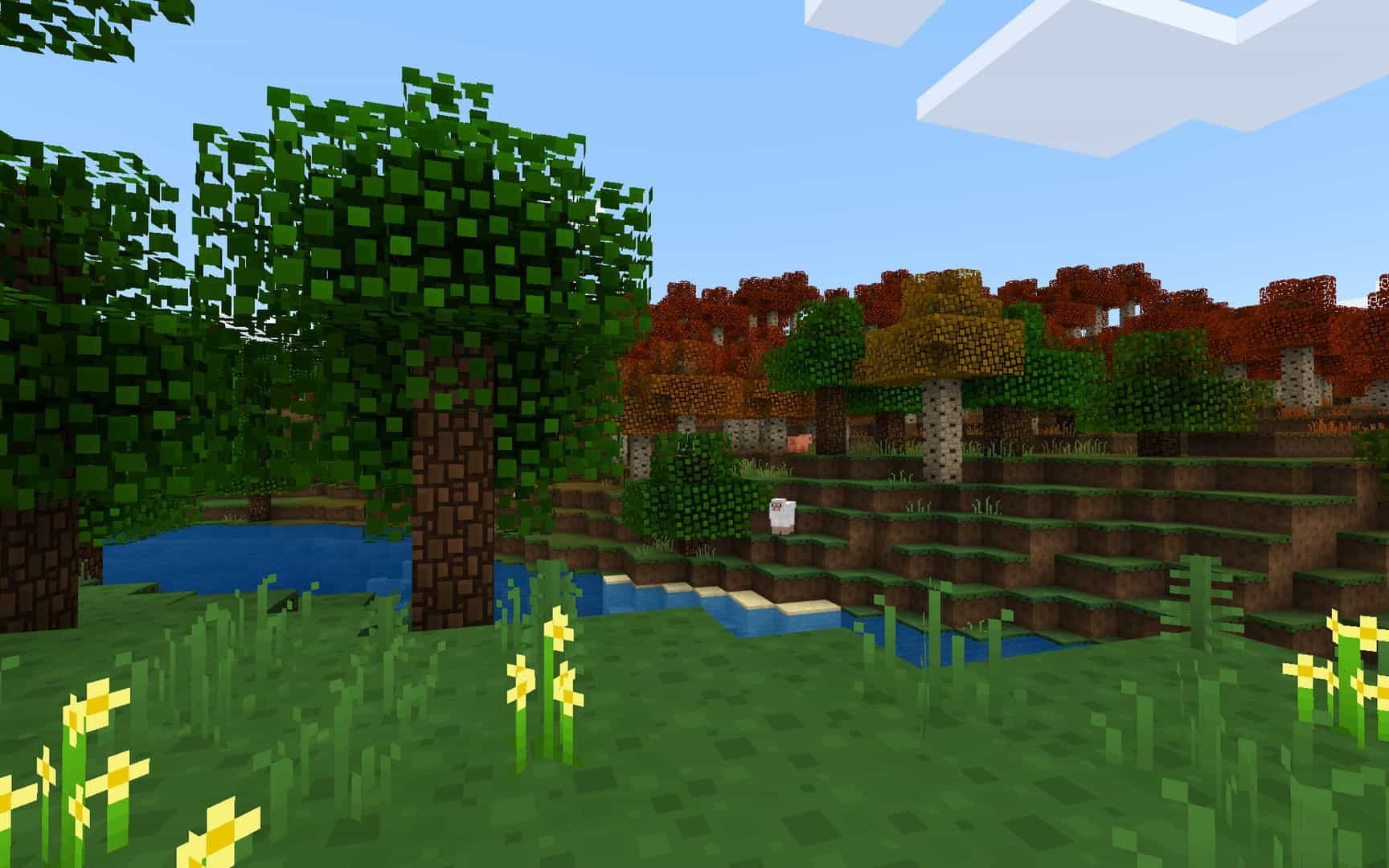
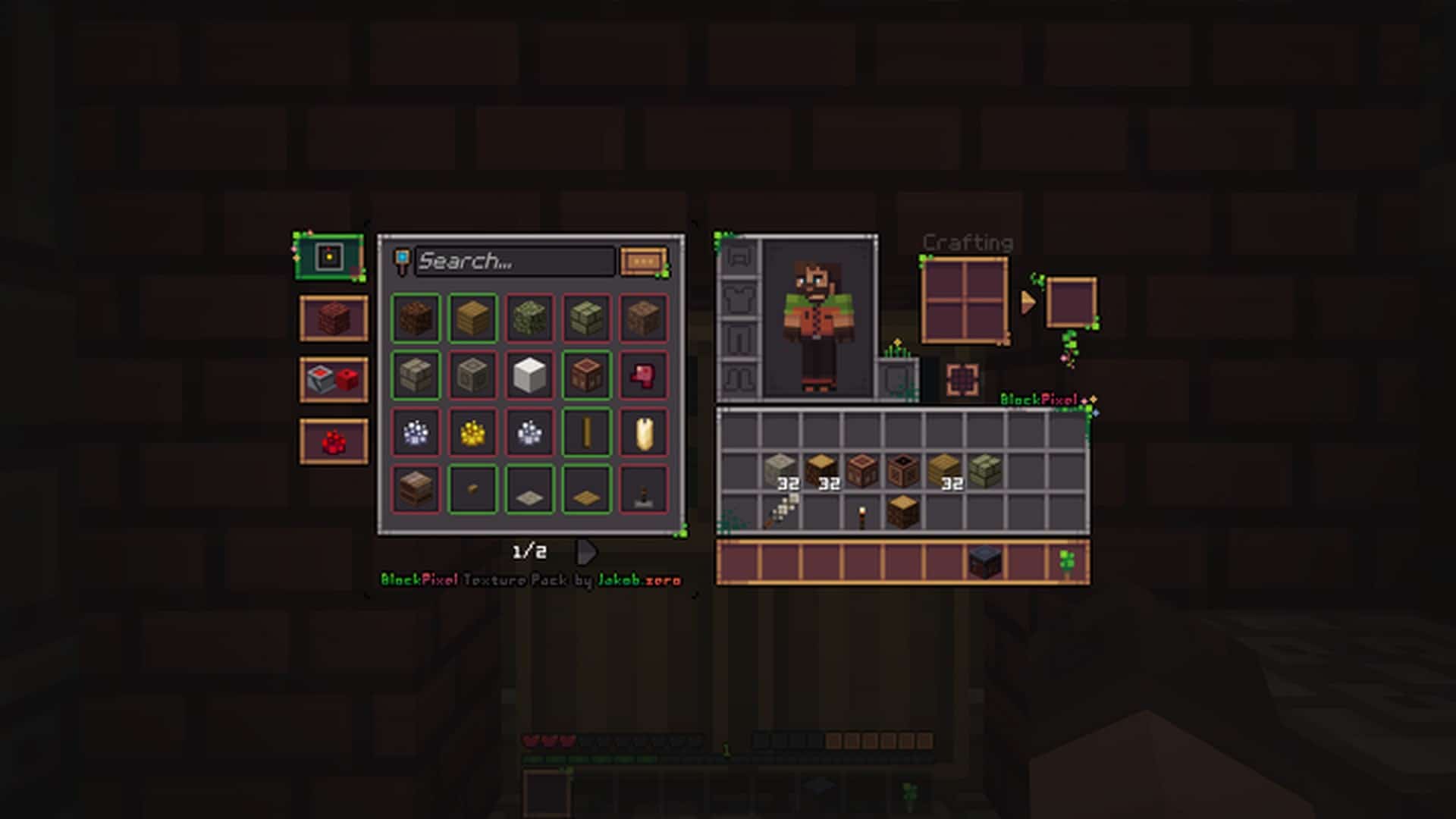
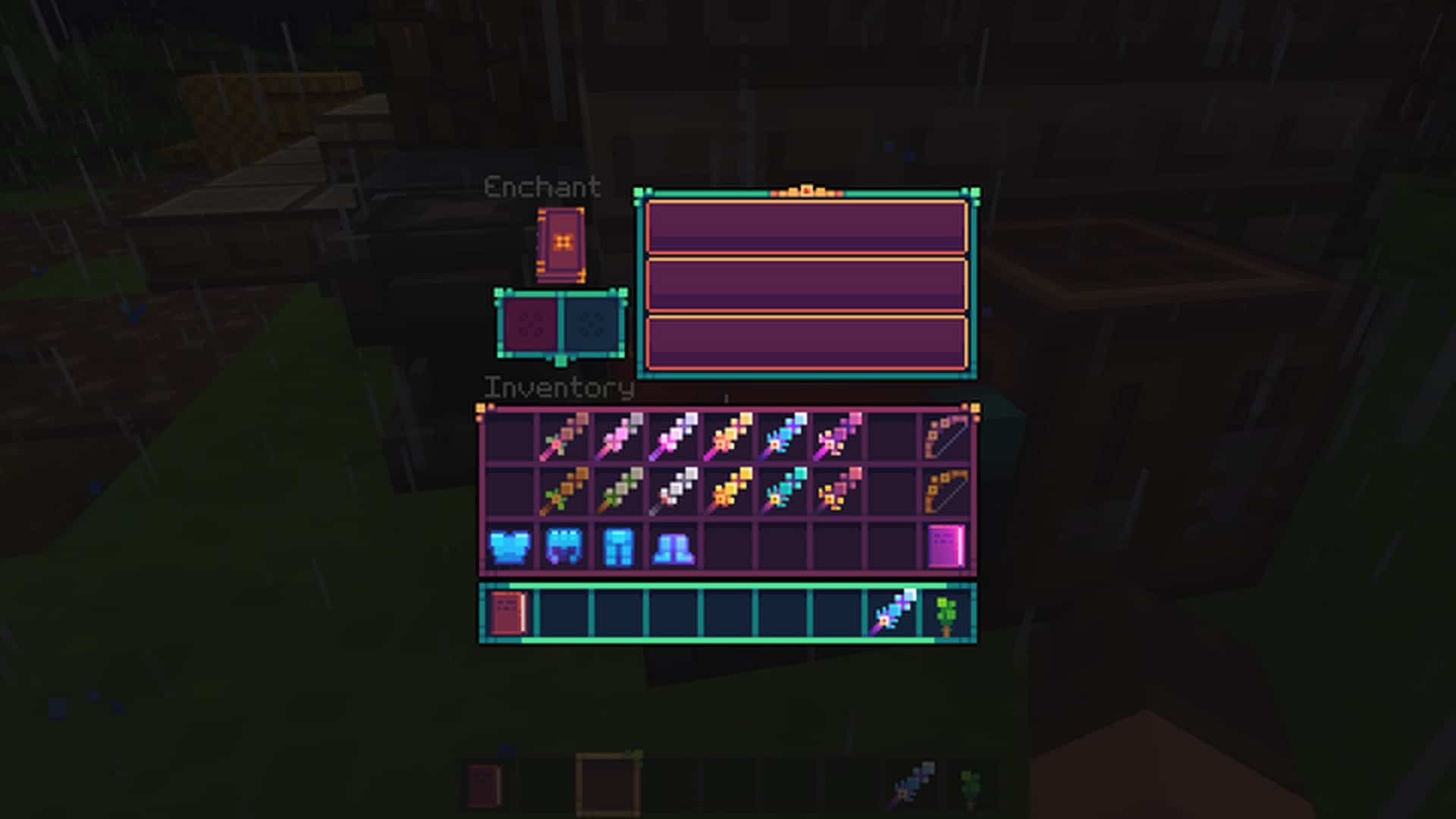
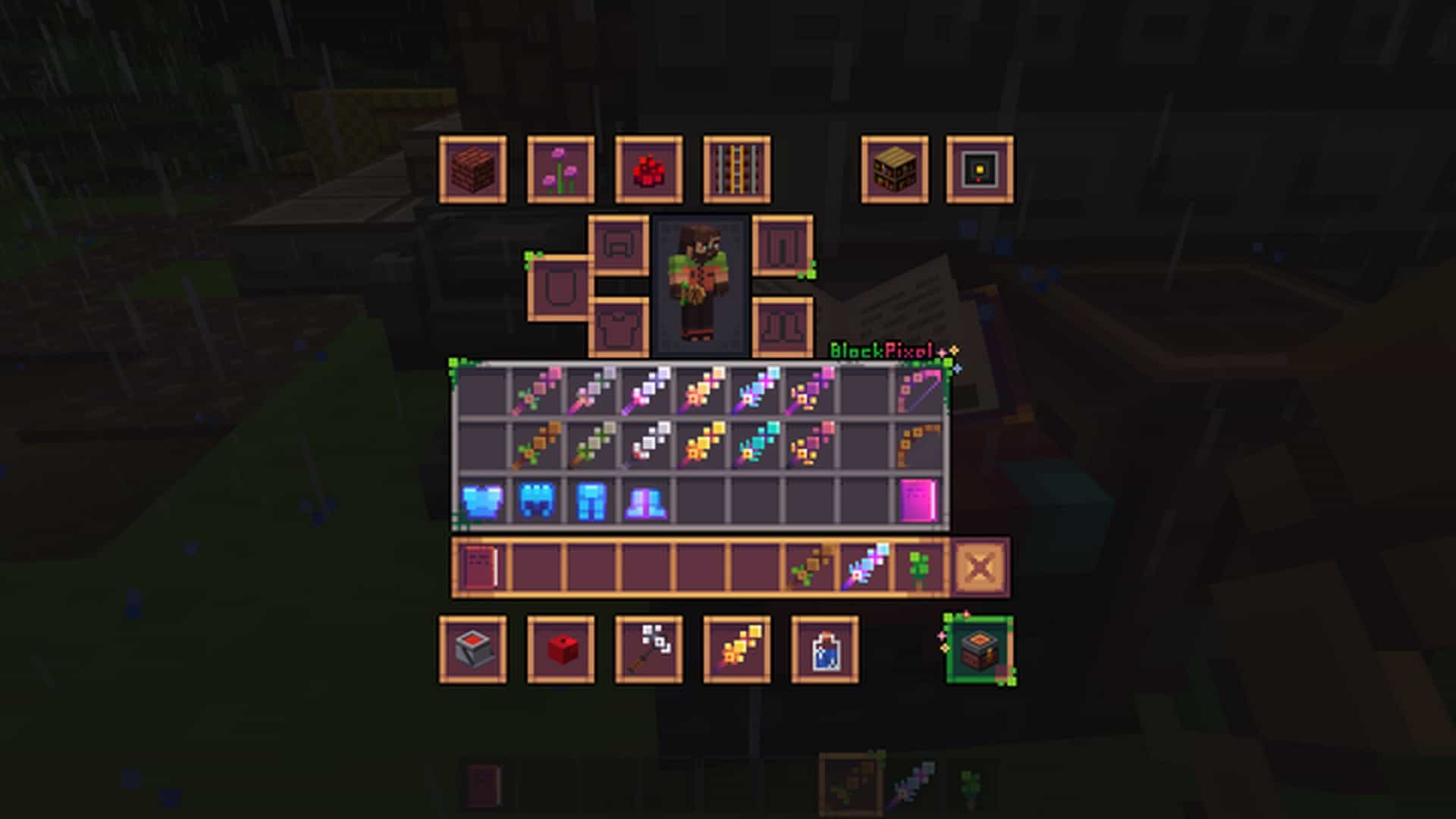
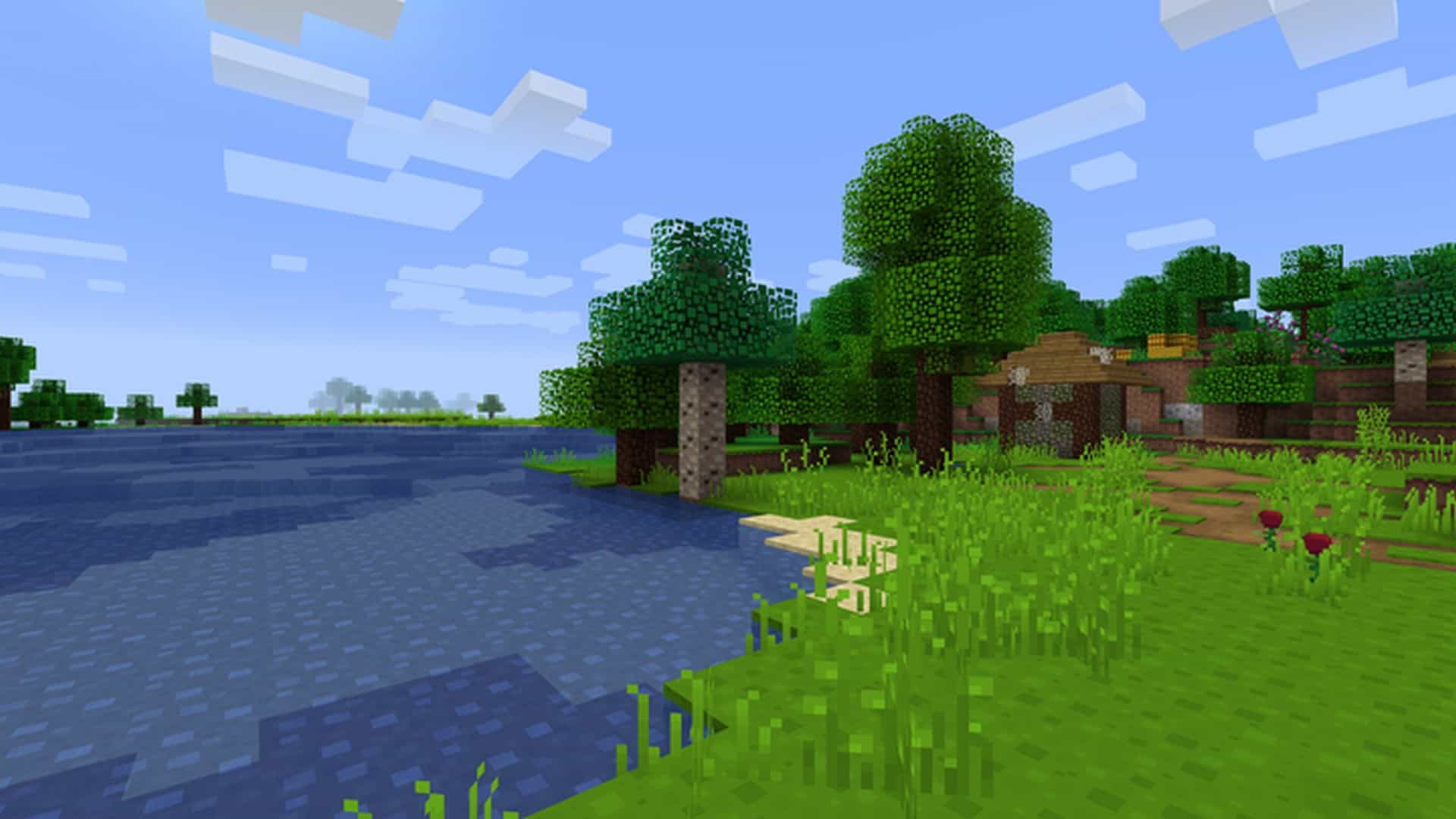
How to Install Texture Pack (Simple 10 Steps)
- Download OptiFine: Most of the texture packs and shaders need OptiFine. That’s why, first download and install OptiFine for the version of Minecraft you want to play.
- Download the Texture Pack: Get the texture pack you want from the download section. Choose the version that works with your Minecraft and your PC’s performance.
- Open Minecraft Launcher: Start Minecraft using the official game launcher — or even TLauncher, if you use that.
- Go to Options: From the main menu, click on the “Options” button.
- Open Resource Packs: Inside Options, click on “Resource Packs…”.
- Open the Resource Pack Folder: Click on “Open Resource Pack Folder” — this will open a folder named “resourcepacks”.
- Move the Pack File: Copy or move the .zip file you downloaded into that “resourcepacks” folder. (Don’t unzip the file — Minecraft uses it as-is!)
- Go Back and Refresh: Close the folder and click “Done”, then go back into “Resource Packs…” again.
- Activate the Pack: You’ll see the pack on the left side. Hover over it and click the arrow to move it to the right (active side).
Tip: If you get a message that the pack is for a different version, just click “Yes” — it usually works fine. - Click Done and Enjoy: Click “Done” again. Now your pack is ready to use in-game. It’s that easy!
Credits
Credits to Jakob_zero for creating the BlockPixel resource pack. We do not claim ownership of this content and do not modify the original files. Please support the original creator through their official download links.
Download Links
Java Edition
- [16x] Minecraft 26.2.x – 26.1.x
- [16x] Minecraft 1.21.x
- [16x] Minecraft 1.20.6 – 1.20.2
- [16x] Minecraft 1.20.1 – 1.17.x
- [16x] Minecraft 1.16.x
- [16x] Minecraft 1.15.x
- [16x] Minecraft 1.14.x
- [16x] Minecraft 1.13.x – 1.12.x
- [16x] Minecraft 1.8.x
Bedrock Edition
Download Instructions
Curseforge: download starts automatically after a few seconds;
Mediafire: click the big blue button with the text “DOWNLOAD”;
Google Drive: in the top right corner you will see a small download icon (down arrow), click it and the download should start;


