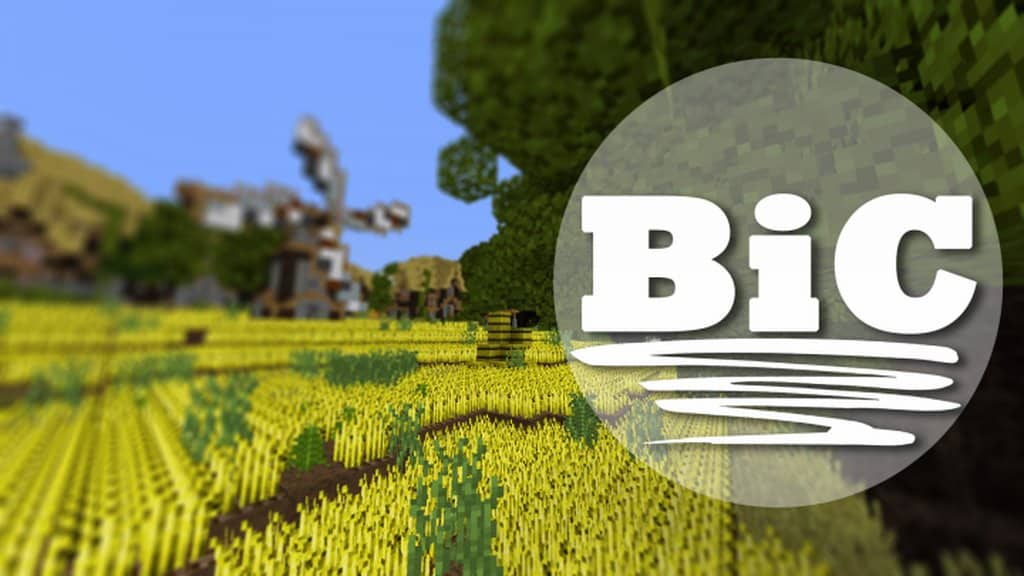
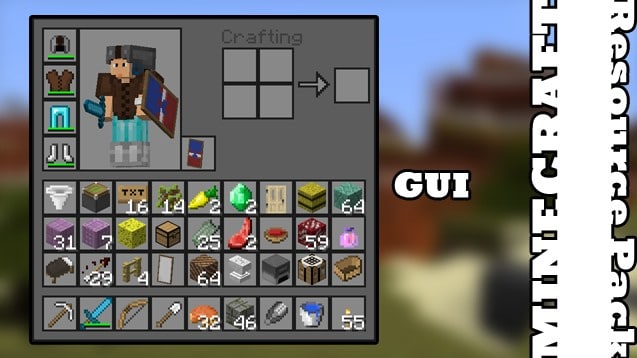
I recently tested out The Bic resource pack for Minecraft, and it is honestly such a fantastic choice for a straightforward update, giving the game much better-looking visuals without any of the heavy complexity you usually get with these add-ons. Keeping things simple is the absolute core focus, and the Bic resource pack hits that nail right on the head. Not every player needs or feels comfortable tinkering with a massive myriad of options; sometimes you just want the game to look noticeably better the second you install it. Because of this streamlined focus, the pack isn’t aiming to be high-end regarding ultra-realistic visuals, and I noticed there are certainly other packs out there that might do more on paper. Those alternatives offer tons of extra options for heavy customisation, but those players simply aren’t the Bic resource pack’s target audience. Instead, the developers clearly designed this for people who just want clean texture and graphical upgrades without having to stress over endless compatibility issues or complex configuration choices. Honestly, I think that is a mission this resource pack passes with flying colors!
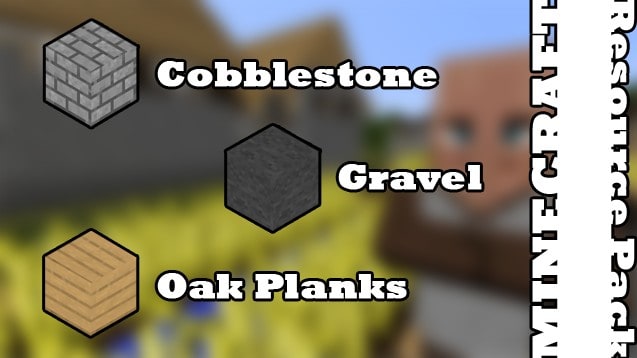
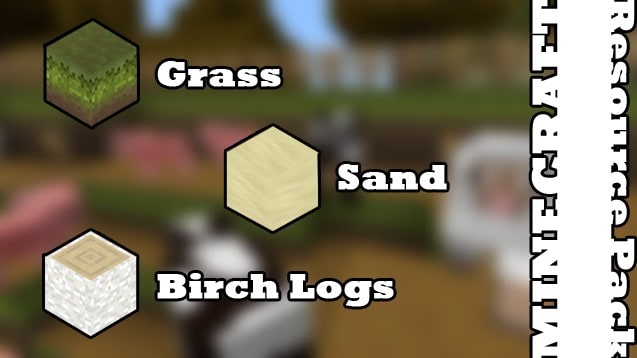
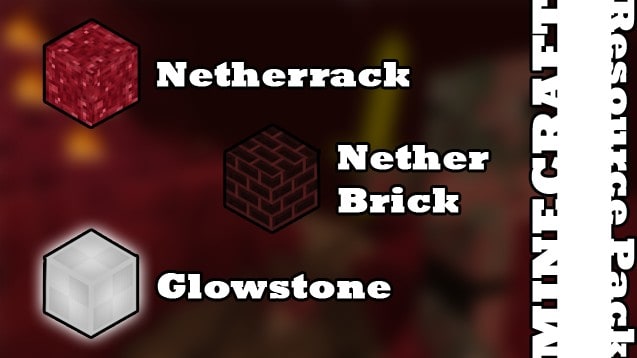
Colors are definitely the optimum word here, as the palettes look wonderfully clear and completely free of the usual visual clutter you find in default Minecraft textures. While playing, I really appreciated how the pack focuses on allowing the game’s visuals to neatly flow together from one area to the next. Minecraft’s standard visuals aren’t always known for flowing cohesively, but this update genuinely helps smooth that out, adding massively to the overall feeling of immersion that the game has always excelled at. From a compatibility standpoint, the pack is fully considered 100% completed by its creators, meaning there are no annoying missing parts or broken textures, and it runs reliably across supported versions. Its lightweight 16x resolution also helps keep everything feeling exceptionally crisp and consistent. That means your game will always run super smoothly with the Bic resource pack installed, making performance drops a complete non-issue. Even with its charming simplicity, this resource pack does precisely what it sets out to do and feels wonderfully natural to play with every single session.
Bic Resource Pack should be compatible with all of these Minecraft versions: 1.18.1 – 1.18 – 1.17.1 – 1.17 – 1.16.5 – 1.16.4 – 1.16.3 – 1.16.2 – 1.16.1 – 1.16 – 1.15.2 – 1.15.1 – 1.15 – 1.14.4 – 1.14.3 – 1.14.2 – 1.14 – 1.11.2 – 1.11 – 1.10.2 – 1.10 – 1.9.4 – 1.9 – 1.8.9 – 1.8.8 – 1.8.1 – 1.8.6 – 1.8
Screenshots
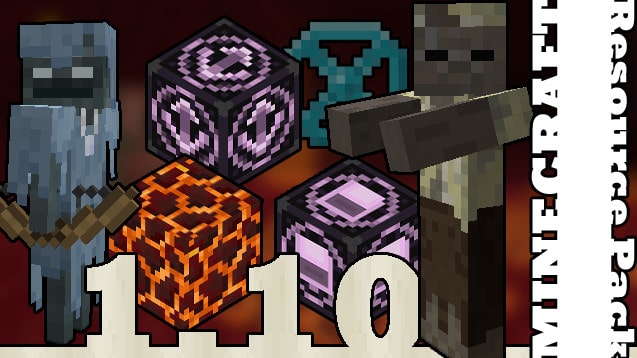
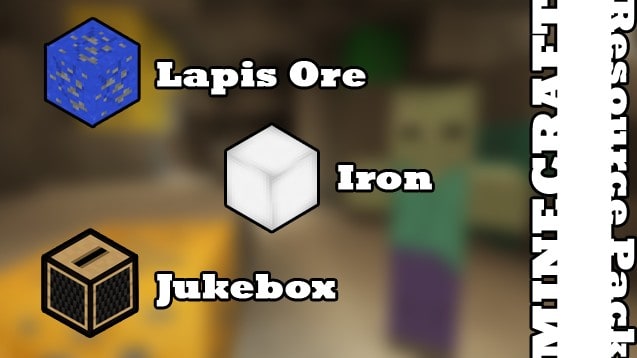
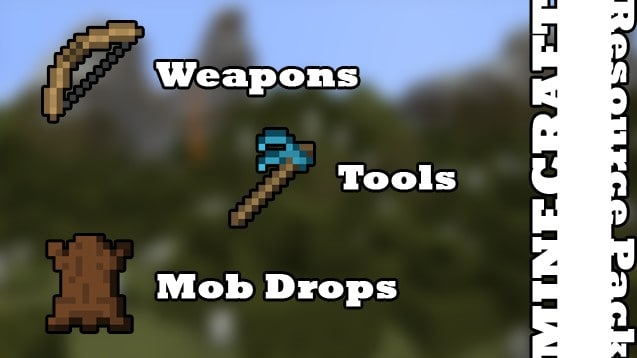
How to Install Texture Pack (Simple 10 Steps)
- Download OptiFine: Most of the texture packs and shaders need OptiFine. That’s why, first download and install OptiFine for the version of Minecraft you want to play.
- Download the Texture Pack: Get the texture pack you want from the download section. Choose the version that works with your Minecraft and your PC’s performance.
- Open Minecraft Launcher: Start Minecraft using the official game launcher — or even TLauncher, if you use that.
- Go to Options: From the main menu, click on the “Options” button.
- Open Resource Packs: Inside Options, click on “Resource Packs…”.
- Open the Resource Pack Folder: Click on “Open Resource Pack Folder” — this will open a folder named “resourcepacks”.
- Move the Pack File: Copy or move the .zip file you downloaded into that “resourcepacks” folder. (Don’t unzip the file — Minecraft uses it as-is!)
- Go Back and Refresh: Close the folder and click “Done”, then go back into “Resource Packs…” again.
- Activate the Pack: You’ll see the pack on the left side. Hover over it and click the arrow to move it to the right (active side).
Tip: If you get a message that the pack is for a different version, just click “Yes” — it usually works fine. - Click Done and Enjoy: Click “Done” again. Now your pack is ready to use in-game. It’s that easy!
Credits
This resource pack was originally created by jamesrazor. We do not claim ownership of this content and do not modify the original files. All rights belong to the original author. We encourage you to support jamesrazor by visiting their official release pages.
Download Links
Java Edition
Download Instructions
Curseforge: download starts automatically after a few seconds;
Mediafire: click the big blue button with the text “DOWNLOAD”;
Google Drive: in the top right corner you will see a small download icon (down arrow), click it and the download should start;


