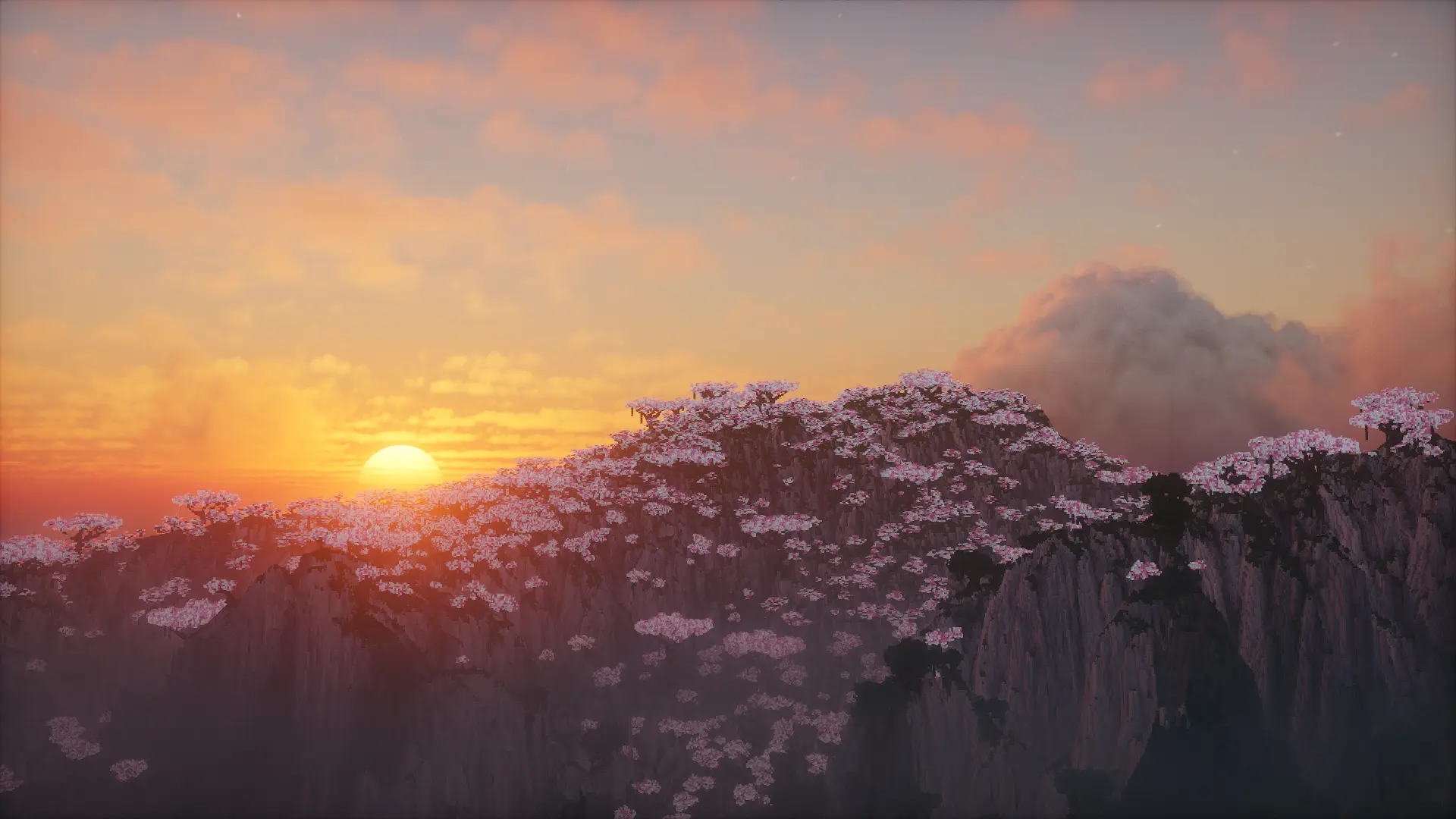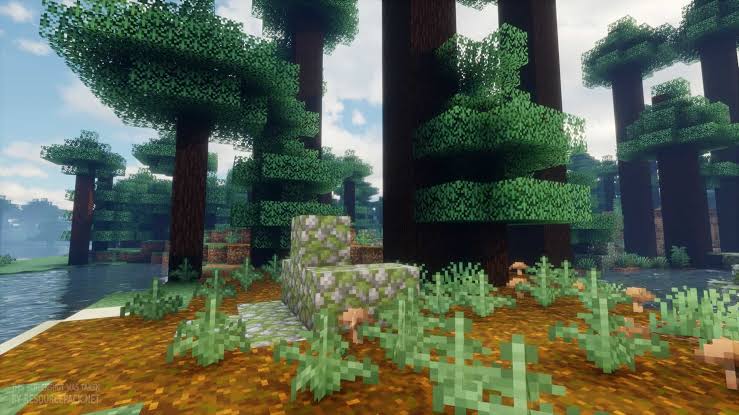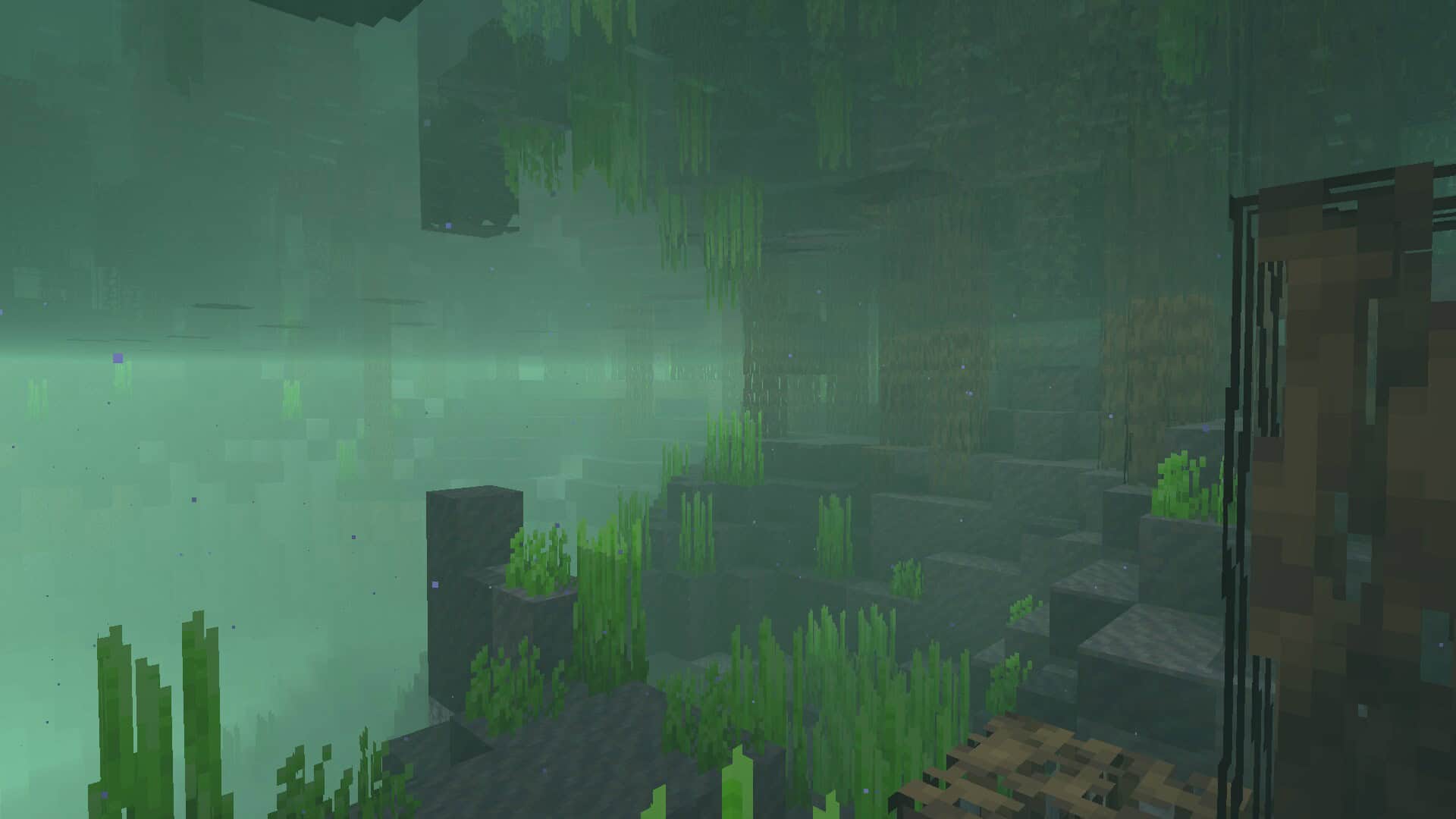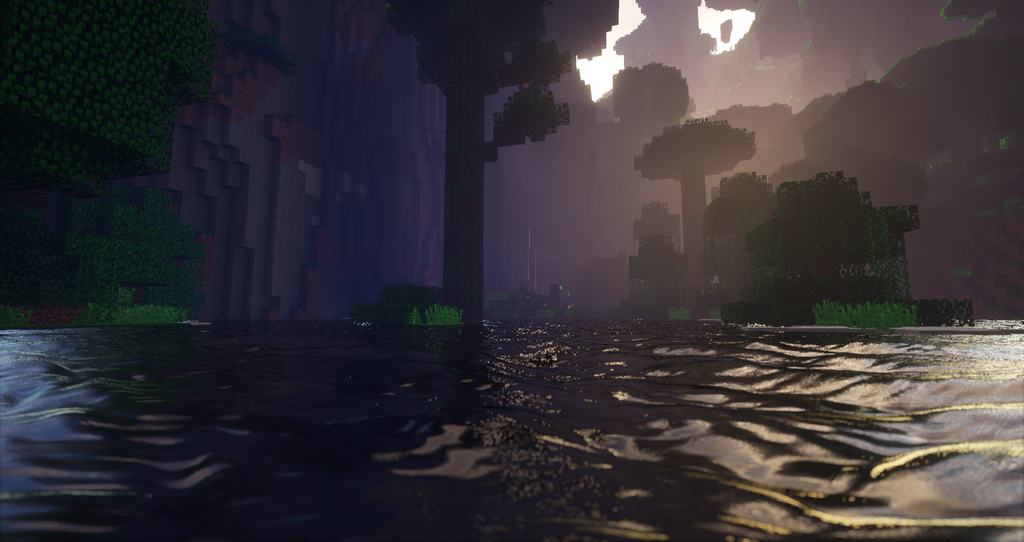
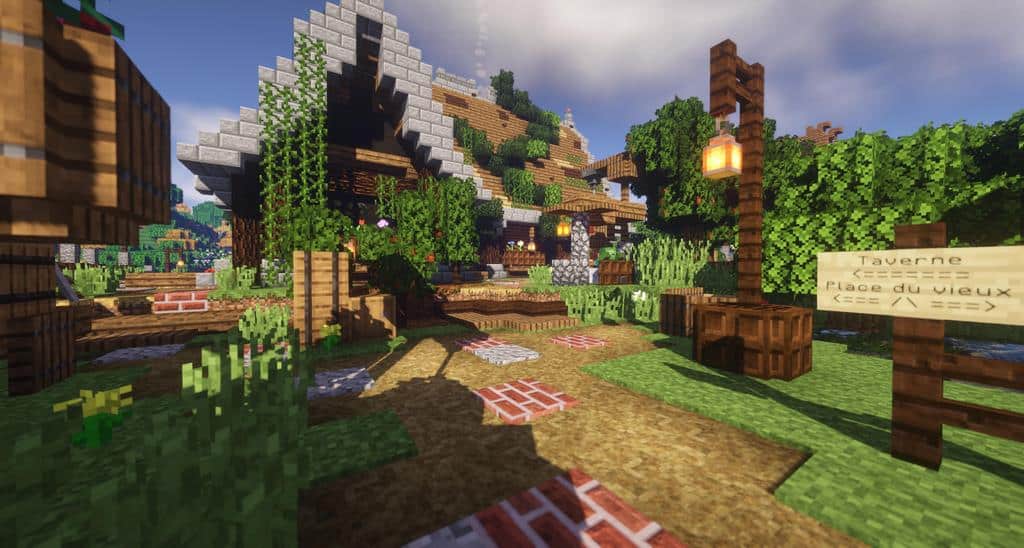
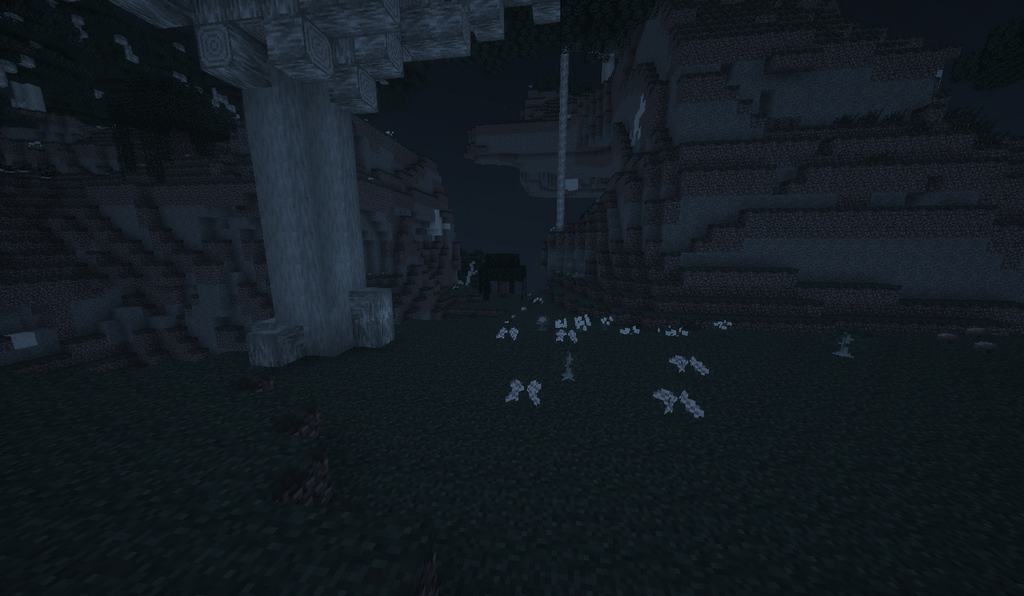
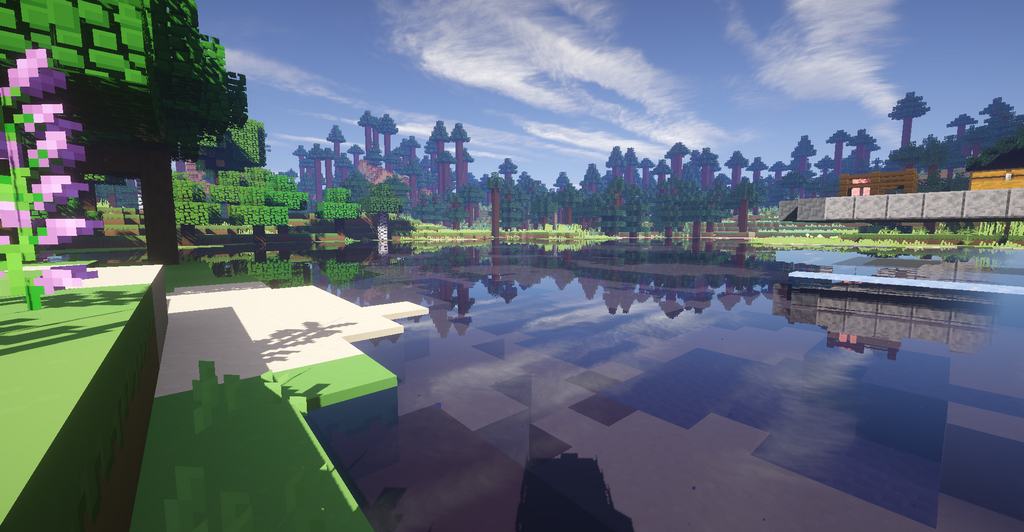
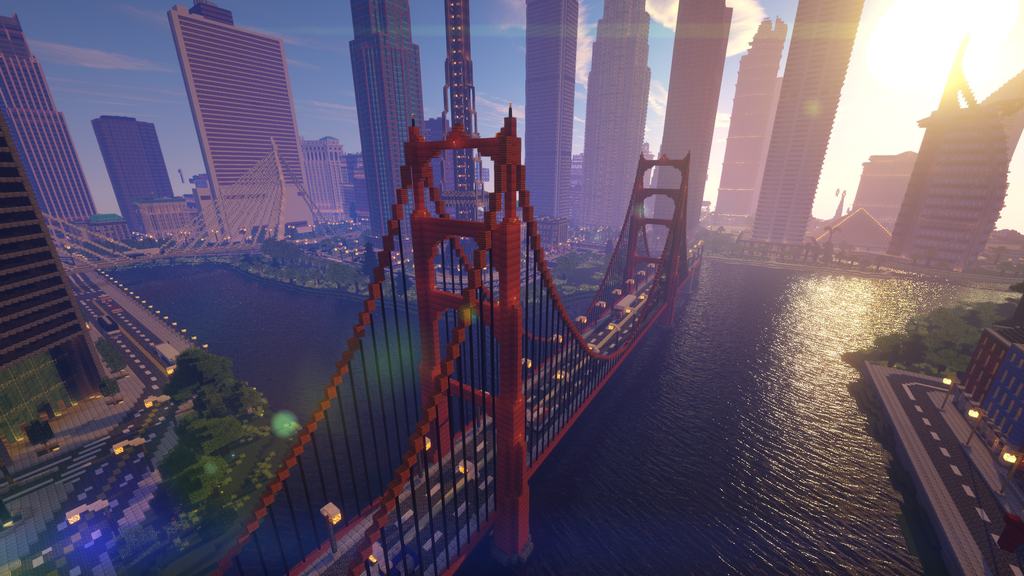
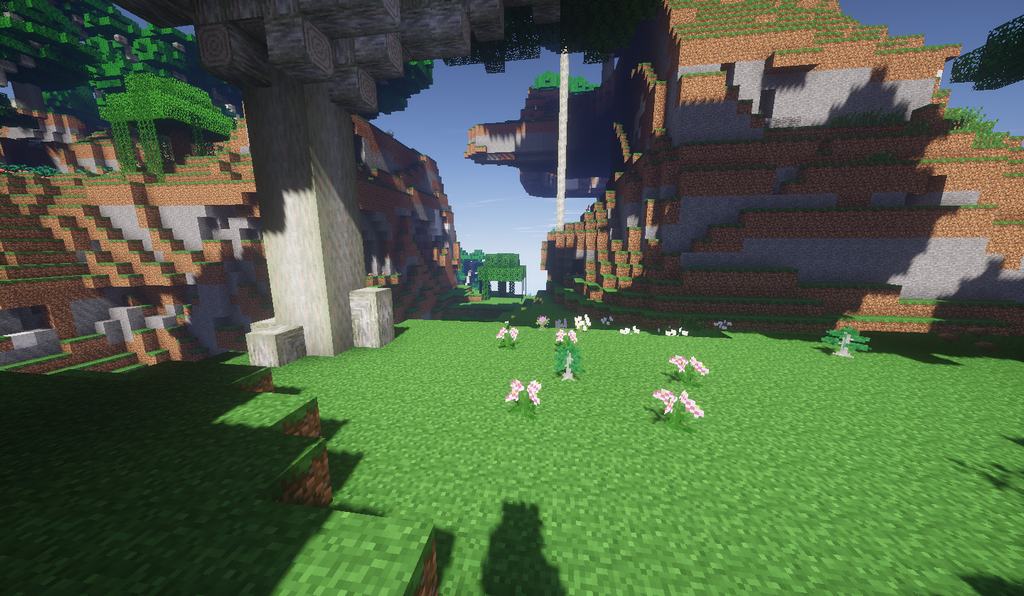
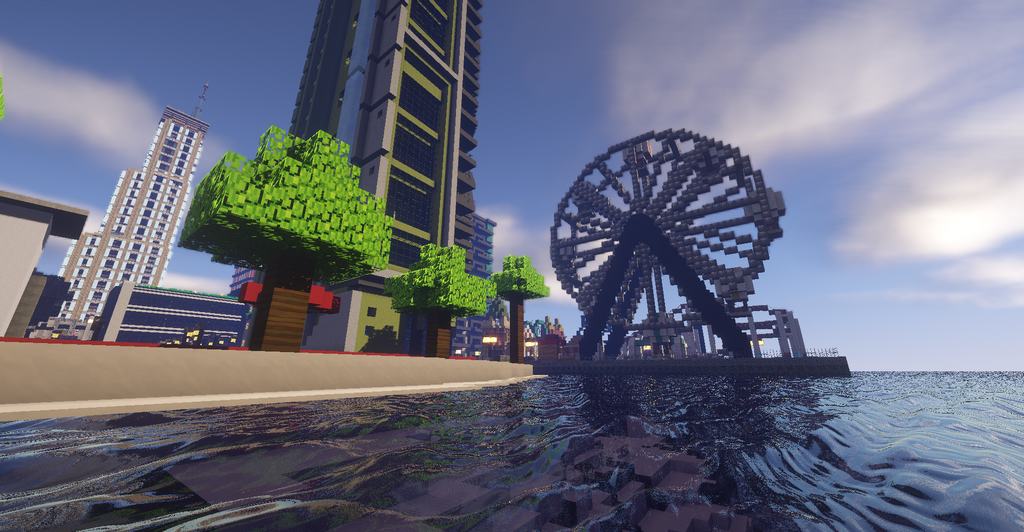
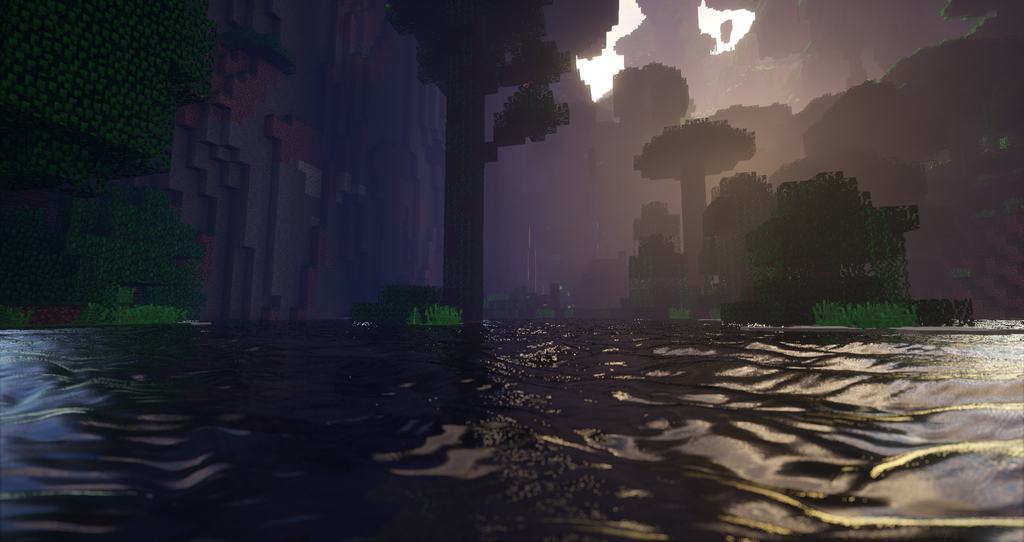
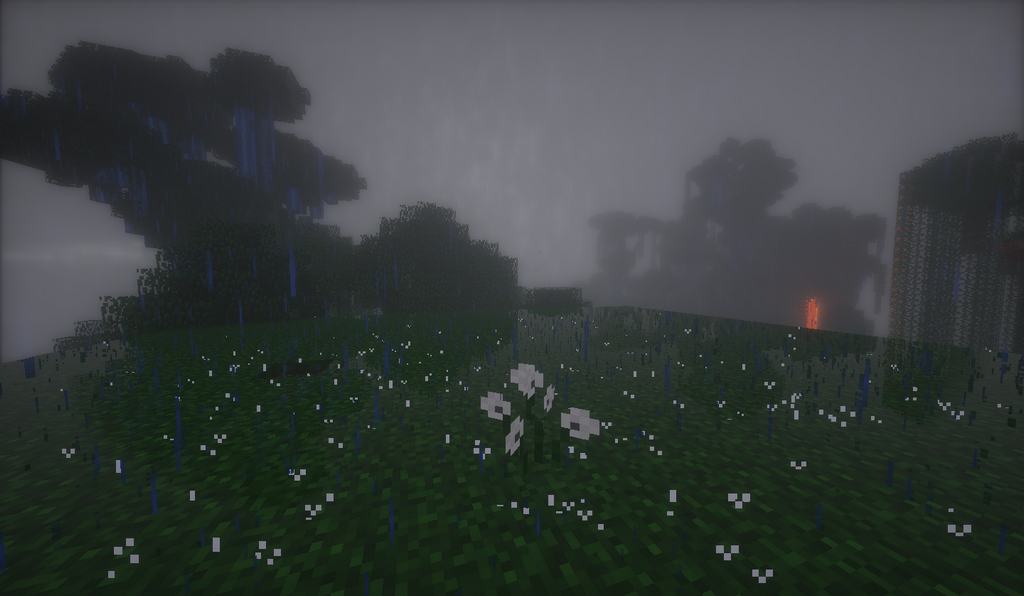
If you have been searching for an innovative and reliable shader pack option for Minecraft, I honestly think you should check out Beyond Belief Shaders. This one-of-a-kind shader pack genuinely blew me away with its two standout characteristics: stunning cinematic effects and marvelous weather effects that look remarkably similar to Depth of Field (DOF). As a bit of history, the Beyond Belief Shaders pack was originally created by Daniel Rodriguez Moya back in 2015, though it was eventually abandoned by its official owner. Thankfully, another talented individual named unicornblood2468 stepped up to continue working on this pack, drastically improving its overall quality, effects, and performance. I found that this unique shader pack is especially popular for its incredibly realistic weather effects. For instance, it introduces gorgeous wetness effects to both land surfaces and the ground, perfectly capturing the atmosphere of a rainy day. On top of that, it even includes advanced motion blurring effects that really pull the experience together. These blur effects dynamically apply during quick movements, and honestly, these additions make Minecraft look and feel surprisingly similar to modern high-end FPS games. Let us take a closer look at some of its most prominent features, such as enhanced water effects driven by physics-based movements, alongside stunning additions like sky reflection, light refraction, and unique landscapes. Another major highlight is the superior lighting detail, which introduces a remarkably realistic level of illumination for both daytime and nighttime gameplay. I was particularly impressed by how the shader pack handles stormy weather, creating a deeply immersive mood. The standout cinematic effect smartly focuses on whatever your character is looking at while smoothly blurring out the background, which adds a fantastic layer of depth. Just keep in mind that I definitely recommend running Beyond Belief Shaders on a high-end PC to get the smoothest and best possible experience, as it is unfortunately not compatible with Mac systems and Intel GPUs.
Beyond Belief Shaders should be compatible with all of these Minecraft versions: 26.2 – 26.1.2 – 26.1.1 – 26.1 – 1.21.11 – 1.21.10 – 1.21.9 – 1.21.8 – 1.21.7 – 1.21.6 – 1.21.5 – 1.21.4 – 1.21.3 – 1.21.2 – 1.21.1 – 1.21 – 1.20.6 – 1.20.5 – 1.20.4 – 1.20.3 – 1.20.2 – 1.20.1 – 1.20 – 1.19.4 – 1.19.3 – 1.19.2 – 1.19.1 – 1.19 – 1.18.2 – 1.18.1 – 1.18 – 1.17.1 – 1.17 – 1.16.5 – 1.16.4 – 1.16.3 – 1.16.2 – 1.16.1 – 1.16 – 1.15.2 – 1.15.1 – 1.15 – 1.14.4 – 1.14.3 – 1.14.2 – 1.14 – 1.13.2 – 1.13.1 – 1.13 – 1.12.2 – 1.12
Screenshots

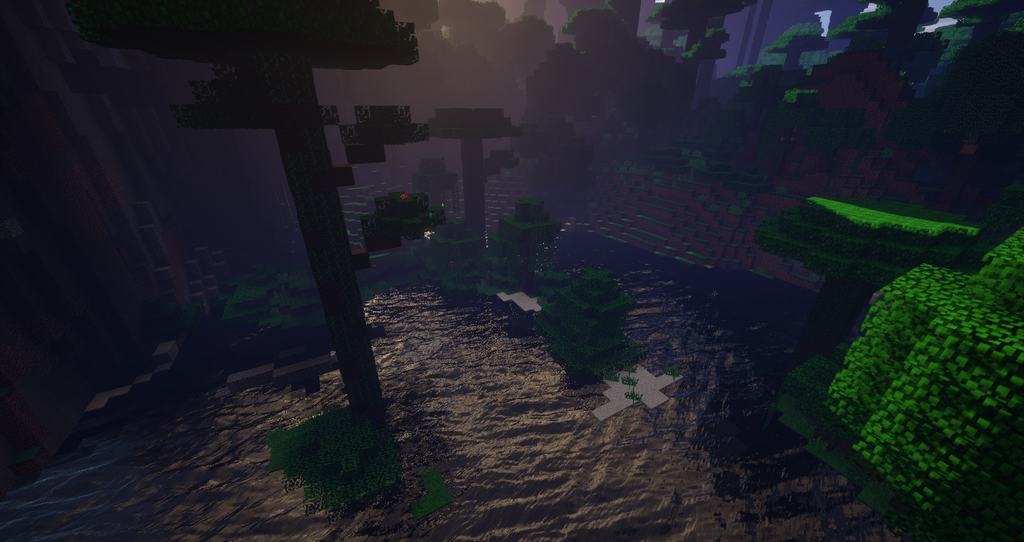
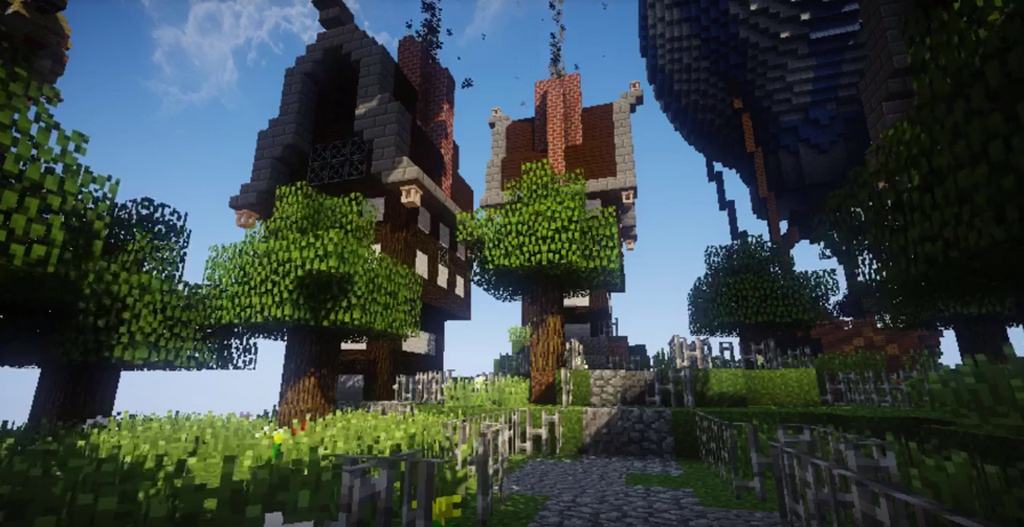
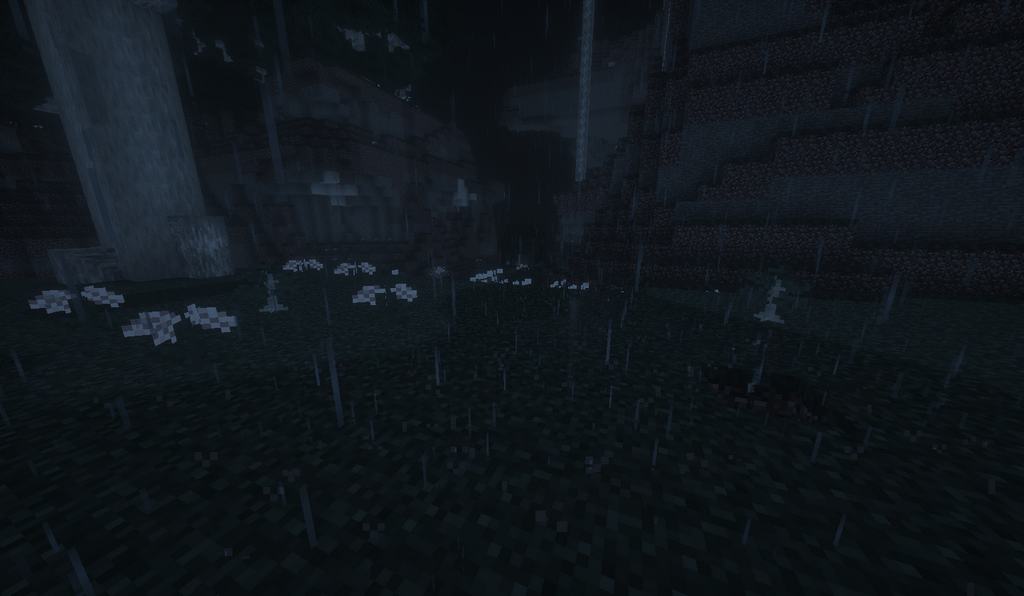
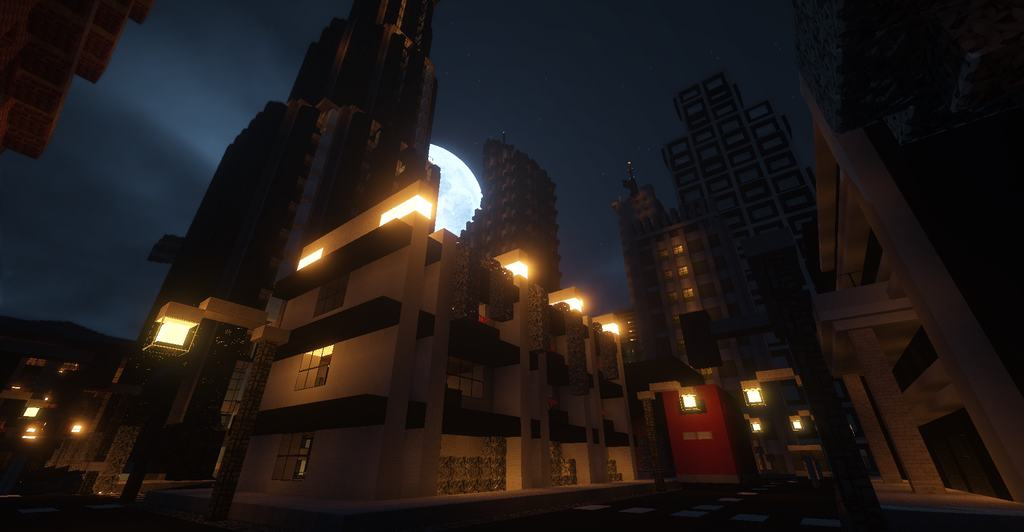

How to Install Shader Pack (Simple and Easy 7 Steps)
- Install Minecraft: Make sure to have Minecraft on your PC.
- Set the Game Version: Open the Minecraft Launcher, go to the “Installations” tab, click “New Installation”, choose the version you want to play, and click “Create”.
- Install OptiFine or Iris: Download and install OptiFine or Iris (we recommend Iris for better performance).
- To download Iris, click here.
- To download OptiFine, click here.
- Launch with the Shader Mod: Open the Minecraft Launcher again and select the OptiFine or Iris profile you installed.
- Download the Shader Pack: Download the shader pack (.zip file) from the download section below. (Don’t unzip it!)
- Open the Shaderpacks Folder:
- For OptiFine: Go to Options > Video Settings > Shaders > Shaders Folder
- For Iris: Go to Options > Video Settings > Shader Packs > Open Shader Pack Folder
- Add and Activate the Shader Pack: Move the downloaded .zip file into the shaderpacks folder. Then go back to the game, select the shader pack from the list, and click “Done” to activate it.
Credits
This shader pack was originally created by Daniel Rodriguez Moya and later continued by unicornblood2468. We do not claim ownership of this content, nor have we modified the original files. We fully respect the original authors and encourage users to support them and their work.
Download Instructions
Curseforge: download starts automatically after a few seconds;
Mediafire: click the big blue button with the text “DOWNLOAD”;
Google Drive: in the top right corner you will see a small download icon (down arrow), click it and the download should start;