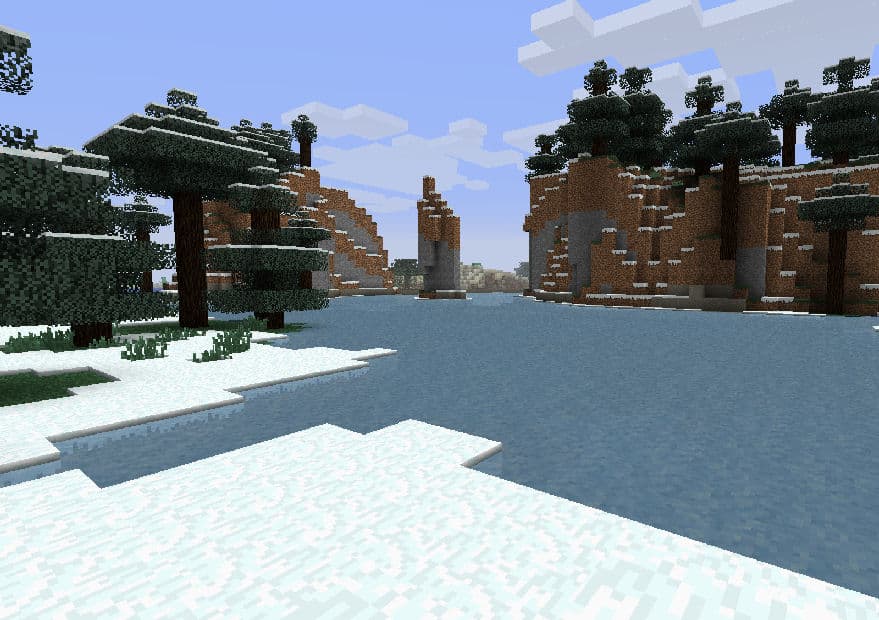
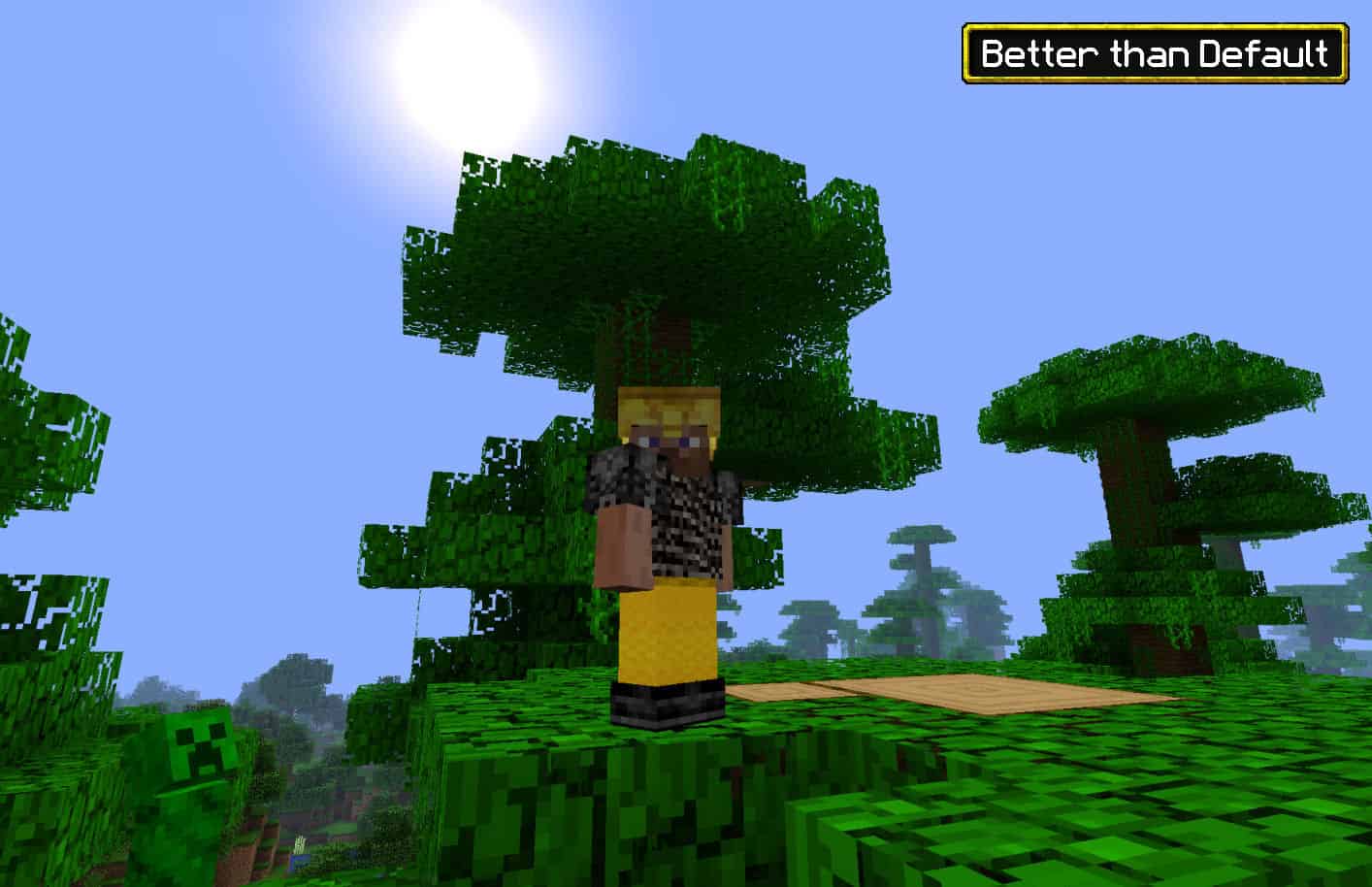
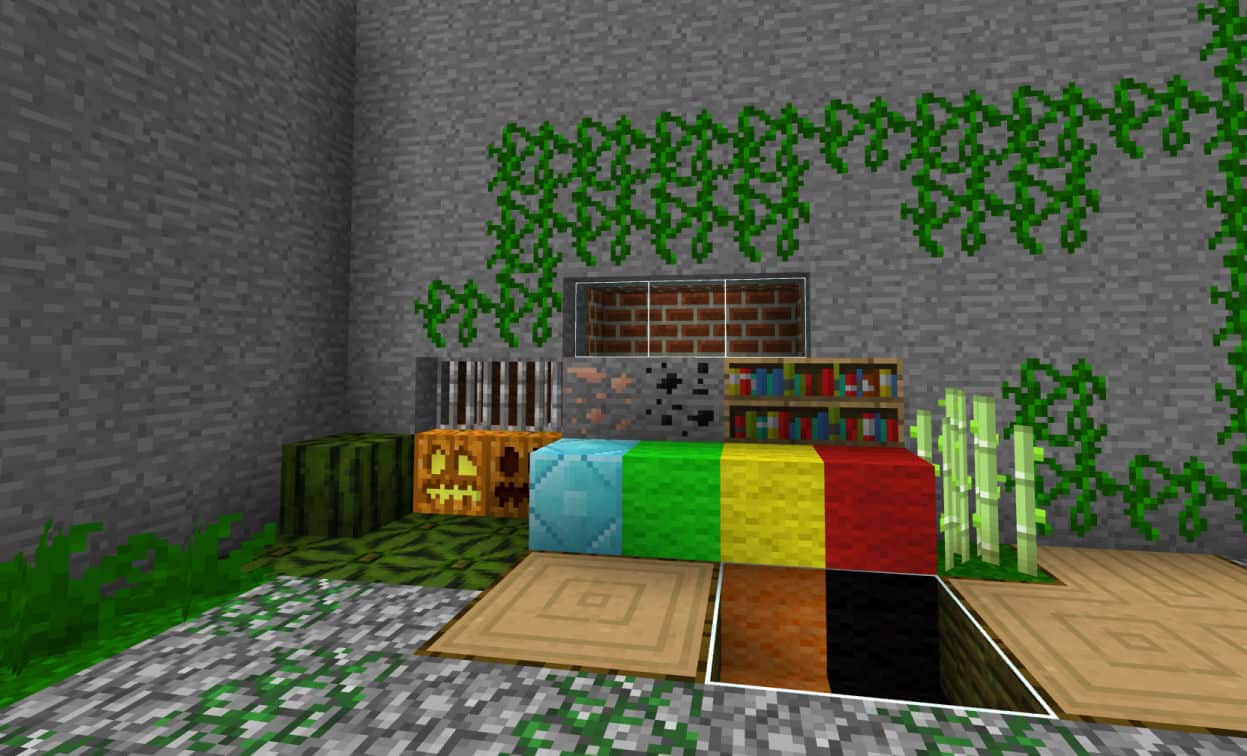
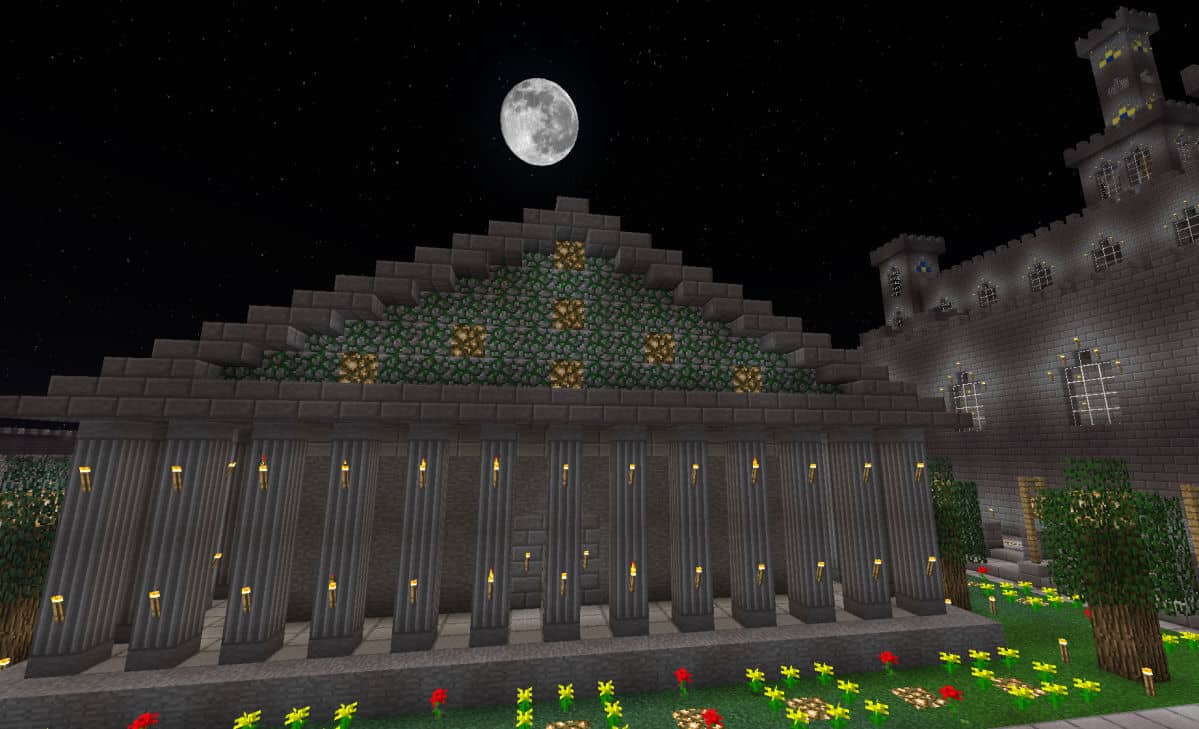
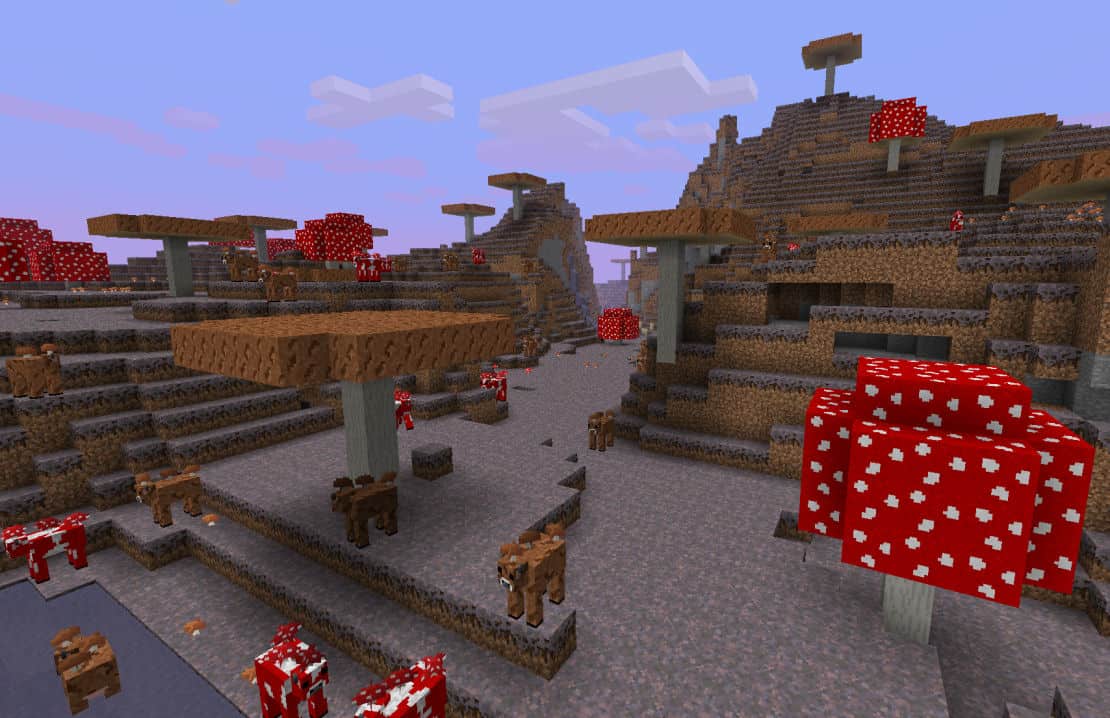
Players who truly appreciate the classic, traditional views of Minecraft are going to absolutely love the resource pack dubbed Better Than Default. If you’re a passionate Minecraft enthusiast and you feel like enhancing the traditional visuals of your world without losing its roots, here is the most fitting resource pack you could possibly ask for. This pack completely clings to Vanilla Minecraft’s beloved art style while managing to deliver genuinely unbeaten visuals. The textures featured in the Better Than Default resource pack are of splendid quality, and testing them out myself was an absolute treat. The gorgeous textures, coupled with its unrivalled designs, give rise to stunning visuals that simply keep you married to the game for hours on end. What a genuinely wonderful experience! Players naturally tend to focus heavily on the overall textures of the game, and that exact focus is what this resource pack consistently strives to improve time and time again. I noticed right away that Better Than Default has made its waters, lava, stones, and grass look exceptionally excellent—far more beautiful and polished than in traditional Vanilla Minecraft. One particularly alluring thing about this pack is its wonderfully noiseless textures.
Vanilla is historically known for its rather noisy textures, a visual trait that can sometimes wear down a player’s enthusiasm for building and exploring. Thankfully, this pack takes you entirely out of that visual noise and grants you a remarkably better view of your surroundings. Even better, the BTD resource pack doesn’t deliberately alter the original colors, meaning the color palette remains faithfully familiar and doesn’t look noticeably different from Vanilla’s aesthetic. On top of that, there are some fantastic new animations on board to bring your world to life. Now, let’s also talk about the resolution of this resource pack, which remains faithful at the exact same size as standard Vanilla. The classic 16x resolution hasn’t been needlessly upgraded by BTD, and trust me, this comes along with a massive array of practical advantages. First and foremost, it suits players who haven’t yet upgraded to high-end PCs; since lower-end systems struggle with massive resolutions, this pack keeps everyone playing smoothly. Second, it serves as the absolute perfect match for traditional Vanilla Minecraft enthusiasts who are deeply accustomed to the 16x resolution, delivering an enhanced view packed with refined details. I am genuinely confident that you, too, will fall completely in love with Better Than Default.
Better than Default should be compatible with all of these Minecraft versions: 1.15.2 – 1.15.1 – 1.15 – 1.14.4 – 1.14.3 – 1.14.2 – 1.14 – 1.13.2 – 1.13.1 – 1.13 – 1.12.2 – 1.12 – 1.11.2 – 1.11 – 1.10.2 – 1.10 – 1.9.4 – 1.9 – 1.8.9 – 1.8.8 – 1.8.1 – 1.8.6 – 1.8 – 1.7.10 – 1.7.9 – 1.7.4 – 1.7 – 1.6.4 – 1.6.2
Screenshots


How to Install Texture Pack (Simple 10 Steps)
- Download OptiFine: Most of the texture packs and shaders need OptiFine. That’s why, first download and install OptiFine for the version of Minecraft you want to play.
- Download the Texture Pack: Get the texture pack you want from the download section. Choose the version that works with your Minecraft and your PC’s performance.
- Open Minecraft Launcher: Start Minecraft using the official game launcher — or even TLauncher, if you use that.
- Go to Options: From the main menu, click on the “Options” button.
- Open Resource Packs: Inside Options, click on “Resource Packs…”.
- Open the Resource Pack Folder: Click on “Open Resource Pack Folder” — this will open a folder named “resourcepacks”.
- Move the Pack File: Copy or move the .zip file you downloaded into that “resourcepacks” folder. (Don’t unzip the file — Minecraft uses it as-is!)
- Go Back and Refresh: Close the folder and click “Done”, then go back into “Resource Packs…” again.
- Activate the Pack: You’ll see the pack on the left side. Hover over it and click the arrow to move it to the right (active side).
Tip: If you get a message that the pack is for a different version, just click “Yes” — it usually works fine. - Click Done and Enjoy: Click “Done” again. Now your pack is ready to use in-game. It’s that easy!
Credits
The Better Than Default resource pack was created by _zombiehunter. We do not claim ownership of this content nor do we host modified files on our servers. All rights and intellectual property belong strictly to the original creator. We strongly encourage you to support _zombiehunter by downloading the pack from the official sources and checking out their future projects.
Download Links
Java Edition
Download Instructions
Curseforge: download starts automatically after a few seconds;
Mediafire: click the big blue button with the text “DOWNLOAD”;
Google Drive: in the top right corner you will see a small download icon (down arrow), click it and the download should start;


