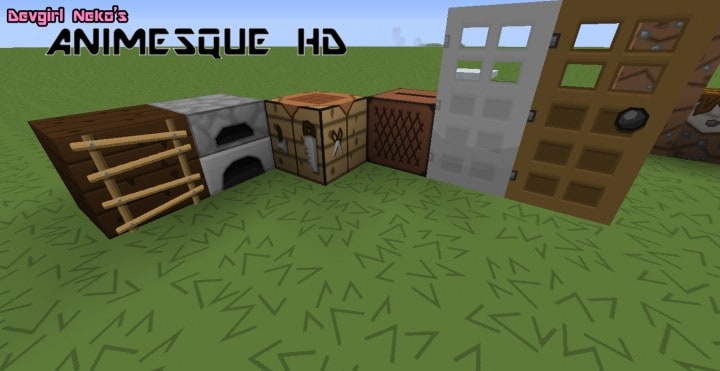
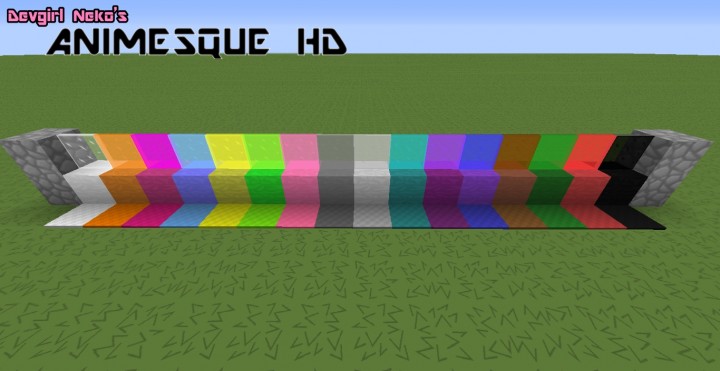
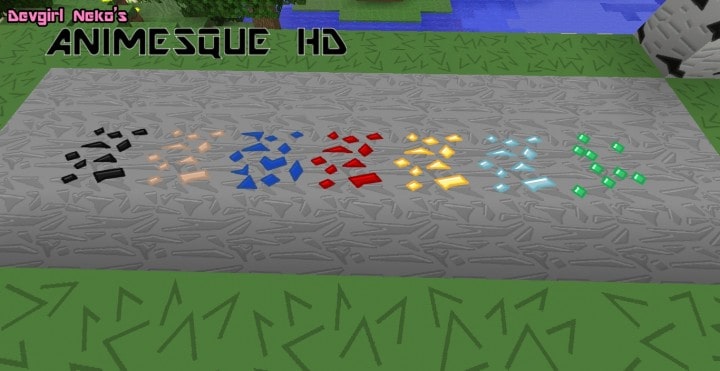
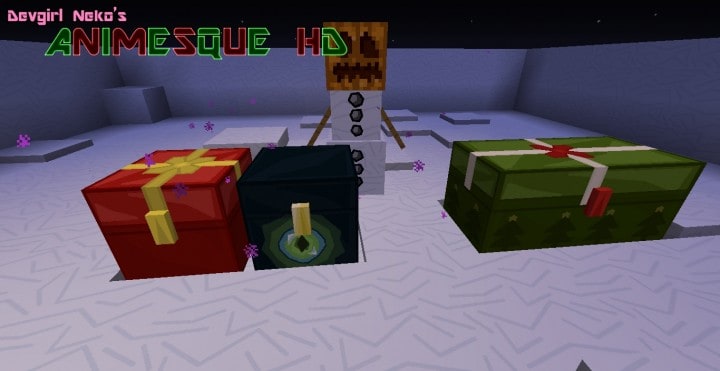
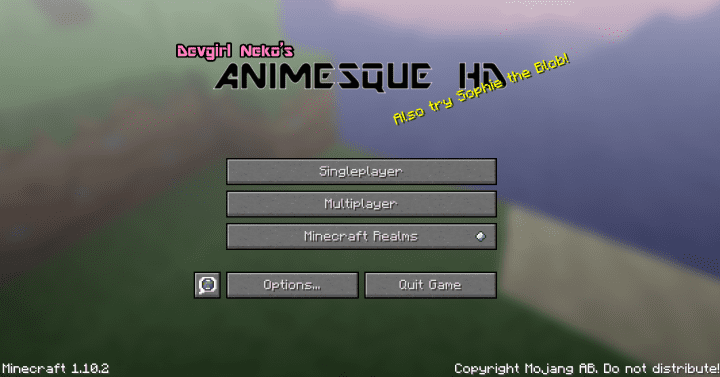
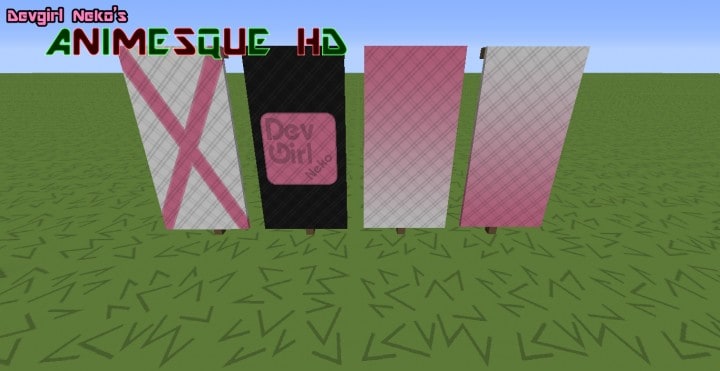
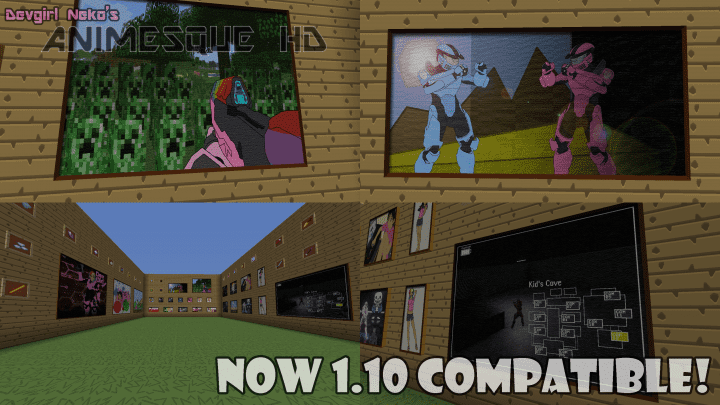
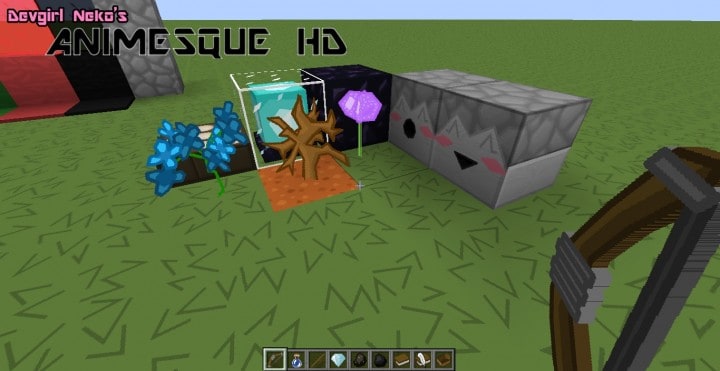
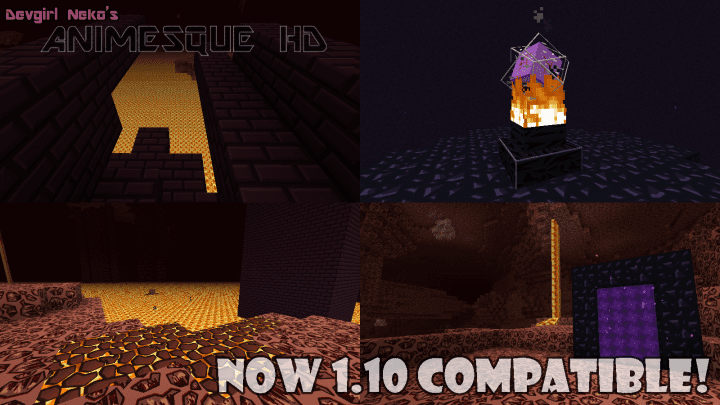
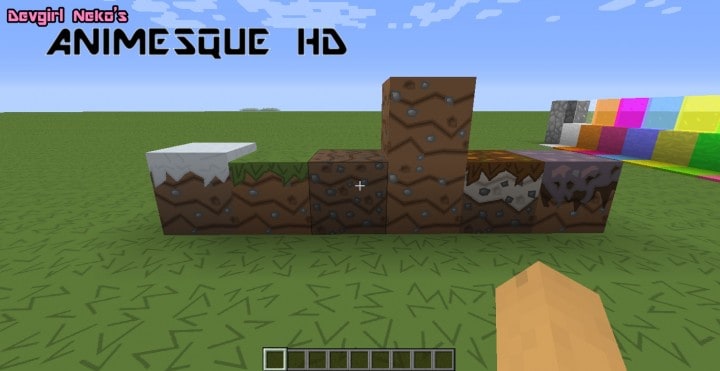
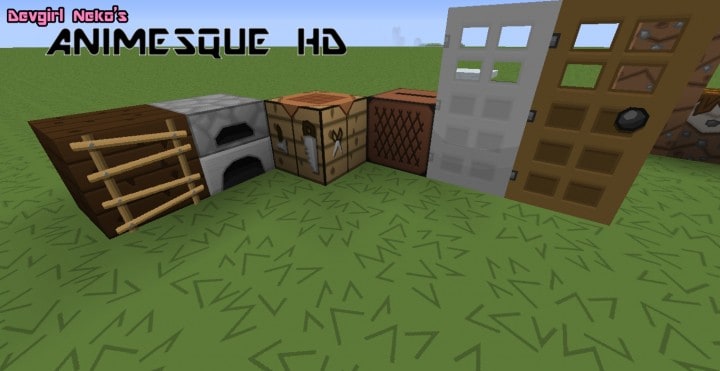
The Animesque HD resource pack is an incredible Minecraft add-on that draws its vibrant inspiration from two distinct sources: the iconic Sphax resource pack and the wonderful world of anime. Even though this pack is technically incomplete as it remains a work-in-progress, it is not so far from completion and truly delivers a fantastic experience. Moreover, it still looks stunning and beautiful even in this incomplete state, capturing attention effortlessly. Because it was generally inspired by the Sphax pack and classic anime aesthetics, the overall art style of the textures in Animesque is wonderfully cartoonish and lively.
It is important to note that all the textures in this pack were professionally designed using Adobe Photoshop. The Animesque HD resource pack is currently available in three different resolutions: 256x, 128x, and 64x, giving players great flexibility depending on their hardware. This pack contains a truly unique idea and has been designed with superb creativity that shines through every block. One of the best things we have personally noticed while testing it is that instead of having the traditional drumsticks in the hunger bar icons, these are now cleverly replaced with delicious sushi. Cool, ain’t it? Overall, the Animesque HD resource pack generally has a phenomenal outlook, and all passionate gamers will surely like it—actually, you will absolutely love exploring your worlds with it!
Animesque HD should be compatible with all of these Minecraft versions: 1.12.2 – 1.12 – 1.11.2 – 1.11
Screenshots


How to Install Texture Pack (Simple 10 Steps)
- Download OptiFine: Most of the texture packs and shaders need OptiFine. That’s why, first download and install OptiFine for the version of Minecraft you want to play.
- Download the Texture Pack: Get the texture pack you want from the download section. Choose the version that works with your Minecraft and your PC’s performance.
- Open Minecraft Launcher: Start Minecraft using the official game launcher — or even TLauncher, if you use that.
- Go to Options: From the main menu, click on the “Options” button.
- Open Resource Packs: Inside Options, click on “Resource Packs…”.
- Open the Resource Pack Folder: Click on “Open Resource Pack Folder” — this will open a folder named “resourcepacks”.
- Move the Pack File: Copy or move the .zip file you downloaded into that “resourcepacks” folder. (Don’t unzip the file — Minecraft uses it as-is!)
- Go Back and Refresh: Close the folder and click “Done”, then go back into “Resource Packs…” again.
- Activate the Pack: You’ll see the pack on the left side. Hover over it and click the arrow to move it to the right (active side).
Tip: If you get a message that the pack is for a different version, just click “Yes” — it usually works fine. - Click Done and Enjoy: Click “Done” again. Now your pack is ready to use in-game. It’s that easy!
Credits
This resource pack was created by Devgirl Neko. We do not own or modify the files provided. All rights belong to the original creator. We encourage you to support Devgirl Neko by checking out their official download links and content.
Download Links
Java Edition
Download Instructions
Curseforge: download starts automatically after a few seconds;
Mediafire: click the big blue button with the text “DOWNLOAD”;
Google Drive: in the top right corner you will see a small download icon (down arrow), click it and the download should start;


