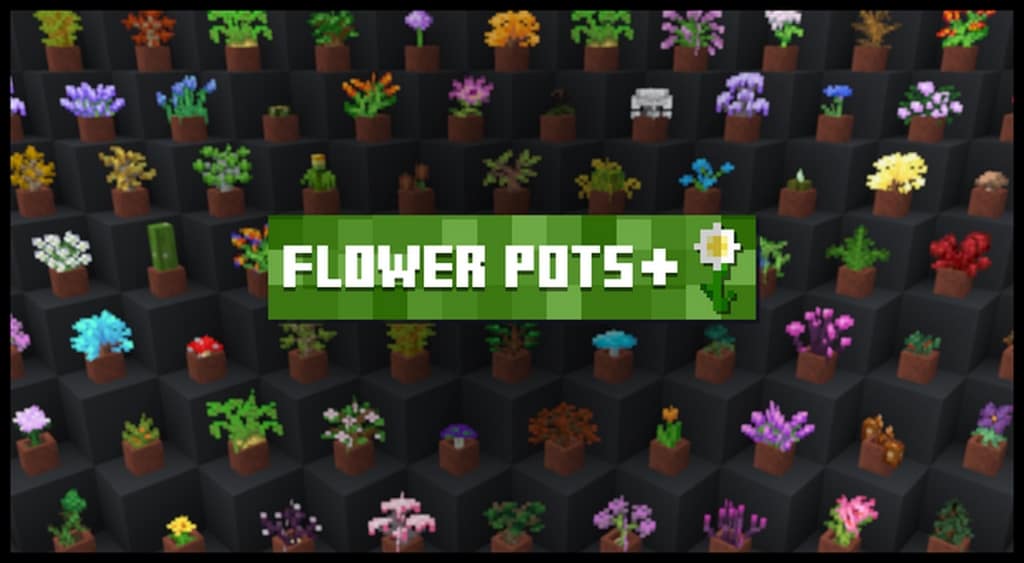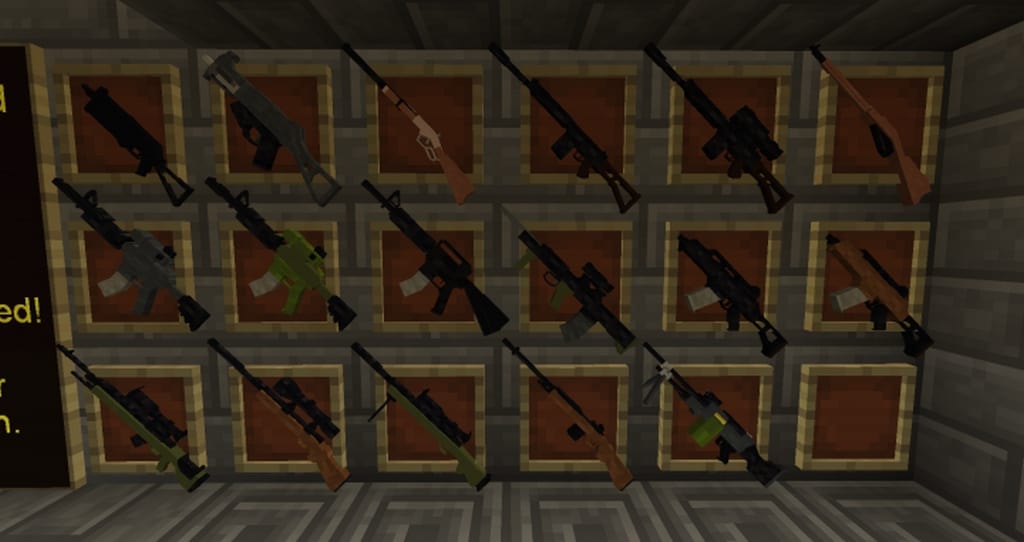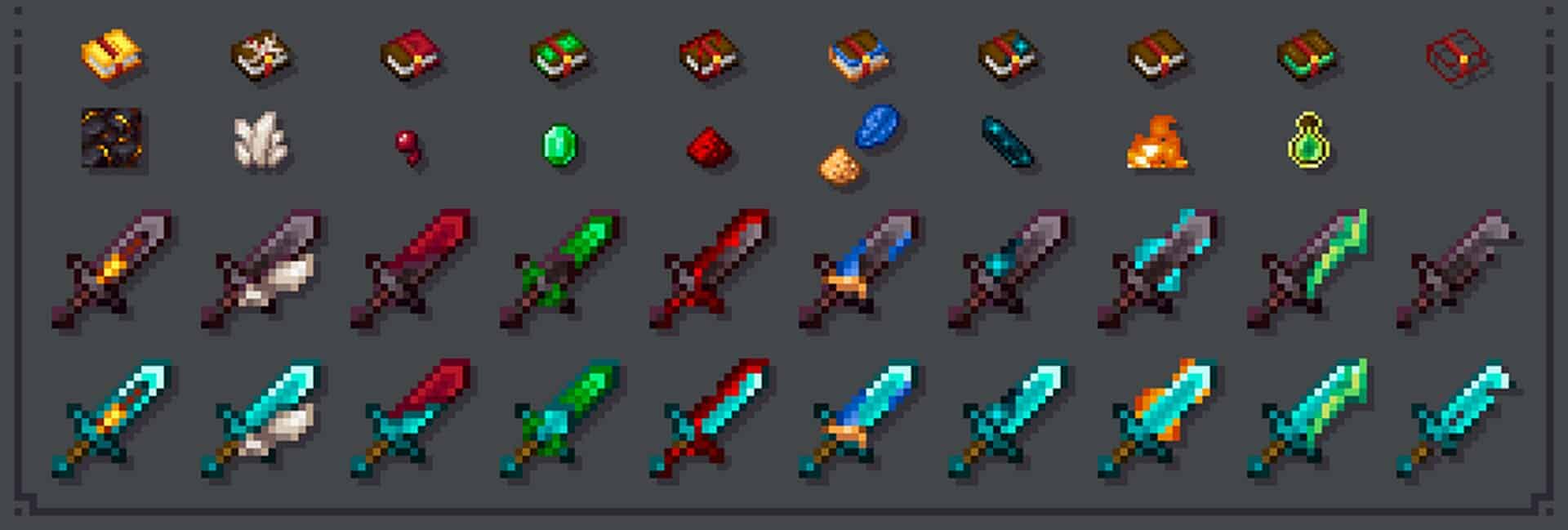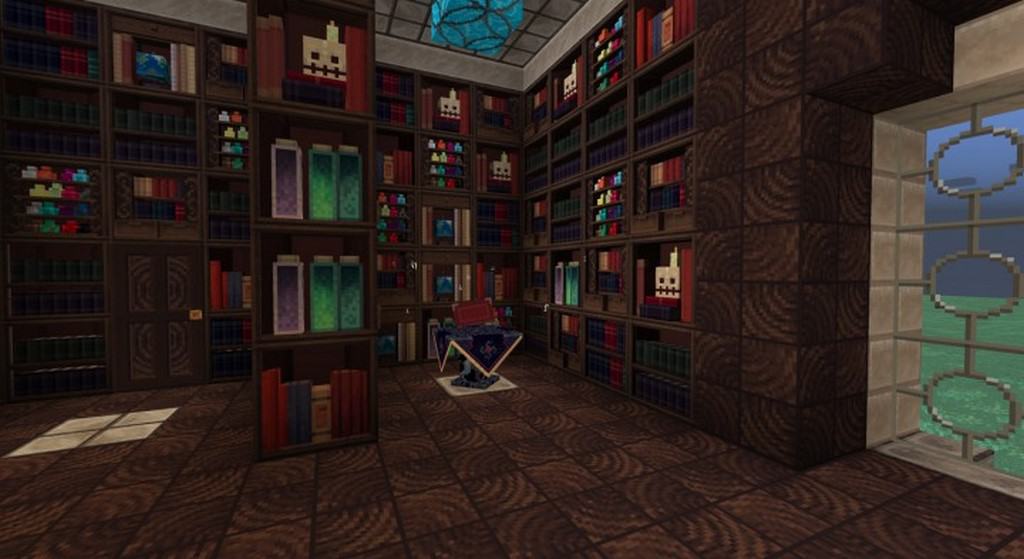
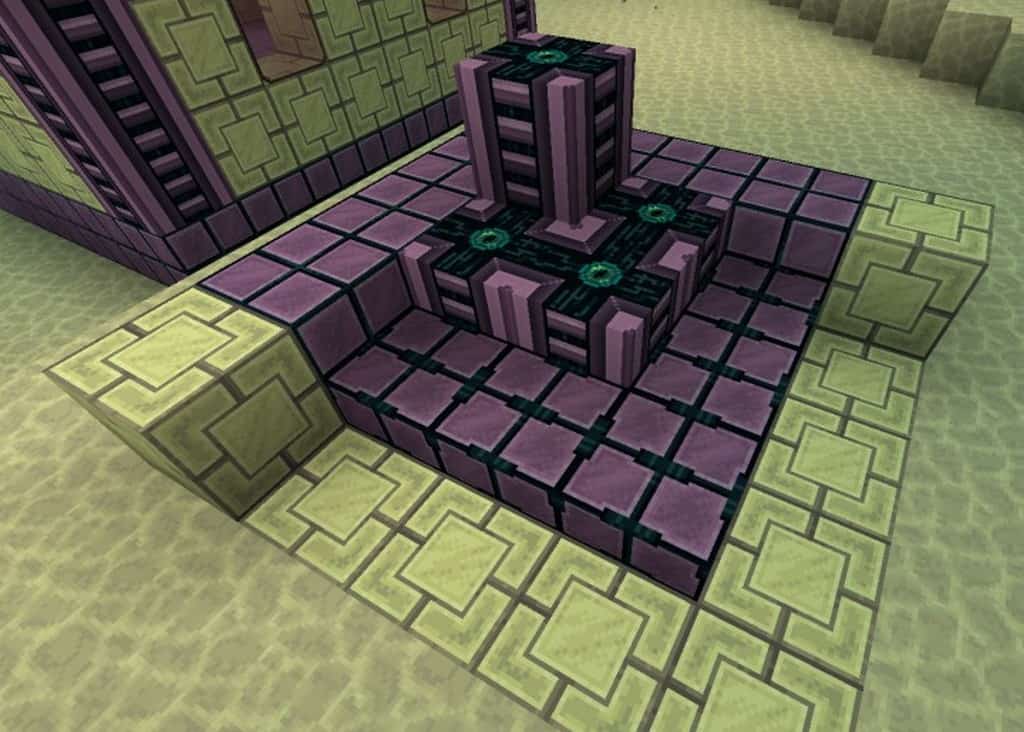
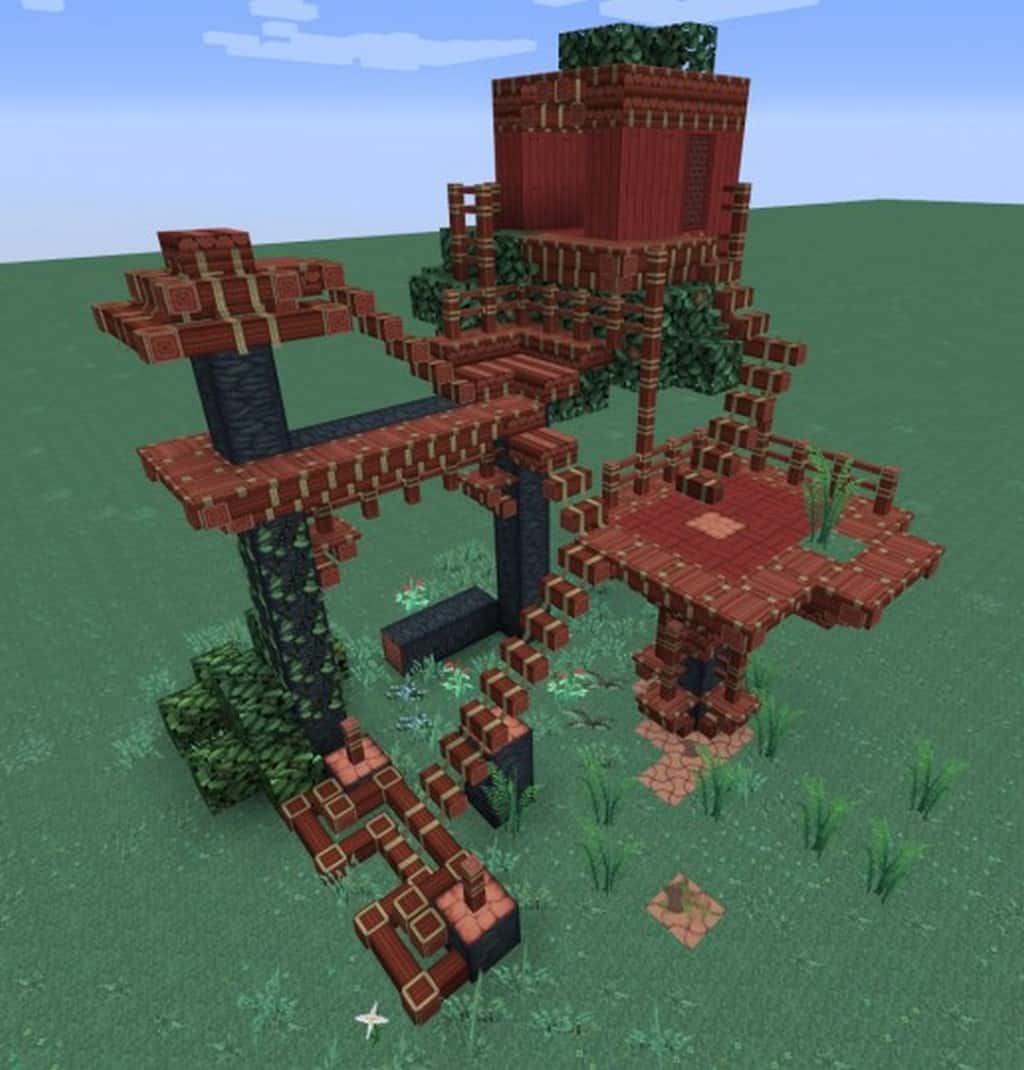
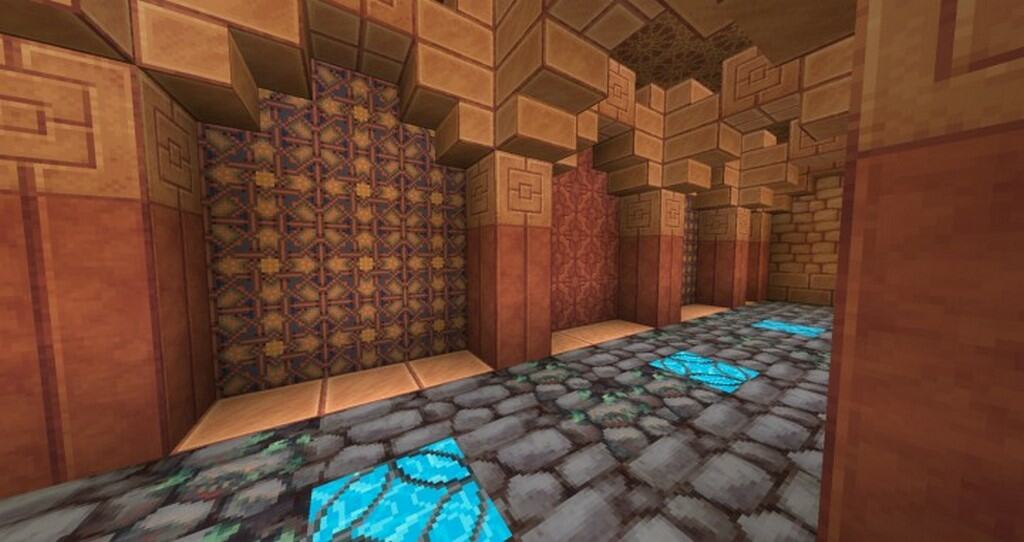
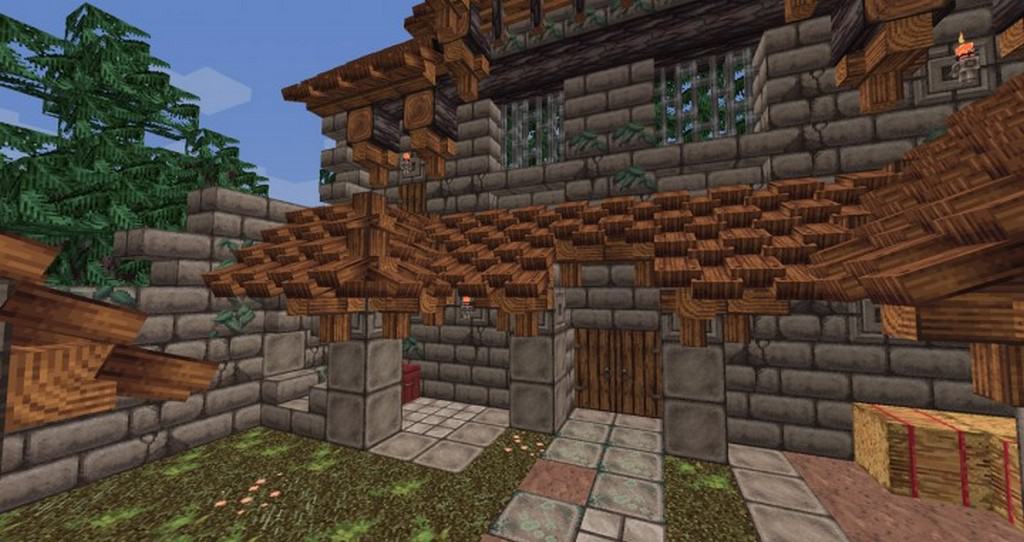
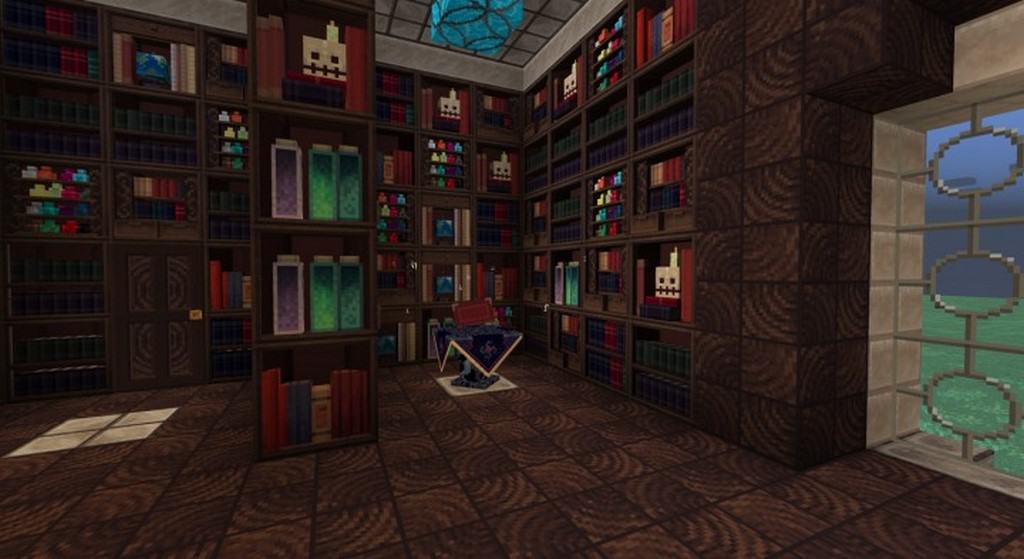
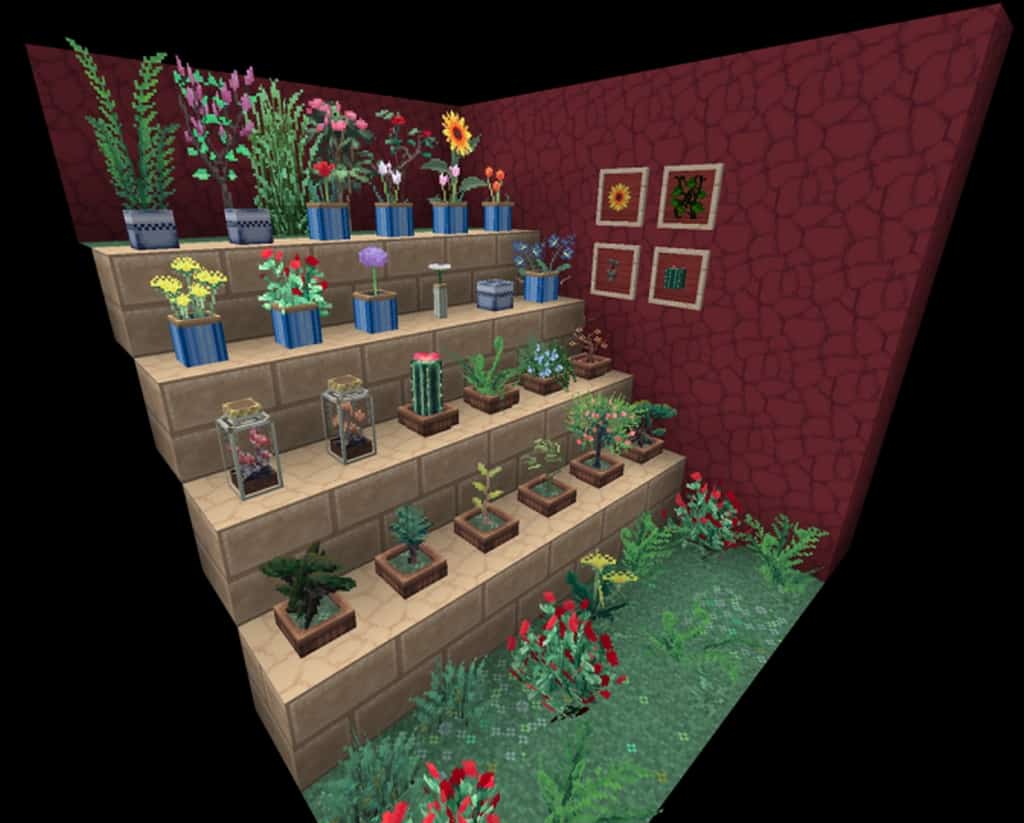
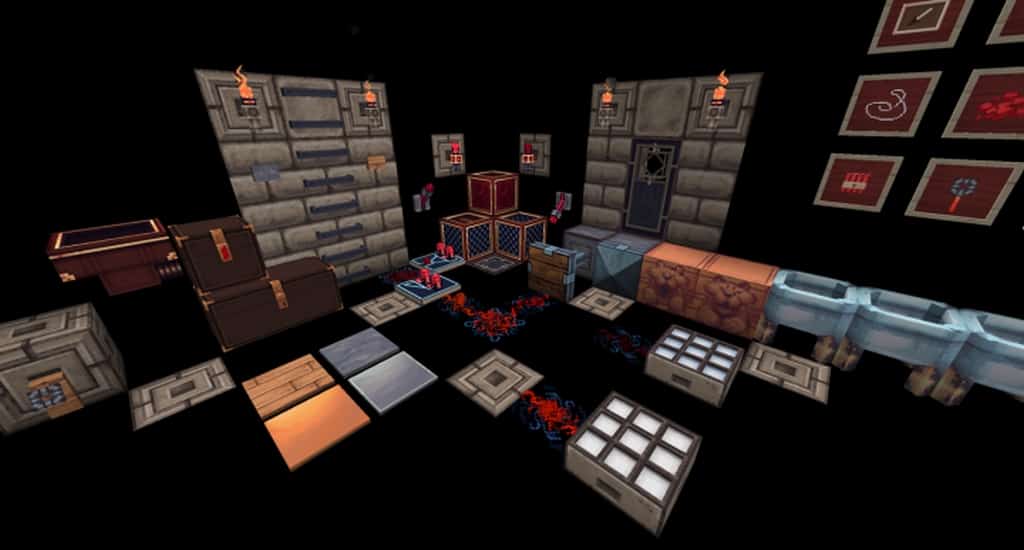
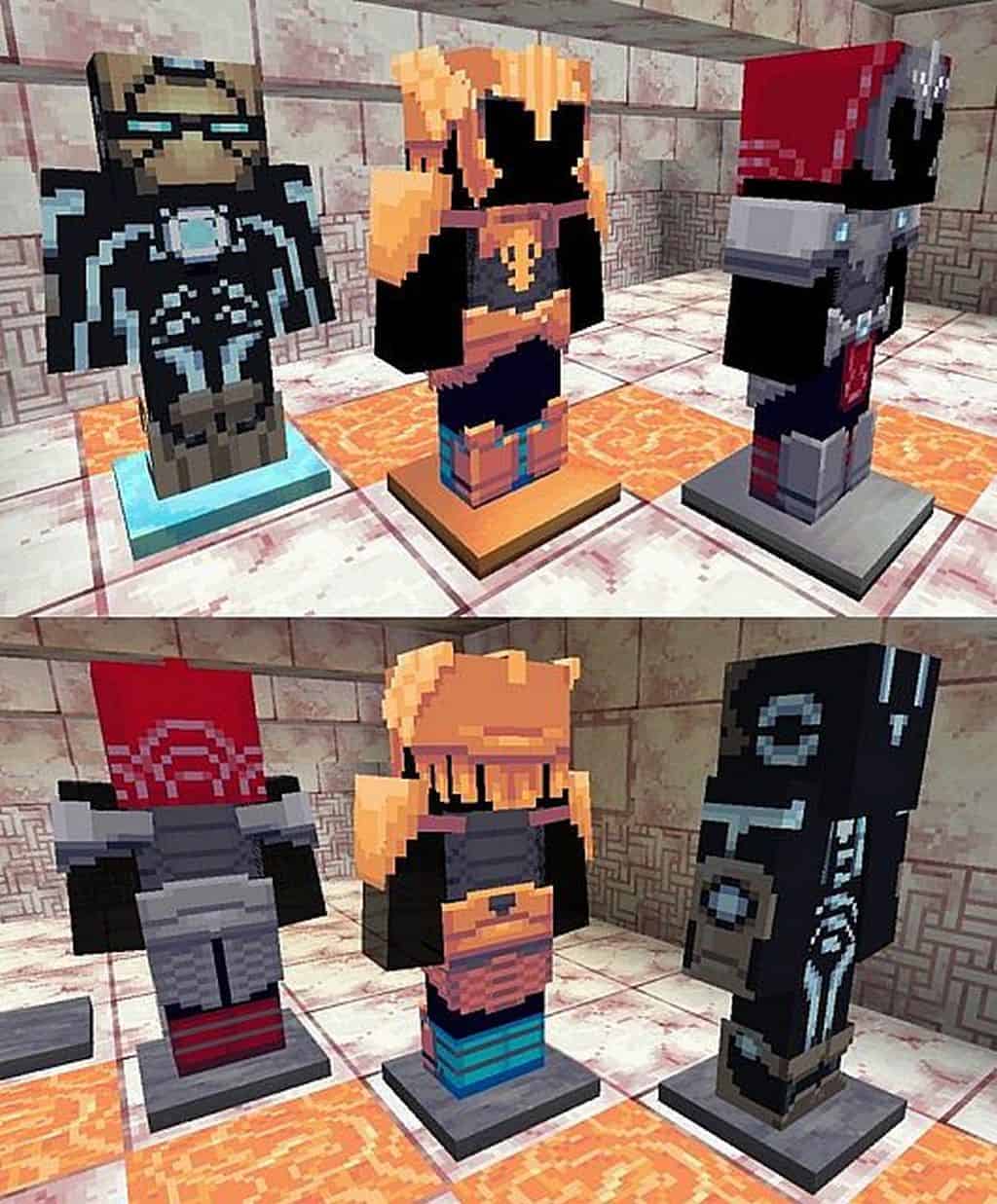
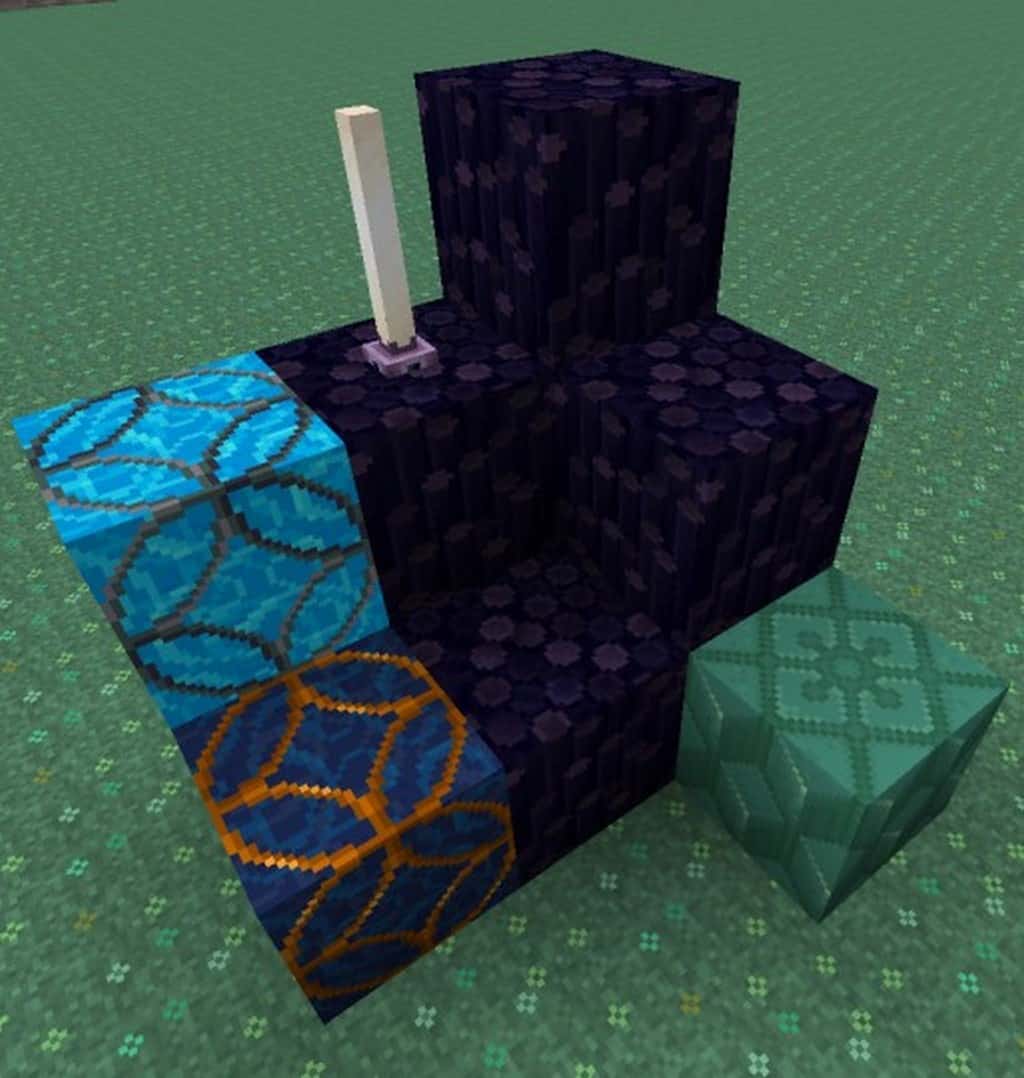
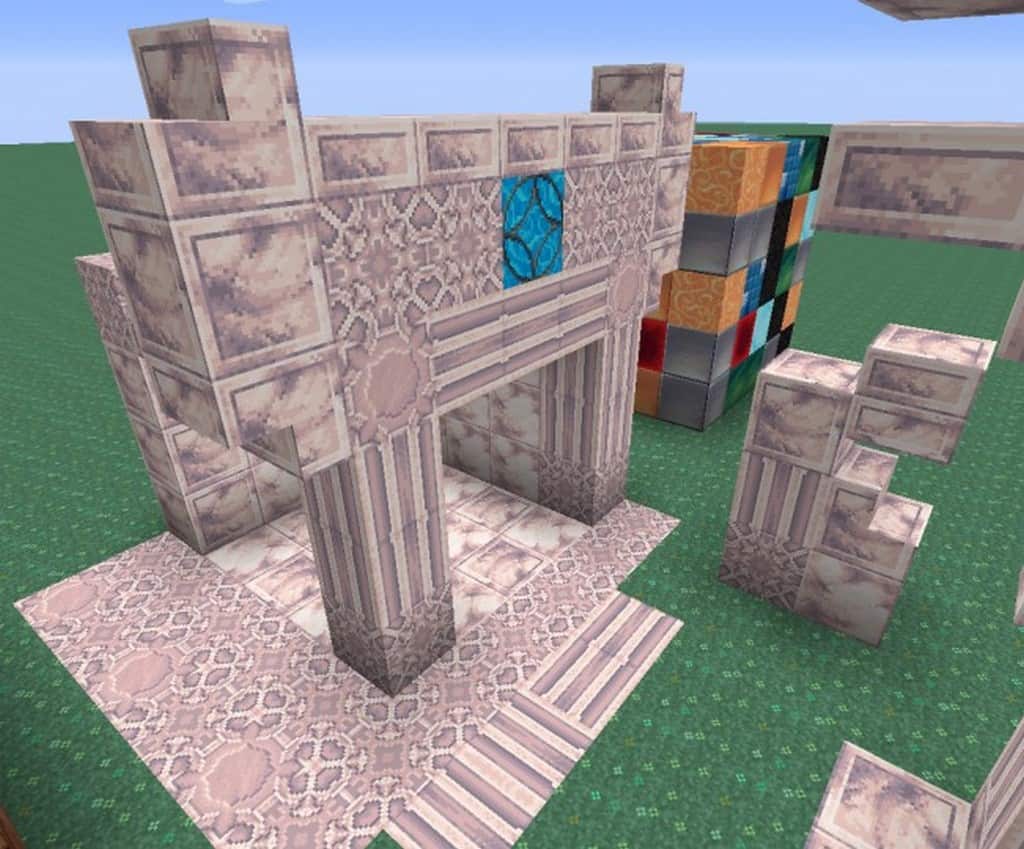
The Aedena resource pack completely caught our attention because it offers such unique textures that we simply cannot expect in conventional resource packs. It targets gamers who are eagerly on the lookout for a texture pack providing an overhauled bunch of textures to reveal a fresh gaming experience, generating an entirely different feeling overall. It stands a bit apart from other resource packs by intentionally not following any particular theme. You will find that the textures in the Aedena Resource Pack do not follow any strict art style yet manage to form a perfect synergy with one another. Remarkably, this resource pack has been around and popular for more than seven long years. If you are looking for an absolute delight, you really should experience the textures of the Aedena resource pack firsthand, as they have a wonderfully unique design and vibrant colors rolled right into them. At this point, we should definitely bring to your notice that Aedena does have a few minor shortcomings regarding colors and edges.
The texture edges are a little rough, which can make them look a bit noisy sometimes, and the texture colors are also quite bright. But on an overall basis, the resource pack successfully impresses the audience year after year mainly because of two standout features: the textures feature a wonderfully creative design, and they carry a significant proportion of fine detailing in them. Ultimately, this resource pack has totally blown our minds ever since the day it first hit the community because, when talking about pure beauty, it easily ranks among the very best options available today. You will get to enjoy the resource pack textures in a crisp 32×32 resolution, which is not much higher than the standard 16×16 resolution. This simply implies that the Aedena Resource Pack, in its current version, can work smoothly on practically any system capable of running vanilla Minecraft without encountering any difficulty. You definitely won’t face any annoying frame-per-second drops or performance problems while using this resource pack.
Aedena should be compatible with all of these Minecraft versions: 1.12.2 – 1.12 – 1.11.2 – 1.11
Screenshots



How to Install Texture Pack (Simple 10 Steps)
- Download OptiFine: Most of the texture packs and shaders need OptiFine. That’s why, first download and install OptiFine for the version of Minecraft you want to play.
- Download the Texture Pack: Get the texture pack you want from the download section. Choose the version that works with your Minecraft and your PC’s performance.
- Open Minecraft Launcher: Start Minecraft using the official game launcher — or even TLauncher, if you use that.
- Go to Options: From the main menu, click on the “Options” button.
- Open Resource Packs: Inside Options, click on “Resource Packs…”.
- Open the Resource Pack Folder: Click on “Open Resource Pack Folder” — this will open a folder named “resourcepacks”.
- Move the Pack File: Copy or move the .zip file you downloaded into that “resourcepacks” folder. (Don’t unzip the file — Minecraft uses it as-is!)
- Go Back and Refresh: Close the folder and click “Done”, then go back into “Resource Packs…” again.
- Activate the Pack: You’ll see the pack on the left side. Hover over it and click the arrow to move it to the right (active side).
Tip: If you get a message that the pack is for a different version, just click “Yes” — it usually works fine. - Click Done and Enjoy: Click “Done” again. Now your pack is ready to use in-game. It’s that easy!
Credits
This Resource Pack was created by krisCrash. We do not claim ownership of this content, nor have we modified the files. All rights remain with the original author. We encourage you to support krisCrash by downloading from the official sources.
Download Instructions
Curseforge: download starts automatically after a few seconds;
Mediafire: click the big blue button with the text “DOWNLOAD”;
Google Drive: in the top right corner you will see a small download icon (down arrow), click it and the download should start;