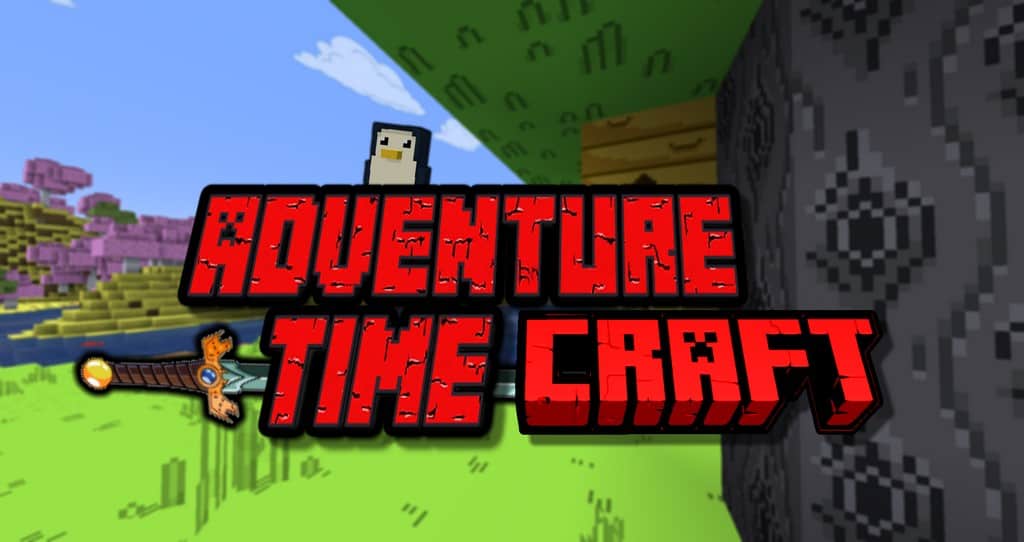
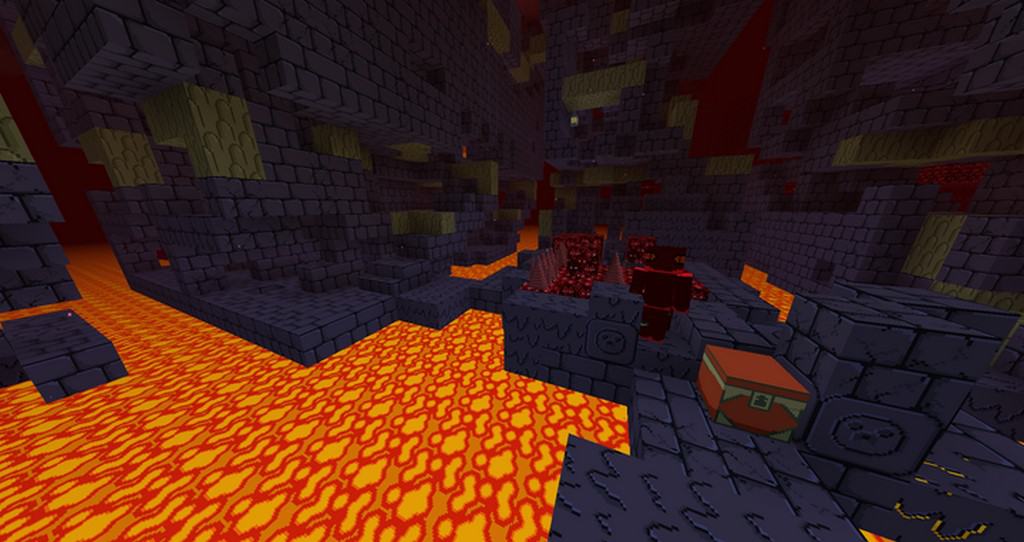
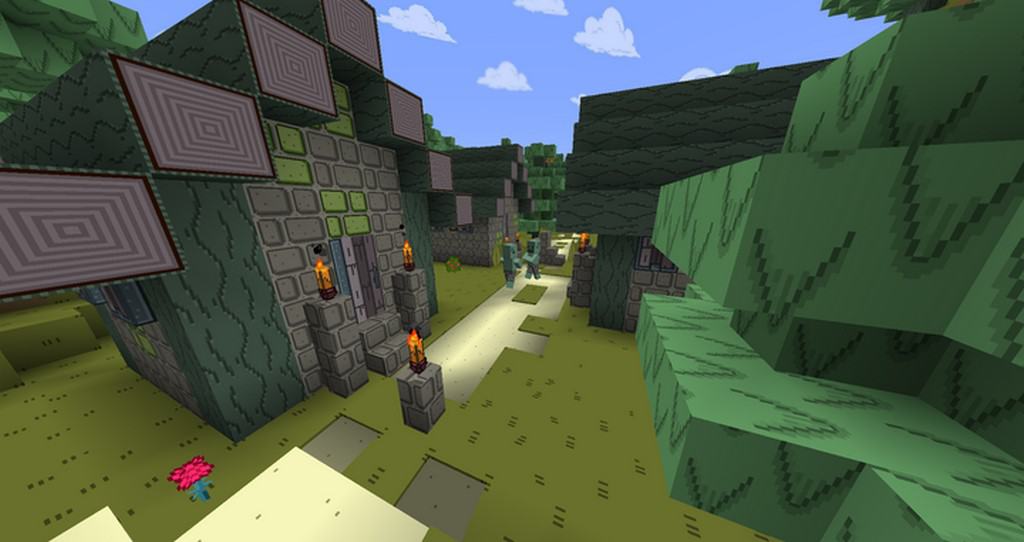
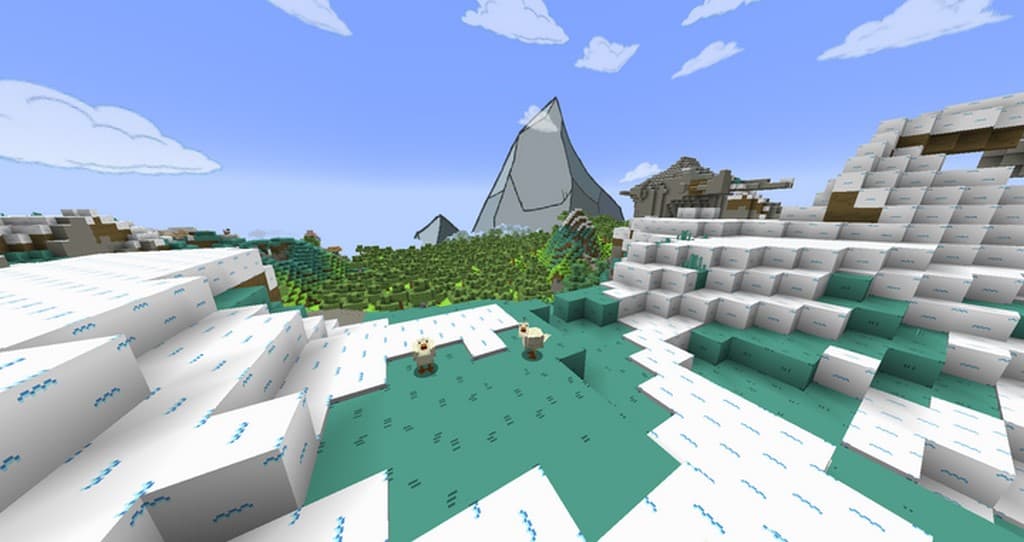
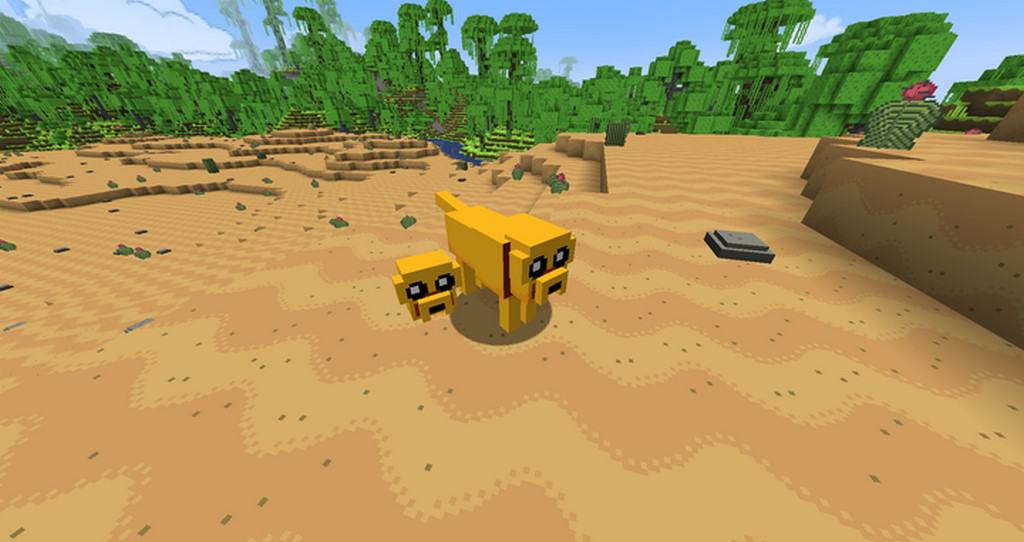
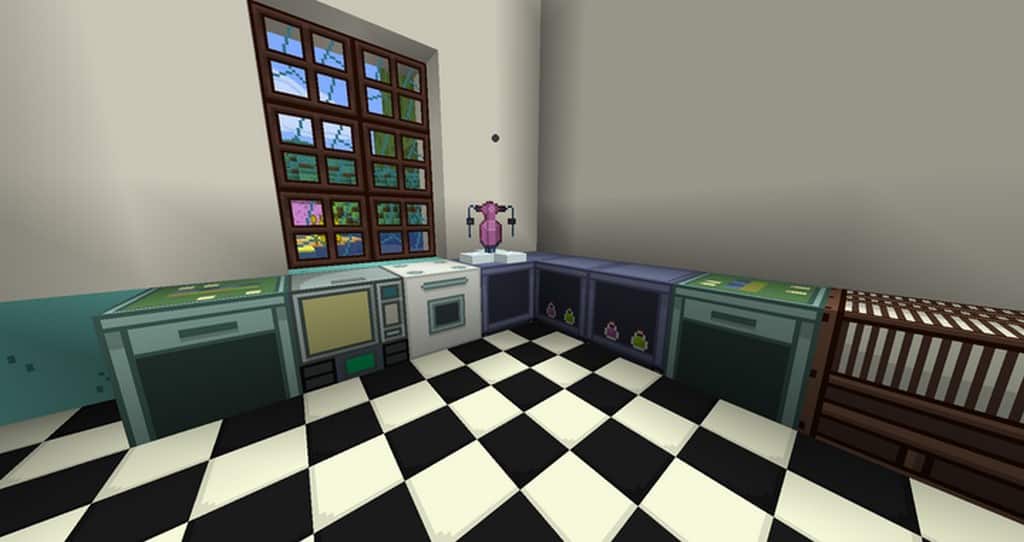
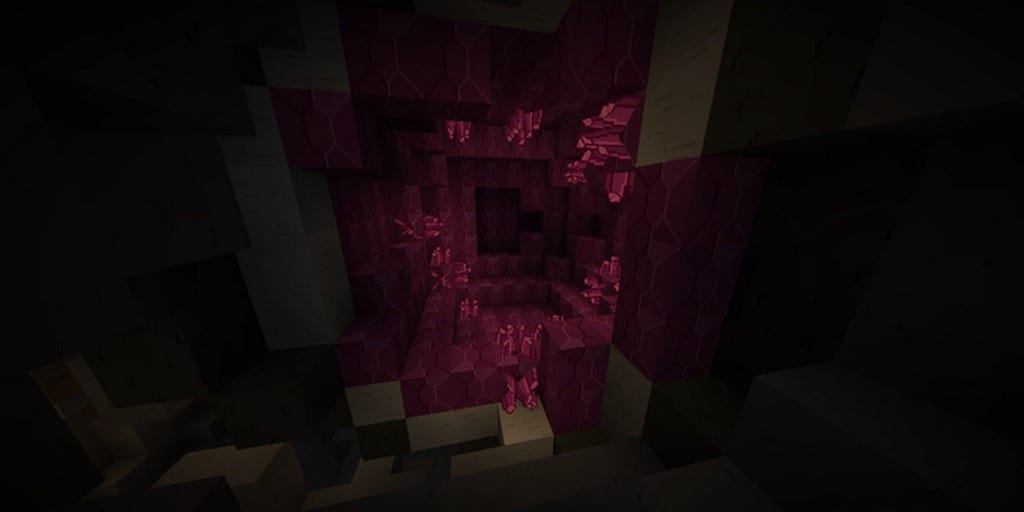
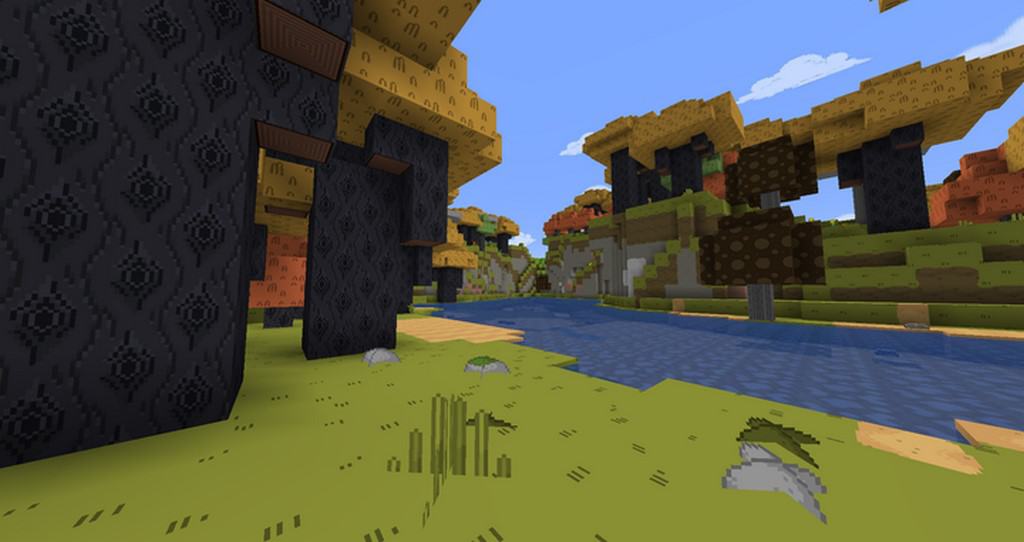
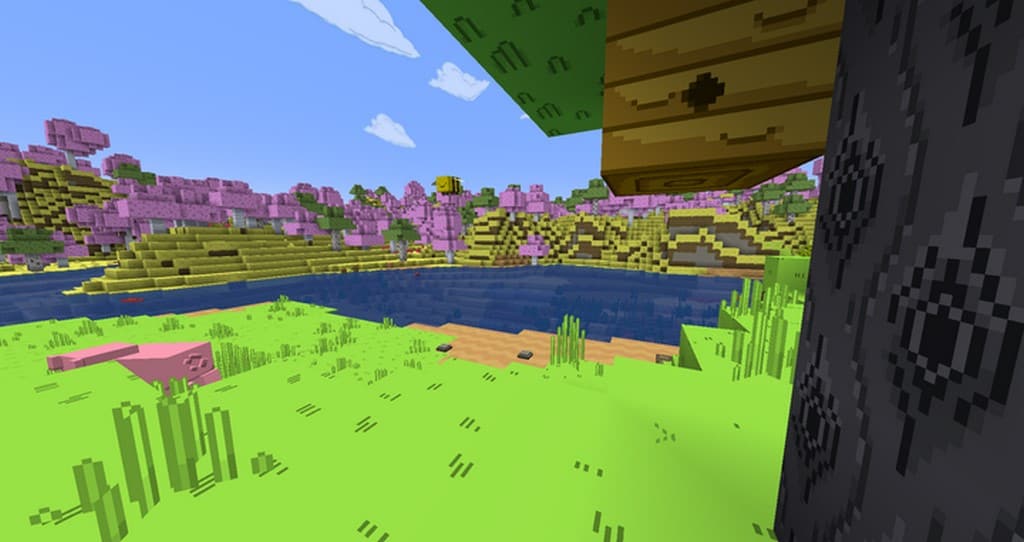
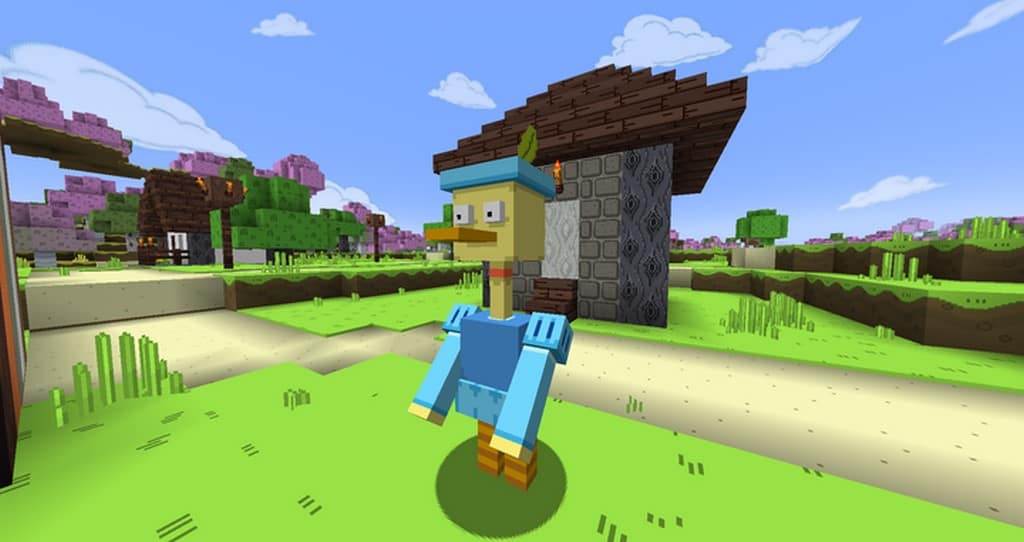
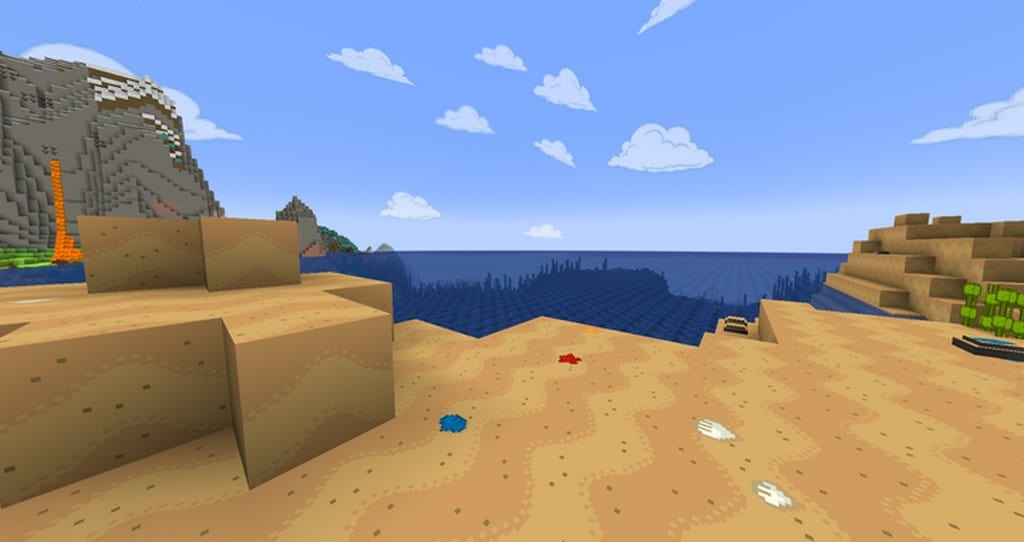
The Adventure Time Craft resource pack is an absolute must-have if you want to bring the magic of Adventure Time straight into your Minecraft world. If you are already a fan of the insanely popular series Adventure Time, you will immediately fall in love with this pack, but even if you don’t know much about the show, it is still an incredible experience. To sum it up, the show follows Finn and his dog companion Jake as they complete quests, conquer dungeons, defeat bosses, and save various princesses, all set in a world that feels heavily inspired by classic video games. The Adventure Time Craft resource pack captures this exact vibe and infuses your gameplay with that unmistakable Adventure Time charm. As for the visuals themselves, compared to other popular packs, it is not aggressively bright or blindingly colorful, but instead expertly refines the base game into something much bolder and more vibrant. Best of all, it is wonderfully extensive while maintaining a modest 32x resolution. This strikes the perfect balance to keep your game running as smoothly as possible, meaning you should not experience any annoying FPS-related performance drops while exploring.
This resource pack is completely finished and while the original author had no updates planned for a while, we are so lucky that there is an official continuation provided by other talented designers to keep things running. This pack fully supports all the newer types of flowers along with horses introduced in Minecraft 1.8, and it keeps up amazingly with modern features all the way through Minecraft 1.16 and beyond. Many dedicated players and gaming fanatics often mention that Adventure Time Craft reminds them of classic NES console games because of its delightfully simple textures and focused variety. As noted before, the colors and brightness never feel overwhelming, yet the artistry is deeply creative throughout. If you adore a more cartoony aesthetic and truly appreciate the unique imagery and art direction of the original show, you are going to absolutely adore the Adventure Time Craft pack. Getting it set up is an absolute breeze. . If you have ever enjoyed even a single episode of the Adventure Time cartoon, you owe it to yourself to give this pack a spin; you have nothing to lose, and you might just fall head over heels in love with it.
Adventure Time Craft should be compatible with all of these Minecraft versions: 26.2 – 26.1.2 – 26.1.1 – 26.1 – 1.21.11 – 1.21.10 – 1.21.9 – 1.21.8 – 1.21.7 – 1.21.6 – 1.21.5 – 1.21.4 – 1.21.3 – 1.21.2 – 1.21.1 – 1.21 – 1.20.6 – 1.20.5 – 1.20.4 – 1.20.3 – 1.20.2 – 1.20.1 – 1.20 – 1.19.4 – 1.19.3 – 1.19.2 – 1.19.1 – 1.19 – 1.18.2 – 1.18.1 – 1.18 – 1.17.1 – 1.17 – 1.16.5 – 1.16.4 – 1.16.3 – 1.16.2 – 1.16.1 – 1.16 – 1.15.2 – 1.15.1 – 1.15 – 1.14.4 – 1.14.3 – 1.14.2 – 1.14 – 1.13.2 – 1.13.1 – 1.13 – 1.12.2 – 1.12 – 1.11.2 – 1.11 – 1.10.2 – 1.10 – 1.9.4 – 1.9 – 1.8.9 – 1.8.8 – 1.8.1 – 1.8.6 – 1.8 – 1.7.10 – 1.7.9 – 1.7.4 – 1.7 – 1.6.4 – 1.6.2
Screenshots
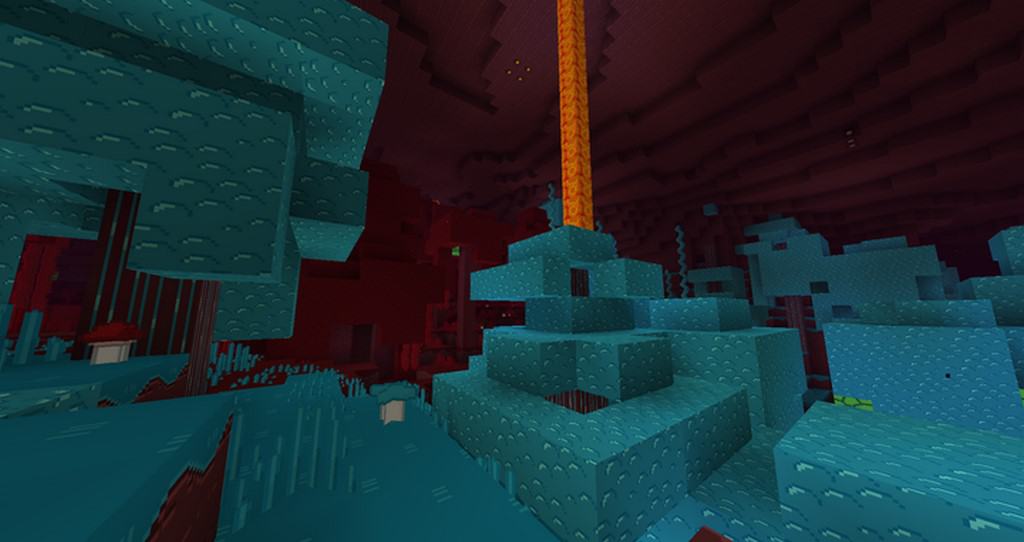
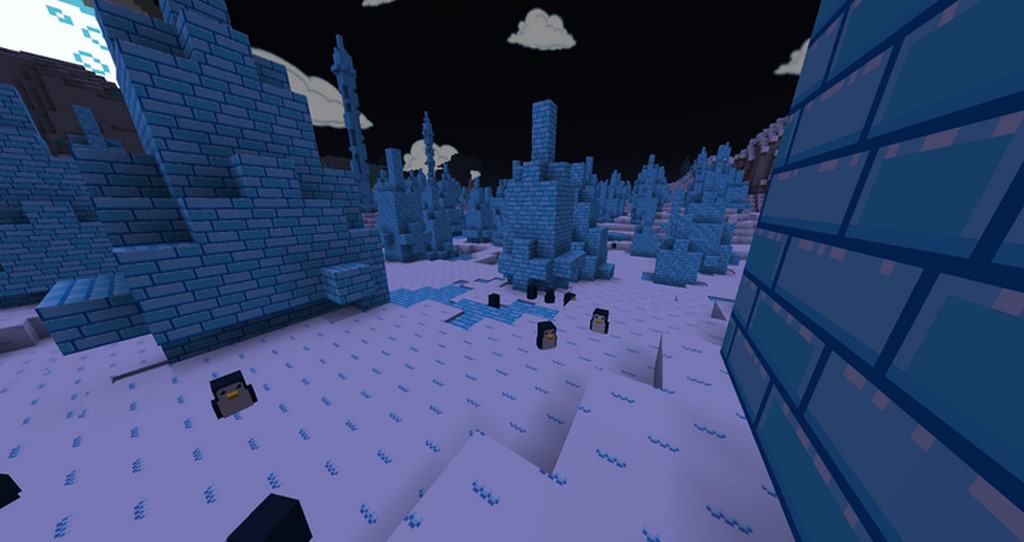
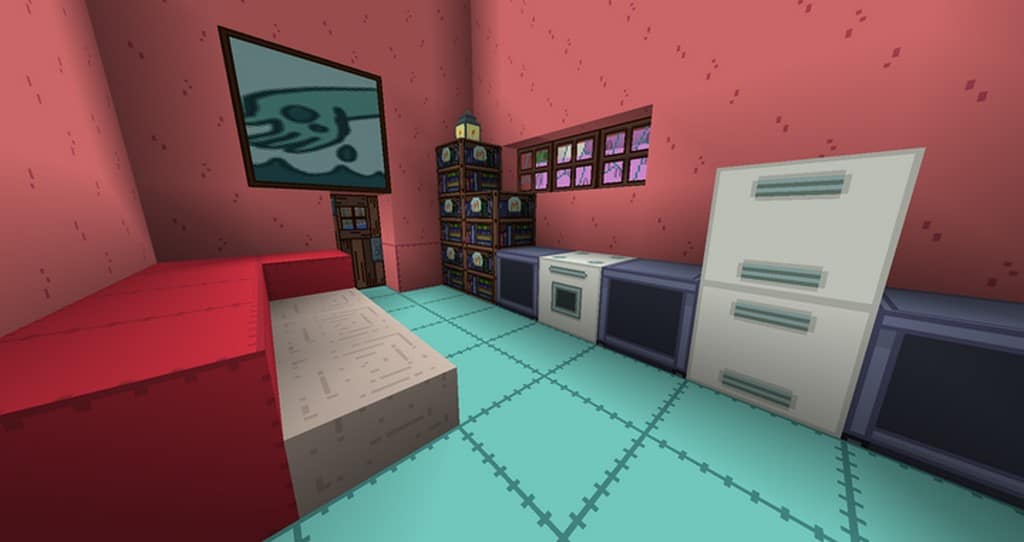
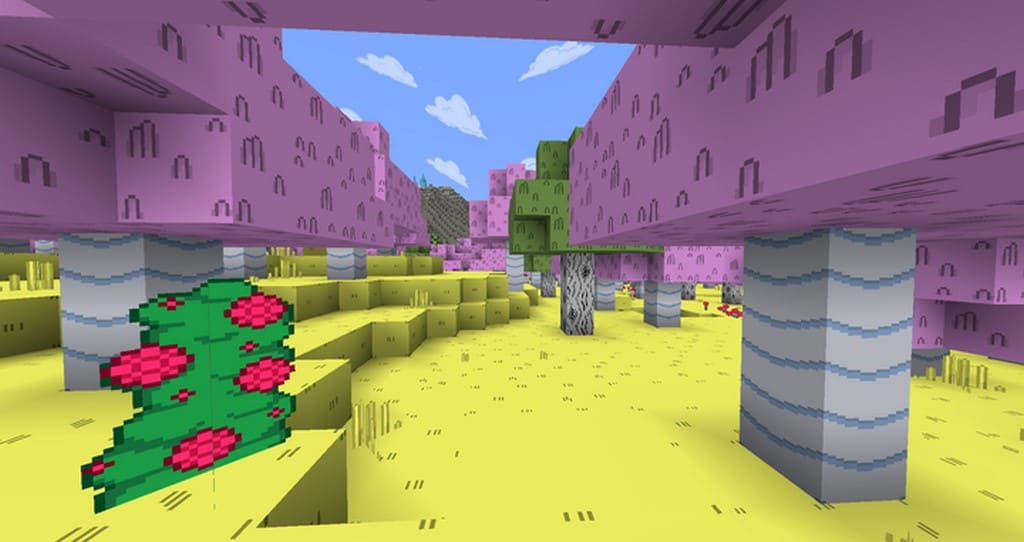
How to Install Texture Pack (Simple 10 Steps)
- Download OptiFine: Most of the texture packs and shaders need OptiFine. That’s why, first download and install OptiFine for the version of Minecraft you want to play.
- Download the Texture Pack: Get the texture pack you want from the download section. Choose the version that works with your Minecraft and your PC’s performance.
- Open Minecraft Launcher: Start Minecraft using the official game launcher — or even TLauncher, if you use that.
- Go to Options: From the main menu, click on the “Options” button.
- Open Resource Packs: Inside Options, click on “Resource Packs…”.
- Open the Resource Pack Folder: Click on “Open Resource Pack Folder” — this will open a folder named “resourcepacks”.
- Move the Pack File: Copy or move the .zip file you downloaded into that “resourcepacks” folder. (Don’t unzip the file — Minecraft uses it as-is!)
- Go Back and Refresh: Close the folder and click “Done”, then go back into “Resource Packs…” again.
- Activate the Pack: You’ll see the pack on the left side. Hover over it and click the arrow to move it to the right (active side).
Tip: If you get a message that the pack is for a different version, just click “Yes” — it usually works fine. - Click Done and Enjoy: Click “Done” again. Now your pack is ready to use in-game. It’s that easy!
Credits
Original pack created by leonel, and continued by WFlyingSquirrel. We do not own or modify this resource pack. All rights belong to the original creators. Please support the authors by downloading from their official links.
Download Links
Java Edition
Download Instructions
Curseforge: download starts automatically after a few seconds;
Mediafire: click the big blue button with the text “DOWNLOAD”;
Google Drive: in the top right corner you will see a small download icon (down arrow), click it and the download should start;


