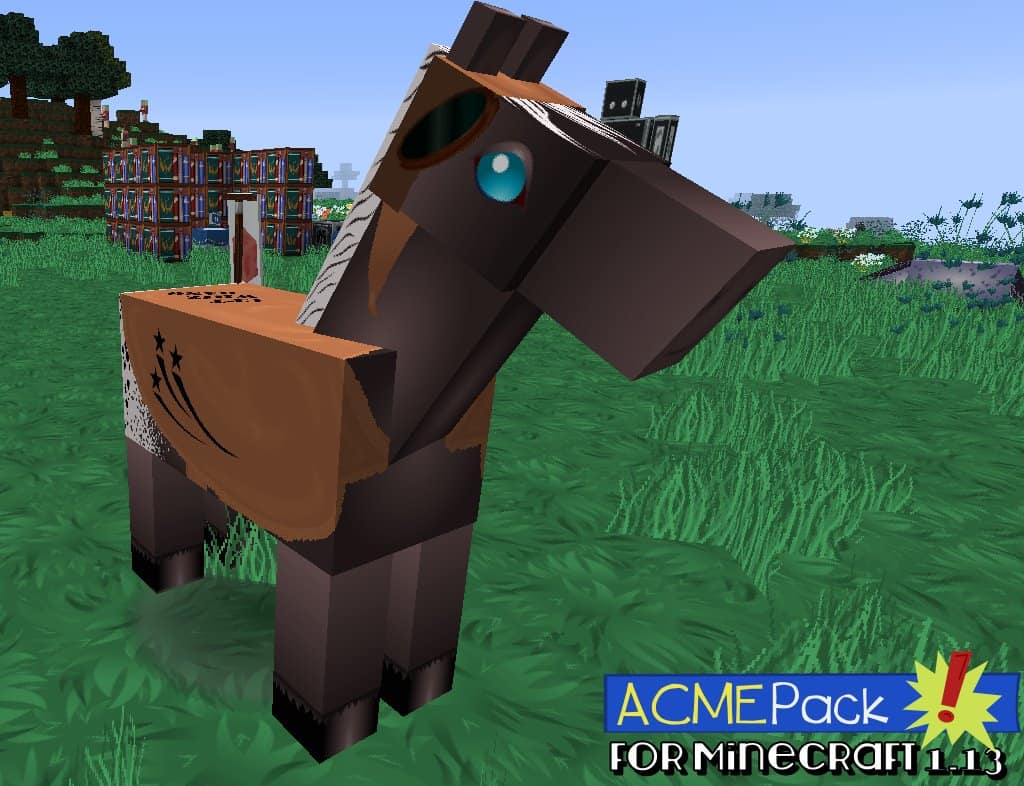
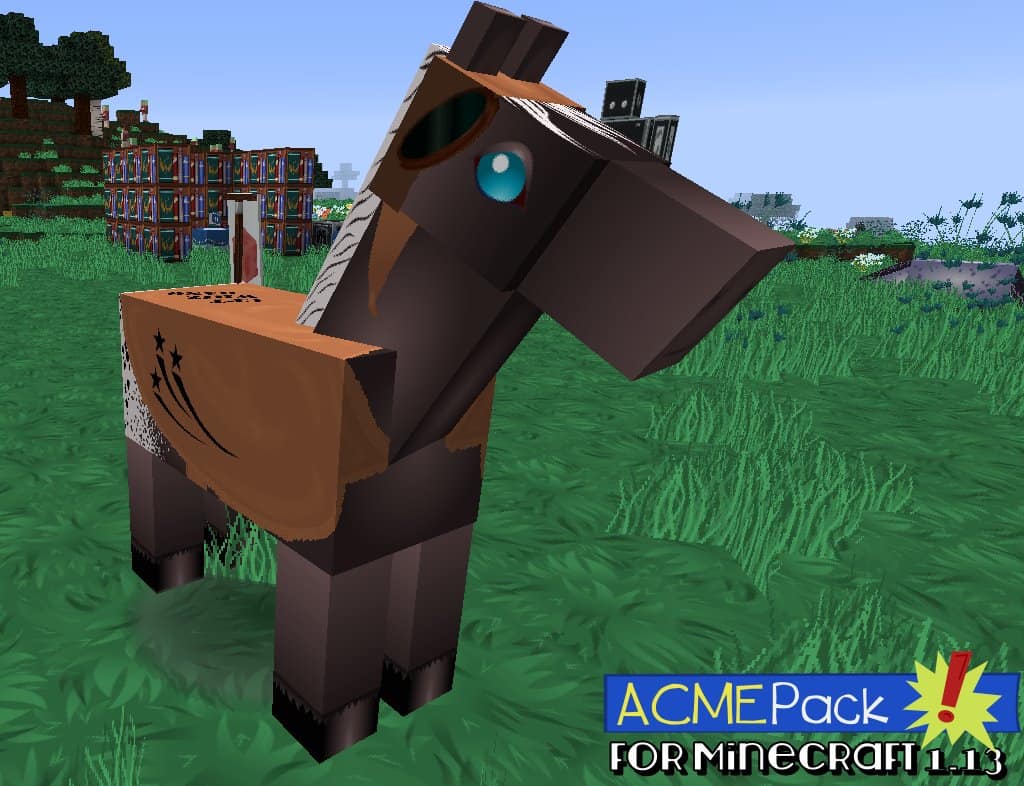
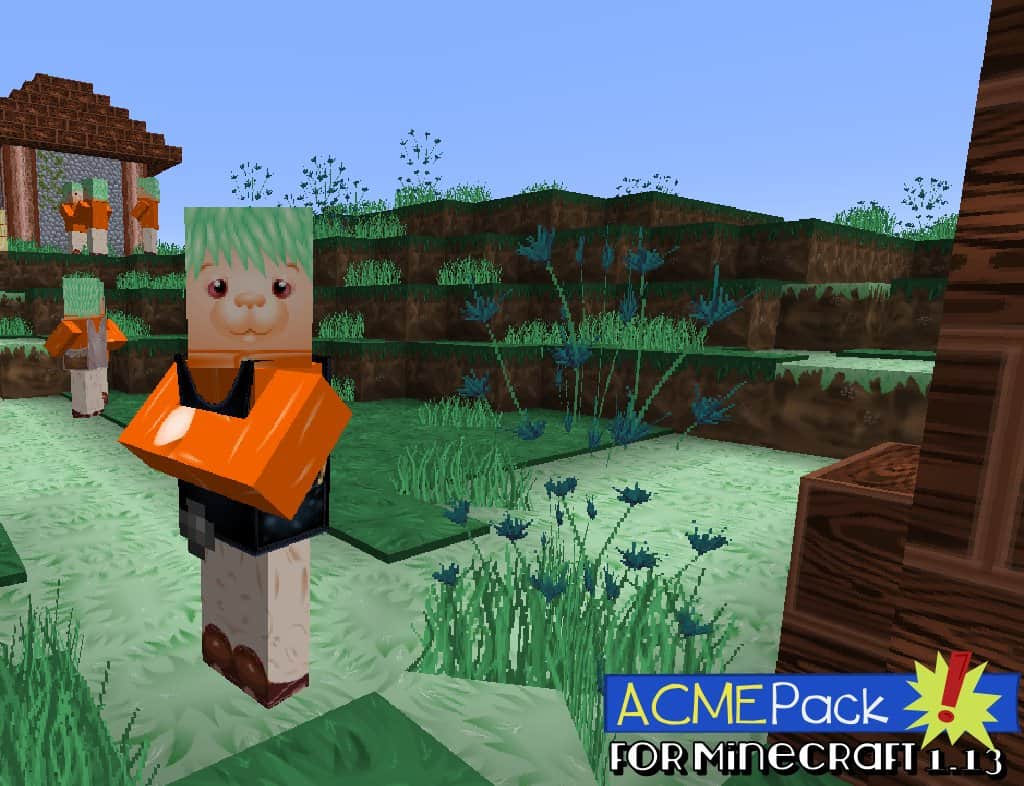
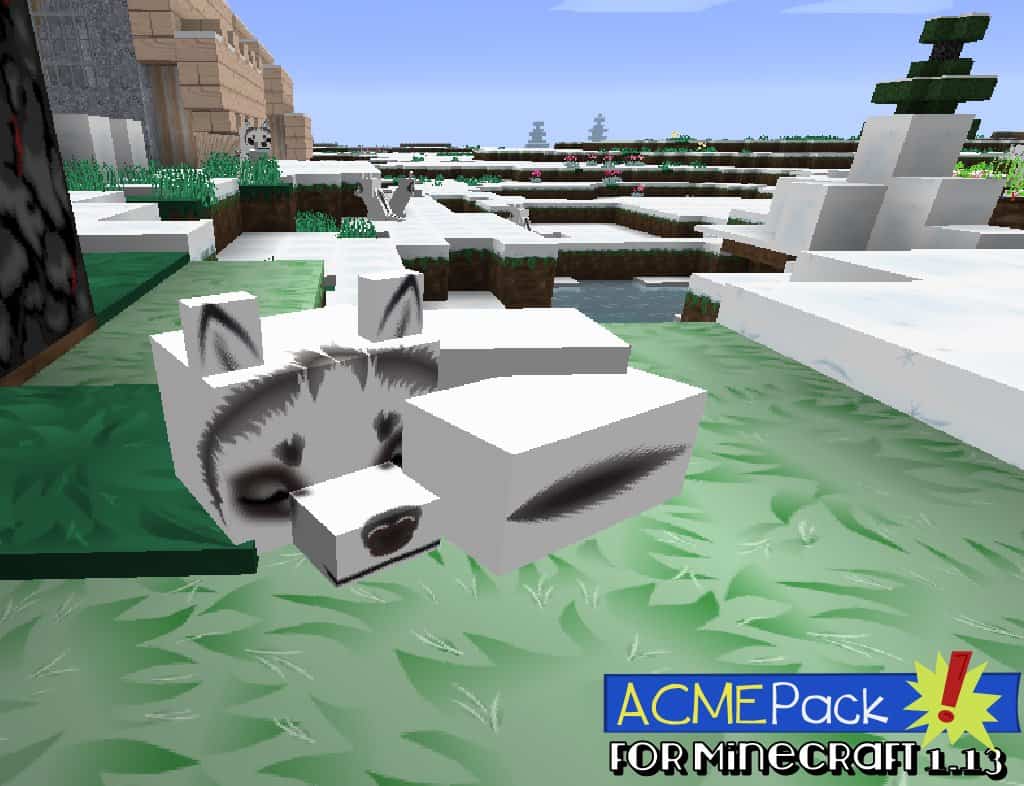
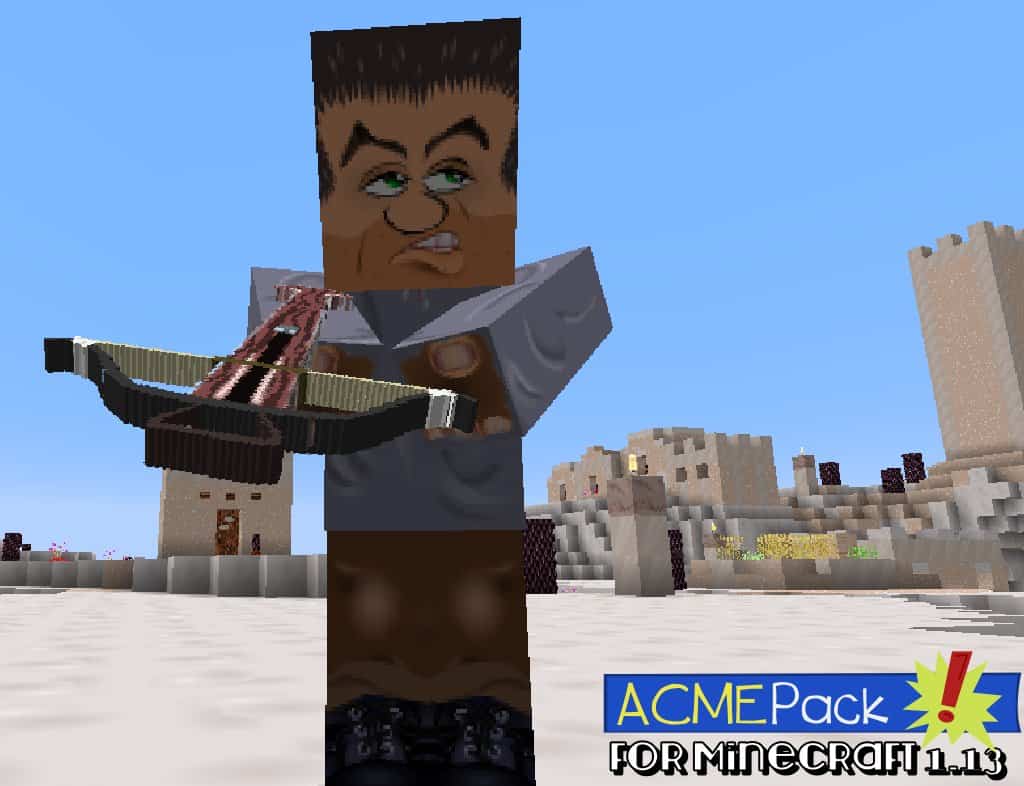
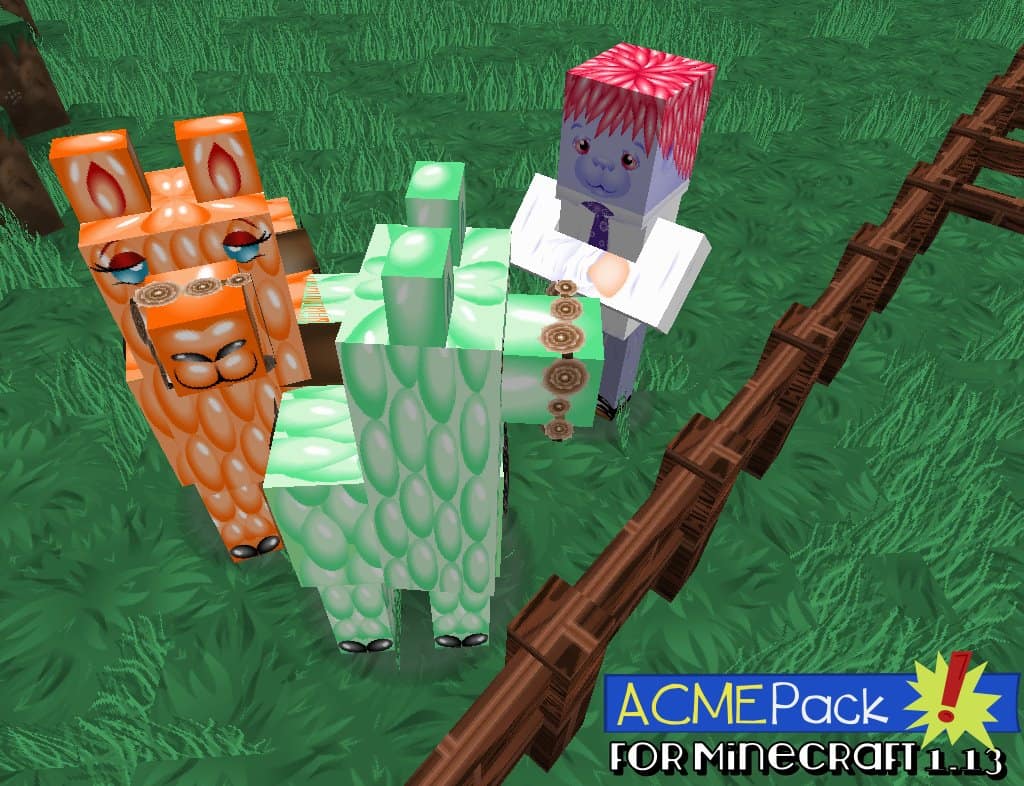
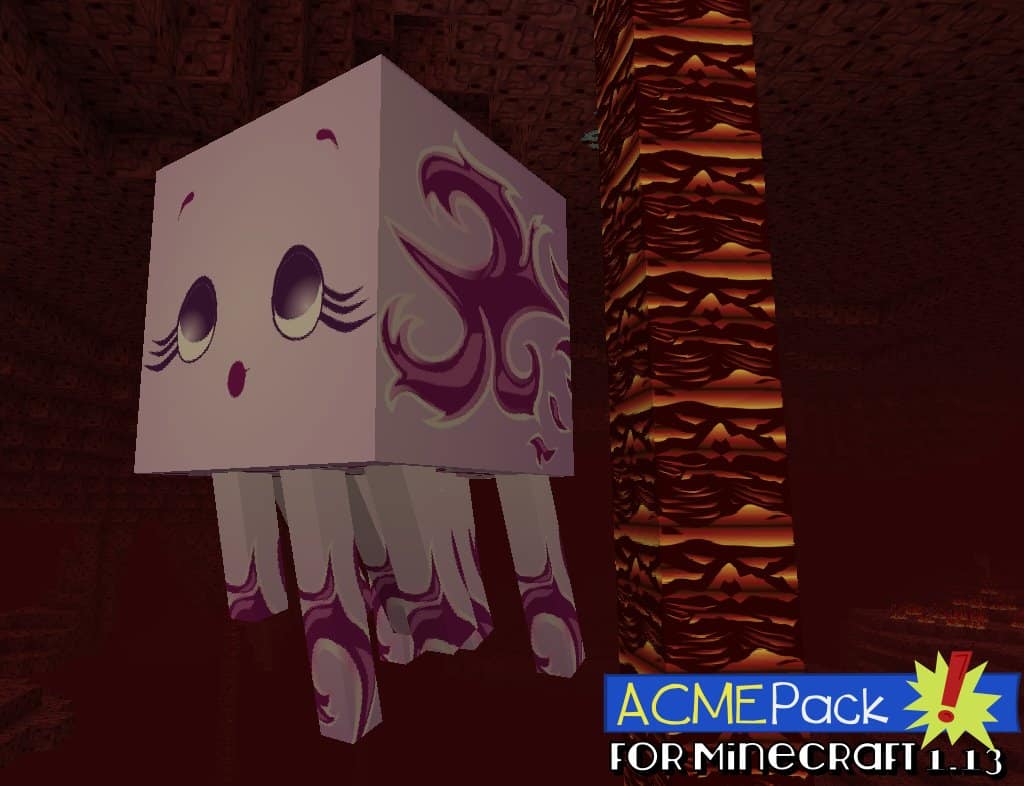
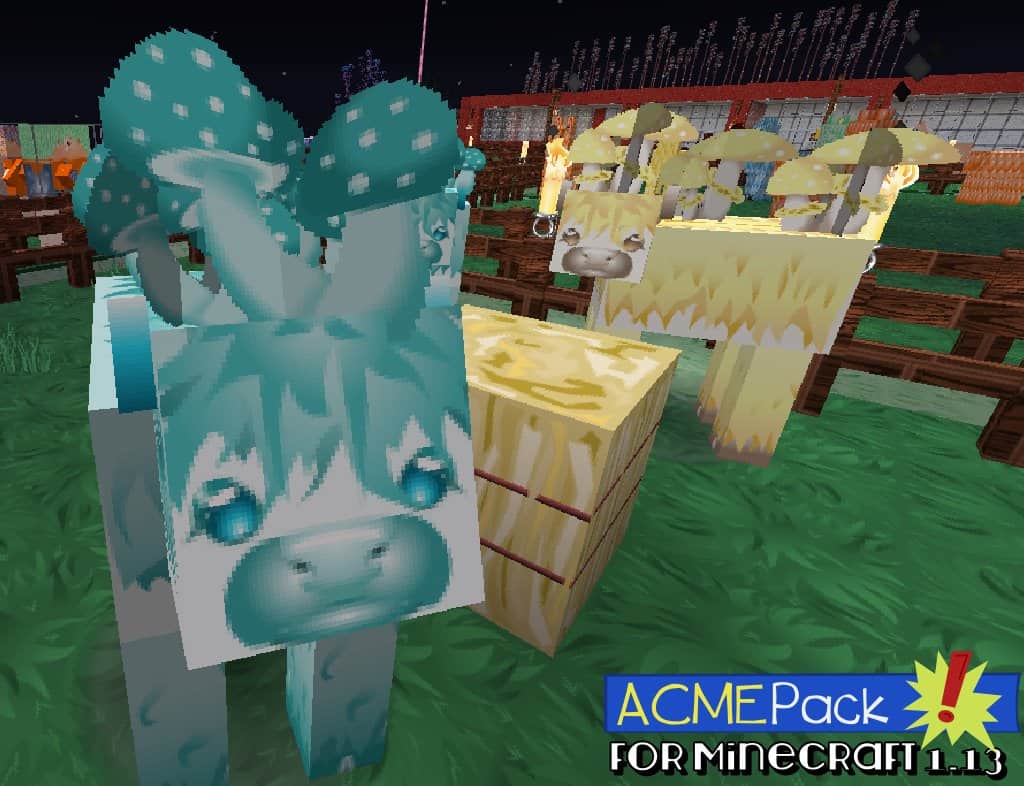
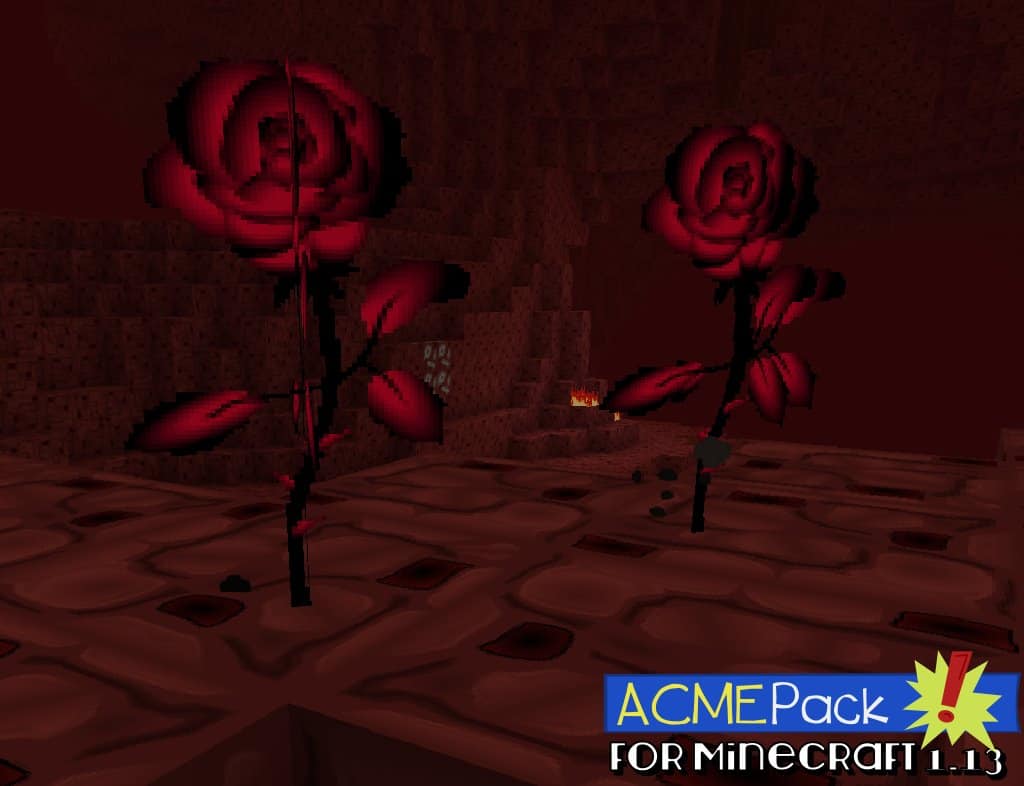
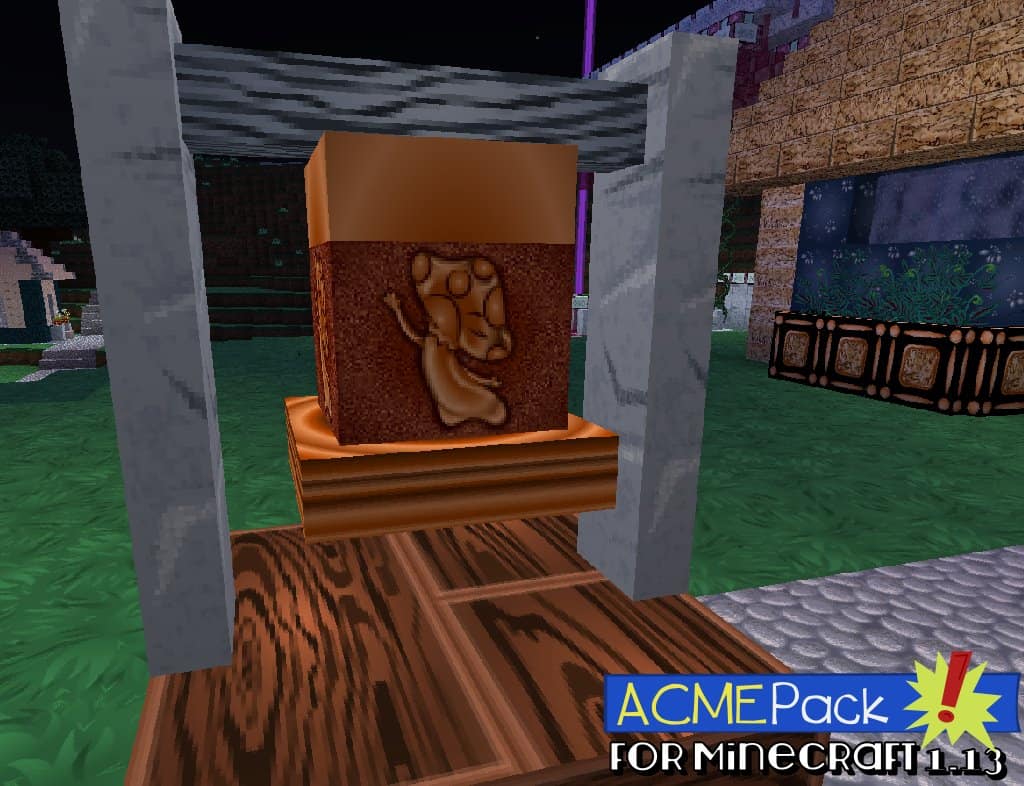
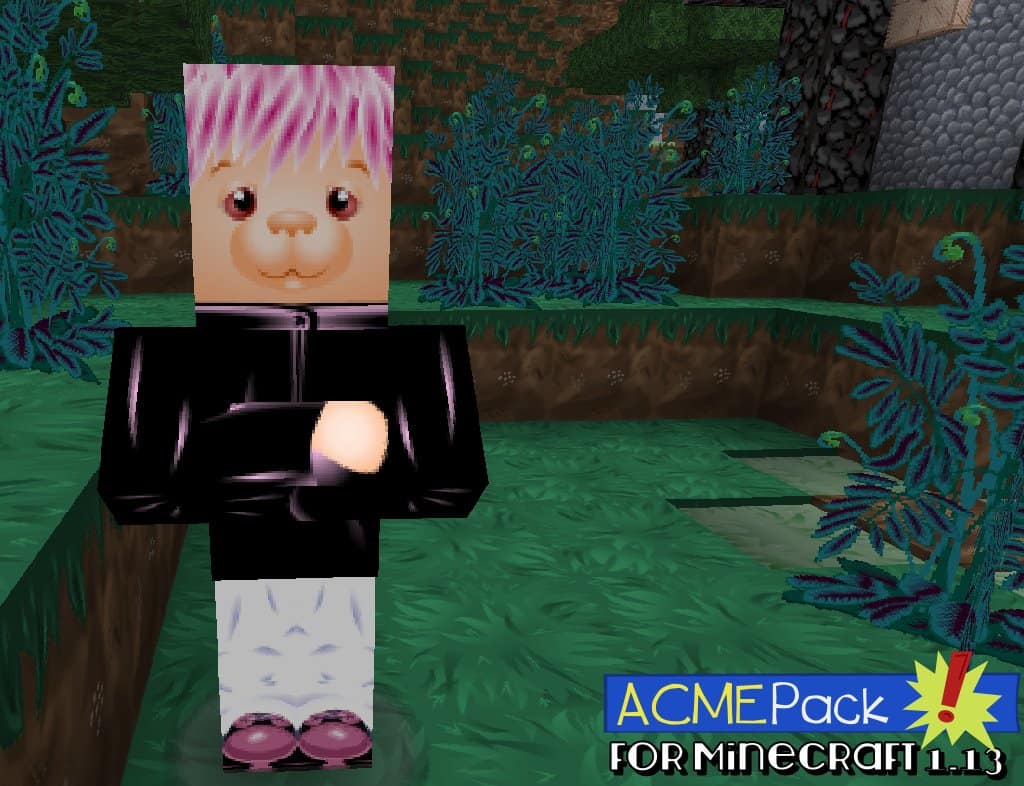
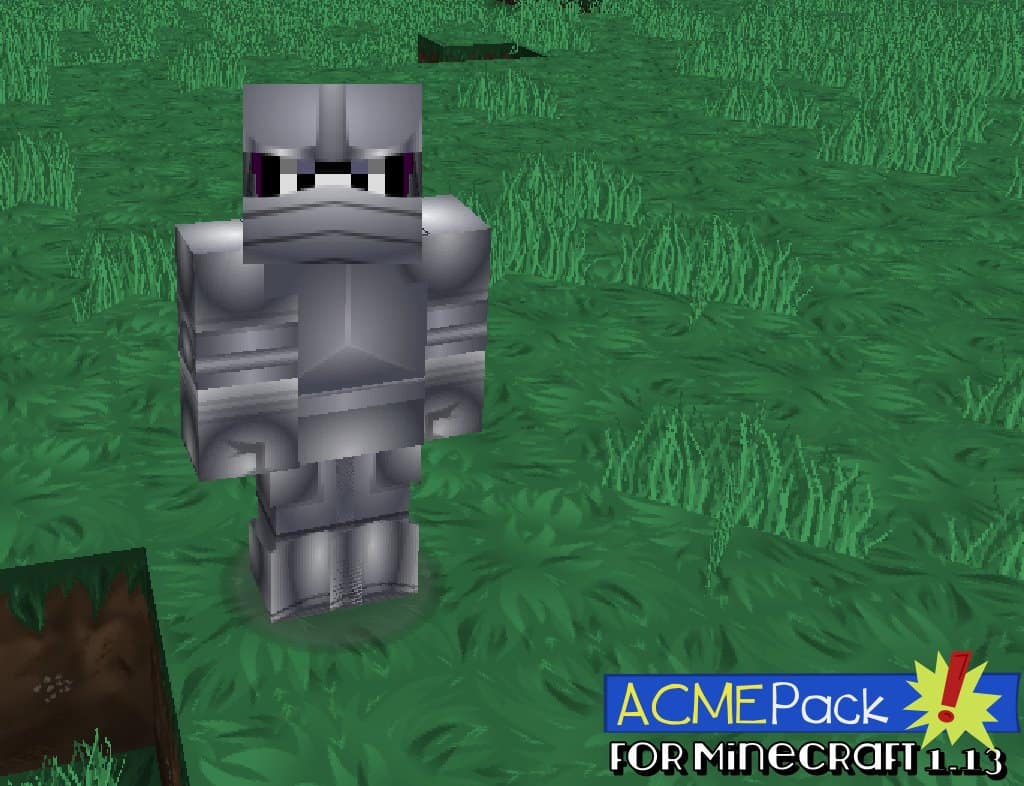
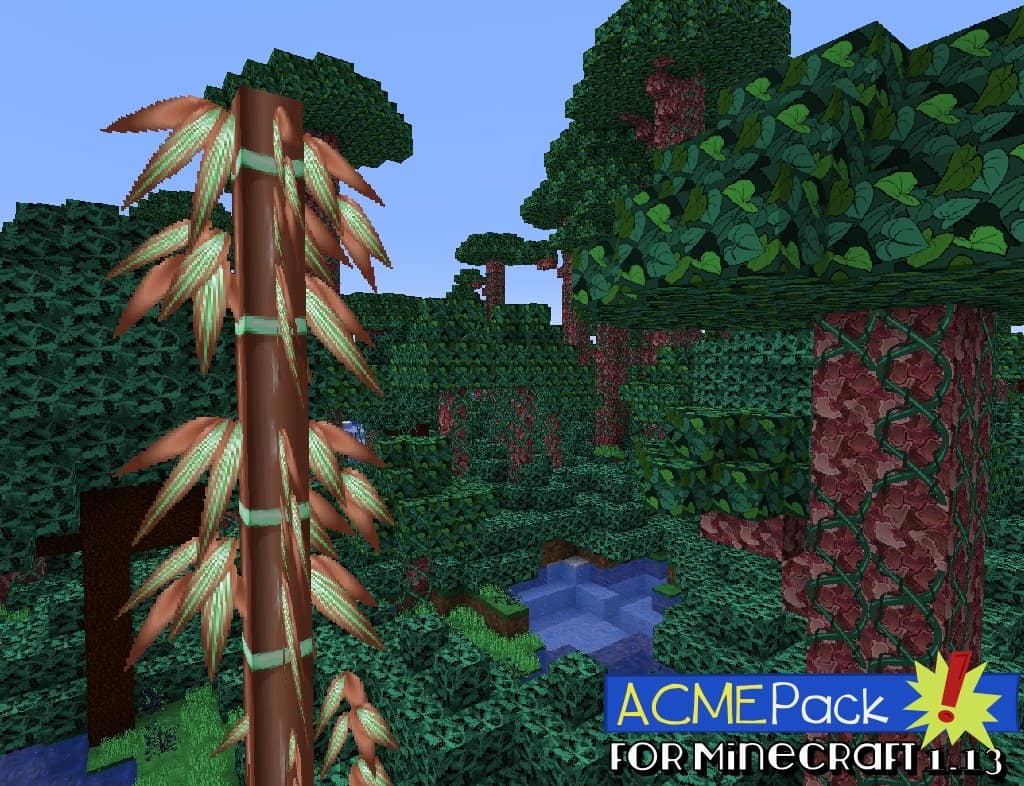
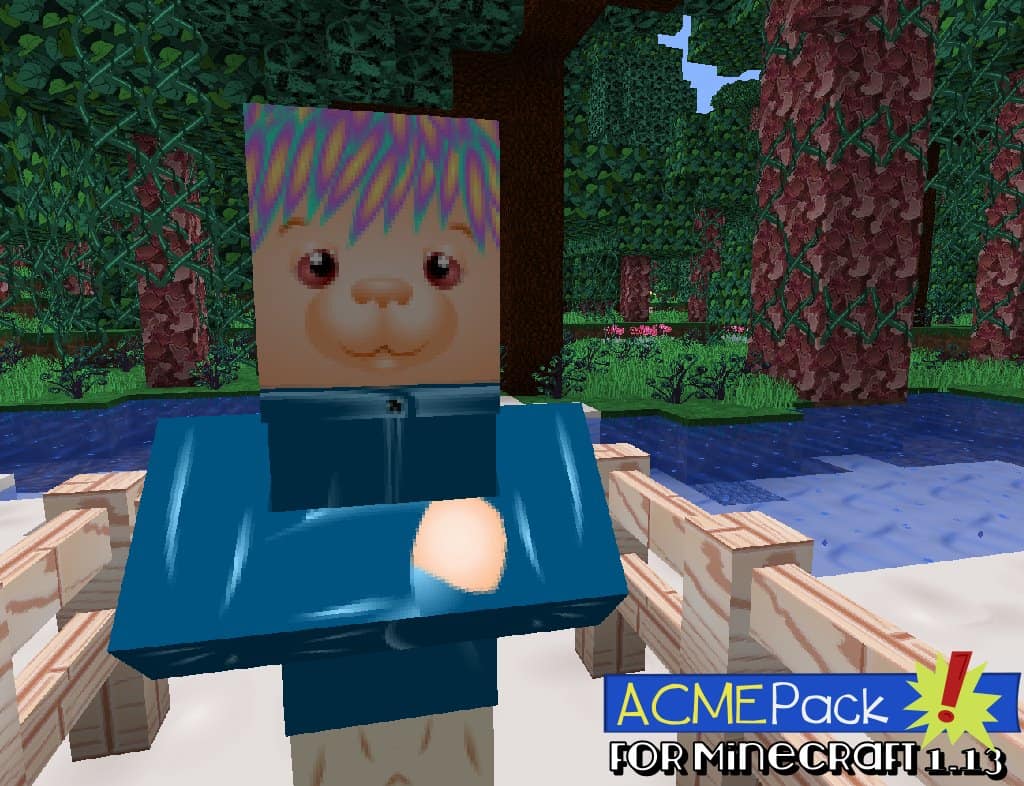
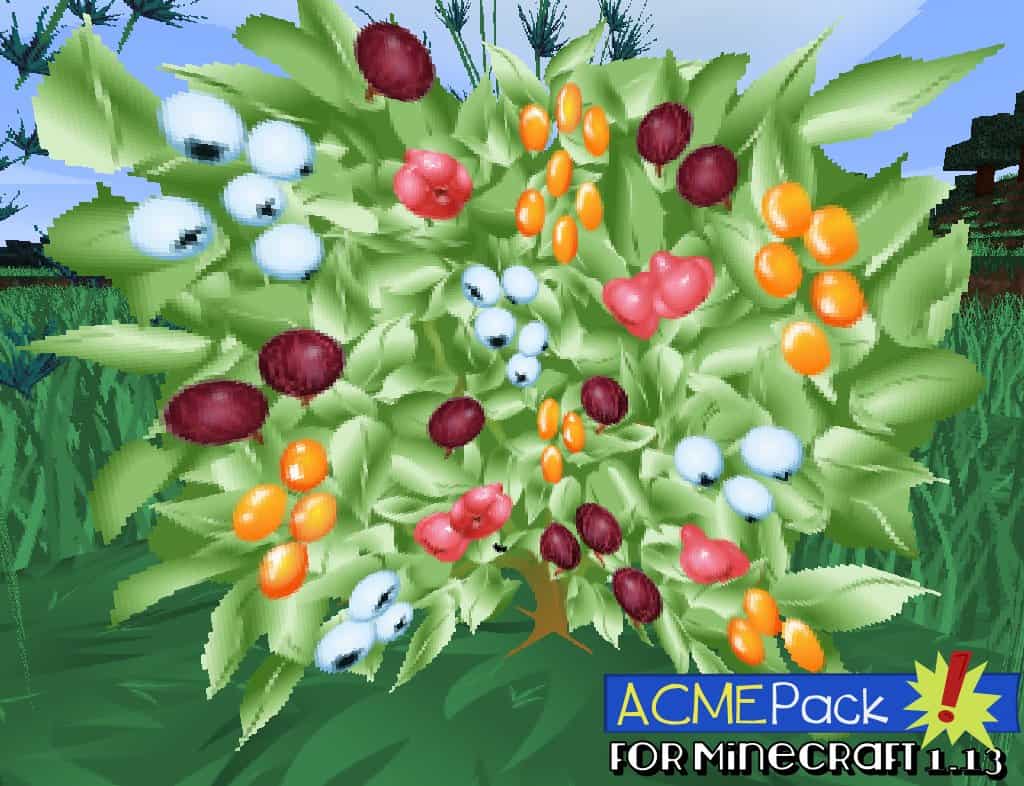
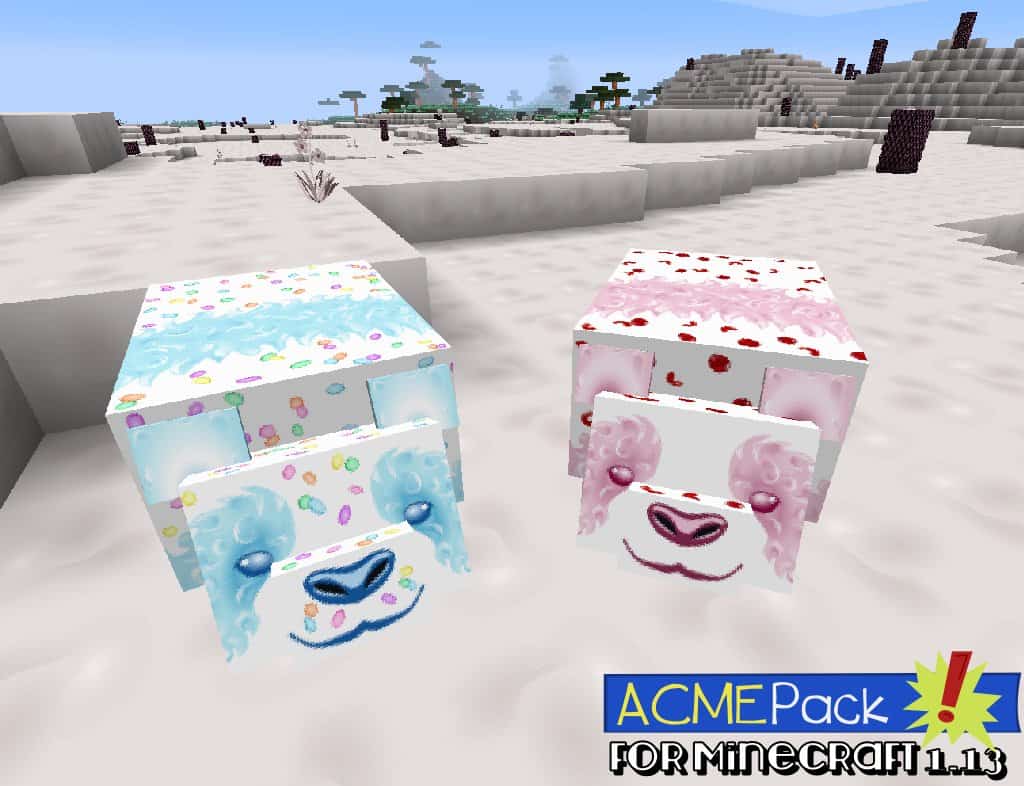
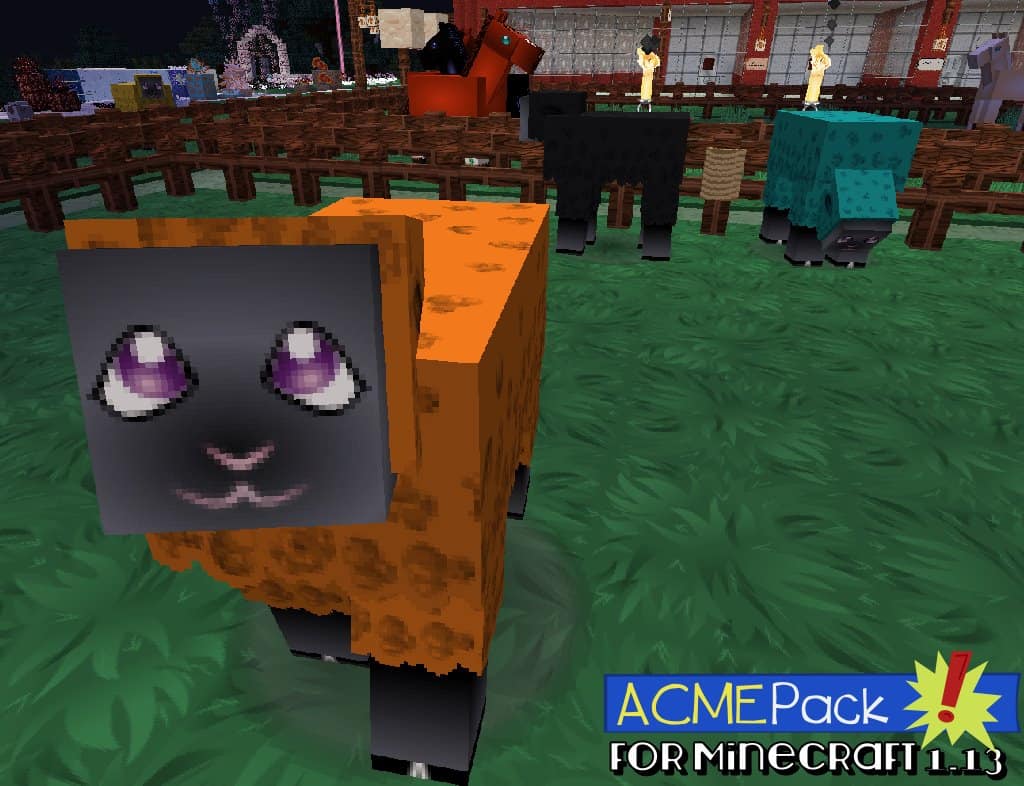
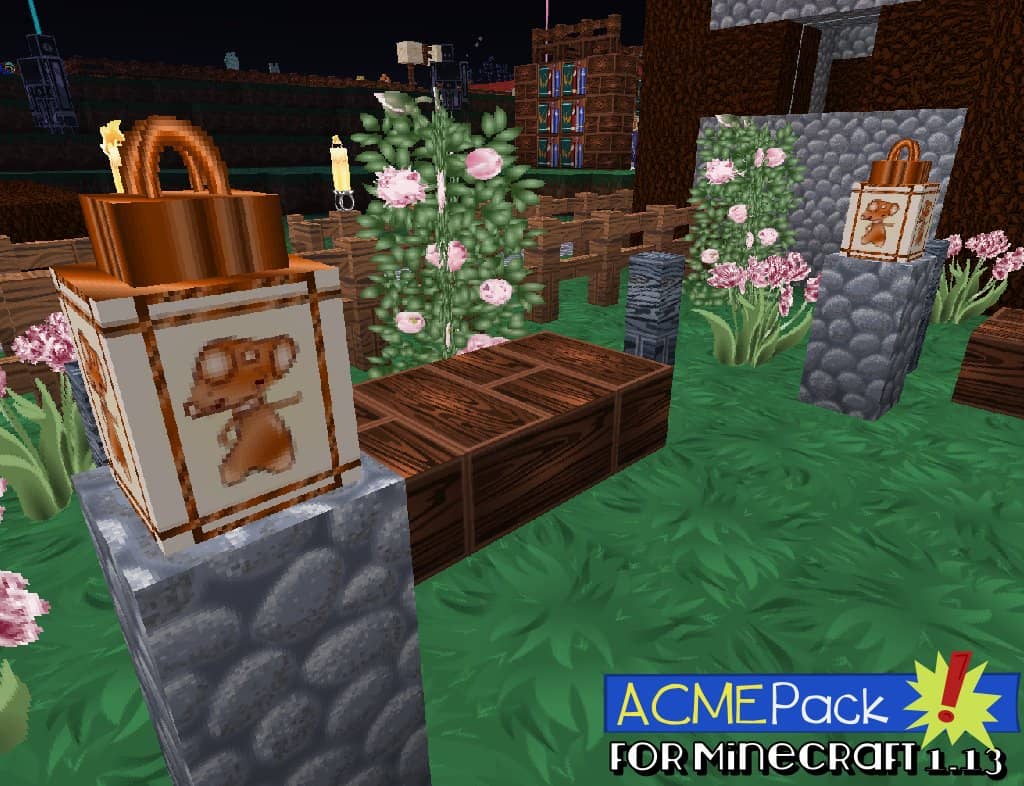
If you are hunting for an extraordinary and unusual texture pack, I really think the ACME resource pack might be exactly what you need. This resource pack features a wonderfully creative and distinctive design that gives the game a unique, highly attractive look inspired by an art style that was super popular decades ago—classic cartoon style. If you love building structures frequently in Minecraft, you will definitely prefer using this pack, because its visual style beautifully enhances the details of your builds and makes them look infinitely more impressive. At the same time, the pack does not deviate too far from the plain vanilla look of Minecraft, meaning players truly get to enjoy the best features of both worlds when using it. Overall, it stands out wonderfully from default Minecraft since every single texture has been lovingly crafted in this cartoon style. One of the absolute best features of the ACME pack is its incredible consistency; compared to so many other packs out there, this resource pack boasts one of the most appropriate and harmonious color combinations you will ever see.
The colors are expertly chosen to deliver the absolute best visual impact, remaining perfectly balanced so they are neither too dull nor overly bright. Complementing this remarkably consistent color scheme, you will find exceptionally well-designed textures for a wide variety of items. Moving away from the usual pixelated and blocky designs, these textures give the equipment and weapons you use in-game a striking, cartoonly-realistic look that is a joy to behold. In most cases, the ACME pack’s design choices also give the mobs in the game a much more menacing and engaging presence, though a few mobs could perhaps use a bit more redesign work to feel genuinely terrifying. There are four different resolutions available for the ACME pack—x512, x256, x128, and x64—and users are guaranteed a crisp, clear texture regardless of which resolution they pick since all options are reasonably high resolution. Naturally, you will get the absolute sharpest textures by opting for the x512 resolution, though do keep in mind the minor trade-off that you will need a very powerful, high-end computer to run this specific tier smoothly and maintain a stable frame rate.
ACME Pack should be compatible with all of these Minecraft versions: 1.16.5 – 1.16.4 – 1.16.3 – 1.16.2 – 1.16.1 – 1.16 – 1.15.2 – 1.15.1 – 1.15 – 1.14.4 – 1.14.3 – 1.14.2 – 1.14 – 1.13.2 – 1.13.1 – 1.13 – 1.12.2 – 1.12 – 1.11.2 – 1.11 – 1.10.2 – 1.10 – 1.9.4 – 1.9 – 1.8.9 – 1.8.8 – 1.8.1 – 1.8.6 – 1.8 – 1.7.10 – 1.7.9 – 1.7.4 – 1.7 – 1.6.4 – 1.6.2 – 1.5.2
Screenshots

How to Install Texture Pack (Simple 10 Steps)
- Download OptiFine: Most of the texture packs and shaders need OptiFine. That’s why, first download and install OptiFine for the version of Minecraft you want to play.
- Download the Texture Pack: Get the texture pack you want from the download section. Choose the version that works with your Minecraft and your PC’s performance.
- Open Minecraft Launcher: Start Minecraft using the official game launcher — or even TLauncher, if you use that.
- Go to Options: From the main menu, click on the “Options” button.
- Open Resource Packs: Inside Options, click on “Resource Packs…”.
- Open the Resource Pack Folder: Click on “Open Resource Pack Folder” — this will open a folder named “resourcepacks”.
- Move the Pack File: Copy or move the .zip file you downloaded into that “resourcepacks” folder. (Don’t unzip the file — Minecraft uses it as-is!)
- Go Back and Refresh: Close the folder and click “Done”, then go back into “Resource Packs…” again.
- Activate the Pack: You’ll see the pack on the left side. Hover over it and click the arrow to move it to the right (active side).
Tip: If you get a message that the pack is for a different version, just click “Yes” — it usually works fine. - Click Done and Enjoy: Click “Done” again. Now your pack is ready to use in-game. It’s that easy!
Credits
The ACME Resource Pack was created by hastypixels. We do not own or claim ownership of this content, and no modifications have been made to the original files provided by the author. All rights and intellectual property remain entirely with hastypixels. We strongly encourage you to support the creator by downloading the pack from their official links and visiting their community pages.
Download Links
Java Edition
- [64x] Minecraft 1.16.x
- [128x] Minecraft 1.16.x
- [256x] Minecraft 1.16.x
- [512x] Minecraft 1.16.x
- [64x] Minecraft 1.15.x
- [128x] Minecraft 1.15.x
- [256x] Minecraft 1.15.x
- [64x] Minecraft 1.14.x
- [128x] Minecraft 1.14.x
- [256x] Minecraft 1.14.x
- [64x] Minecraft 1.13.x
- [128x] Minecraft 1.13.x
- [256x] Minecraft 1.13.x
- [64x] Minecraft 1.12.x
- [128x] Minecraft 1.12.x
- [256x] Minecraft 1.12.x
- [64x] Minecraft 1.11.x
- [128x] Minecraft 1.11.x
- [256x] Minecraft 1.11.x
- [64x] Minecraft 1.10.x
- [128x] Minecraft 1.10.x
- [256x] Minecraft 1.10.x
- [64x] Minecraft 1.9.x
- [128x] Minecraft 1.9.x
- [256x] Minecraft 1.9.x
- [64x] Minecraft 1.8.x
- [128x] Minecraft 1.8.x
- [256x] Minecraft 1.8.x
- [64x] Minecraft 1.7.x
- [128x] Minecraft 1.7.x
- [256x] Minecraft 1.7.x
- [64x] Minecraft 1.6.x
- [128x] Minecraft 1.6.x
- [256x] Minecraft 1.6.x
- [64x] Minecraft 1.5.x
- [128x] Minecraft 1.5.x
- [256x] Minecraft 1.5.x
- Official Website
Download Instructions
Curseforge: download starts automatically after a few seconds;
Mediafire: click the big blue button with the text “DOWNLOAD”;
Google Drive: in the top right corner you will see a small download icon (down arrow), click it and the download should start;


