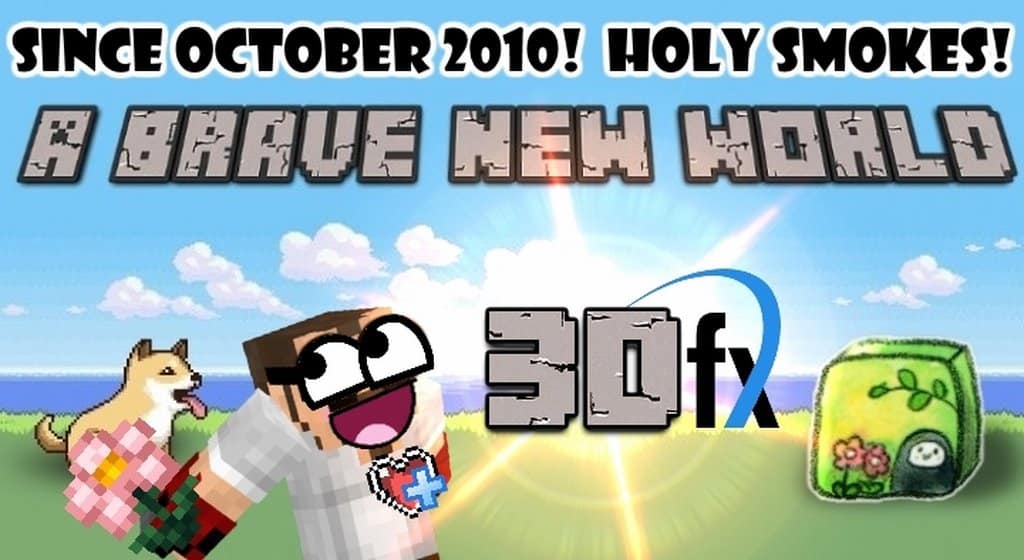
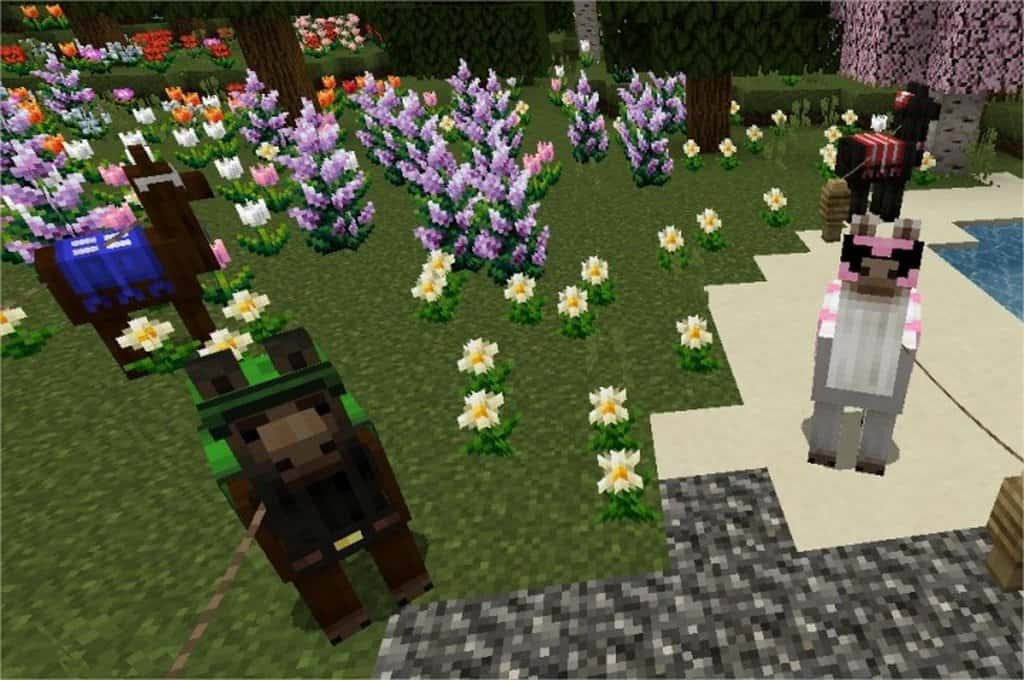
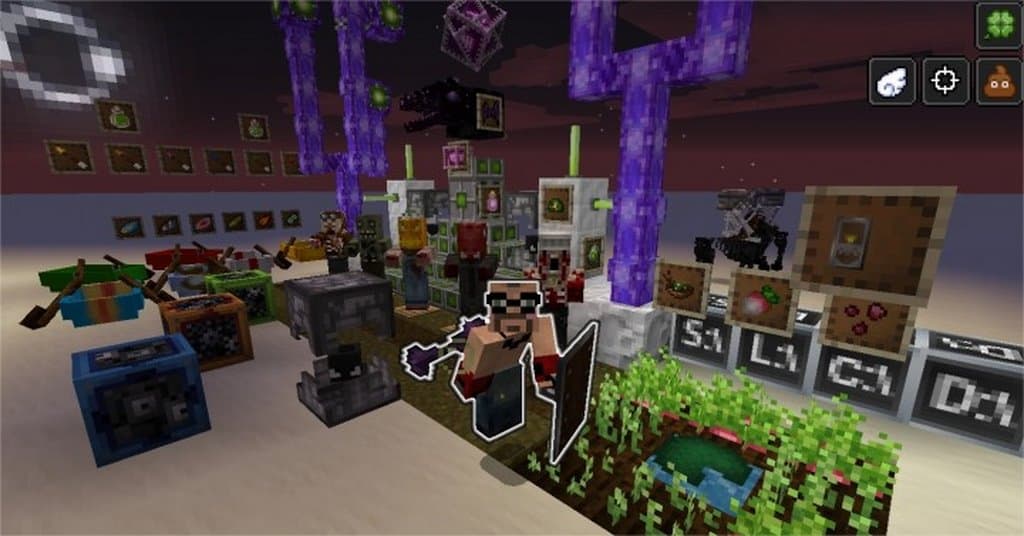
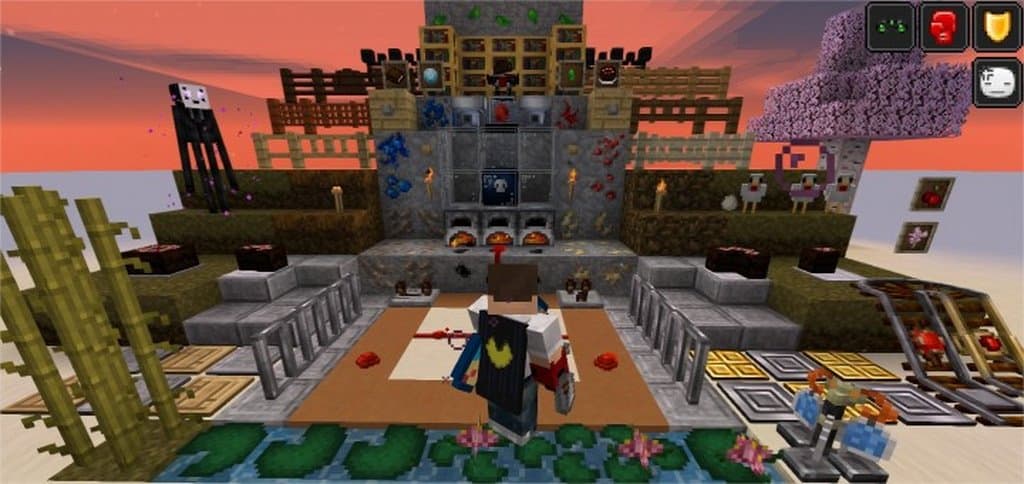
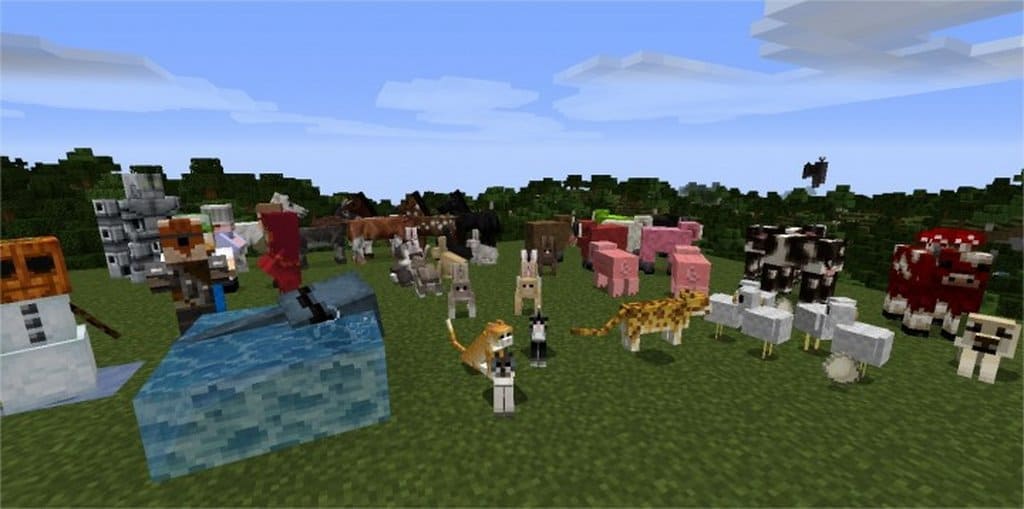
Deserts, mountains, swamps, and mere plains – anyone who has played five minutes’ worth of Minecraft knows and loves all these scenarios. These are the places where you will live, build, hunt, and escape from hostile mobs. All of them have an allure of their own, but I always felt there was a missing factor in Minecraft’s system: the biomes are always the same and nothing ever changes – once you know one you know them all. That’s where the incredible A Brave New World resource pack comes into play. It changes the game for the better, allowing you to experience different seasons throughout the biomes. There’s a completely different feeling to a Minecraft game once you can experience rain in a Summer biome or leaves falling all around you in an Autumn one. It’s a slight change that I found improves the game tenfold.
Seasons do not change regularly in this resource pack. Instead, they are added onto different biomes all around you – because of that, you might see the summer rain to your left and the leaves falling to your right, providing a truly unique experience to be had. A Brave New World resource pack was originally made to be an add-on to the Real Life Seasons mod – the latter is now defunct and abandoned. Happily, A Brave New World is still around, having borrowed textures from Real Life Seasons and added a few new tricks of its own. If you are looking for a resource pack that completely changes your Minecraft experience, this is definitely it. Even though it won’t add regular season changes like it was originally intended, there’s a stunning visual impact from different seasons happening throughout the wide array of biomes available – making Minecraft a much more complex and layered game. You don’t have to wait for Summer to come around with this resource pack, you only have to go out and find it.
A Brave New World should be compatible with all of these Minecraft versions: 1.11.2 – 1.11 – 1.10.2 – 1.10 – 1.9.4 – 1.9 – 1.8.9 – 1.8.8 – 1.8.1 – 1.8.6 – 1.8 – 1.7.10 – 1.7.9 – 1.7.4 – 1.7
Screenshots
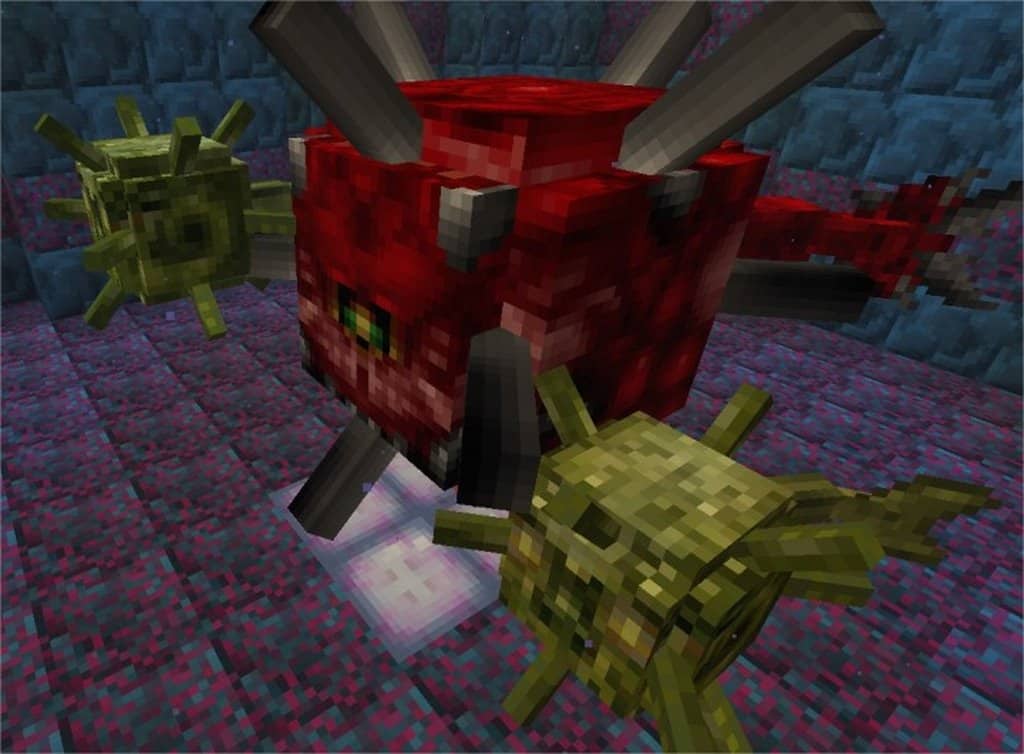
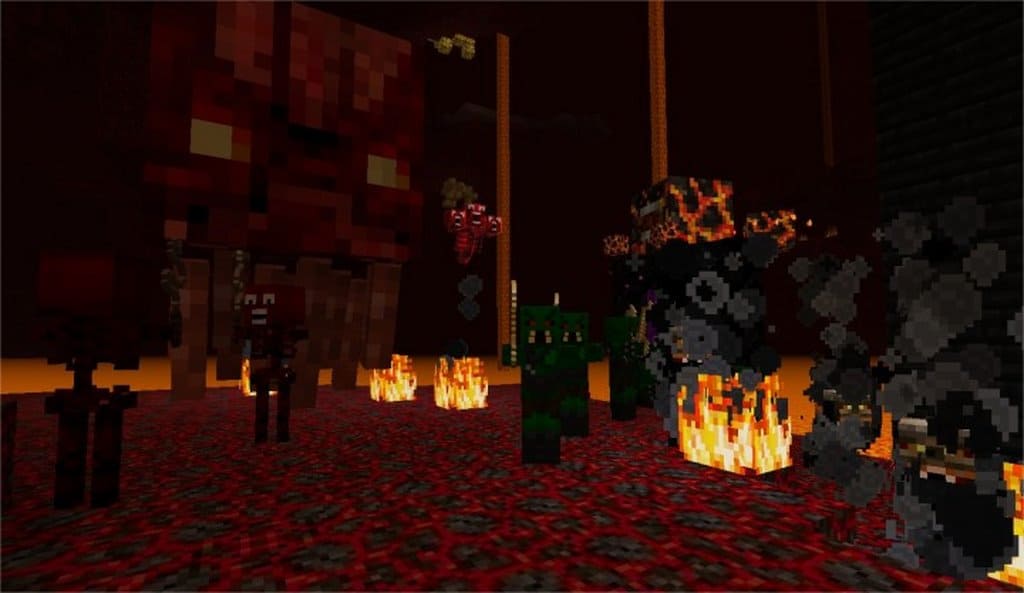

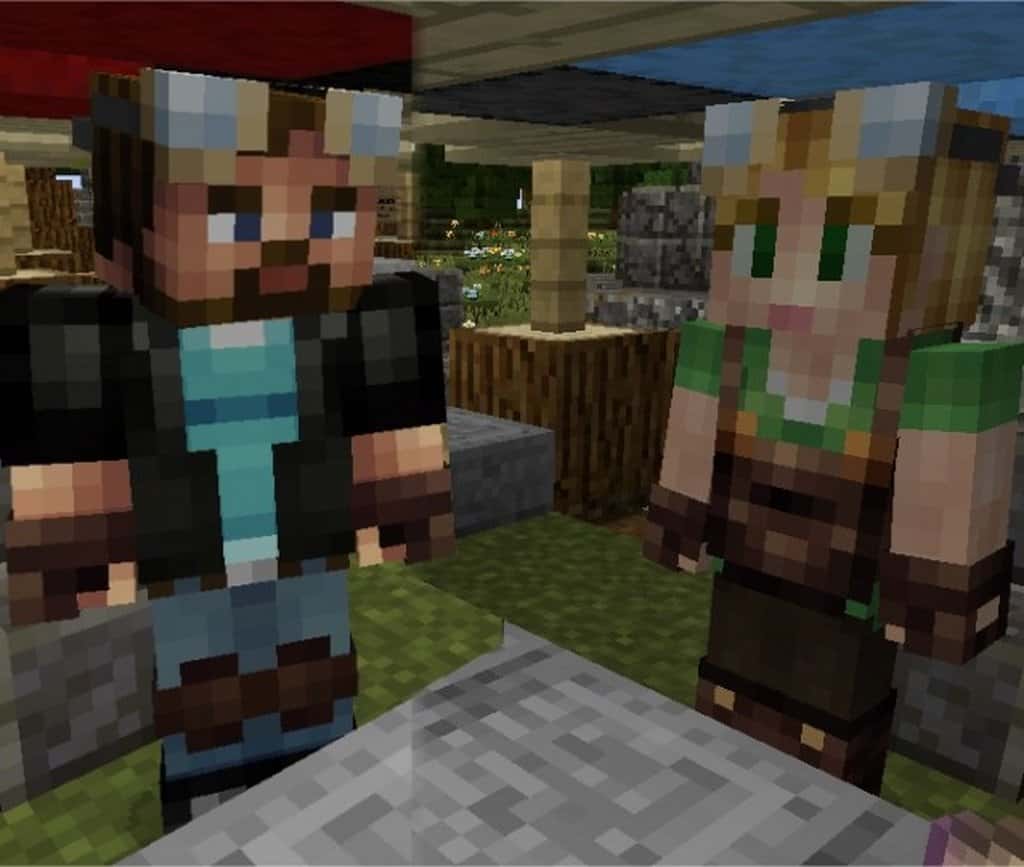
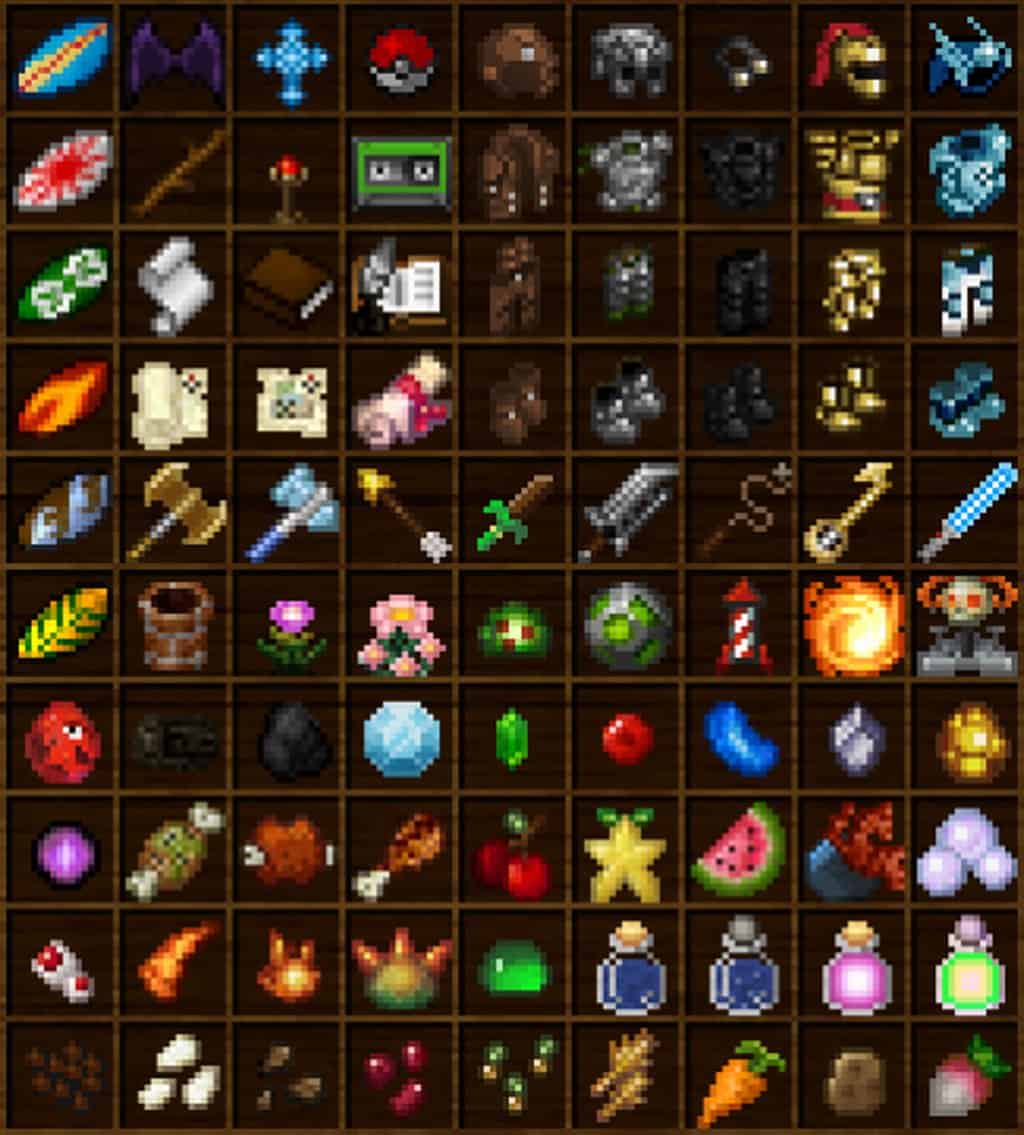
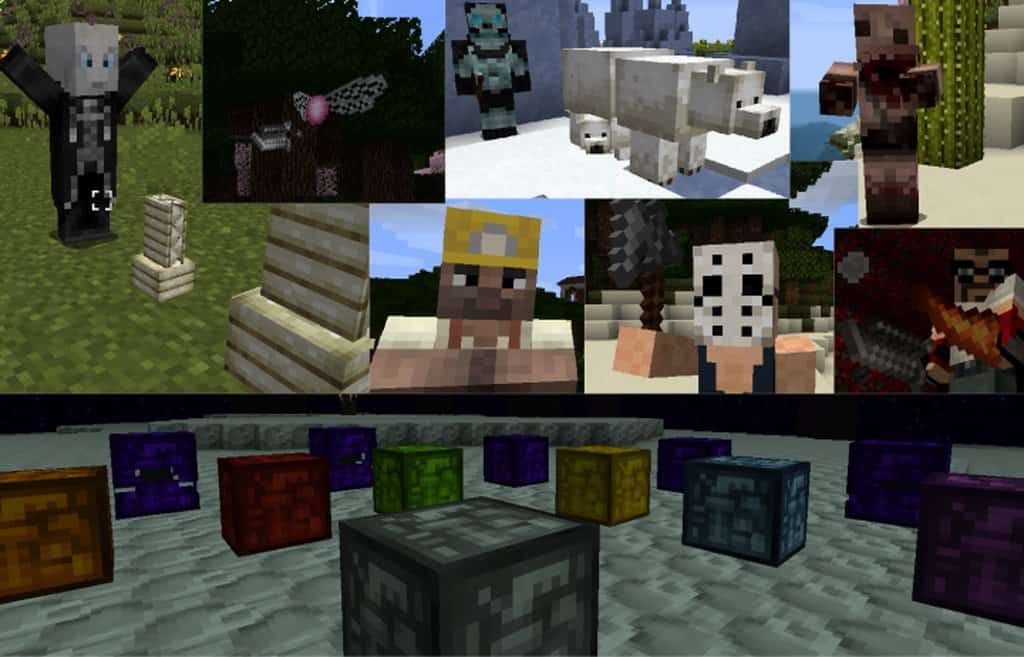
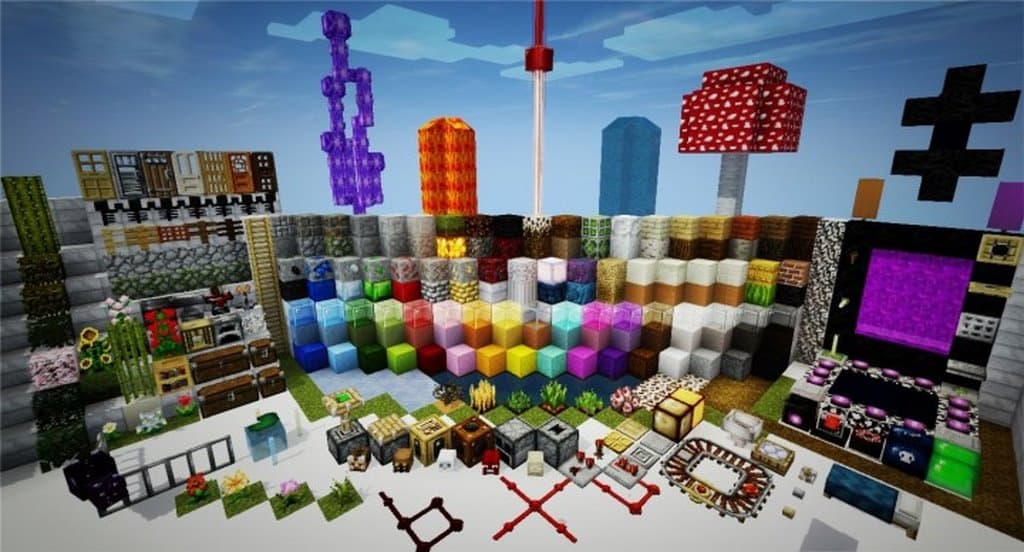
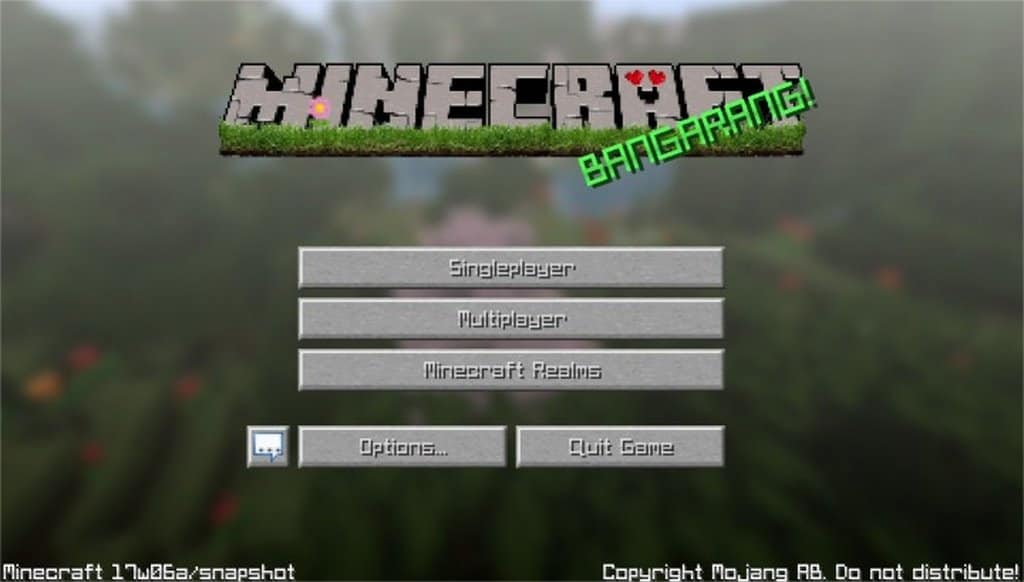
How to Install Texture Pack (Simple 10 Steps)
- Download OptiFine: Most of the texture packs and shaders need OptiFine. That’s why, first download and install OptiFine for the version of Minecraft you want to play.
- Download the Texture Pack: Get the texture pack you want from the download section. Choose the version that works with your Minecraft and your PC’s performance.
- Open Minecraft Launcher: Start Minecraft using the official game launcher — or even TLauncher, if you use that.
- Go to Options: From the main menu, click on the “Options” button.
- Open Resource Packs: Inside Options, click on “Resource Packs…”.
- Open the Resource Pack Folder: Click on “Open Resource Pack Folder” — this will open a folder named “resourcepacks”.
- Move the Pack File: Copy or move the .zip file you downloaded into that “resourcepacks” folder. (Don’t unzip the file — Minecraft uses it as-is!)
- Go Back and Refresh: Close the folder and click “Done”, then go back into “Resource Packs…” again.
- Activate the Pack: You’ll see the pack on the left side. Hover over it and click the arrow to move it to the right (active side).
Tip: If you get a message that the pack is for a different version, just click “Yes” — it usually works fine. - Click Done and Enjoy: Click “Done” again. Now your pack is ready to use in-game. It’s that easy!
Credits
Credits to TQuin for creating A Brave New World. We do not claim ownership of this resource pack, nor have we modified the download files. We encourage you to support the original creator.
Download Links
Java Edition
Download Instructions
Curseforge: download starts automatically after a few seconds;
Mediafire: click the big blue button with the text “DOWNLOAD”;
Google Drive: in the top right corner you will see a small download icon (down arrow), click it and the download should start;