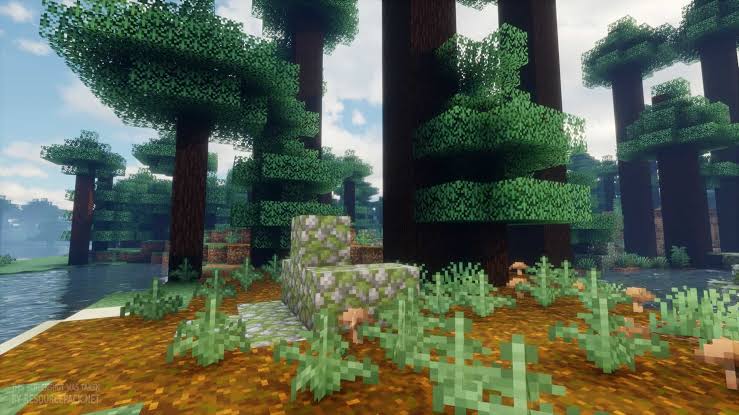
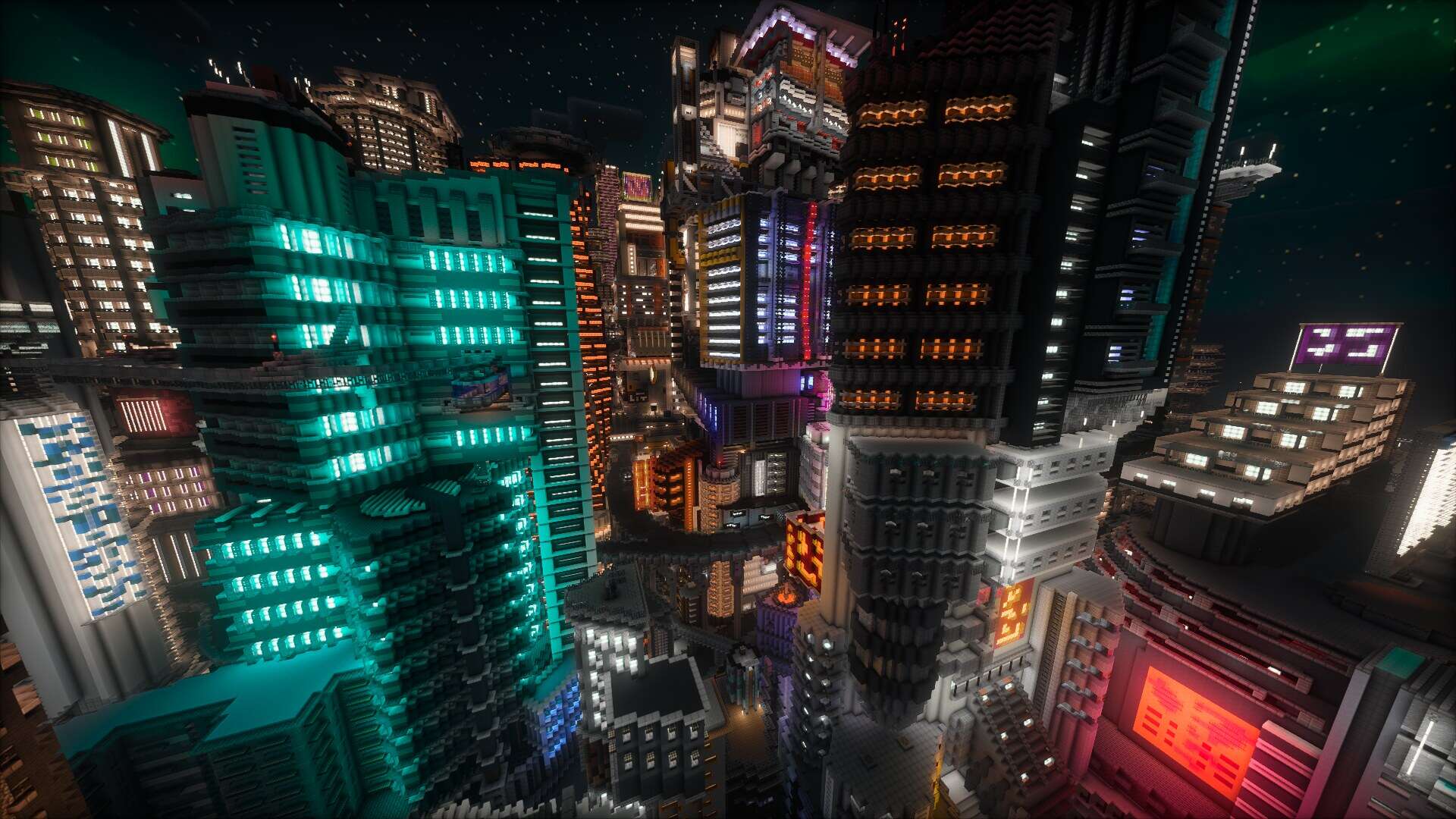
Most of us in the Minecraft community always keep a close eye on new shader packs, eagerly checking them out whenever they drop because they completely transform how the game looks and feels. If you love the idea of running shaders in Minecraft but still want something genuinely practical and comfortable to play with for hours on end, Photon Shaders is an absolute must-try. Crafted by sixthsurge, this fantastic pack skips the overly flashy gimmicks and instead hones in on crystal-clear clarity, immersive atmosphere, and rock-solid performance. It definitely leans toward a realistic aesthetic without overwhelming you with blinding or distracting effects that you would normally just turn off after a few minutes of gameplay. A lot of shader packs out there are purely built for flashy screenshots or cinematic trailers, and while they look incredible in static pictures, they end up being completely impractical for actual survival gameplay. Photon Shaders takes the exact opposite philosophy and genuinely enhances the core experience of playing the game day in and day out.
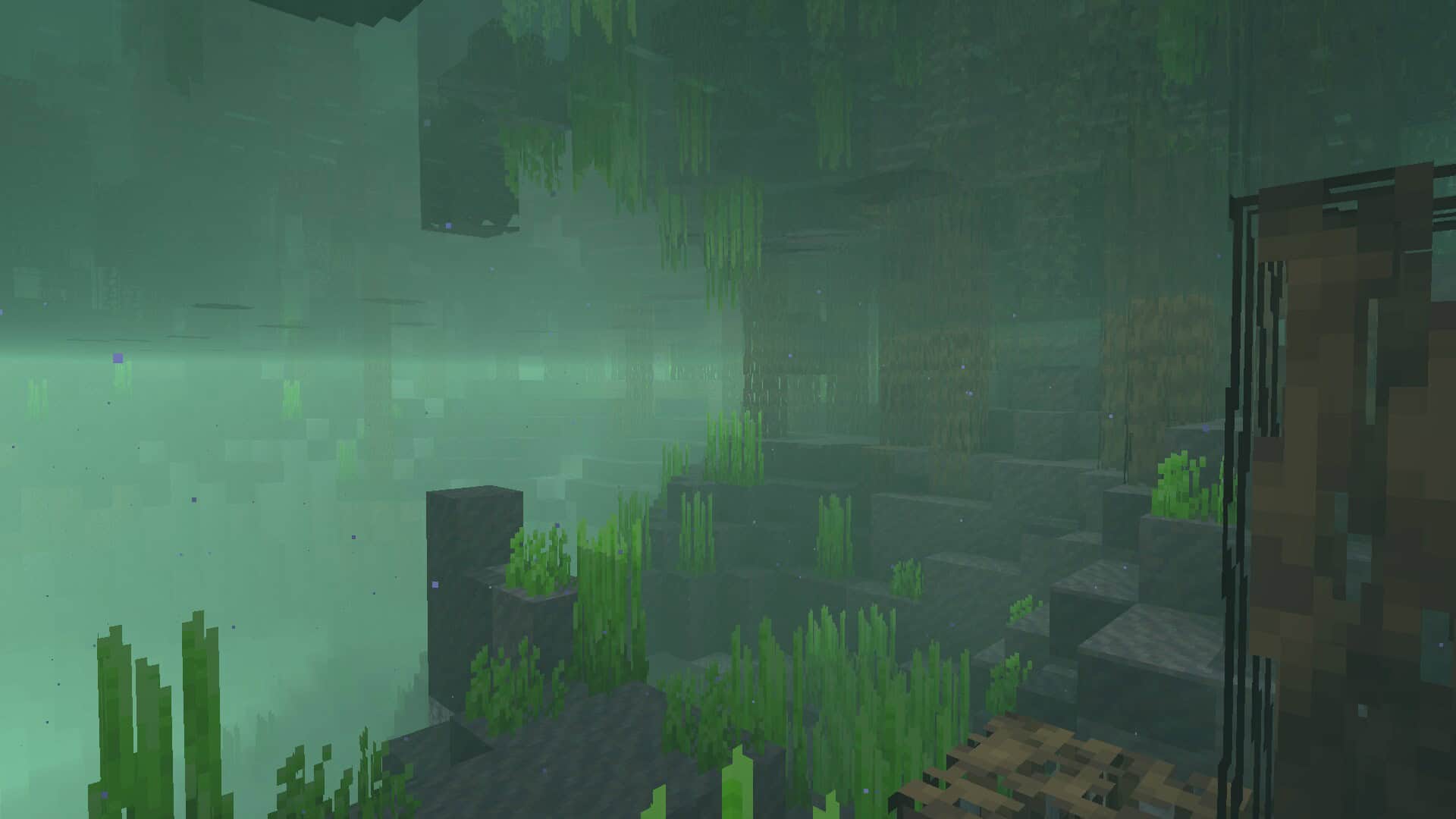
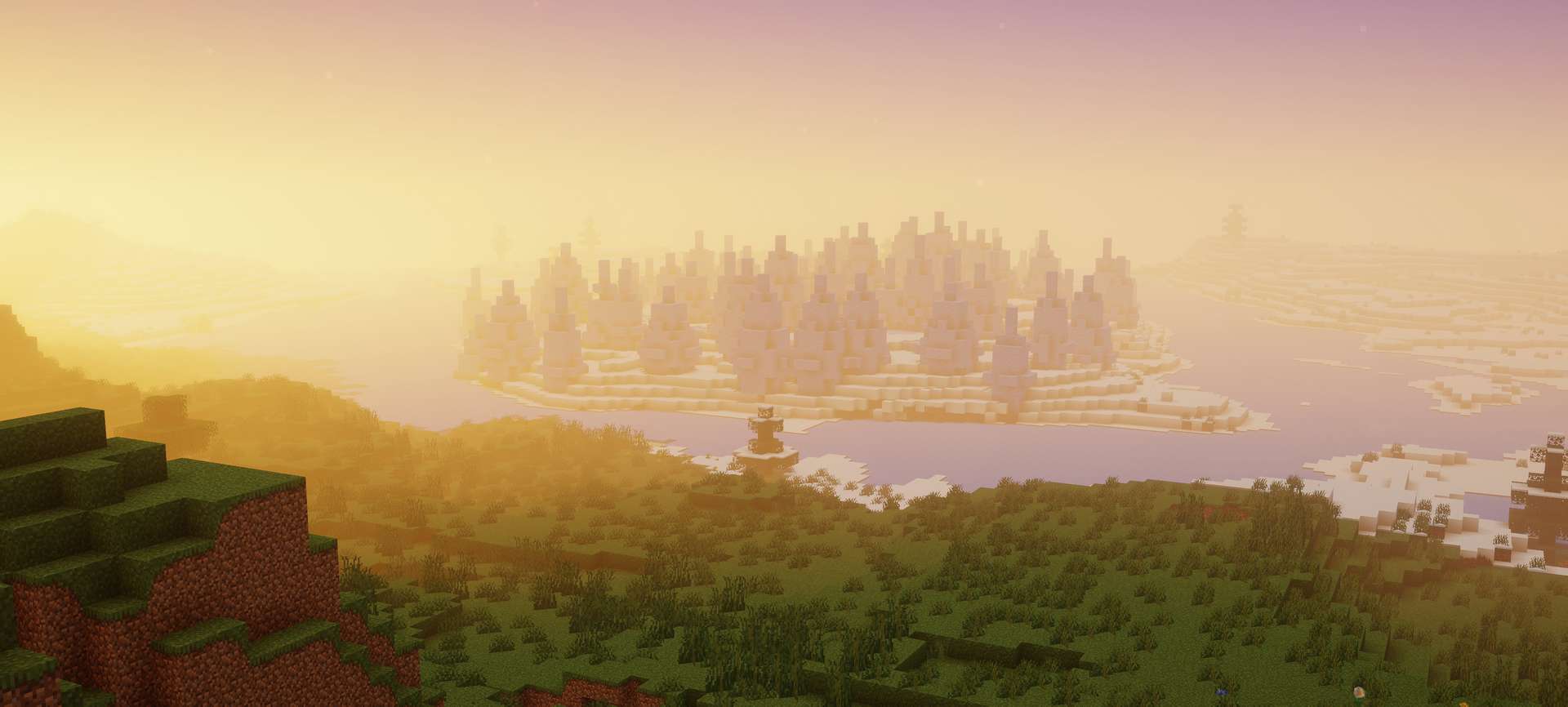
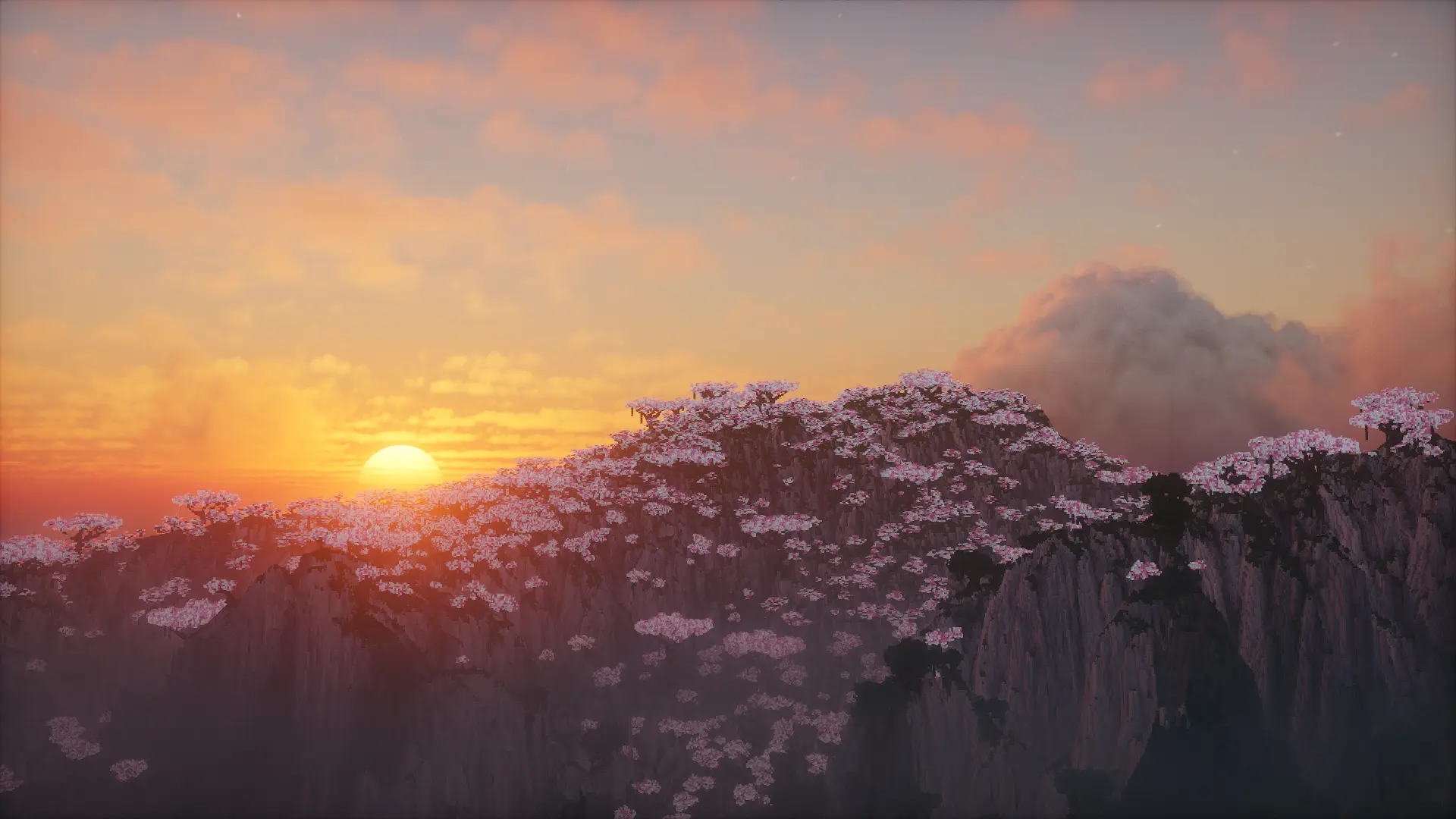
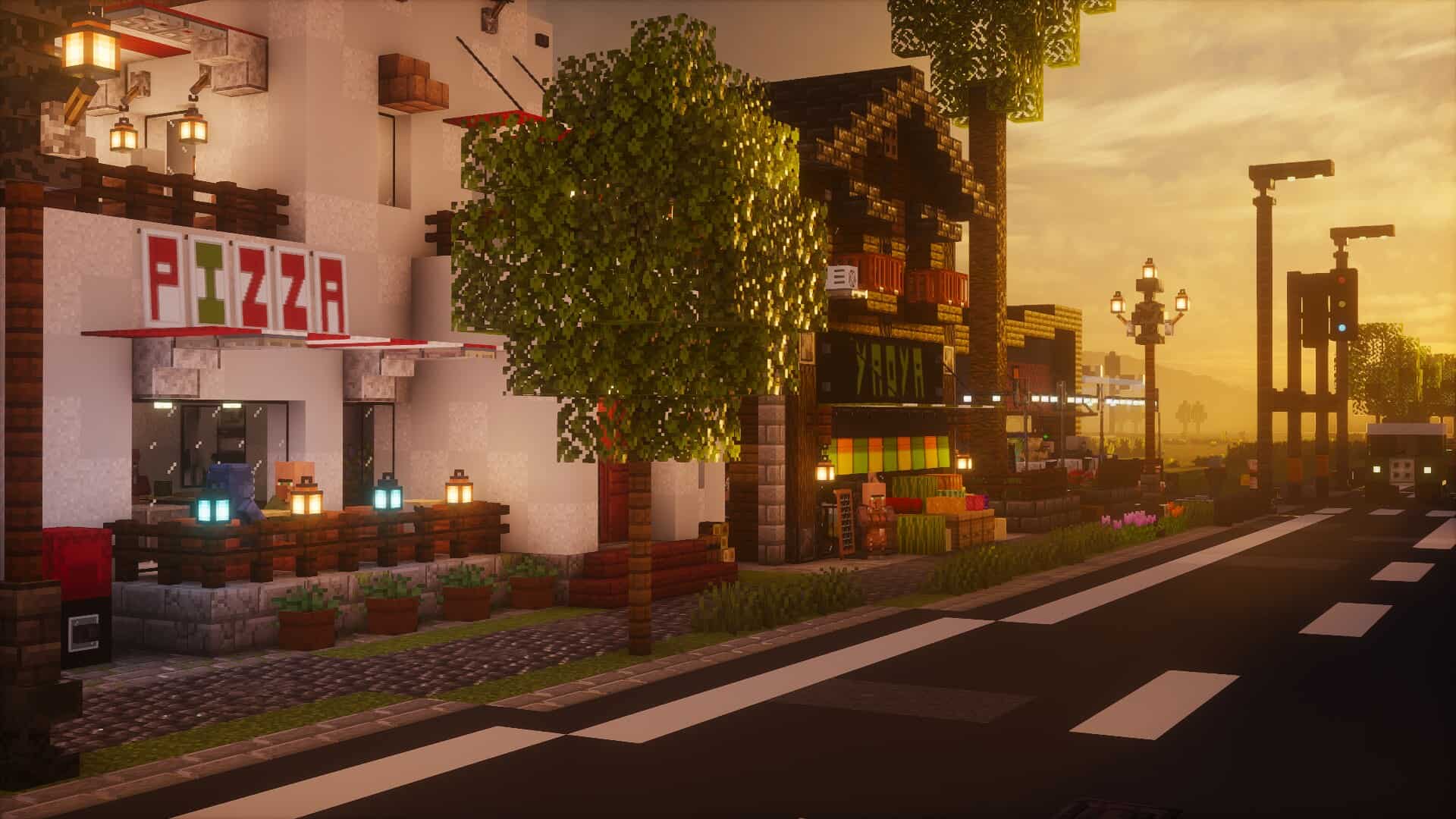
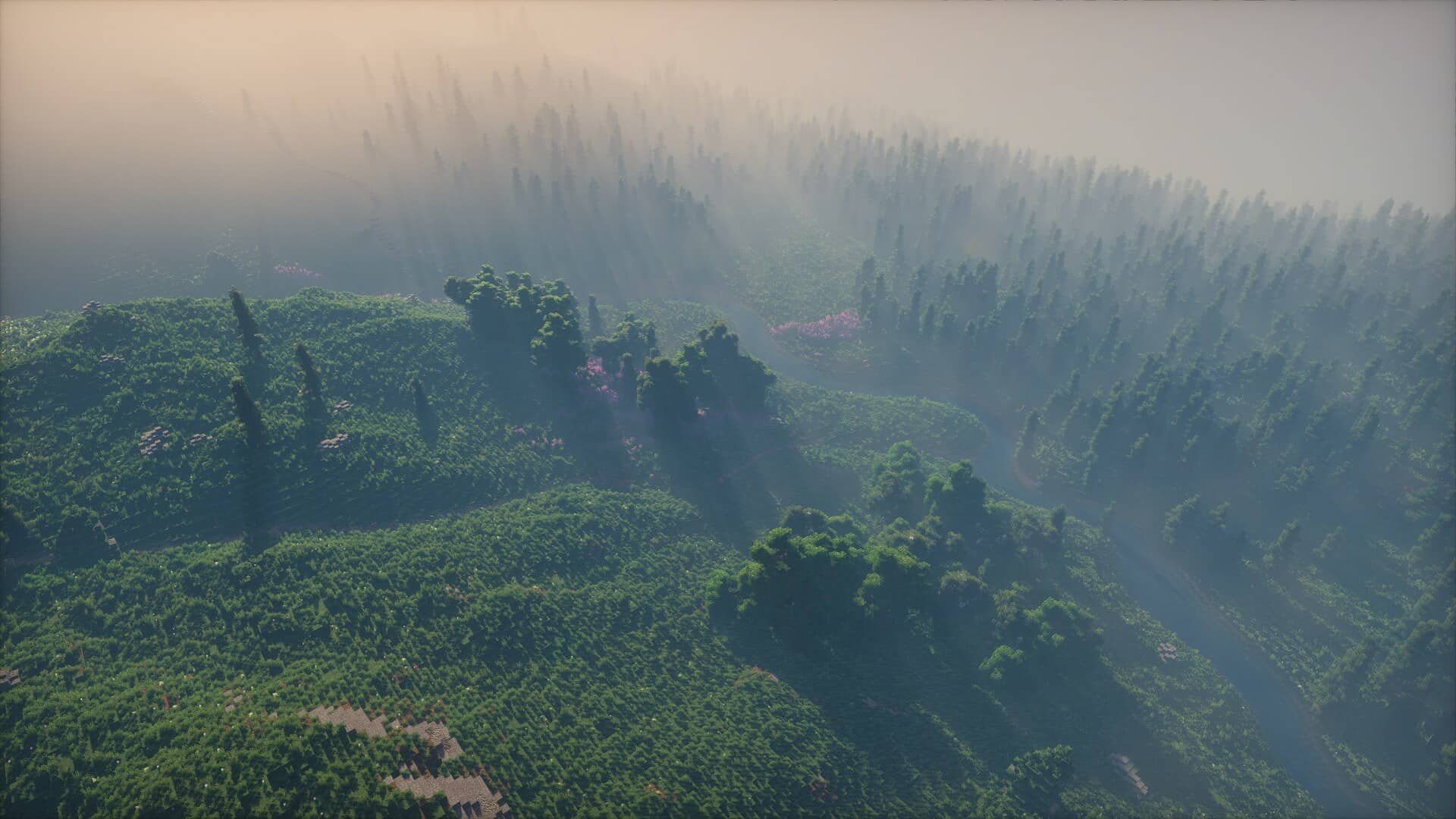
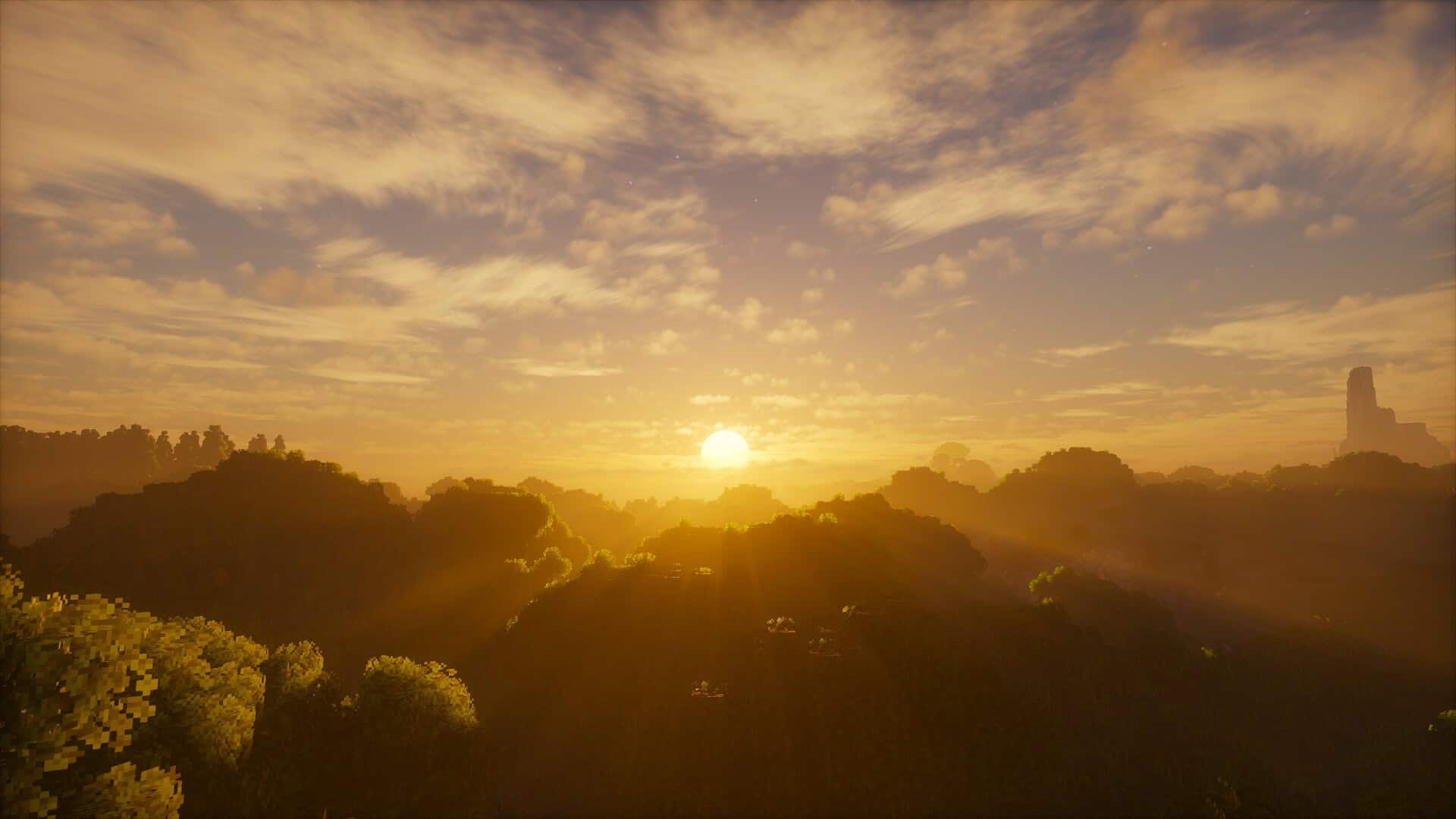
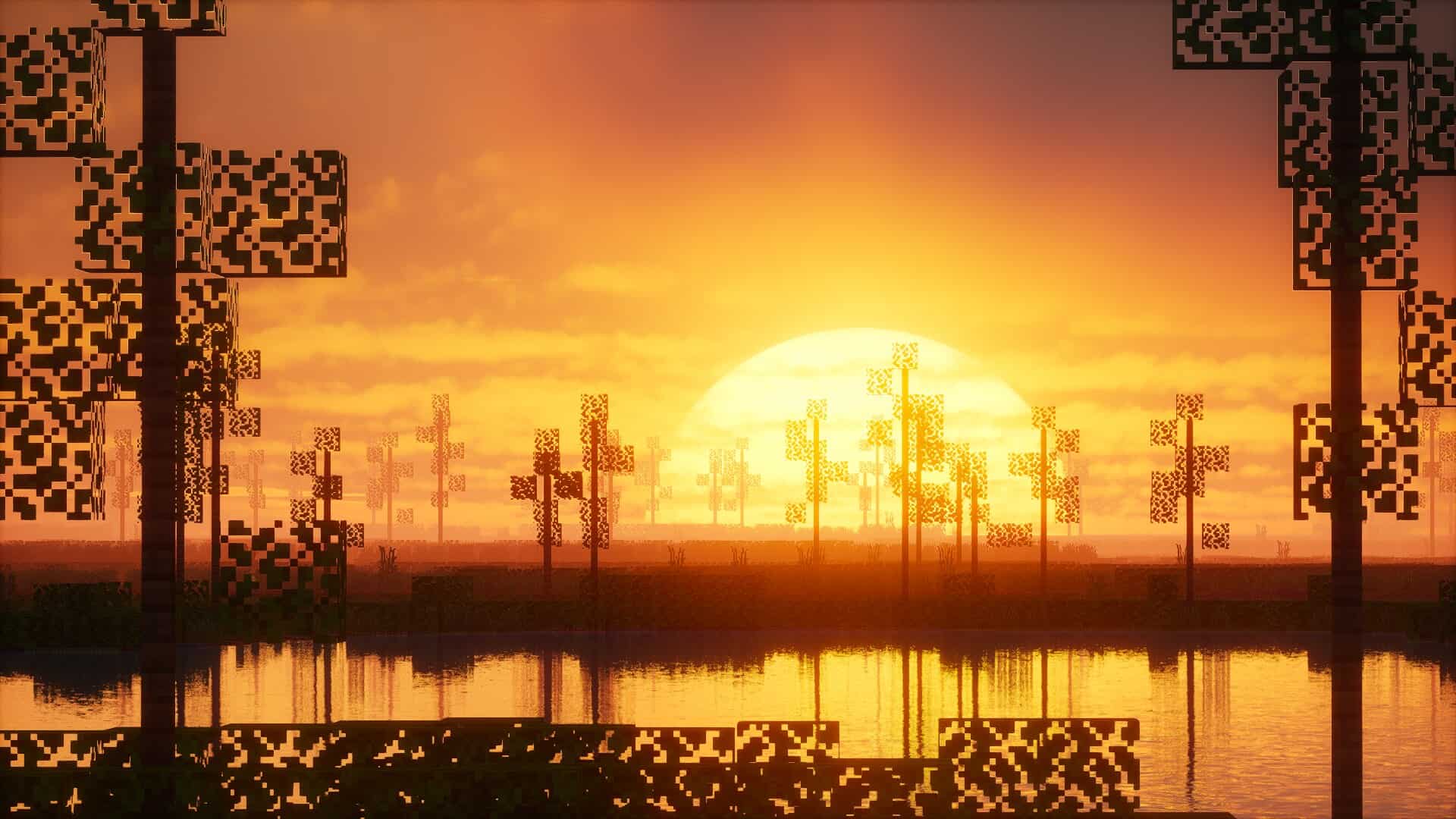
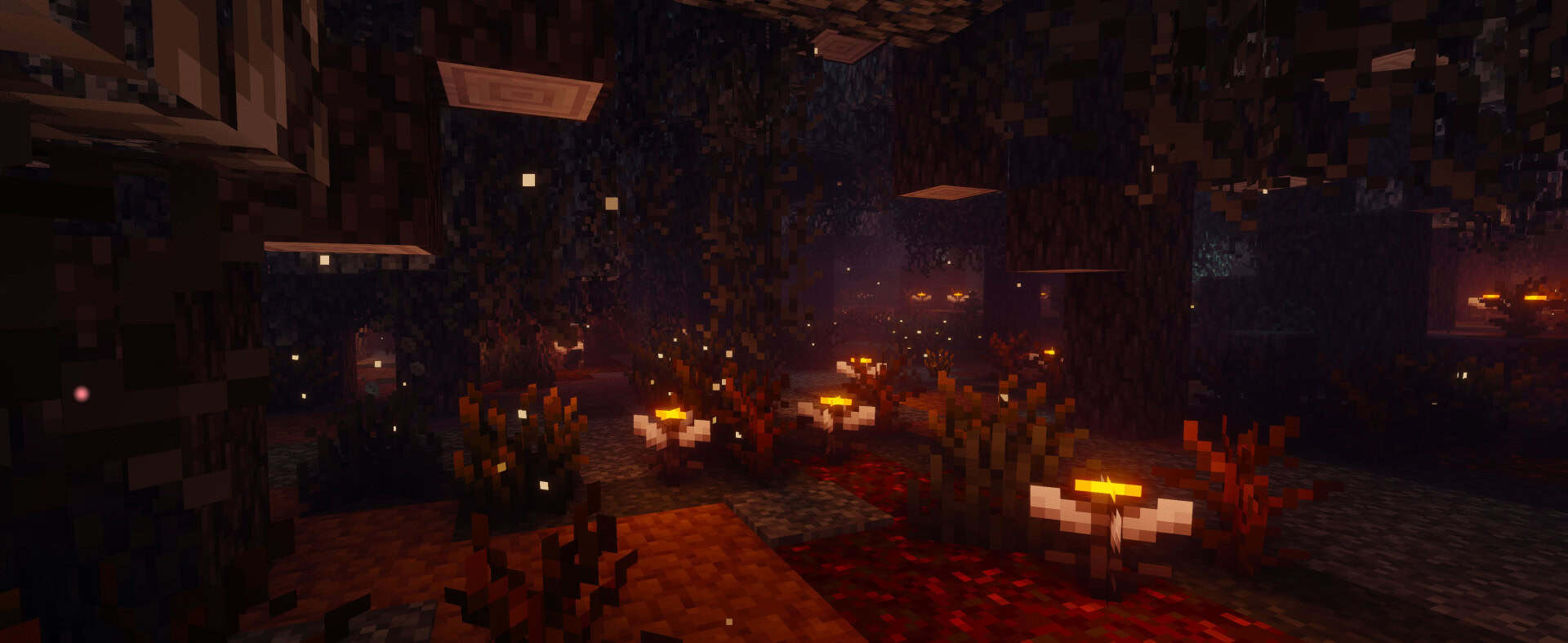
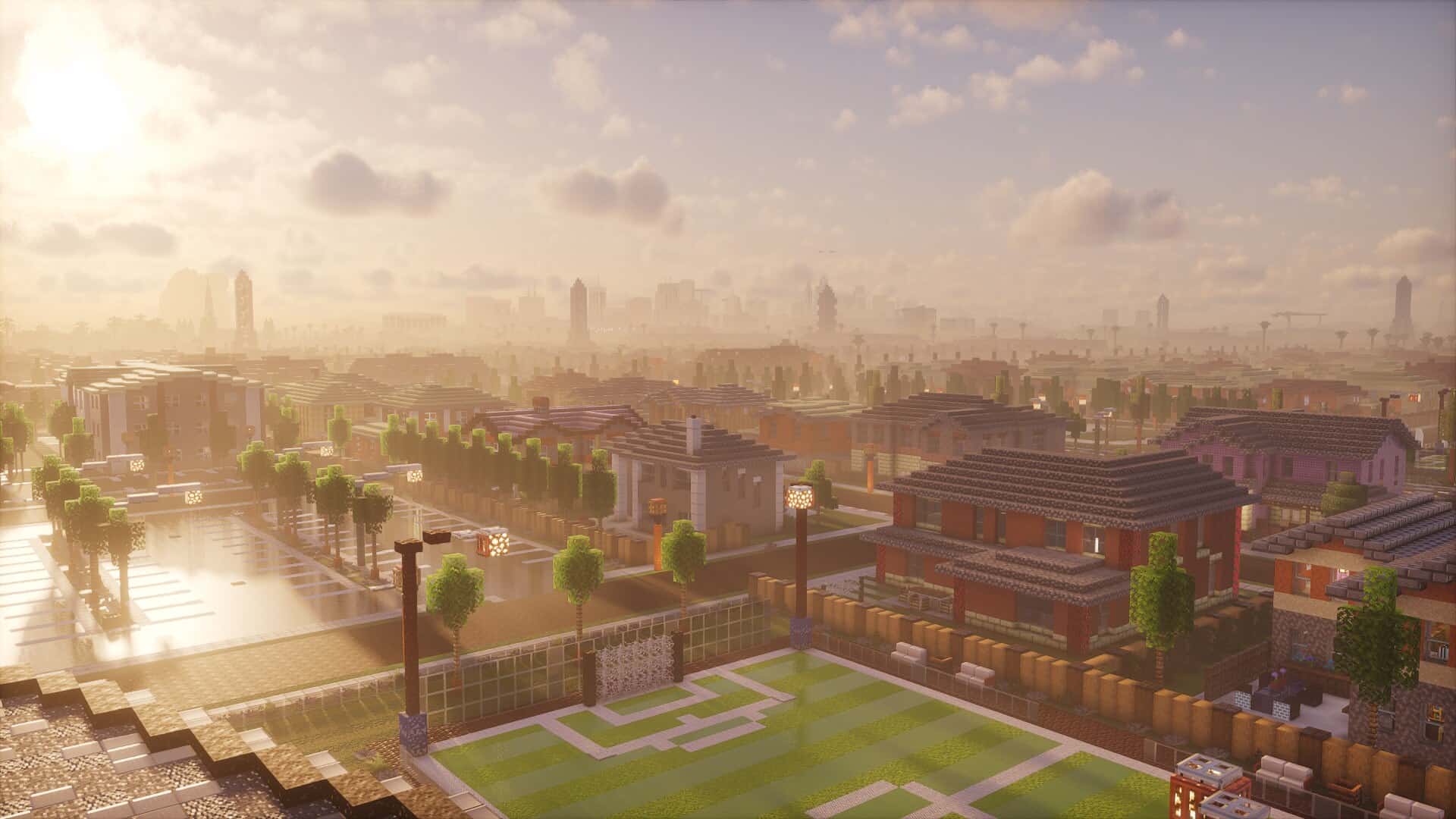
As soon as you hop into a world with this pack installed, the atmosphere changes for the better right away. The sky is filled with gorgeous moving clouds that realistically shift and drift as the weather and time of day progress, while natural light cascades smoothly across the terrain. Shadows soften and stretch out dynamically, and the way light bounces makes torches and underground caves feel so much warmer and more inviting. Sunlight filtering through leaves and tree branches looks wonderfully balanced—bright enough to bring the world to life, but never harsh or visually distracting. These subtle details build an amazing sense of comfort and make the blocky world feel much more grounded. The fog, which often ruins visibility in other packs, is carefully tuned here to add gorgeous atmosphere without cutting off your view after only a few blocks. Water looks remarkably clean, and gentle reflections appear on surfaces right after it rains, adding subtle touches that never demand too much attention. The clouds in this shader pack truly deserve special praise, as they carry enough realism to easily stand out from the crowd.
Photon Shaders also features full support for labPBR, meaning any resource packs utilizing PBR will display extra visual depth and stunning material effects. Metals actually shine, stone surfaces feature a much rougher look, and wood takes on a delightfully natural texture. These changes keep Minecraft’s iconic blocky style completely intact while giving every single surface unique personality and a genuinely three-dimensional feel. Additional post-processing effects like bloom, depth of field, and motion blur are readily available in the menus, though thankfully they remain completely optional. Since many players truly dislike motion blur, you can turn it off easily to maintain a pristine, clean view. Performance naturally depends on the exact graphical features you enable and your specific hardware setup, but the pack stays wonderfully stable during normal gameplay. Throughout long, extended play sessions, it maintained a consistent look without any major drops in frame rate.
There is even a dedicated setting for advanced temporal upscaling meant to reduce the load on lower-end hardware, though it is thankfully turned off by default. Even with this handy option, this shader pack isn’t really designed for very weak systems, meaning medium-tier or stronger machines will definitely pull the best results. Players rocking low-end computers might want to check out alternative projects like RRe36’s Potato Shaders, which are tailored specifically for lighter setups. In terms of overall compatibility, Photon Shaders plays nice with both Optifine and Iris, giving you fantastic flexibility in how you choose to run it, though Iris is generally recommended thanks to its noticeably superior performance. These shaders run reliably across a wide range of hardware setups, including systems powered by Nvidia graphics cards, AMD GPUs, and even Intel’s integrated graphics. However, according to the original author, Apple’s GPU architecture may not be supported, meaning macOS users might run into frustrating issues or be unable to use Photon Shaders at all.
Compared directly to those notoriously heavy cinematic shader packs, Photon elegantly avoids extremes. It doesn’t flood your world with blindingly dense fog, crank up saturation to blinding levels, or cover every square inch of the screen with distracting effects. Instead, it builds naturally upon the parts of Minecraft that already feel organic and simply makes them better. The dynamic weather cycles, gorgeous sunsets, subtle reflections, and soft shadows are all wonderfully noticeable without ever becoming overwhelming. This fantastic balance makes the pack stand out as a premier tool for serious survival playthroughs rather than just quick showcase screenshots. Modern Minecraft players have countless options available, ranging from packs packed with dramatic effects to those that barely touch the visuals at all. The Photon shader pack comfortably sits in a sweet middle ground, offering authentic realism that fully respects the game’s actual playability. It introduces just enough depth to make the world feel wonderfully alive without ever interfering with your building, mining, or mob-fighting adventures. It might not be the absolute flashiest option for a quick screenshot, but for anyone who truly values atmosphere and stability during real gameplay, it should be right at the top of your shortlist.
Photon Shaders should be compatible with all of these Minecraft versions: 26.3 – 26.2 – 26.1.2 – 26.1.1 – 26.1 – 1.21.11 – 1.21.10 – 1.21.9 – 1.21.8 – 1.21.7 – 1.21.6 – 1.21.5 – 1.21.4 – 1.21.3 – 1.21.2 – 1.21.1 – 1.21 – 1.20.6 – 1.20.5 – 1.20.4 – 1.20.3 – 1.20.2 – 1.20.1 – 1.20 – 1.19.4 – 1.19.3 – 1.19.2 – 1.19.1 – 1.19 – 1.18.2 – 1.18.1 – 1.18 – 1.17.1 – 1.17
Screenshots
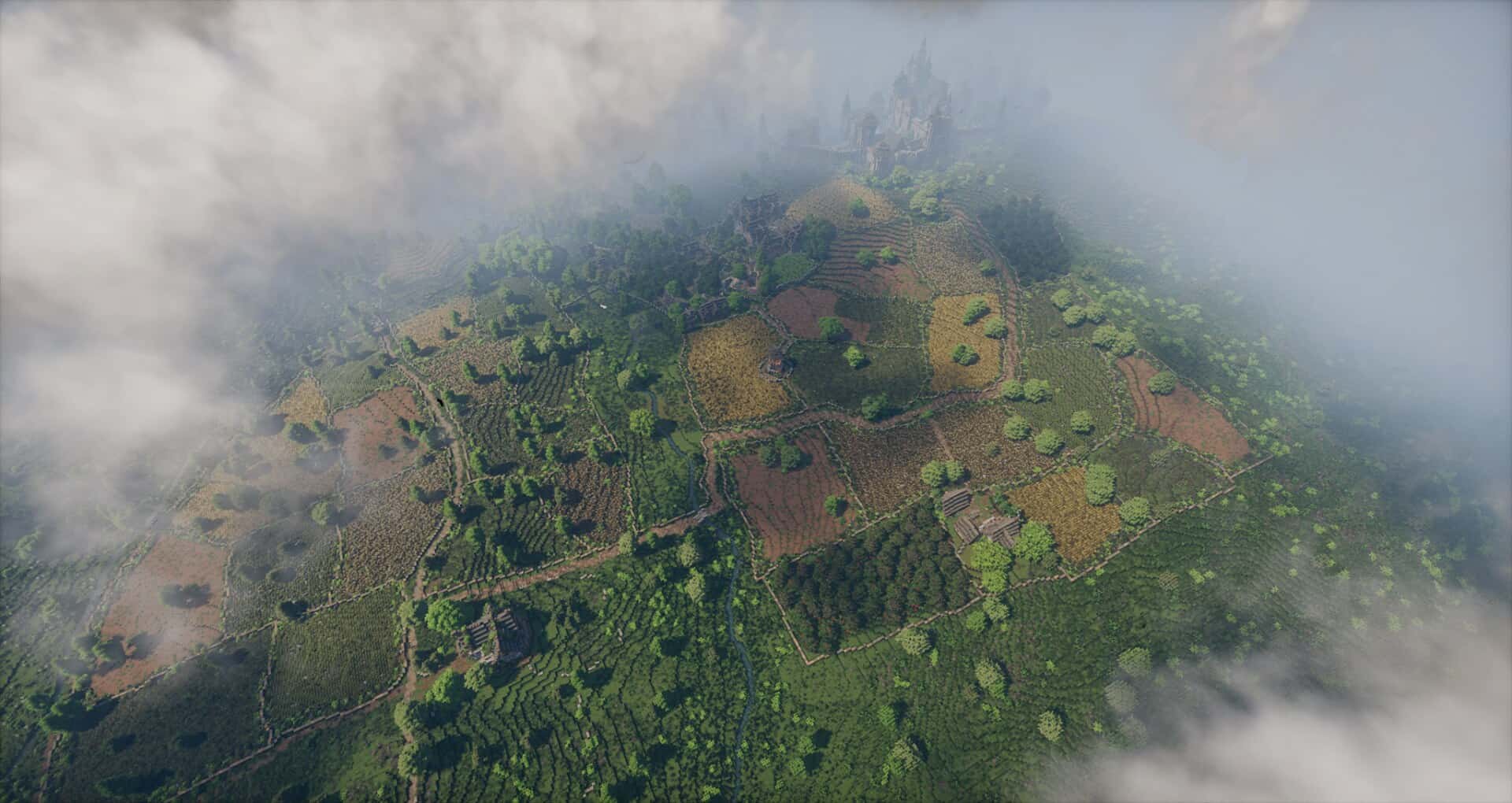


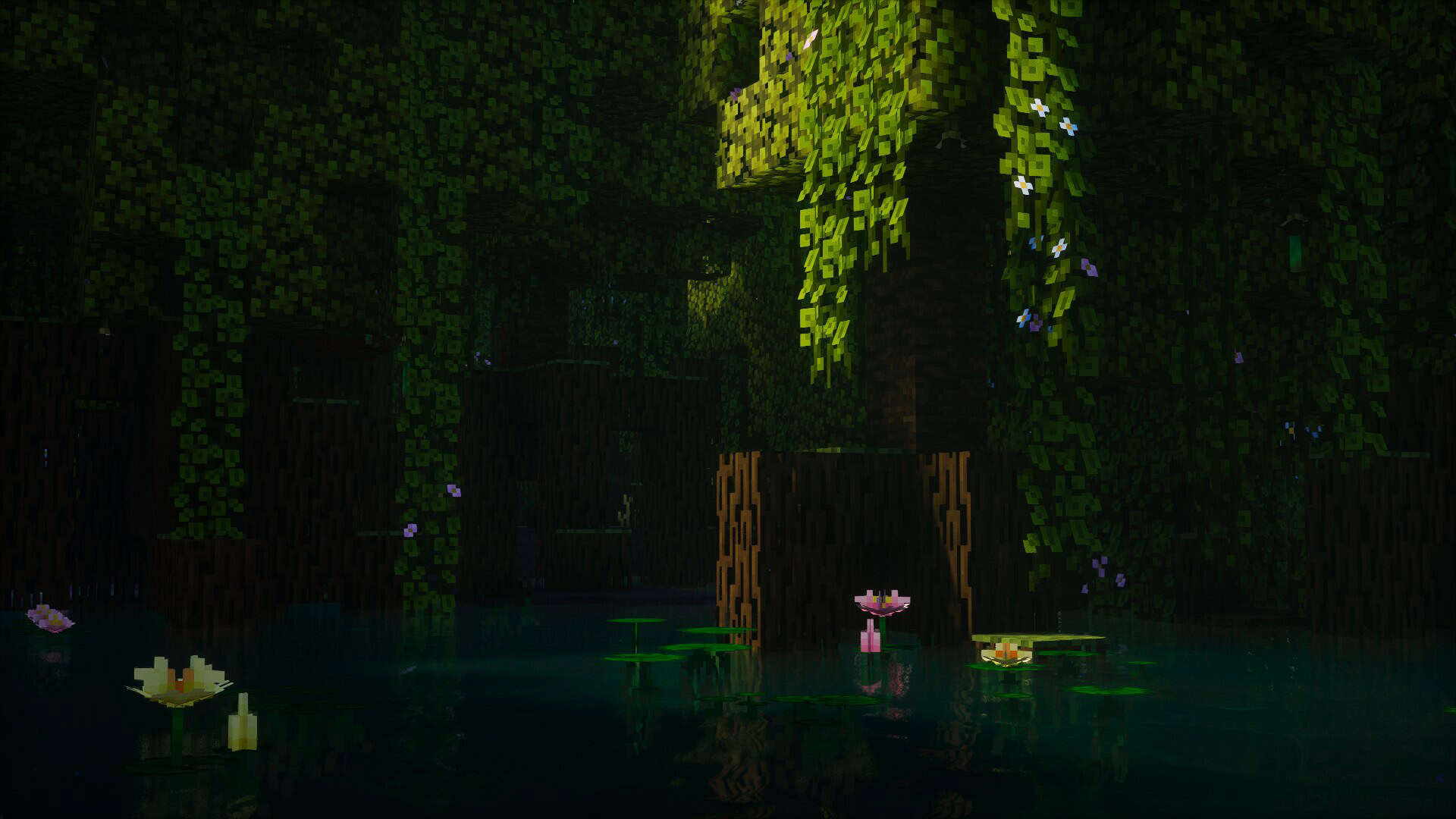
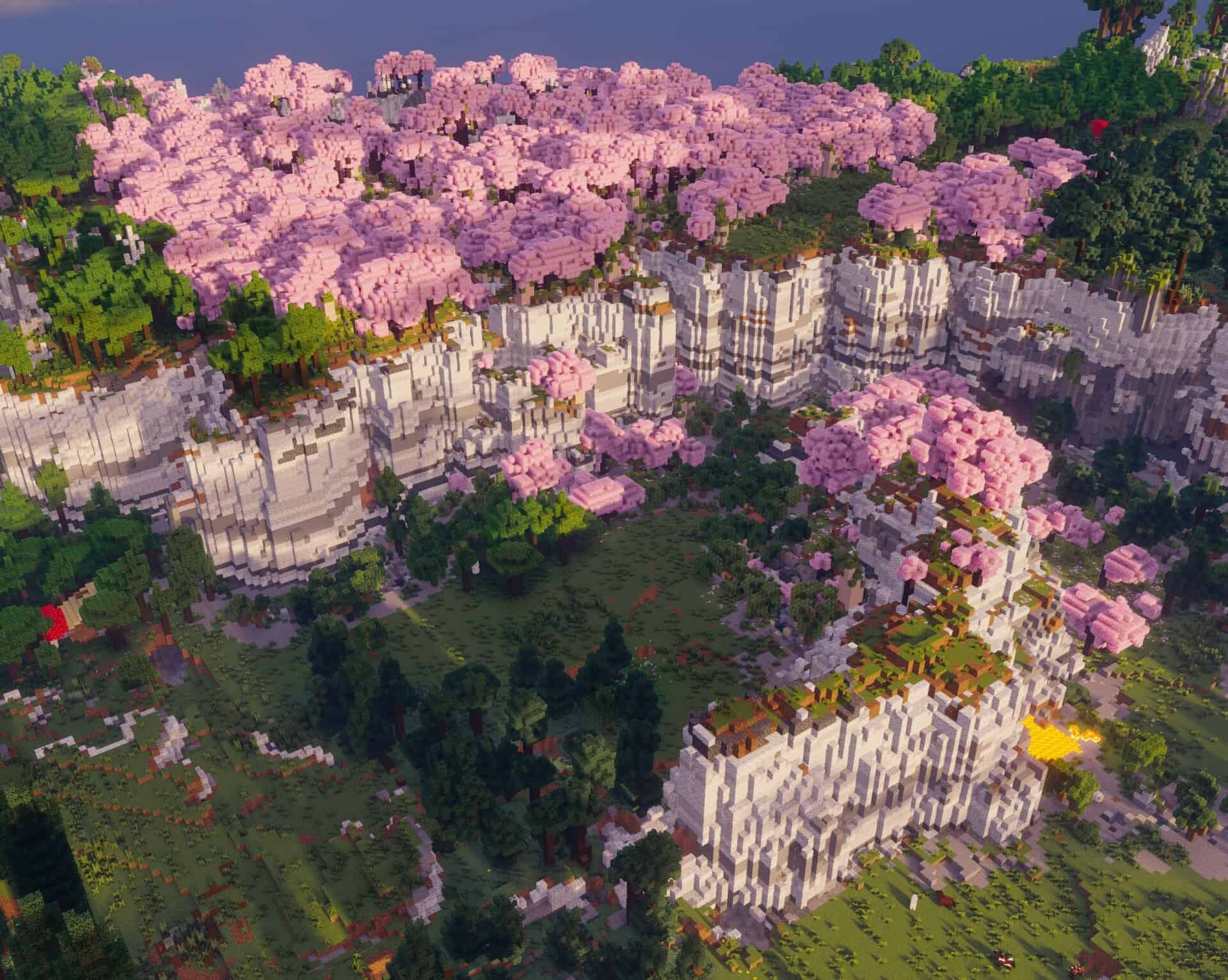
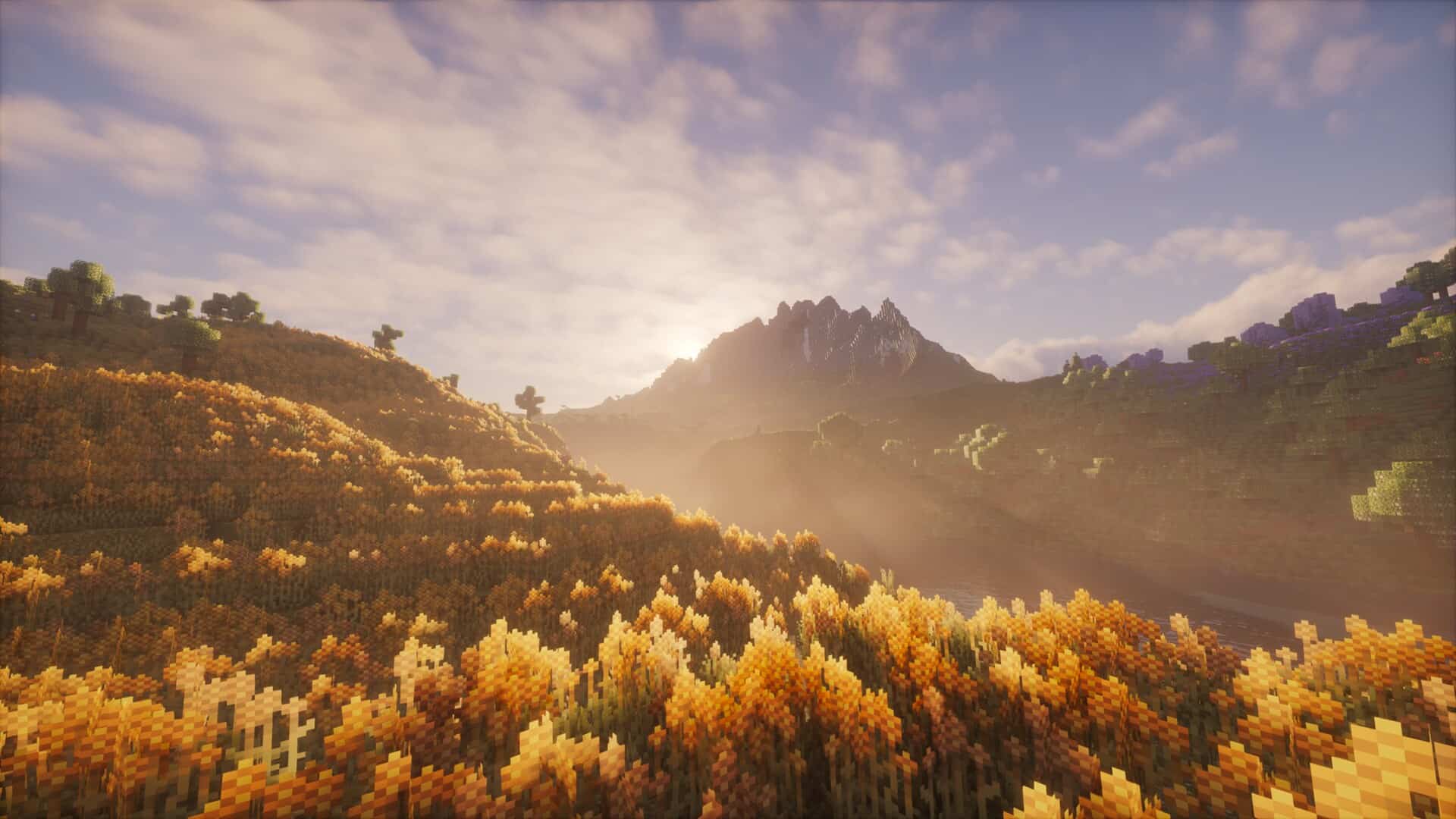


How to Install Shader Pack (Simple and Easy 7 Steps)
- Install Minecraft: Make sure to have Minecraft on your PC.
- Set the Game Version: Open the Minecraft Launcher, go to the “Installations” tab, click “New Installation”, choose the version you want to play, and click “Create”.
- Install OptiFine or Iris: Download and install OptiFine or Iris (we recommend Iris for better performance).
- To download Iris, click here.
- To download OptiFine, click here.
- Launch with the Shader Mod: Open the Minecraft Launcher again and select the OptiFine or Iris profile you installed.
- Download the Shader Pack: Download the shader pack (.zip file) from the download section below. (Don’t unzip it!)
- Open the Shaderpacks Folder:
- For OptiFine: Go to Options > Video Settings > Shaders > Shaders Folder
- For Iris: Go to Options > Video Settings > Shader Packs > Open Shader Pack Folder
- Add and Activate the Shader Pack: Move the downloaded .zip file into the shaderpacks folder. Then go back to the game, select the shader pack from the list, and click “Done” to activate it.
Photon Shaders Pack — Creator Credit
Original files: We feature community-made content without claiming ownership of other creators' work. Download the pack from its linked source rather than an independently re-uploaded copy on this website.
Download availability: The original publisher controls the availability of each file. Links and supported versions can change, so please report any broken download link in the comments to help us keep the page useful.
Independent fan website: Minecraft is a trademark of Mojang Studios and Microsoft. This website is independently operated and is not affiliated with or endorsed by either company.
Support the creator: Enjoying this pack? Consider visiting the creator's official page, leaving constructive feedback, or supporting their work through the options they provide.
Download Instructions
Choose the download source linked in this article and follow the steps below.
CurseForge
CFOpen the provided CurseForge page and select the download option if needed. The file may start downloading automatically after a short wait.
MediaFire
MFOn the MediaFire file page, locate the main Download button and click it. Avoid unrelated advertisements or pop-ups.
Google Drive
GDOpen the file preview and select the download icon near the upper-right corner. If preview is unavailable, follow the options shown by Google Drive.
Important Download Information
We provide links to original creator pages and third-party file-hosting services; downloads are not hosted on our own servers. We aim to use relevant source links and check them, but their availability and authenticity can change. A link is not a guarantee that a file has been independently security-tested. Please use trusted sources, review downloaded files carefully, and report broken links in the comments. Minecraft is a trademark of Mojang Studios and Microsoft; this website is independent and is not officially affiliated with either company.