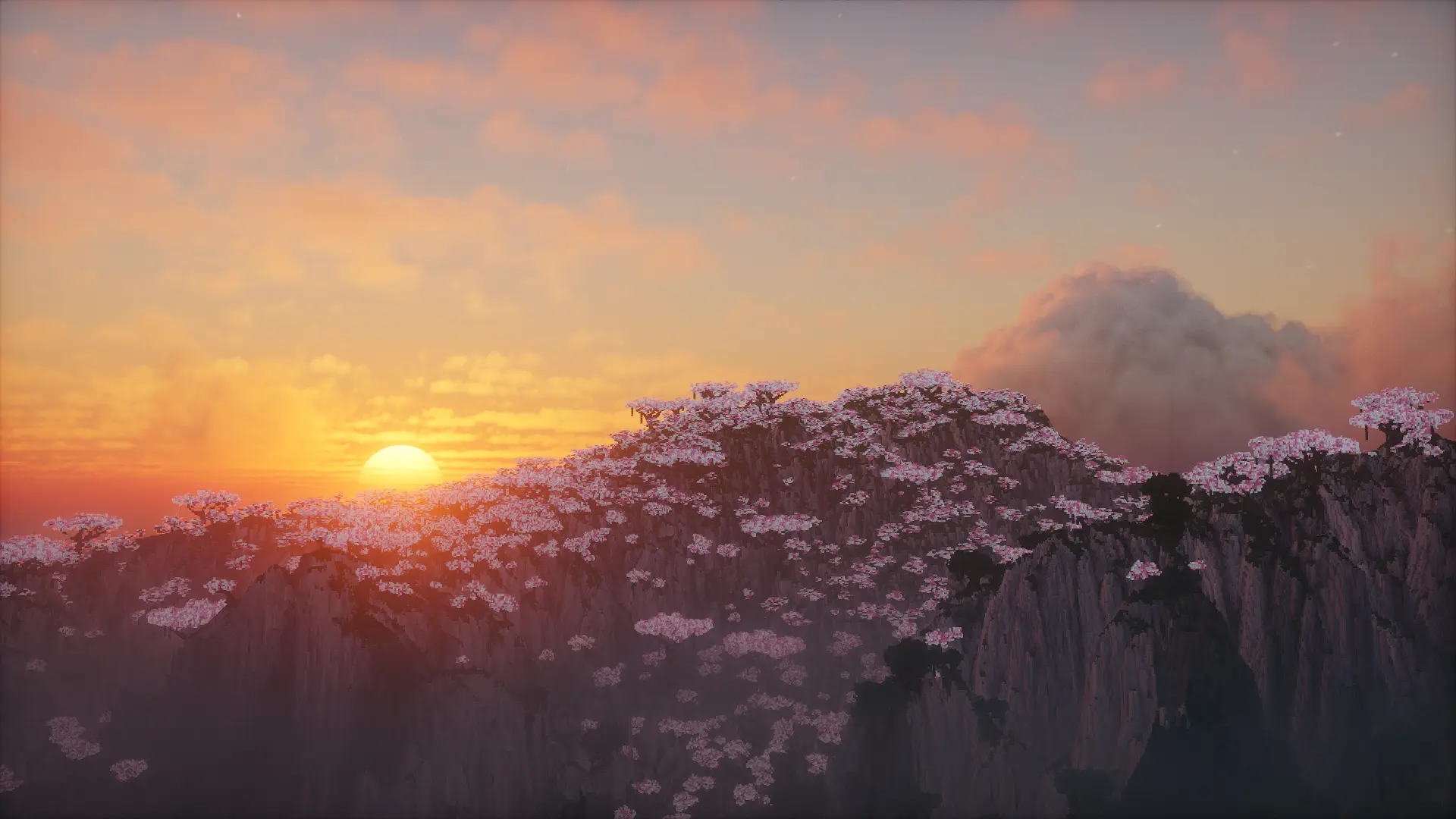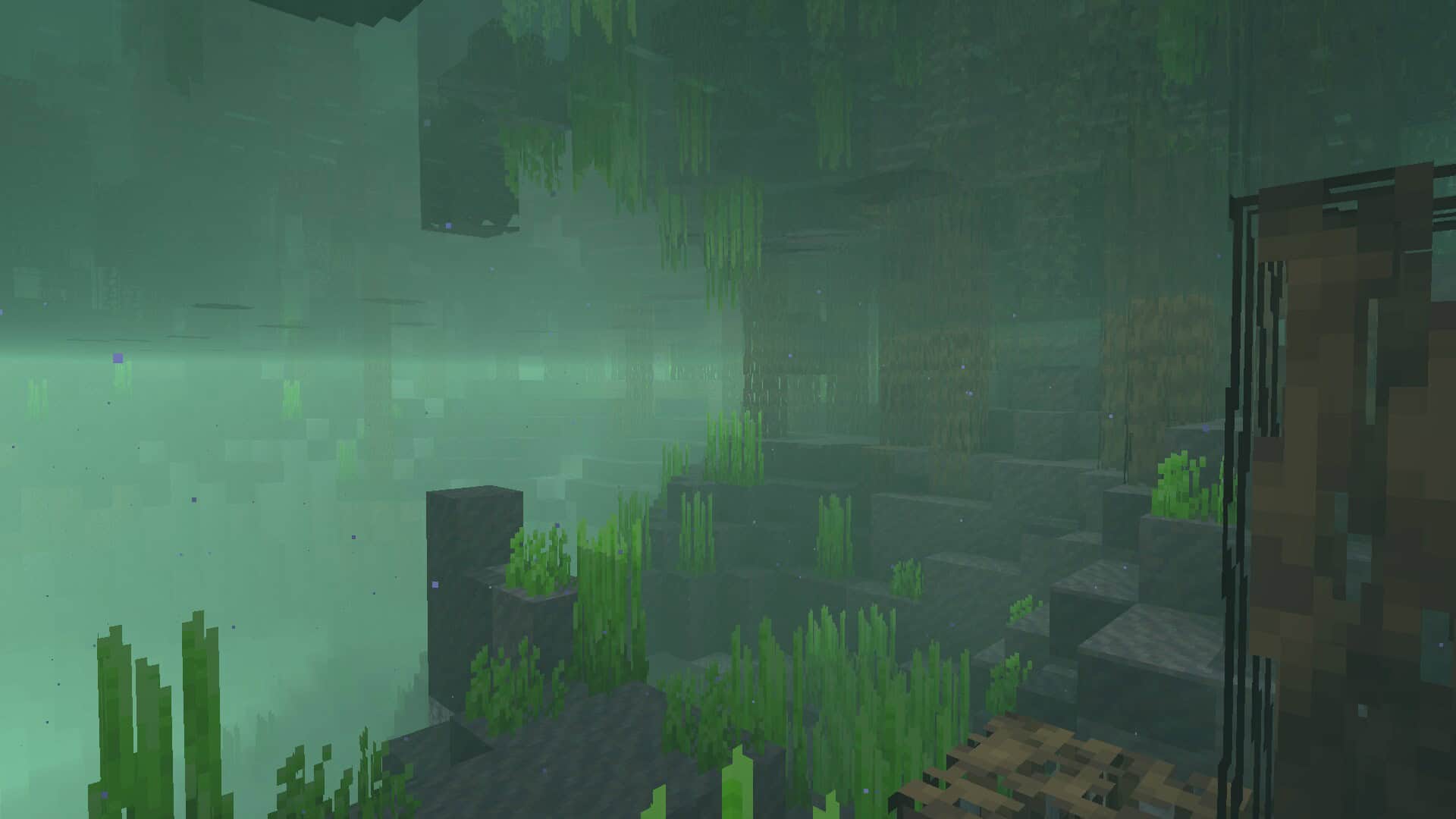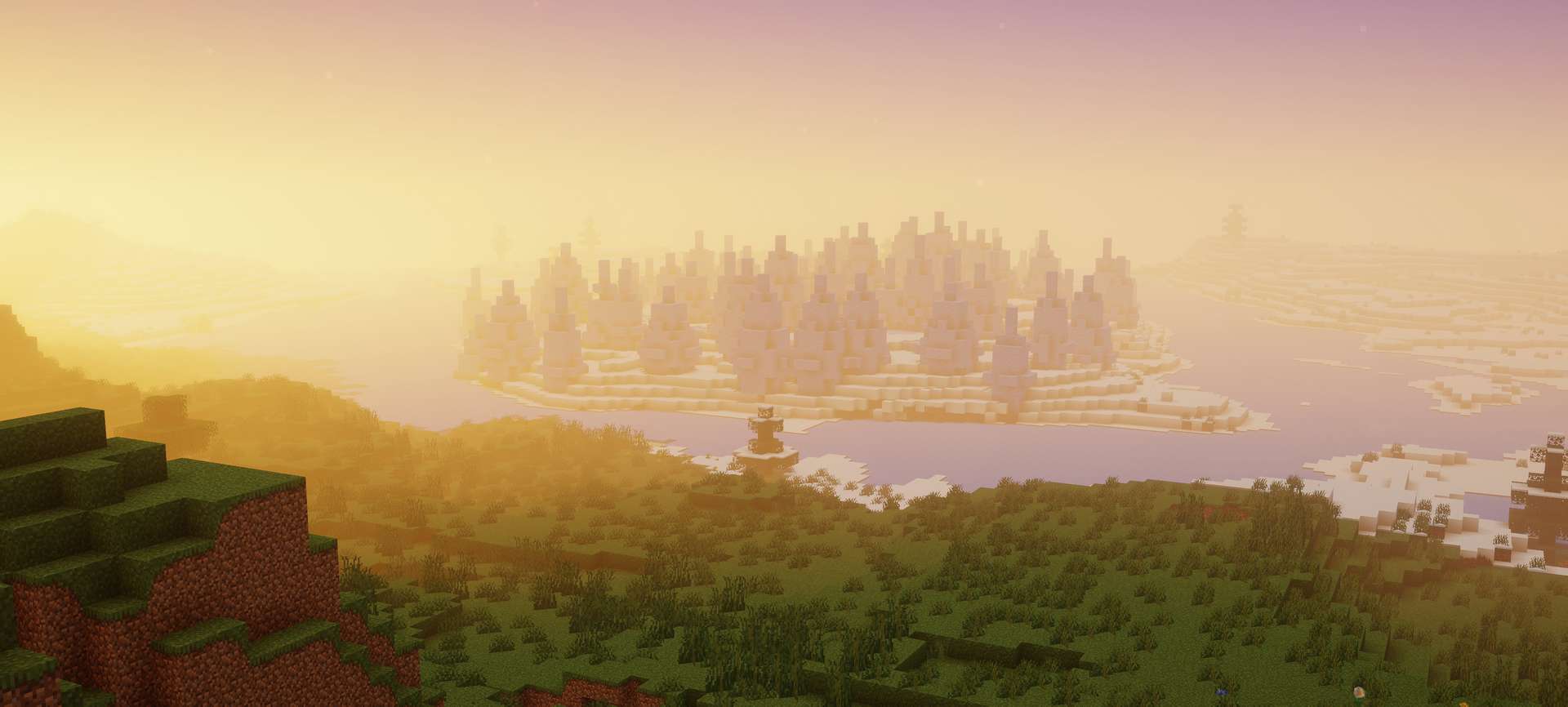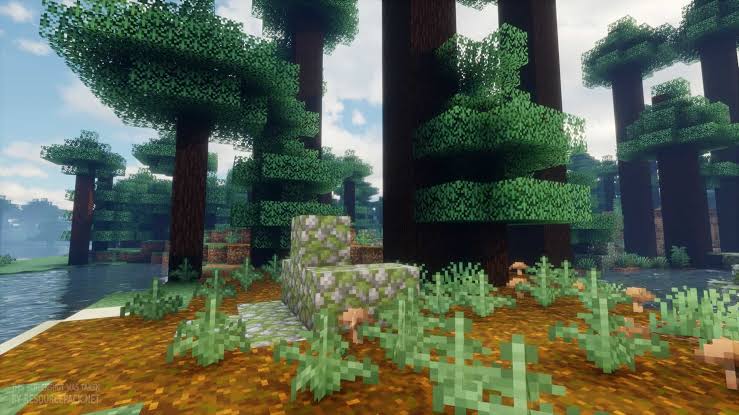
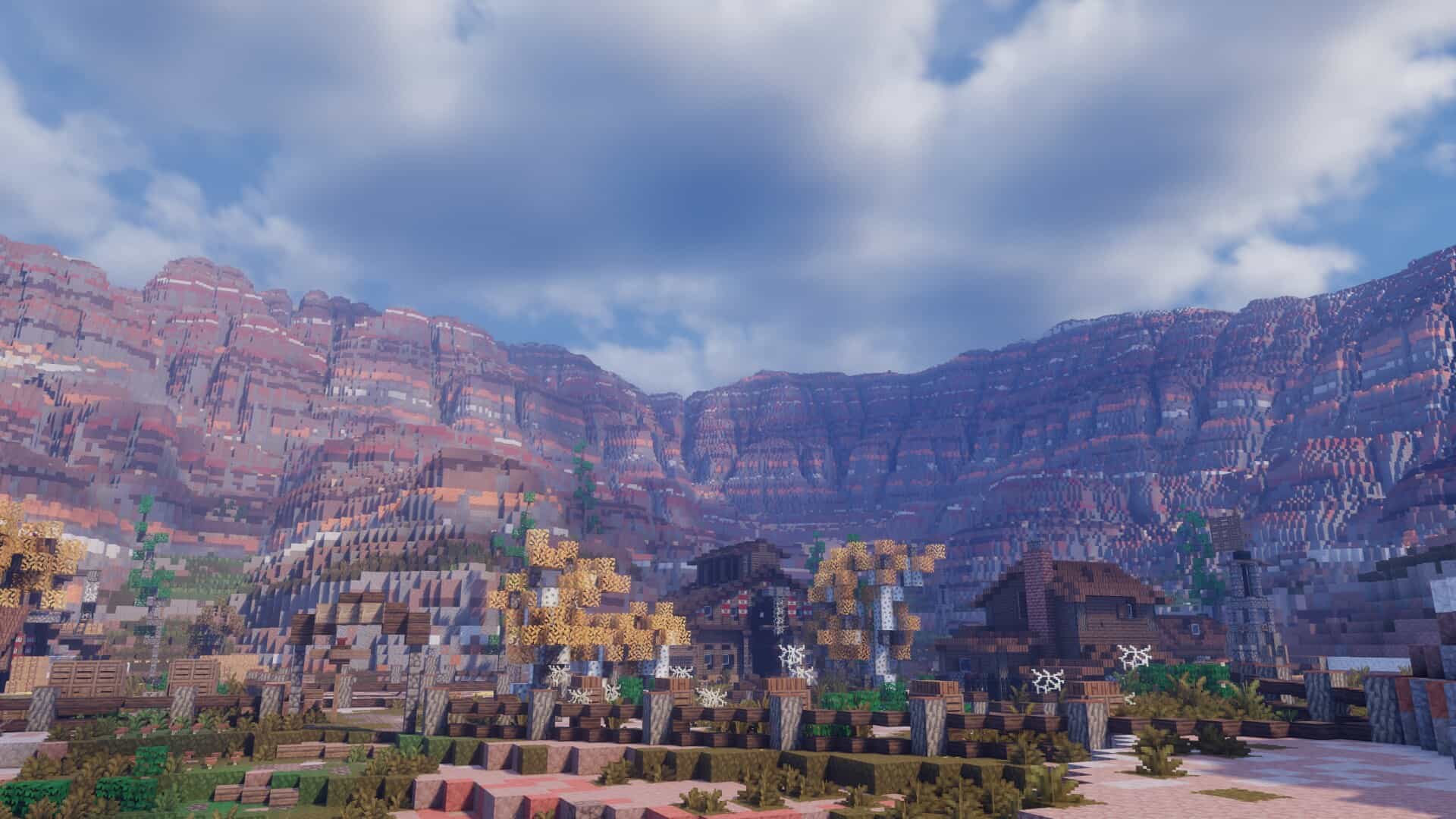
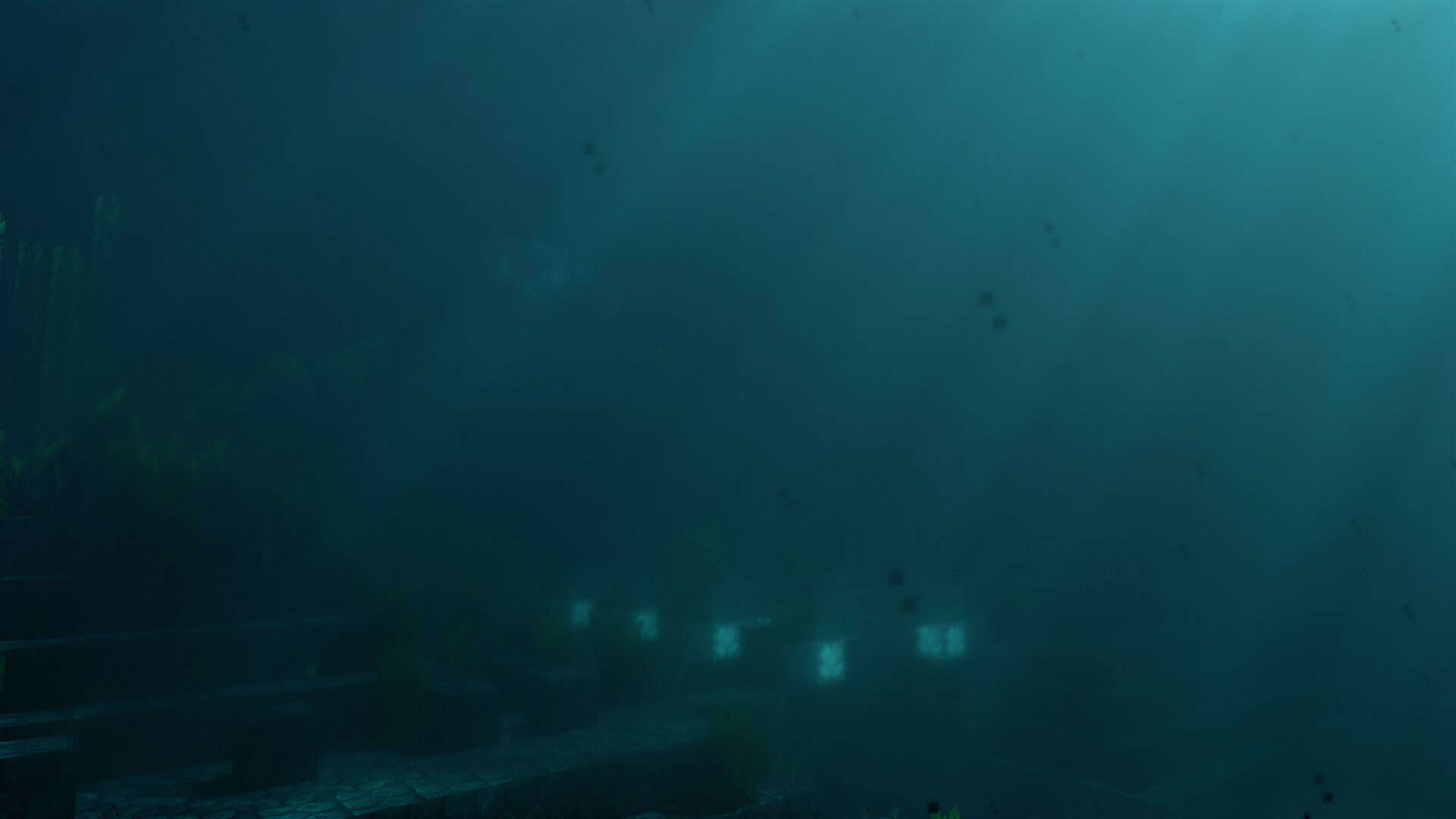
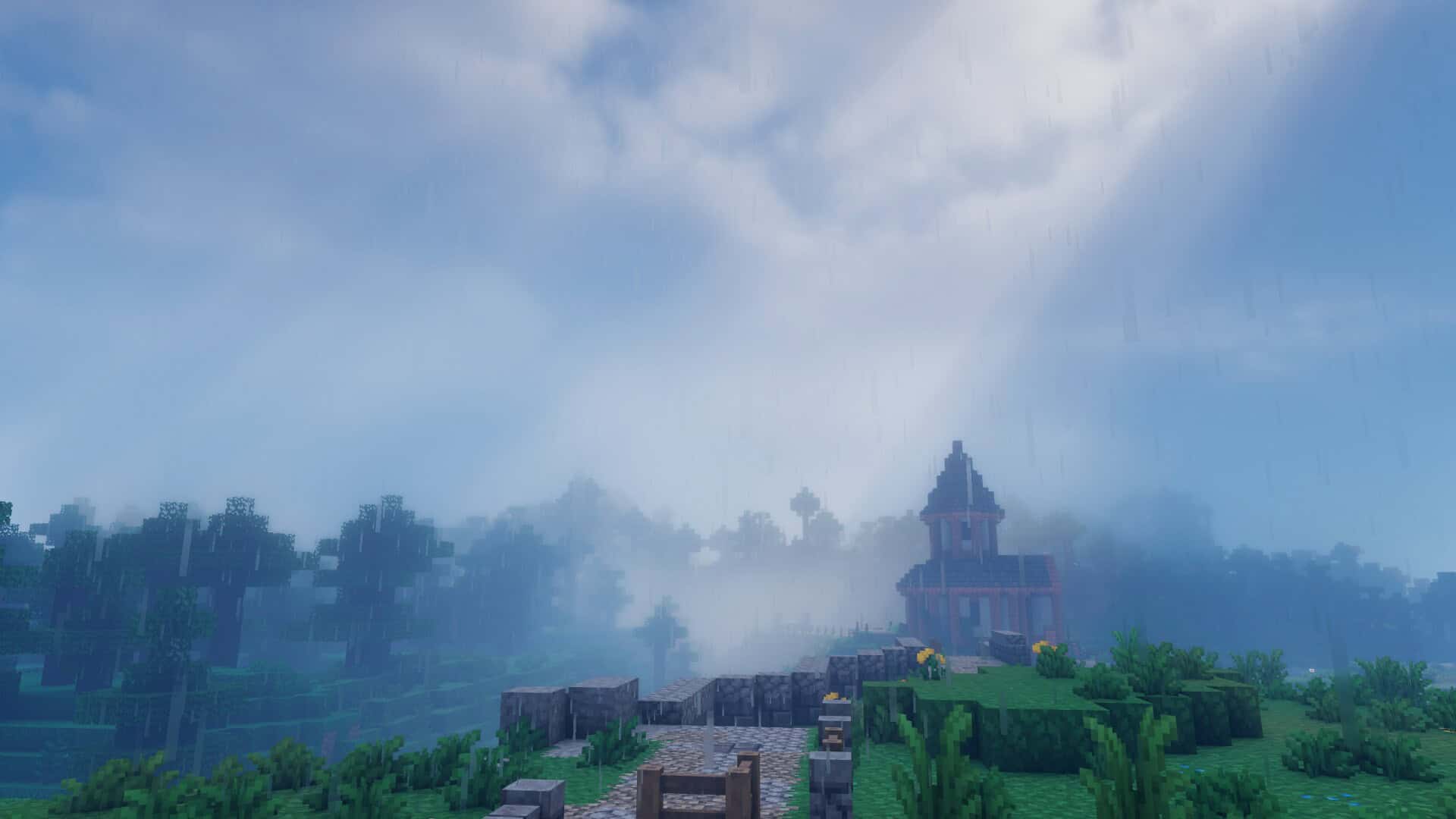
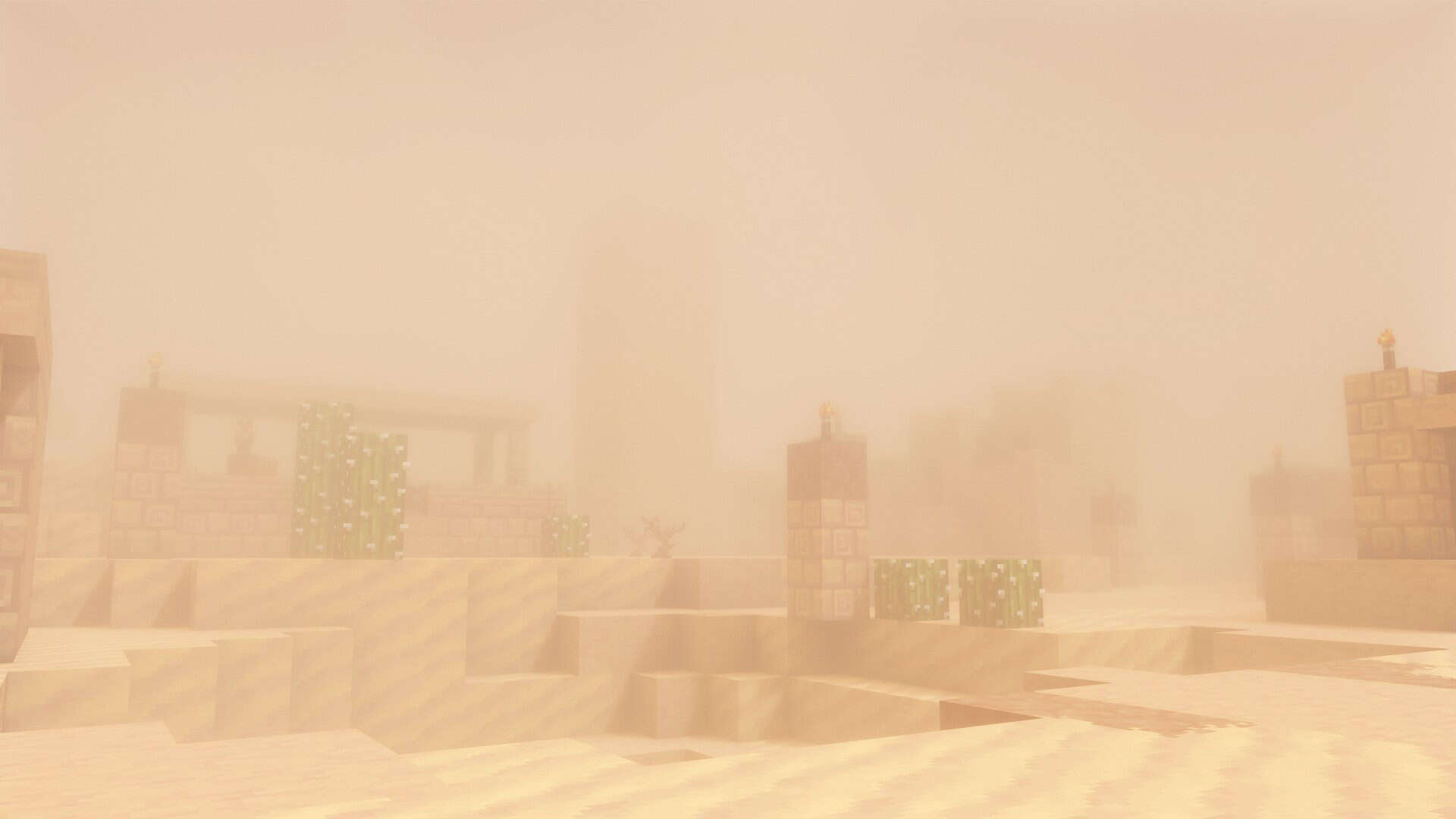
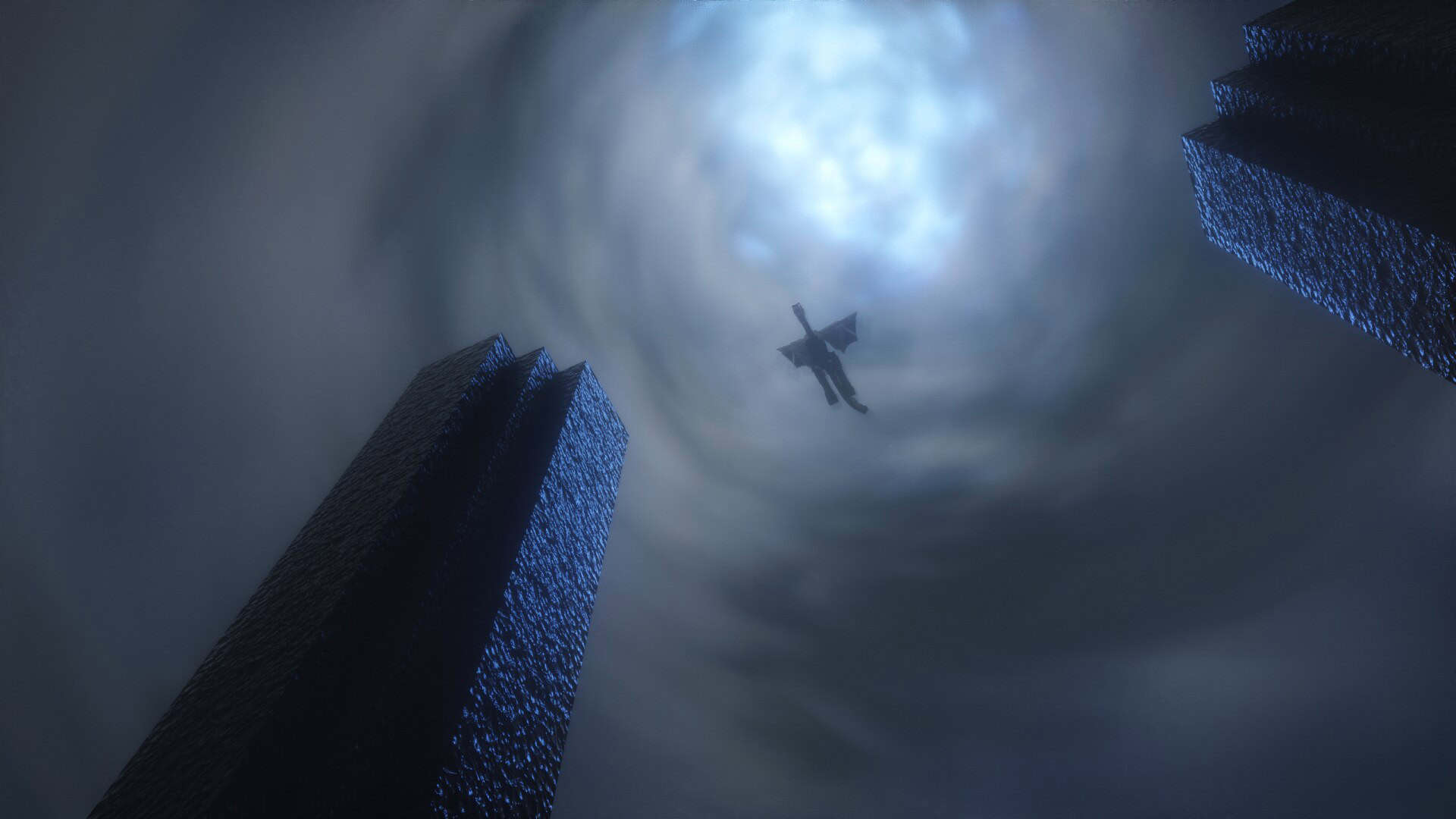
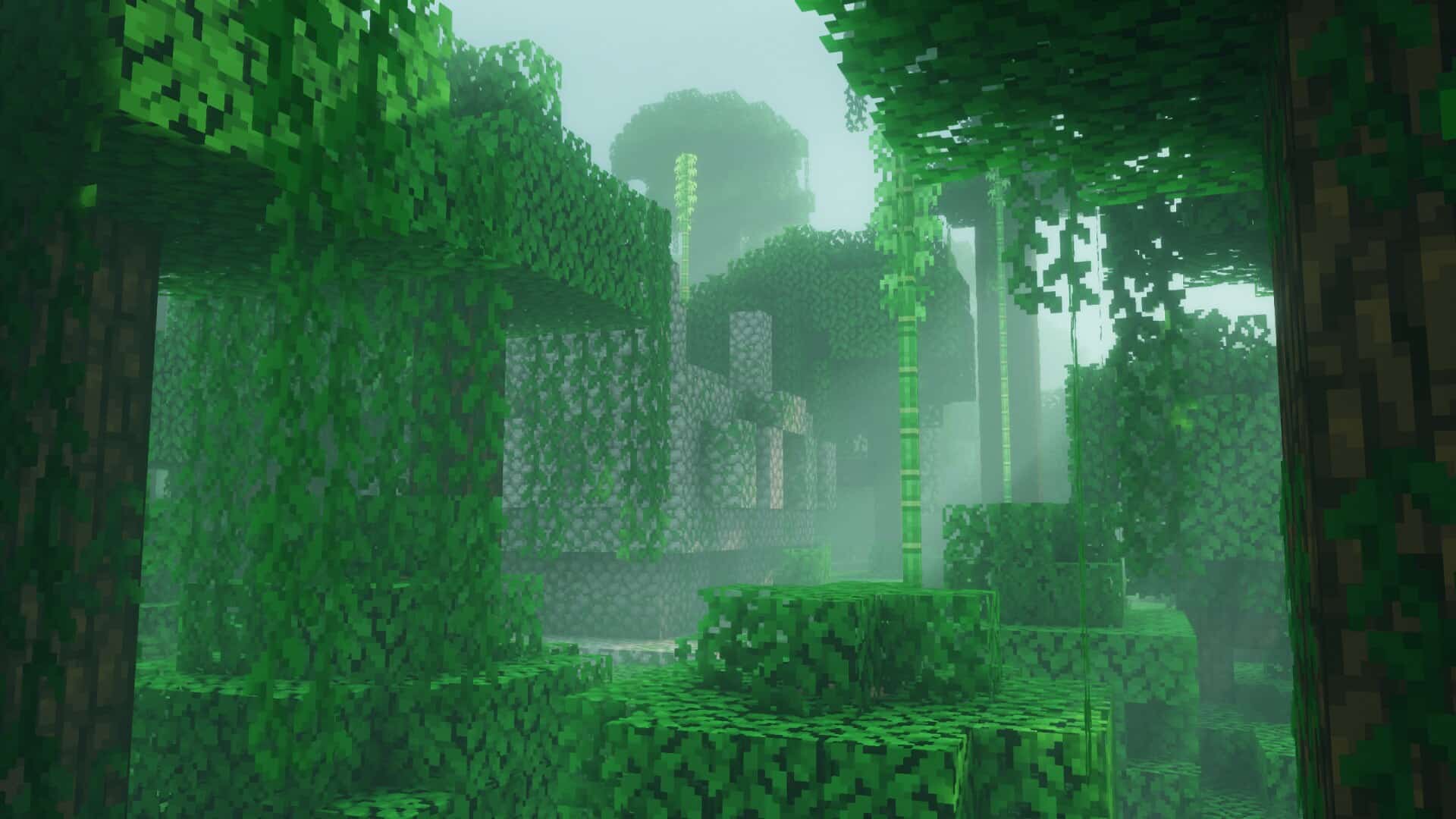
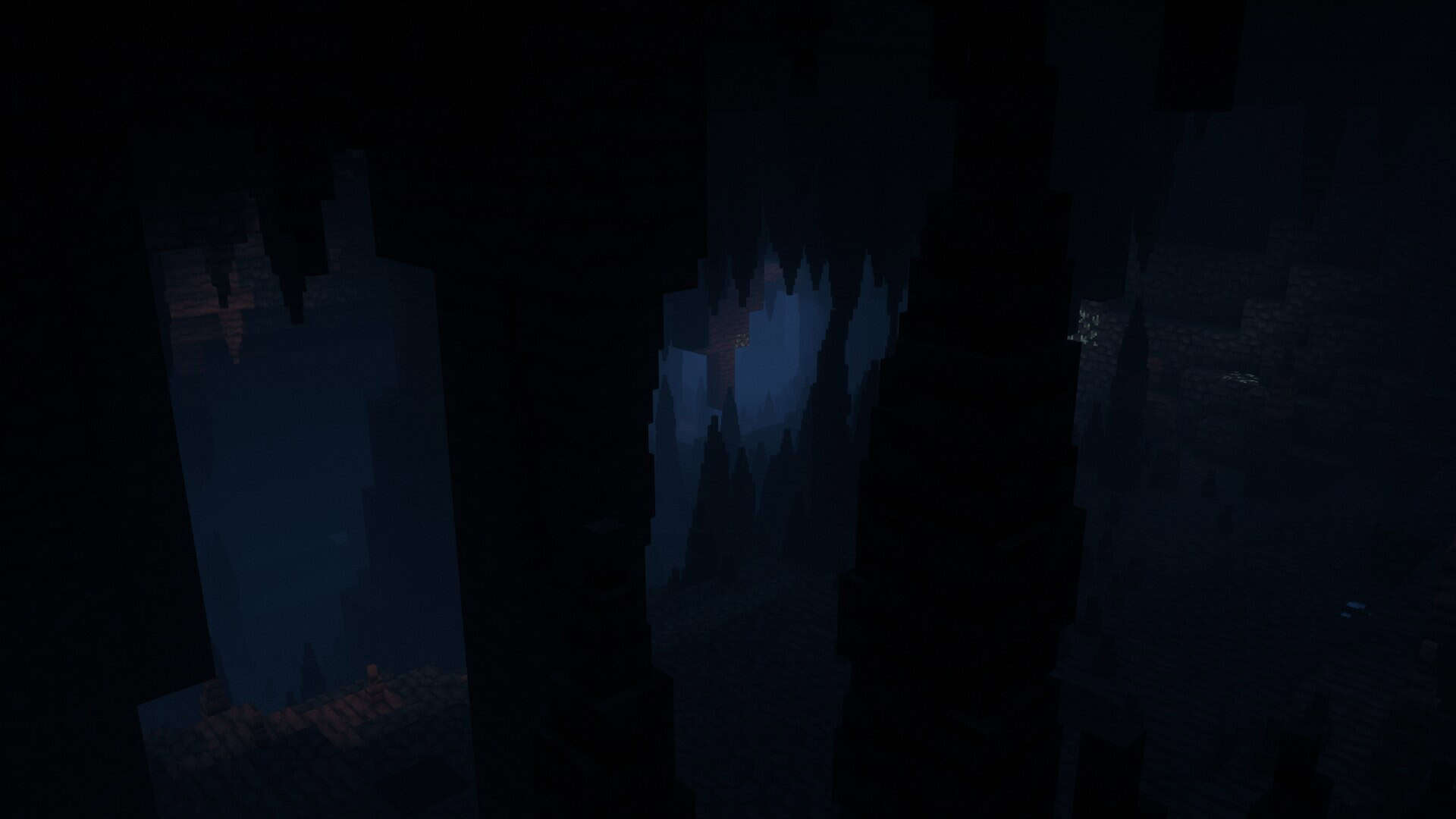
Bliss Shaders started out as a small personal edit and has truly blossomed into a full-fledged shader pack with a striking identity all of its own. I love how it leans toward a stunning fantasy style, placing an exceptionally strong focus on mood and atmosphere. The pack includes plenty of in-game settings that let you adjust visuals until they feel just right for your gameplay. While the overall direction of the pack stays fixed, you can easily fine-tune details such as color balance, light levels, or how effects blend with your builds. This wonderful mix of clear style and flexible control is what really separates it from many other shader packs out there. The solid foundation of Bliss is built on Chocapic13’s v9 shaders, a connection that matters deeply because Chocapic13 remains one of the most respected names in the entire shader community. His shaders have been downloaded millions of times and continuously set standards for what Minecraft visuals can achieve. Rest assured, Bliss is definitely not a simple copy, as the talented author X0nk shaped it into something much more experimental and captivating. From the very beginning, the goal was to craft a moodier tone and lighting that shifts dynamically depending on the biome and weather. One of the absolute strongest qualities of the Bliss shader pack is the way distinct biomes feel so wonderfully different from one another. Swamps appear heavy and green-tinted, deserts take on a dry, sandy glow, and forests vary beautifully as sunlight filters through the leaves. Even small details, such as how light passes through water or branches, genuinely add to the immersive sense of atmosphere. Weather and time of day also shape the mood seamlessly, ensuring rain, breathtaking sunsets, or deep nights each feel entirely distinct. This incredible variety completely keeps the game world from looking uniform, granting every single environment its own unique presence.
Bliss is a thoroughly modern shader pack packed with many advanced features. Performance is quite impressive for its class, though you will still need capable hardware if you want to push high settings alongside smooth frame rates, meaning a powerful GPU and CPU are definitely recommended. Midrange systems can handle it wonderfully with tuned presets, while integrated graphics and older machines may unfortunately struggle. Support for both AMD and Nvidia graphics cards is wonderfully strong, whereas Intel graphics and Apple devices might encounter occasional problems, although certain versions of Minecraft run acceptably on macOS while others do not. You will be glad to know that the pack works seamlessly with both Optifine and Iris. Between the two options, Iris is usually the better choice since it runs noticeably smoother and tends to feel much more consistent. That kind of fantastic flexibility means most players can easily run Bliss in their preferred setup, even though Iris consistently delivers the cleanest results. It is only natural to ask why you should choose Bliss when the original Chocapic13 shaders already perform so remarkably well, but the answer entirely depends on what kind of visual experience you want from the game. Chocapic13 shaders are brilliantly clean, reliable, and widely used, providing a balanced baseline with a rich history of success. Bliss, on the other hand, takes a completely different path by aiming for a much more cinematic and fantasy-driven tone. It offers far greater customization through handy toggles and sliders so you can effortlessly match the visuals to your favorite builds and resource packs. Updates also play a massive role here, as Bliss currently receives frequent updates and exciting experimental features that give players so much more to explore and test. Both packs are absolute masterpieces, so if you like experimenting, I strongly recommend installing both and switching between them to see the difference. Spend some quality time with Bliss, then return to Chocapic13 to directly compare the two, starting by adjusting one setting at a time. This way, you learn firsthand how each effect changes the look and discover which approach ultimately fits your playstyle best. At the end of the day, the choice comes down to personal preference. Bliss rewards you with a breathtaking fantasy feel, cinematic lighting, and active development that continually refines the experience, while Chocapic13 shaders provide steady reliability, simplicity, and a proven style that many players adore. Both require decent hardware, yet either one can totally transform your builds when tuned with care. If you are dreaming of glowing nights, misty forests, and dramatic sunsets, Bliss might just be the ultimate shader pack for you.
Bliss Shaders should be compatible with all of these Minecraft versions: 26.2 – 26.1.2 – 26.1.1 – 26.1 – 1.21.11 – 1.21.10 – 1.21.9 – 1.21.8 – 1.21.7 – 1.21.6 – 1.21.5 – 1.21.4 – 1.21.3 – 1.21.2 – 1.21.1 – 1.21 – 1.20.6 – 1.20.5 – 1.20.4 – 1.20.3 – 1.20.2 – 1.20.1 – 1.20 – 1.19.4 – 1.19.3 – 1.19.2 – 1.19.1 – 1.19 – 1.18.2 – 1.18.1 – 1.18 – 1.17.1 – 1.17
Screenshots
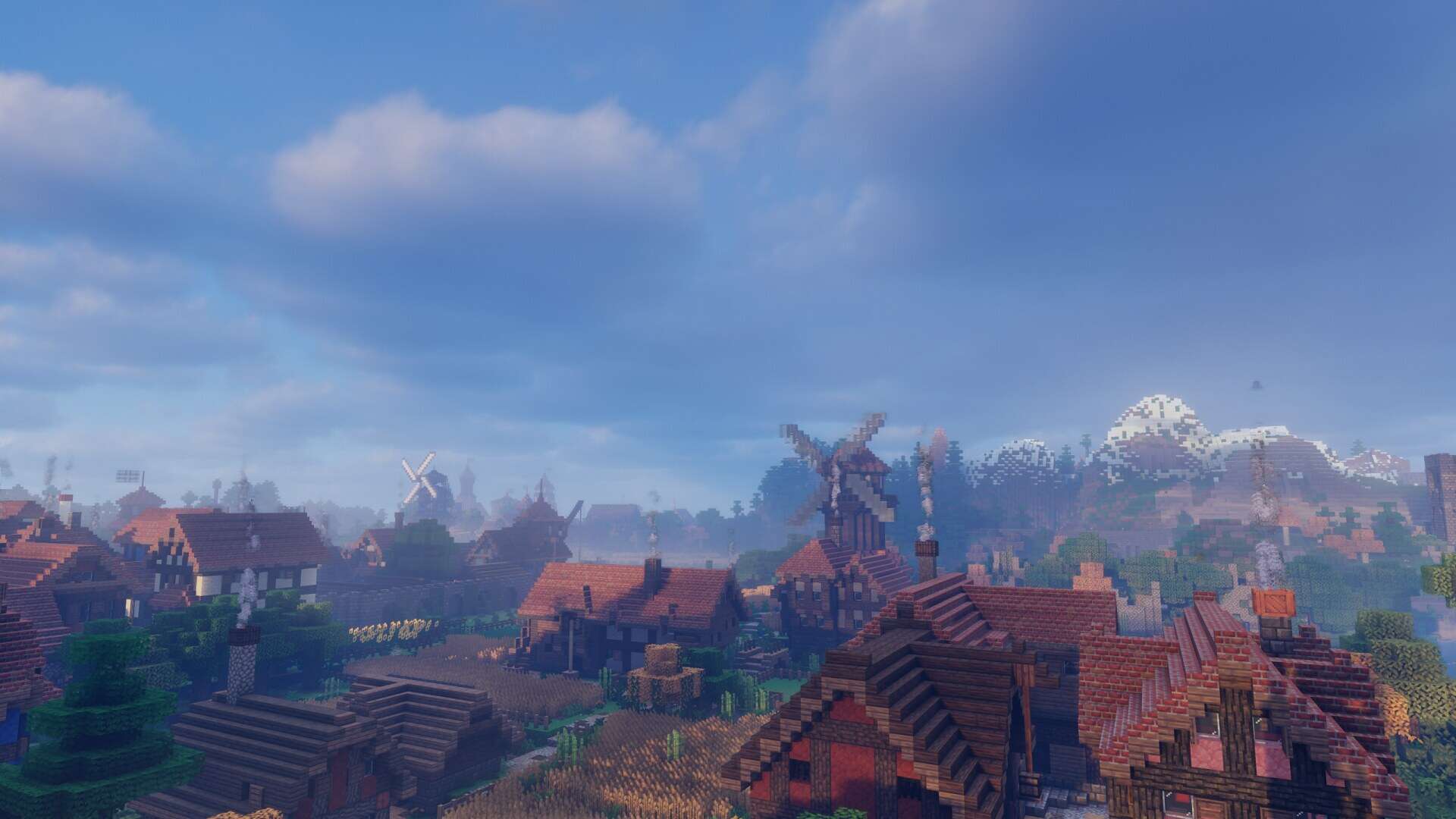
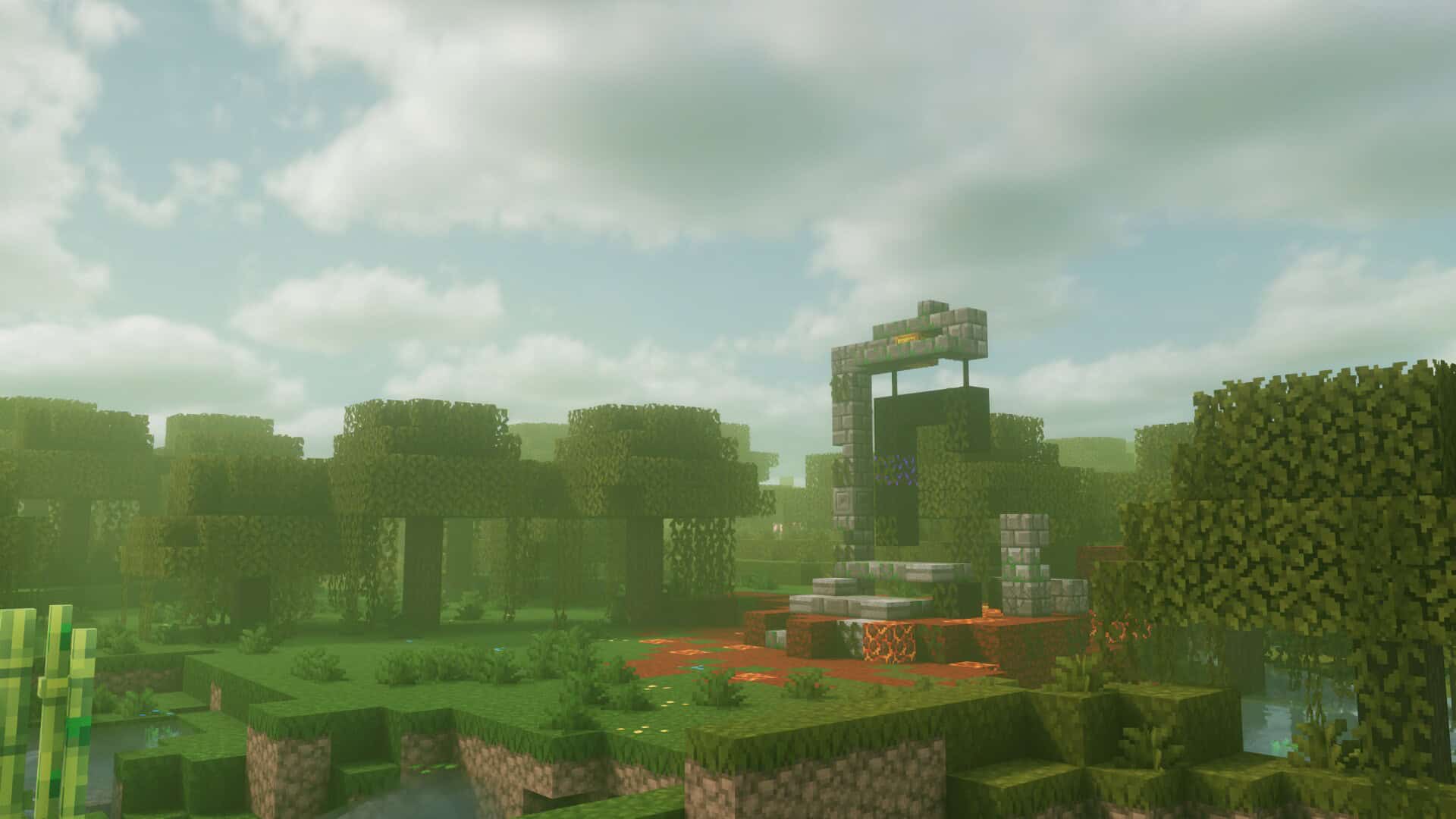
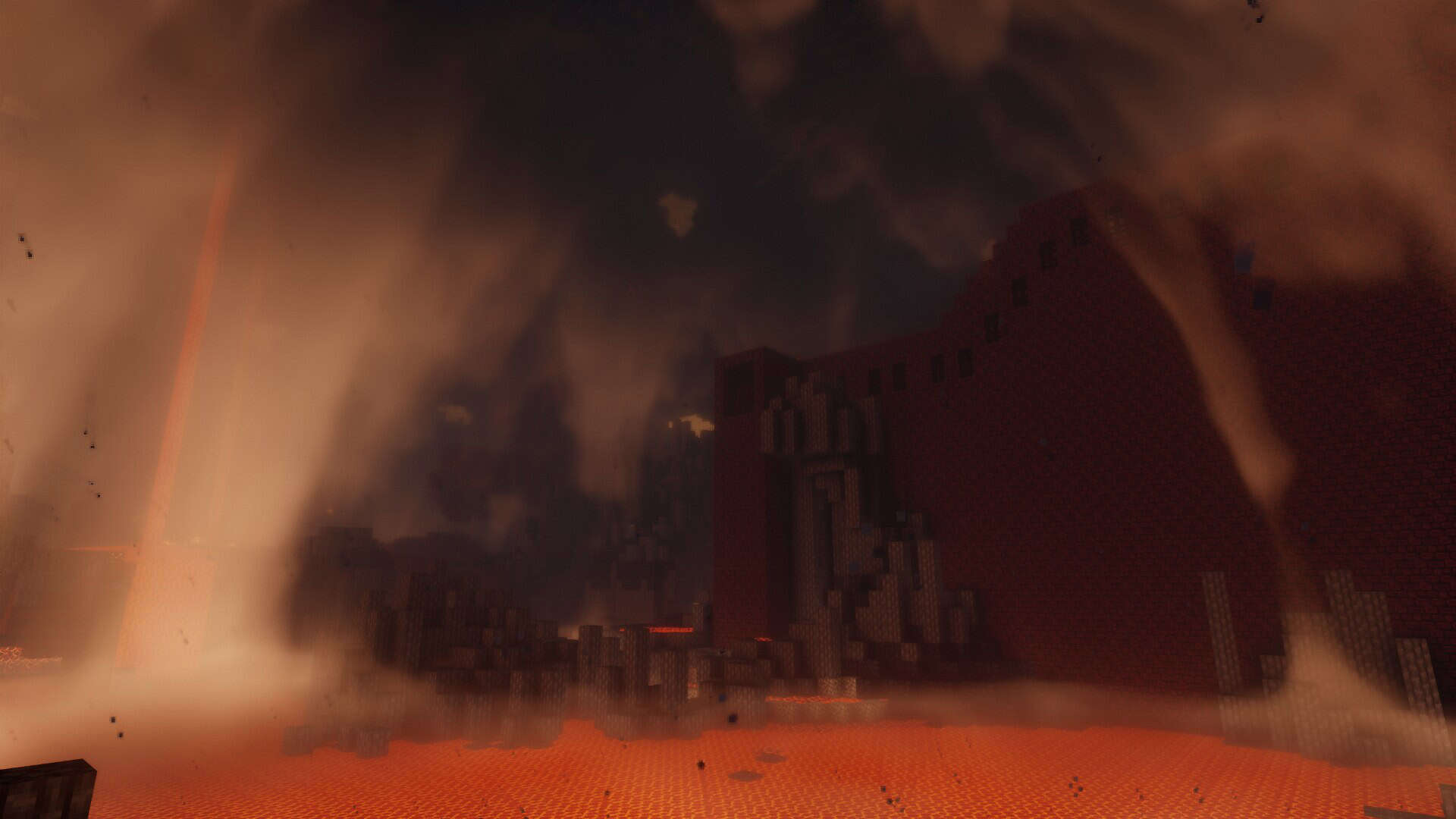
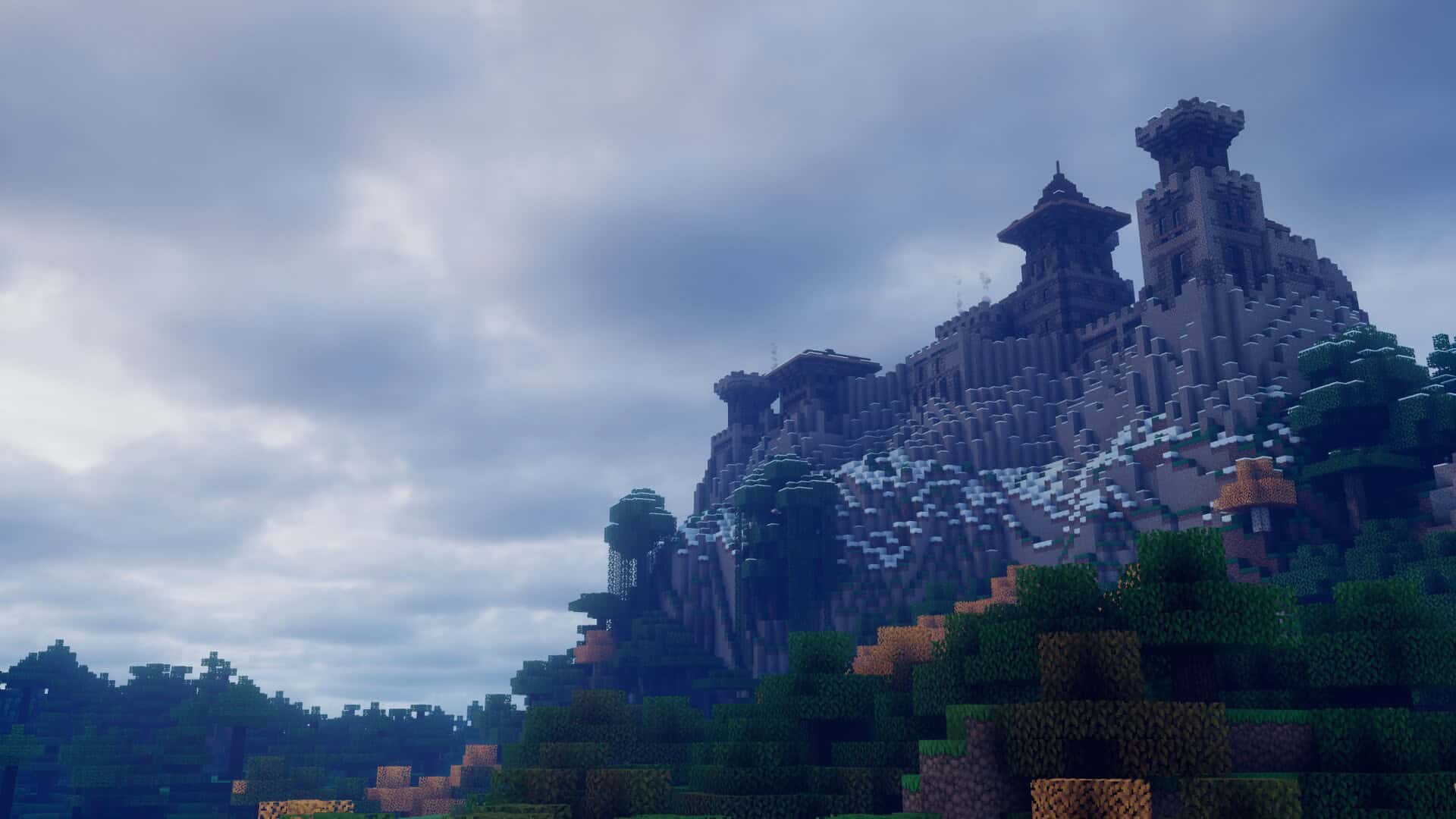
How to Install Shader Pack (Simple and Easy 7 Steps)
- Install Minecraft: Make sure to have Minecraft on your PC.
- Set the Game Version: Open the Minecraft Launcher, go to the “Installations” tab, click “New Installation”, choose the version you want to play, and click “Create”.
- Install OptiFine or Iris: Download and install OptiFine or Iris (we recommend Iris for better performance).
- To download Iris, click here.
- To download OptiFine, click here.
- Launch with the Shader Mod: Open the Minecraft Launcher again and select the OptiFine or Iris profile you installed.
- Download the Shader Pack: Download the shader pack (.zip file) from the download section below. (Don’t unzip it!)
- Open the Shaderpacks Folder:
- For OptiFine: Go to Options > Video Settings > Shaders > Shaders Folder
- For Iris: Go to Options > Video Settings > Shader Packs > Open Shader Pack Folder
- Add and Activate the Shader Pack: Move the downloaded .zip file into the shaderpacks folder. Then go back to the game, select the shader pack from the list, and click “Done” to activate it.
Credits
This shader pack was originally created by X0nk based on Chocapic13’s work. We do not claim ownership of this content, nor do we host or modify the download files. All rights and credits belong entirely to the original creator. We strongly encourage you to support the author by downloading the files from their official distribution links.
Download Instructions
Curseforge: download starts automatically after a few seconds;
Mediafire: click the big blue button with the text “DOWNLOAD”;
Google Drive: in the top right corner you will see a small download icon (down arrow), click it and the download should start;