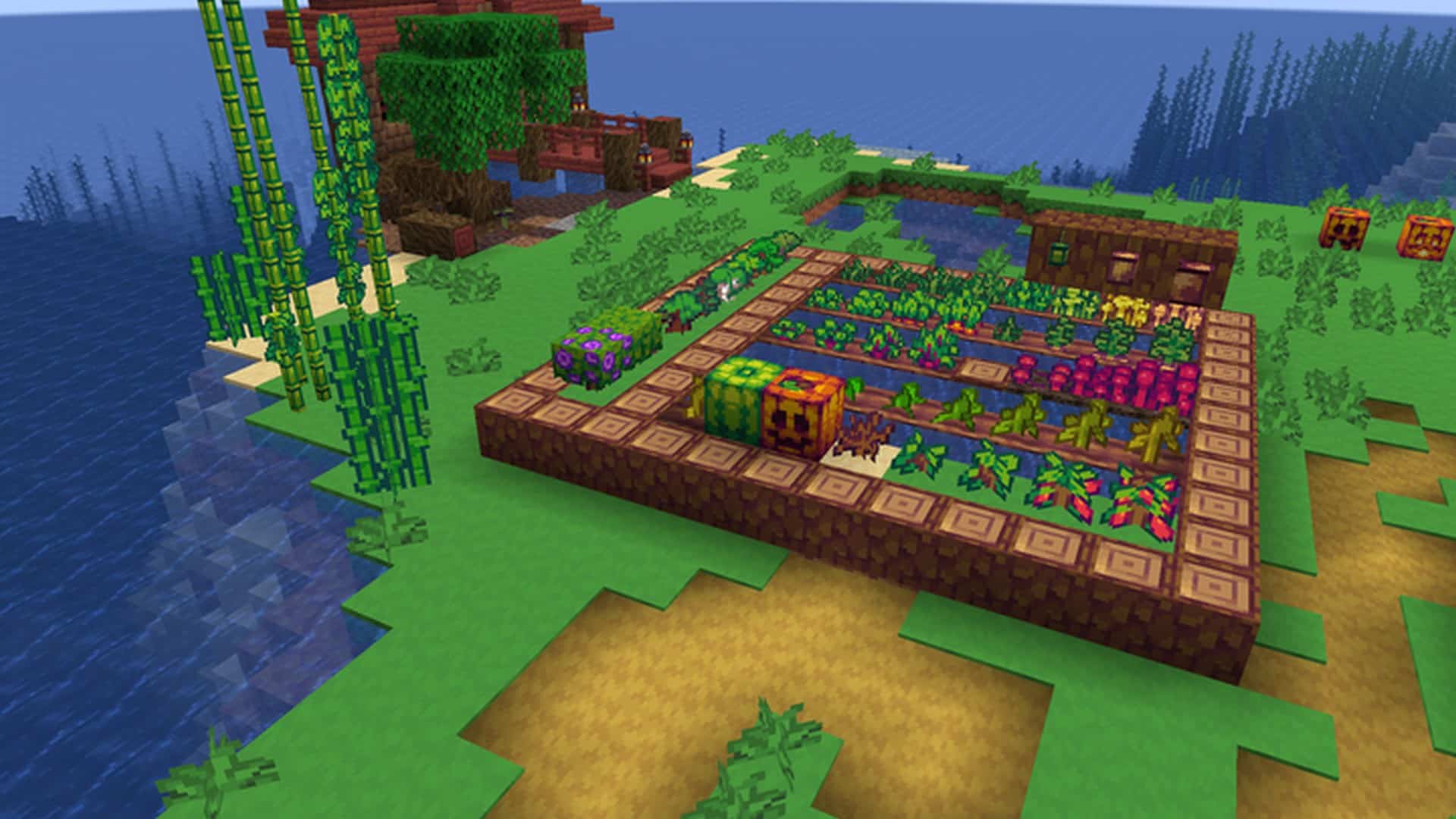
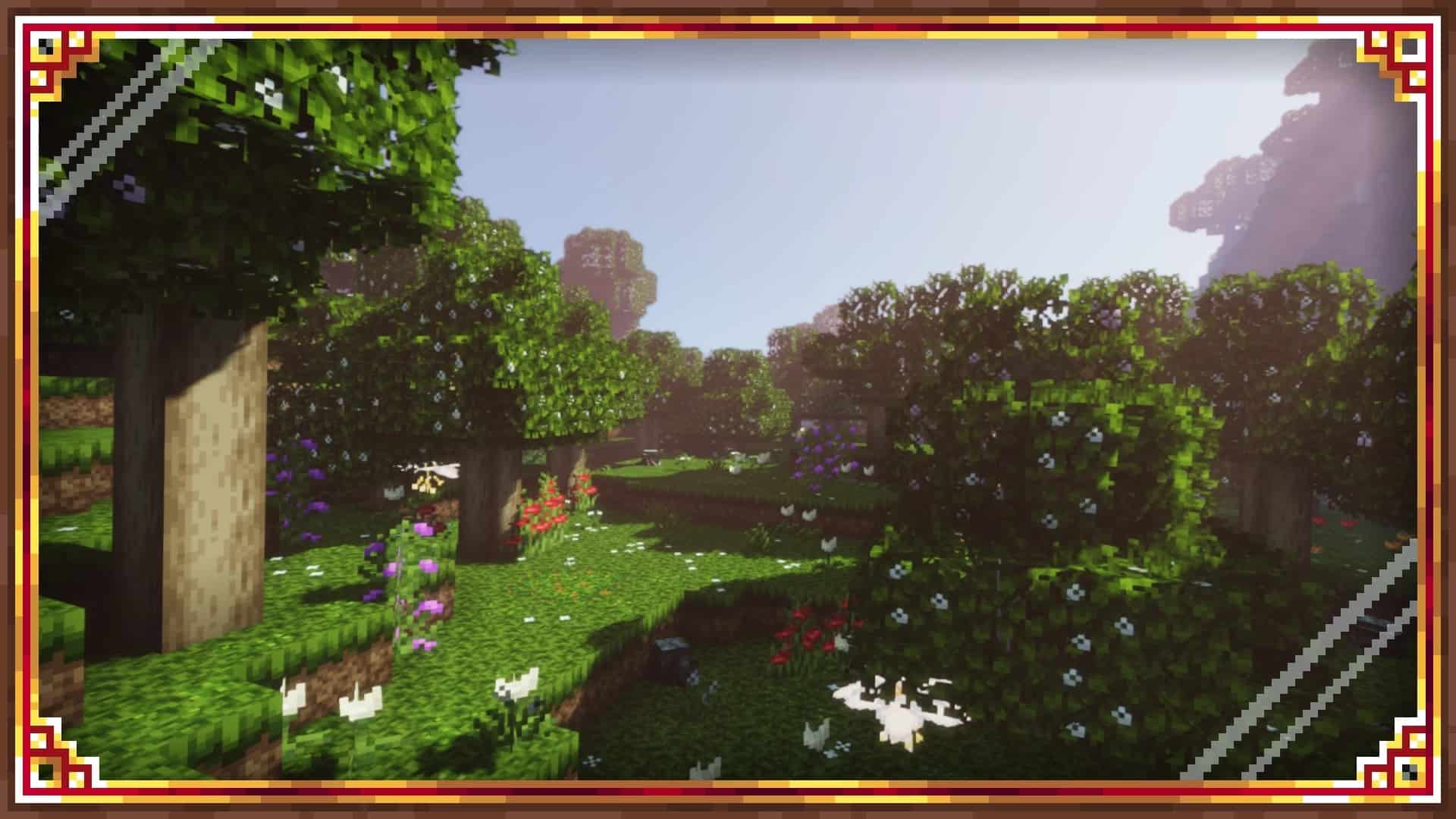
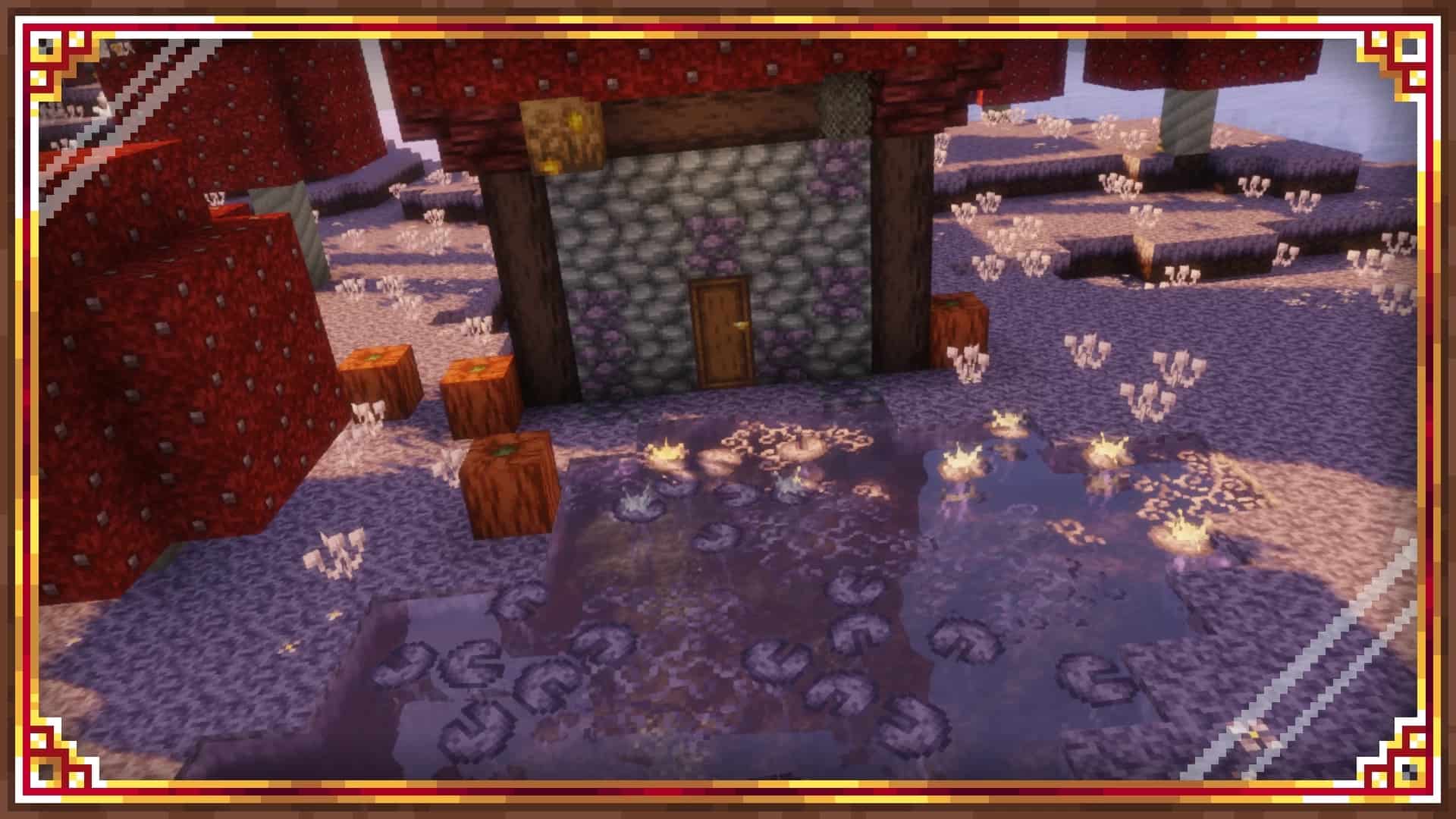
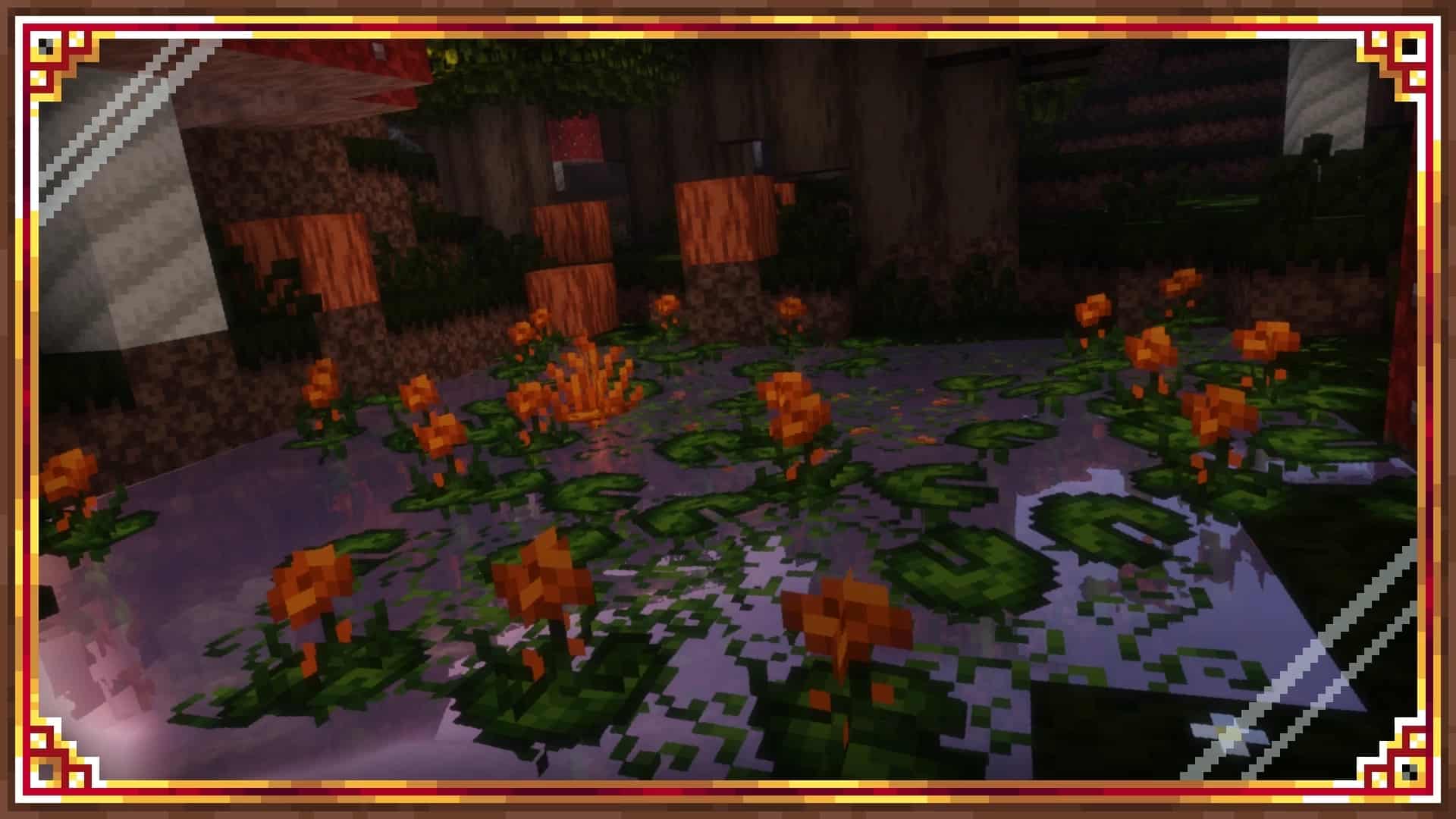
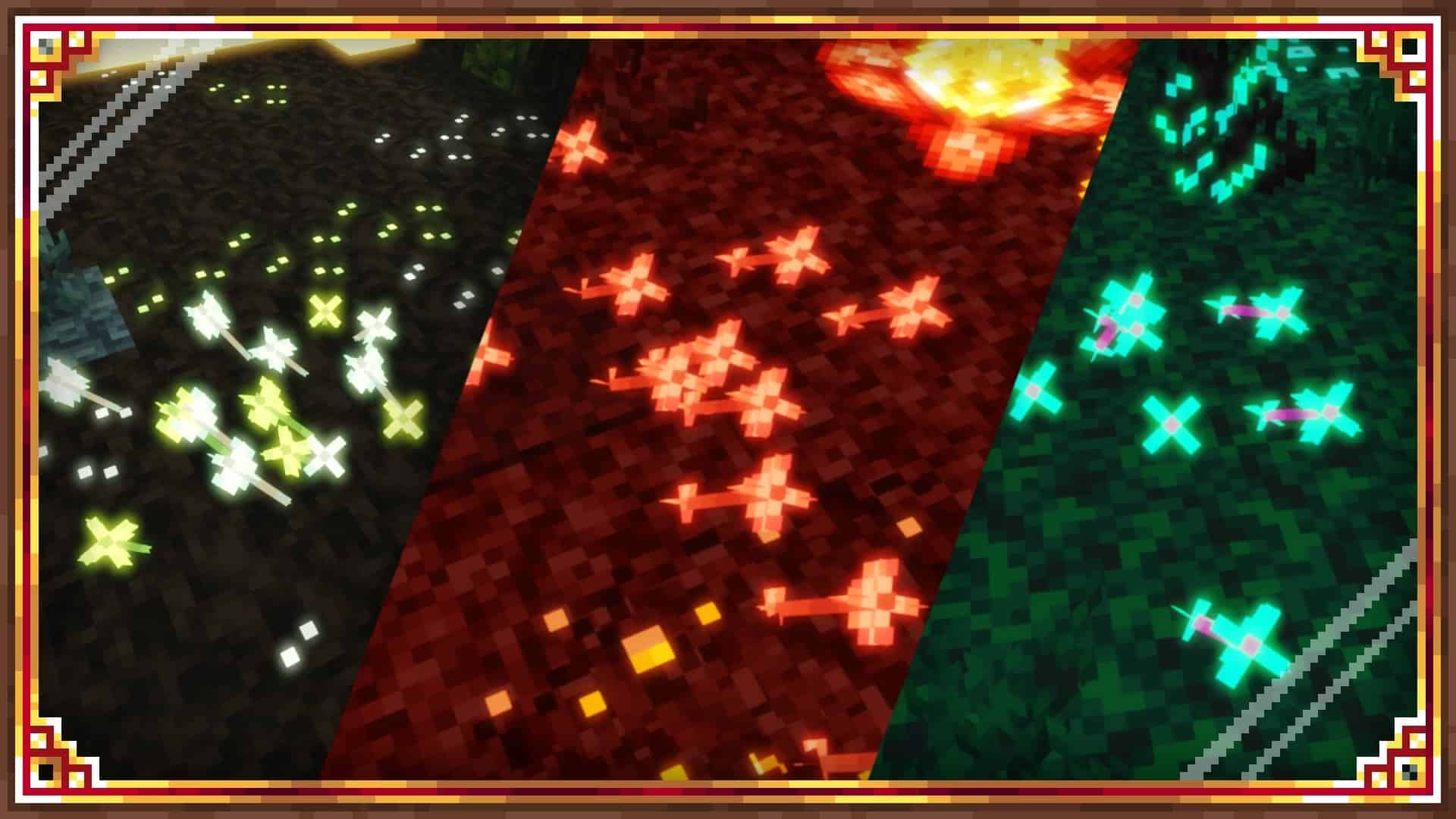
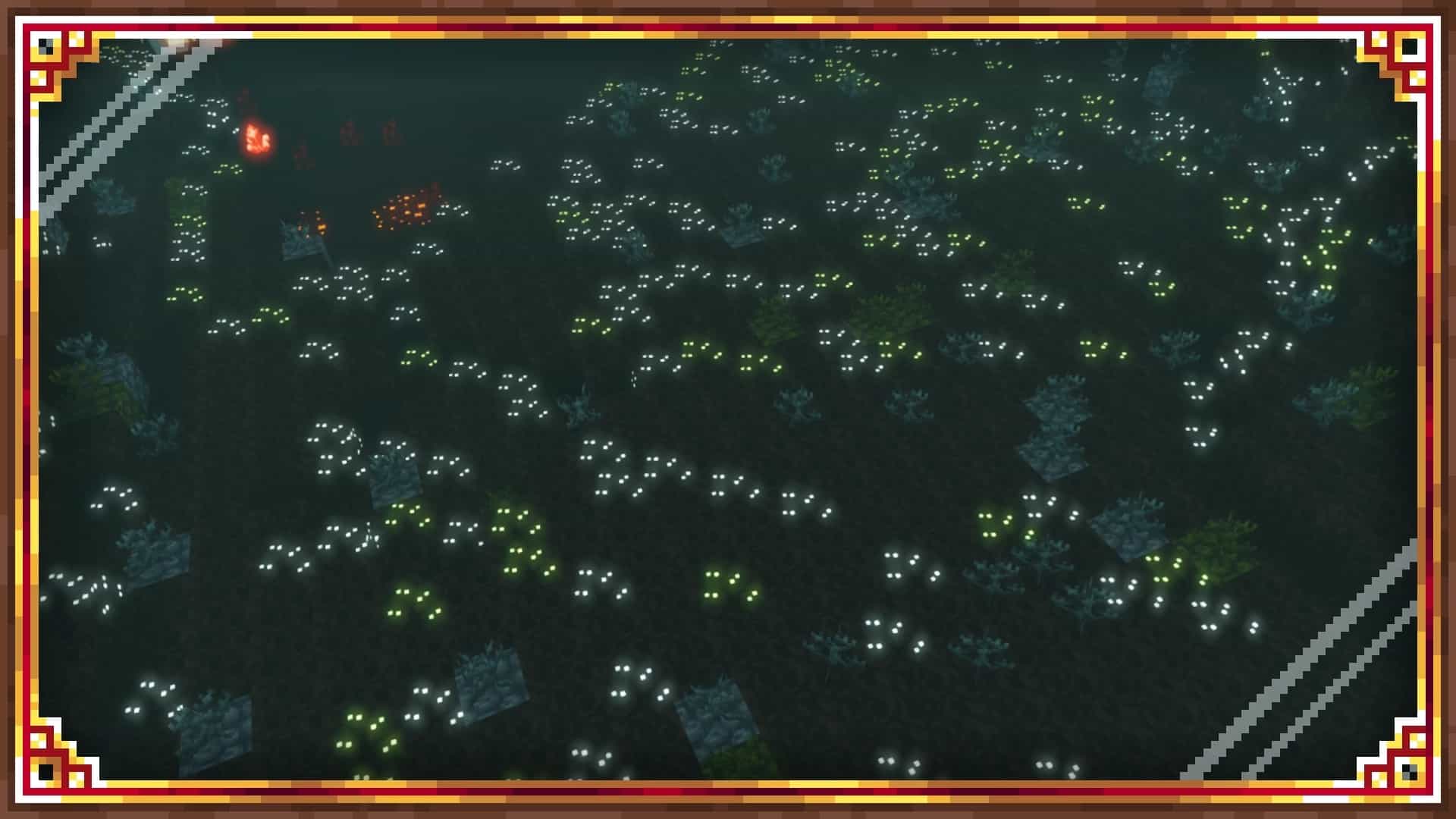
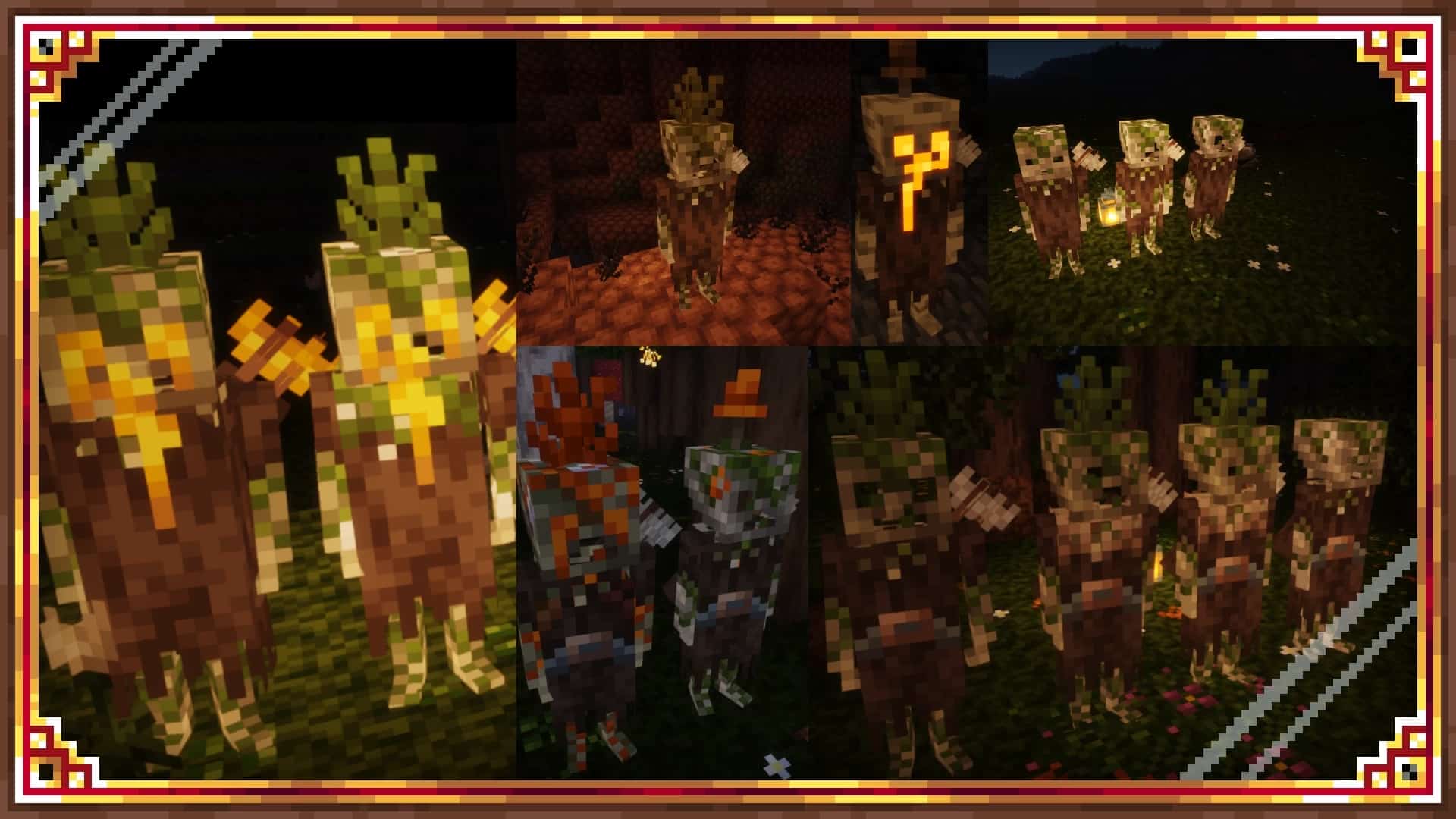
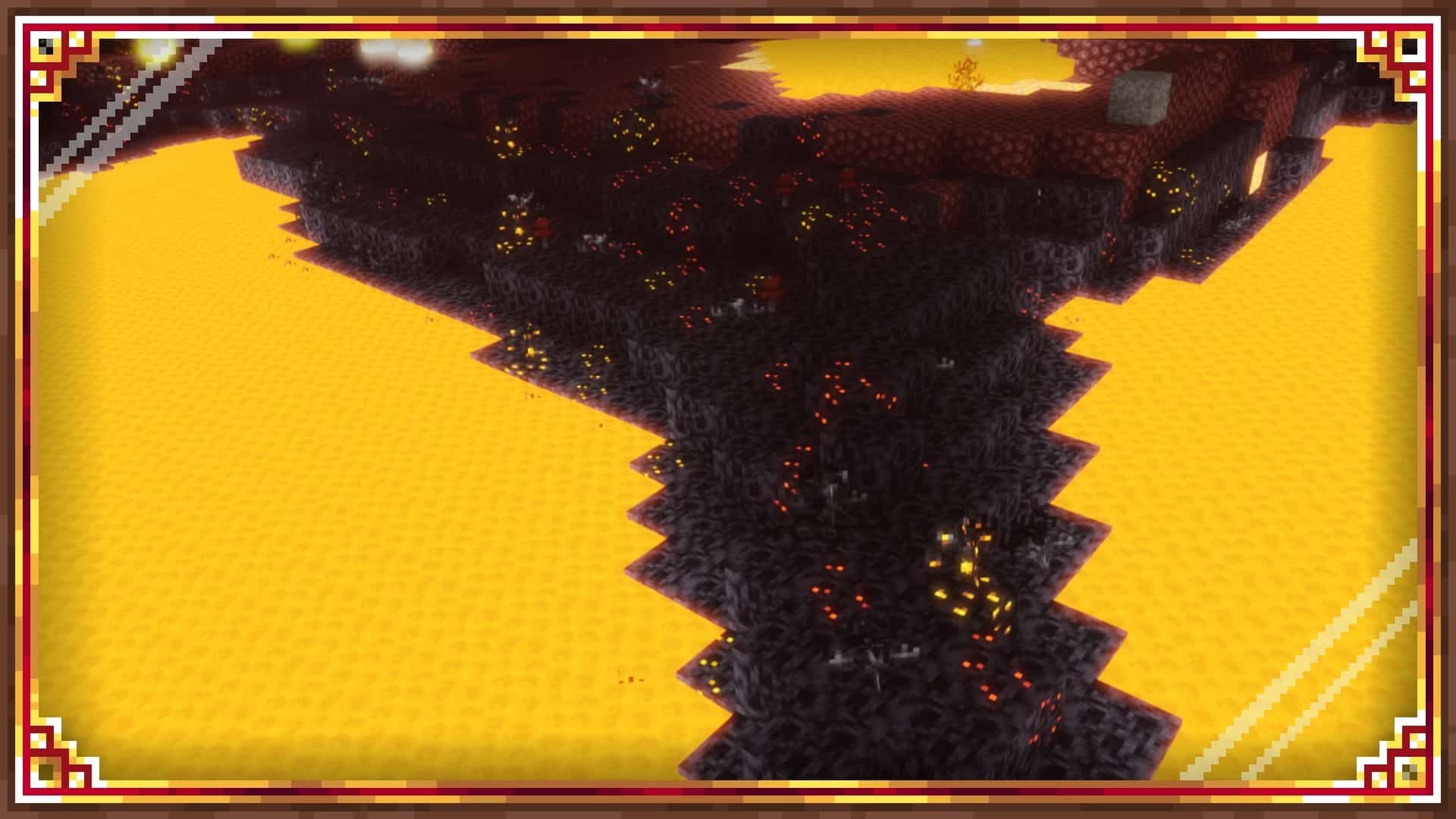
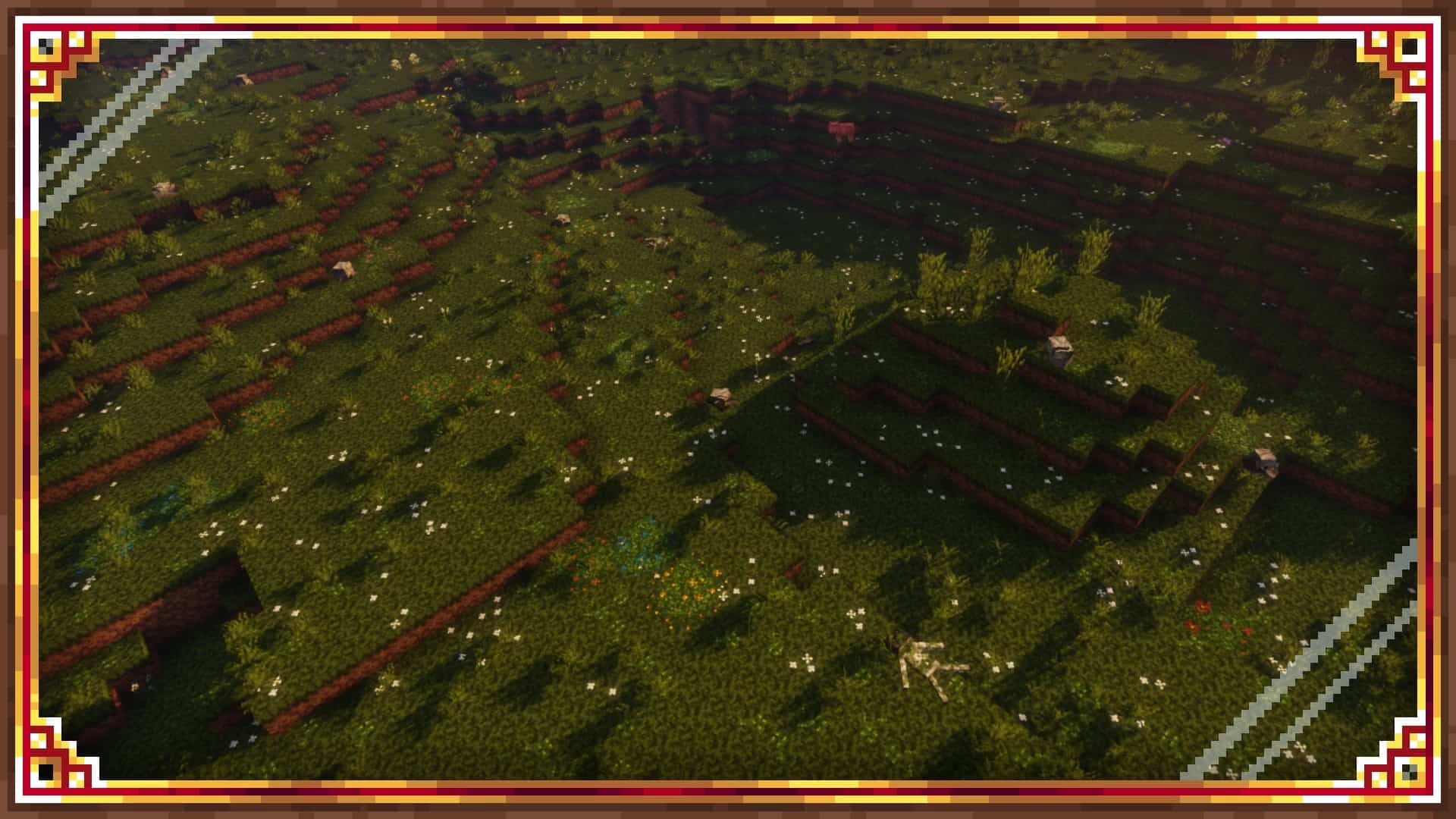
It really seems like the entire Minecraft community has totally jumped into the craze of photorealistic resource packs lately. Most developers working on these packs keep bumping up texture resolutions just to make the game look overly modern and cram in tons of extra details. But honestly, Minecraft is totally meant to be fun, not to mimic real life. If pure fun is what you are actually looking for, then I think the Derpswen resource pack is definitely worth giving a shot! While the developer playfully describes his resource pack as cartoony, medieval, and realistic, do not fall into that trap at all. This pack is truly anything but realistic. However, it somehow manages to get everything else so right and completely changes both the sounds and visuals in Minecraft for the much better. The Derpswen texture pack is brilliantly developed by community user DERPWARE, who actually has several cool projects under his belt, with Derpswen easily standing out as one of his most appreciated resource packs. Having tons of experience working on prior packs, his creation has managed to pull in a really good number of downloads simply due to the wonderfully unique visuals it introduces. Released back in early 2020, it still gets wonderfully constant updates. At the time of writing this review, the pack covers about 65% of all the textures in the game and adds more than 25 different immersive sounds. First off, let us talk about the super fun cartoony part of the game. Minecraft is already a charmingly cartoonish game by nature, but Derpswen takes things to an entirely new level! Many common textures have been completely edited or redone from scratch, and almost every single flower in Minecraft has received a fresh new coat of paint. There are also brilliant new textures for all the ores, alongside several brand new textures that literally glow in the dark, which can be observed especially in various biomes and deep underground. The awesome medieval aspect of the Derpswen resource pack comes through with a plethora of textures that were carefully changed, proving that not everything is made to just look cartoonish.
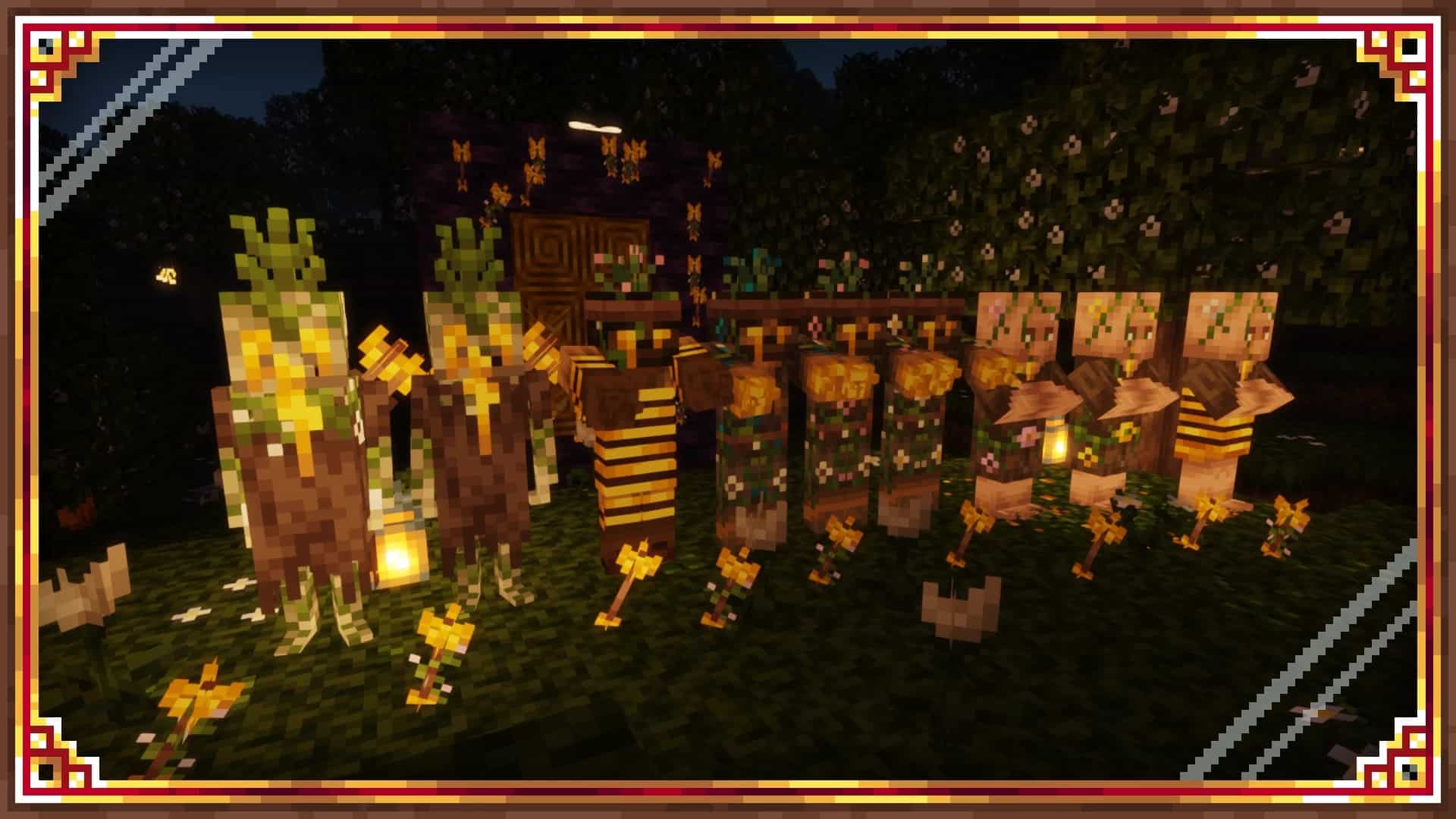
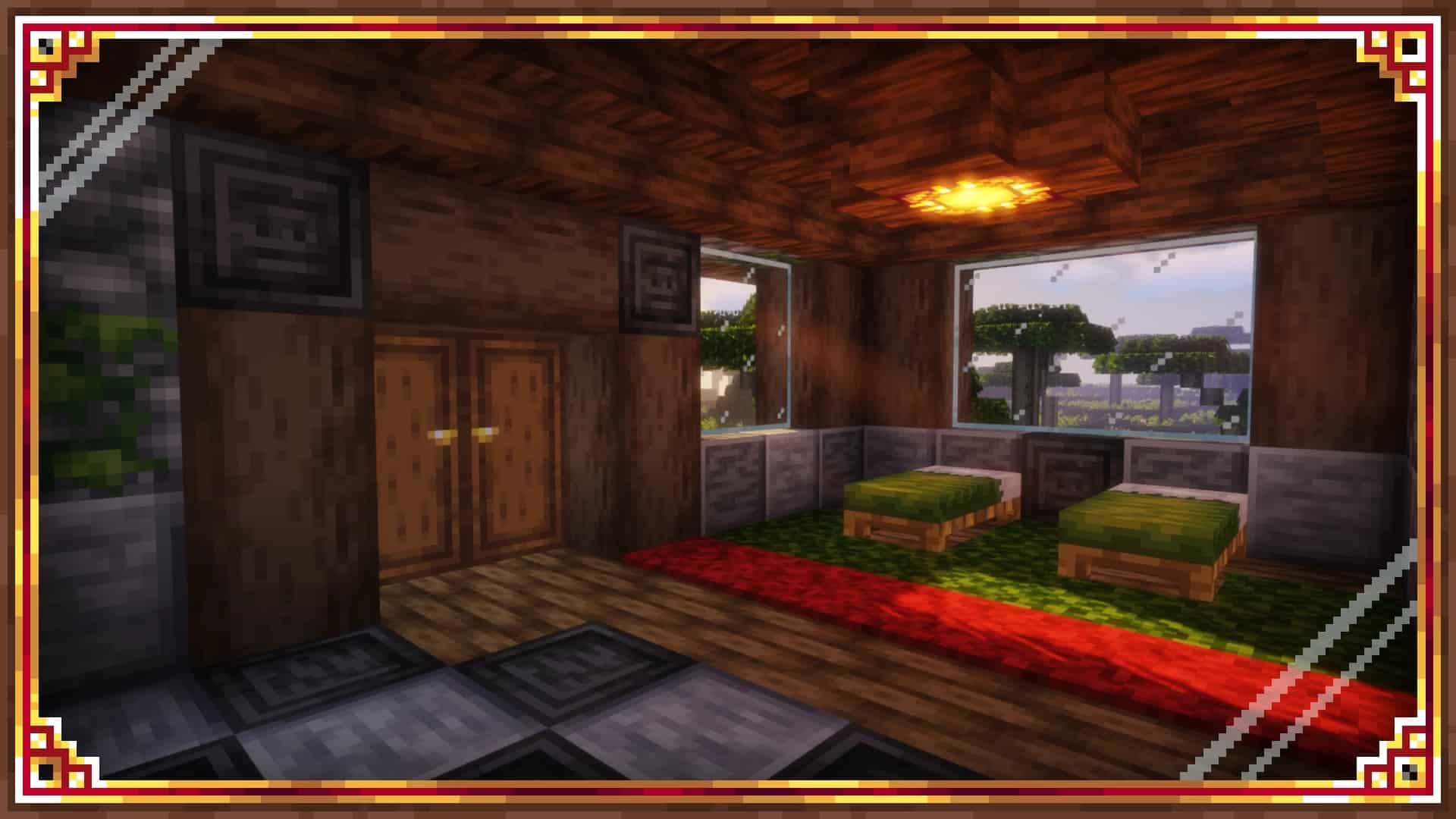
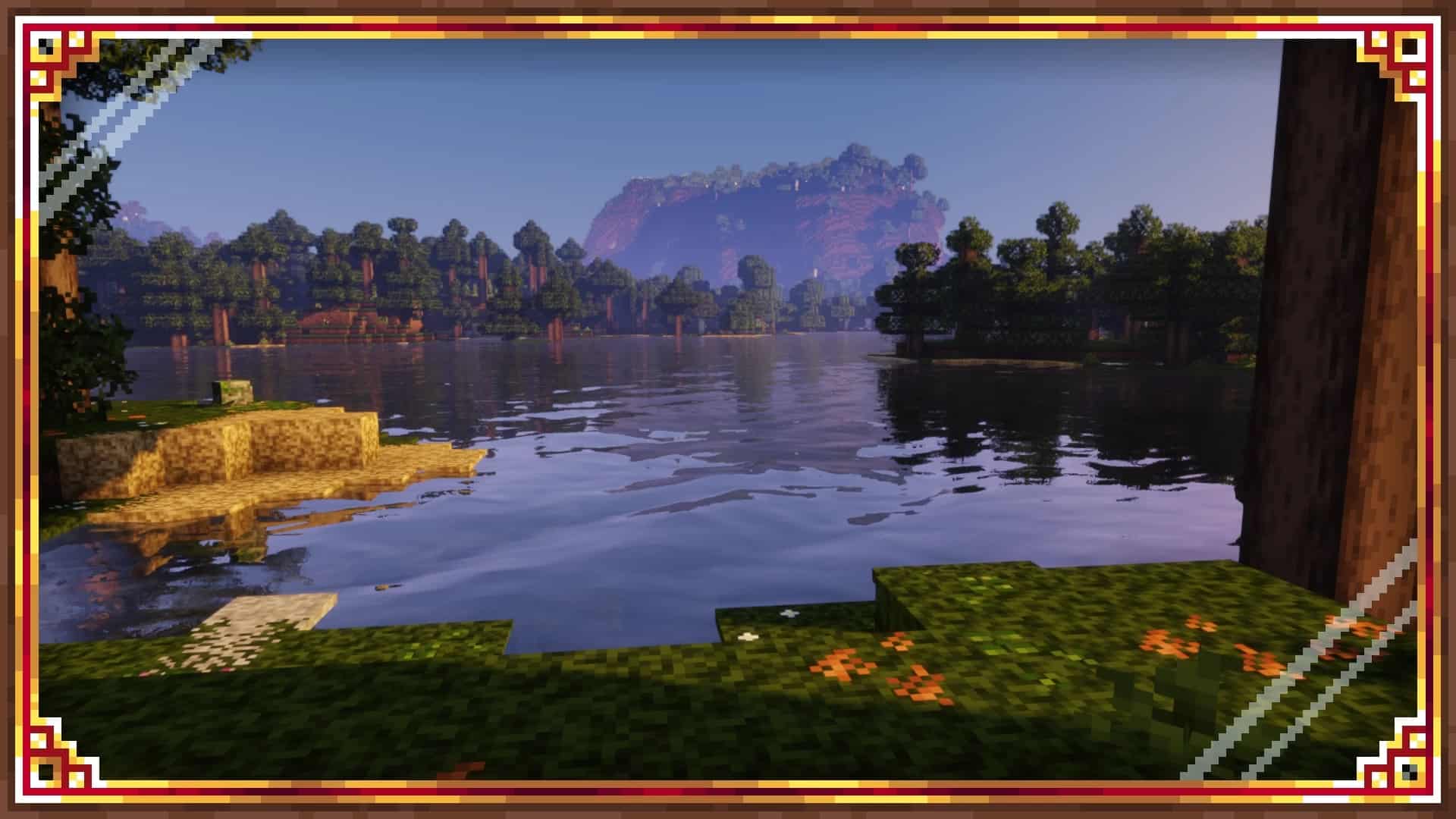
There are amazing new textures for various types of rocks, stones, dirt, and much more, allowing you to build truly breathtaking medieval settings such as majestic castles, dark dungeons, and beyond. Amongst the many visible changes, it is super important to mention the updated textures for certain mobs, players, and NPCs. There is an incredible new villager that actually flies on a carpet, and certain player textures even glow in the dark! As for the mobs, we get fantastic new textures for wolves, foxes, pigs, and more. Looking beyond the visual changes, there are also 25 brilliant new sounds and sound tweaks. Bird sounds were thoughtfully removed, but now you can hear eerie wolves howling from a distance. The ambient wind is toned down nicely while other environmental sounds feel much more noticeable. You also get completely new zombie and skeleton ambiance sounds, plus a cool new cricket sound. All of these changes seriously add to the overall atmosphere of the game, making it infinitely more suitable for a proper medieval setting. You can now easily create terrifyingly creepy dungeons, and these new sounds genuinely make them even scarier! The Derpswen pack happily uses cozy 16x textures, and according to the developer, there are absolutely no plans to release versions using a higher texture resolution. This means that in theory, your game should perform wonderfully well with the resource pack running. However, it is entirely possible to experience a slight performance drop depending on how you choose to configure the resource pack. These performance hiccups can occasionally be noticeable, but thankfully there is a very helpful configuration and help file included right inside the resource pack zip file that thoroughly explains how certain features work and how you should configure the pack for optimal performance. You can easily find this file tucked away inside the libraries folder. Keep in mind that the resource pack does not mess around with lighting, water, or sky textures, so if you want to push the visuals even further, you may want to install a shader pack as well. Just remember that doing so will likely decrease your game performance further. Also, due to minor compatibility reasons, some shader packs might cause strange bugs or visual artifacts, meaning you will definitely need to experiment a bit by trying different packs out.
Derpswen should be compatible with all of these Minecraft versions: 1.20.4 – 1.20.3 – 1.20.2 – 1.20.1 – 1.20 – 1.19.4 – 1.19.3 – 1.19.2 – 1.19.1 – 1.19 – 1.18.2 – 1.18.1 – 1.18
Screenshots



How to Install Texture Pack (Simple 10 Steps)
- Download OptiFine: Most of the texture packs and shaders need OptiFine. That’s why, first download and install OptiFine for the version of Minecraft you want to play.
- Download the Texture Pack: Get the texture pack you want from the download section. Choose the version that works with your Minecraft and your PC’s performance.
- Open Minecraft Launcher: Start Minecraft using the official game launcher — or even TLauncher, if you use that.
- Go to Options: From the main menu, click on the “Options” button.
- Open Resource Packs: Inside Options, click on “Resource Packs…”.
- Open the Resource Pack Folder: Click on “Open Resource Pack Folder” — this will open a folder named “resourcepacks”.
- Move the Pack File: Copy or move the .zip file you downloaded into that “resourcepacks” folder. (Don’t unzip the file — Minecraft uses it as-is!)
- Go Back and Refresh: Close the folder and click “Done”, then go back into “Resource Packs…” again.
- Activate the Pack: You’ll see the pack on the left side. Hover over it and click the arrow to move it to the right (active side).
Tip: If you get a message that the pack is for a different version, just click “Yes” — it usually works fine. - Click Done and Enjoy: Click “Done” again. Now your pack is ready to use in-game. It’s that easy!
Credits
The Derpswen resource pack was originally created and developed by DERPWARE. We do not claim ownership of this content, nor have we modified the original files. All rights, intellectual property, and updates belong entirely to the original creator. We strongly encourage you to visit the official download sources to support DERPWARE and their ongoing work.
Download Instructions
Curseforge: download starts automatically after a few seconds;
Mediafire: click the big blue button with the text “DOWNLOAD”;
Google Drive: in the top right corner you will see a small download icon (down arrow), click it and the download should start;