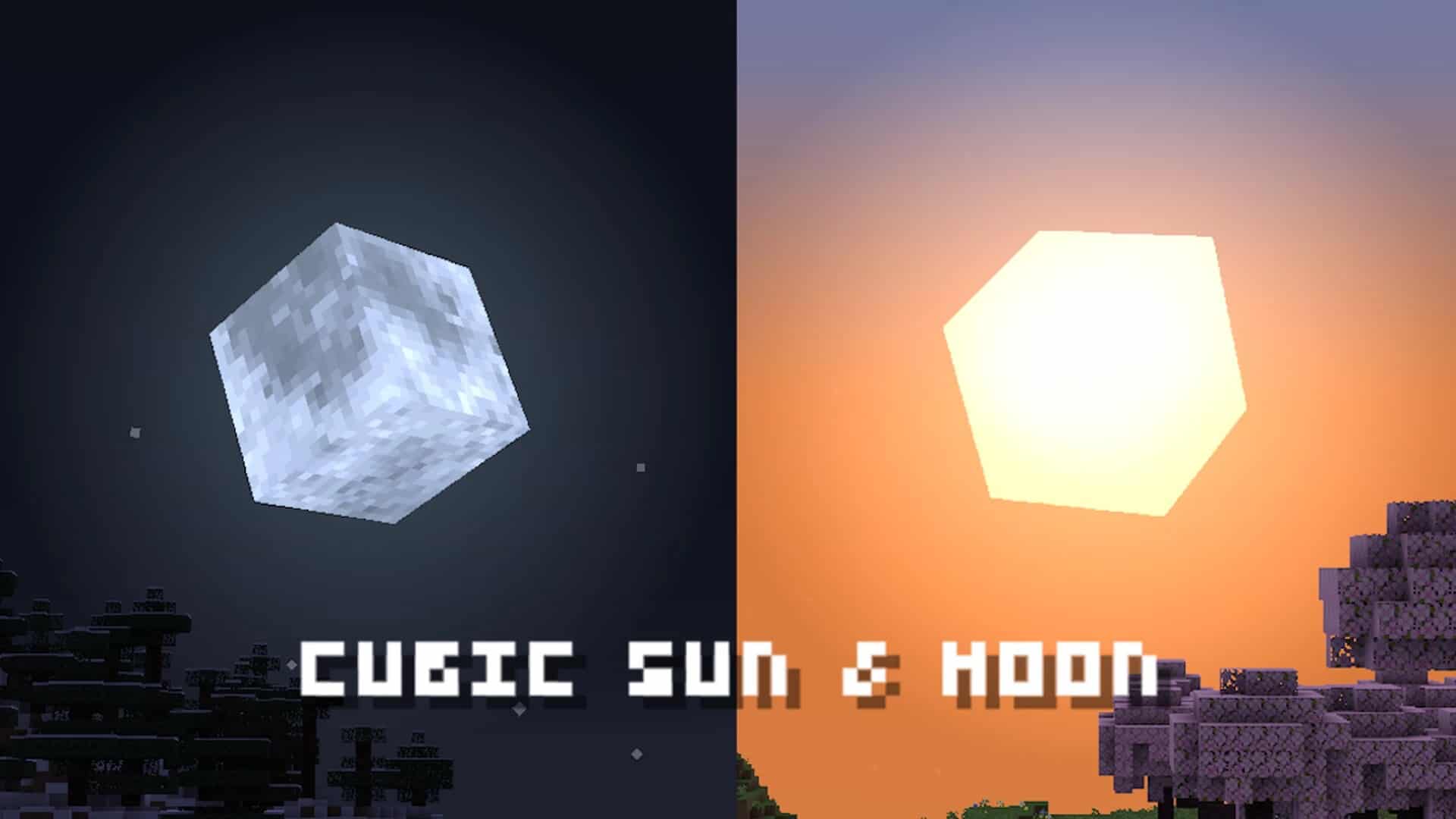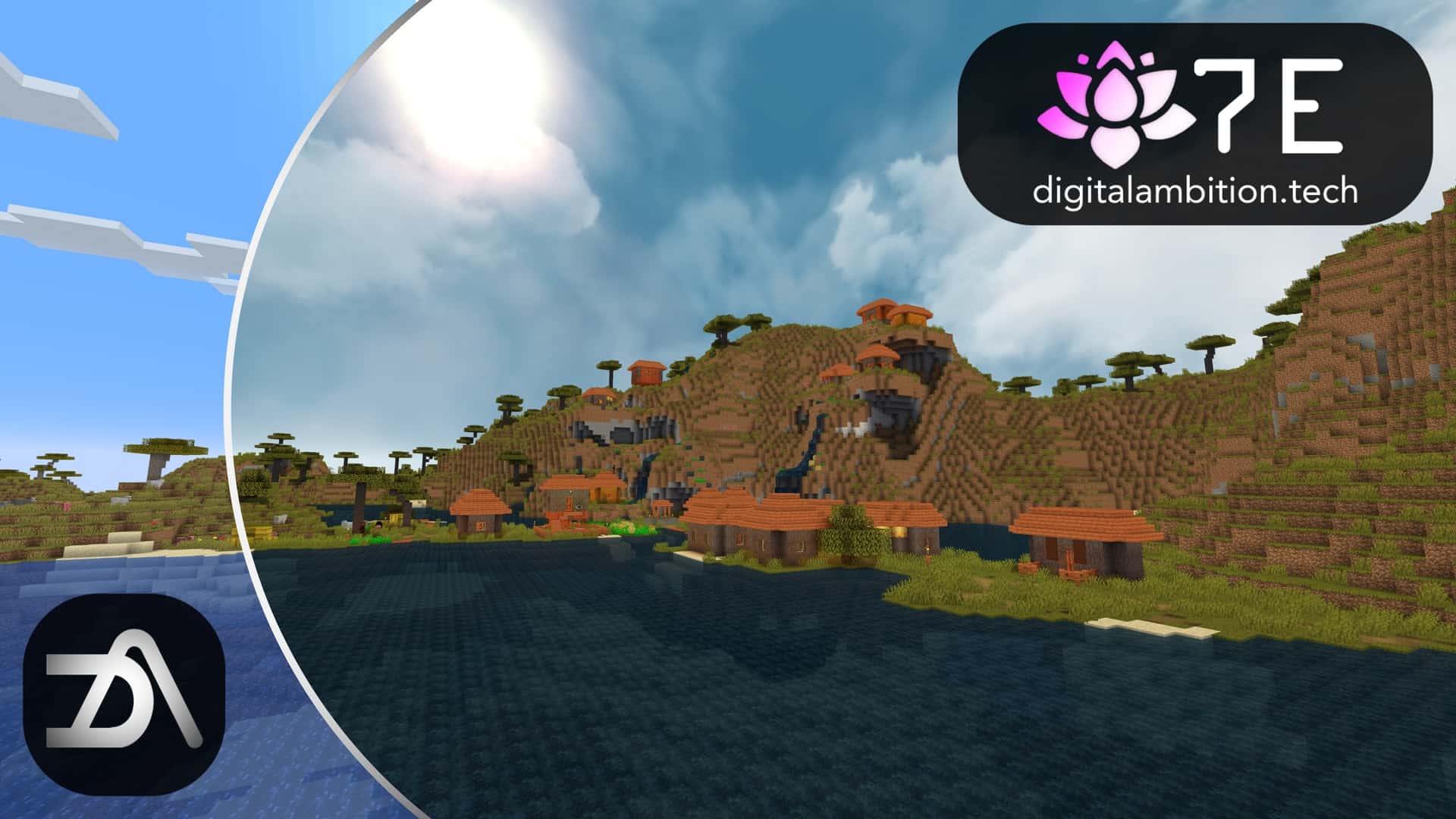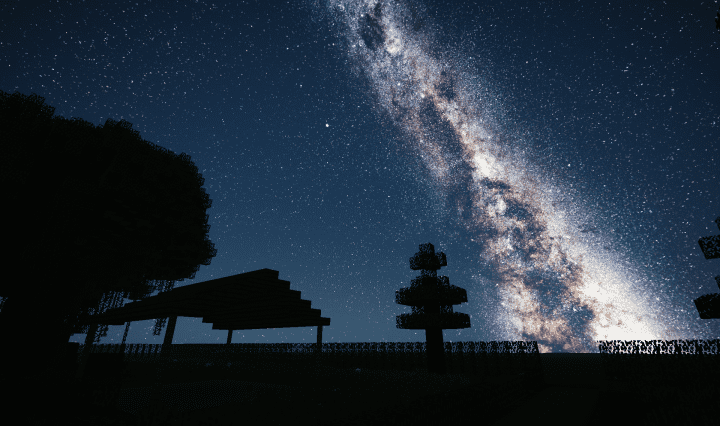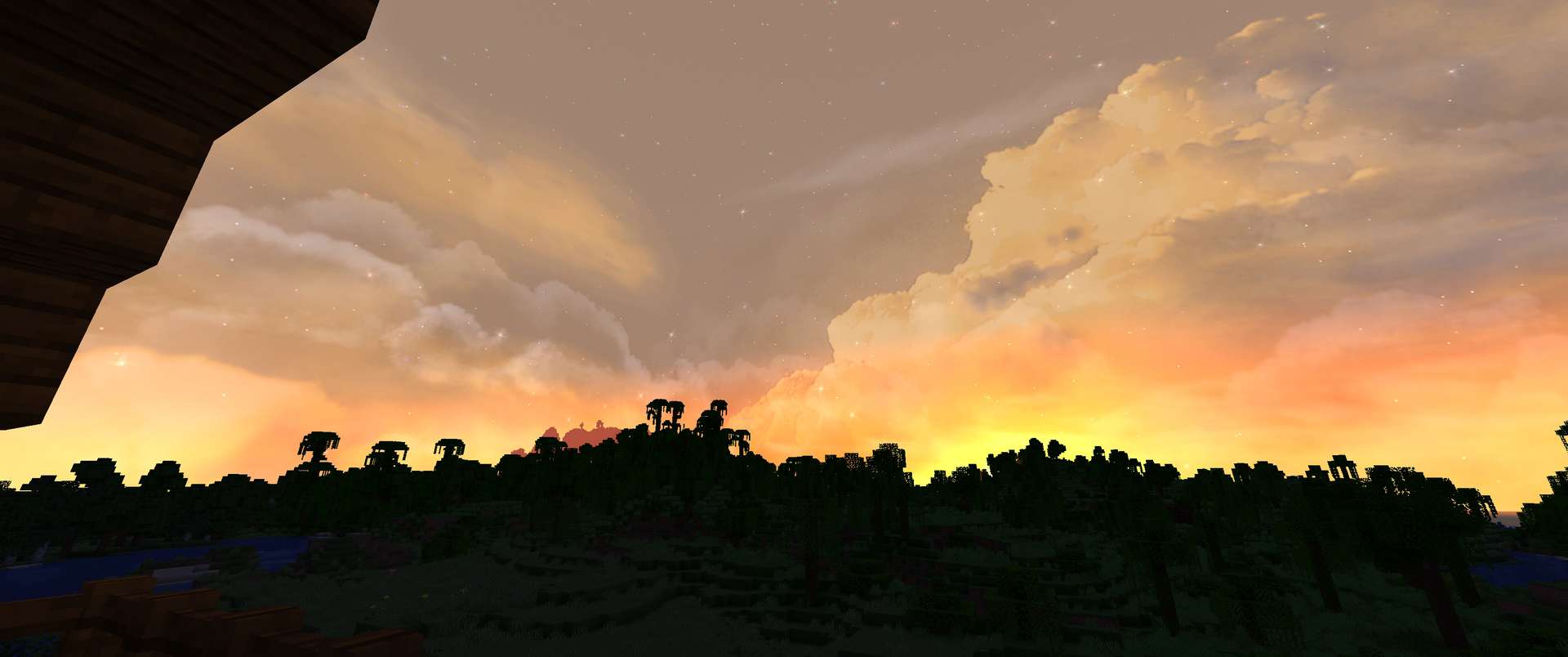
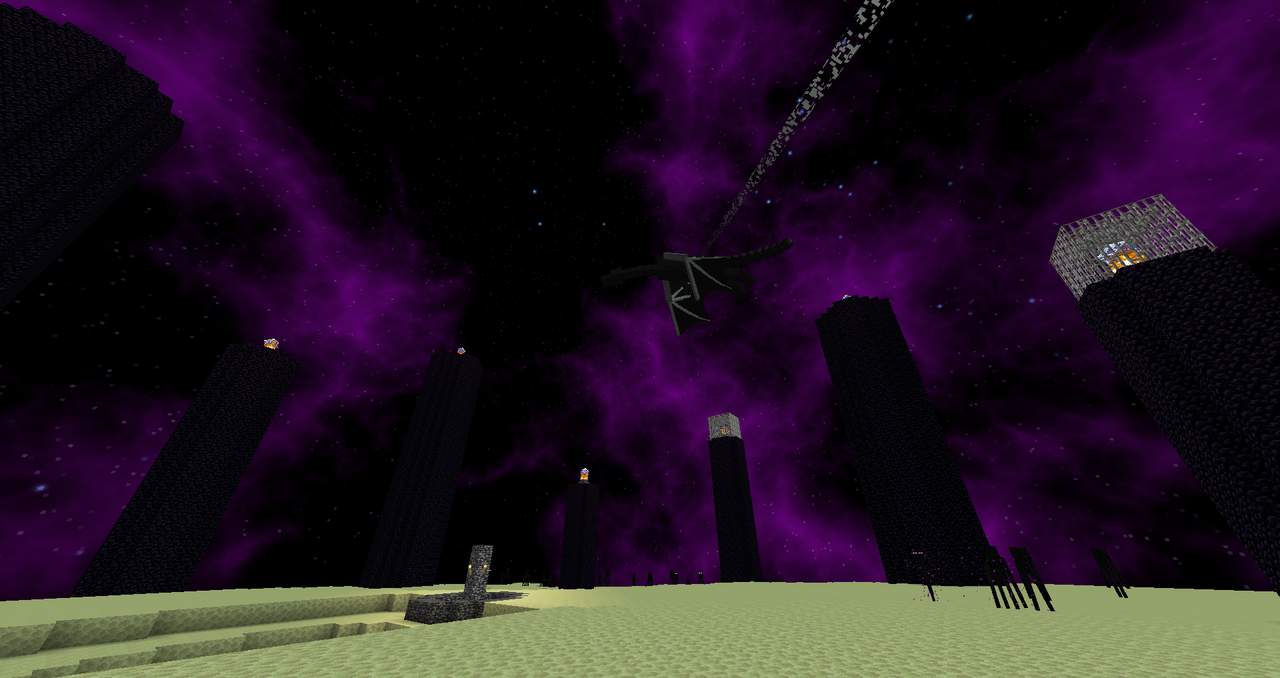
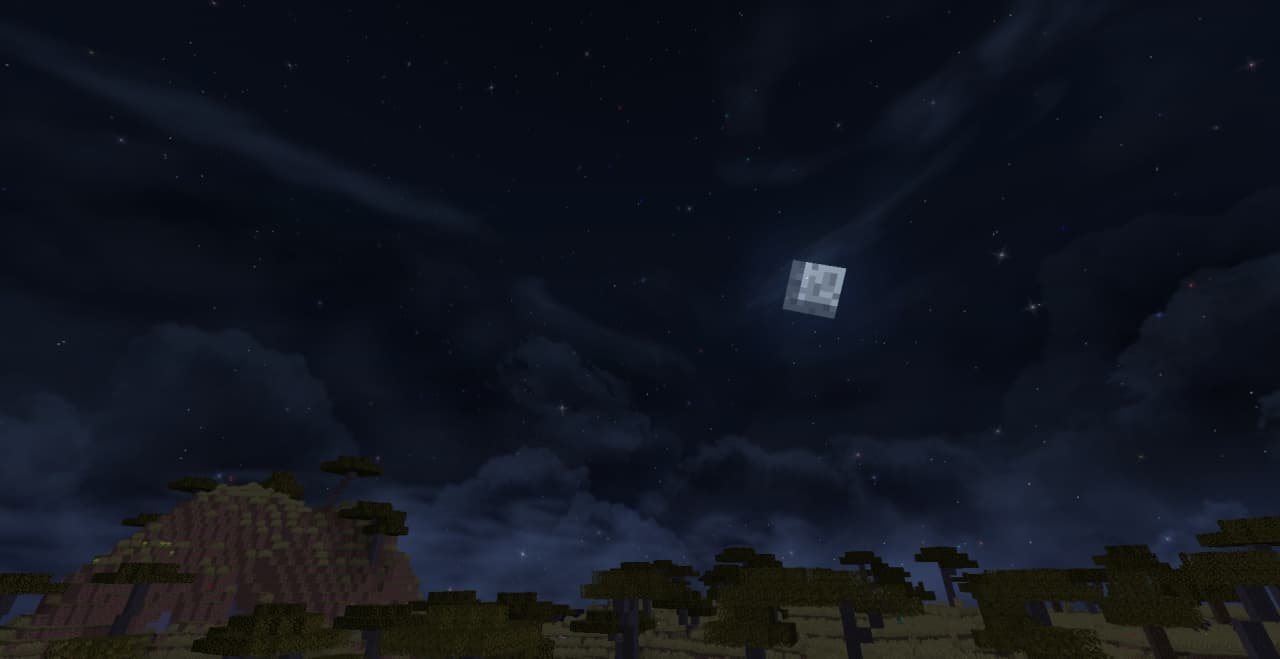
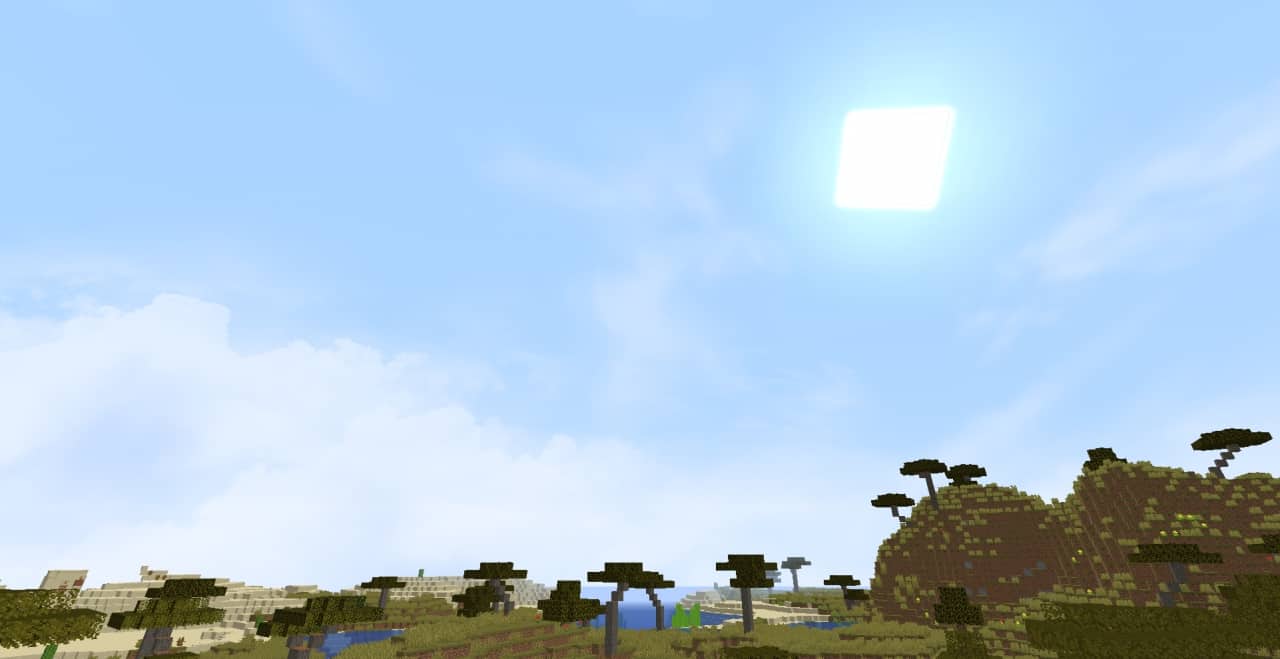
The Fancy Skies resource pack does precisely what its title implies, transforming Minecraft’s sky into an absolute masterpiece. Vanilla Minecraft’s sky is quite ordinary, and while it looks fine at first, it definitely becomes lackluster over time. I found that Fancy Skies completely alters this view into a stunning beauty that you simply will love to look at. We’ve had the luxury to play with other packs that change Minecraft’s skies, but the Fancy Skies texture pack blew all of them out of the water. It’s exceptionally high quality, gorgeous, and sets a brand new standard for other sky-changing texture packs. I strongly recommend using this pack because it completely surpasses other texture packs in this category, feels deeply awe-inspiring, and is remarkably well-optimized. I rank the Fancy Skies resource pack as being designed in one of the most creative and unique ways compared to other sky-changing Minecraft packs. It changes the environment into something so much more enjoyable for players, which adds incredible depth to the game. We’ve seen plenty of packs that have come out recently that modify Minecraft’s skies to look more attractive and to be more than just a static image, but Fancy Skies goes far beyond merely making the sky look prettier. Its creative concept adds dynamic and changing skies to Minecraft, which it executes to absolute perfection. No longer will players have to stare at the same slightly moving clouds and repetitive sky whenever they look up. Your world will feature an incredible and realistic sky as the breathtaking backdrop to every landscape. One of my favorite parts about this resource pack is its sheer originality. You’ll usually come across resource packs that repeat the exact same concepts as other packs of their category, overusing ideas until they no longer feel unique and completely lose interest, but Fancy Skies expertly implements a brand new feature I had never experienced when trying out other packs. Your in-game sky will vastly improve once the pack has been installed, going from a plain vanilla Minecraft version to a remarkably realistic and jaw-dropping spectacle. It’s entirely unexpected just how awesome the Fancy Skies resource pack truly is, especially given that its primary focus is just the sky.
It’s the absolute perfect resource pack to use in tandem with another that modifies blocks to be more realistic or beautiful, but its high quality and attention to detail make it strong enough to use completely on its own. Whether you pair it with another texture pack or solely use Fancy Skies to elevate the aesthetics of your game, you’ll be totally blown away by all it has to offer. Fancy Skies brings unique and astonishing visuals that surpass all expectations, but that’s not even the only thing I love about this pack. It’s incredibly impressive on a technical level too! The pack is exceptionally well-optimized, meaning it can implement these stunning features without introducing frustrating FPS drops. It’s not totally unexpected for a pack like this to require a high-end device to run, but surprisingly, low-end PCs can handle it perfectly as well. You’ll be able to experience flawless visuals and rarely, if ever, encounter any lag or bugs that would hinder or ruin your fun. Nearly every single player can enjoy this pack without a single issue. Fancy Skies has enjoyed massive popularity and a staggering download rate since its release, which I directly attribute to how universally accessible it is without requiring hardware upgrades. This pack is perfect for someone who genuinely enjoys vanilla Minecraft textures but still craves high-quality improvements. It makes playing infinitely more enjoyable because of how realistic it feels. You can genuinely appreciate the sky and become far more immersed in the world. The aesthetics are enhanced overall without suffering from lag or requiring a super expensive PC setup. Please note that it is strictly necessary to install Optifine to enable all of Fancy Skies’ features, or else you won’t have access to the new custom sky. Trying to play Minecraft without Optifine will simply result in the skies remaining identical to the vanilla version of the game, but installing it alongside Optifine and turning on the “Custom Sky” option through the in-game settings will seamlessly enable every single feature. You’ll experience everything the pack has to offer, including fluffy clouds floating through a beautifully rendered sky. I sincerely recommend that everyone install the pack and experience it firsthand, since that’s truly the best way to feel how incredible this resource pack is.
Fancy Skies should be compatible with all of these Minecraft versions: 1.21.4 – 1.21.3 – 1.21.2 – 1.21.1 – 1.21 – 1.20.6 – 1.20.5 – 1.20.4 – 1.20.3 – 1.20.2 – 1.20.1 – 1.20 – 1.19.4 – 1.19.3 – 1.19.2 – 1.19.1 – 1.19 – 1.18.2 – 1.18.1 – 1.18 – 1.17.1 – 1.17 – 1.16.5 – 1.16.4 – 1.16.3 – 1.16.2 – 1.16.1 – 1.16 – 1.15.2 – 1.15.1 – 1.15 – 1.14.4 – 1.14.3 – 1.14.2 – 1.14
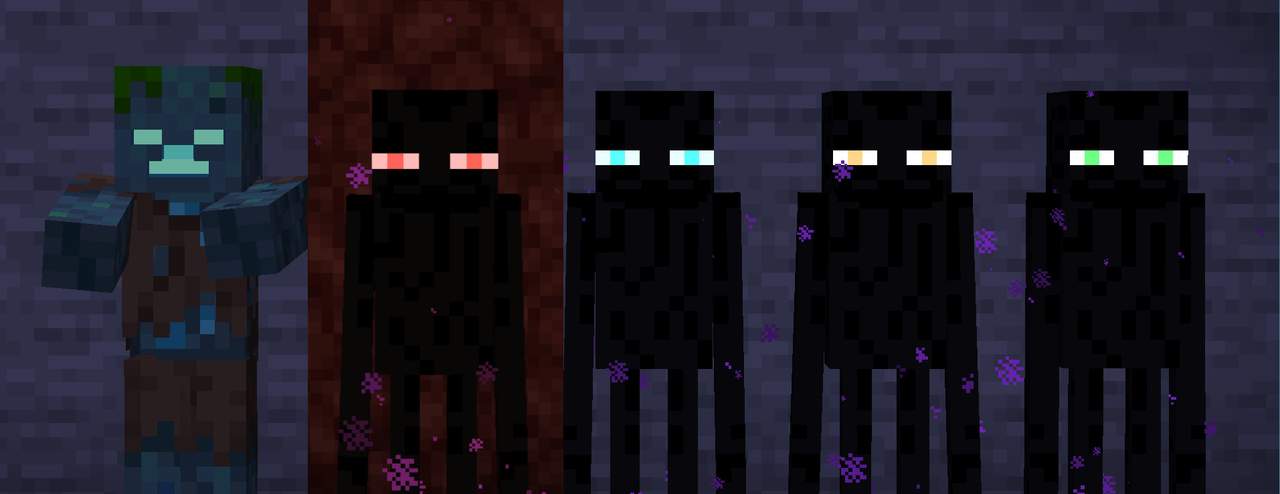
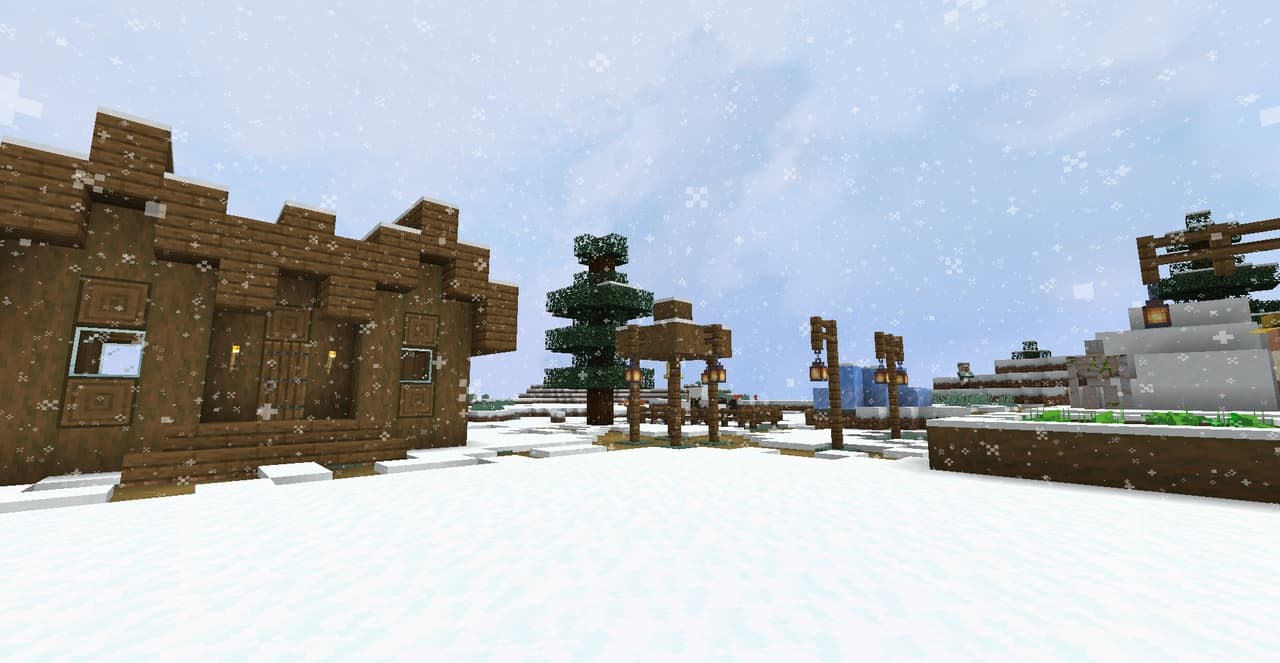
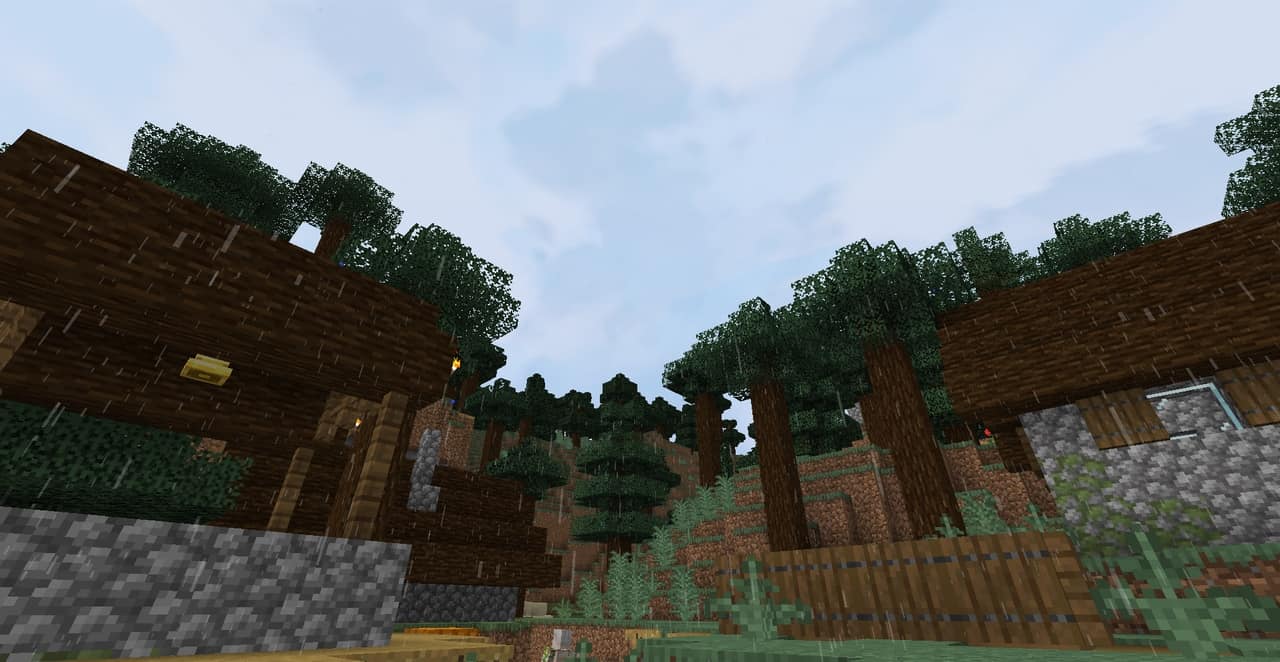
Screenshots


How to Install Texture Pack (Simple 10 Steps)
- Download OptiFine: Most of the texture packs and shaders need OptiFine. That’s why, first download and install OptiFine for the version of Minecraft you want to play.
- Download the Texture Pack: Get the texture pack you want from the download section. Choose the version that works with your Minecraft and your PC’s performance.
- Open Minecraft Launcher: Start Minecraft using the official game launcher — or even TLauncher, if you use that.
- Go to Options: From the main menu, click on the “Options” button.
- Open Resource Packs: Inside Options, click on “Resource Packs…”.
- Open the Resource Pack Folder: Click on “Open Resource Pack Folder” — this will open a folder named “resourcepacks”.
- Move the Pack File: Copy or move the .zip file you downloaded into that “resourcepacks” folder. (Don’t unzip the file — Minecraft uses it as-is!)
- Go Back and Refresh: Close the folder and click “Done”, then go back into “Resource Packs…” again.
- Activate the Pack: You’ll see the pack on the left side. Hover over it and click the arrow to move it to the right (active side).
Tip: If you get a message that the pack is for a different version, just click “Yes” — it usually works fine. - Click Done and Enjoy: Click “Done” again. Now your pack is ready to use in-game. It’s that easy!
Credits
This resource pack was originally created by Ratchet_97. We do not claim ownership of this content, nor have we modified the original files. All rights, credits, and appreciation belong entirely to the original author. We encourage everyone to support the creator by downloading from the official sources.
Download Links
Java Edition
Download Instructions
Curseforge: download starts automatically after a few seconds;
Mediafire: click the big blue button with the text “DOWNLOAD”;
Google Drive: in the top right corner you will see a small download icon (down arrow), click it and the download should start;