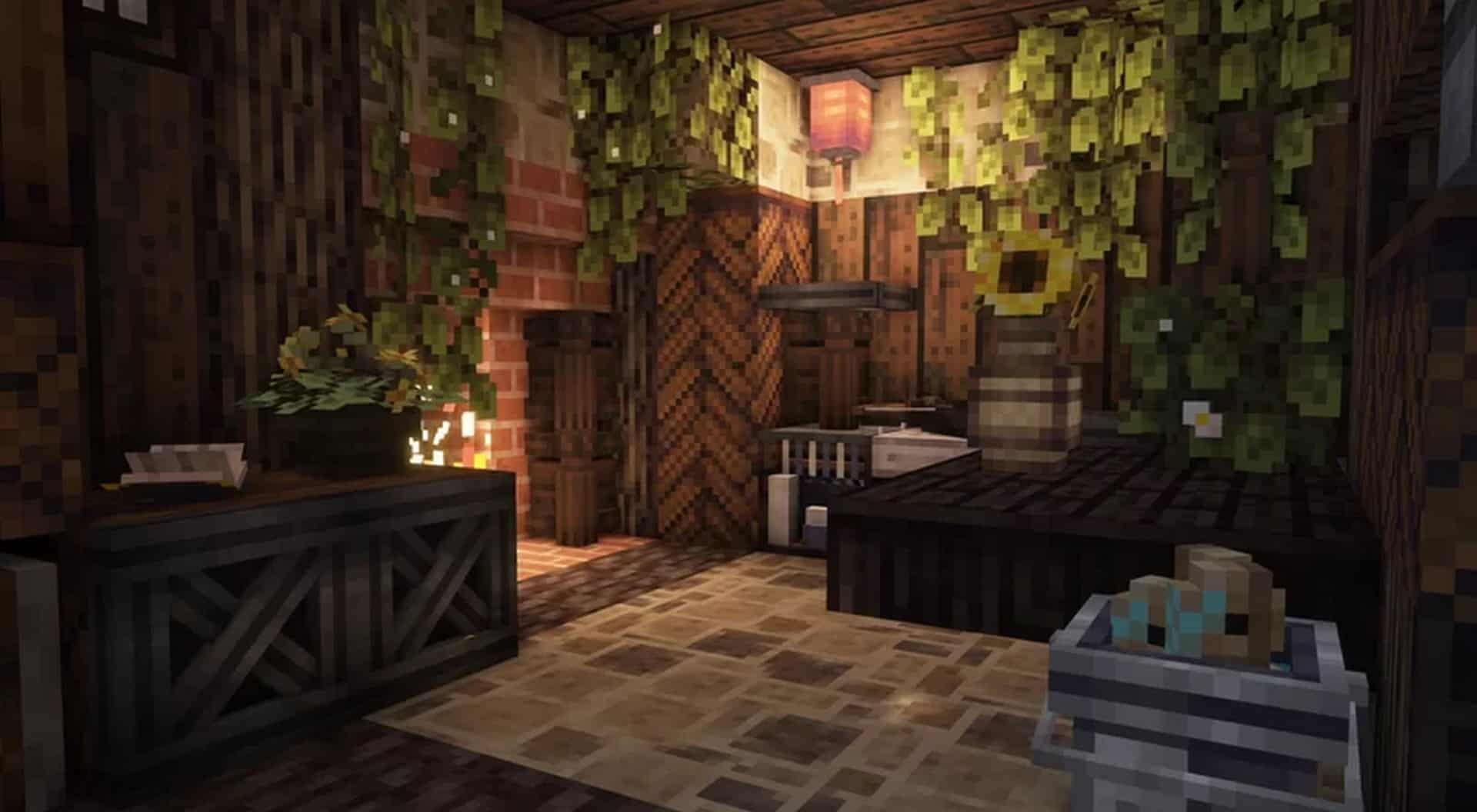
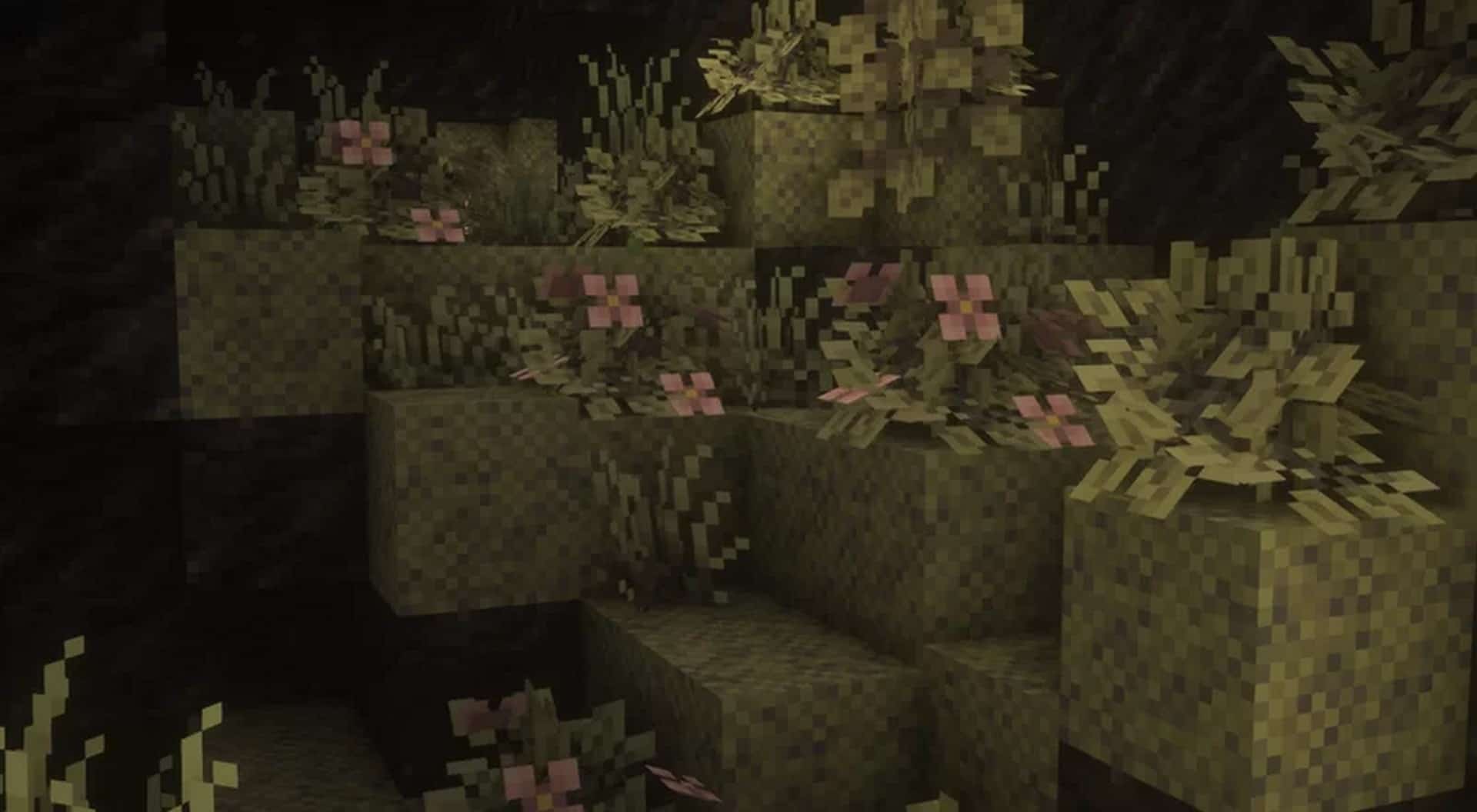
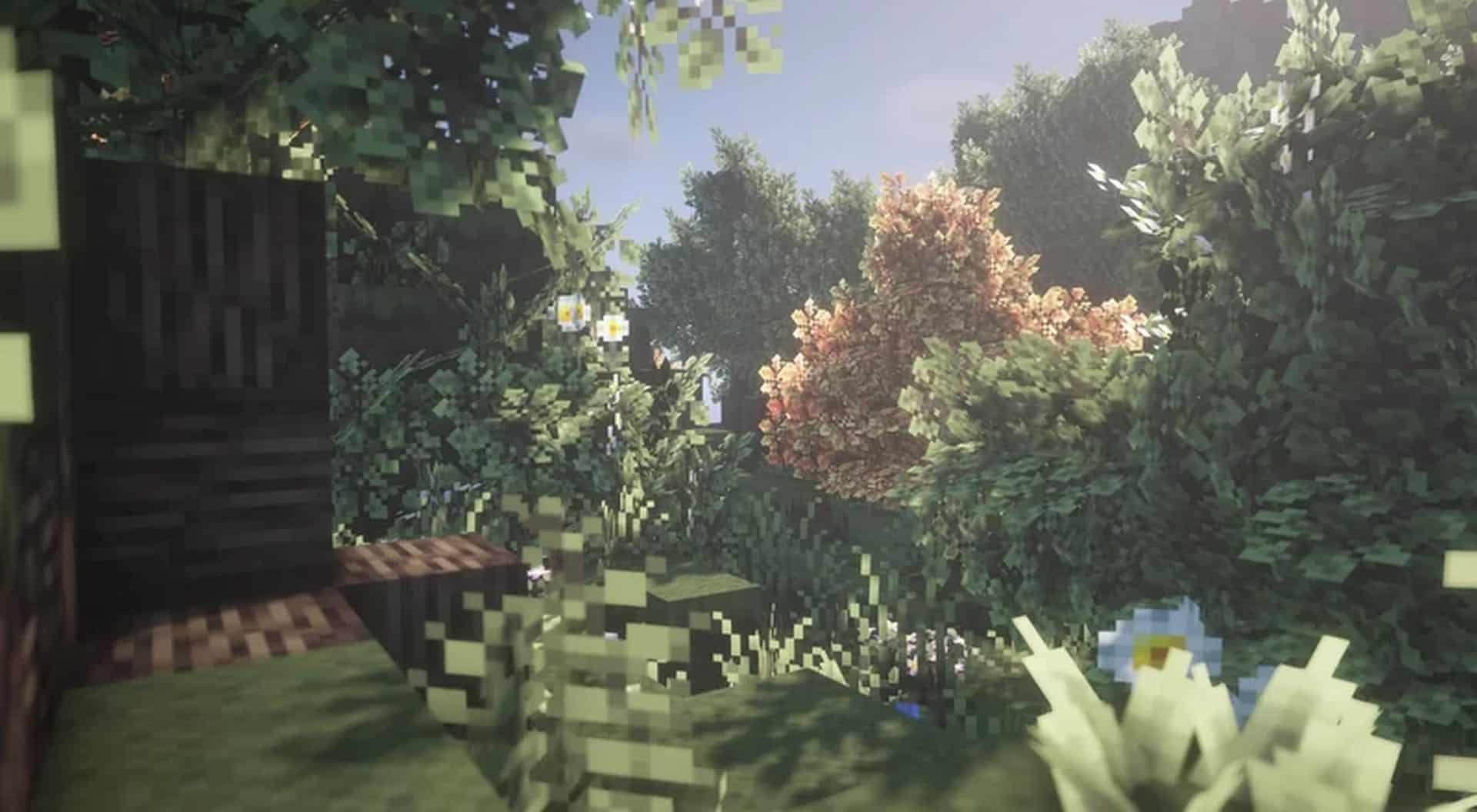
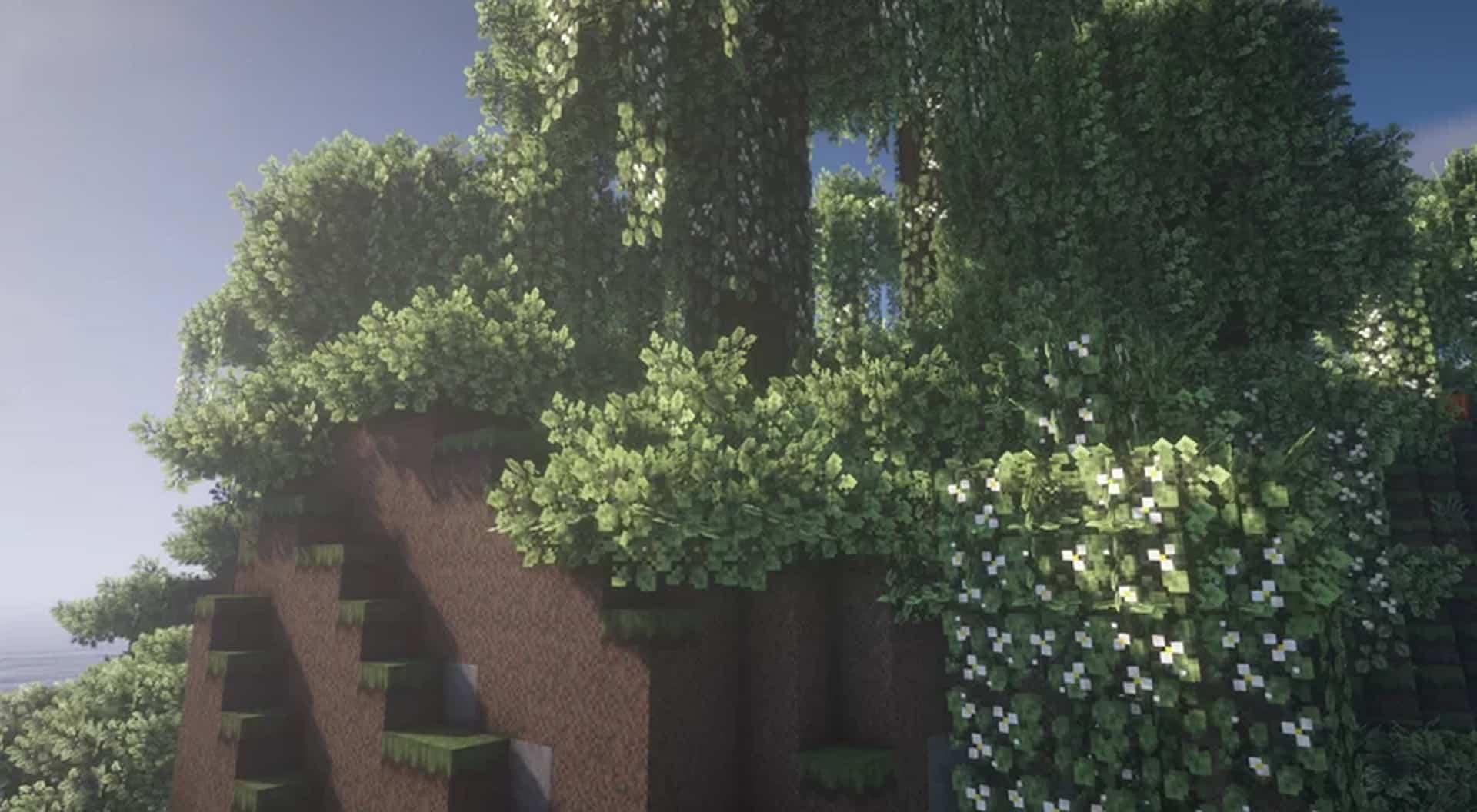
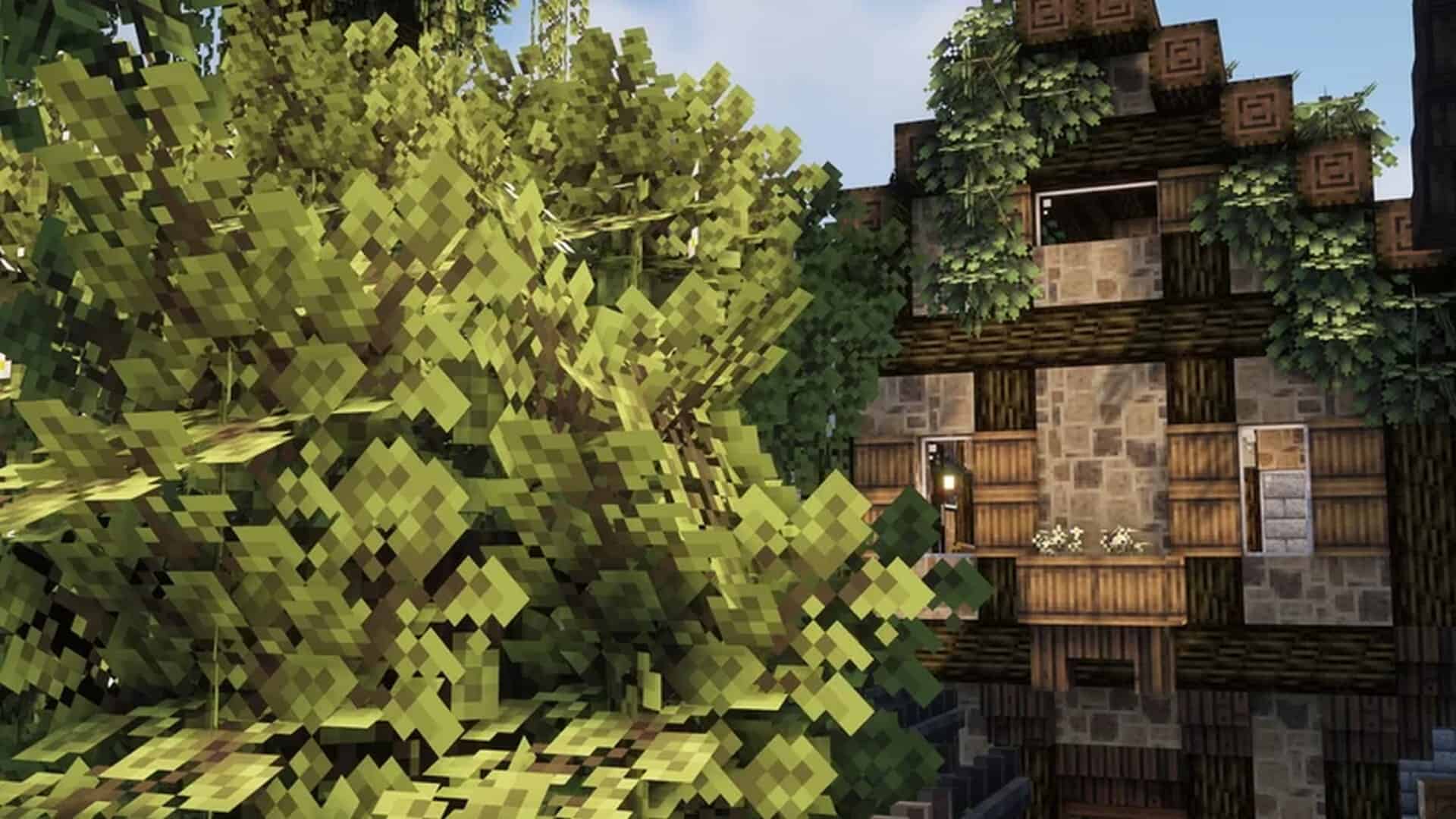
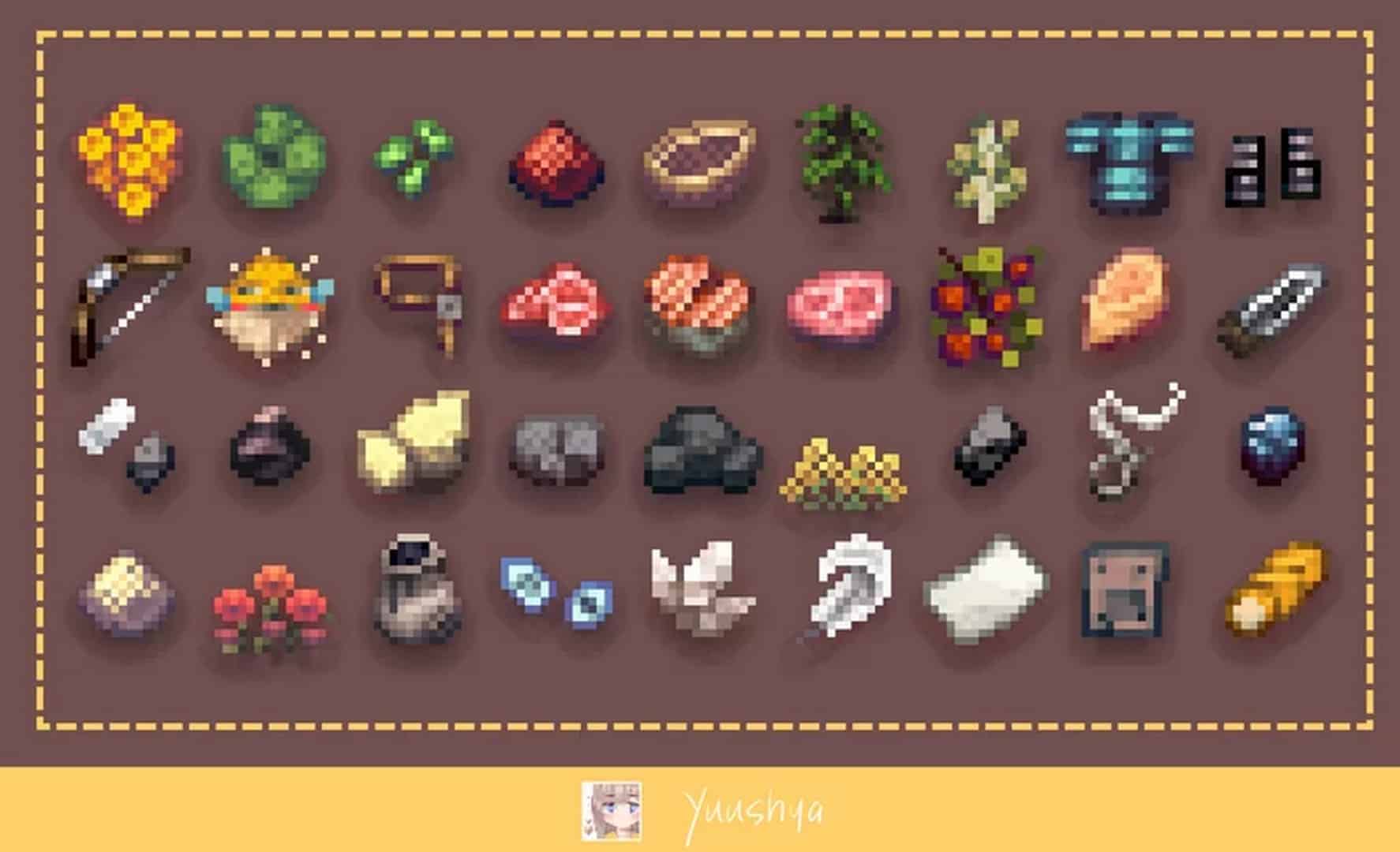
The Yuushya resource pack is a stunningly themeless masterpiece that truly offers players a unique experience. We were completely speechless when we tested it, seeing the awe-inspiring beauty and gorgeousness it brought to our worlds once we put it into the game. Even though the pack is only 16x—which usually limits how realistic and detailed a design can be—we are thrilled to include it in the realistic category because it has more than earned its spot. This resource pack brilliantly improves upon standard 16x textures with beautiful custom designs and appearances, including some wonderfully unique items. It seriously expands the blocks available to players by implementing a bunch of new furniture blocks, which can easily be accessed once you rename an existing block. This special feature immediately drew our attention to the already incredible pack since it is quite literally packed with content and furniture blocks. You can use these items to decorate a room or build to make your base feel much more lived-in, significantly boosting immersion and visual realism. Mizuno’s 16 craft is another resource pack that does something similar by letting you rename blocks to create more design features, but the artistic direction of each pack is completely different from one another. Yuushya offers a distinctly unique experience that becomes totally clear when you compare what the two have to offer. We love focusing on the beauty and innovation of Yuushya, along with explaining how to use its special features and what is required to do so. Despite using the exact same pixel size as default Minecraft textures, Yuushya stands out as one of the most attractive-looking resource packs available to Minecrafters today. You will genuinely doubt it is a 16x resource pack once you launch Minecraft with it installed, thanks to how wonderfully it amplifies the game’s natural beauty and adds intricate detail to the world.
Usually, people download packs for a specific theme, but this resource pack delivers amazing added value precisely from being themeless. Its lack of focus on one single subject means Yuushya is a wonderfully universal texture pack that fits any gameplay style. It slots seamlessly into both survival and creative modes, works wonderfully for special occasions or daily play, and has easily become one of our go-to packs no matter the situation. Whether you enjoy adventuring and exploring or staying put to build an epic base, the pack is perfect for the occasion. It takes Minecraft’s default textures and cleverly amplifies them to make the world look infinitely more vibrant and appealing. By utilizing a plethora of gorgeous color gradients and palettes, the world bursts with color that blends together seamlessly. Yuushya came out roughly a year ago, and its creator has consistently kept up with necessary updates for every new version of Minecraft, greatly improving its overall quality and boosting its well-deserved popularity. Including official sources, it has been installed over 280,000 times, which is an incredible feat for such a popular pack in a relatively short period. It is truly impressive and entirely understandable given the high-quality graphic improvements it adds.
If you are worried about the renaming feature seeming complicated, do not worry—we will walk you through it! Minecraft utilizes what is called a CIT resource pack, which stands for Custom Item Texture, allowing players to change item textures or models based on properties like names. To make the most of Yuushya’s 60 CIT decorations, you will need to install OptiFine, as it is strictly required for these features to function. By taking a slime block and renaming it to a decoration’s specific number in an anvil, you can easily spawn these fantastic decorative items while keeping the base slime block fully functional. Just place them in an item frame to apply them! Because it is a 16x pack, it runs smoothly on practically any device while completely overhauling the graphics in a way that remains entirely faithful to the original vibe of the game. We strongly recommend trying this out if you want a visually stunning, colorful, and lively Minecraft experience without sacrificing your frame rates. Be sure to grab OptiFine so you can enjoy every bit of what Yuushya has to offer, though even without it, the aesthetic upgrades and vibrant color palettes alone make it an absolute must-play.
Yuushya should be compatible with all of these Minecraft versions: 1.21.5 – 1.21.4 – 1.21.3 – 1.21.2 – 1.21.1 – 1.21 – 1.20.6 – 1.20.5 – 1.20.4 – 1.20.3 – 1.20.2 – 1.20.1 – 1.20 – 1.19.4 – 1.19.3 – 1.19.2 – 1.19.1 – 1.19 – 1.18.2 – 1.18.1 – 1.18 – 1.17.1 – 1.17 – 1.16.5 – 1.16.4 – 1.16.3 – 1.16.2 – 1.16.1 – 1.16 – 1.15.2 – 1.15.1 – 1.15 – 1.14.4 – 1.14.3 – 1.14.2 – 1.14 – 1.13.2 – 1.13.1 – 1.13
Screenshots

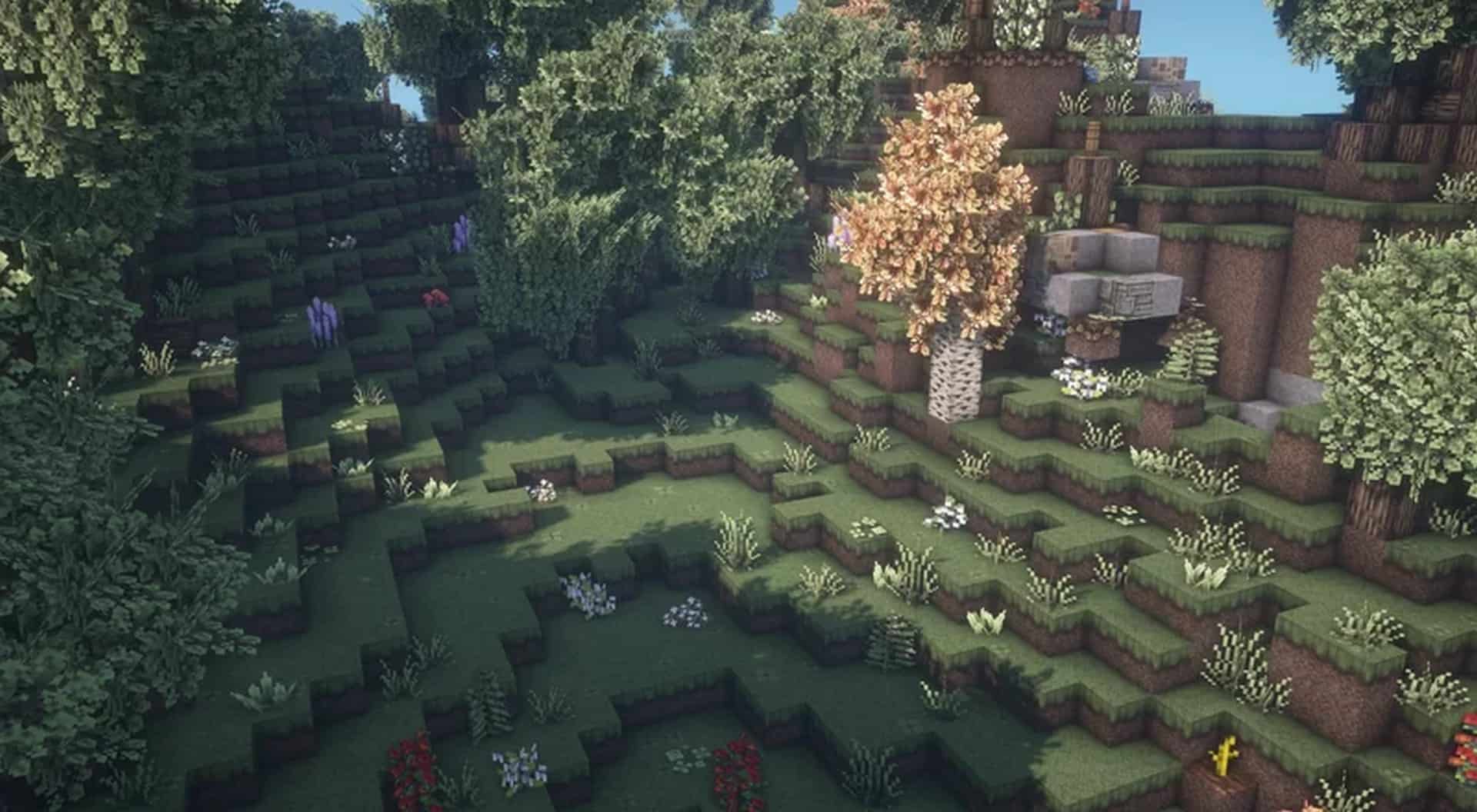
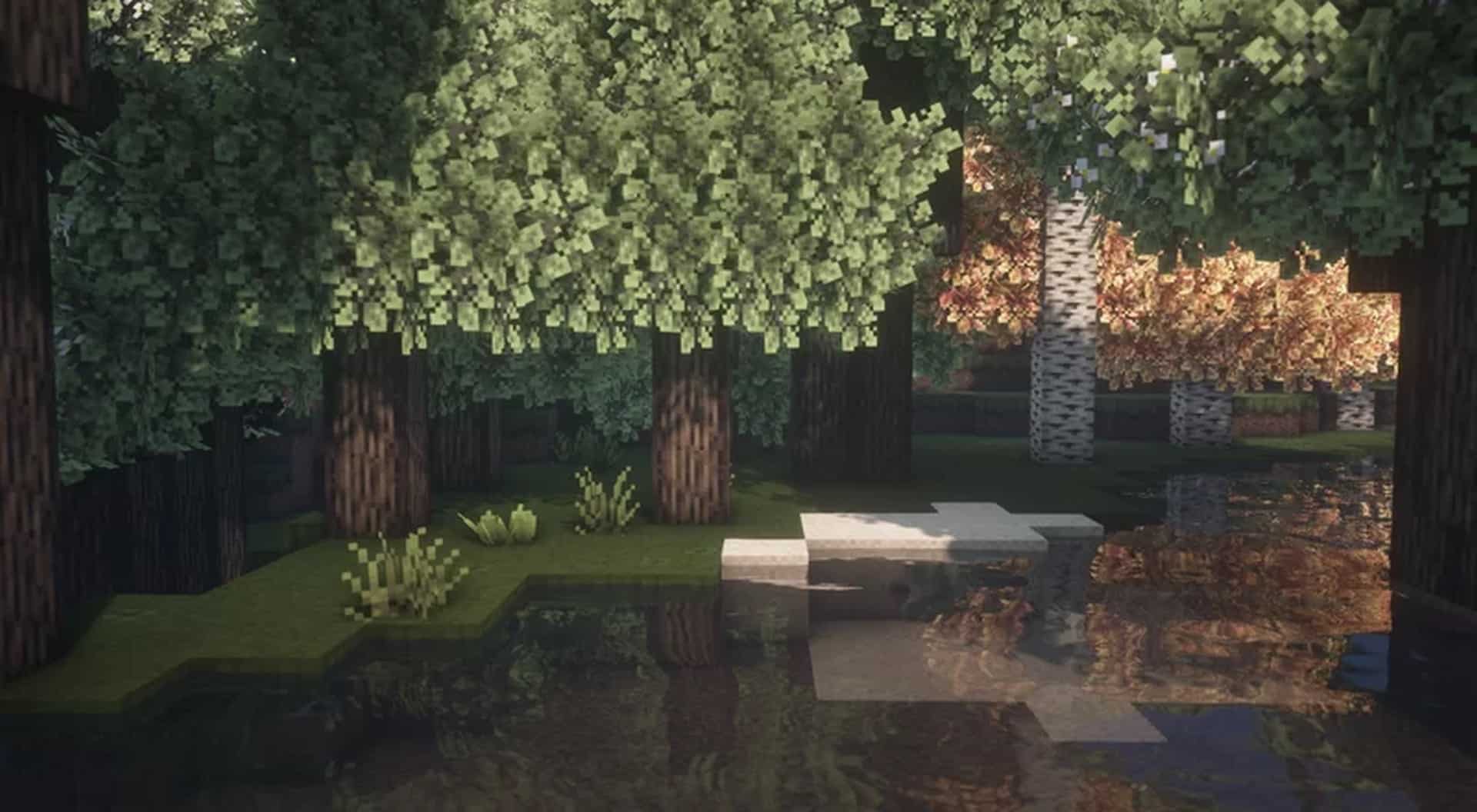
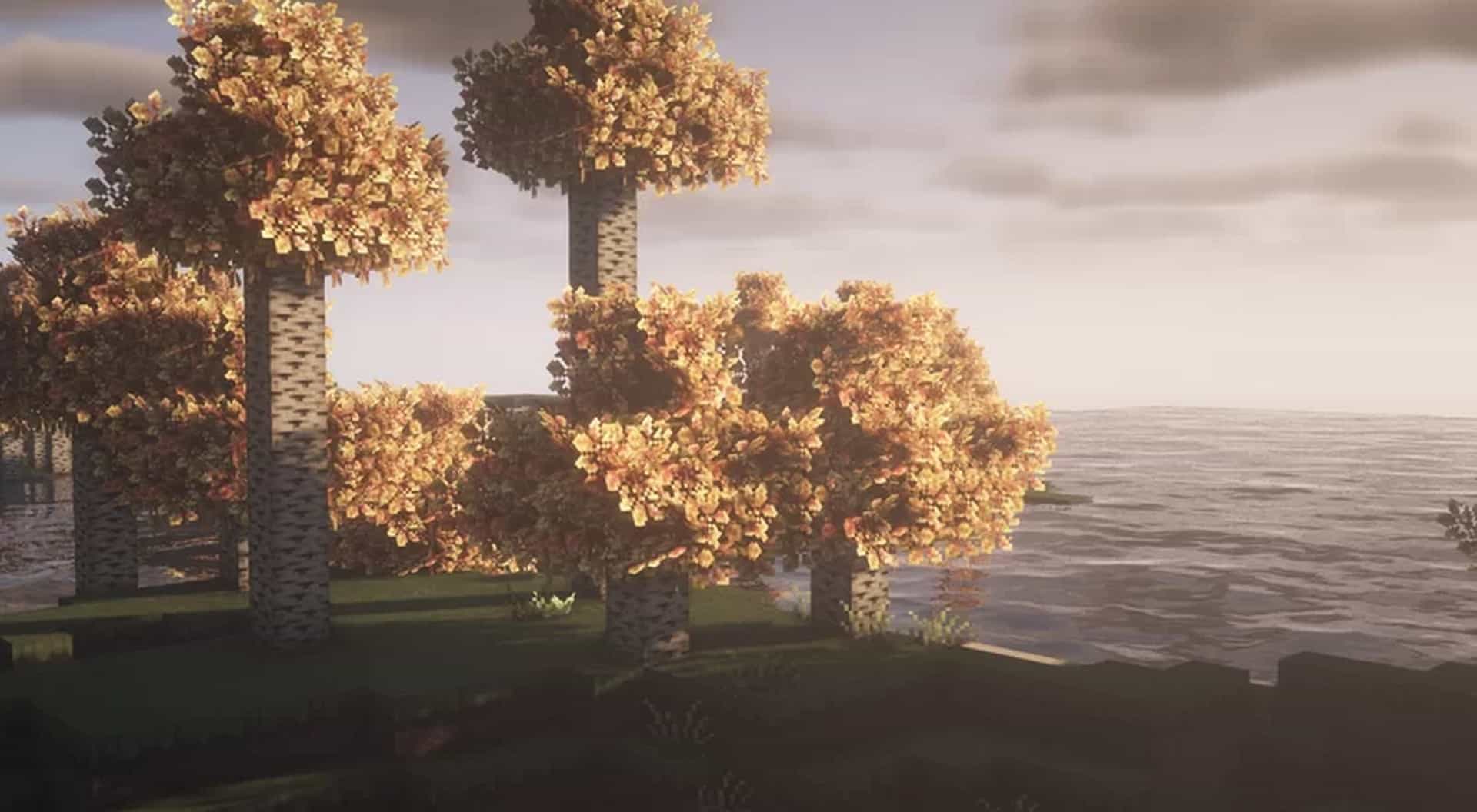
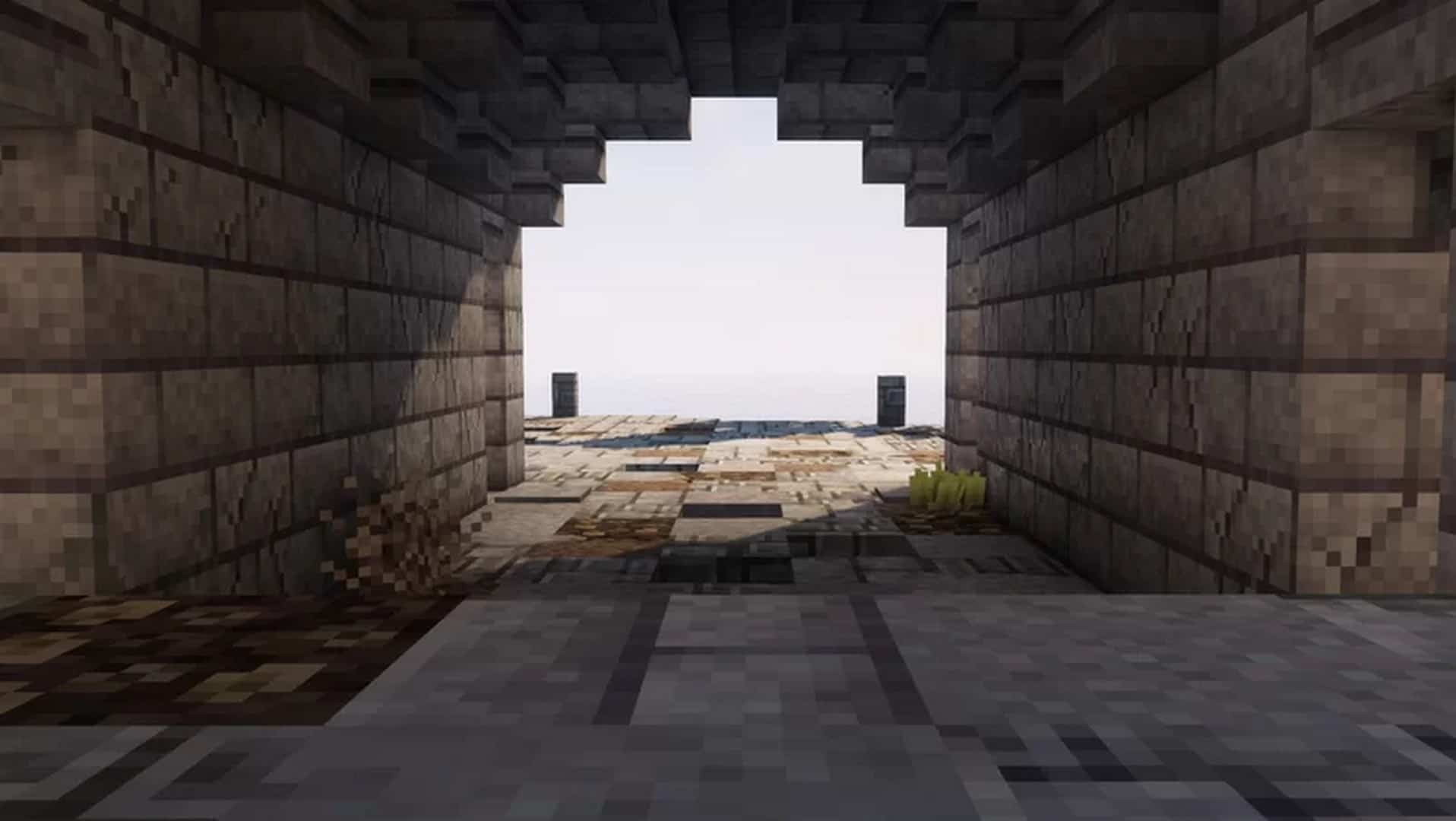
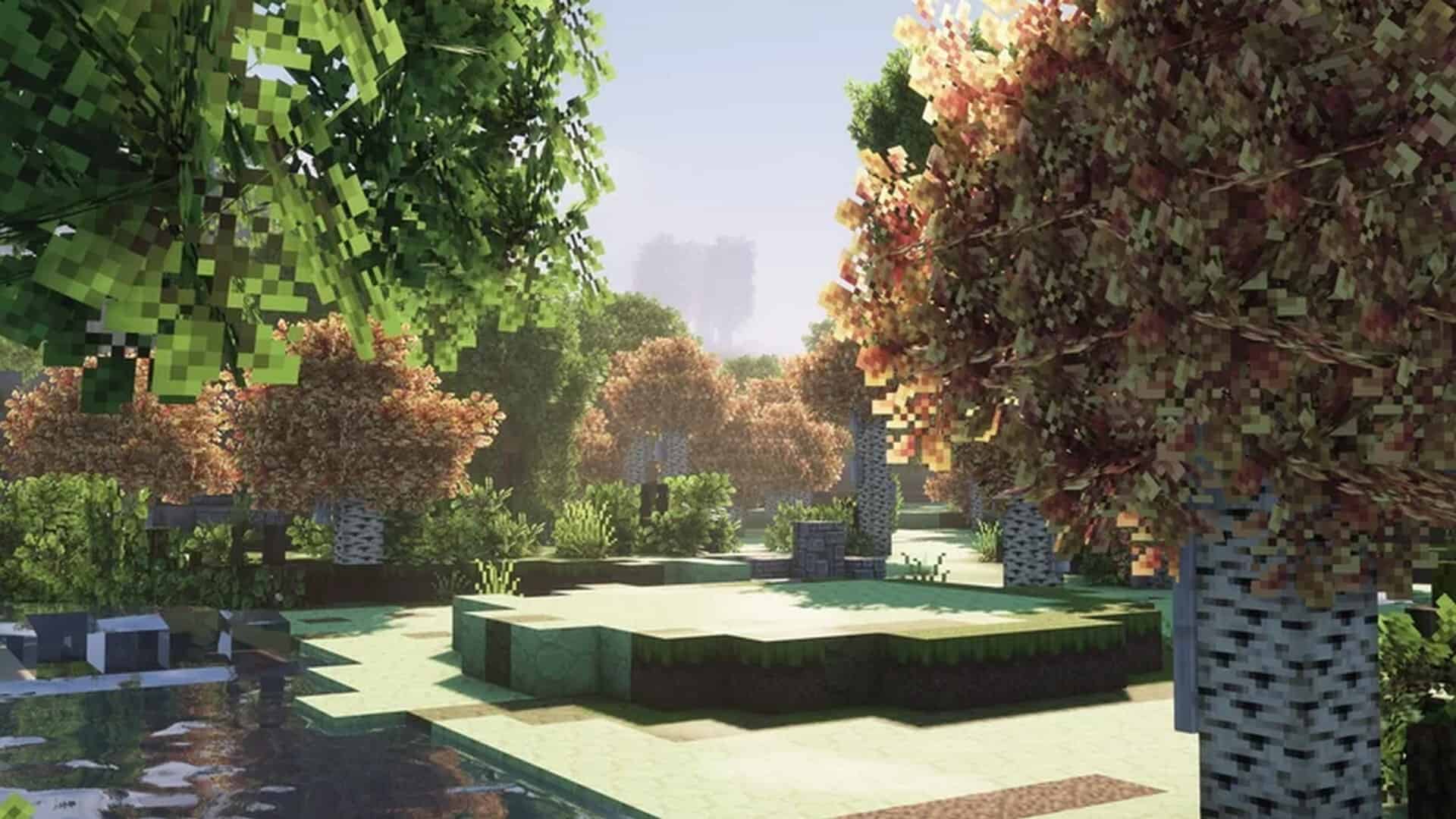
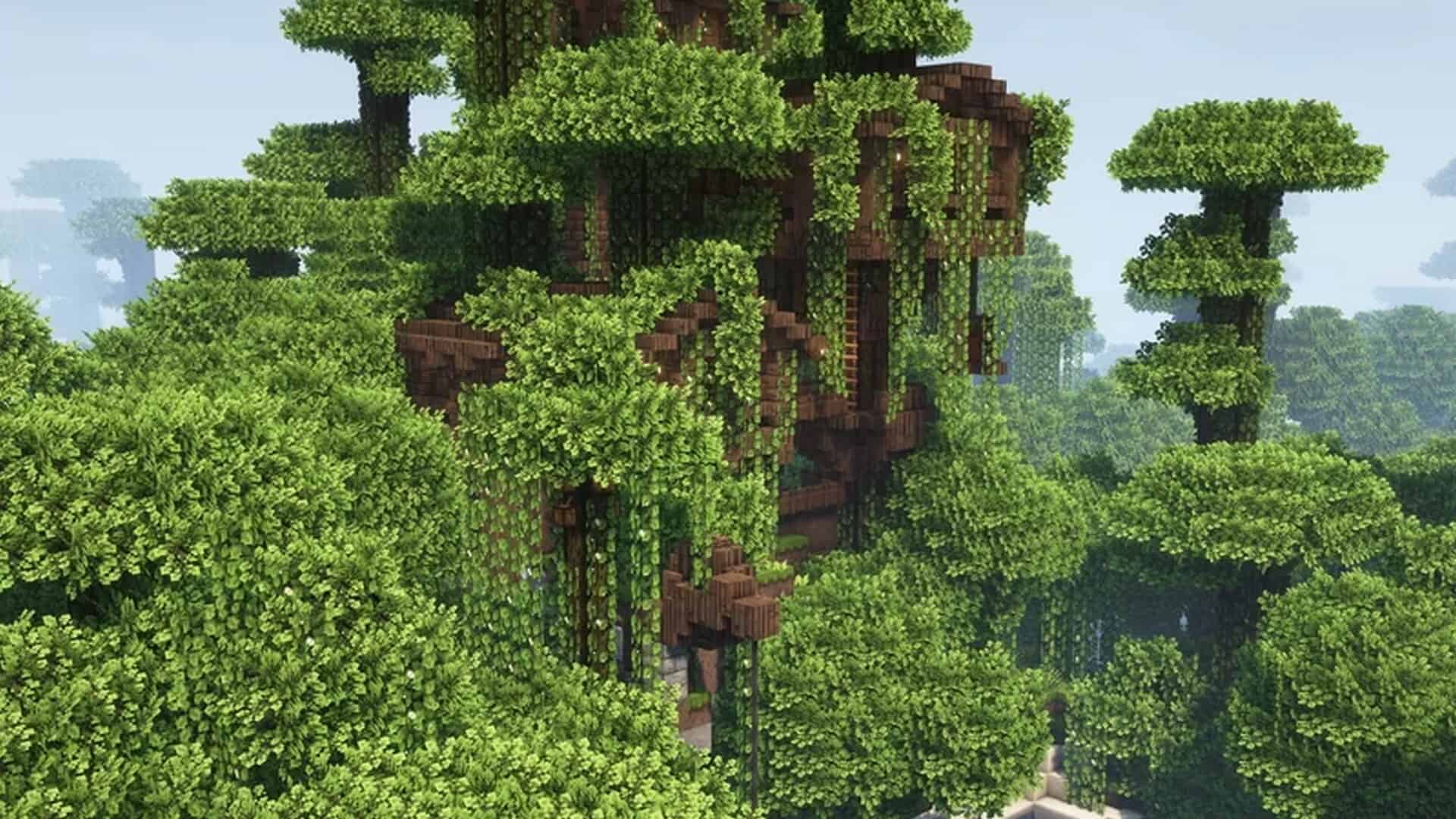
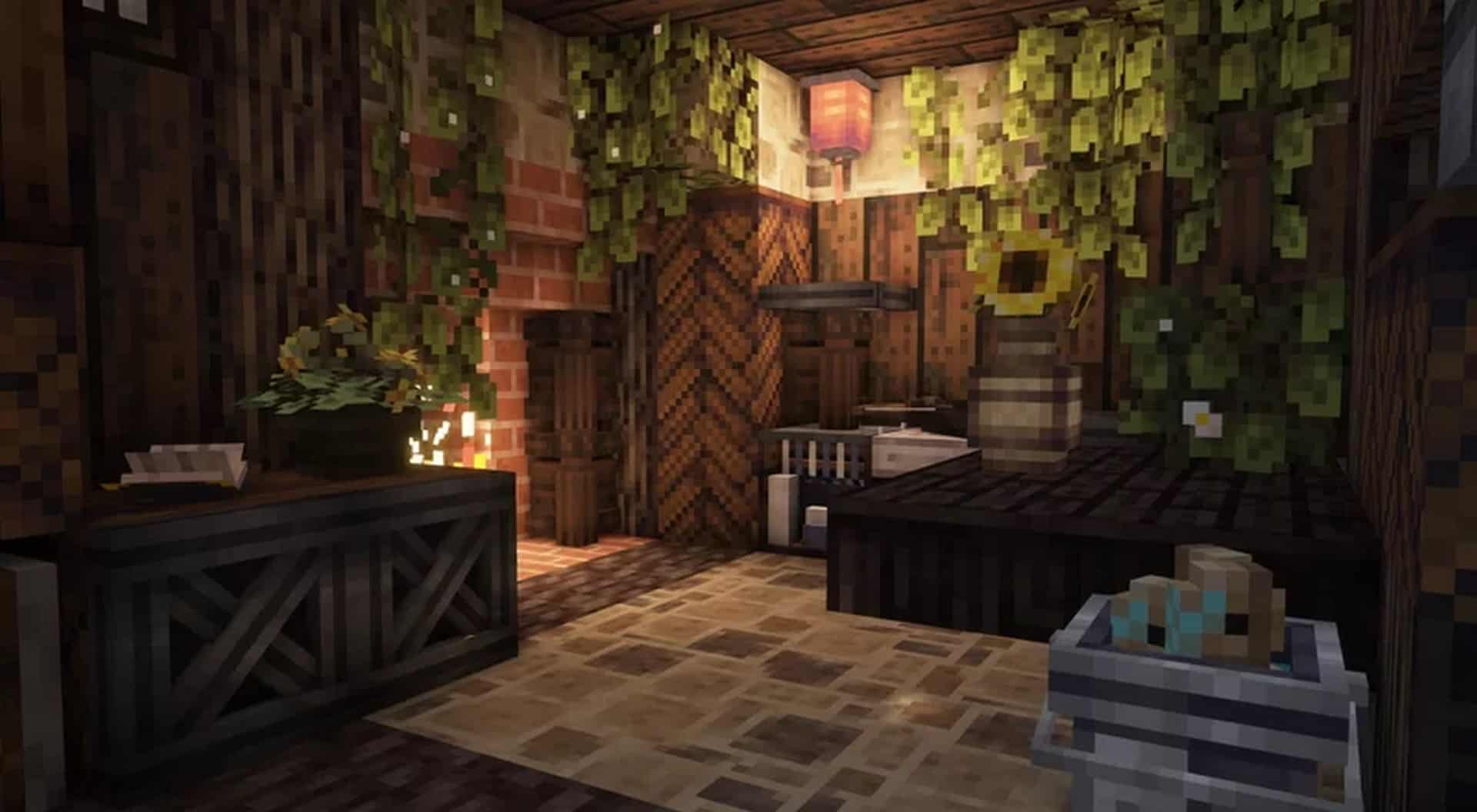
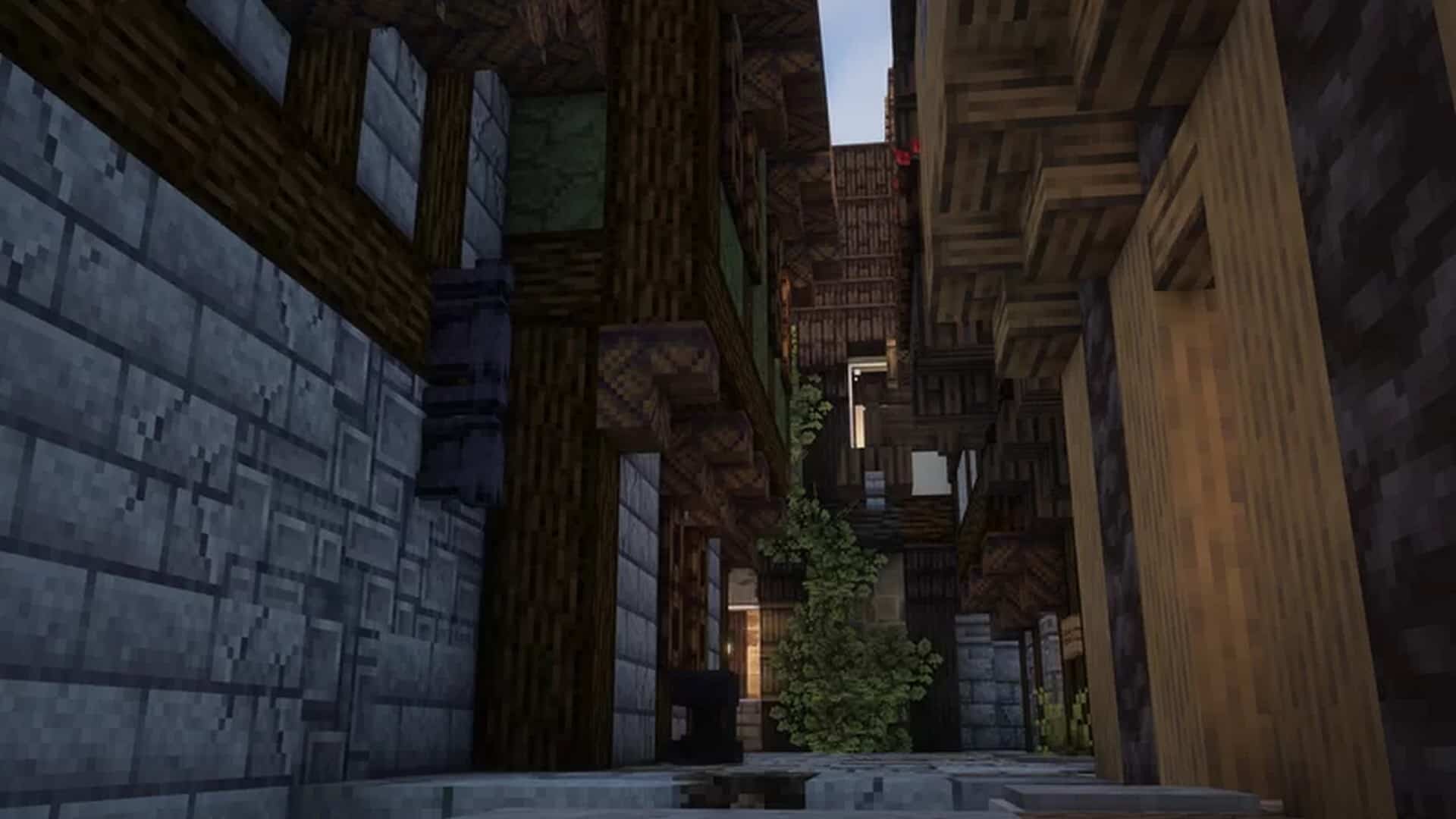
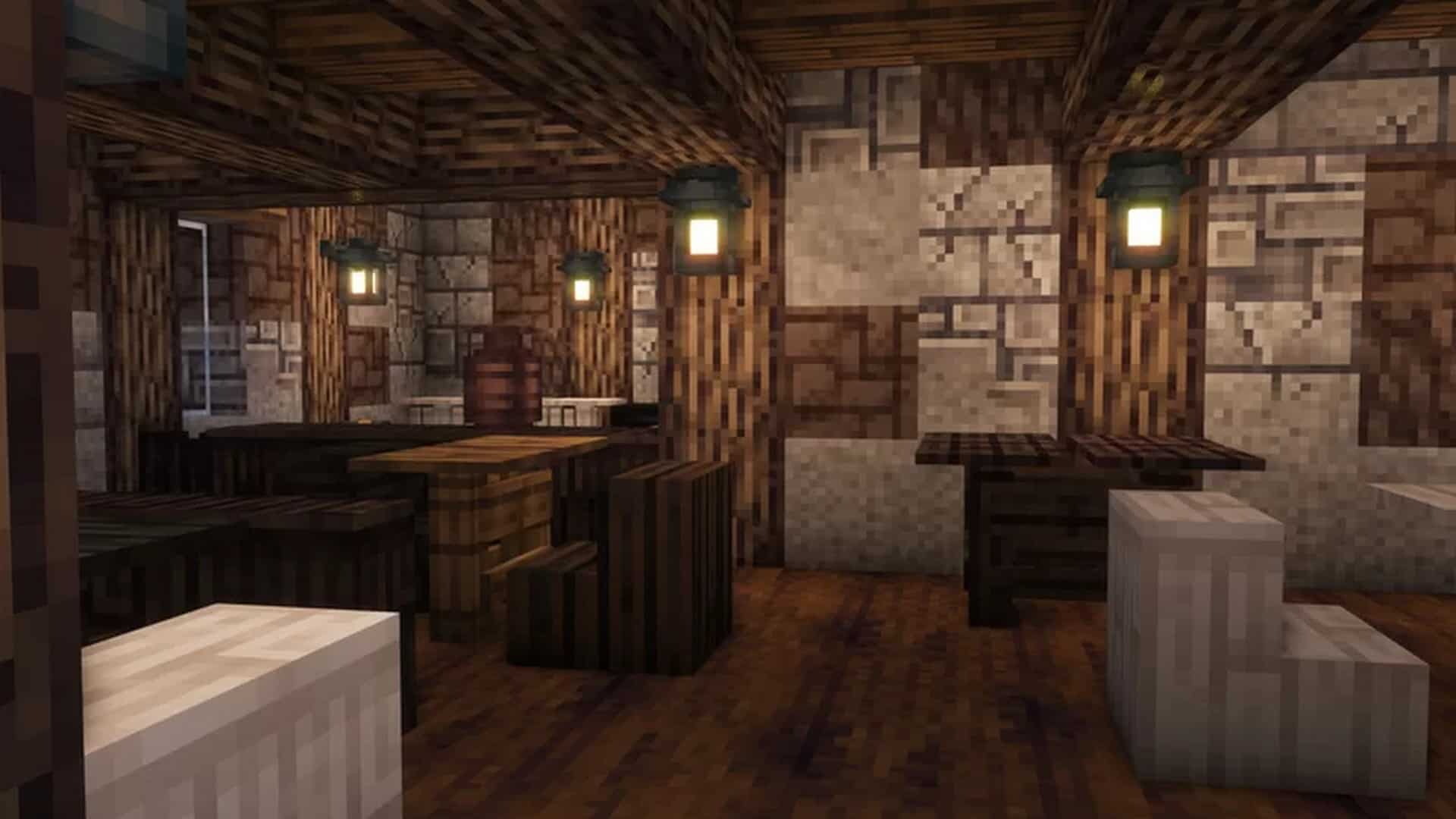
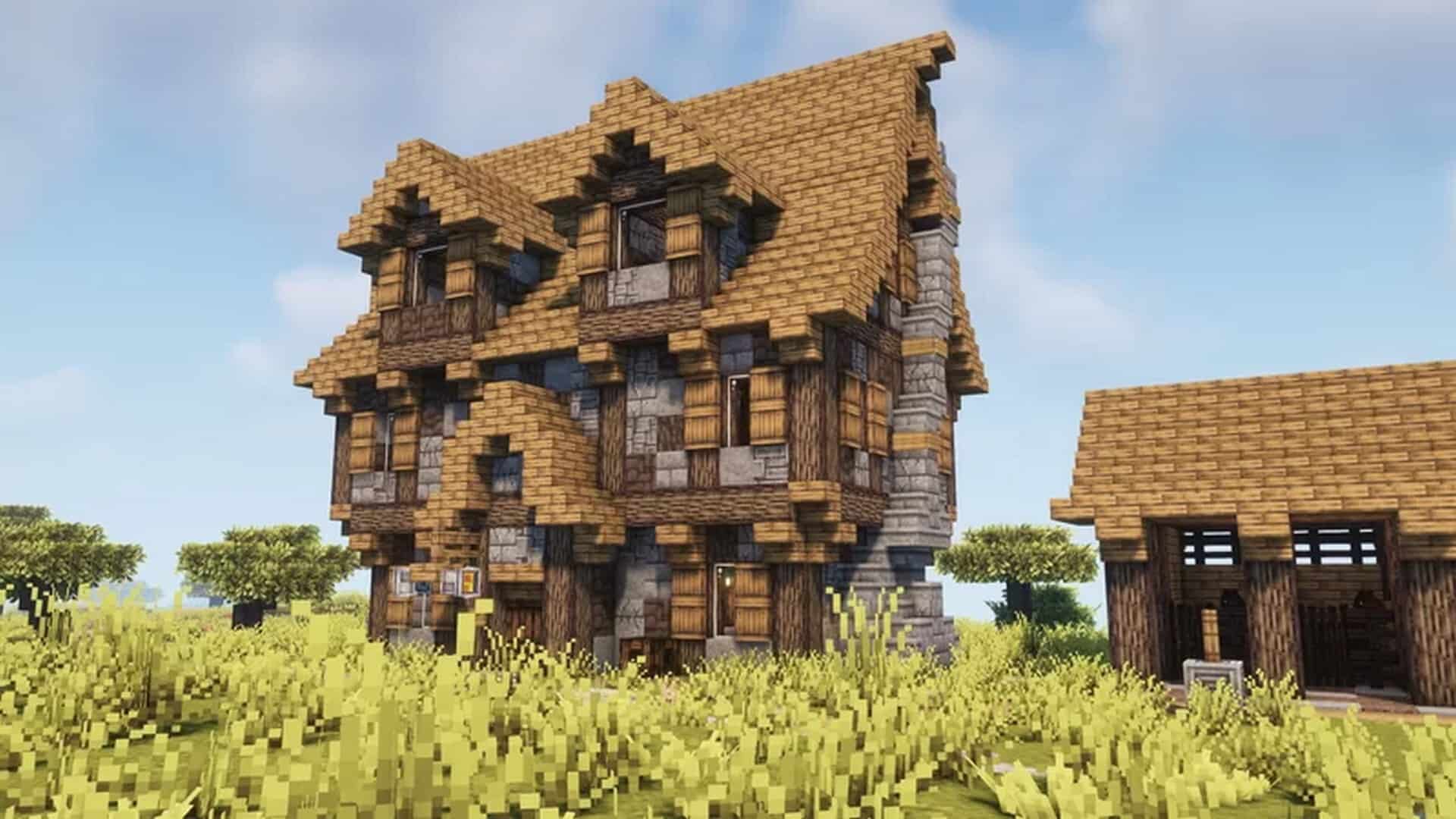
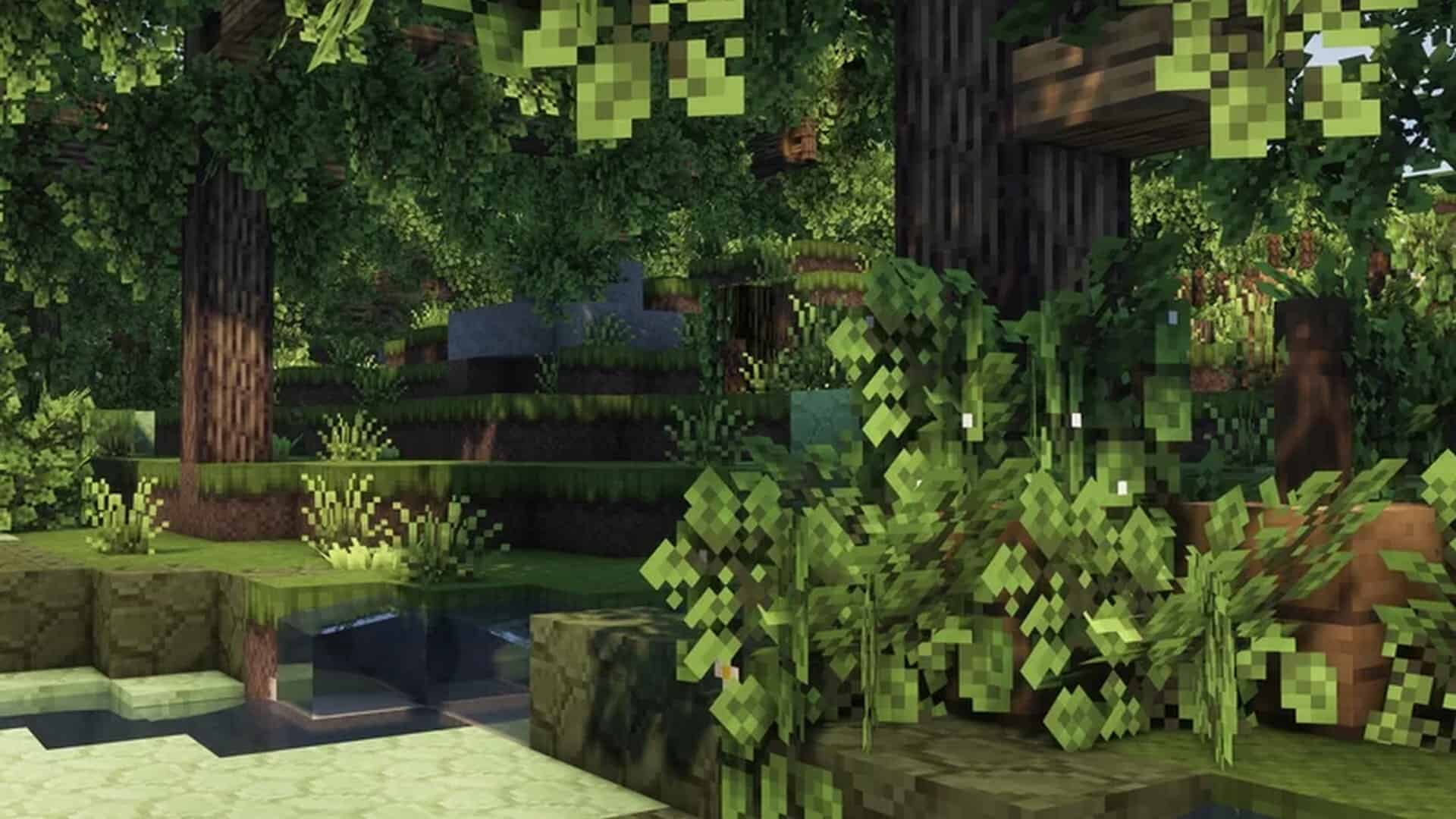
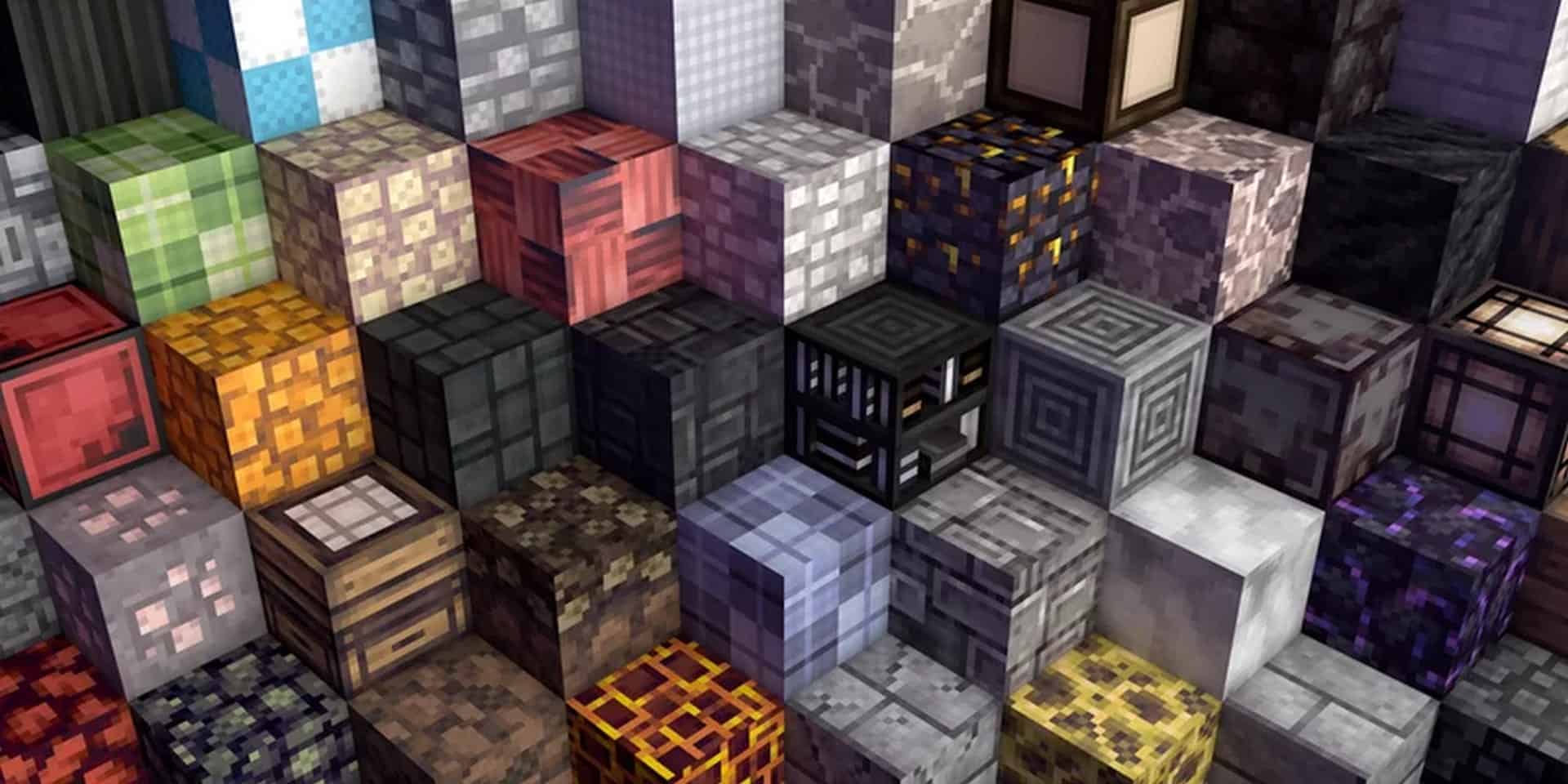
How to Install Texture Pack (Simple 10 Steps)
- Download OptiFine: Most of the texture packs and shaders need OptiFine. That’s why, first download and install OptiFine for the version of Minecraft you want to play.
- Download the Texture Pack: Get the texture pack you want from the download section. Choose the version that works with your Minecraft and your PC’s performance.
- Open Minecraft Launcher: Start Minecraft using the official game launcher — or even TLauncher, if you use that.
- Go to Options: From the main menu, click on the “Options” button.
- Open Resource Packs: Inside Options, click on “Resource Packs…”.
- Open the Resource Pack Folder: Click on “Open Resource Pack Folder” — this will open a folder named “resourcepacks”.
- Move the Pack File: Copy or move the .zip file you downloaded into that “resourcepacks” folder. (Don’t unzip the file — Minecraft uses it as-is!)
- Go Back and Refresh: Close the folder and click “Done”, then go back into “Resource Packs…” again.
- Activate the Pack: You’ll see the pack on the left side. Hover over it and click the arrow to move it to the right (active side).
Tip: If you get a message that the pack is for a different version, just click “Yes” — it usually works fine. - Click Done and Enjoy: Click “Done” again. Now your pack is ready to use in-game. It’s that easy!
Credits
The Yuushya resource pack was originally created and developed by coco_fish. We do not claim ownership of this content, nor do we host or modify any files on our servers. All credit goes directly to the original creator. We strongly encourage players to support coco_fish by downloading the pack exclusively from official sources and checking out their other creative projects.
Download Links
Java Edition
Download Instructions
Curseforge: download starts automatically after a few seconds;
Mediafire: click the big blue button with the text “DOWNLOAD”;
Google Drive: in the top right corner you will see a small download icon (down arrow), click it and the download should start;


