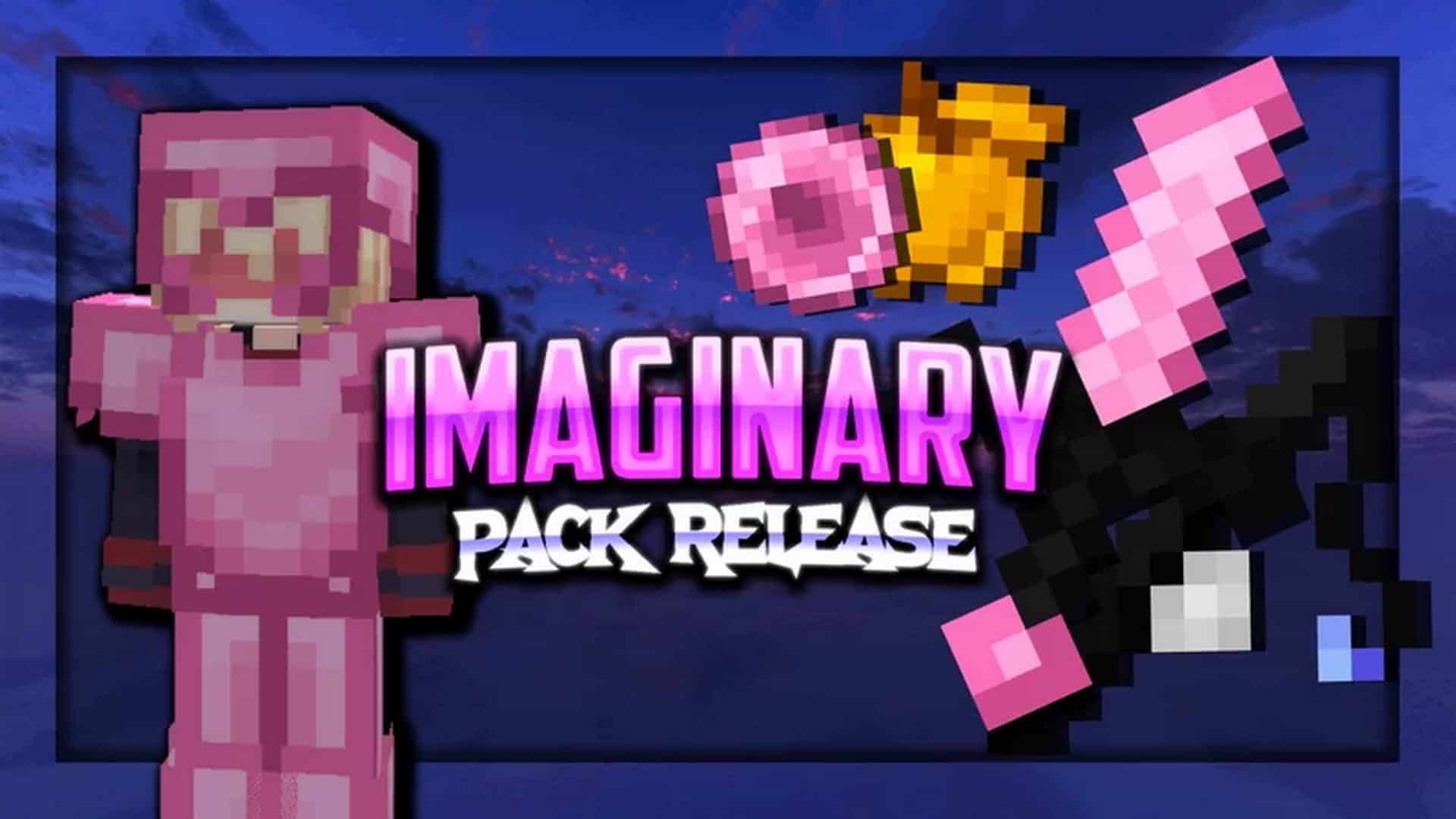
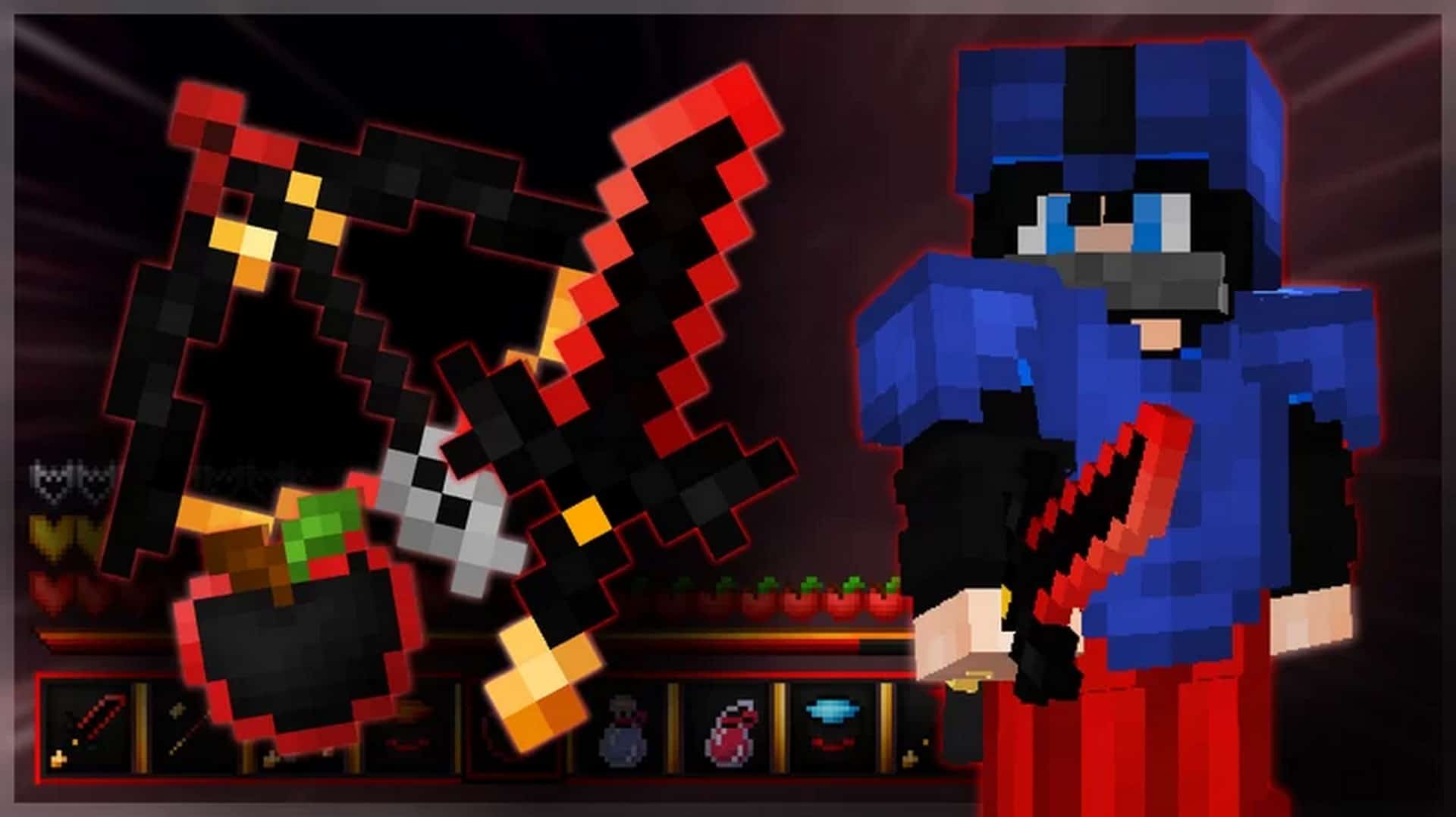
The SOLR PvP resource pack is an absolute must-have addition to any Minecrafter’s game if they love engaging in fast-paced PvP. While Minecraft offers countless enjoyable facets, its vanilla gameplay is not specifically optimized for combat. Even though vanilla Minecraft allows player combat, the experience has a massive amount of room for improvement. Vanilla PvP is a far cry from the sleek experience of using a dedicated resource pack to elevate your game. The quality of competitive packs varies wildly, but the SOLR PvP resource pack proudly stands among the absolute crème de la crème of PvP packs. Put simply, it is truly incredible! It was crafted with a heavy, deliberate focus on enhancing competitive scenarios. The SOLR pack wisely retains the classic 16x texture resolution found in vanilla Minecraft since its main goal isn’t to overhaul graphics into a modern aesthetic. Instead, the resource pack actively assists players by tweaking specific textures and colors to directly benefit PvP enthusiasts. The textures of items, player models, weapons, trees, select block types, flowers, and several other environment details have been carefully redesigned to optimize Minecraft for fierce combat. It creates a striking, high-contrast look that makes objects and rival players vastly more distinguishable from one another, ensuring that targets are much easier to spot. This results in an almost cartoonish visual effect which is exceptionally well-suited for PvP and instantly transforms your game. Performance is absolutely crucial during intense PvP encounters, so the developers cleverly minimized the resource pack’s impact on framerates as much as humanly possible. They successfully reduced its strain on game performance, meaning that the SOLR PvP pack can run smoothly even on older computers without ever lagging your gameplay. As an extra fantastic perk, the SOLR PvP resource pack is fully compatible with Minecraft Bedrock Edition and is conveniently available for direct purchase and download straight off the official Minecraft marketplace. Many PvP texture packs available for Minecraft completely miss the mark and lack real utility, which is always a surprise given how deeply the PC community has loved this playstyle for years. This amazing trend has even expanded to reach the PvE Minecraft community as well. You can easily spot the SOLR texture pack in the marketplace thanks to its striking dark black and red color palette paired with bold golden accents, which immediately signal that this is a serious PvP pack.
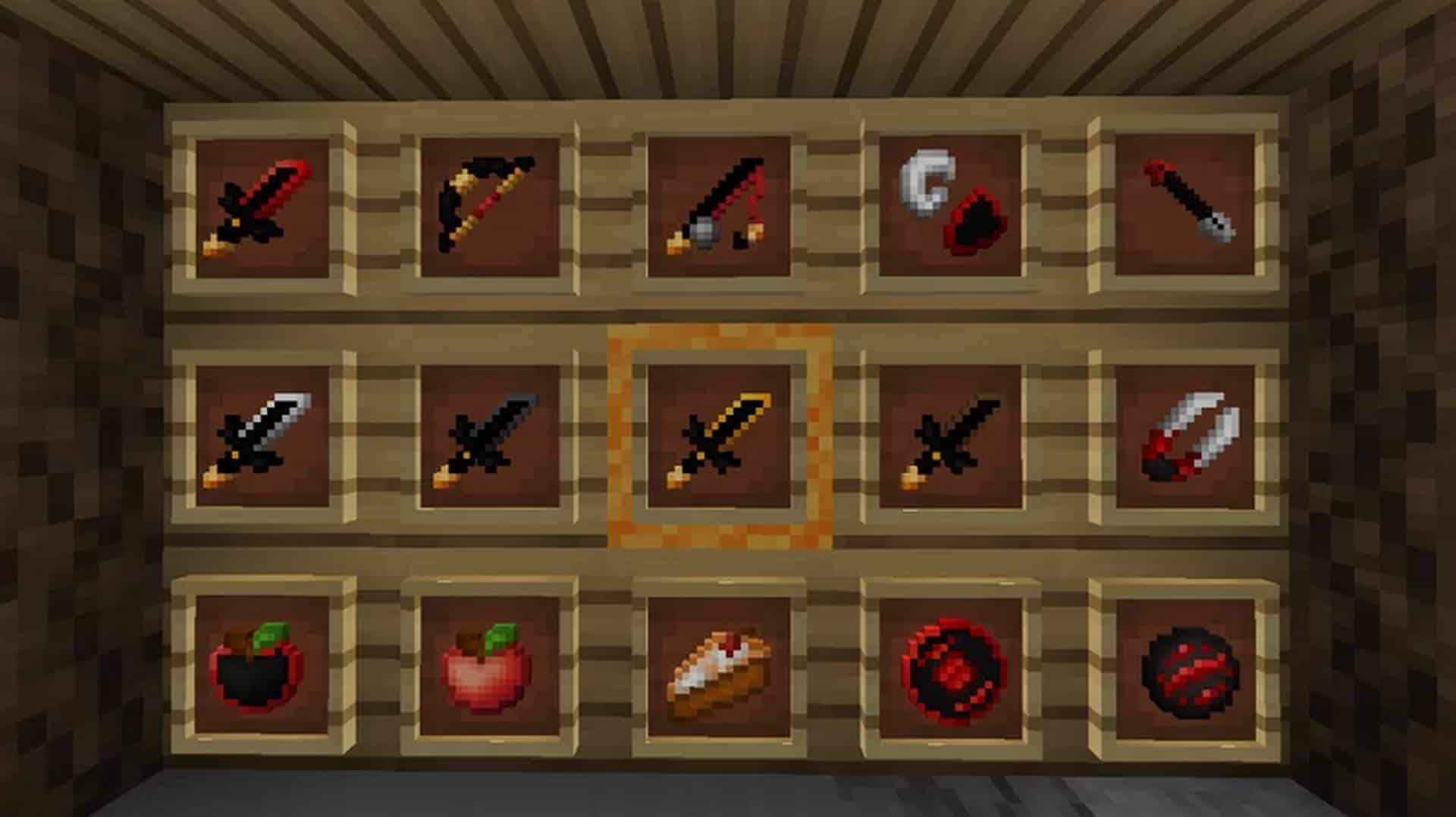
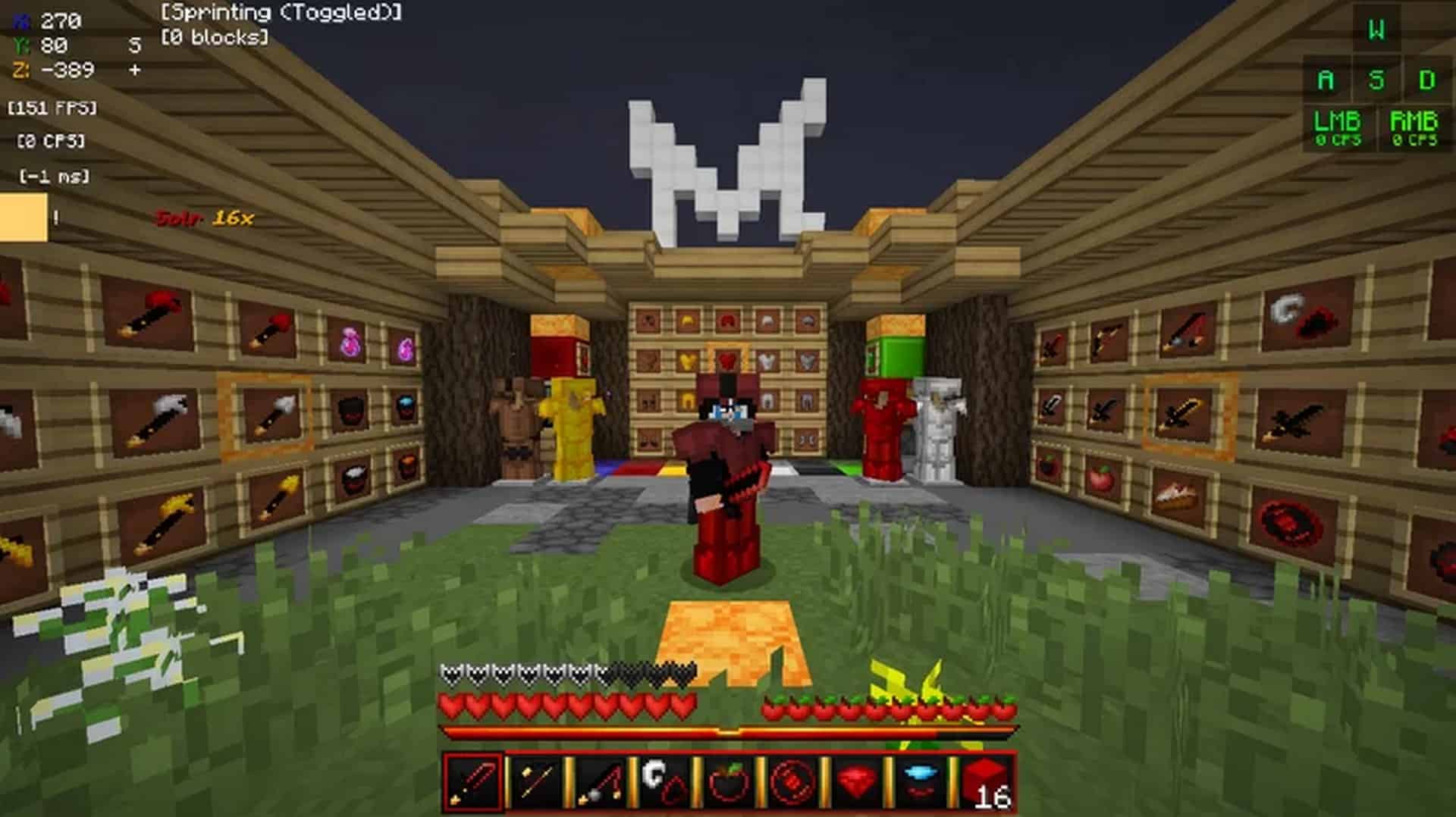
It truly excels at upgrading Minecraft’s entire PvP experience. Beyond its cartoonish PvP-focused graphics, the SOLR resource pack comes loaded with several other brilliant features. For instance, the pack includes a low fire overlay, which is an absolute essential for any serious survival setup. Having low fire means your screen will no longer be frustratingly blocked by massive fire animations when you walk through flames, though you will still rightly take damage even if you cannot see the blinding effects. This drastically increases your visual clarity, a key competitive feature that can easily be the deciding factor between winning or losing a fierce engagement. Usually, blinding fire effects can only be avoided by using risky modifications like the Wurst client, but we strongly advise against that route. Alongside the low fire feature, vibrant red textures are abundant and can be spotted practically everywhere you look. The pack’s custom particles genuinely shine during intense PvP battles, making every single fight look extraordinarily cool. On top of all these amazing additions, the graphical user interfaces have been completely overhauled, making the GUI feel much more distinguished, polished, and sleekly dark. The transparent inventory is wonderful and, much like the other visual improvements, greatly boosts visibility even when you are rapidly managing your gear during a fight. The SOLR resource pack is nearing its ultimate completion. Even though it is technically still a work in progress, it already packs every essential PvP item and tool, featuring short swords designed meticulously in a crisp 16×16 resolution so they seamlessly blend into the rest of the game world. This low resolution grants a noticeable advantage to players and significantly boosts your in-game FPS. The SOLR resource pack optimizes absolutely everything, allowing non-PC players to enjoy a much smoother experience. Minecrafters playing on consoles, phones, or tablets can now dive into Minecraft without ever suffering from annoying lag thanks to this brilliant pack. It even doubles as a gorgeous default black and red edit texture pack, meaning it shines just as brightly outside of strict PvP scenarios. In conclusion, SOLR is a deeply optimized resource pack with competition at the very front of its design, bringing features that make player-versus-player combat infinitely more entertaining while staying remarkably versatile for everyday gameplay.
SOLR should be compatible with all of these Minecraft versions: 1.8.9 – 1.8.8 – 1.8.1 – 1.8.6 – 1.8 – Bedrock Edition – PE
Screenshots
How to Install Texture Pack (Simple 10 Steps)
- Download OptiFine: Most of the texture packs and shaders need OptiFine. That’s why, first download and install OptiFine for the version of Minecraft you want to play.
- Download the Texture Pack: Get the texture pack you want from the download section. Choose the version that works with your Minecraft and your PC’s performance.
- Open Minecraft Launcher: Start Minecraft using the official game launcher — or even TLauncher, if you use that.
- Go to Options: From the main menu, click on the “Options” button.
- Open Resource Packs: Inside Options, click on “Resource Packs…”.
- Open the Resource Pack Folder: Click on “Open Resource Pack Folder” — this will open a folder named “resourcepacks”.
- Move the Pack File: Copy or move the .zip file you downloaded into that “resourcepacks” folder. (Don’t unzip the file — Minecraft uses it as-is!)
- Go Back and Refresh: Close the folder and click “Done”, then go back into “Resource Packs…” again.
- Activate the Pack: You’ll see the pack on the left side. Hover over it and click the arrow to move it to the right (active side).
Tip: If you get a message that the pack is for a different version, just click “Yes” — it usually works fine. - Click Done and Enjoy: Click “Done” again. Now your pack is ready to use in-game. It’s that easy!
Credits
Credits: Created by Mqryo. We do not own or modify this resource pack. All rights belong to the original creator. Please support Mqryo by downloading through official channels.
Download Links
Java Edition
Bedrock Edition
Download Instructions
Curseforge: download starts automatically after a few seconds;
Mediafire: click the big blue button with the text “DOWNLOAD”;
Google Drive: in the top right corner you will see a small download icon (down arrow), click it and the download should start;