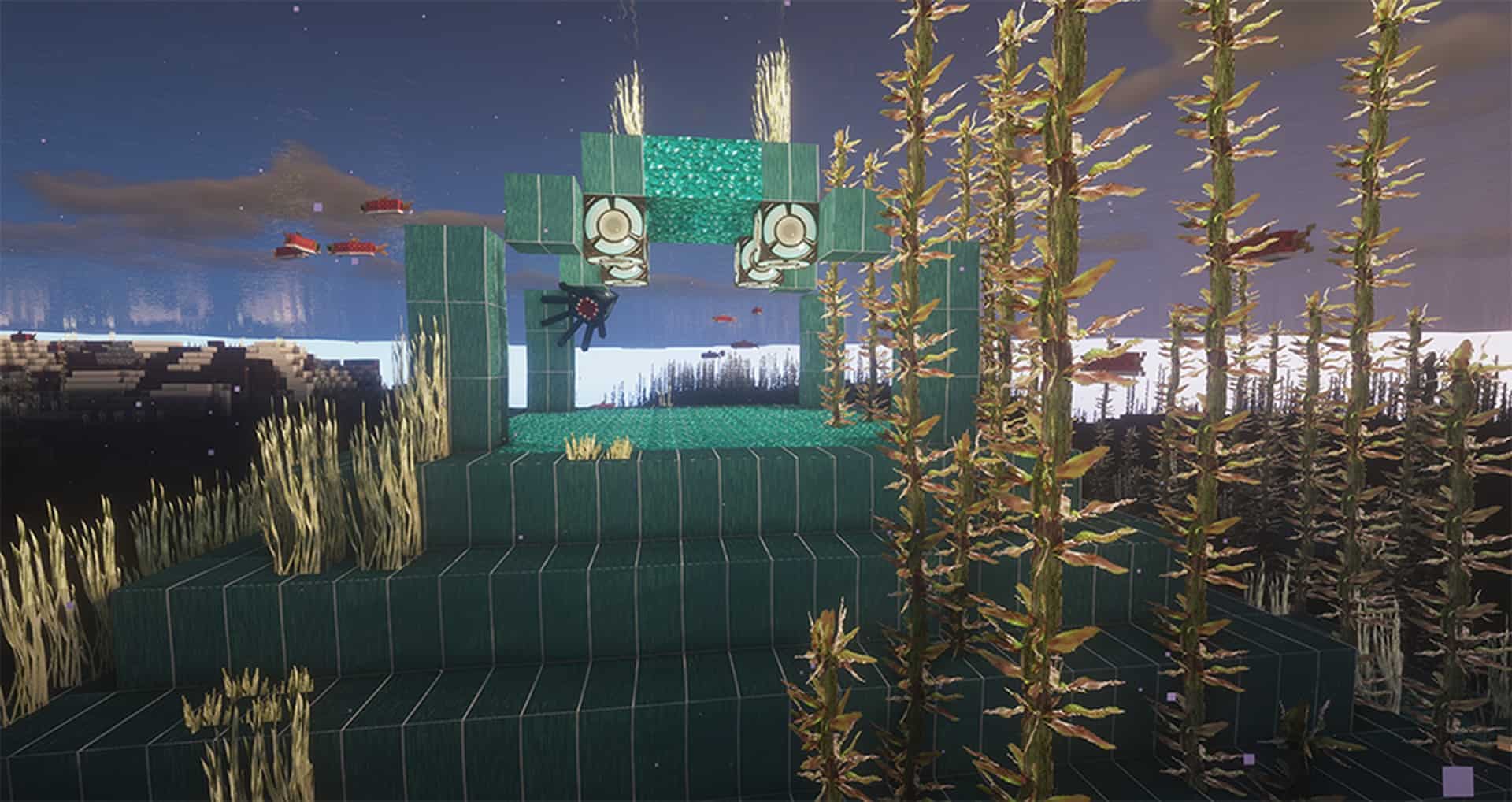
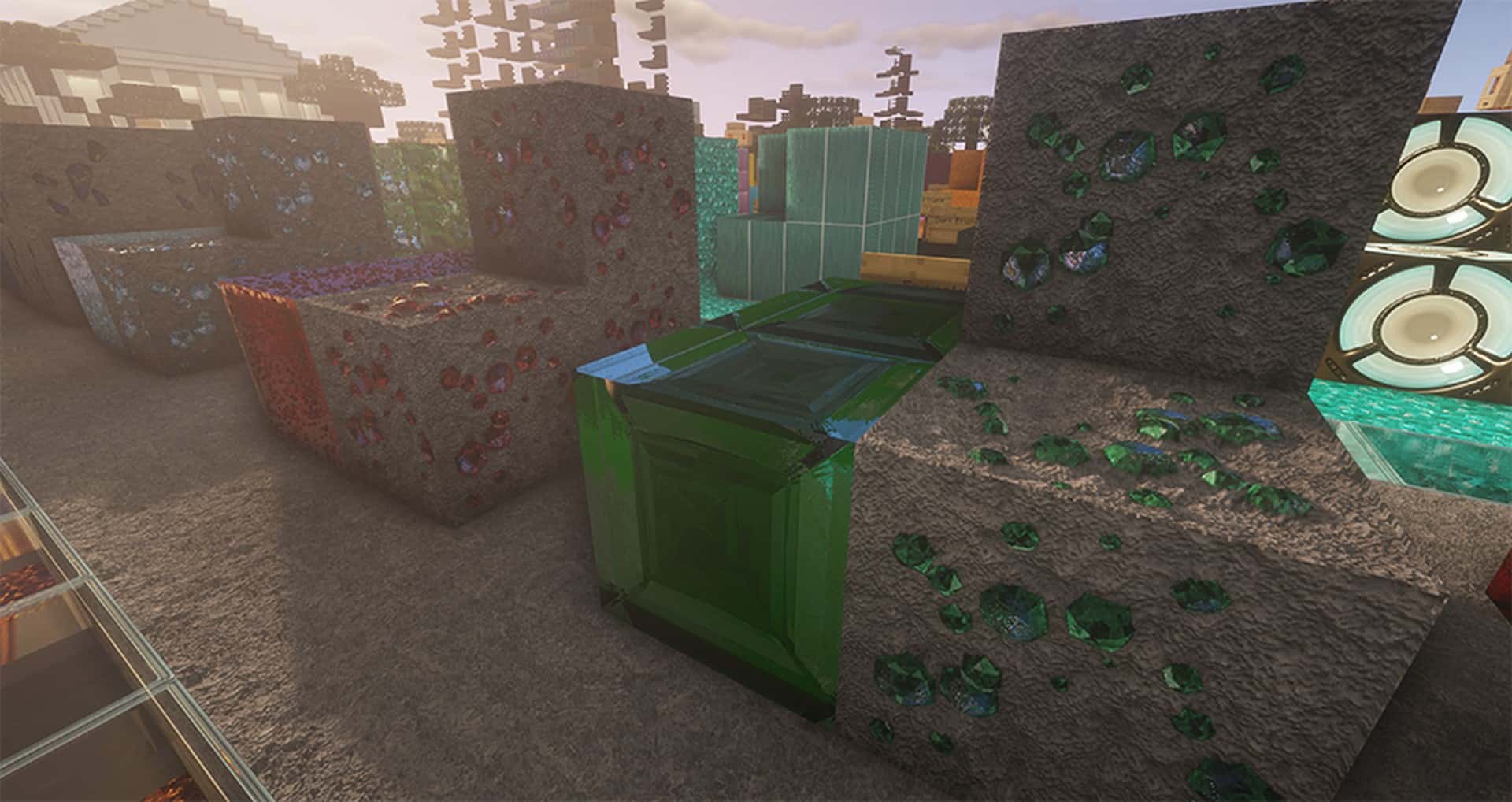
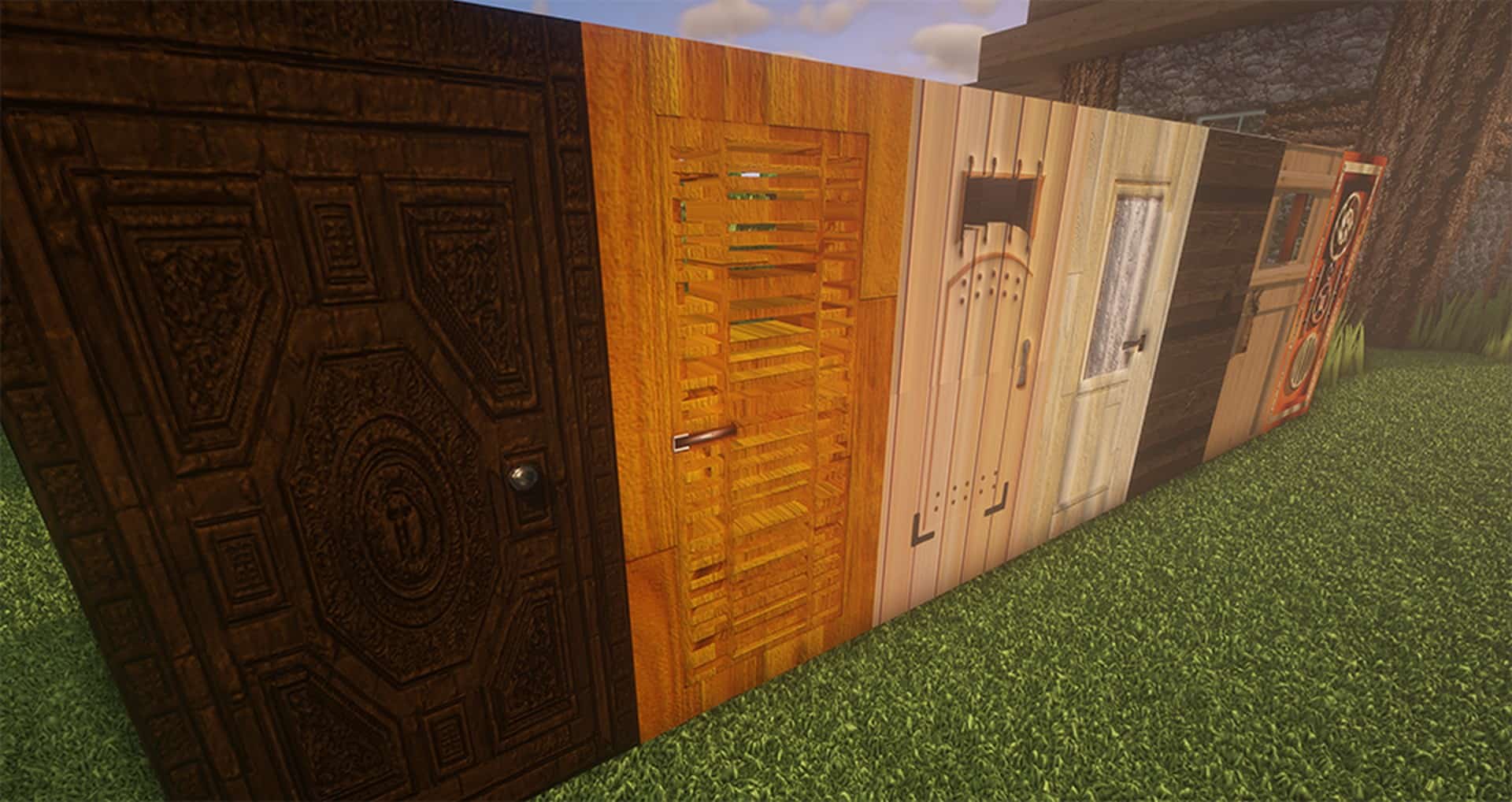
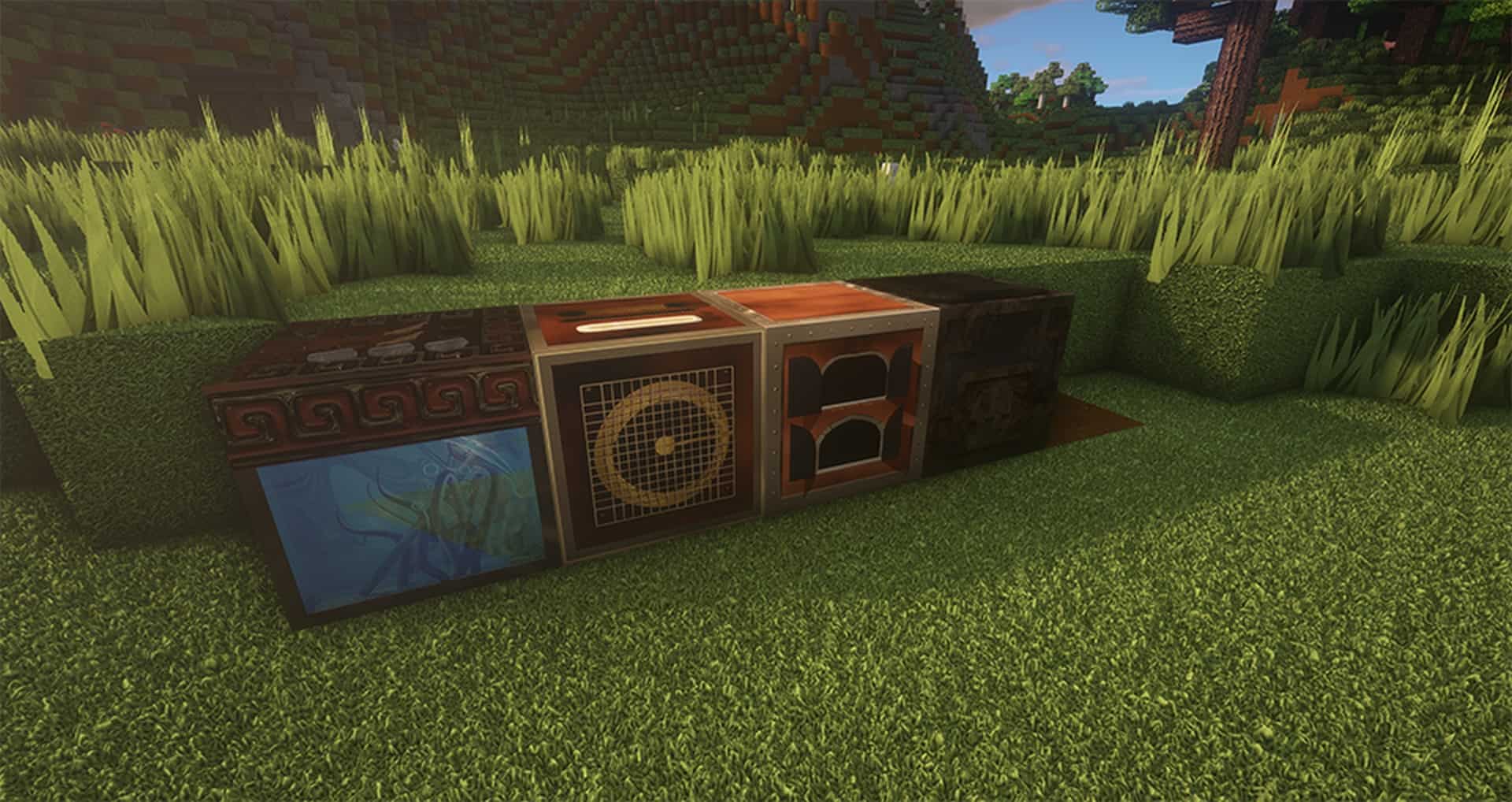
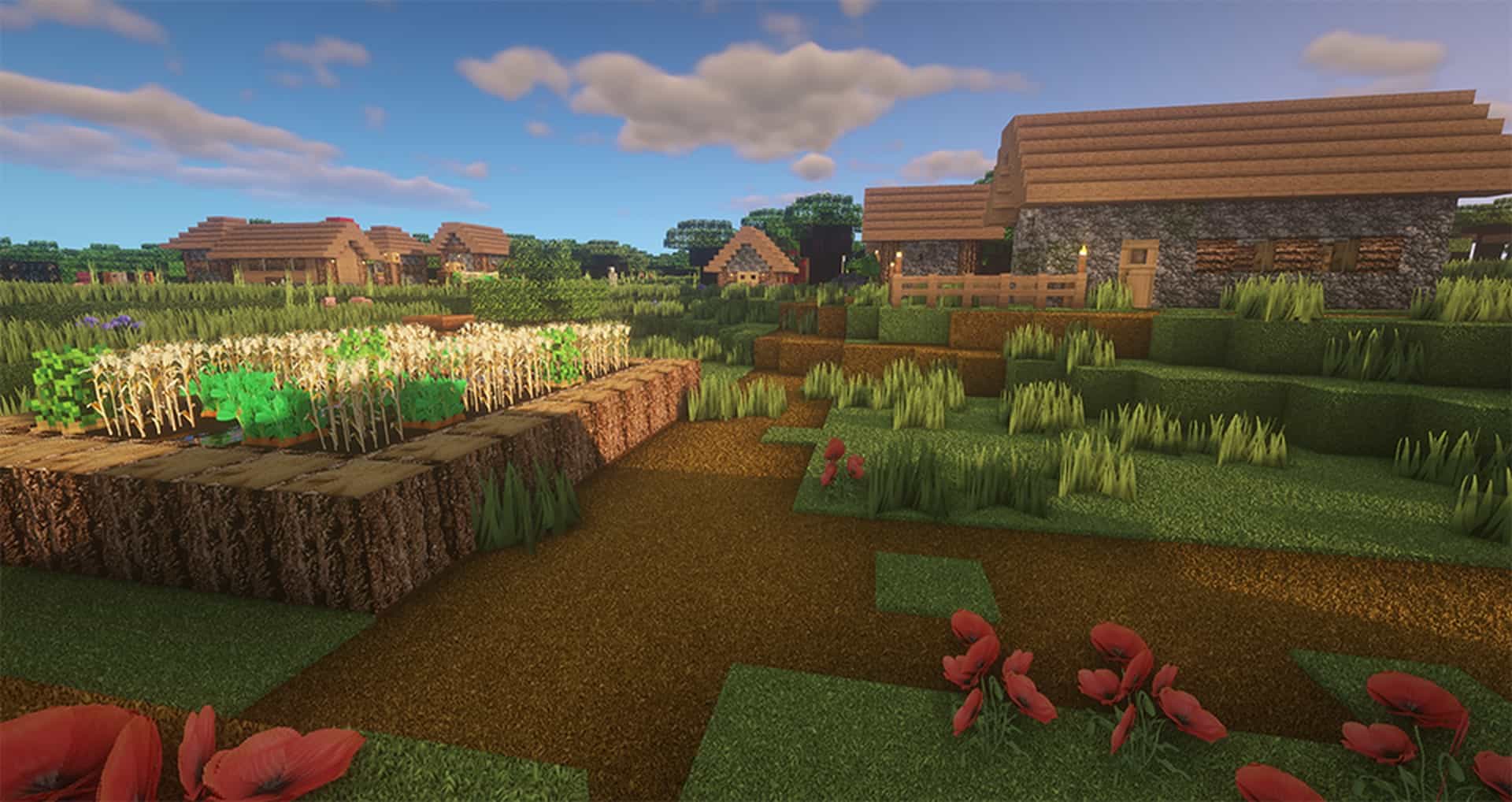
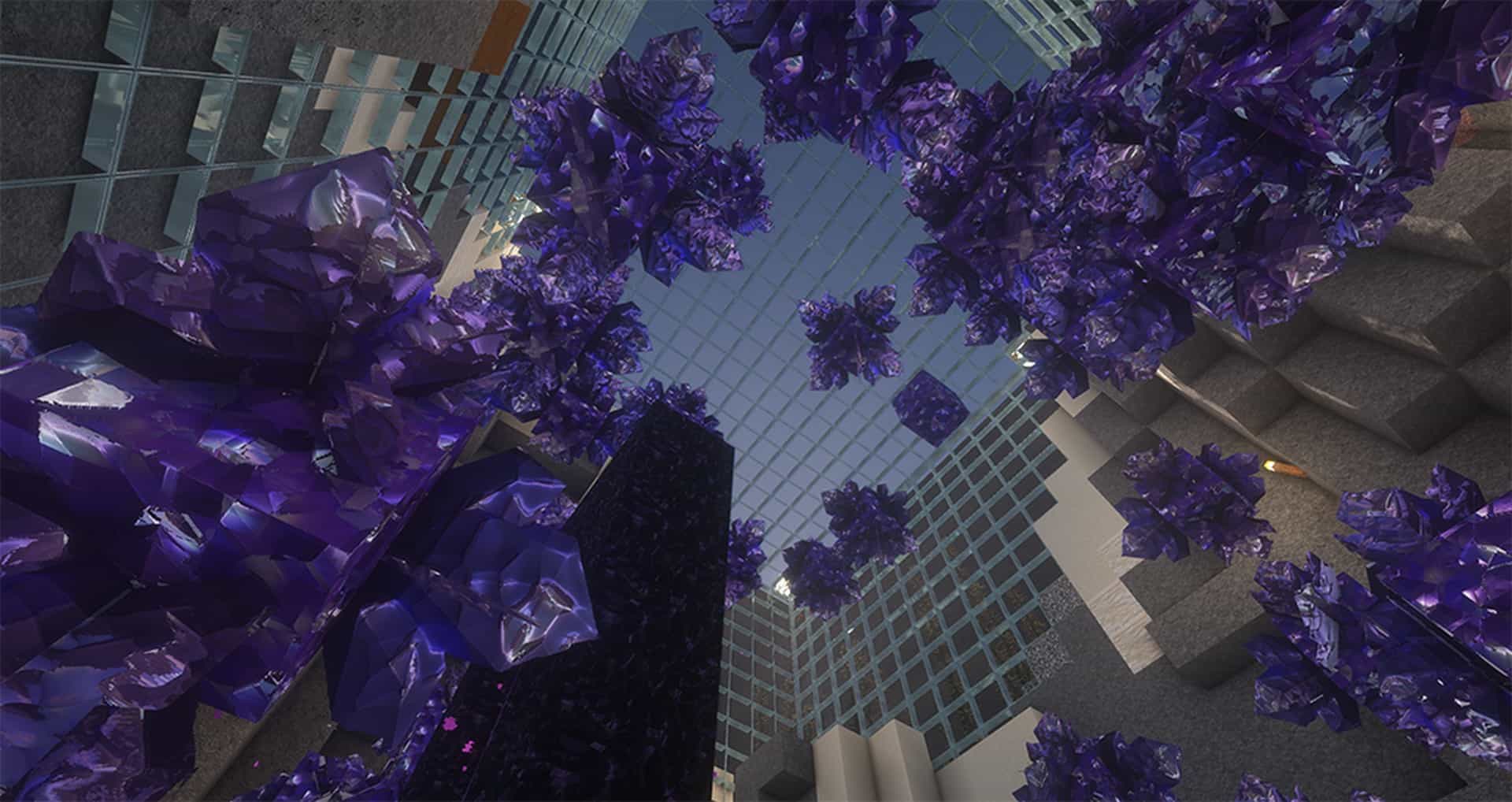
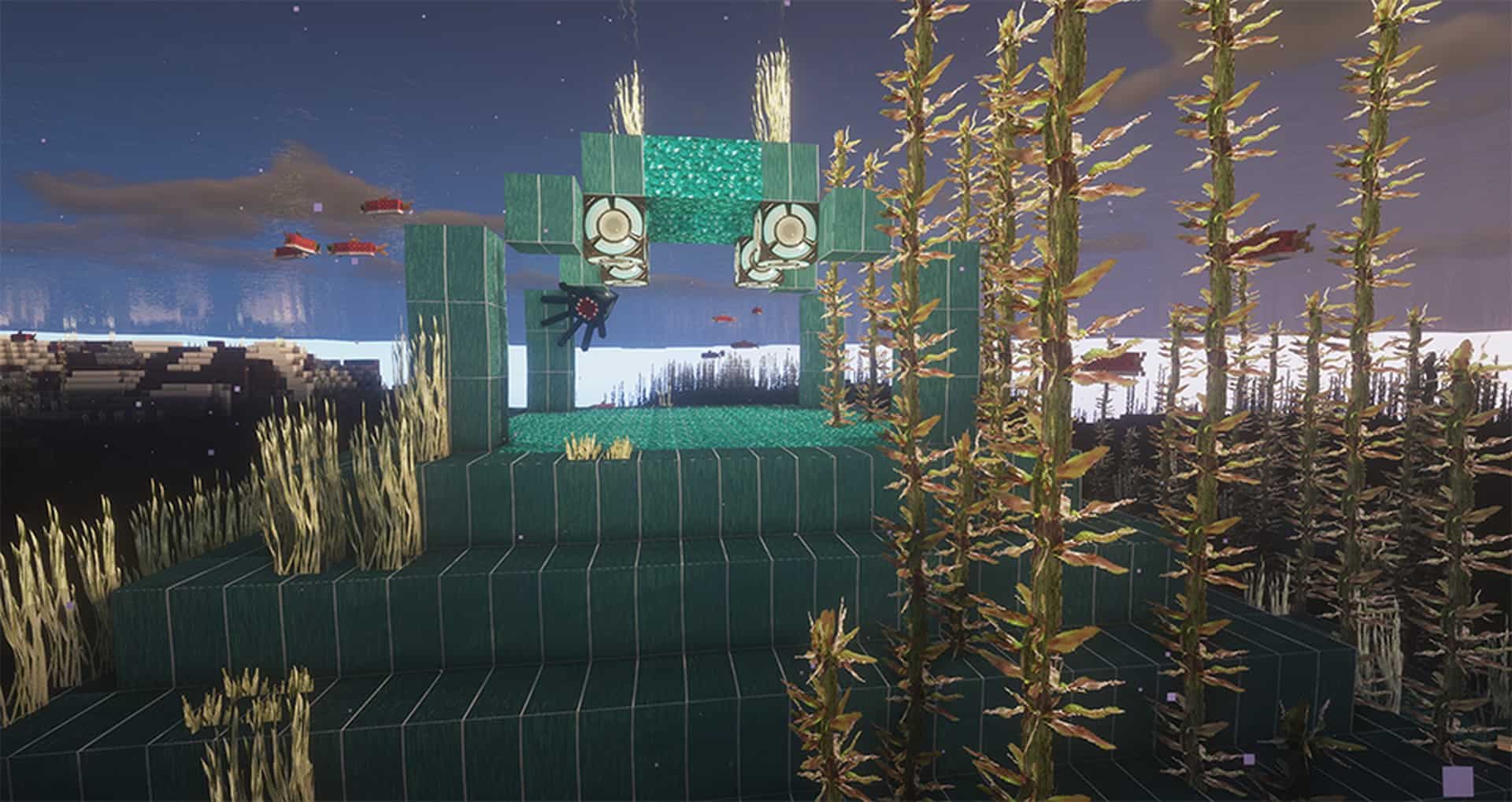
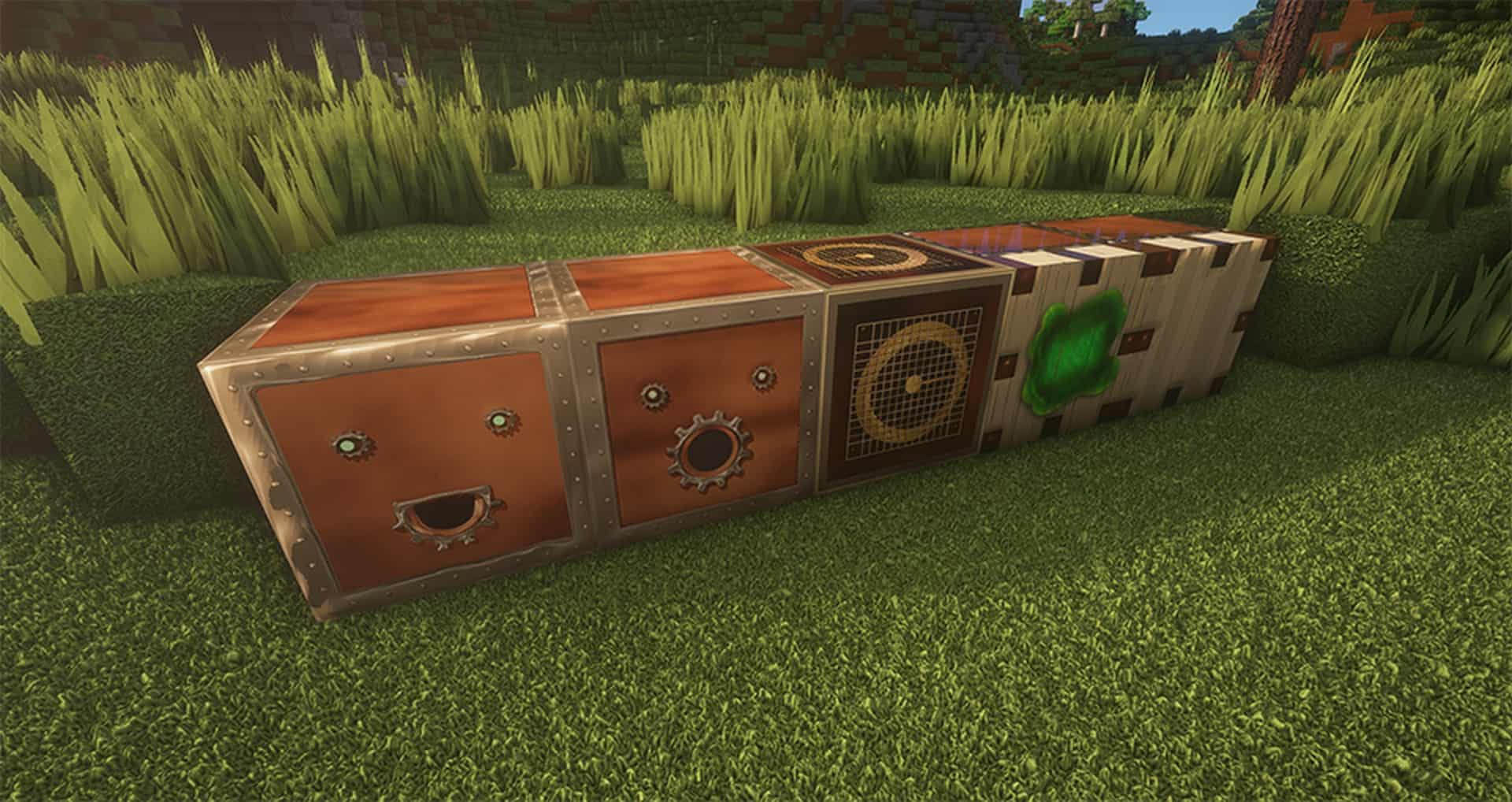
Playing vanilla Minecraft can definitely become a bit tiresome and repetitive over time. After investing hundreds of hours into exploring worlds, that classic look can feel a bit too monotonous. For many people, plain Minecraft is totally fine, but for everyone else, the Two Thousand Leagues resource pack may prove to be the ultimate answer. This incredible 2000 Leagues texture pack claims to bring breathtaking photorealistic textures to the game, and while thousands of other resource packs make that exact same claim, this one genuinely manages to stand out from the crowd. Right off the bat, you will notice this pack is not available in any lower texture resolutions. Two Thousand Leagues is exclusively offered in stunning 256x, 512x, and 1024x options. Because of this, the resource pack makes Minecraft significantly more demanding on older computers. It definitely requires a modern gaming PC to run smoothly, otherwise, you will notice your framerates dropping considerably. Not only have the texture resolutions increased tenfold, but the resource pack also makes heavy, beautiful use of path-traced shaders. The combined effect of these ultra-high-resolution textures and elaborate shaders makes the entire world look absolutely stunning. If it were not for the signature blocky aspect of Minecraft, Two Thousand Leagues would easily make the game look just as good as any modern triple-A title. When you experience what 2000 Leagues brings to the table, the first notable thing is that almost all the textures in the game have been updated, improved, replaced, or upscaled. Over 95% of all textures have suffered a wonderful transformation for the better.
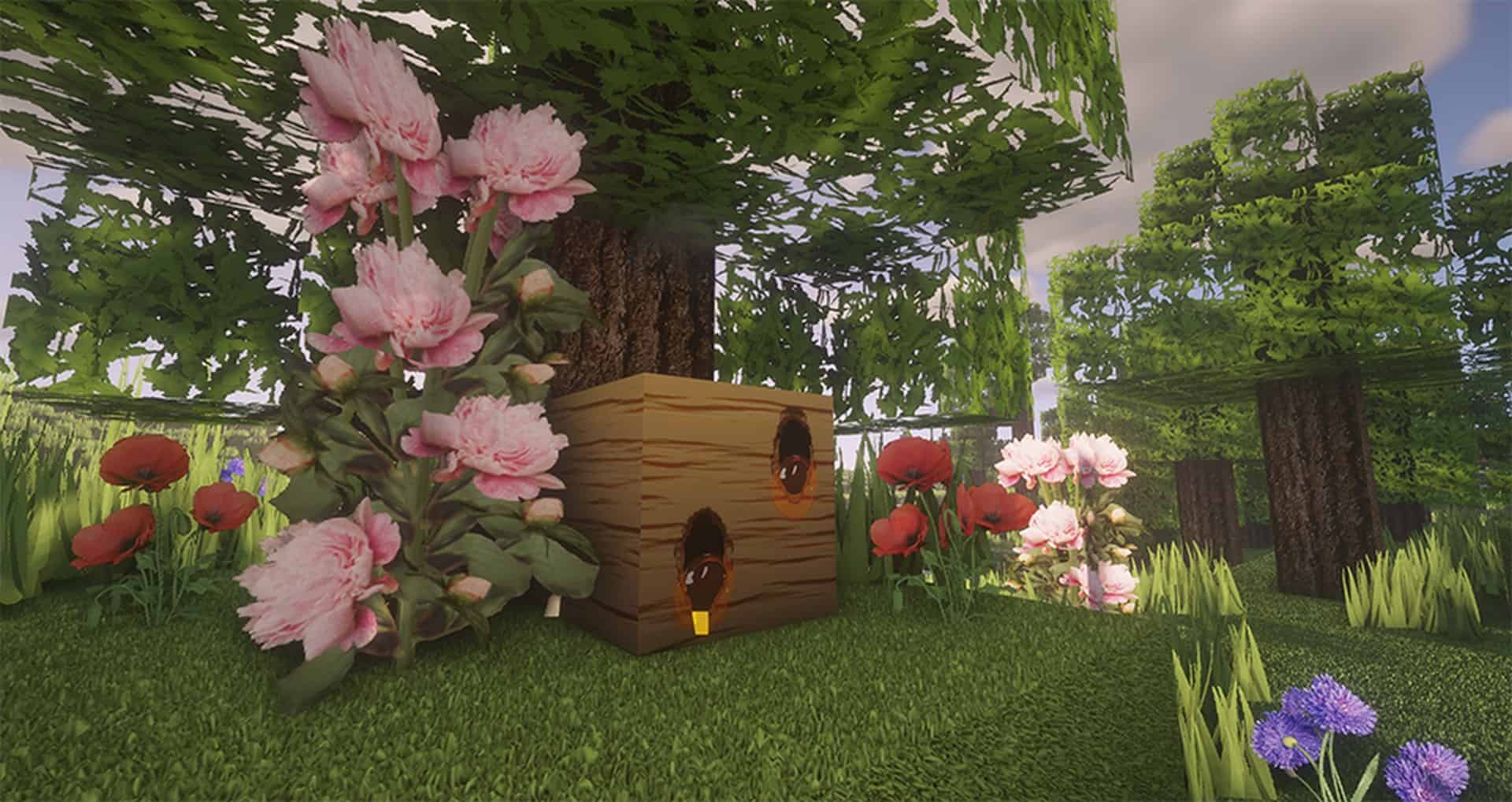
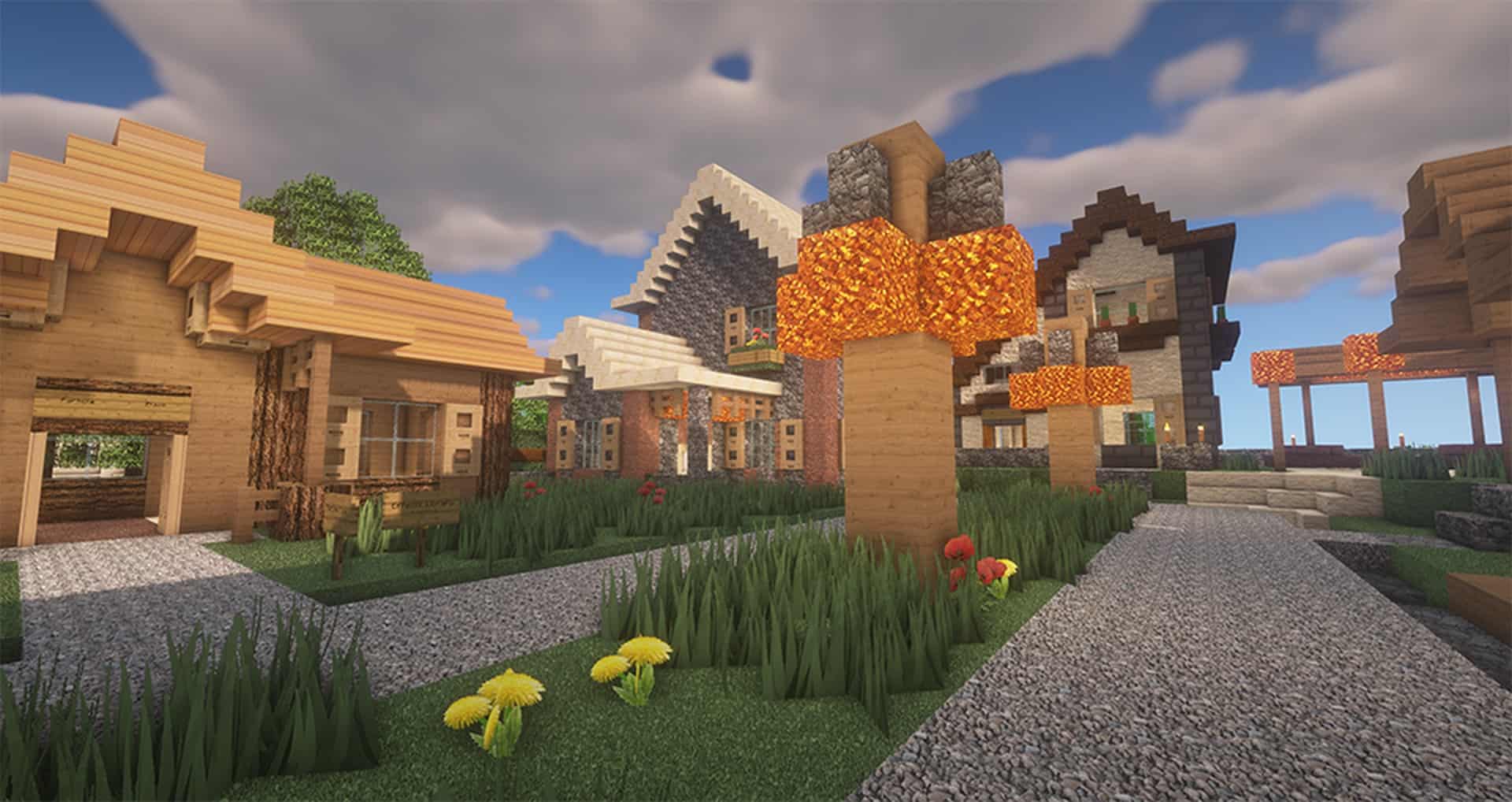
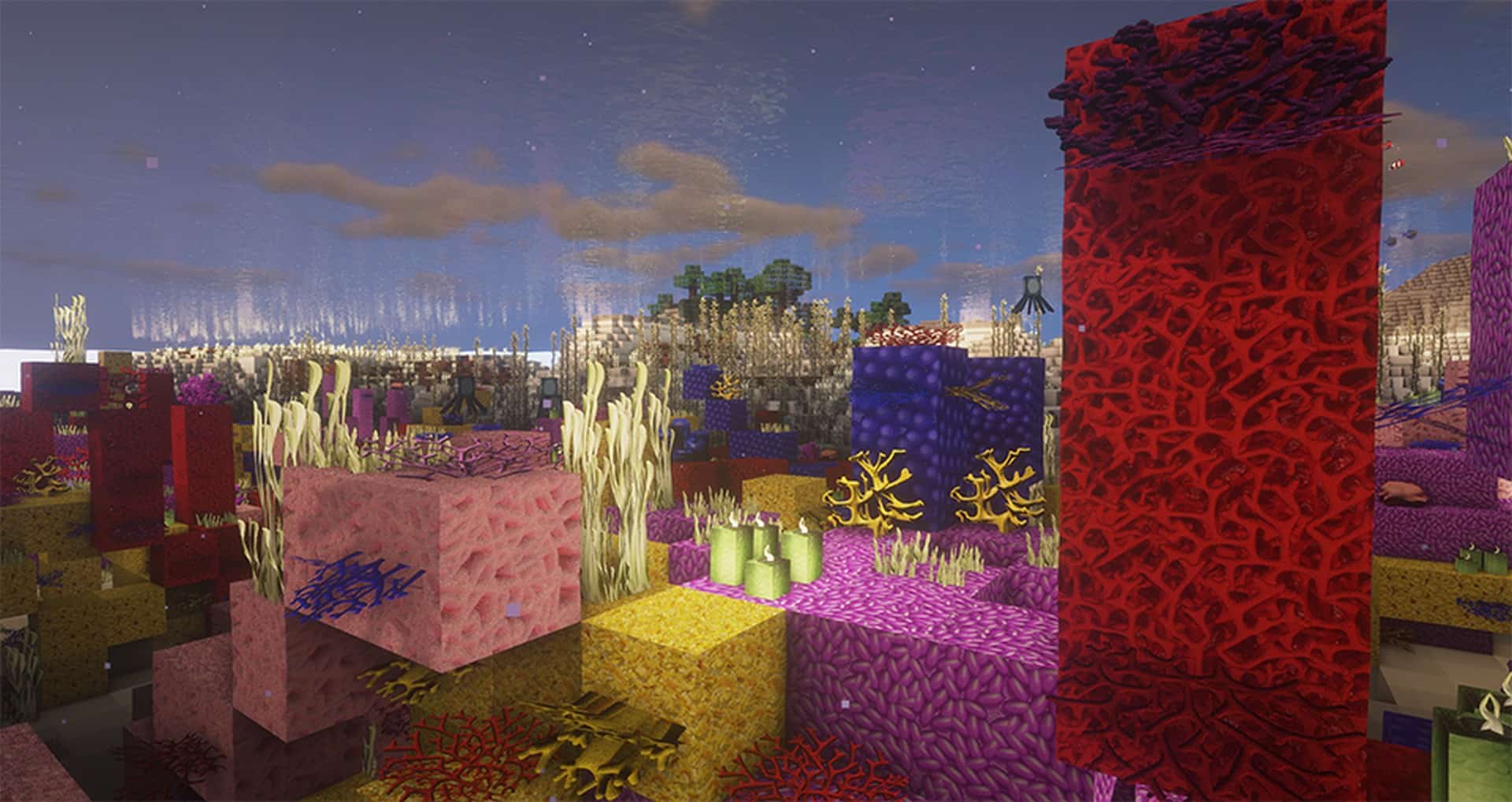
Flowers, grass, leaves, dirt, and stones all look as if they were pulled straight from real-life photographs, which is why it truly deserves the title of a photorealistic resource pack. What was left untouched are the textures of the mobs in the game; they remain the same mobs, though their texture resolution was increased slightly without the massive visual enhancements given to other objects. Despite being 95% complete, the dedicated developer of the resource pack continues to update it, meaning many blocks may receive even newer textures over time. It might be tempting to assume that too much photorealism would feel out of place in a blocky game like Minecraft, yet the Two Thousand Leagues texture pack somehow manages to pull it off brilliantly. Nothing feels out of place, and every single texture adds another gorgeous layer of depth to the game. Crops, grass, flowers, leaves, trees, dirt, and rocks are simply mesmerizing to look at. A massive contribution to these incredible visuals comes from the masterful use of lighting and shaders. Shadows and light look remarkably realistic, and the shaders make each texture crisp and clear even when you are gazing at objects far off in the distance. Everything looks remarkably smooth and cohesive with the overall visual direction of the pack. The incredible quality of the lighting, textures, and shaders has made Two Thousand Leagues an exceptionally popular resource pack with over 10,000 downloads on CurseForge alone. Installation can be done easily with Optifine, though keep in mind that the resource pack files are quite large.
Two Thousand Leagues should be compatible with all of these Minecraft versions: 1.19.1 – 1.19 – 1.18.2 – 1.18.1 – 1.18 – 1.17.1 – 1.17 – 1.16.5 – 1.16.4 – 1.16.3 – 1.16.2 – 1.16.1 – 1.16
Screenshots


How to Install Texture Pack (Simple 10 Steps)
- Download OptiFine: Most of the texture packs and shaders need OptiFine. That’s why, first download and install OptiFine for the version of Minecraft you want to play.
- Download the Texture Pack: Get the texture pack you want from the download section. Choose the version that works with your Minecraft and your PC’s performance.
- Open Minecraft Launcher: Start Minecraft using the official game launcher — or even TLauncher, if you use that.
- Go to Options: From the main menu, click on the “Options” button.
- Open Resource Packs: Inside Options, click on “Resource Packs…”.
- Open the Resource Pack Folder: Click on “Open Resource Pack Folder” — this will open a folder named “resourcepacks”.
- Move the Pack File: Copy or move the .zip file you downloaded into that “resourcepacks” folder. (Don’t unzip the file — Minecraft uses it as-is!)
- Go Back and Refresh: Close the folder and click “Done”, then go back into “Resource Packs…” again.
- Activate the Pack: You’ll see the pack on the left side. Hover over it and click the arrow to move it to the right (active side).
Tip: If you get a message that the pack is for a different version, just click “Yes” — it usually works fine. - Click Done and Enjoy: Click “Done” again. Now your pack is ready to use in-game. It’s that easy!
Credits
The Two Thousand Leagues resource pack was created by buttonpanda. We do not claim ownership of this content and provide these download links as originally hosted by the creator. Please visit the official creator pages to support their work.
Download Links
Java Edition
- [256x] Minecraft 1.19.x
- [256x] Minecraft 1.18.x
- [256x] Minecraft 1.17.x
- [256x] Minecraft 1.16.x
- [256x] Mobs Pack 1.19.x
- [512x] Mobs Pack 1.19.x
- [1024x] Mobs Pack 1.19.x
- [256x] Mobs Pack 1.18.x
- [512x] Mobs Pack 1.18.x
- [1024x] Mobs Pack 1.18.x
- [256x] Mobs Pack 1.17.x
- [512x] Mobs Pack 1.17.x
- [1024x] Mobs Pack 1.17.x
- Official Website
Download Instructions
Curseforge: download starts automatically after a few seconds;
Mediafire: click the big blue button with the text “DOWNLOAD”;
Google Drive: in the top right corner you will see a small download icon (down arrow), click it and the download should start;


