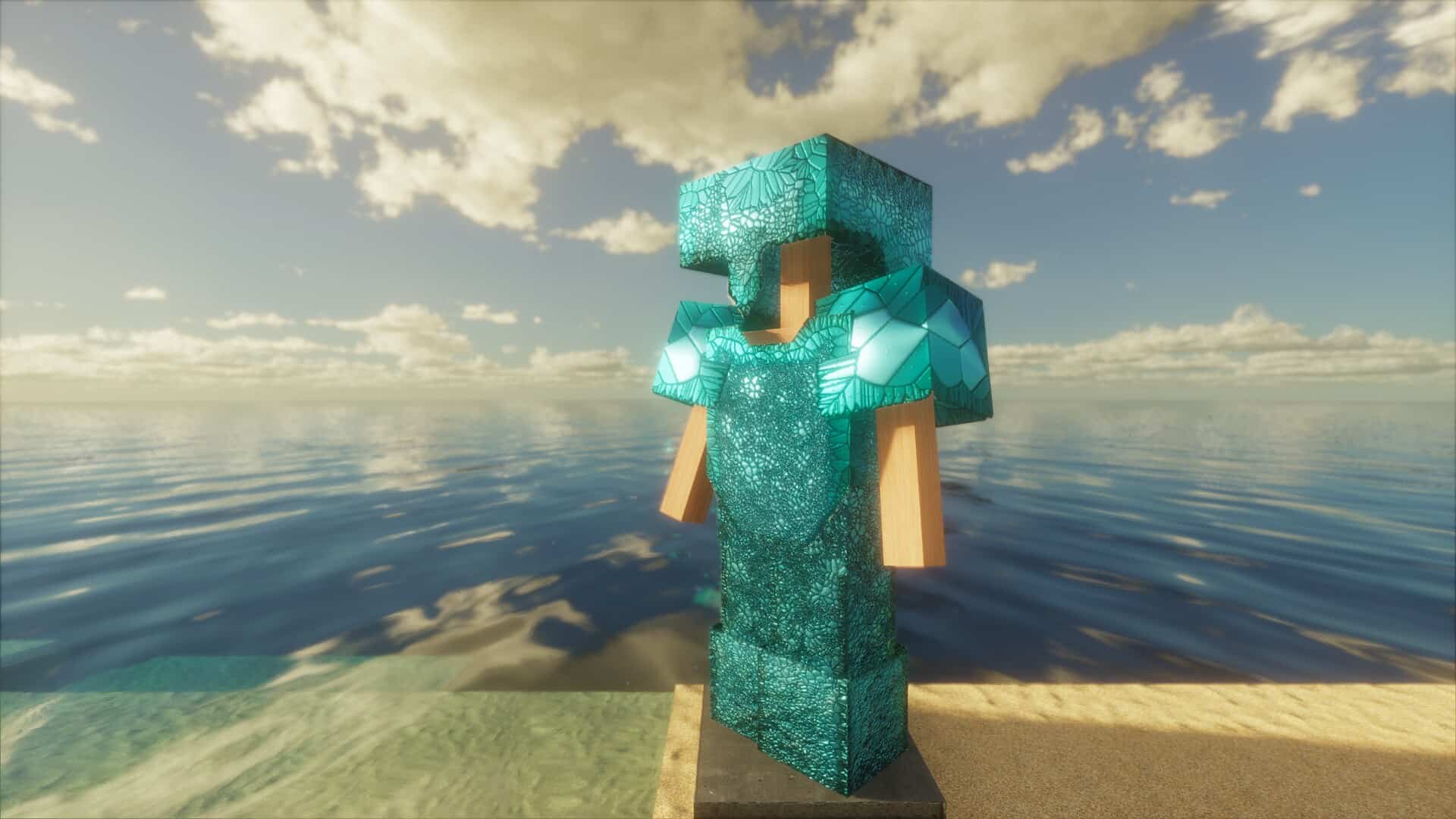
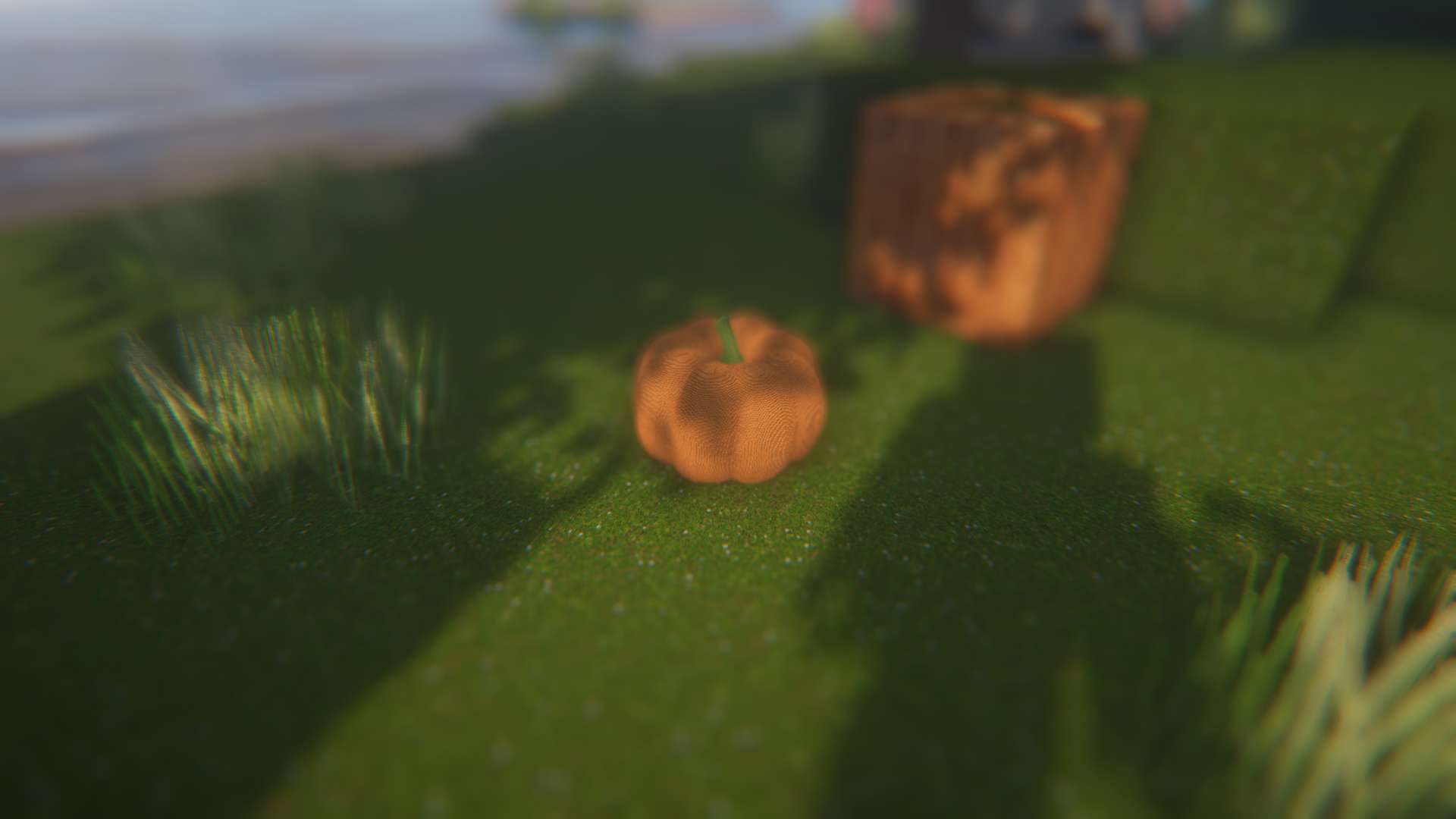
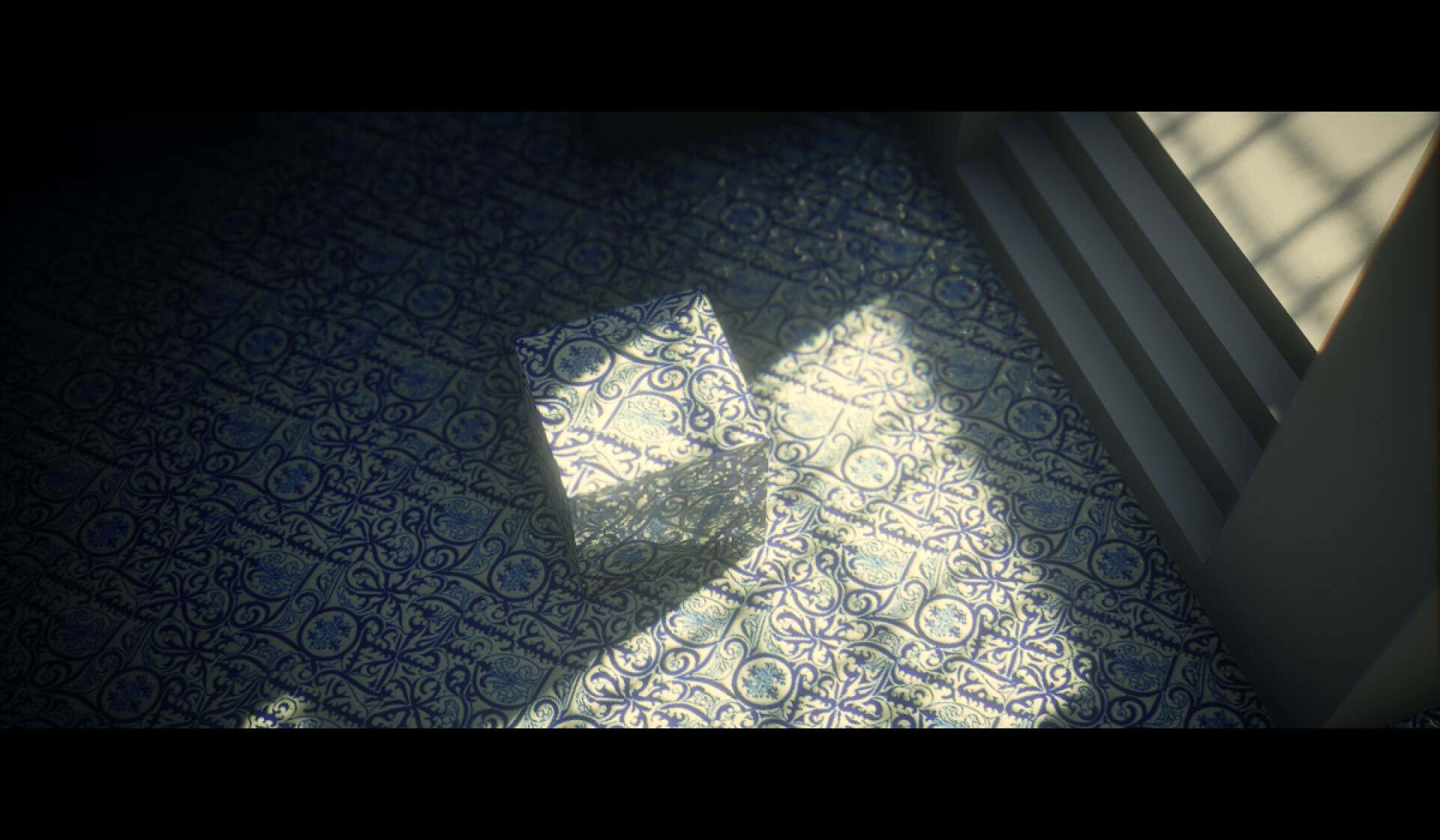
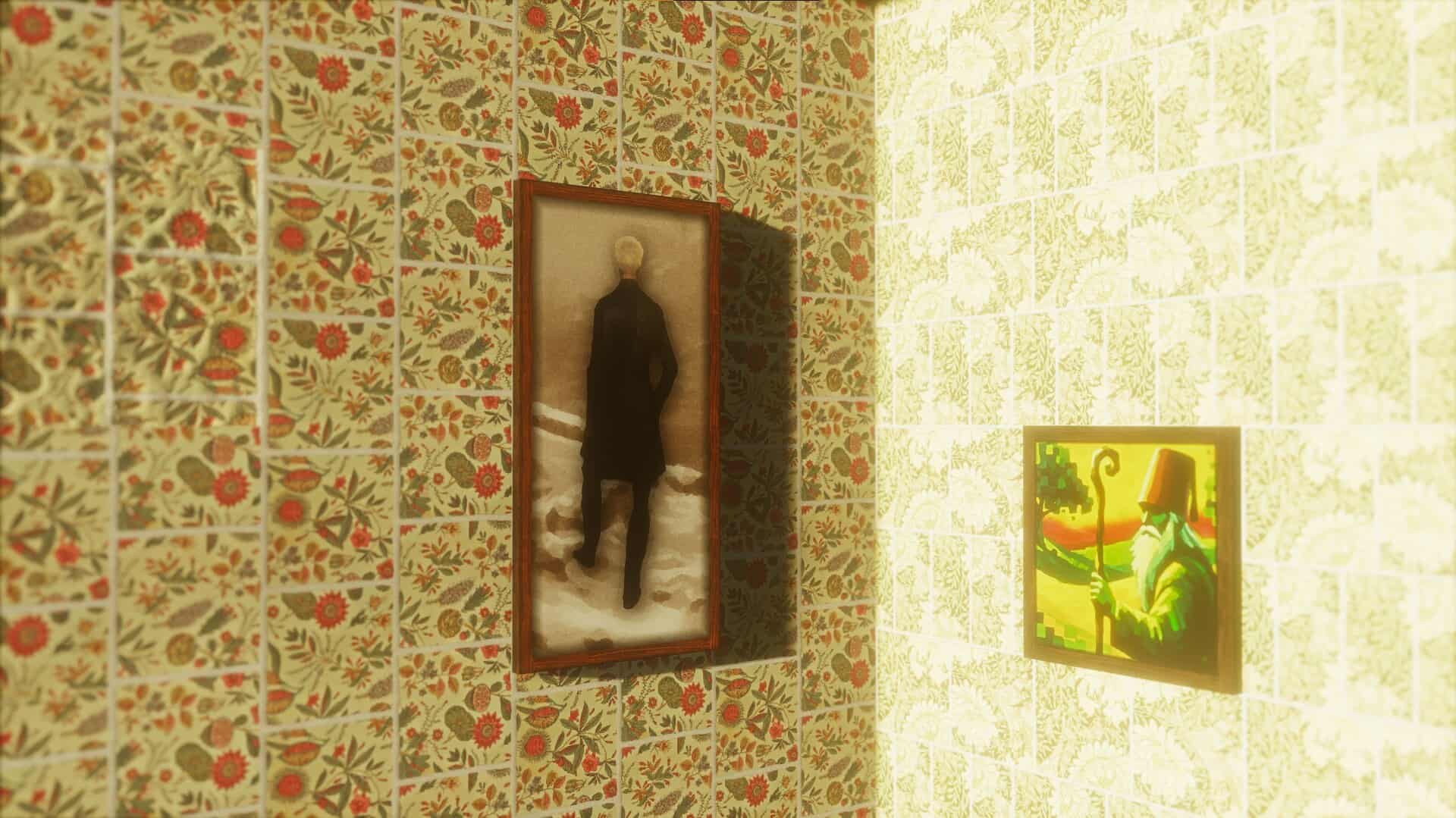
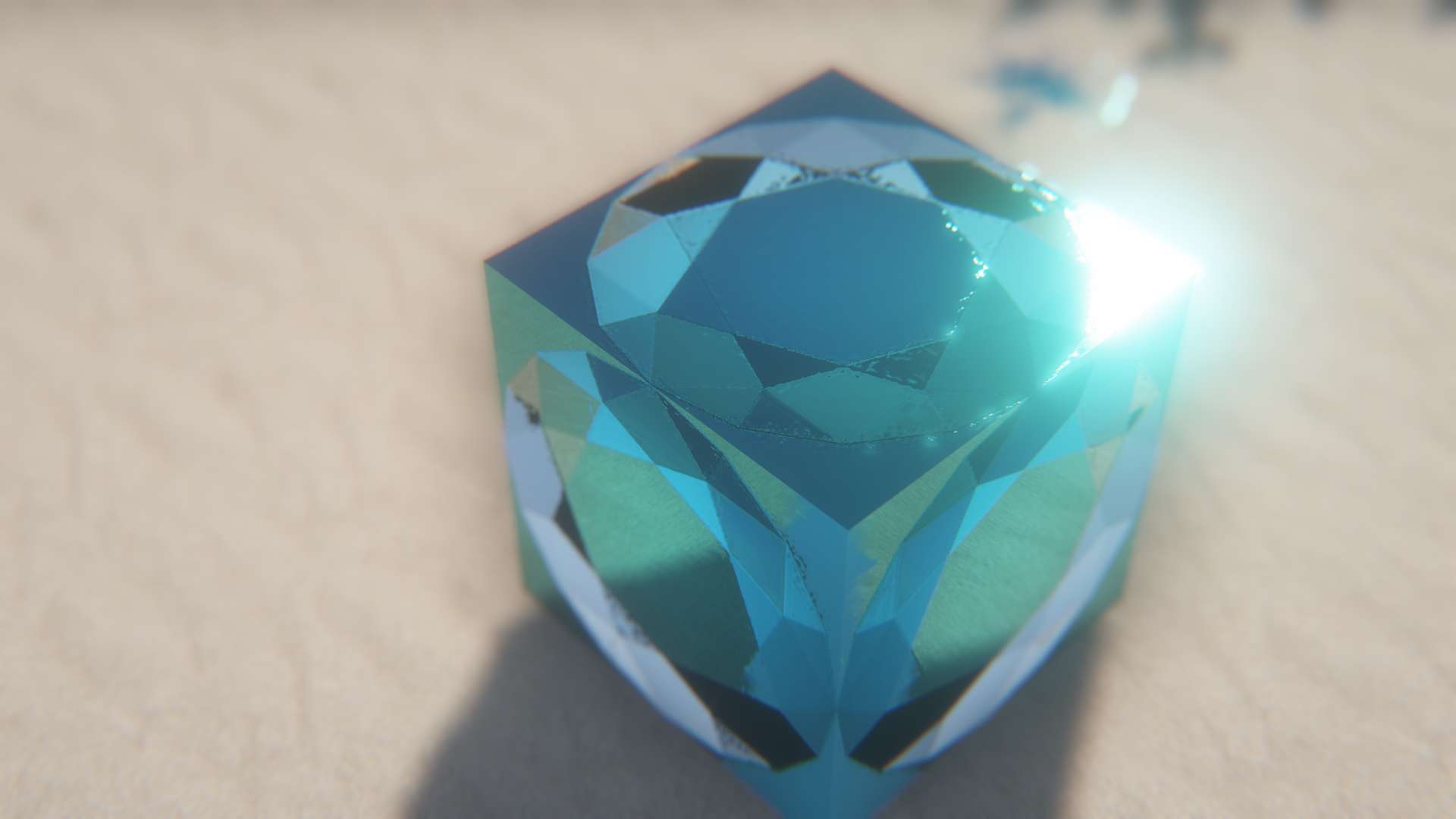
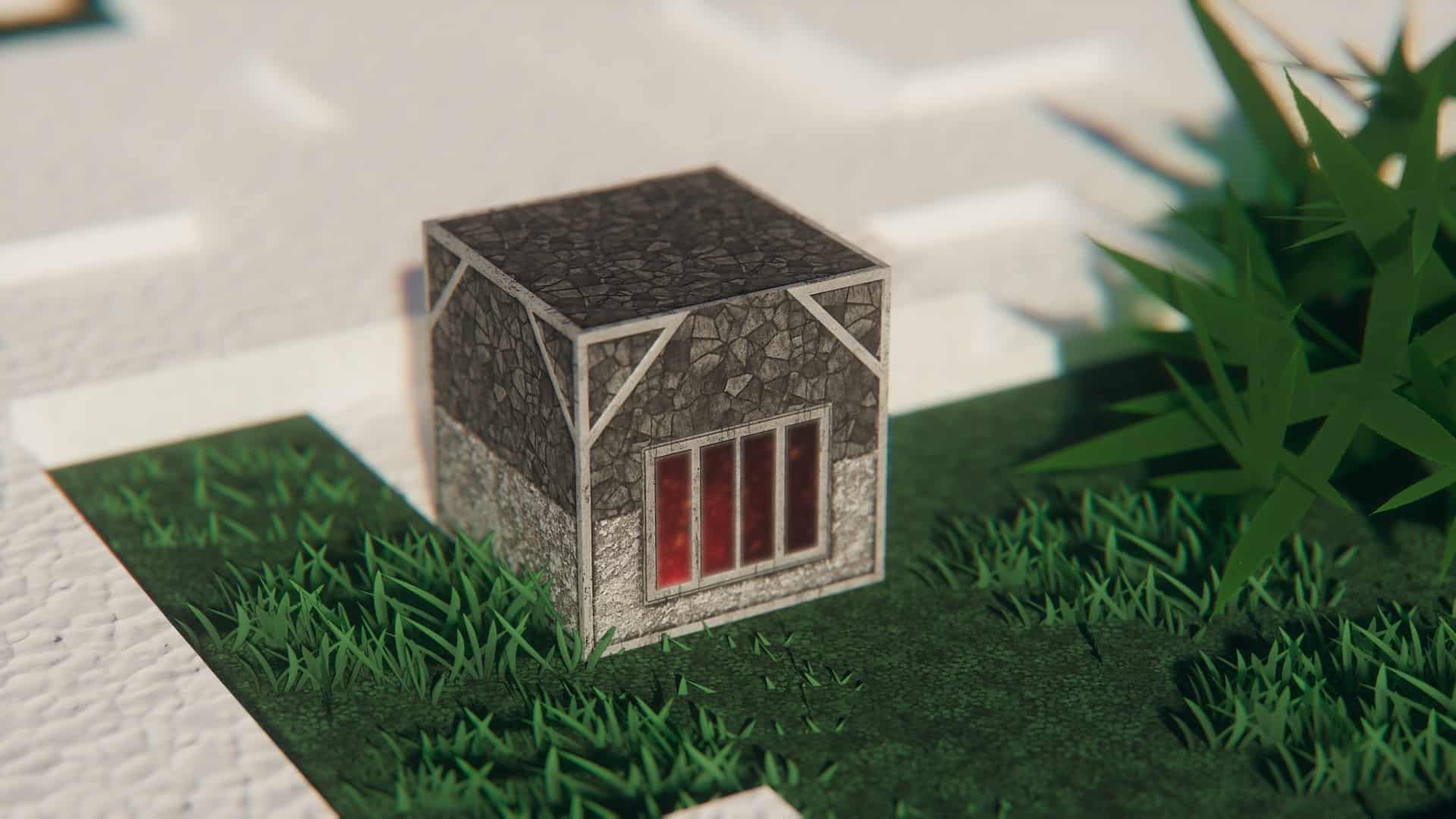
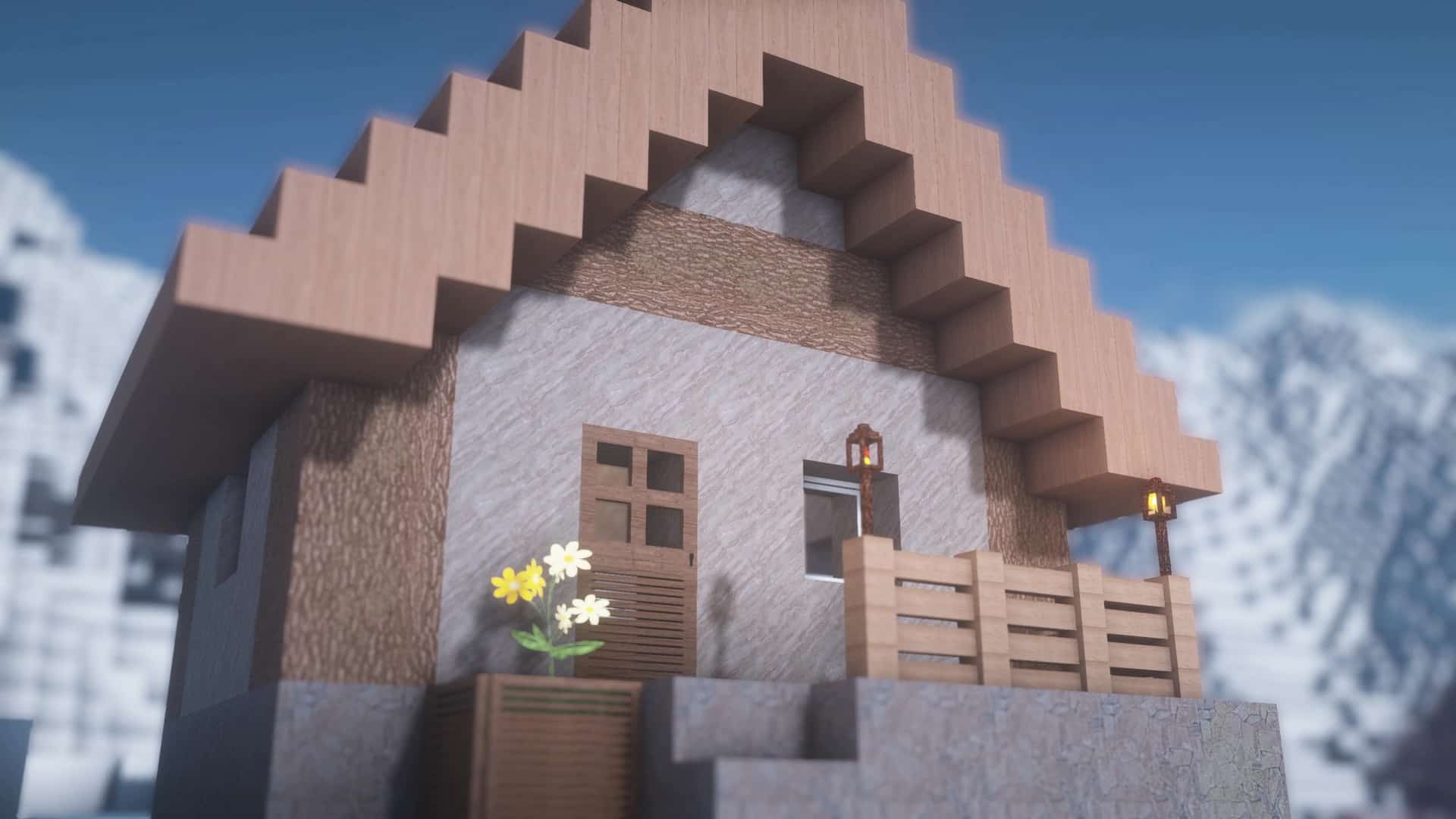
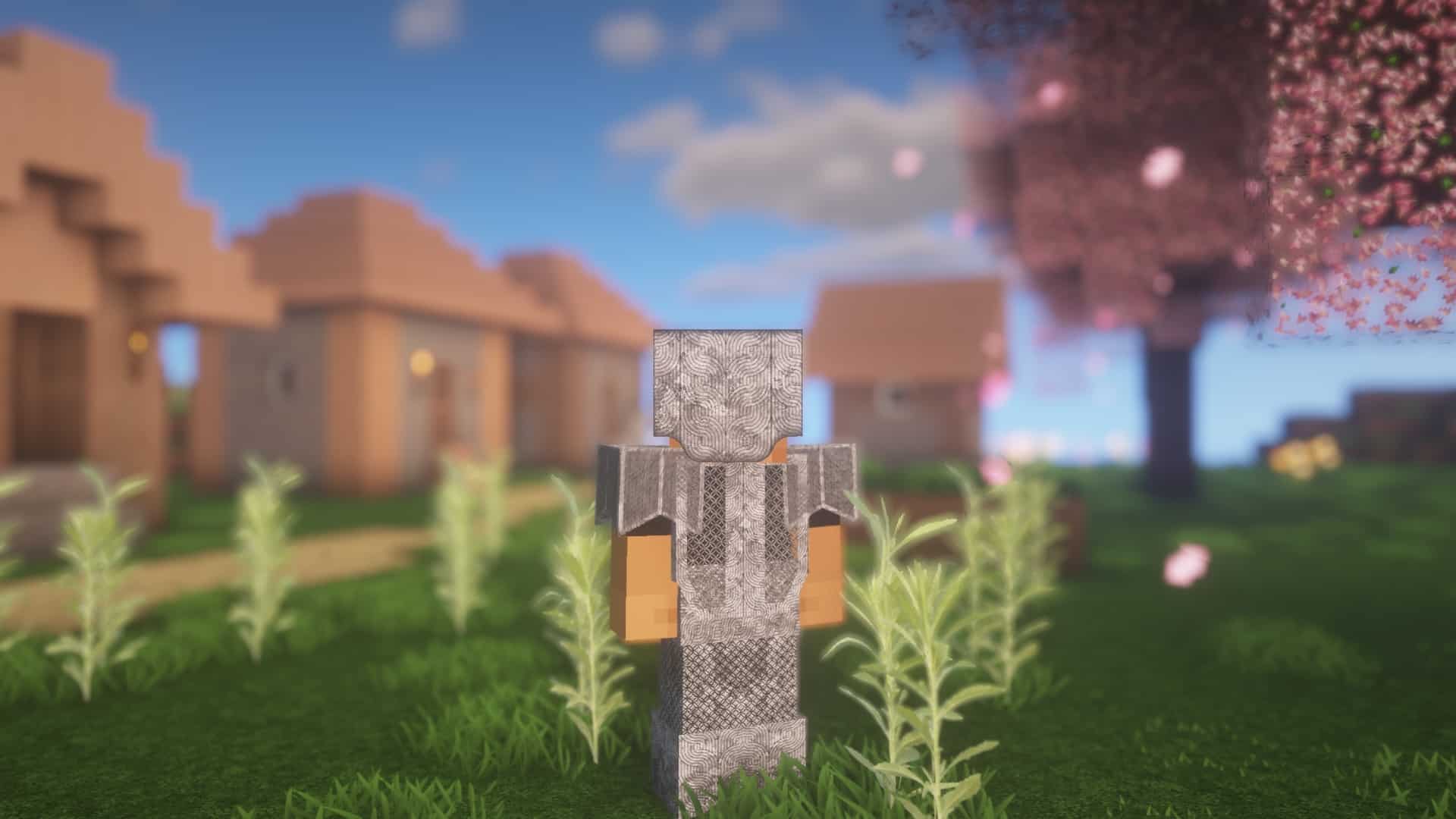
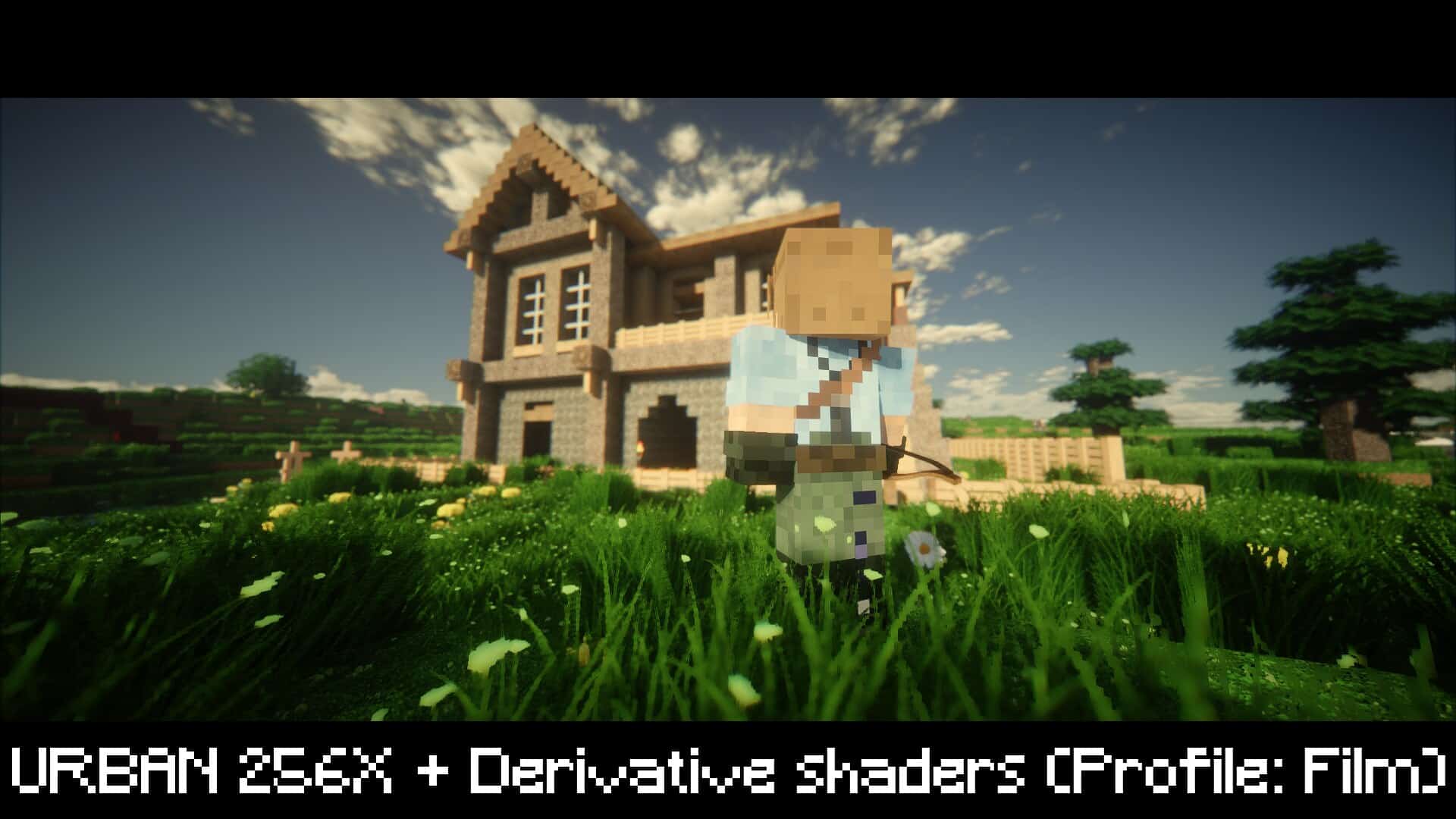
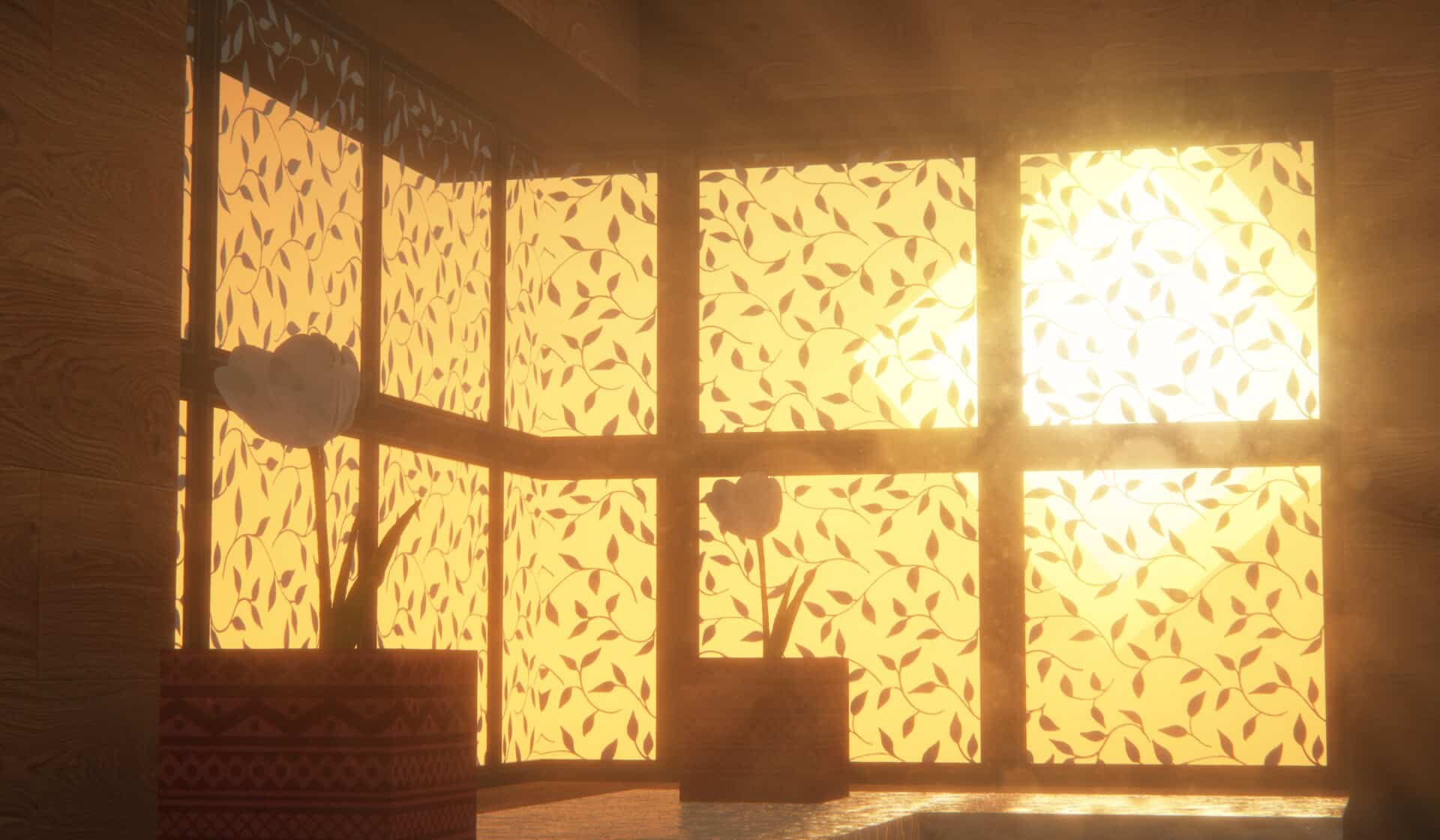
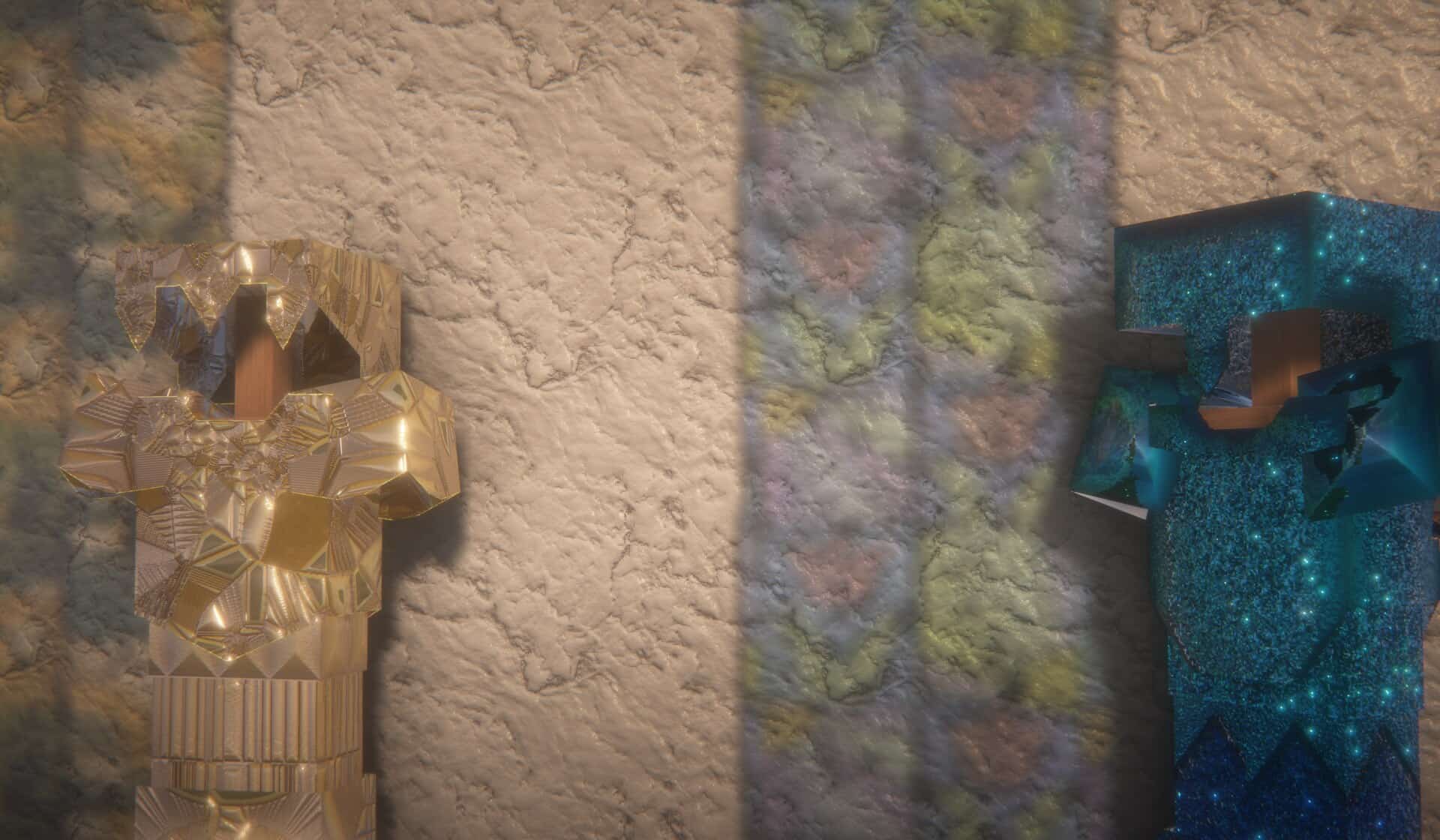
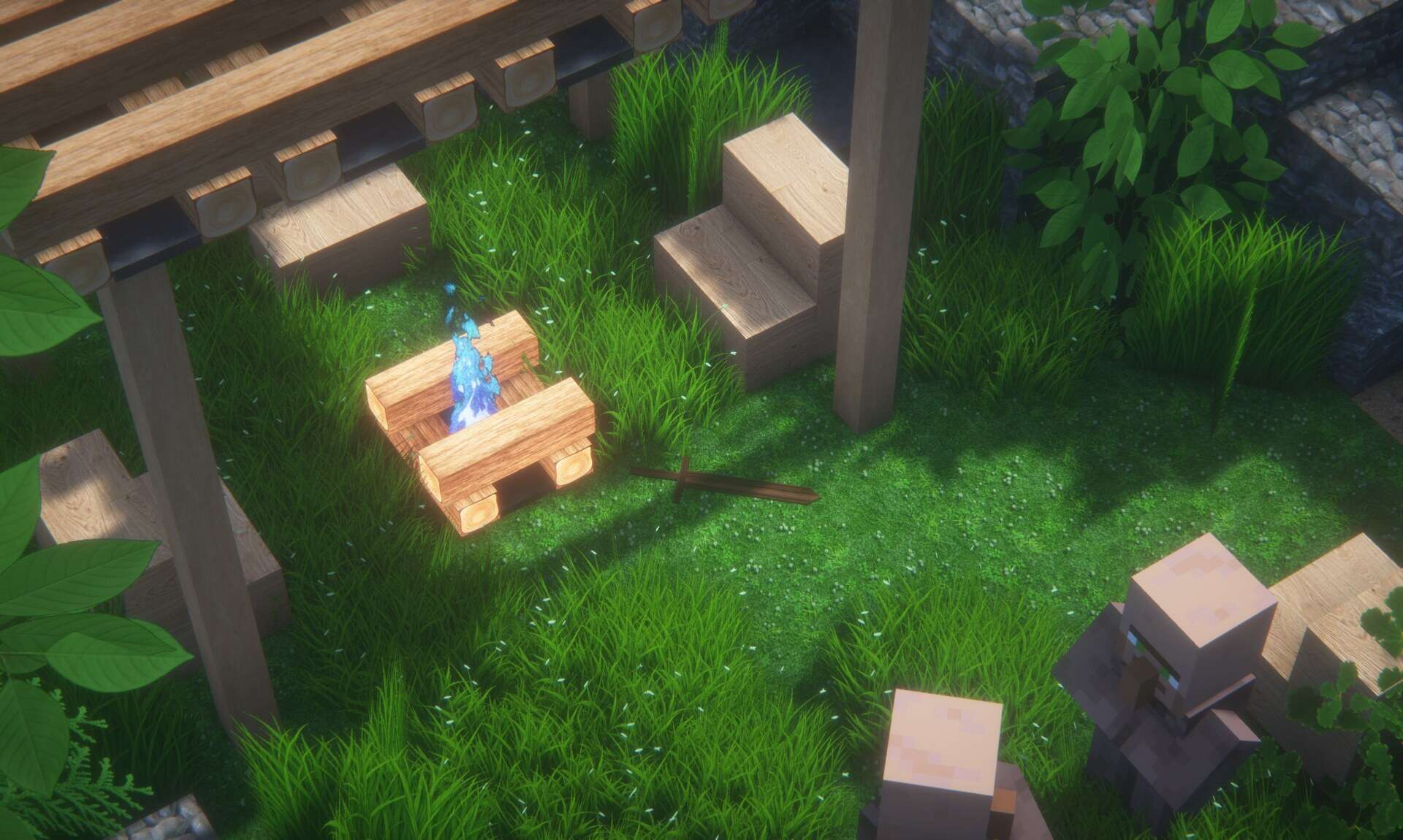
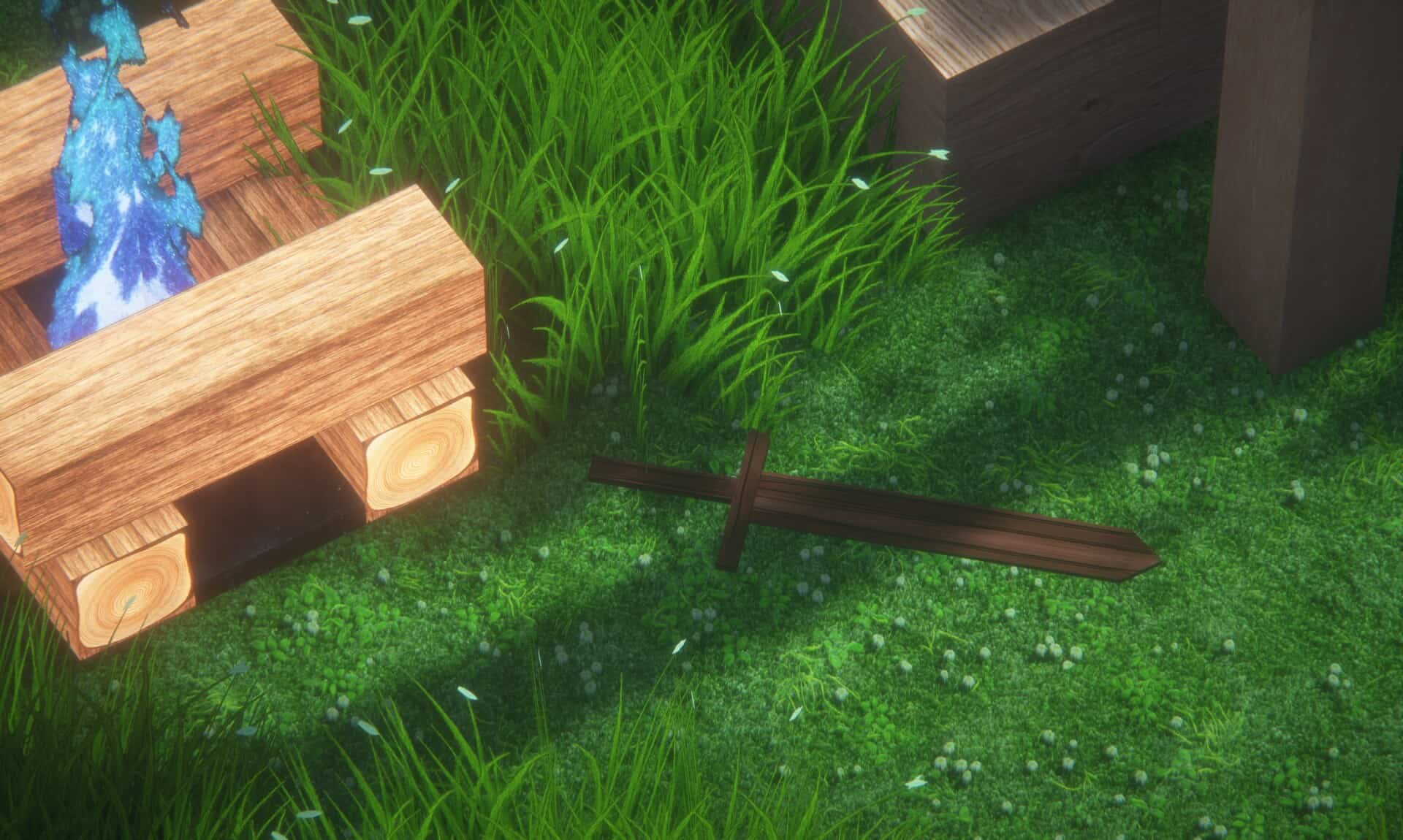
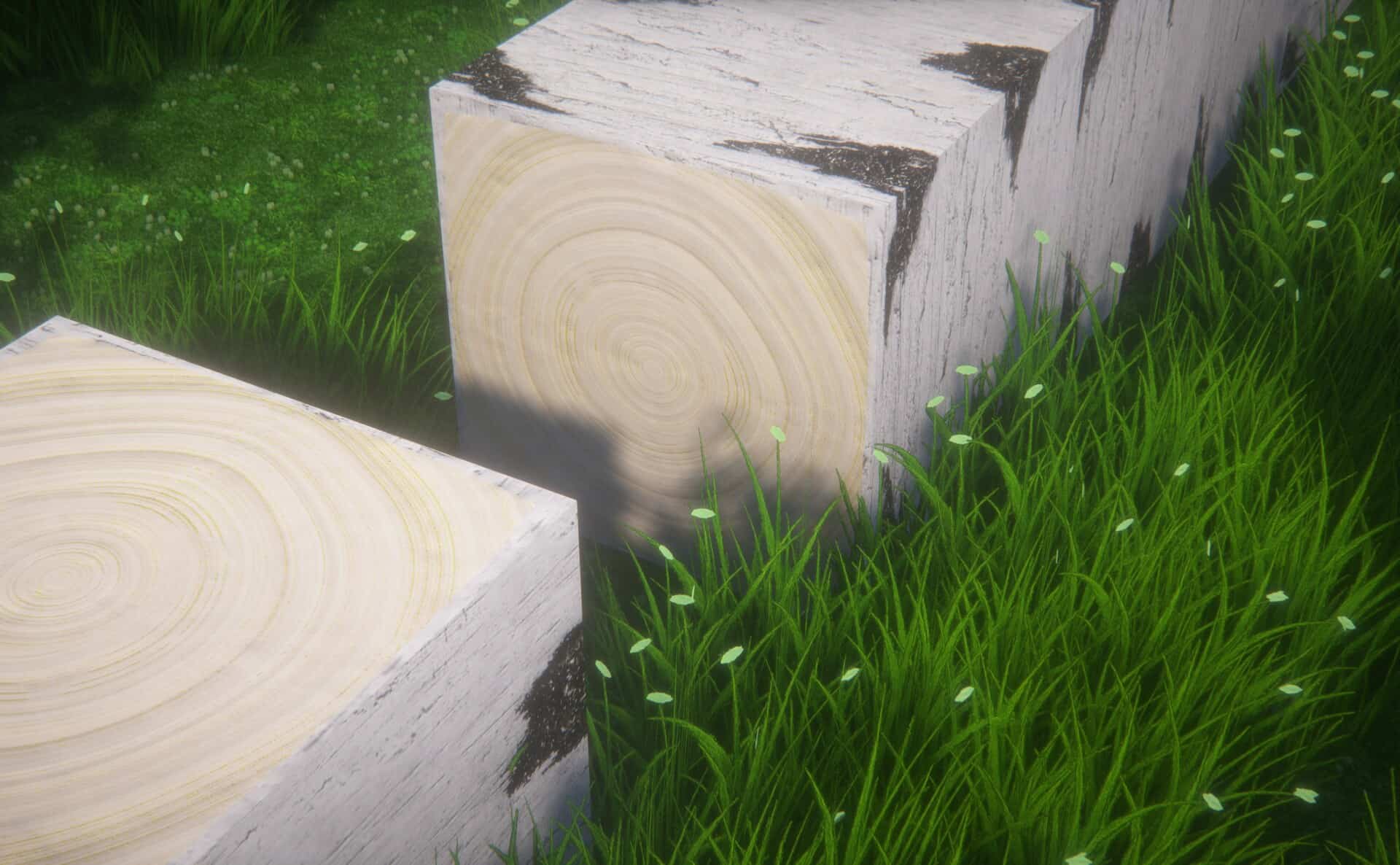
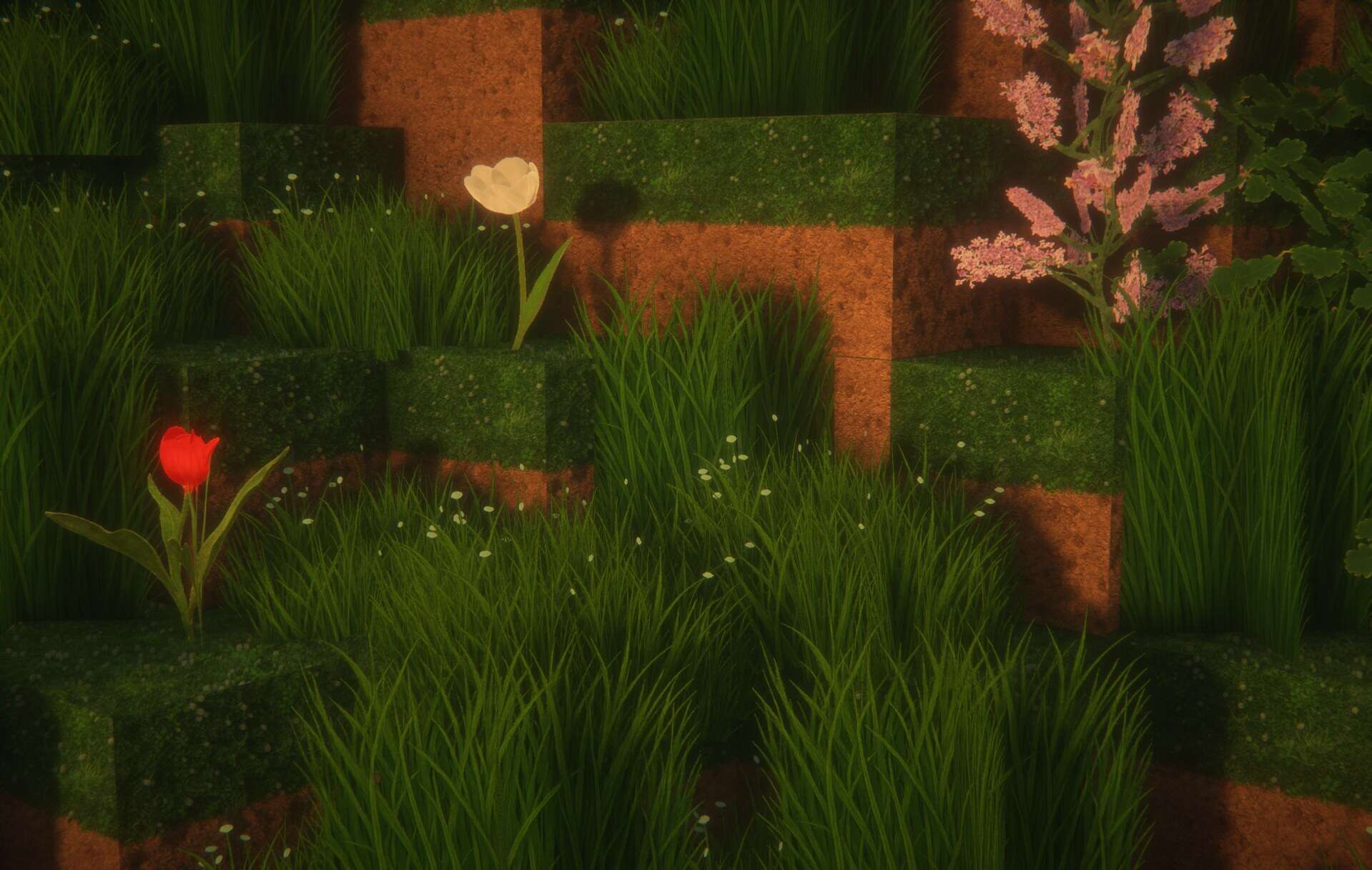
There are very few projects that get you truly excited as a player, and the URBAN resource pack absolutely manages to stir the interest of even the most veteran Minecraft enthusiasts. This incredible creation is not just a basic texture resolution upscale, nor is it a simple recoloring of existing vanilla assets; it is the kind of massive project that clearly took hours of sleepless nights to finally come to fruition. Developed by the talented artist Aryan Nikose, the URBAN texture pack sets itself on the remarkably ambitious path of completely transforming how Minecraft looks, feels, and plays, successfully making the game breathtakingly gorgeous. It is true visual eye candy that you can just sit back and admire for hours. To truly push the boundaries of the game, the artist integrated path-traced shaders, specifically choosing BSL, a commonly available shader pack for Minecraft, and pushing it to absolute limits to accomplish something that no longer looks like a blocky sandbox game at all. The URBAN resource pack brings an unprecedented degree of photorealism to Minecraft where objects and items look stunningly real, featuring more corners and sharp edges while delivering a totally different atmosphere than vanilla Minecraft. The incredible work done using the features of the BSL shader alone would not have been enough to make Minecraft look this visually stunning, so it had to be strongly supported by heavily improved textures, prompting Aryan Nikose to develop it using significantly higher resolutions starting with a demanding 128x baseline.
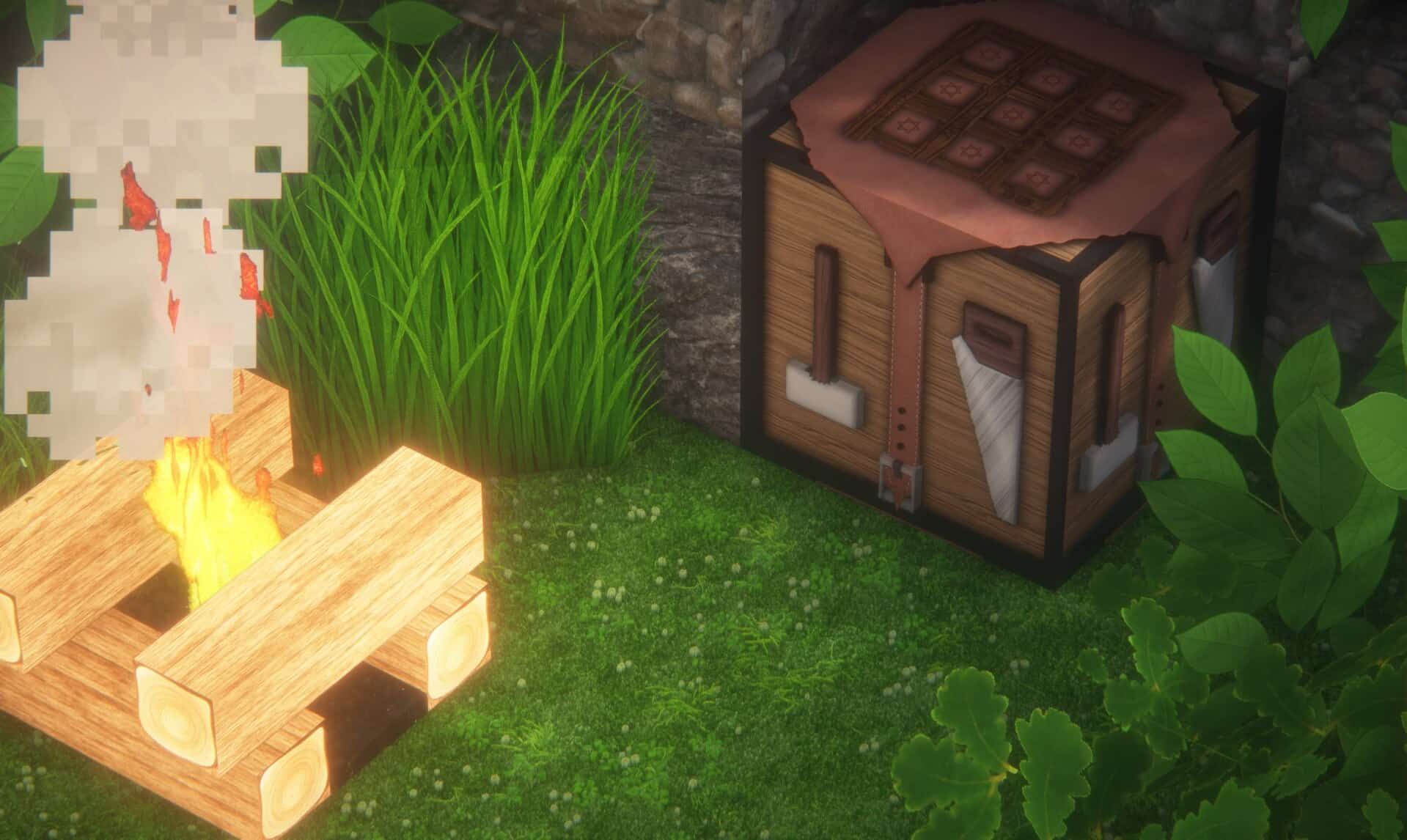
There are also astonishing 512x and 1024x versions available which are even more resource-demanding and require a considerably powerful computer to run properly, though the 128x version does pale slightly in comparison to the breathtaking 1024x tier. At those highest tiers, there is such an incredible level of detail that individual pixels on textures are simply no longer observable, making every single texture on every object entirely smooth and wonderfully photorealistic. Such an astounding level of realism was successfully achieved by entirely reworking and designing completely new textures from scratch rather than just blindly upscaling existing resolutions, with many textures created manually to ensure they perfectly represent Aryan Nikose’s creative vision for the game. He thoughtfully added many brand-new textures into the world, including fresh types of stone, wood, tool crates, sand, and much more, alongside entirely new models for certain objects boasting increased polygons to make them drastically more realistic. Elements such as small rocks, leaves, and grass all feature enhanced polygon counts to make them appear considerably closer to reality than ever before. While there might not be an overwhelming amount of information scattered across the web about the URBAN resource pack, the developer actively uses his official channels to communicate exciting updates, sharing his ongoing progress over Instagram and maintaining a dedicated Patreon page for the URBAN resource pack. The 128x version of his brilliant resource pack is thankfully available for everyone to try for free, while the higher resolution versions are thoughtfully reserved for the author’s Patreon subscribers as a way to support the creator in continuing his phenomenal work, with the developer also posting future updates and latest versions there first.
URBAN should be compatible with all of these Minecraft versions: 26.2 – 26.1.2 – 26.1.1 – 26.1 – 1.21.11 – 1.21.10 – 1.21.9 – 1.21.8 – 1.21.7 – 1.21.6 – 1.21.5 – 1.21.4 – 1.21.3 – 1.21.2 – 1.21.1 – 1.21 – 1.20.6 – 1.20.5 – 1.20.4 – 1.20.3 – 1.20.2 – 1.20.1 – 1.20 – 1.19.4 – 1.19.3 – 1.19.2 – 1.19.1 – 1.19 – 1.18.2 – 1.18.1 – 1.18 – 1.17.1 – 1.17 – Bedrock Edition – PE
Screenshots



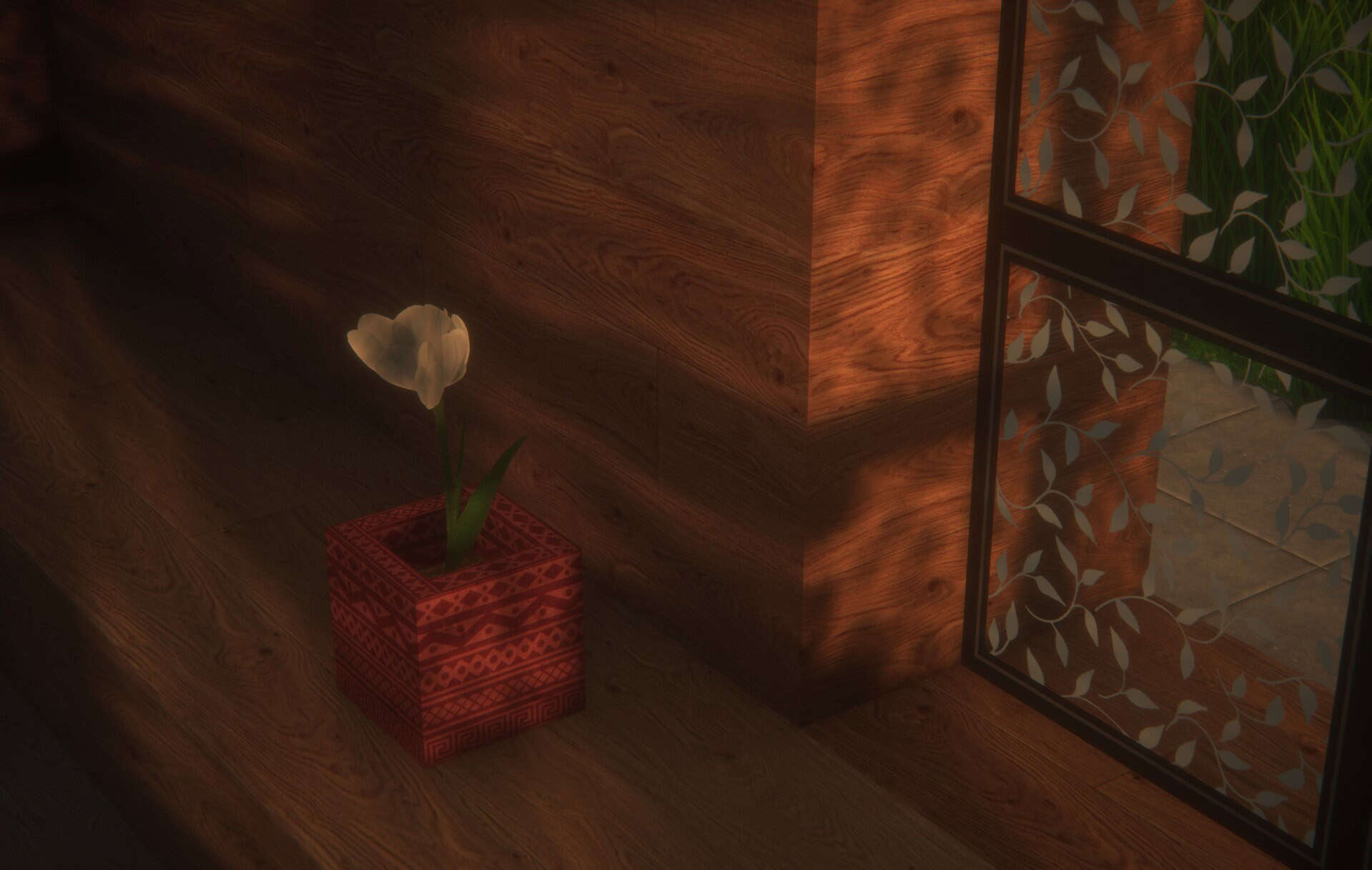
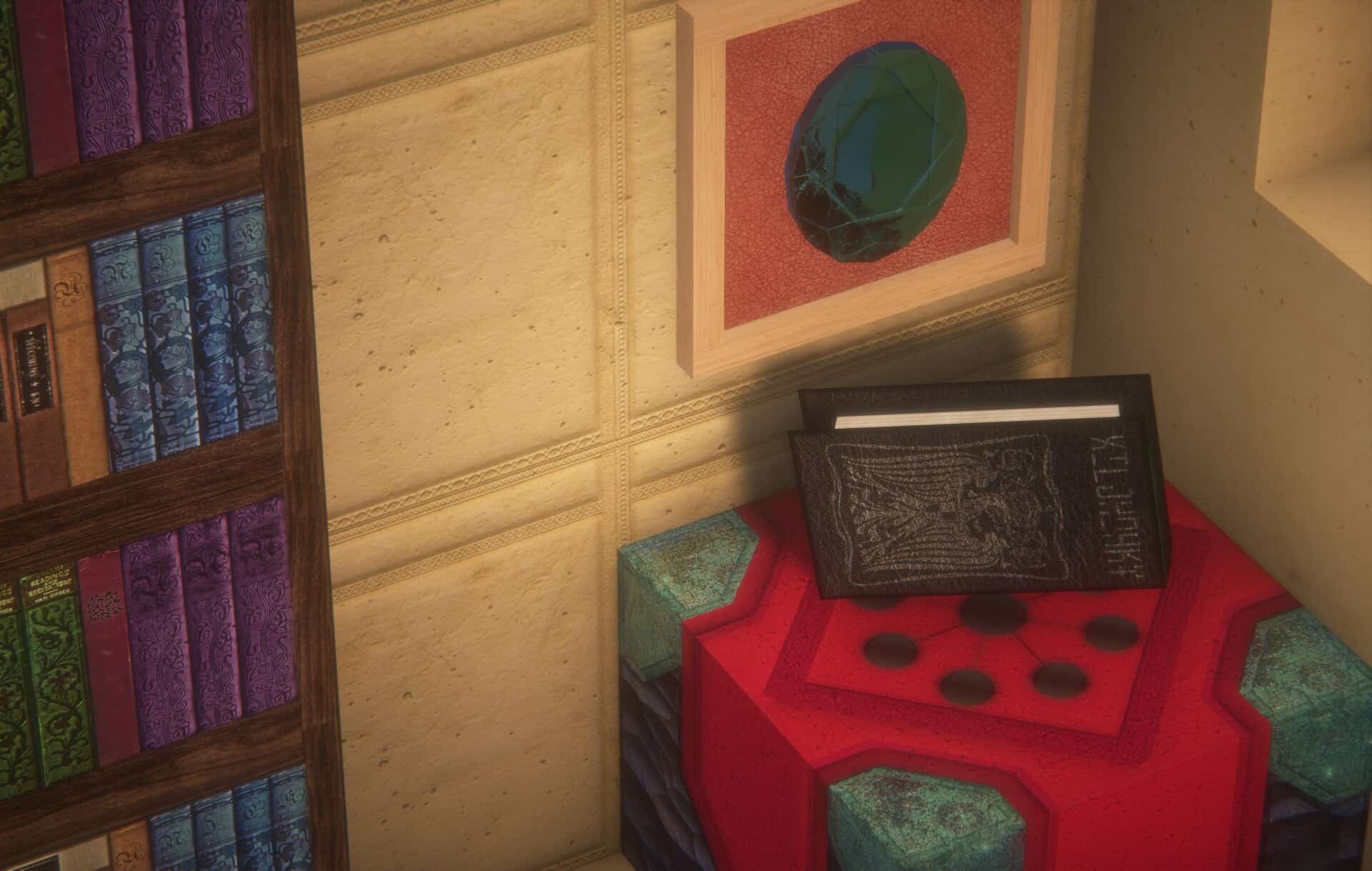
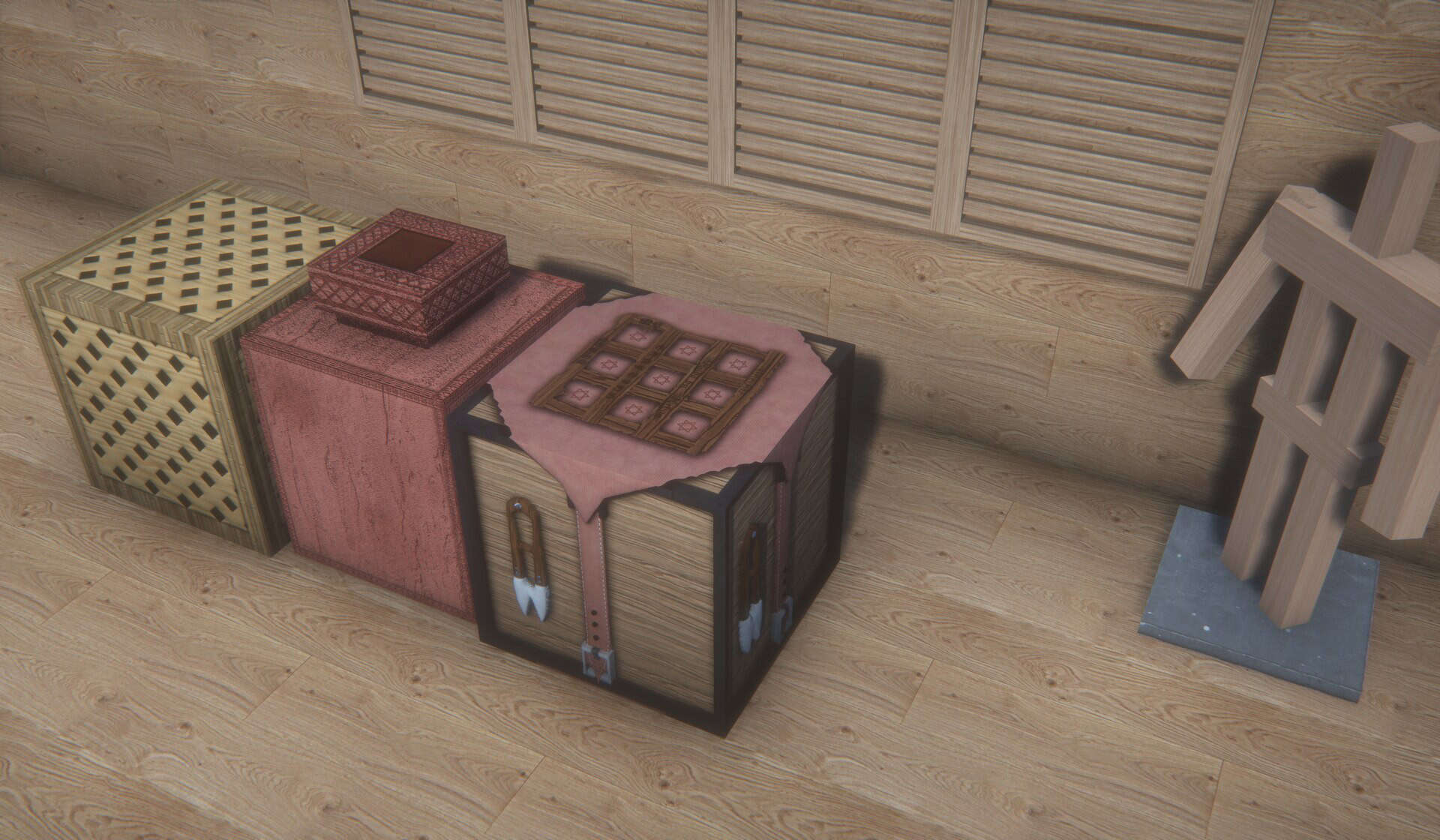
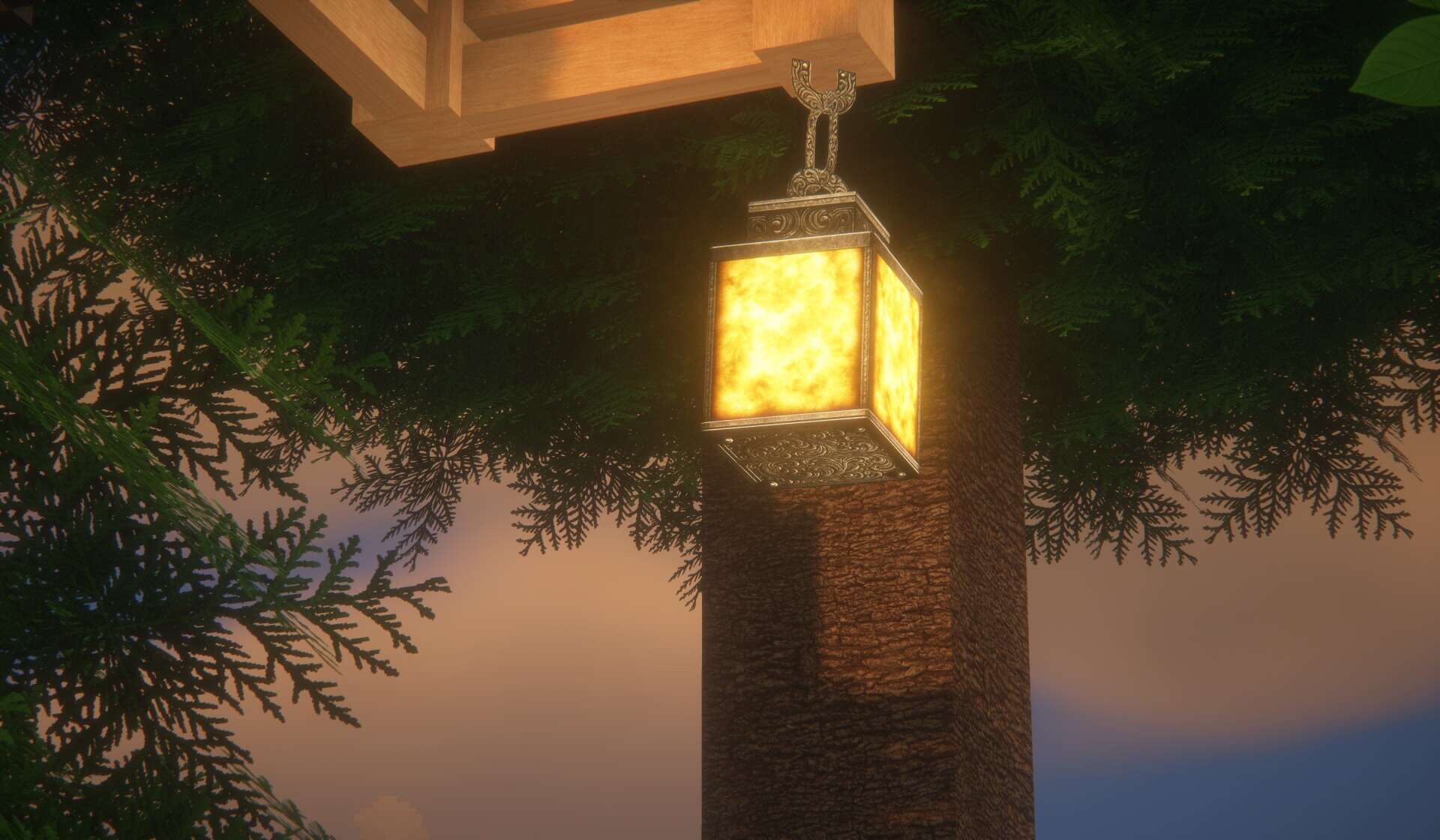
How to Install Texture Pack (Simple 10 Steps)
- Download OptiFine: Most of the texture packs and shaders need OptiFine. That’s why, first download and install OptiFine for the version of Minecraft you want to play.
- Download the Texture Pack: Get the texture pack you want from the download section. Choose the version that works with your Minecraft and your PC’s performance.
- Open Minecraft Launcher: Start Minecraft using the official game launcher — or even TLauncher, if you use that.
- Go to Options: From the main menu, click on the “Options” button.
- Open Resource Packs: Inside Options, click on “Resource Packs…”.
- Open the Resource Pack Folder: Click on “Open Resource Pack Folder” — this will open a folder named “resourcepacks”.
- Move the Pack File: Copy or move the .zip file you downloaded into that “resourcepacks” folder. (Don’t unzip the file — Minecraft uses it as-is!)
- Go Back and Refresh: Close the folder and click “Done”, then go back into “Resource Packs…” again.
- Activate the Pack: You’ll see the pack on the left side. Hover over it and click the arrow to move it to the right (active side).
Tip: If you get a message that the pack is for a different version, just click “Yes” — it usually works fine. - Click Done and Enjoy: Click “Done” again. Now your pack is ready to use in-game. It’s that easy!
Credits
This Resource Pack was originally created by Aryan Nikose. We do not claim ownership of this content, and all rights remain with the original author. We strongly encourage you to support the creator by visiting their official pages and checking out their Patreon.
Download Links
Java Edition
- [128x] Minecraft 26.2.x – 26.1.x
- [128x] Minecraft 1.21.x
- [128x] Minecraft 1.20.6 – 1.20.2
- [128x] Minecraft 1.20.1 – 1.20
- [128x] Minecraft 1.19.x
- [128x] Minecraft 1.18.x
- [128x] Minecraft 1.17.x
- [256x] Minecraft 1.21.x – 1.17.x
- [512x] Minecraft 1.21.x – 1.17.x
- [1024x] Minecraft 1.21.x – 1.17.x
- [256x – 1024x] Minecraft 1.21.x – 1.17.x Bundle
Bedrock Edition
Download Instructions
Curseforge: download starts automatically after a few seconds;
Mediafire: click the big blue button with the text “DOWNLOAD”;
Google Drive: in the top right corner you will see a small download icon (down arrow), click it and the download should start;


