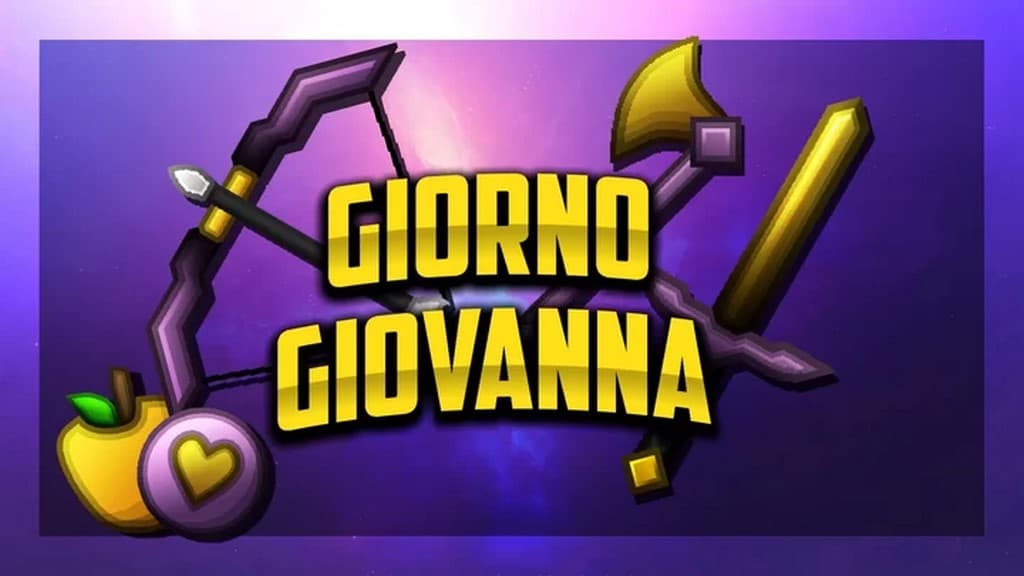
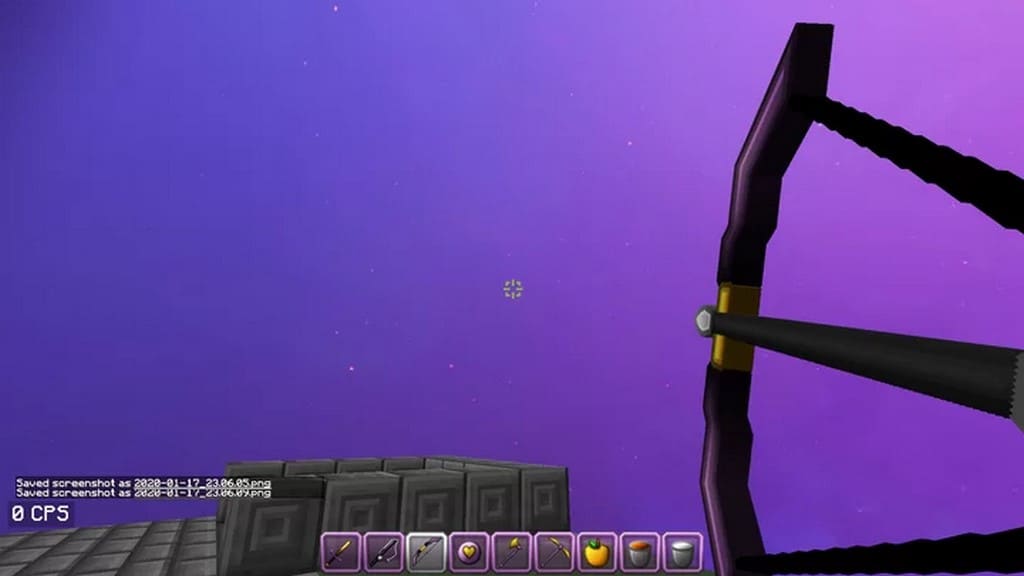
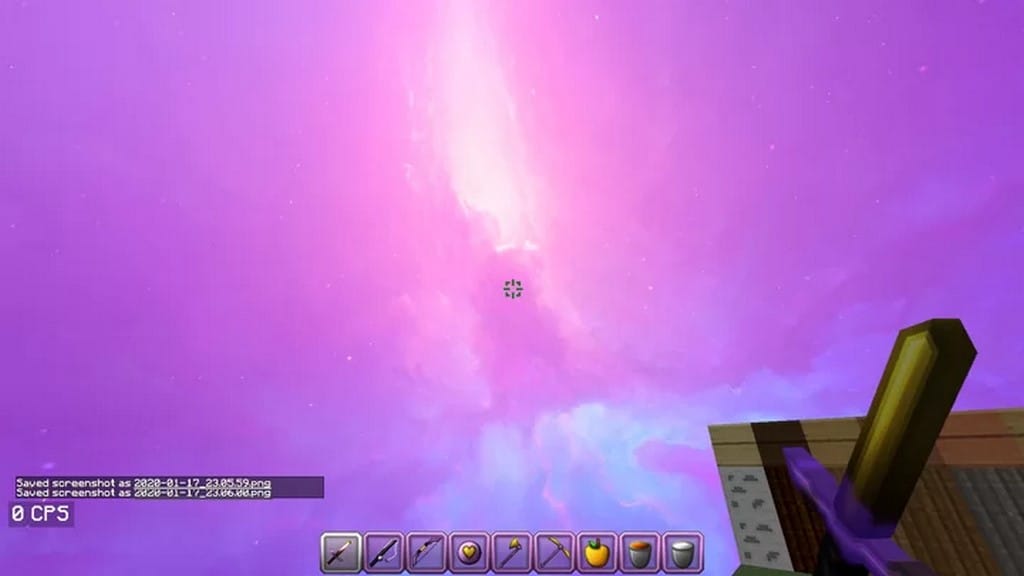
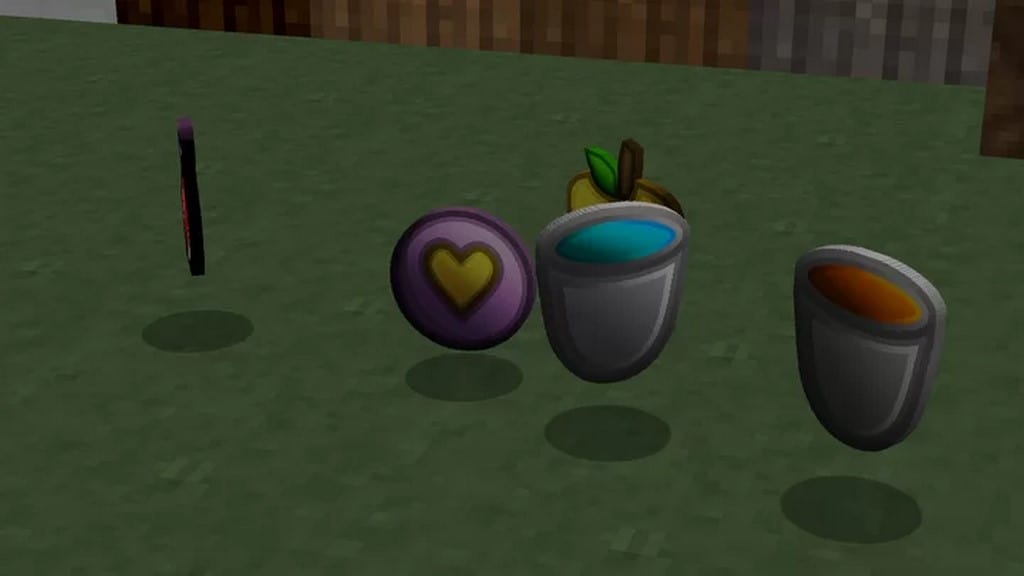
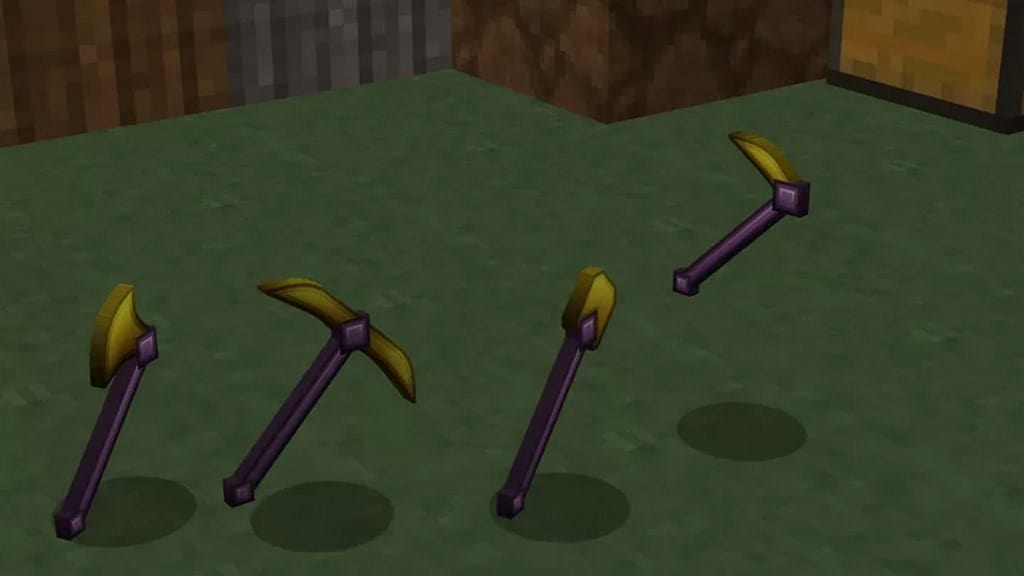
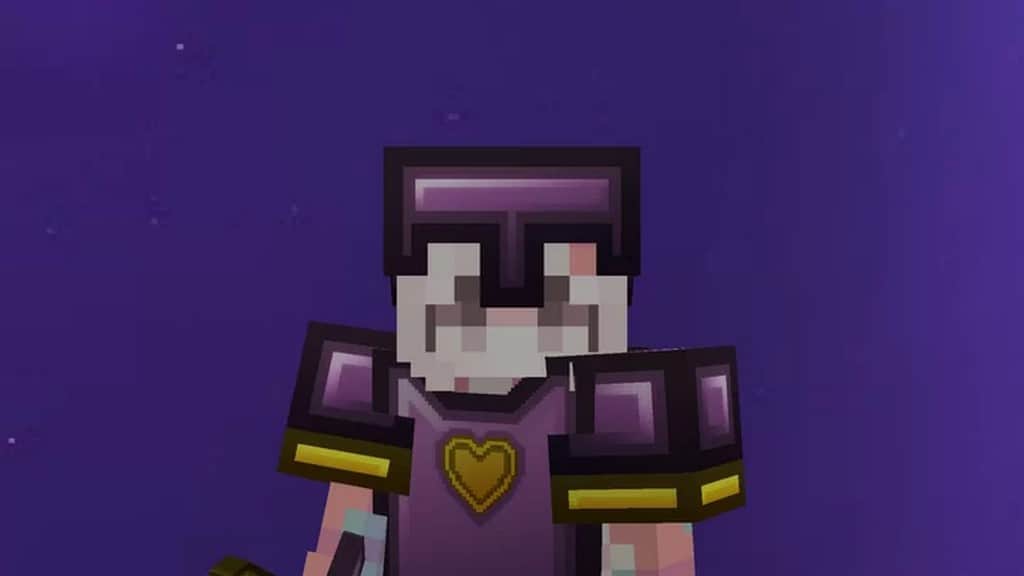
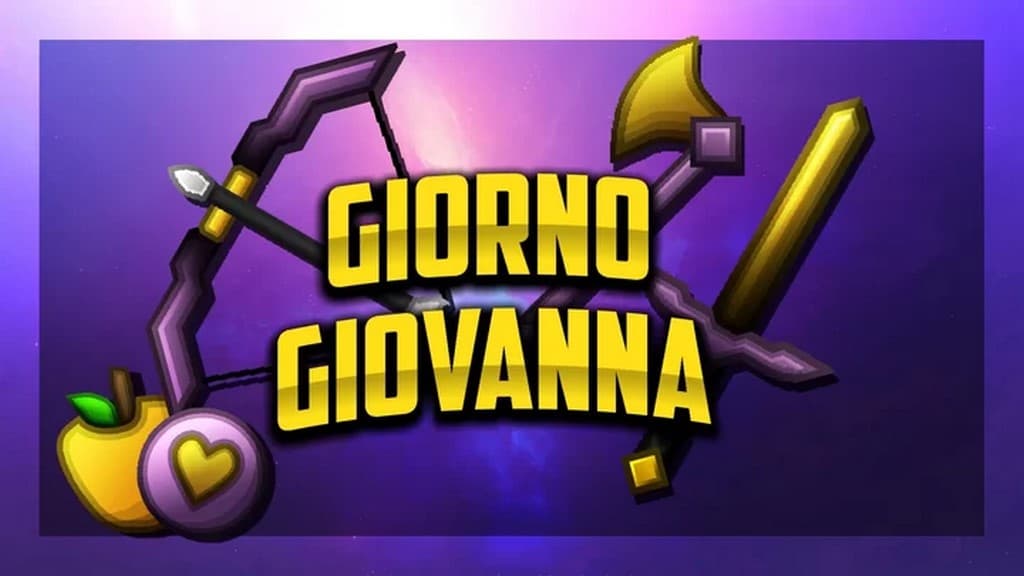
There are very few Minecraft resource packs that are truly recognizable, and I was genuinely amazed when I tested this one. Even fewer engage in adding new models that make certain objects look considerably better, but this pack knocks it out of the park. The Giorno Giovanna PvP resource pack is one of the few such packs that add considerable changes to make it stand out. It makes it exceptionally easy to recognize icons, weapons, tools, and certain textures to such a degree that players can instantly tell what resource pack it is. The Giorno Giovanna PvP texture pack has been expertly developed by Yuruze. Having the wealth of experience from creating other fantastic resource packs such as Smooth Blocks and the Dark Aurora PvP resource pack, Yuruze truly took his creativity to the next level when developing Giorno Giovanna. For the ones that are not familiar with the name, it may sound like an odd choice for a resource pack. The resource pack itself is named after an iconic character from the JoJo’s Bizarre Adventure anime series. The anime is famously characterized by flashy colors and outrageous characters, and I love how these traits also made their way into the Giorno Giovanna PvP resource pack. One of the changes introduced by the resource pack that really stands out to me is the superb new models for weapons and tools. More polygons make each item appear less blocky, featuring much smoother edges and wonderful texture details.
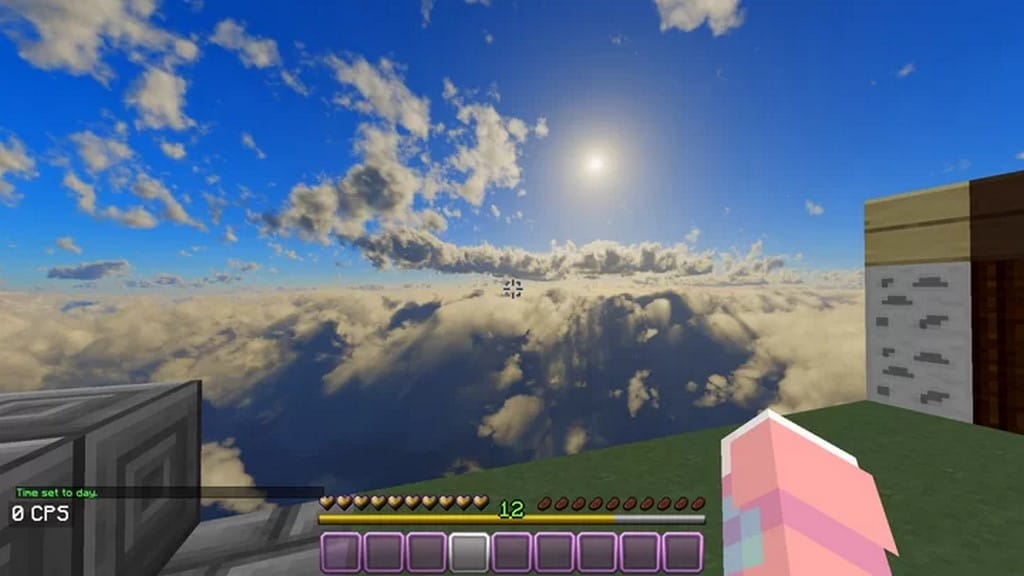
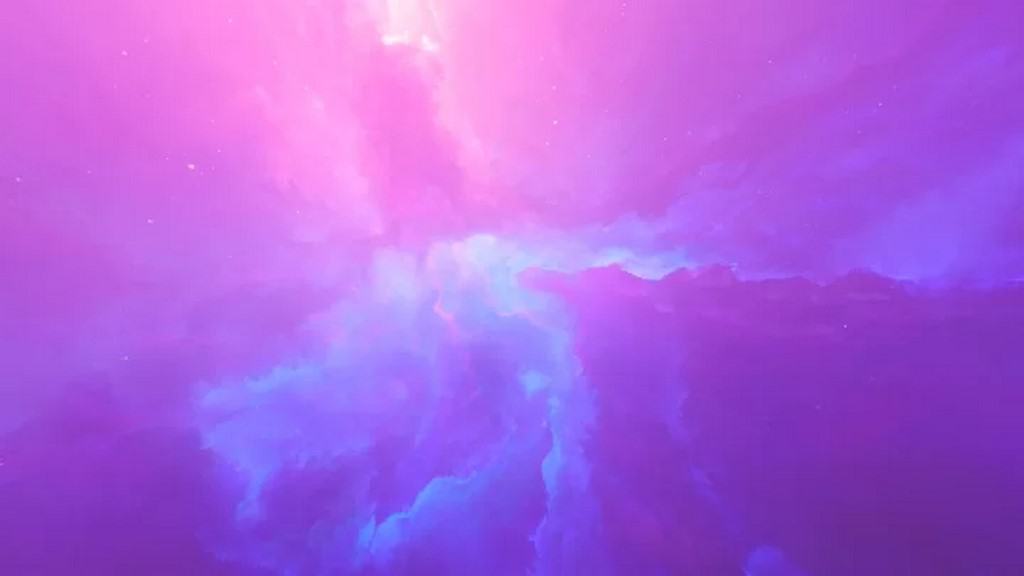
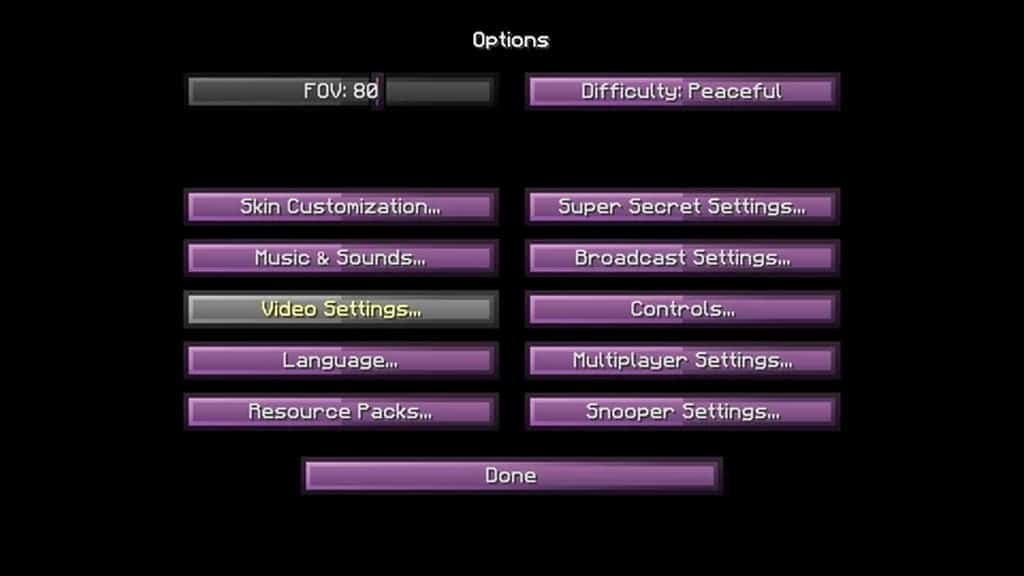
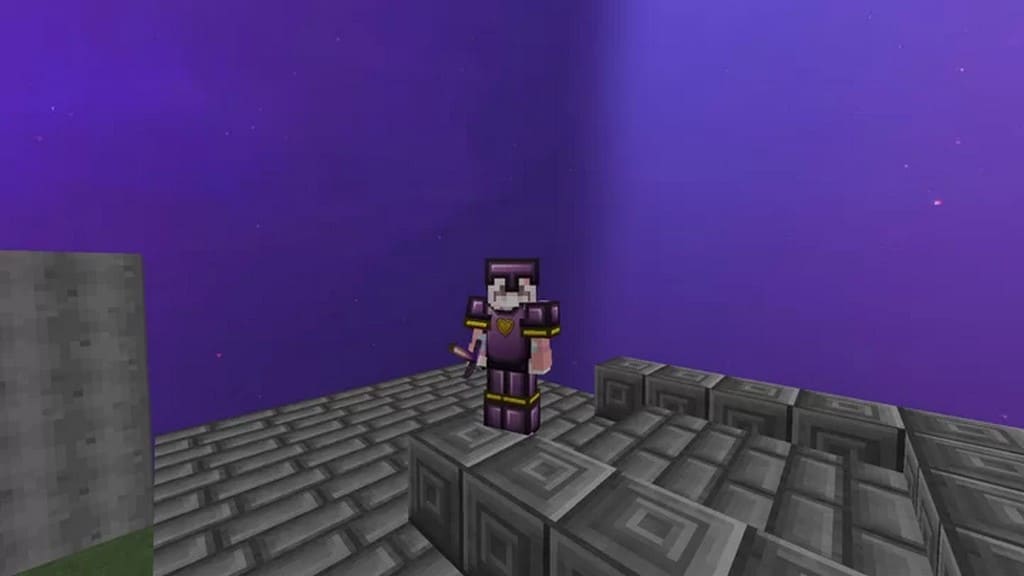
Each tool, weapon, and piece of armor is delightfully easy to tell apart while you are playing. For a competitive PvP player, it is vital to understand what the opponent has been equipped with, and this pack makes that assessment a breeze. The increase in polygons and details for PvP related items are fantastic improvements in the Giorno Giovanna PvP resource pack. Furthermore, a considerable amount of hard work has clearly been invested in improving textures all around. The resource pack uses stunning 256x textures, which means it will require a moderately powerful computer to run smoothly, but the visual payoff is totally worth it. The benefit comes in the form of incredible amounts of detail on each block and object in Minecraft. Things such as grass, flowers, trees, leaves, rocks, pavements, paintings, doors, and more have astonishing detail and feature much smoother edges and models. Even the sky textures have been thoughtfully fiddled with, offering a purple sky, a regular sky, and a night sky to choose from. All of them look genuinely stunning and perfectly in tune with the overall visuals of the Giorno Giovanna resource pack. Another exceptionally useful improvement, especially for PvP players like myself, is the brand new player HUD and inventory. Complemented by the fresh new icons, items and inventory management are much smoother. The added details drastically improve the player’s ability to quickly find things in their inventory and equip particular weapons or tools on the fly. Having a higher resolution, the annoying pixelation of small visual items such as icons is reduced considerably, making for a very clean and polished gameplay experience.
Giorno Giovanna PvP should be compatible with all of these Minecraft versions: 1.16.5 – 1.16.4 – 1.16.3 – 1.16.2 – 1.16.1 – 1.16 – 1.15.2 – 1.15.1 – 1.15 – 1.8.9 – 1.8.8 – 1.8.1 – 1.8.6 – 1.8 – 1.7.10 – 1.7.9 – 1.7.4 – 1.7
Screenshots
How to Install Texture Pack (Simple 10 Steps)
- Download OptiFine: Most of the texture packs and shaders need OptiFine. That’s why, first download and install OptiFine for the version of Minecraft you want to play.
- Download the Texture Pack: Get the texture pack you want from the download section. Choose the version that works with your Minecraft and your PC’s performance.
- Open Minecraft Launcher: Start Minecraft using the official game launcher — or even TLauncher, if you use that.
- Go to Options: From the main menu, click on the “Options” button.
- Open Resource Packs: Inside Options, click on “Resource Packs…”.
- Open the Resource Pack Folder: Click on “Open Resource Pack Folder” — this will open a folder named “resourcepacks”.
- Move the Pack File: Copy or move the .zip file you downloaded into that “resourcepacks” folder. (Don’t unzip the file — Minecraft uses it as-is!)
- Go Back and Refresh: Close the folder and click “Done”, then go back into “Resource Packs…” again.
- Activate the Pack: You’ll see the pack on the left side. Hover over it and click the arrow to move it to the right (active side).
Tip: If you get a message that the pack is for a different version, just click “Yes” — it usually works fine. - Click Done and Enjoy: Click “Done” again. Now your pack is ready to use in-game. It’s that easy!
Credits
This resource pack was created by Yuruze. We do not claim ownership of this content, and all rights belong to the original creator. We do not host modified versions of the file and encourage you to support the creator through their official download links and channels.
Download Links
Java Edition
Download Instructions
Curseforge: download starts automatically after a few seconds;
Mediafire: click the big blue button with the text “DOWNLOAD”;
Google Drive: in the top right corner you will see a small download icon (down arrow), click it and the download should start;


