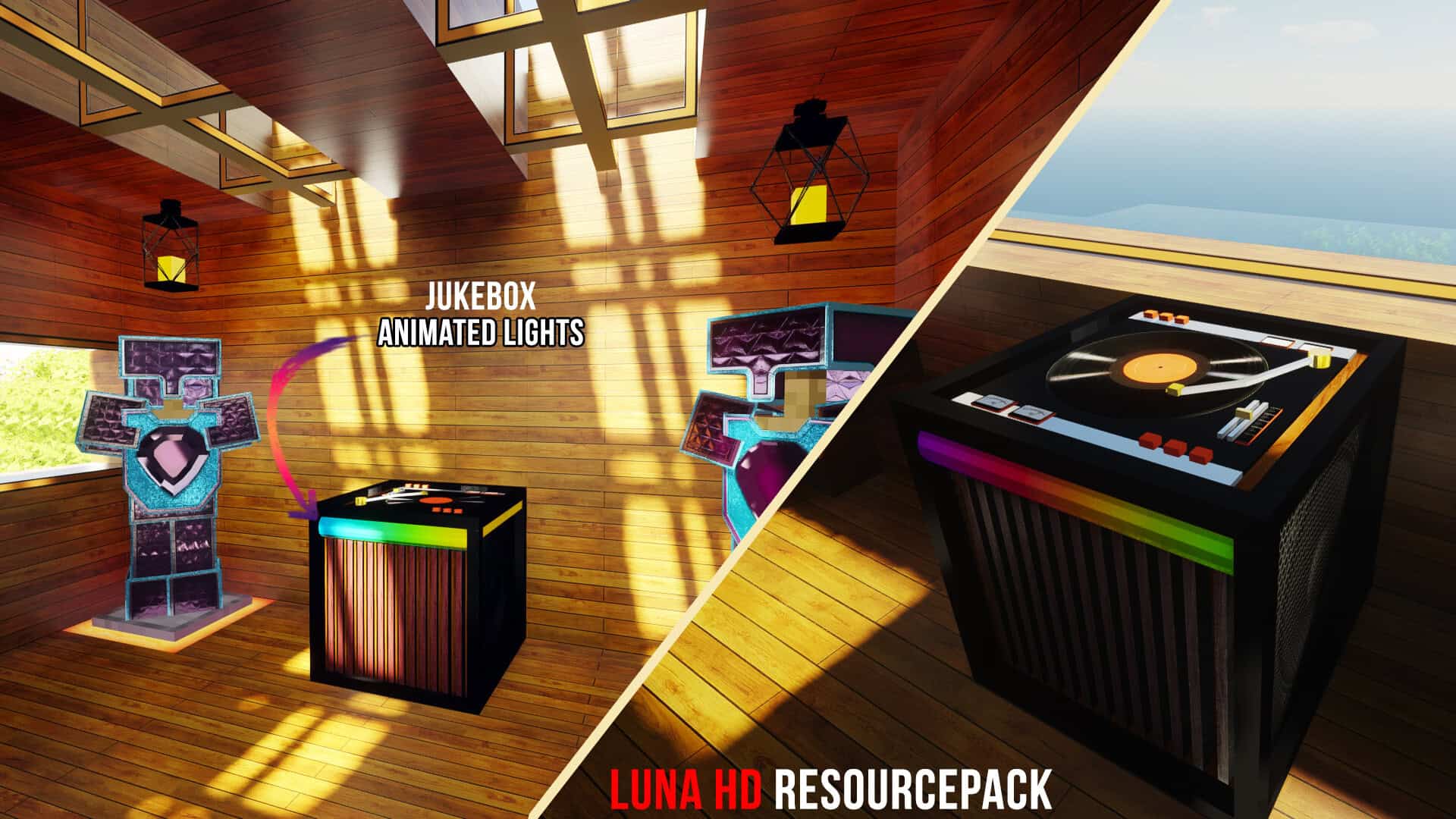
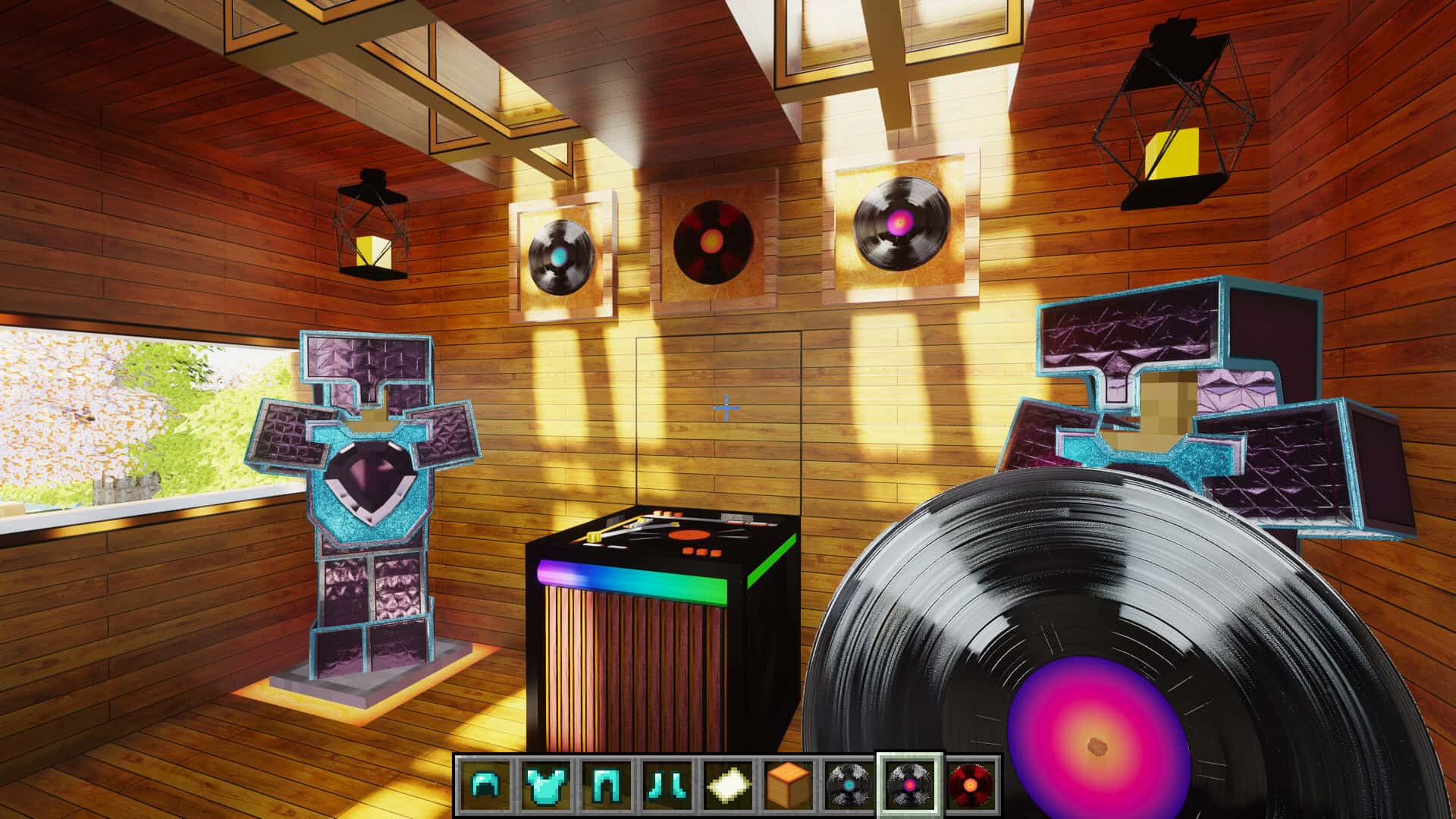
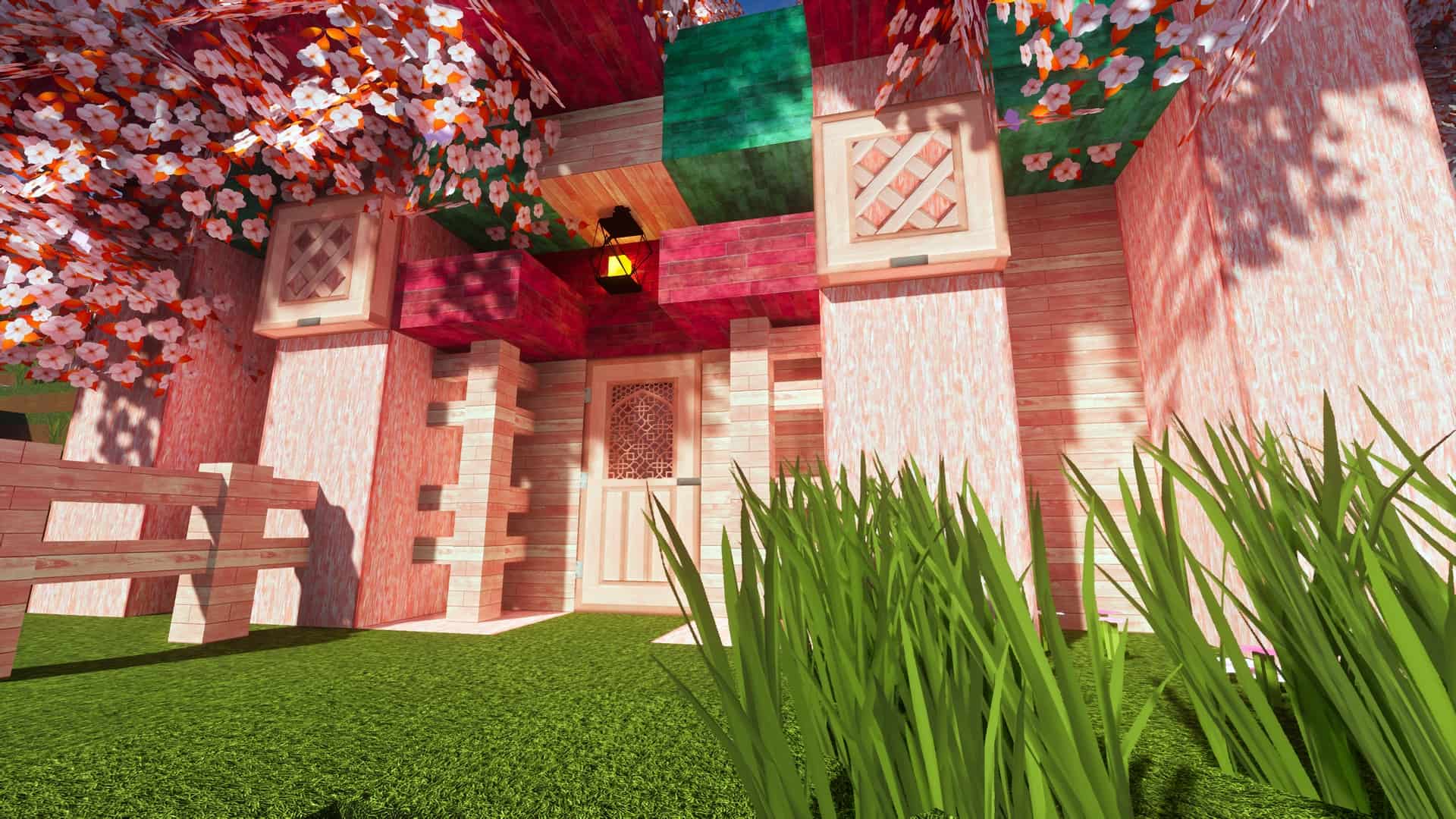
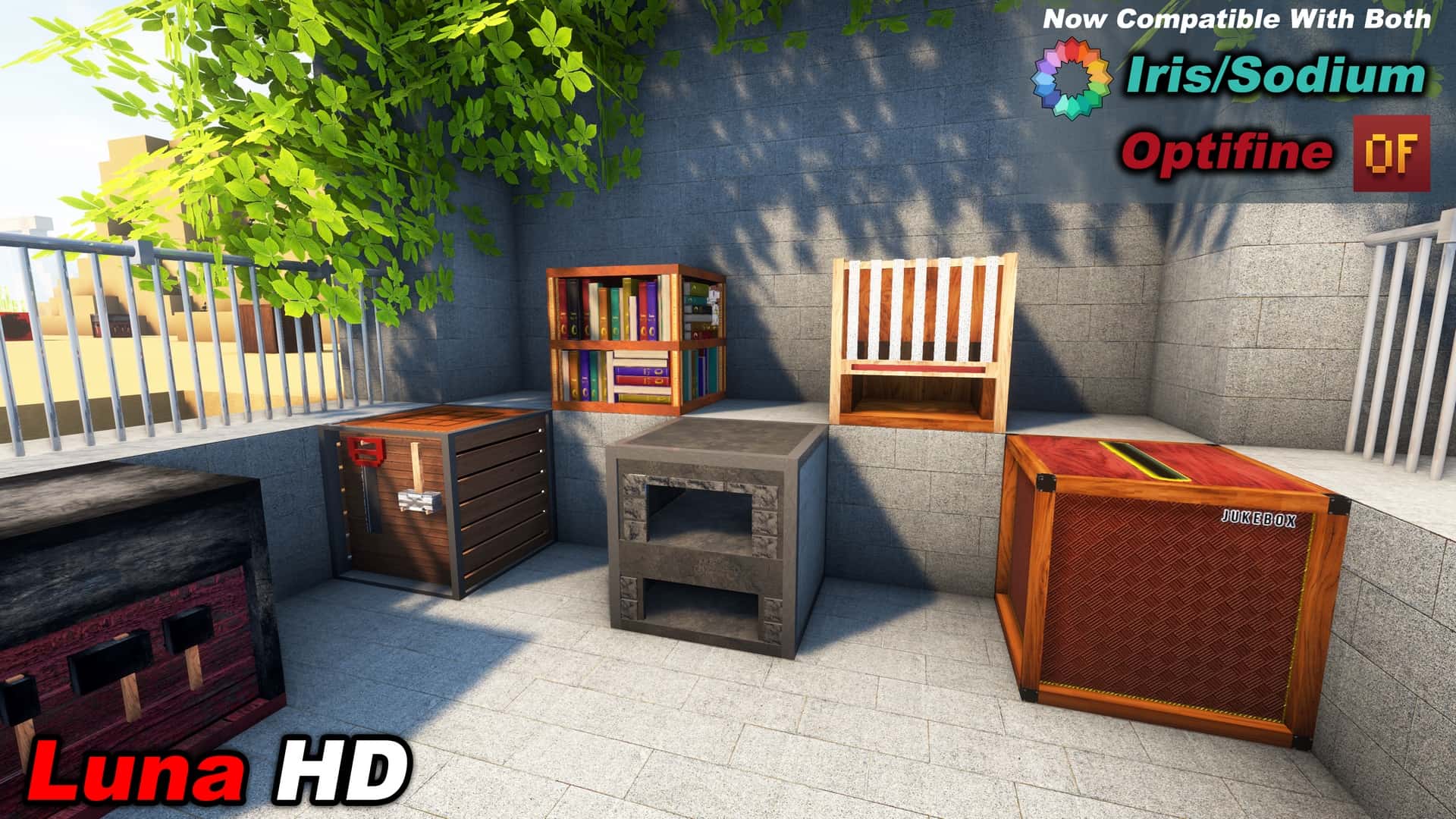
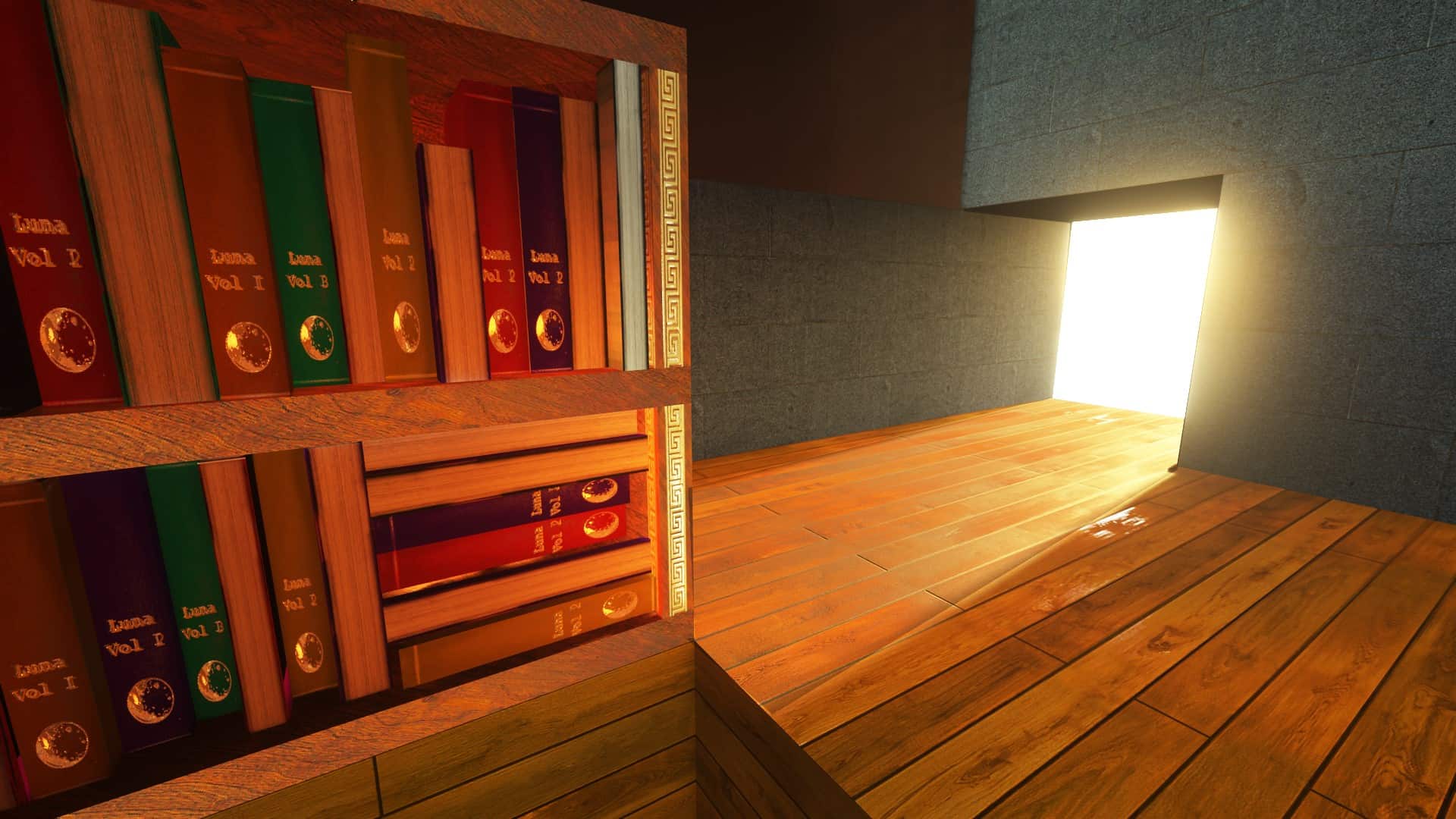
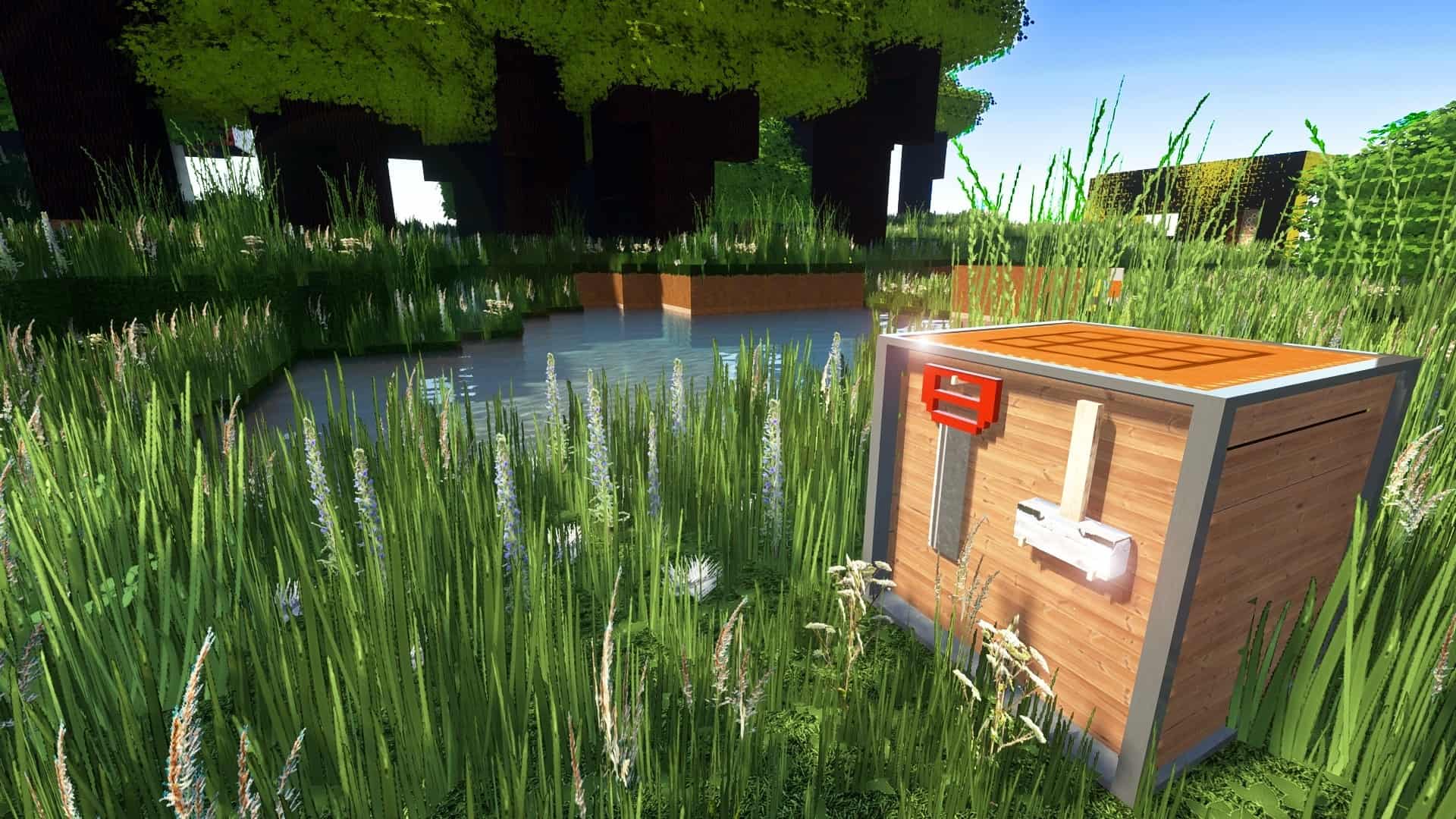
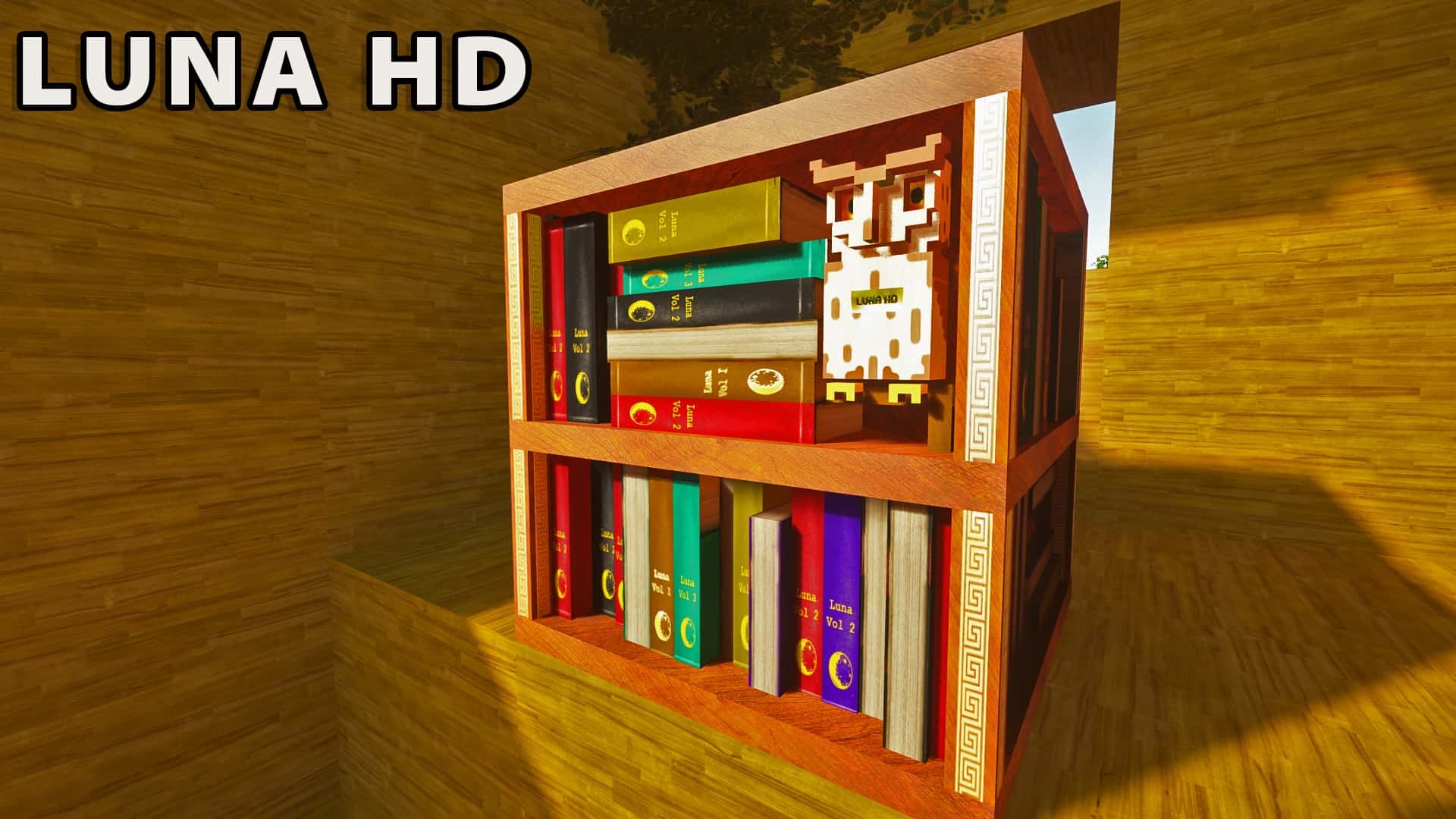
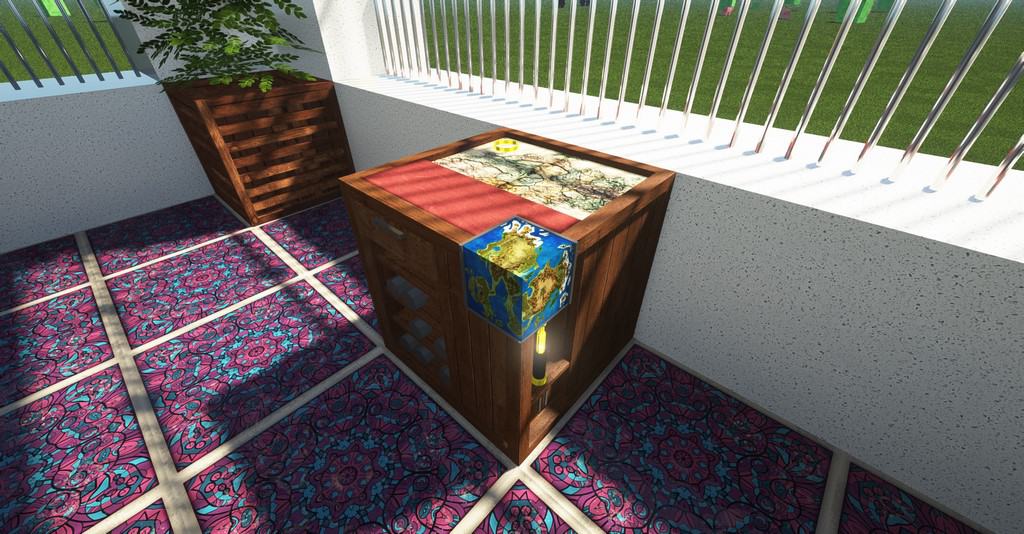
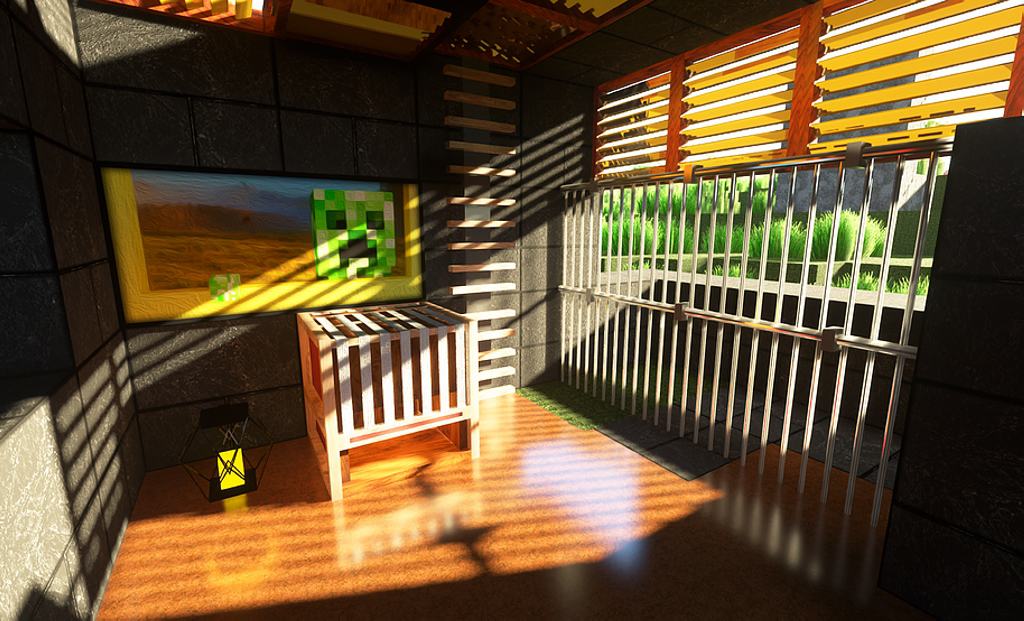
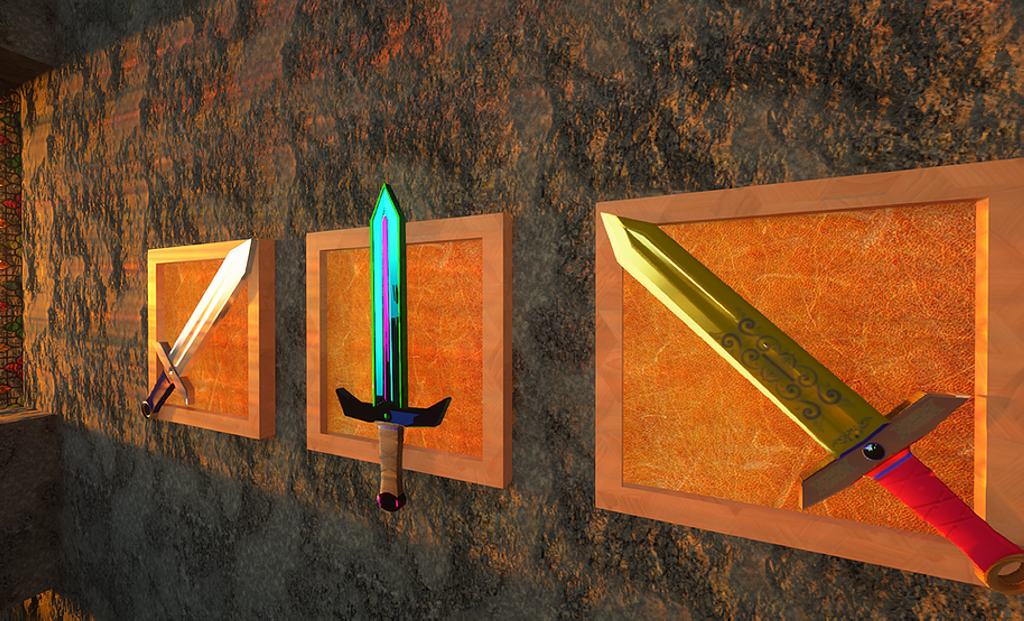
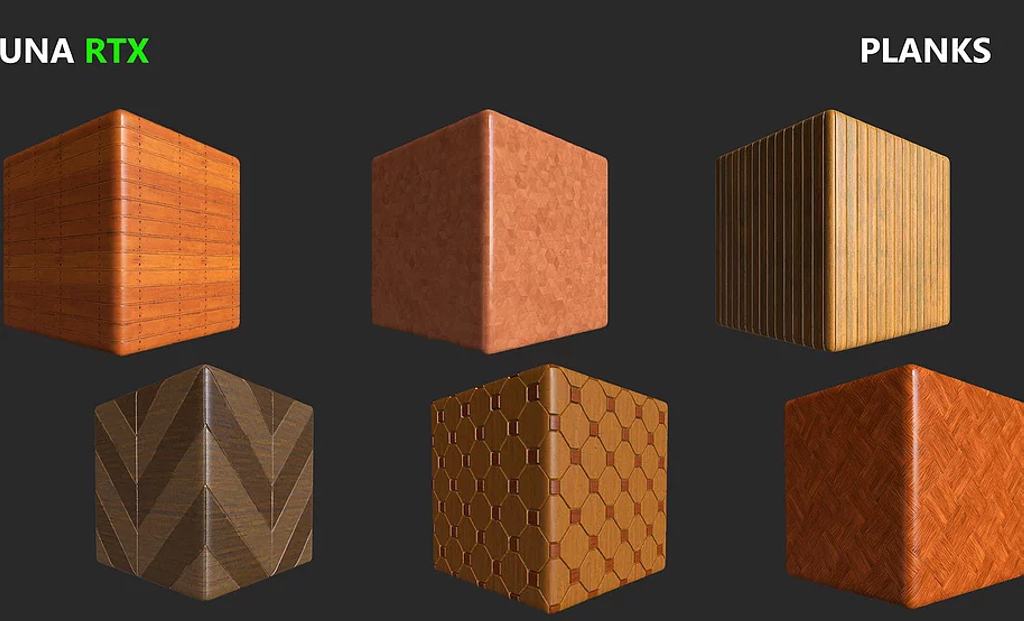
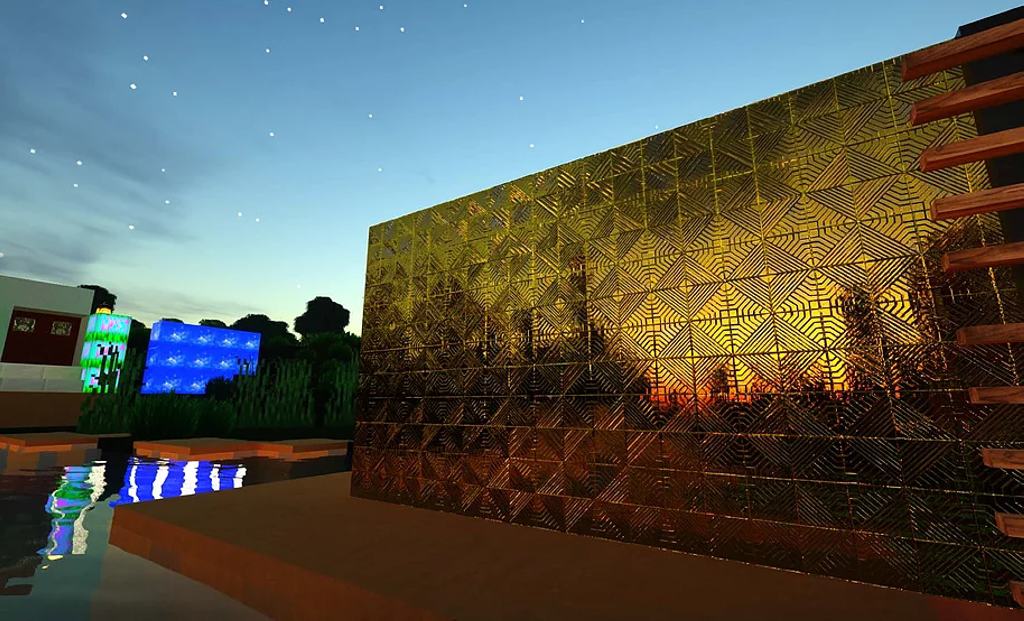
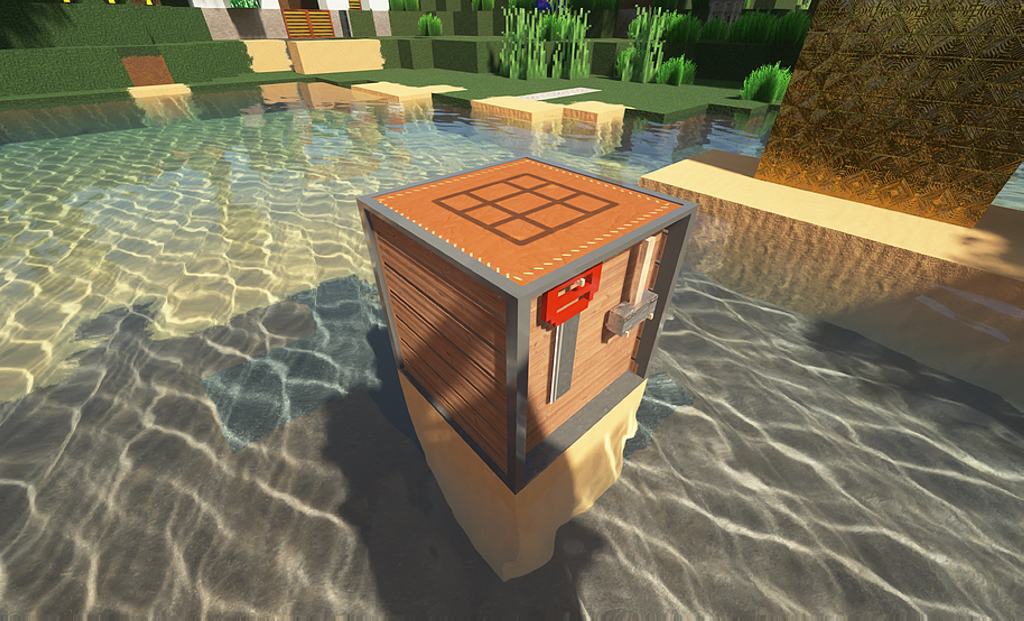
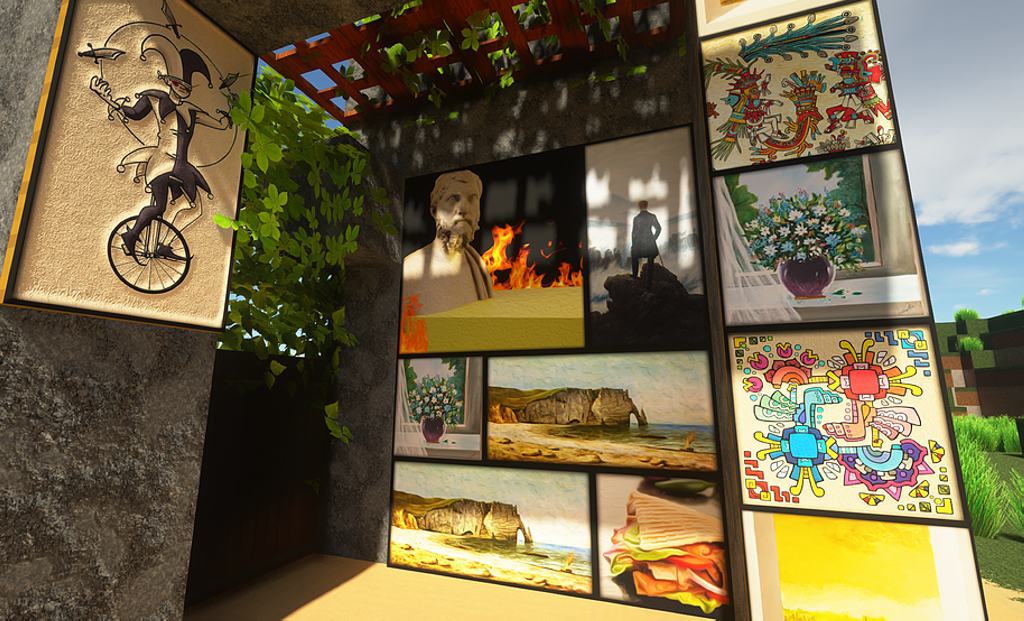
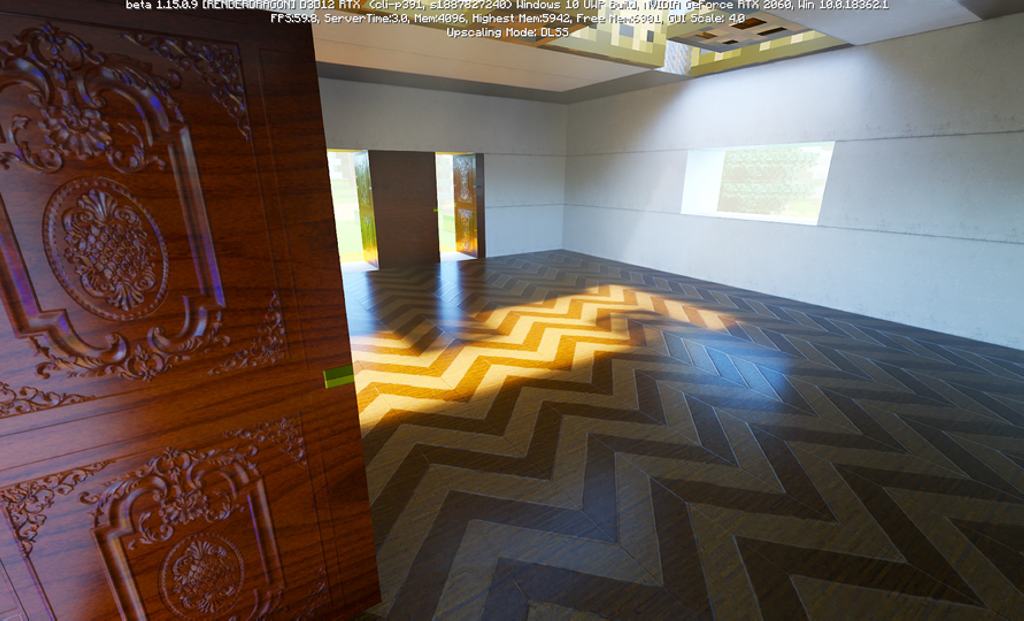
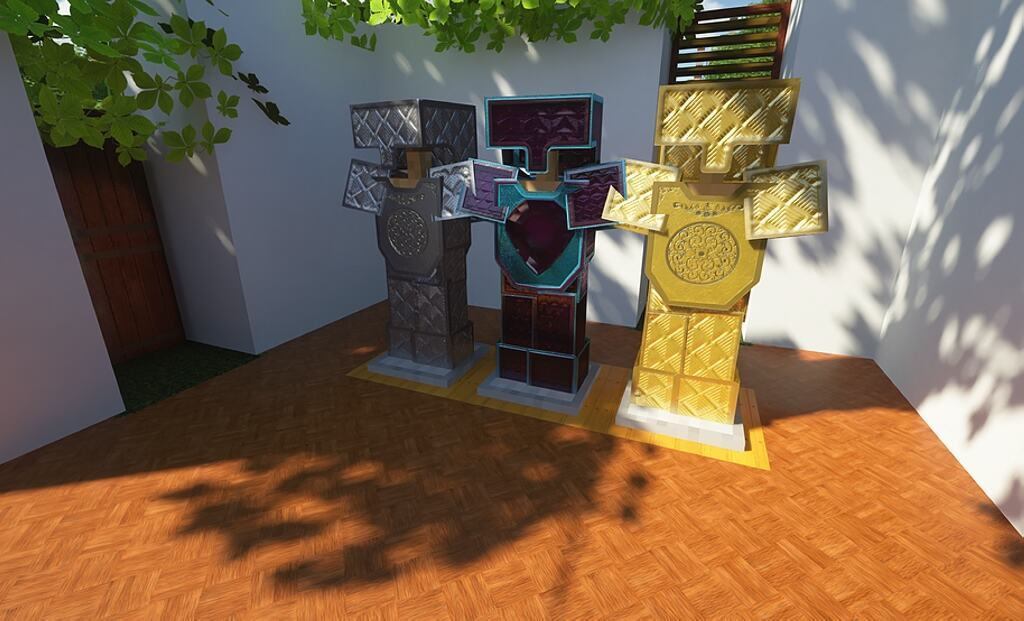
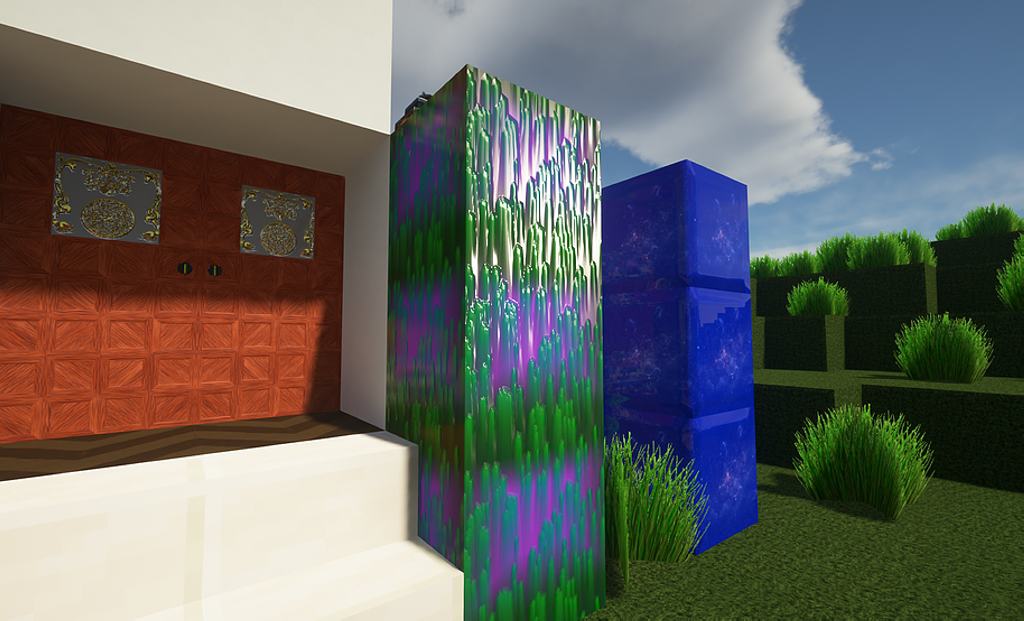
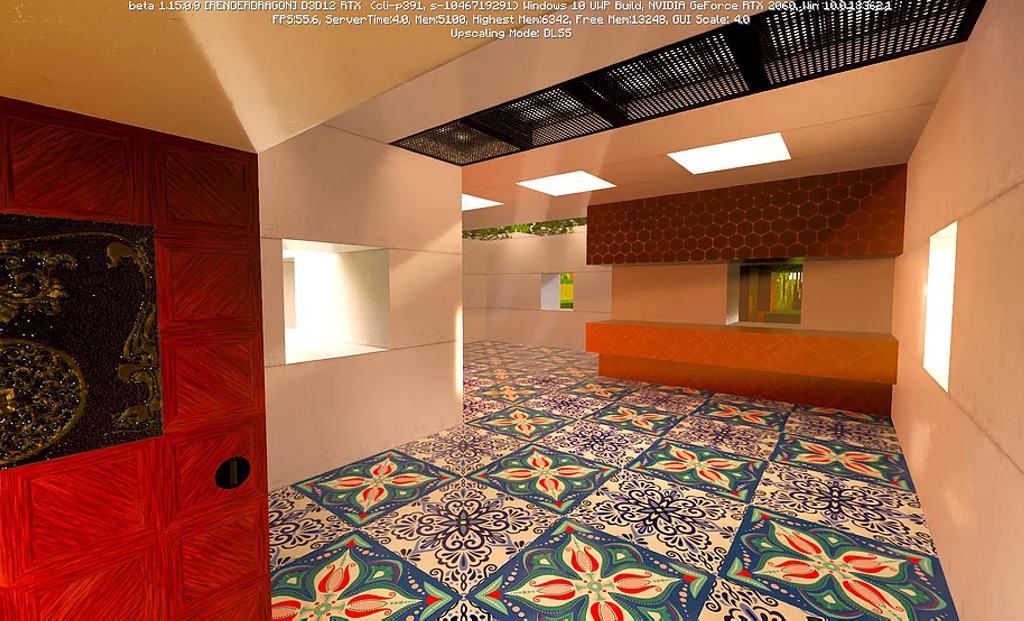
The Luna HD resource pack is hands down one of the most popular texture sets currently available on the market, taking Minecraft to an entirely new level of visual fidelity. This incredible pack spent several months under continuous development, regularly receiving fresh updates, gorgeous new textures, and seamless support for multiple versions of Minecraft. While vanilla Minecraft has aged remarkably well over the years, the base game never really received any truly significant visual overhauls. Luna HD brilliantly attempts to fix this by introducing breathtakingly realistic textures, intricate new 3D models, and vastly superior lighting. Reflections and shadows have been noticeably improved, ensuring that every single element of the game now boasts an impressive level of detail. Best of all, this resource pack completely revamps the visuals of Minecraft without altering the core gameplay loop in any way. All textures feel much more vibrant, blocks are remarkably clearer, objects are significantly easier to tell apart from a distance, and the lighting effects can genuinely compete with modern-day AAA video games. The texture details within the Luna HD resource pack remain wonderfully crisp even when inspecting blocks from a very close distance. With such realistic surfaces, the entire world feels much more modern and immersive. The developer thoughtfully made the Luna HD resource pack available in 4 different resolutions, including 32x, 128x, 256x, and 512x, with the latter serving as the most detailed and resource-intensive option. Players running older or lower-end computers will definitely want to test out the 32x or 128x versions of the resource pack if they happen to experience low framerates. Additionally, keep in mind that the higher resolution versions will demand considerably more free disk space on your machine.
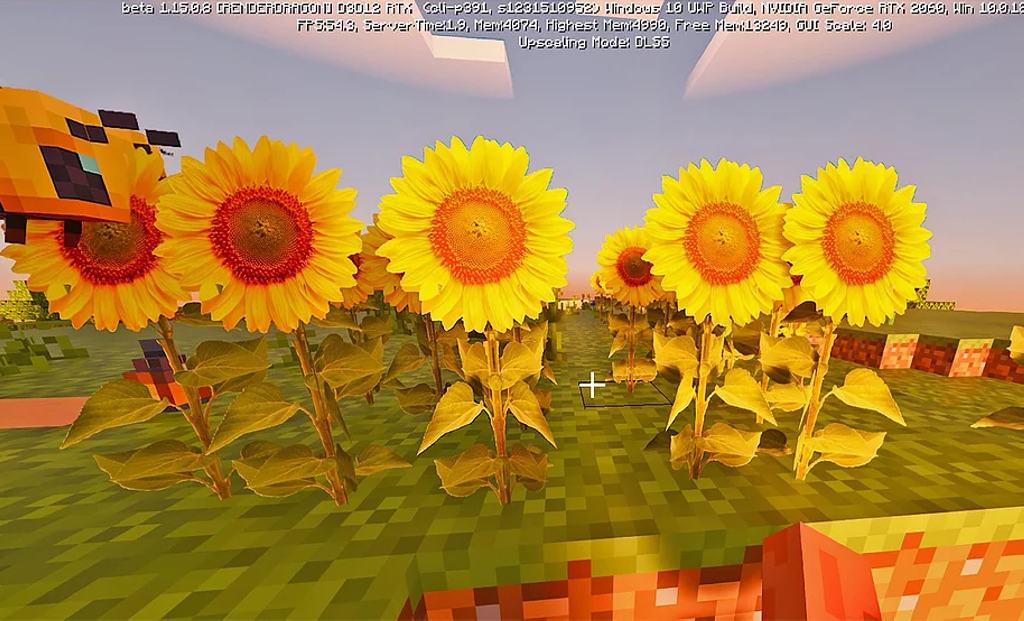
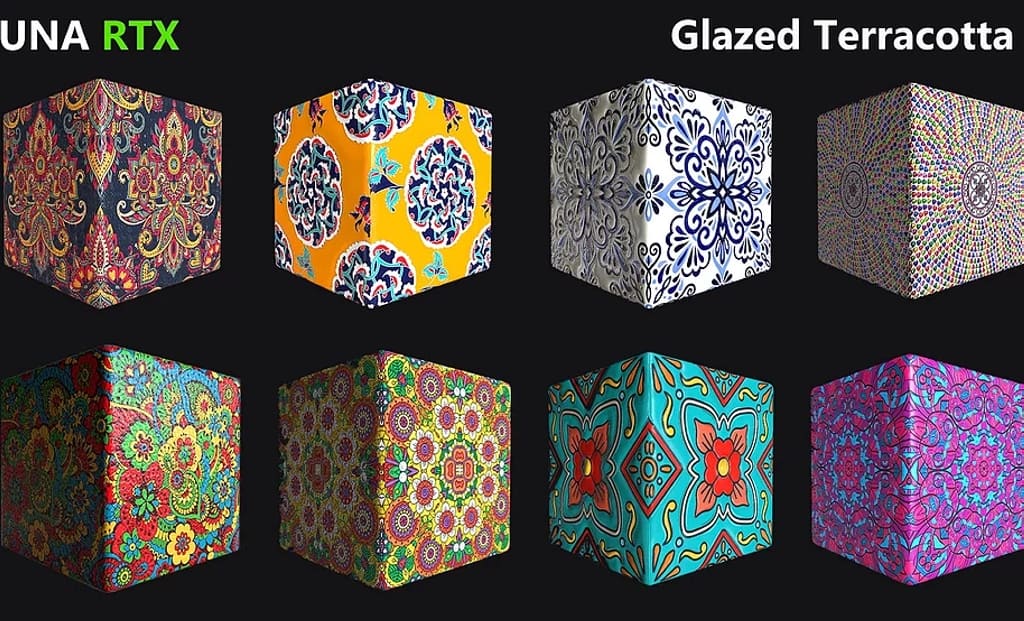
Out of all the available options, only the 32x version is generously offered completely for free. The highest resolution variants also include built-in RTX support specifically tailored for players utilizing modern Nvidia video cards. For the ultimate visual experience, the 512x resolution resource pack is heavily recommended, though you will certainly need a modern high-end gaming GPU to maintain a steady frame rate and prevent any game performance degradation. The resource pack is fully compatible with multiple versions of Minecraft, and the complete list of supported versions is conveniently published on the official Luna HD resource pack website. All of the premium resolutions are offered securely via Patreon through a modest monthly subscription. Every single version, including the free 32x edition, receives regular, dedicated updates straight from the developer. Furthermore, everyone gains access to the official Discord server, which can be utilized to communicate directly with Sandeep, the brilliant original mastermind behind Luna HD. Sandeep has been a passionate fan of the game ever since its initial launch and decided to craft the Luna HD resource pack leveraging his professional skills as a talented 3D artist. All active Discord members are more than welcome to ask questions directly to the developers, receive hands-on support for various technical roadblocks, and offer valuable suggestions for upcoming updates to Luna HD. At this point, the thriving Discord community has proudly exceeded 1,500 members, with everyone actively contributing to future updates and improvements for the pack. To truly get the most out of the Luna HD resource pack, a few specific prerequisites are strongly advised. Since it significantly enhances in-game lighting, installing SEUS PTGI or Renewed shaders is practically a must for the ultimate aesthetic. The official website and community Discord server contain comprehensive instructions on how to properly get the resource pack installed and configured for optimal gameplay. To sweeten the deal, the resource pack also comes bundled with fantastic bonus content for Patreon members, such as exclusive custom works and custom maps.
Luna HD should be compatible with all of these Minecraft versions: 1.21.10 – 1.21.9 – 1.21.8 – 1.21.7 – 1.21.6 – 1.21.5 – 1.21.4 – 1.21.3 – 1.21.2 – 1.21.1 – 1.21 – 1.20.6 – 1.20.5 – 1.20.4 – 1.20.3 – 1.20.2 – 1.20.1 – 1.20 – 1.19.4 – 1.19.3 – 1.19.2 – 1.19.1 – 1.19 – 1.18.2 – 1.18.1 – 1.18 – 1.17.1 – 1.17 – 1.16.5 – 1.16.4 – 1.16.3 – 1.16.2 – 1.16.1 – 1.16 – 1.15.2 – 1.15.1 – 1.15 – Bedrock Edition – PE
Screenshots


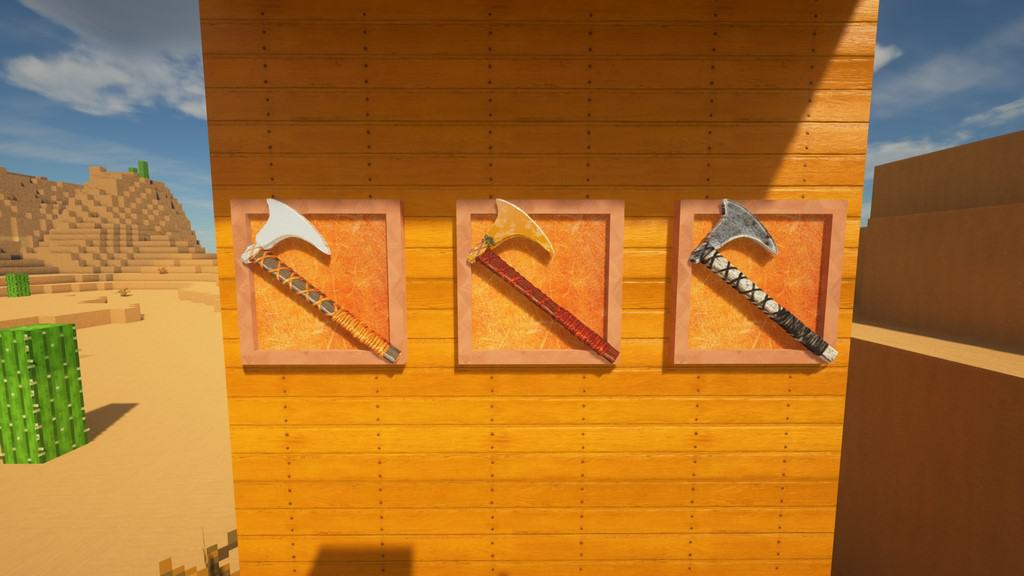
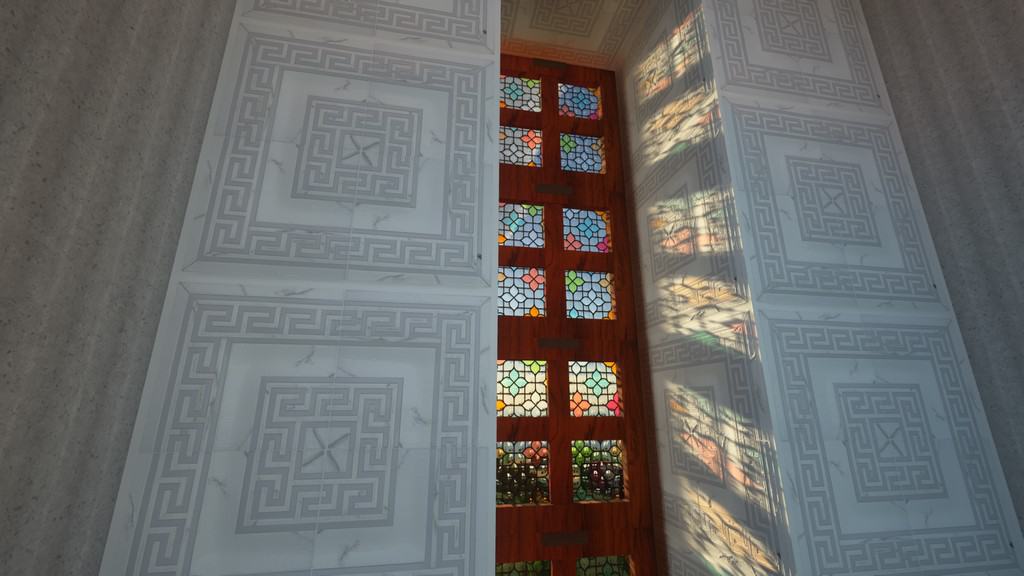
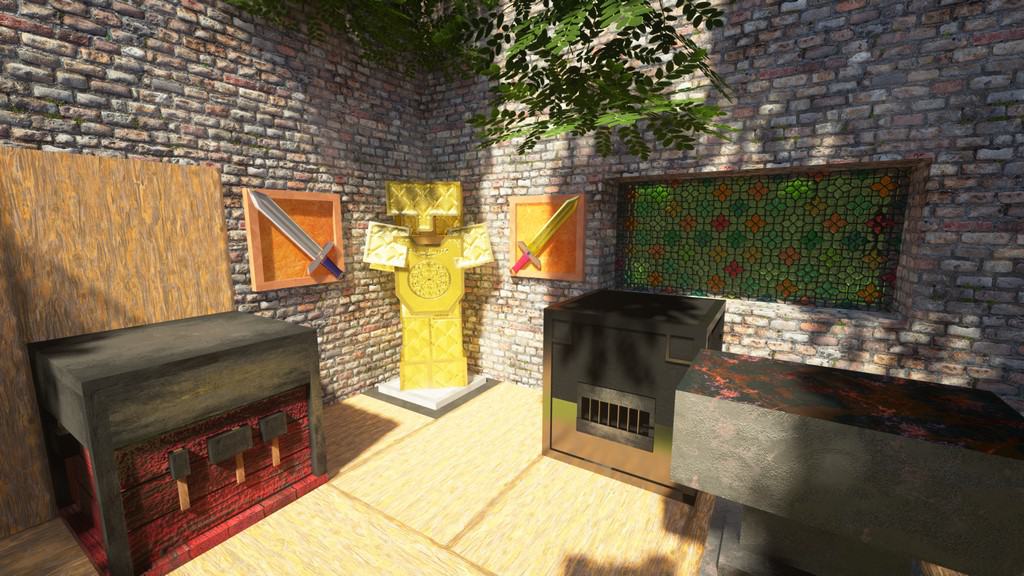
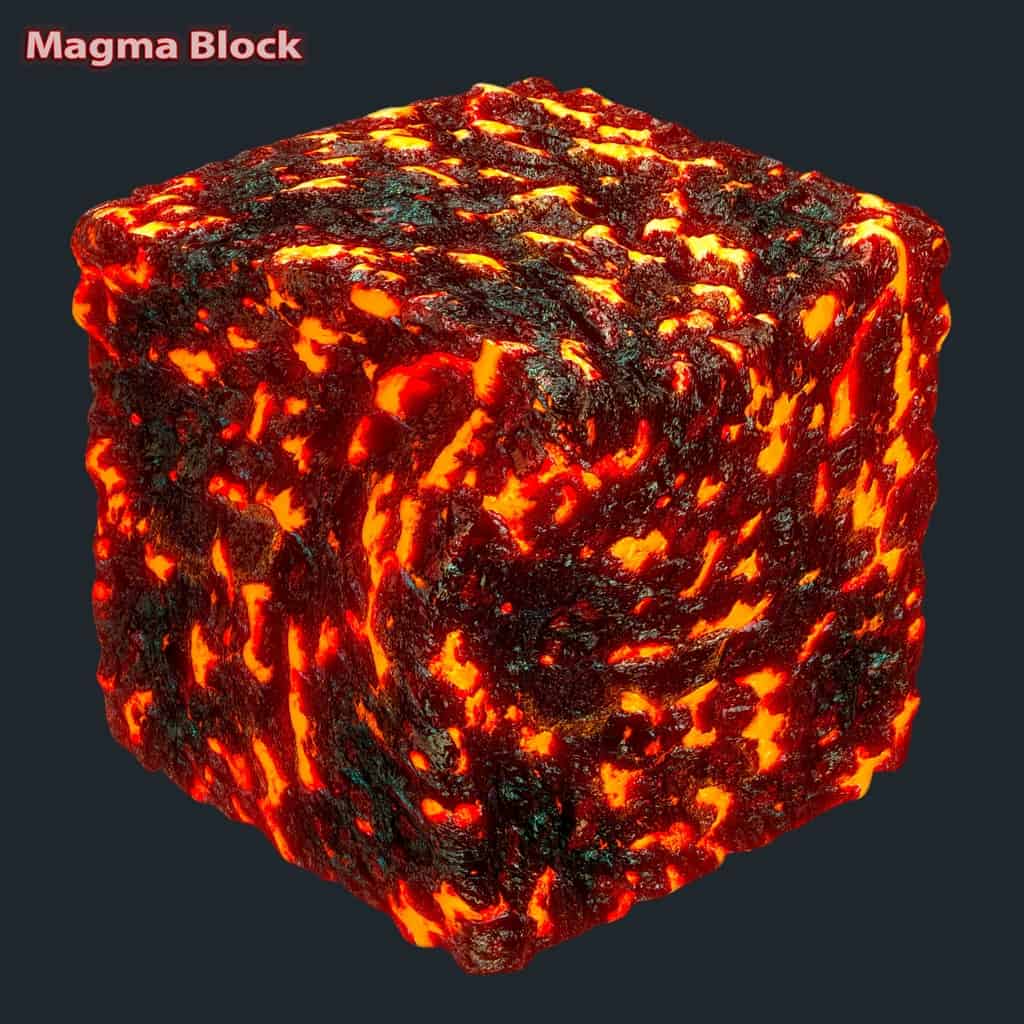
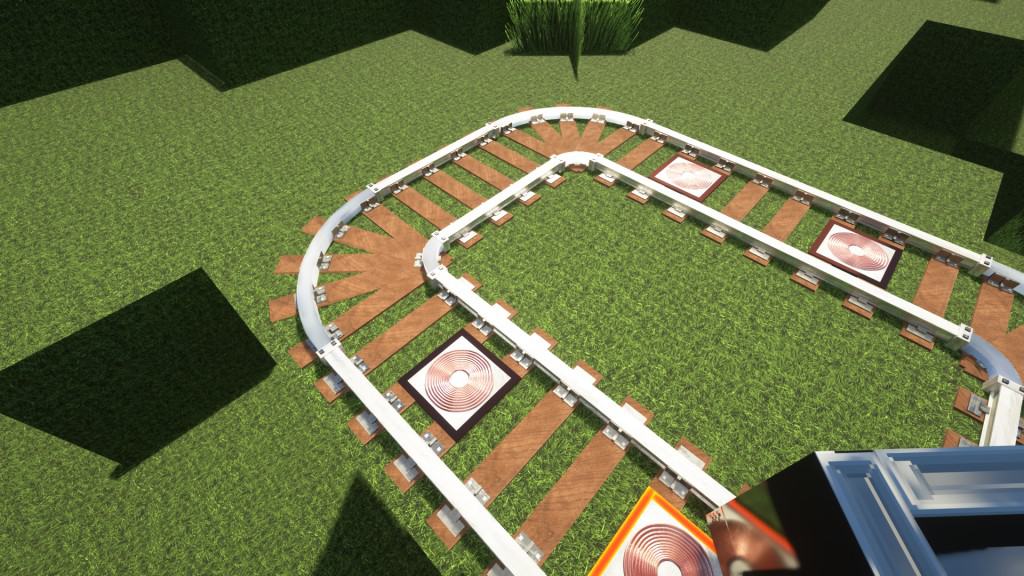
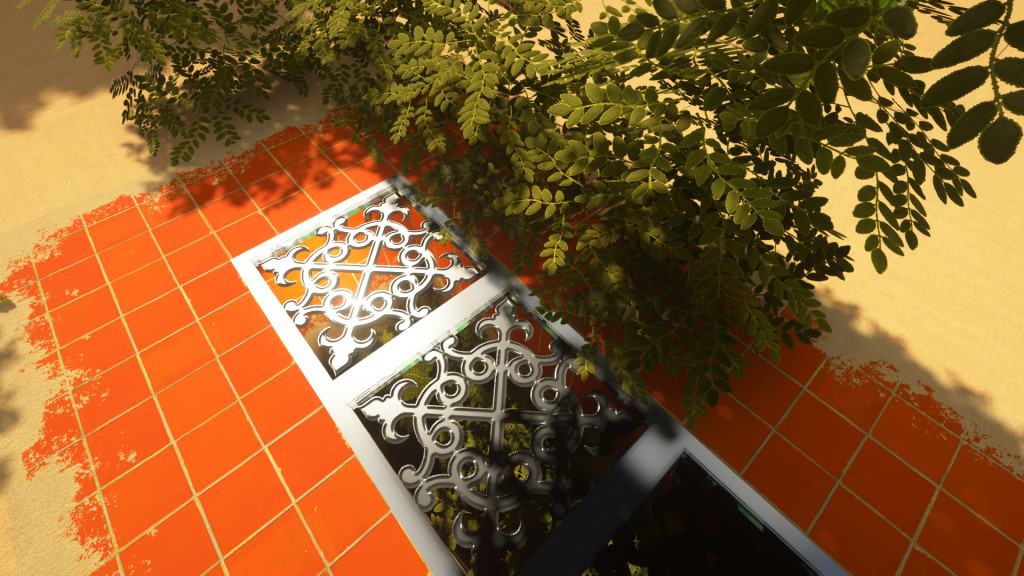
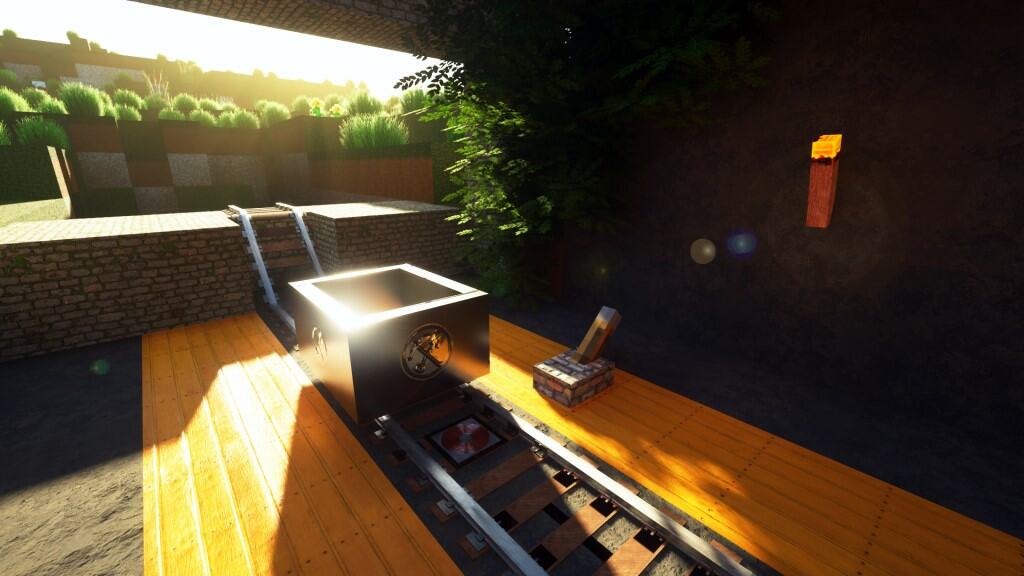

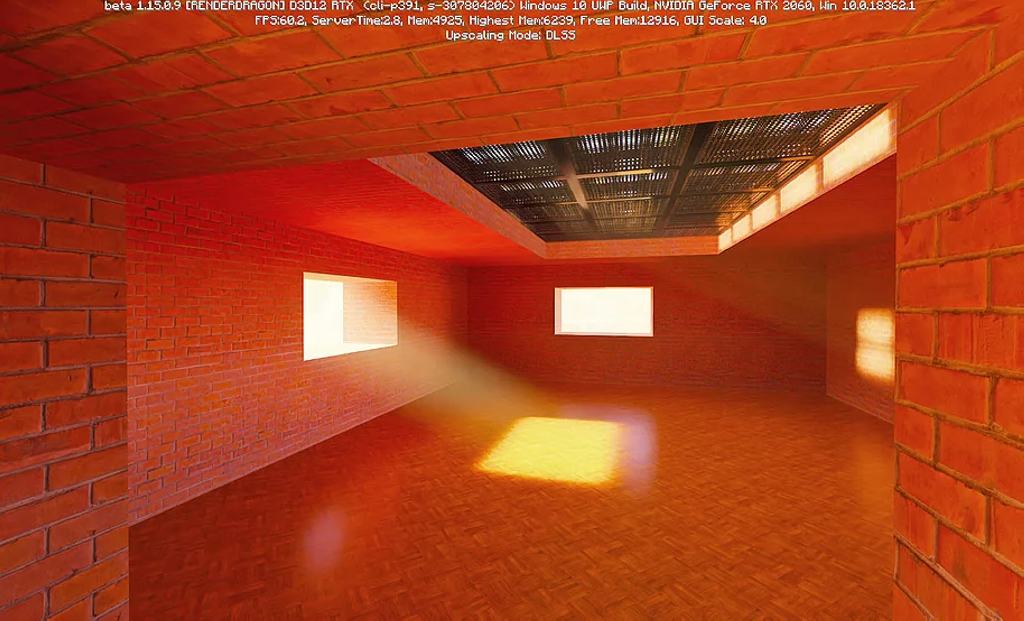
How to Install Texture Pack (Simple 10 Steps)
- Download OptiFine: Most of the texture packs and shaders need OptiFine. That’s why, first download and install OptiFine for the version of Minecraft you want to play.
- Download the Texture Pack: Get the texture pack you want from the download section. Choose the version that works with your Minecraft and your PC’s performance.
- Open Minecraft Launcher: Start Minecraft using the official game launcher — or even TLauncher, if you use that.
- Go to Options: From the main menu, click on the “Options” button.
- Open Resource Packs: Inside Options, click on “Resource Packs…”.
- Open the Resource Pack Folder: Click on “Open Resource Pack Folder” — this will open a folder named “resourcepacks”.
- Move the Pack File: Copy or move the .zip file you downloaded into that “resourcepacks” folder. (Don’t unzip the file — Minecraft uses it as-is!)
- Go Back and Refresh: Close the folder and click “Done”, then go back into “Resource Packs…” again.
- Activate the Pack: You’ll see the pack on the left side. Hover over it and click the arrow to move it to the right (active side).
Tip: If you get a message that the pack is for a different version, just click “Yes” — it usually works fine. - Click Done and Enjoy: Click “Done” again. Now your pack is ready to use in-game. It’s that easy!
Credits
Luna HD was originally created by batusai-x (Sandeep). We do not claim ownership of this resource pack, nor do we host modified files on our servers. All rights remain with the original creator. We highly encourage supporting Sandeep directly through official platforms like Patreon.
Download Links
Java Edition
- [64x] Minecraft 1.21.x
- [64x] Minecraft 1.20.6 – 1.20.2
- [64x] Minecraft 1.20.1 – 1.20
- [64x] Minecraft 1.19.x
- [64x] Minecraft 1.18.x
- [64x] Minecraft 1.17.x
- [128x] Minecraft 1.20.x – 1.16.x
- [256x] Minecraft 1.20.x – 1.16.x
- [512x] Minecraft 1.20.x – 1.16.x
- [1024x] Minecraft 1.20.x – 1.16.x
- [64x] Lush Grass Add-on Pack for 1.21.x
- [64x] Lush Grass Add-on Pack for 1.20.6 – 1.20.2
- [64x] Lush Grass Add-on Pack for 1.20.1 – 1.20
- [64x] Lush Grass Add-on Pack for 1.19.x
- [64x] Lush Grass Add-on Pack for 1.18.x
- [Ultra HD Bundle] High Resolution Add-ons for 1.20.x – 1.16.x
Bedrock Edition
- [32x] Minecraft 1.21.x – 1.20.2 Bedrock Edition (RTX)
- [32x] Minecraft 1.20.1 – 1.20 Bedrock Edition (RTX)
- [32x] Minecraft 1.19.x Bedrock Edition (RTX)
- [32x] Minecraft 1.18.x Bedrock Edition (RTX)
- [32x] Minecraft 1.17.x Bedrock Edition (RTX)
- [32x] Minecraft 1.16.x Bedrock Edition (RTX)
- [512x] Minecraft 1.20.x – 1.16.x Bedrock Edition (RTX)
Download Instructions
Curseforge: download starts automatically after a few seconds;
Mediafire: click the big blue button with the text “DOWNLOAD”;
Google Drive: in the top right corner you will see a small download icon (down arrow), click it and the download should start;


