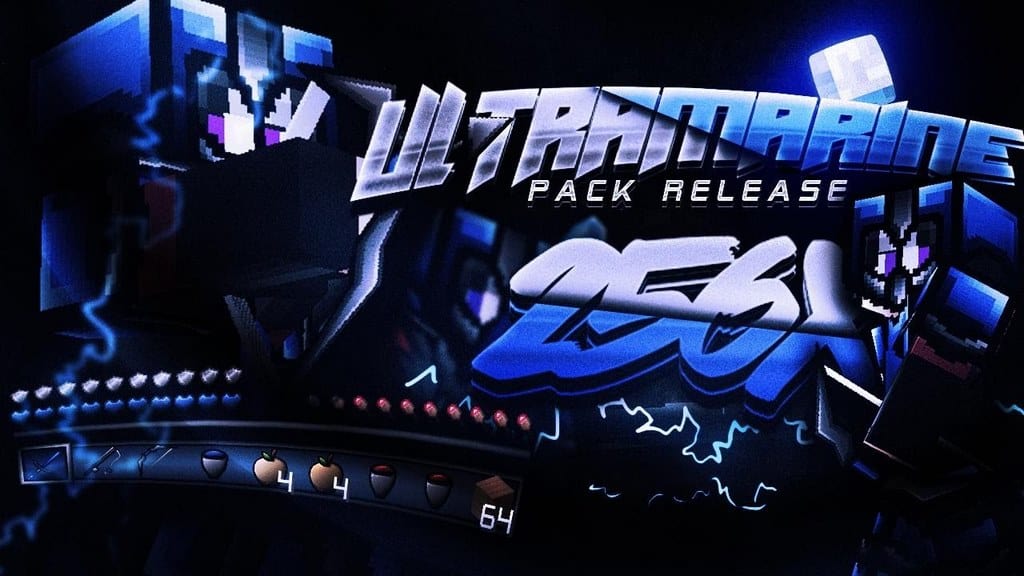
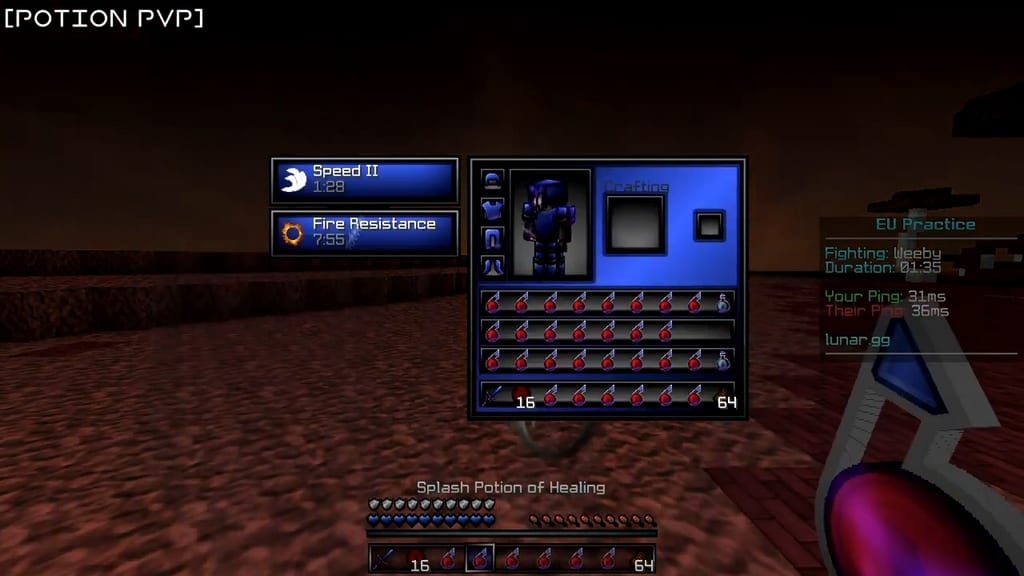
If you are hunting for an incredible PvP resource pack for Minecraft, I am happy to report you have definitely landed on the right page! As you likely know, there are plenty of such resource packs floating around the community, but this Ultramarine 256x PvP resource pack truly stands out with some very special aspects you need to check out. First of all, it is designed by a legendary veteran in the scene, none other than iSparkton! For your quick reference, iSparkton previously created the famous Magenta 64x PvP resource pack, and this time he has returned with the unique Ultramarine PvP texture pack, packed to the brim with piles of intriguing and innovative features. iSparkton thoroughly understands the nitty-gritty of PvP and completely gets what it takes to blend high-tier combat elements into Minecraft. He is also well-aware of the usual performance and visual issues that can pop up when modifying PvP gameplay. While many PvP resource packs can significantly boost your combat experience, they often come with major drawbacks, but for this Ultramarine texture pack, the creator has paid meticulous attention to every single detail so you will not experience the slightest problem. Once you boot up the game with this resource pack installed, you will immediately be greeted by stunning blue and purple shade textures that look fantastic in action.
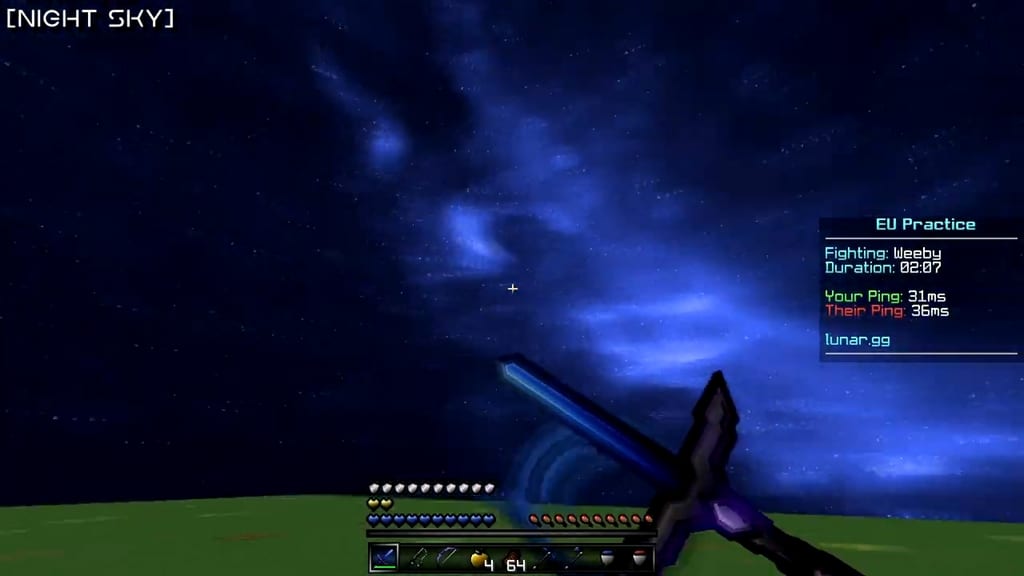
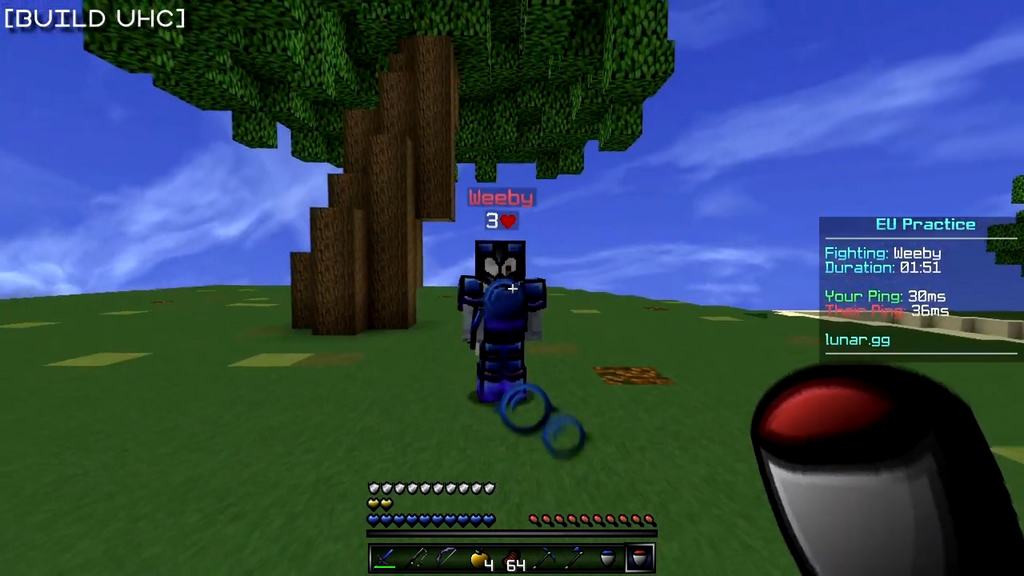
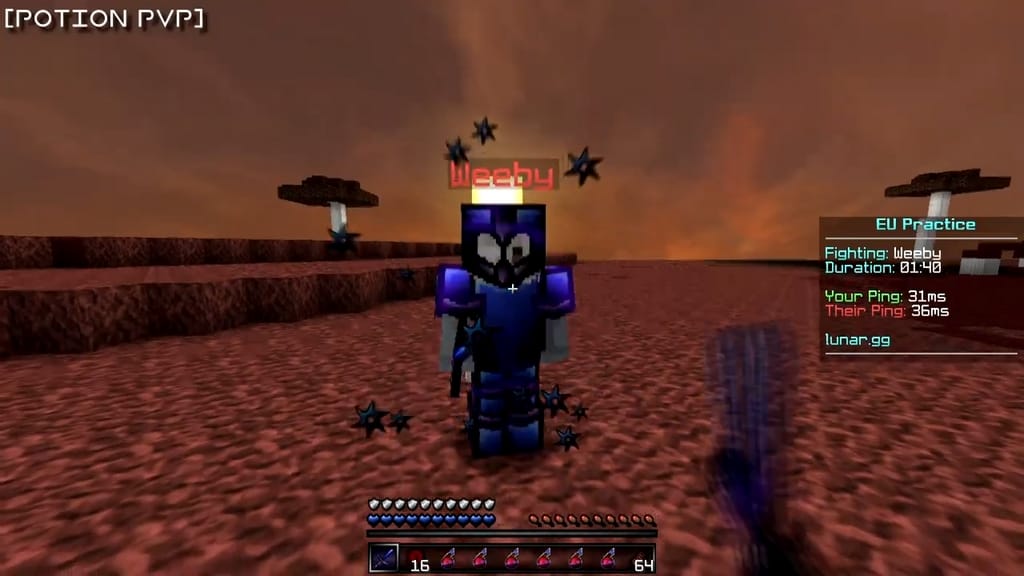
These gorgeous colored textures make the entire game look so much more interesting and refreshing. On top of that, the Ultramarine resource pack does an amazing job of keeping the core vanilla Minecraft art style intact. Not only are these textures remarkably colorful and vibrant, but they are also exceptionally well-detailed, which is an absolute treat for the eyes. With this resource pack enabled, unnecessary visual noise is cleverly removed, making the textures and the overall game appearance far more compelling and appealing than usual. I really love how the color palette focuses heavily on darkened tones, giving it an extremely nice aesthetic touch that blends seamlessly with the bright blue and purple textures. Among its best features, the pack delivers gorgeous color combinations and custom particles. Alongside the immersive blue and purple themes, you will even discover a breathtaking custom night sky! While the Ultramarine PvP resource pack is built for a gorgeous 256x resolution, I am thrilled to share that even if you install and run it on a lower-end system, you will still enjoy remarkably stable frame-rates. For anyone seeking a genuinely immersive and ultra-smooth PvP experience, I wholeheartedly recommend giving this pack a try.
Ultramarine PvP should be compatible with all of these Minecraft versions: 1.8.9 – 1.8.8 – 1.8.1 – 1.8.6 – 1.8
Screenshots
How to Install Texture Pack (Simple 10 Steps)
- Download OptiFine: Most of the texture packs and shaders need OptiFine. That’s why, first download and install OptiFine for the version of Minecraft you want to play.
- Download the Texture Pack: Get the texture pack you want from the download section. Choose the version that works with your Minecraft and your PC’s performance.
- Open Minecraft Launcher: Start Minecraft using the official game launcher — or even TLauncher, if you use that.
- Go to Options: From the main menu, click on the “Options” button.
- Open Resource Packs: Inside Options, click on “Resource Packs…”.
- Open the Resource Pack Folder: Click on “Open Resource Pack Folder” — this will open a folder named “resourcepacks”.
- Move the Pack File: Copy or move the .zip file you downloaded into that “resourcepacks” folder. (Don’t unzip the file — Minecraft uses it as-is!)
- Go Back and Refresh: Close the folder and click “Done”, then go back into “Resource Packs…” again.
- Activate the Pack: You’ll see the pack on the left side. Hover over it and click the arrow to move it to the right (active side).
Tip: If you get a message that the pack is for a different version, just click “Yes” — it usually works fine. - Click Done and Enjoy: Click “Done” again. Now your pack is ready to use in-game. It’s that easy!
Credits
This resource pack was originally created and developed by iSparkton. We do not claim ownership of this content, nor do we host modified files on our servers. All rights and intellectual property remain strictly with the original author. We strongly encourage you to support iSparkton by downloading the pack directly from the official sources.
Download Instructions
Curseforge: download starts automatically after a few seconds;
Mediafire: click the big blue button with the text “DOWNLOAD”;
Google Drive: in the top right corner you will see a small download icon (down arrow), click it and the download should start;


