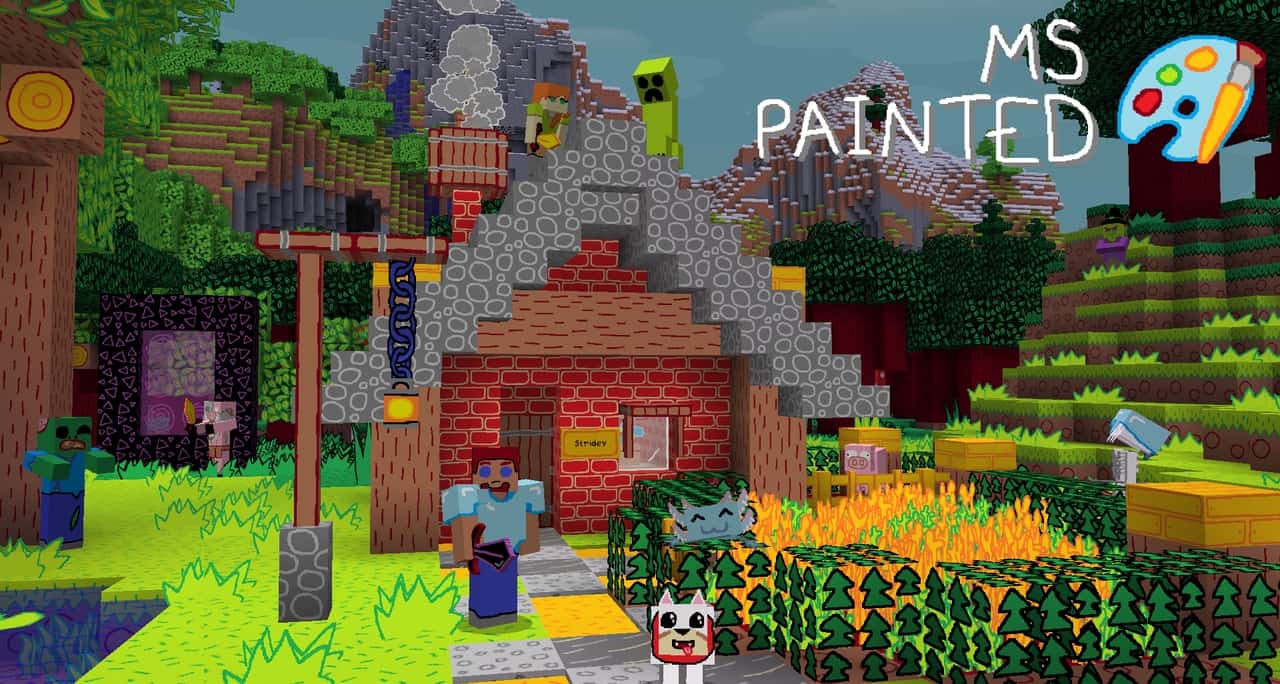
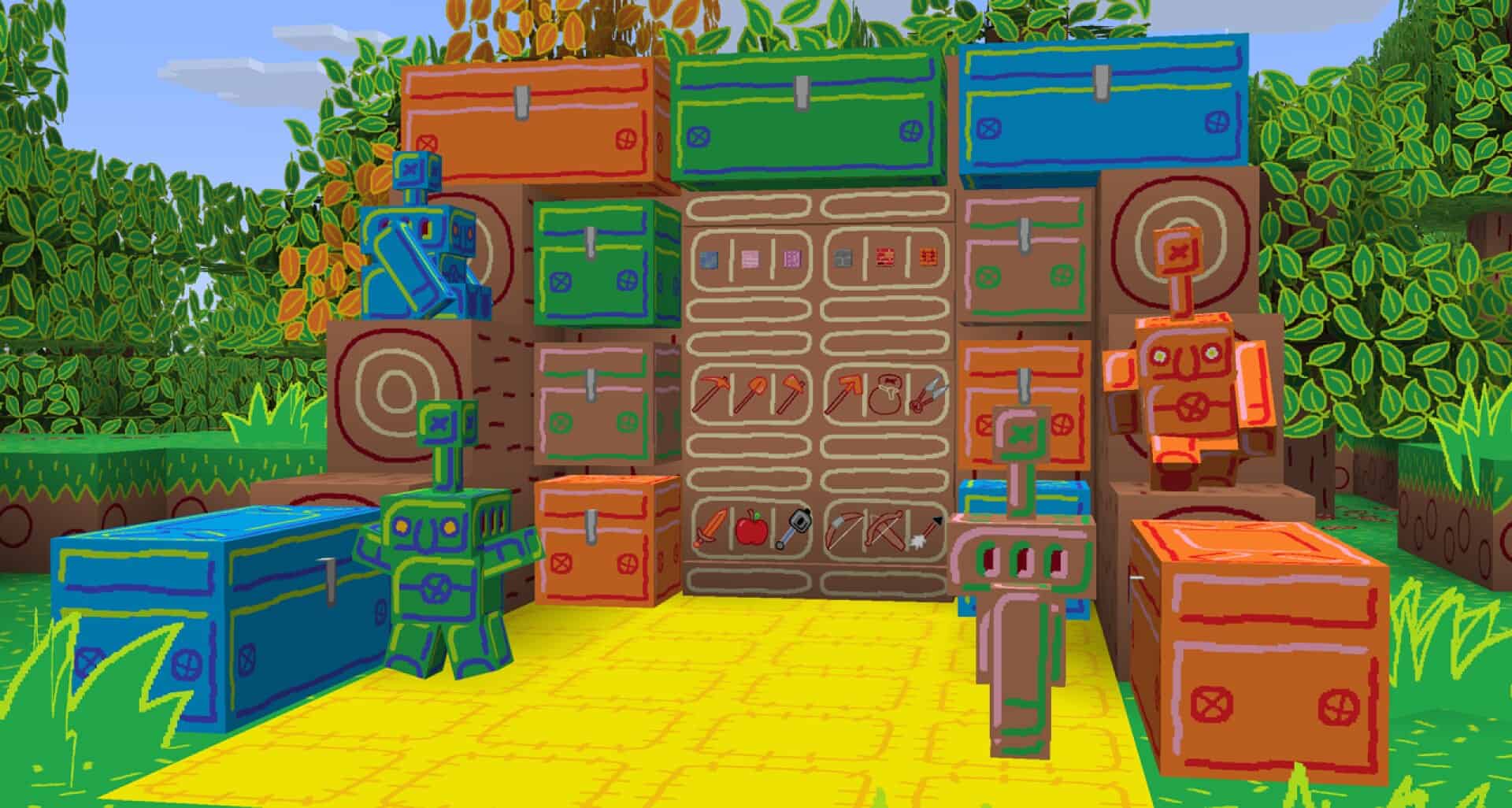
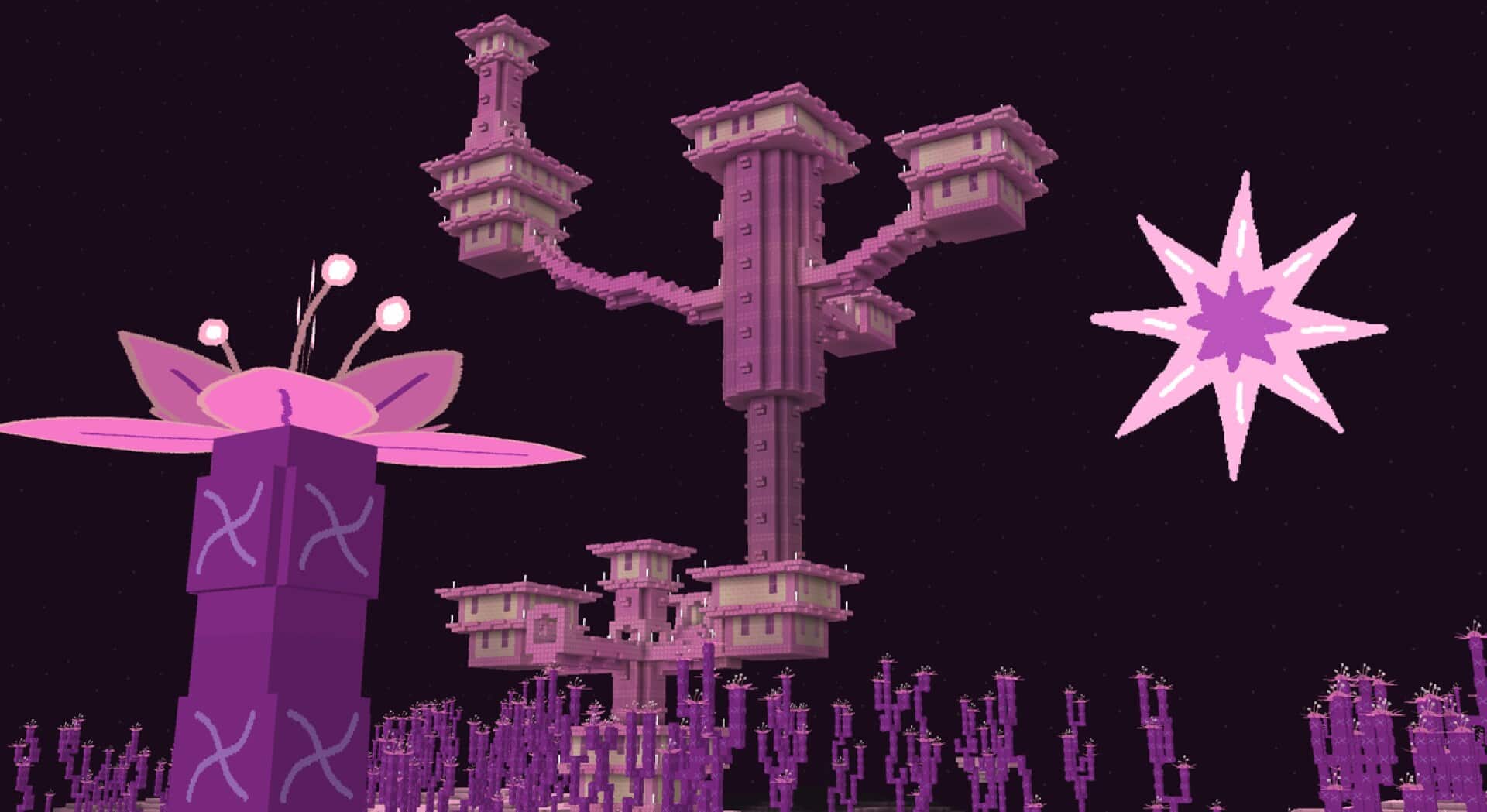
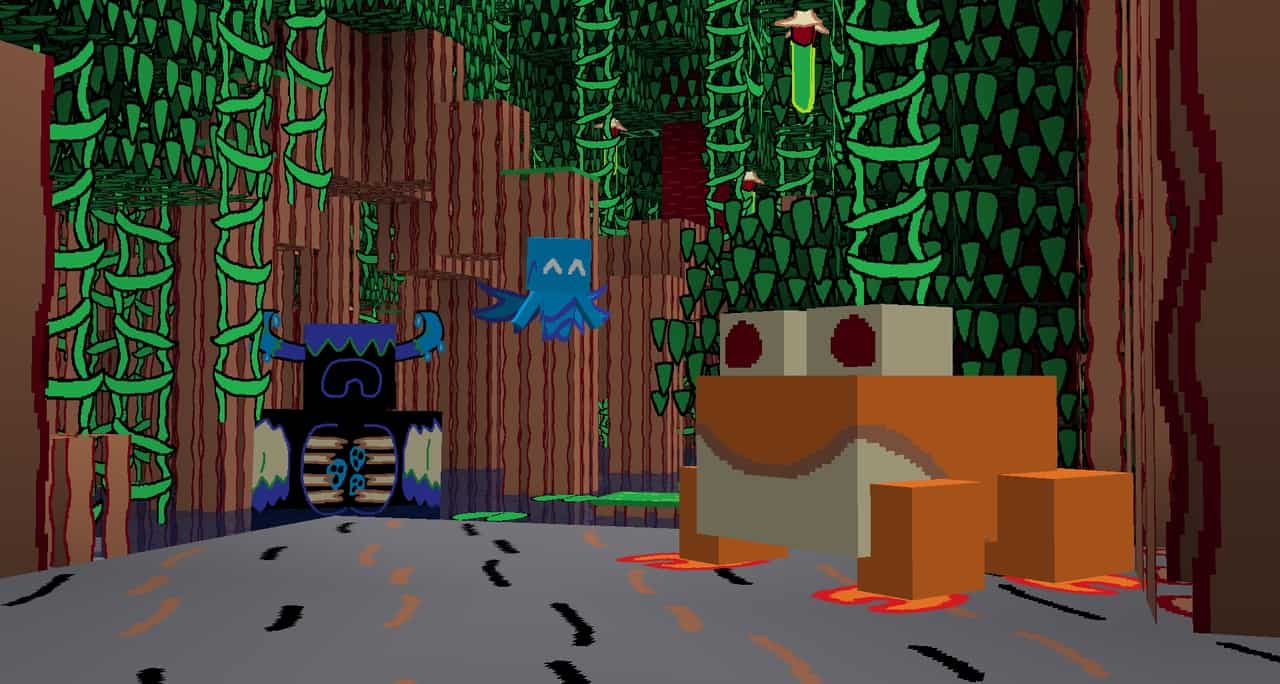
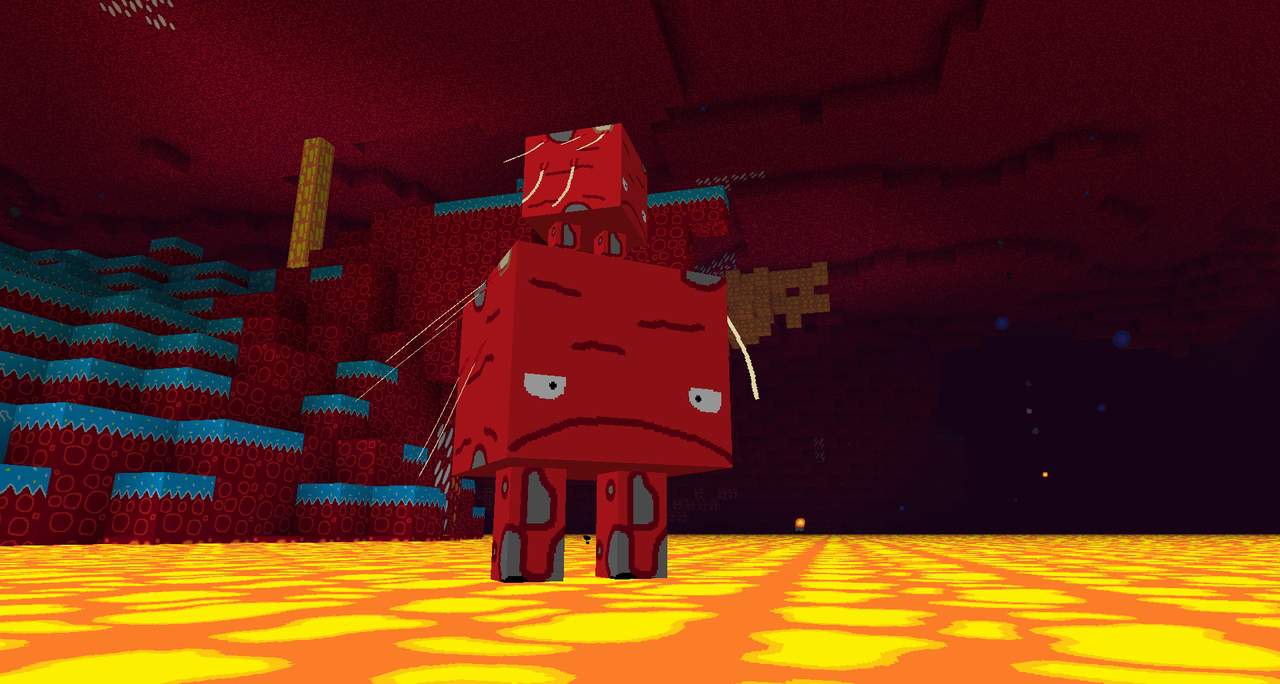
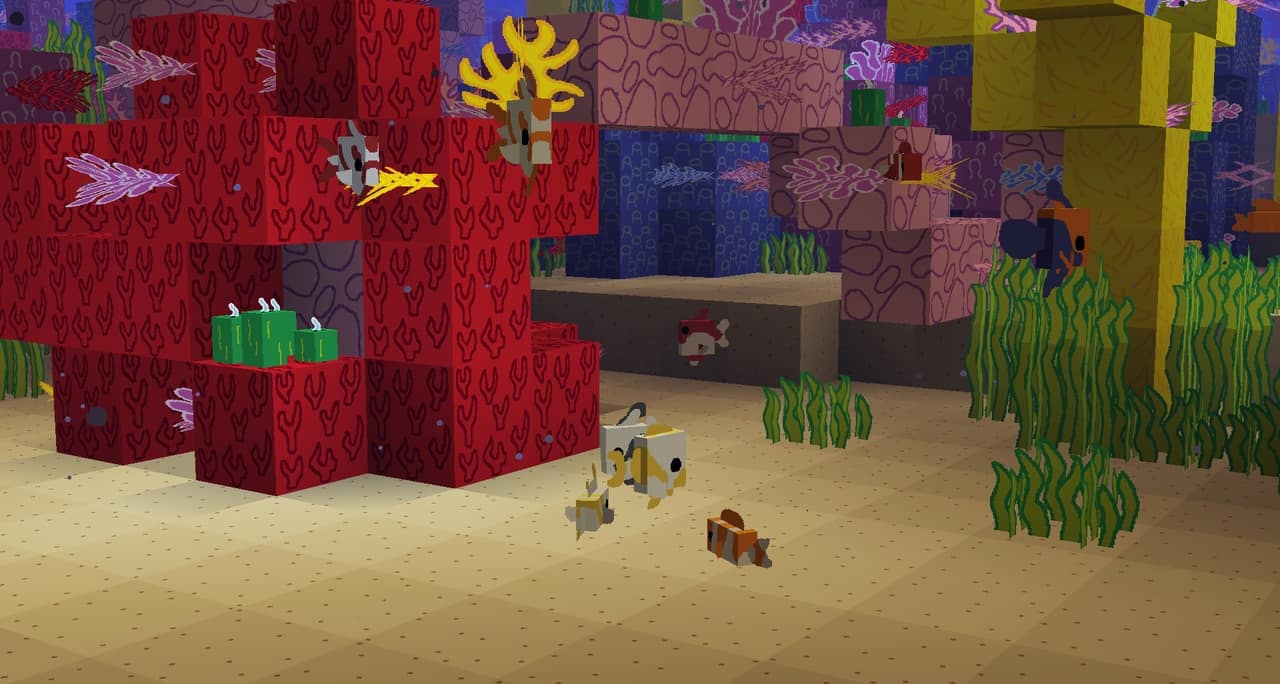
When it comes to resource packs in Minecraft, MS-Painted is genuinely one of the absolute best there is to offer! Even though we have been playing Minecraft for years and have thoroughly tested out a huge number of resource packs, the MS Painted resource pack instantly caught our full attention. The creative design of the MS Painted resource pack was based entirely off of the classic MS Paint program. While this might actually seem a bit underwhelming on paper, this fantastic resource pack applies those same vibrant colors that you can use in a regular MS Paint program to Minecraft in a way that truly brings the visuals to life. Although the colors themselves are relatively basic just like they are in MS Paint, they become remarkably appealing to the eyes when wonderfully combined and applied across the entire Minecraft landscape. However, one minor downside of the vibrant colors in the MS Painted pack is that they can sometimes make the landscape feel a lot brighter than normal. In general, the cheerful vibrance of the MS Painted color palette will likely be a relatively minor issue, but if it ever ends up bothering your eyes, you can easily turn down your in-game brightness a little bit.
That way, you can fully enjoy the unique artistic appeal of the MS Painted resource pack without ever being bothered by its lively nature! The MS Painted pack also features extremely clear-cut visuals, and the clever application of MS Paint as the basis of its design creates a wonderfully unique artistic style that makes it stand out from so many of the other resource packs available to Minecraft players today. Along with that, another incredible perk of the MS Painted resource pack is that it has an astonishingly smooth texture with relatively very little visual noise. In regards to the resolution quality of the MS Painted resource pack, the textures in MS Painted are crafted at a classic 16×16 resolution, which is relatively low. However, that really is not too surprising since resource packs like MS Painted are not typically designed to require higher resolutions, so a 16×16 quality is right about the average for these types of stylized packs. Nonetheless, it should be said that the massive benefit of having a lower-resolution resource pack is that it does not require a computer with high-end hardware, meaning it can be effortlessly enjoyed on almost all types of computers!
MS-Painted should be compatible with all of these Minecraft versions: 26.2 – 26.1.2 – 26.1.1 – 26.1 – 1.21.11 – 1.21.10 – 1.21.9 – 1.21.8 – 1.21.7 – 1.21.6 – 1.21.5 – 1.21.4 – 1.21.3 – 1.21.2 – 1.21.1 – 1.21 – 1.20.6 – 1.20.5 – 1.20.4 – 1.20.3 – 1.20.2 – 1.20.1 – 1.20 – 1.19.4 – 1.19.3 – 1.19.2 – 1.19.1 – 1.19 – 1.18.2 – 1.18.1 – 1.18 – 1.17.1 – 1.17 – 1.16.5 – 1.16.4 – 1.16.3 – 1.16.2 – 1.16.1 – 1.16 – 1.15.2 – 1.15.1 – 1.15 – 1.14.4 – 1.14.3 – 1.14.2 – 1.14 – 1.13.2 – 1.13.1 – 1.13 – 1.8.9 – 1.8.8 – 1.8.1 – 1.8.6 – 1.8
Screenshots
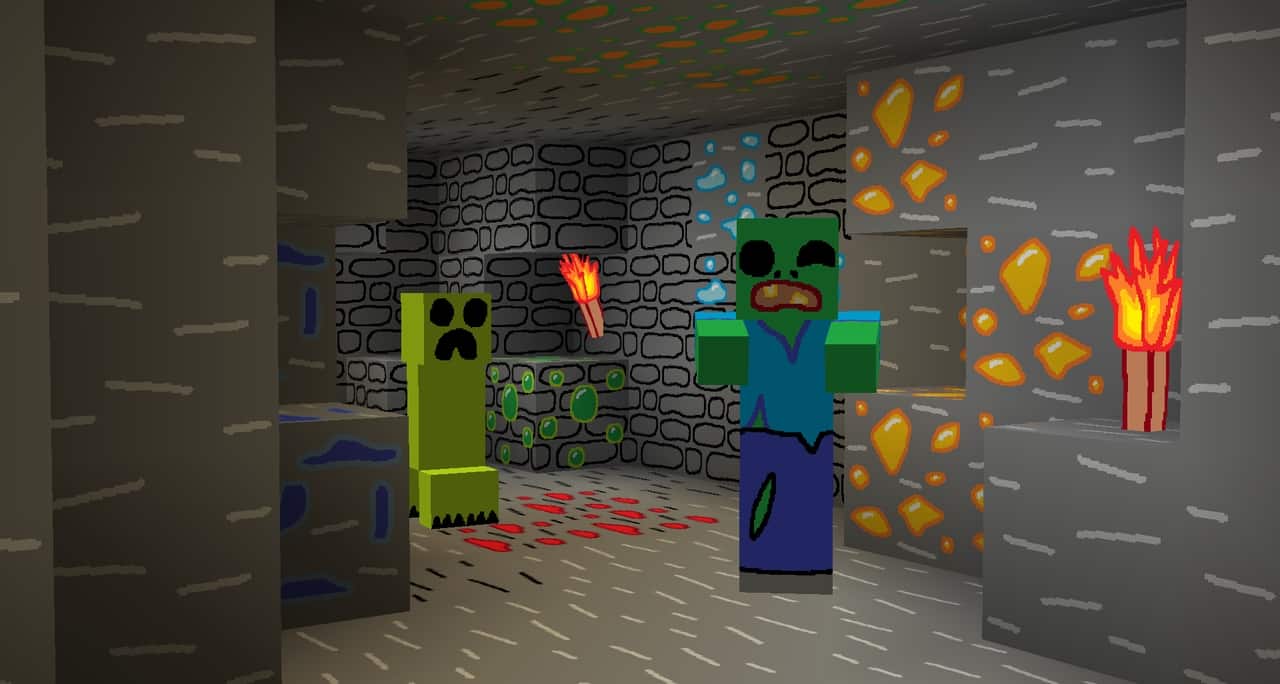
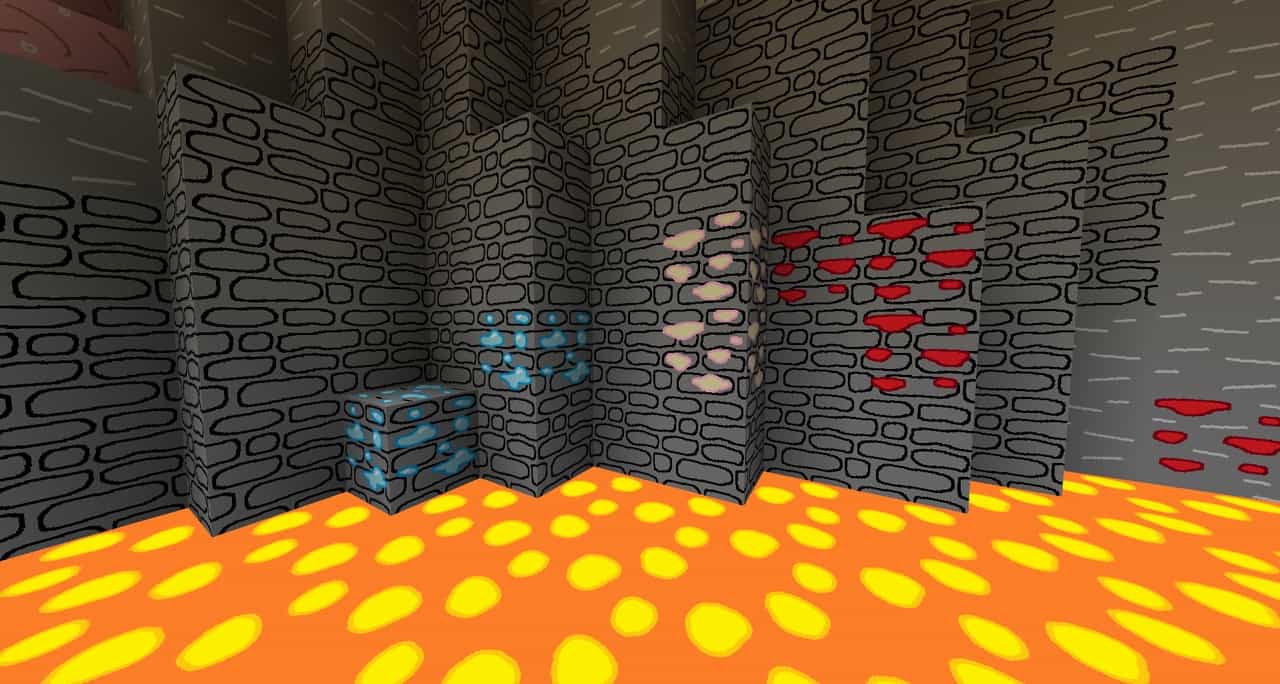
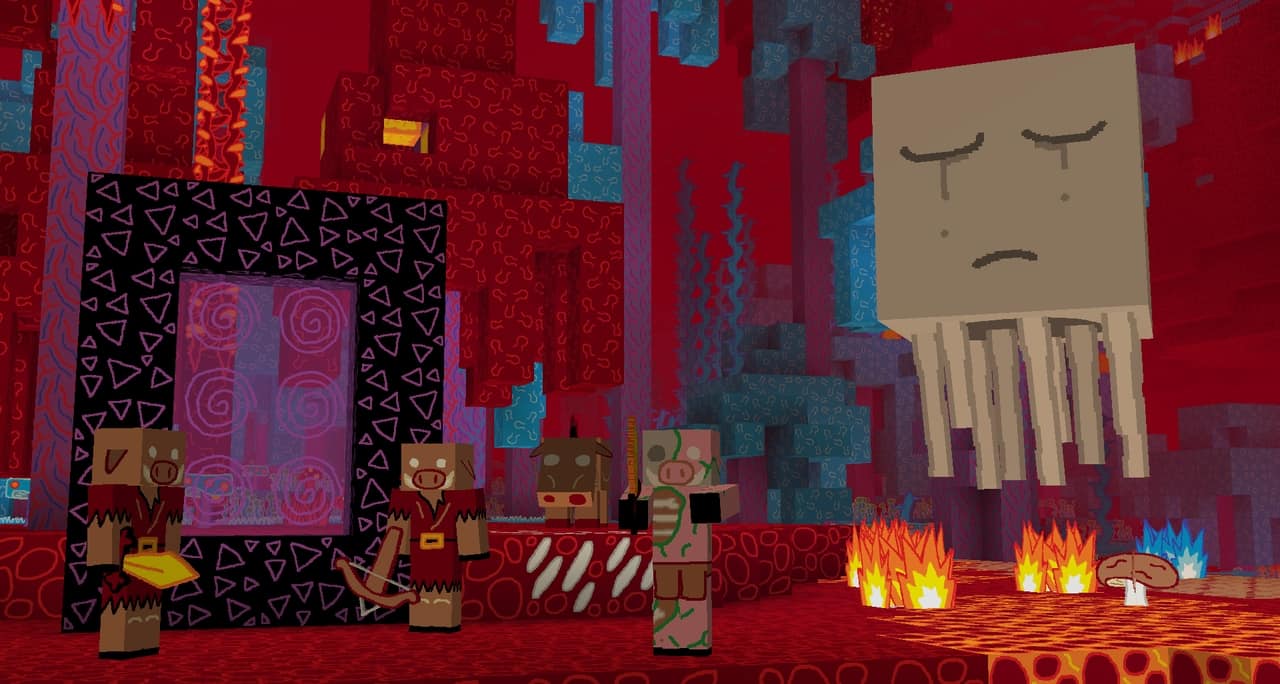
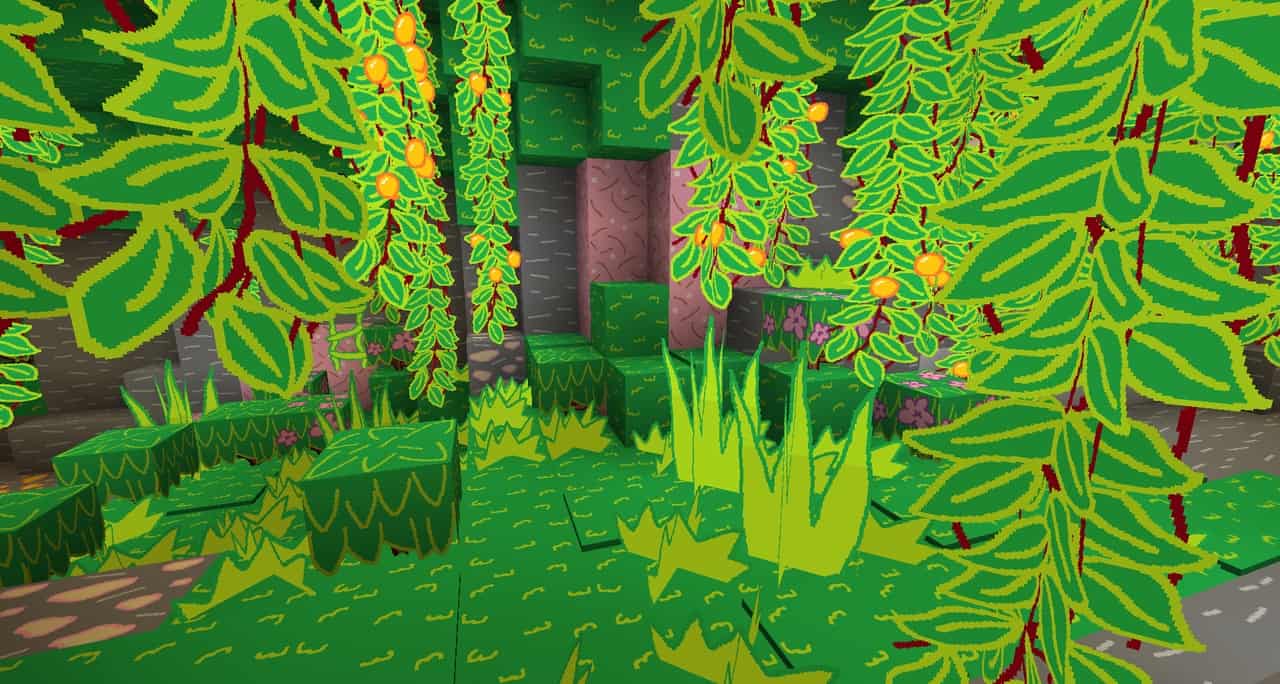
How to Install Texture Pack (Simple 10 Steps)
- Download OptiFine: Most of the texture packs and shaders need OptiFine. That’s why, first download and install OptiFine for the version of Minecraft you want to play.
- Download the Texture Pack: Get the texture pack you want from the download section. Choose the version that works with your Minecraft and your PC’s performance.
- Open Minecraft Launcher: Start Minecraft using the official game launcher — or even TLauncher, if you use that.
- Go to Options: From the main menu, click on the “Options” button.
- Open Resource Packs: Inside Options, click on “Resource Packs…”.
- Open the Resource Pack Folder: Click on “Open Resource Pack Folder” — this will open a folder named “resourcepacks”.
- Move the Pack File: Copy or move the .zip file you downloaded into that “resourcepacks” folder. (Don’t unzip the file — Minecraft uses it as-is!)
- Go Back and Refresh: Close the folder and click “Done”, then go back into “Resource Packs…” again.
- Activate the Pack: You’ll see the pack on the left side. Hover over it and click the arrow to move it to the right (active side).
Tip: If you get a message that the pack is for a different version, just click “Yes” — it usually works fine. - Click Done and Enjoy: Click “Done” again. Now your pack is ready to use in-game. It’s that easy!
Credits
This resource pack was created by Stridey. We do not claim ownership of this content, and we do not modify the original files. All rights and intellectual property belong strictly to the author. We highly recommend supporting Stridey by downloading the pack through the official channels provided below.
Download Links
Java Edition
Download Instructions
Curseforge: download starts automatically after a few seconds;
Mediafire: click the big blue button with the text “DOWNLOAD”;
Google Drive: in the top right corner you will see a small download icon (down arrow), click it and the download should start;


