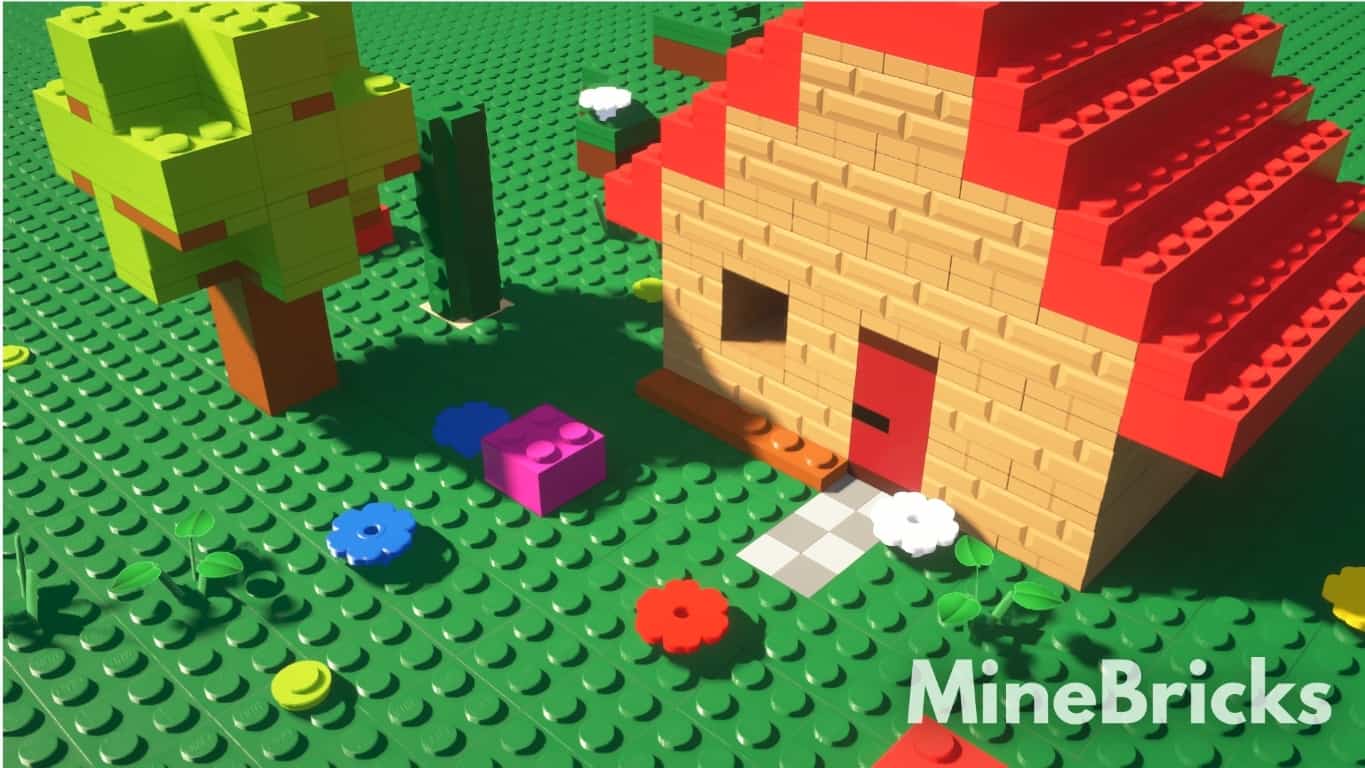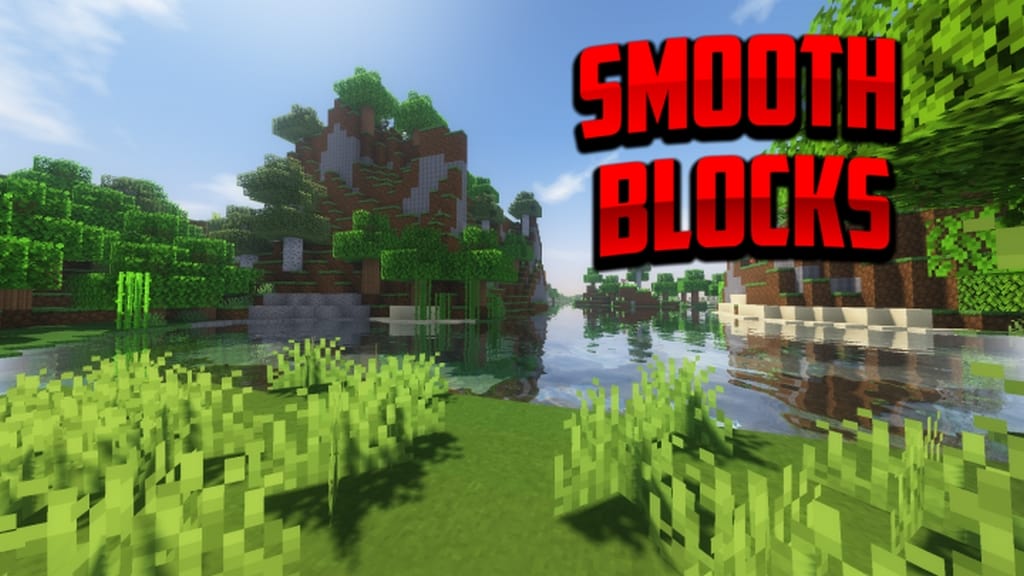
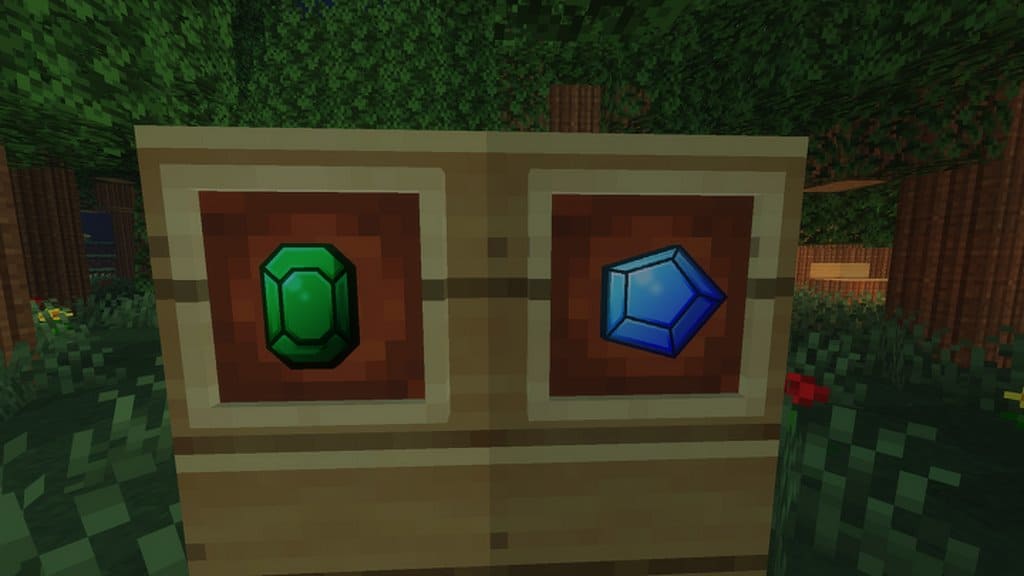
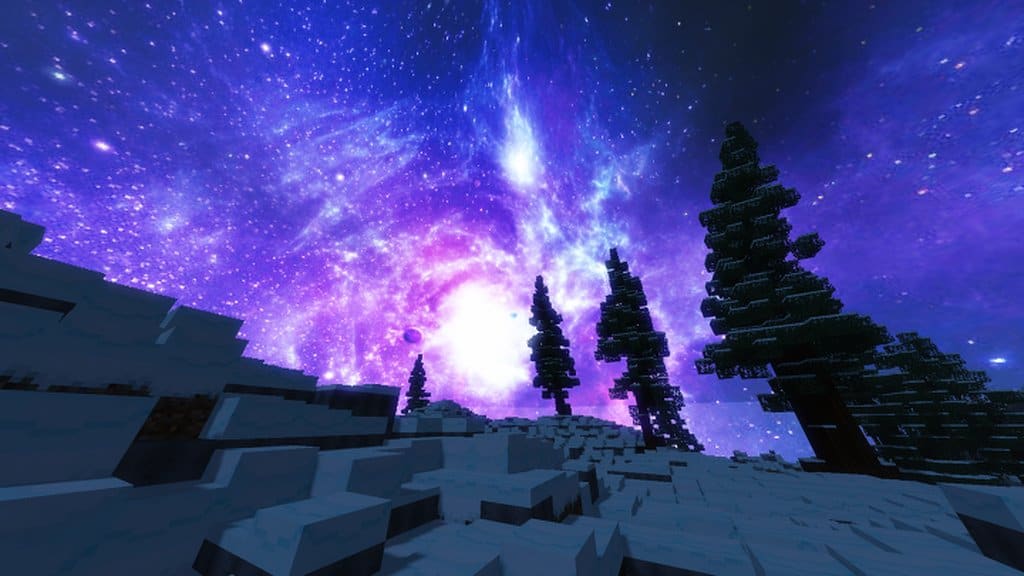
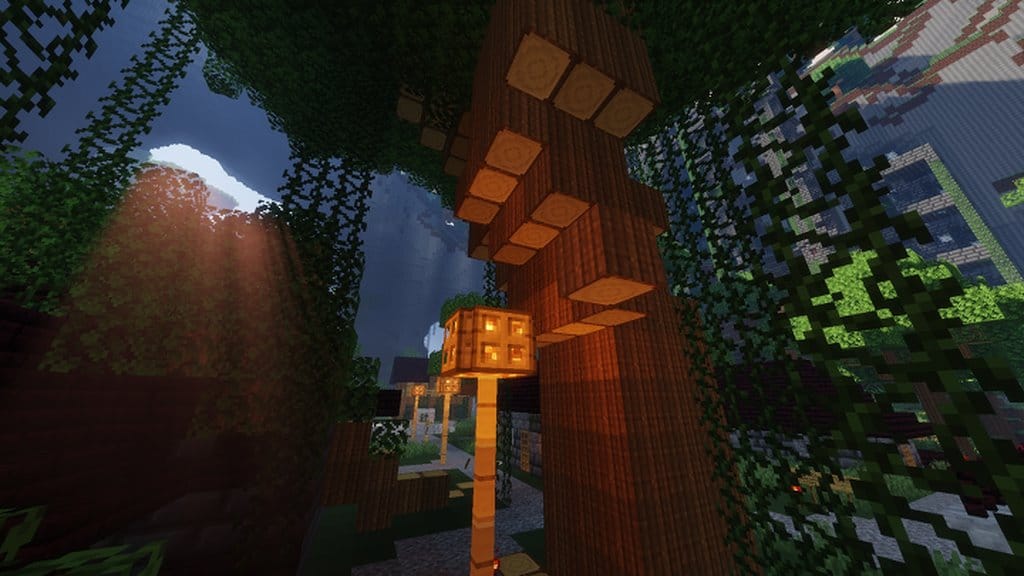
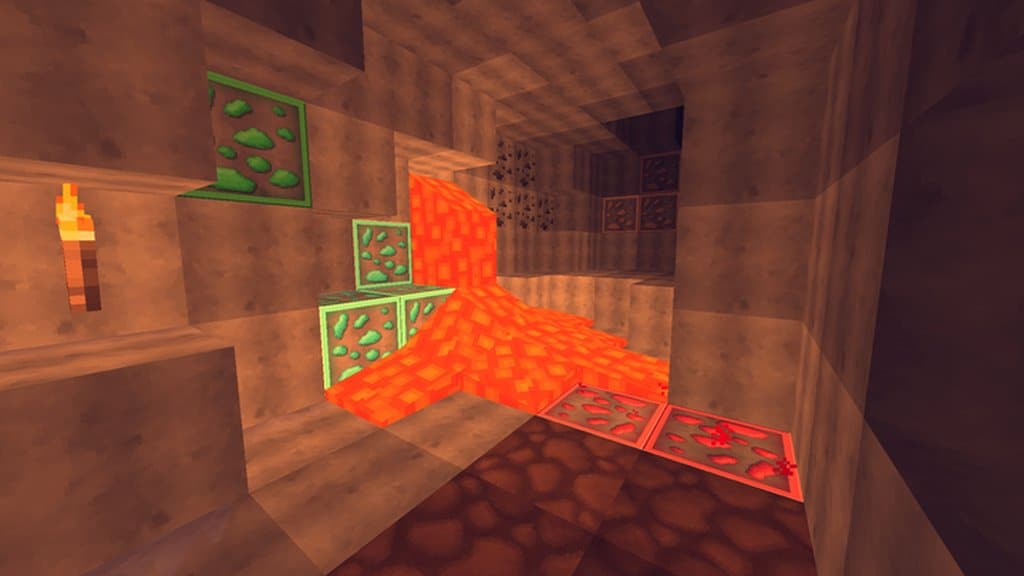
Yure’s Textures resource pack is an absolute winner from Aiyrez, the brilliant creator behind the Smooth Blocks texture pack. As we have discussed in our previous posts, this author’s packs are expertly crafted to make Minecraft appear as smooth as it possibly can. It not only makes the game much more engaging, but it also heavily enhances the PvP gaming experience by significantly improving visibility and aesthetic appeal. The Yure’s Textures resource pack is heavily inspired by the Smooth Blocks pack in many ways, yet it successfully takes the user experience to an entirely new level. It truly takes off right from where Smooth Blocks ends, focusing deeply on improving textures while brilliantly maintaining the signature smoothness of the blocks achieved by the earlier pack. I really think this is a resource pack that is well worth trying if you are looking for an incredible high-definition visual experience completely free of any irrelevant clutter.
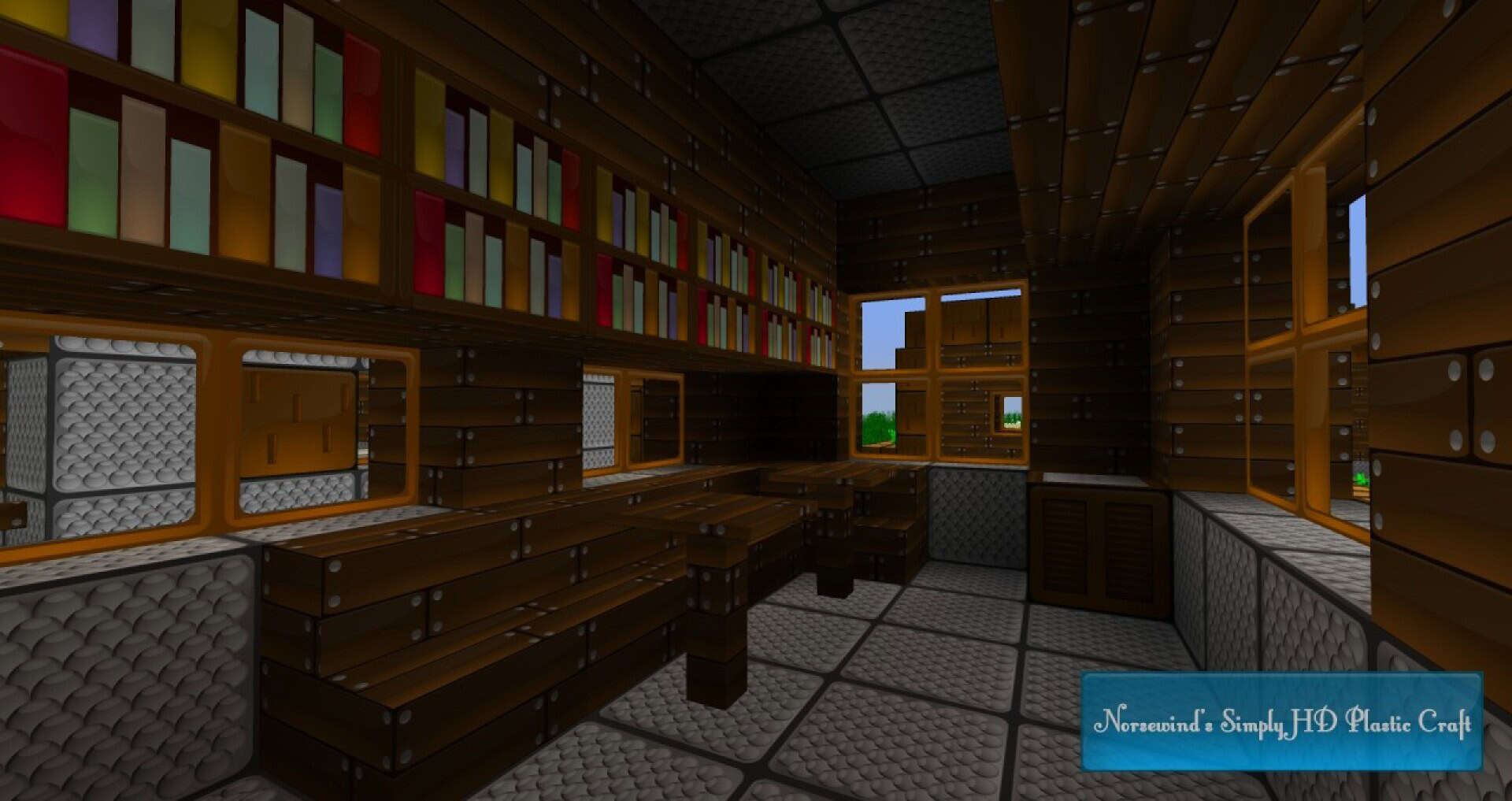
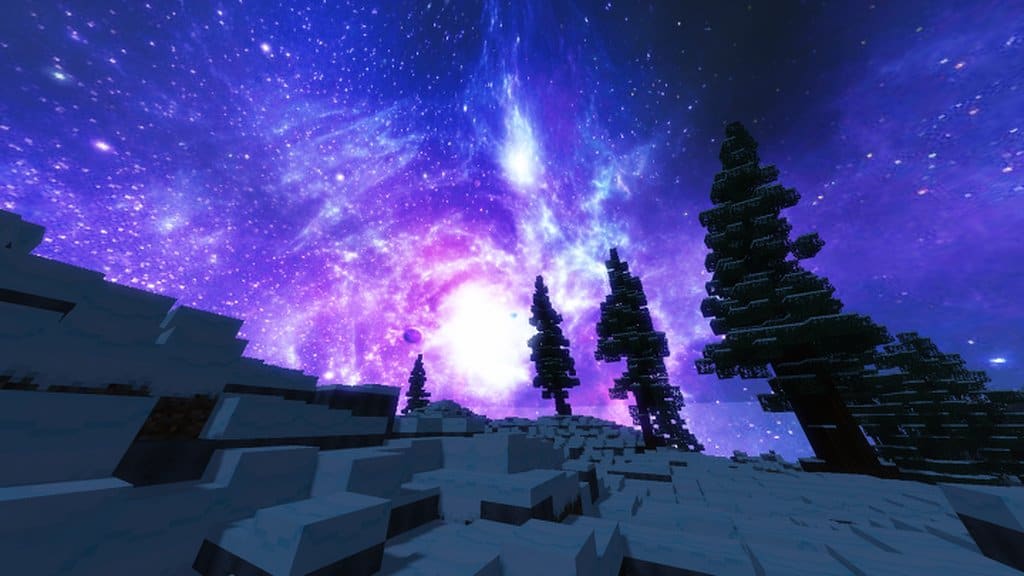
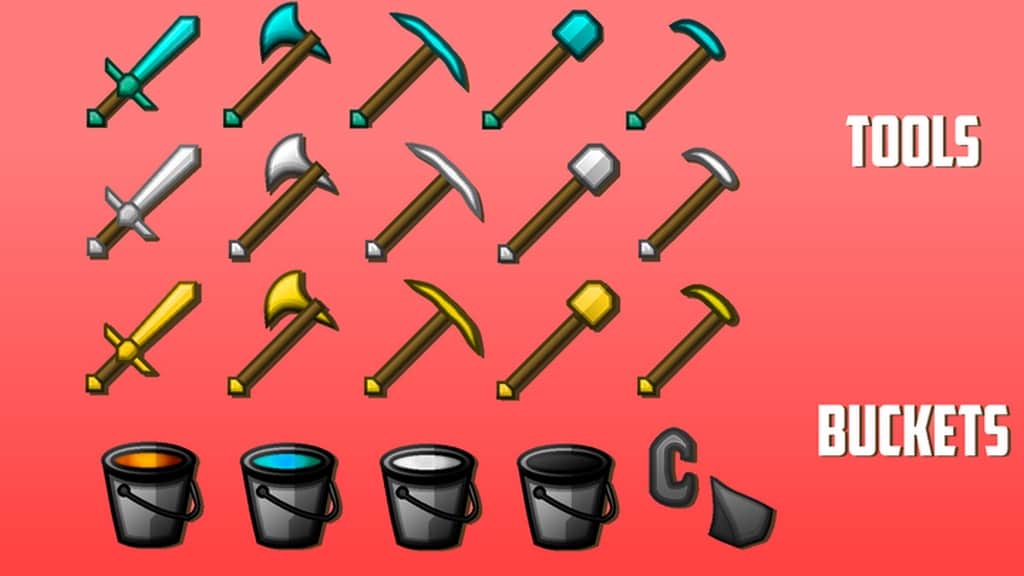
From the moment you load it in, Yure’s Textures has the amazing capability to make Minecraft feel like a genuine 3D game, and you will almost immediately fall in love with its deeply immersive nature. The intricate detailing of every single texture is truly exceptional, meaning that even a very close look from the shortest distance doesn’t take away any of its stunning clarity. The amazing sharpness of every texture in this pack really enables you to have the absolute best playing experience possible. Once you start using the Yure’s Textures pack, you will immediately notice that all unnecessary visual noise has been successfully eliminated from your game, turning your daily play session into a breathtaking visual treat. The vivid and sharp colors found throughout the Yure’s Textures pack instantly infuse fresh life into the game and raise your overall gaming experience to never-before-seen levels. Aiyrez certainly packs a massive punch with Yure’s Textures, which comes in a wonderfully crisp and fairly high resolution of 256×256. The sheer quality of visibility and amazing detailing of all the textures included in the pack make it a definite favorite for almost all players.
Yure’s Textures should be compatible with all of these Minecraft versions: 1.16.5 – 1.16.4 – 1.16.3 – 1.16.2 – 1.16.1 – 1.16 – 1.15.2 – 1.15.1 – 1.15 – 1.14.4 – 1.14.3 – 1.14.2 – 1.14
Screenshots
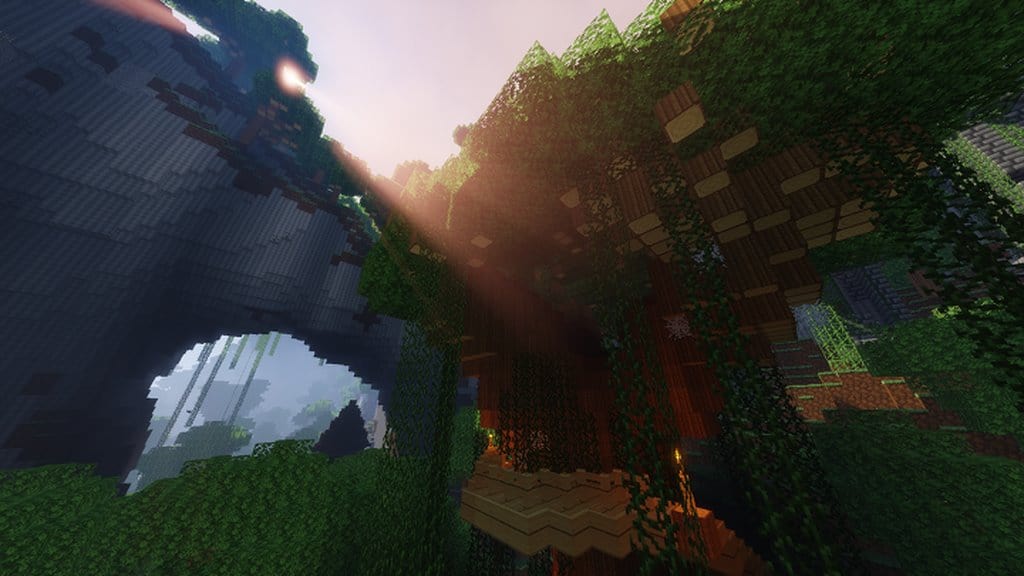
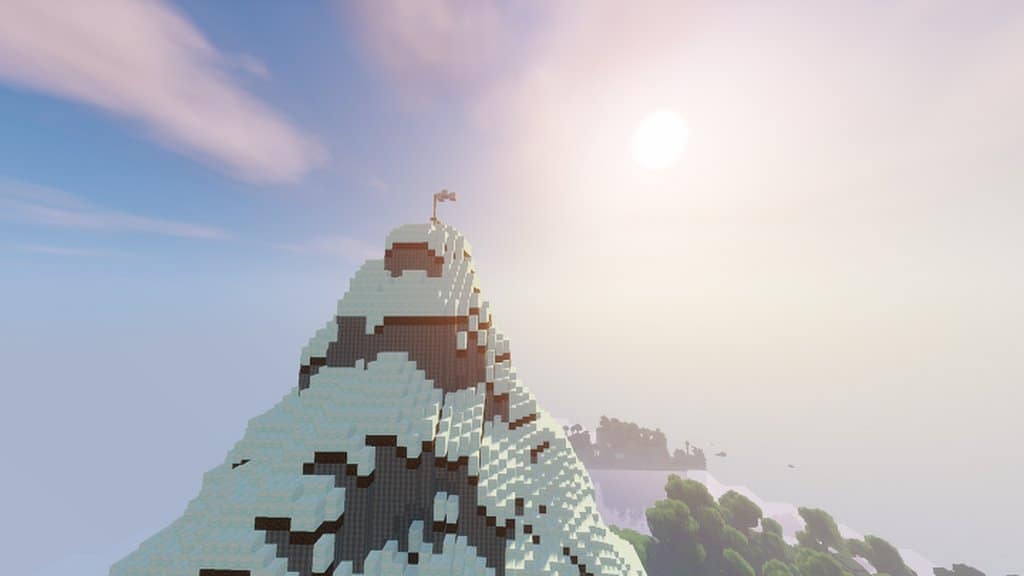
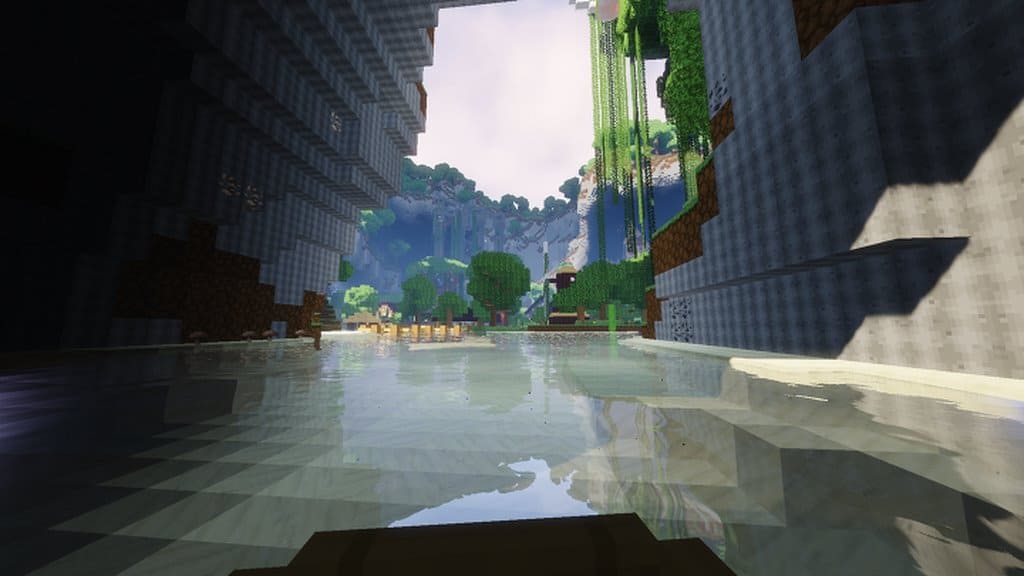
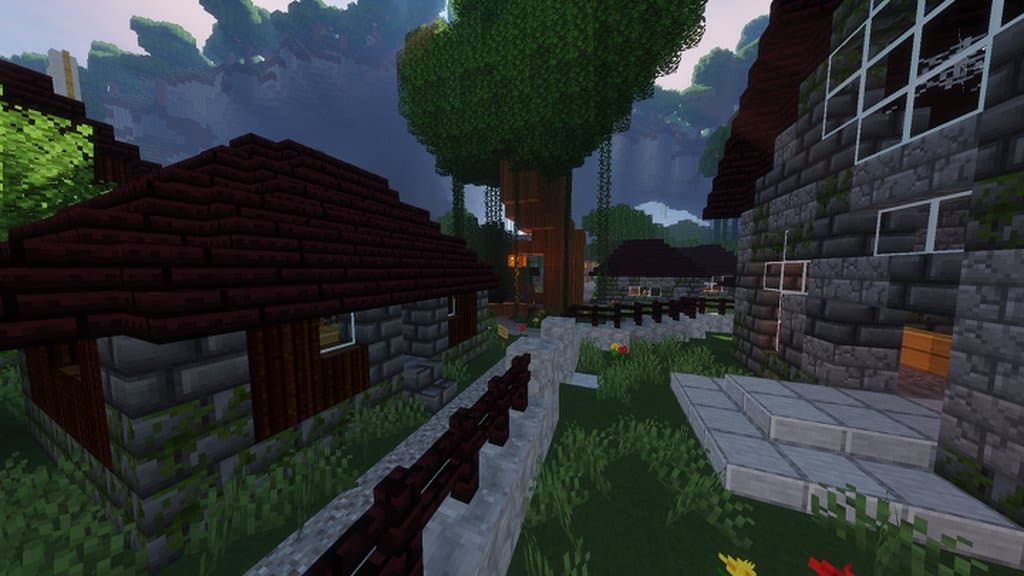

How to Install Texture Pack (Simple 10 Steps)
- Download OptiFine: Most of the texture packs and shaders need OptiFine. That’s why, first download and install OptiFine for the version of Minecraft you want to play.
- Download the Texture Pack: Get the texture pack you want from the download section. Choose the version that works with your Minecraft and your PC’s performance.
- Open Minecraft Launcher: Start Minecraft using the official game launcher — or even TLauncher, if you use that.
- Go to Options: From the main menu, click on the “Options” button.
- Open Resource Packs: Inside Options, click on “Resource Packs…”.
- Open the Resource Pack Folder: Click on “Open Resource Pack Folder” — this will open a folder named “resourcepacks”.
- Move the Pack File: Copy or move the .zip file you downloaded into that “resourcepacks” folder. (Don’t unzip the file — Minecraft uses it as-is!)
- Go Back and Refresh: Close the folder and click “Done”, then go back into “Resource Packs…” again.
- Activate the Pack: You’ll see the pack on the left side. Hover over it and click the arrow to move it to the right (active side).
Tip: If you get a message that the pack is for a different version, just click “Yes” — it usually works fine. - Click Done and Enjoy: Click “Done” again. Now your pack is ready to use in-game. It’s that easy!
Credits
This resource pack was created by Yuruze. All rights to the original assets, design, and intellectual property belong strictly to Yuruze. We do not claim ownership of this content, nor do we host modified files on our servers. We strongly encourage all players to support the original creator by downloading the pack through the official links provided above.
Download Instructions
Curseforge: download starts automatically after a few seconds;
Mediafire: click the big blue button with the text “DOWNLOAD”;
Google Drive: in the top right corner you will see a small download icon (down arrow), click it and the download should start;