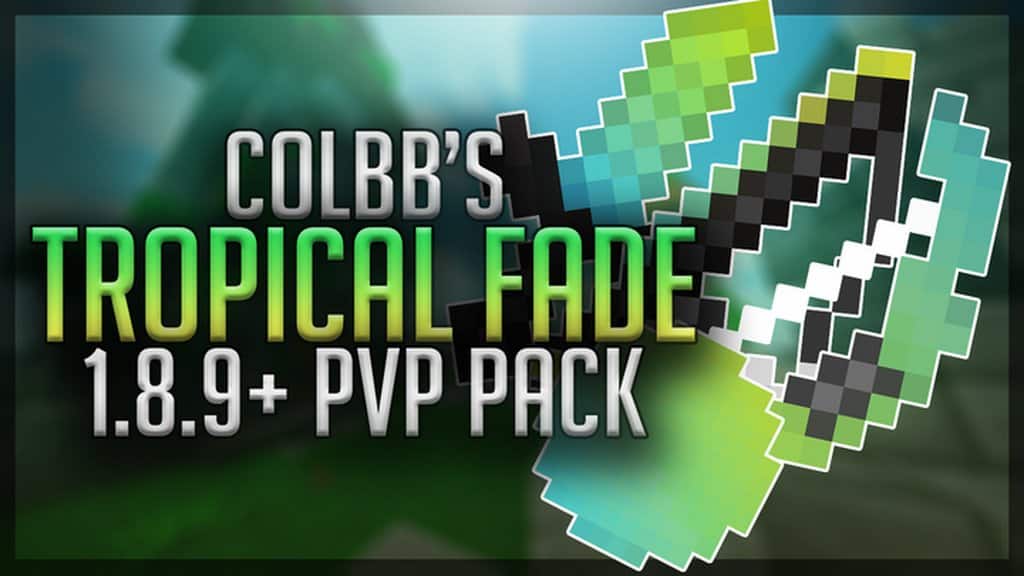
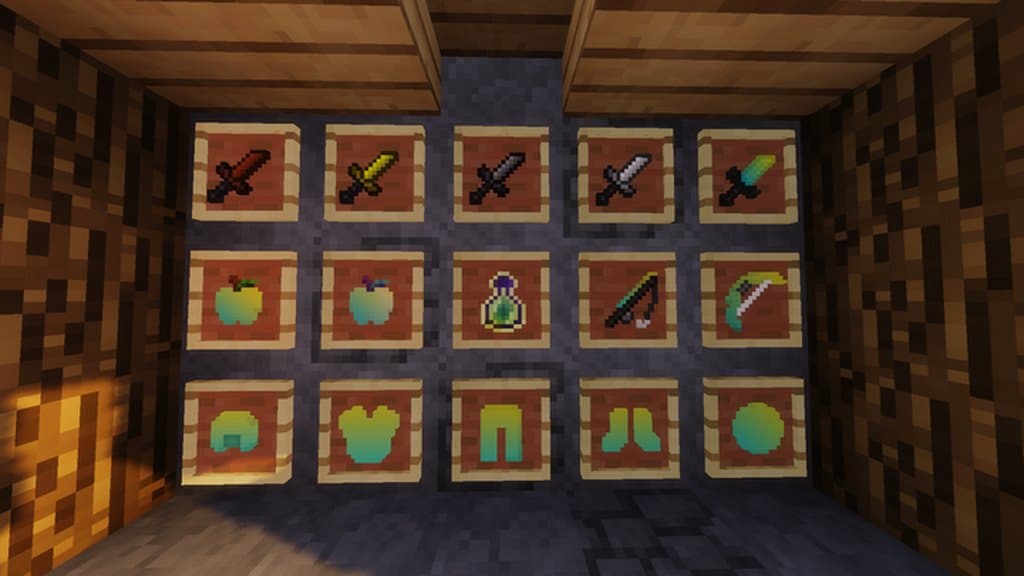
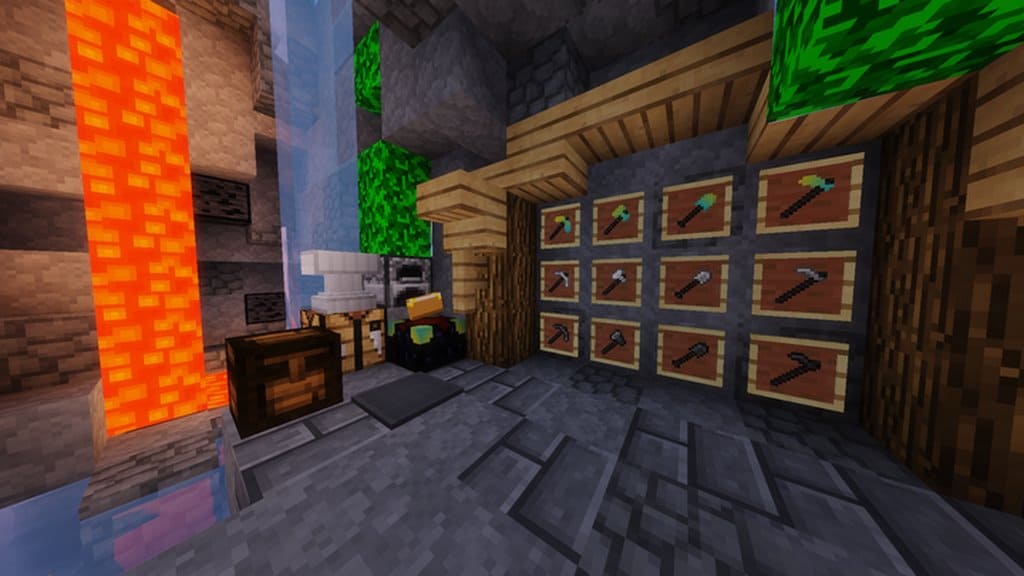
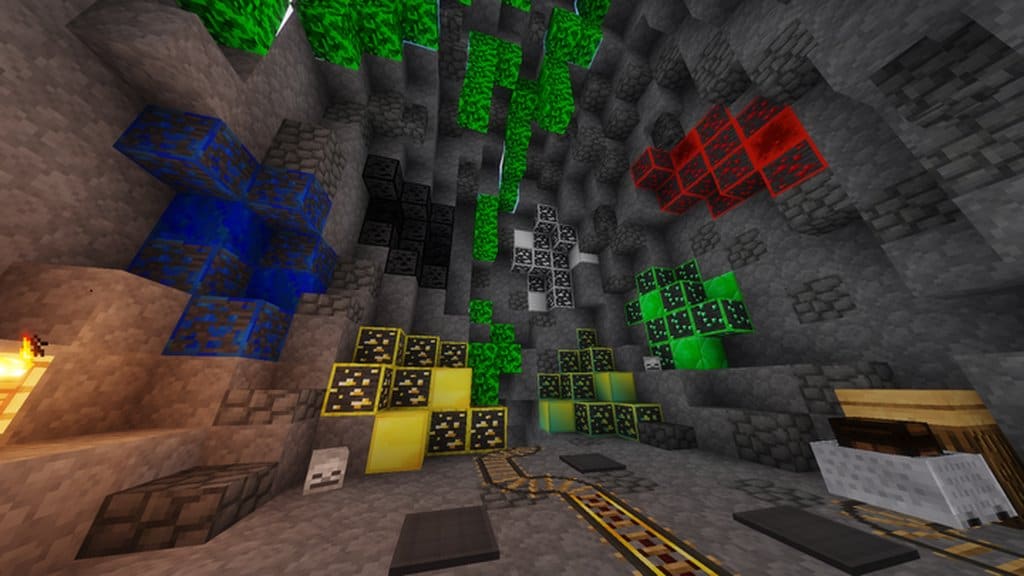
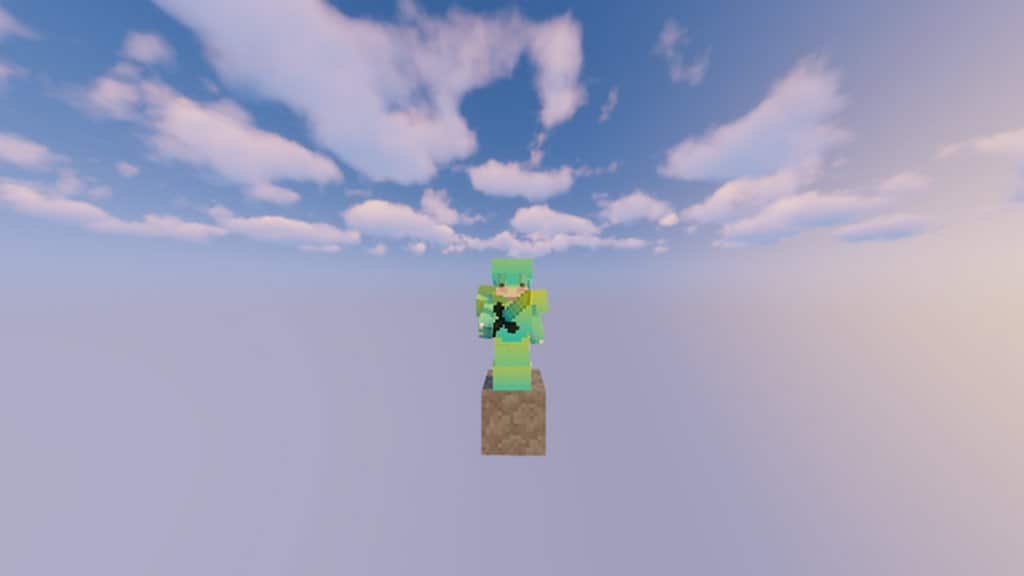
Tropical Fade is honestly one of the absolute best resource packs that every single Minecraft player needs to try out for themselves. What really makes this pack stand out as truly unique is its distinct and captivating art style. This fantastic feature will definitely excite all fans because finding such an interesting art style in a PvP resource pack is surprisingly rare. Over the years, we have certainly seen plenty of various PvP resource packs, but this marks the very first time we are experiencing a completely tropical-themed set of textures. This is precisely why the Tropical Fade resource pack comes across as such a wonderful little gift and has managed to gather an incredible amount of genuine enthusiasm from the community. If you happen to be actively searching for something genuinely unique, totally new, and exceptionally exciting, then TF is definitely something you should download right away. The pack cleverly focuses on a very refreshing and softly colored theme featuring gorgeous aqua tones that beautifully fade right into vibrant yellow.
These particular colors are usually ones you would never normally find inside a standard Minecraft game. Even so, these shades blend in surprisingly well and gel seamlessly with the overall visual theme of the game environment. This pack introduces a generous amount of fresh changes, but the absolute biggest modification it achieves is the complete and total removal of unnecessary visual noise, which allows you to fully enjoy wonderfully smooth visuals completely free of any annoying distractions. The absolute best thing about these completely noise-free textures is that your field of view will not be blocked or hindered at all during intense gameplay. This is an extremely crucial advantage for all those dedicated players who love to experience competitive PvP at a very high and serious level. Another fantastic perk of this pack is that it sticks to the classic 16×16 resolution, meaning you will experience absolutely zero difficulty when running this software. If your current computer setup can comfortably handle vanilla Minecraft, then running this pack will not cause a single issue, ensuring you enjoy smooth performance with no frame rate drops whatsoever.
Tropical Fade should be compatible with all of these Minecraft versions: 1.8.9 – 1.8.8 – 1.8.1 – 1.8.6 – 1.8
Screenshots

How to Install Texture Pack (Simple 10 Steps)
- Download OptiFine: Most of the texture packs and shaders need OptiFine. That’s why, first download and install OptiFine for the version of Minecraft you want to play.
- Download the Texture Pack: Get the texture pack you want from the download section. Choose the version that works with your Minecraft and your PC’s performance.
- Open Minecraft Launcher: Start Minecraft using the official game launcher — or even TLauncher, if you use that.
- Go to Options: From the main menu, click on the “Options” button.
- Open Resource Packs: Inside Options, click on “Resource Packs…”.
- Open the Resource Pack Folder: Click on “Open Resource Pack Folder” — this will open a folder named “resourcepacks”.
- Move the Pack File: Copy or move the .zip file you downloaded into that “resourcepacks” folder. (Don’t unzip the file — Minecraft uses it as-is!)
- Go Back and Refresh: Close the folder and click “Done”, then go back into “Resource Packs…” again.
- Activate the Pack: You’ll see the pack on the left side. Hover over it and click the arrow to move it to the right (active side).
Tip: If you get a message that the pack is for a different version, just click “Yes” — it usually works fine. - Click Done and Enjoy: Click “Done” again. Now your pack is ready to use in-game. It’s that easy!
Credits
This resource pack was originally created by CLBNTR (Colbb). We do not claim ownership of this modification, nor have we altered its original files in any way. We strongly encourage all players to support the original creator by visiting their official download sources and following their community channels.
Download Instructions
Curseforge: download starts automatically after a few seconds;
Mediafire: click the big blue button with the text “DOWNLOAD”;
Google Drive: in the top right corner you will see a small download icon (down arrow), click it and the download should start;


