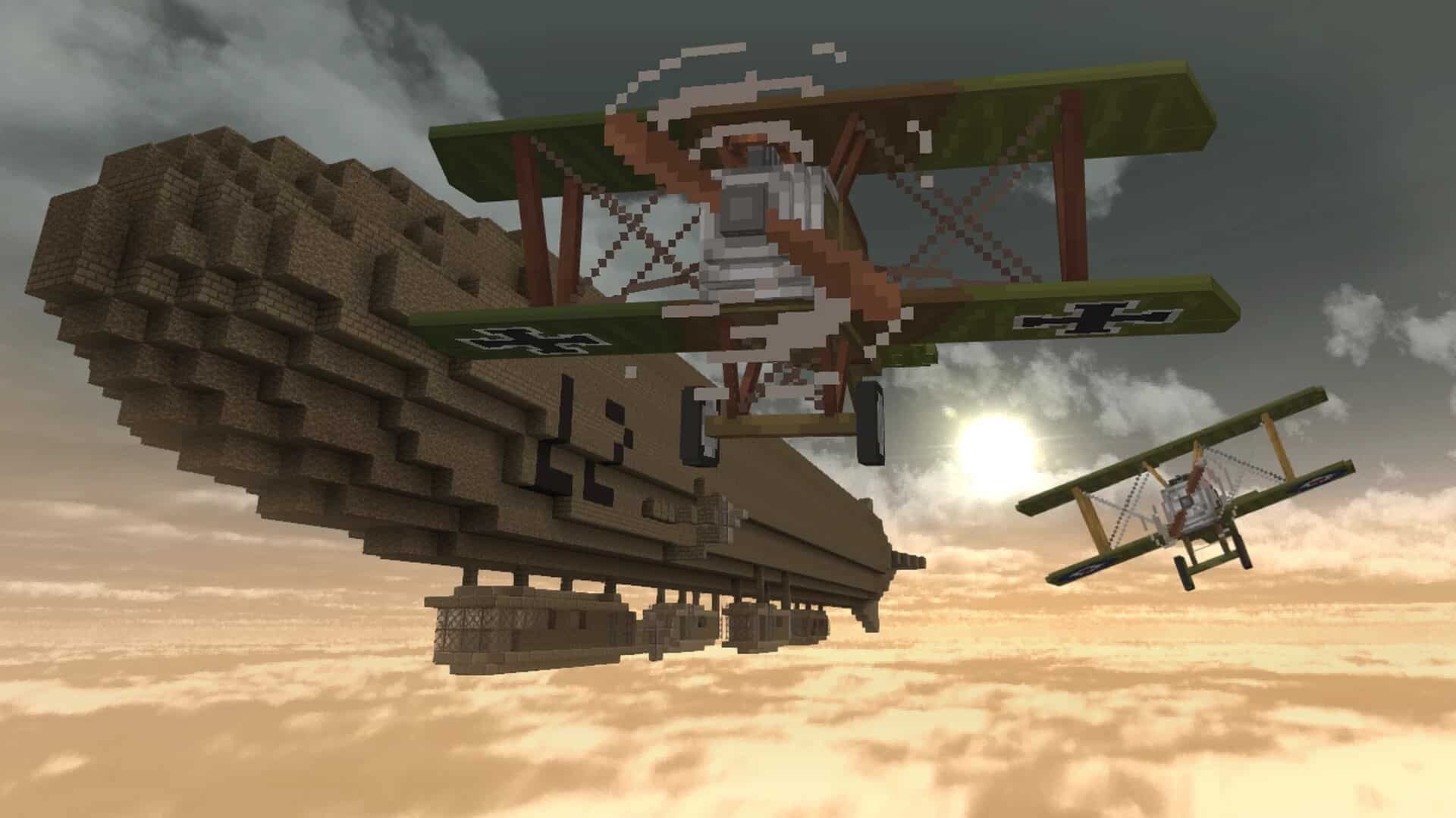
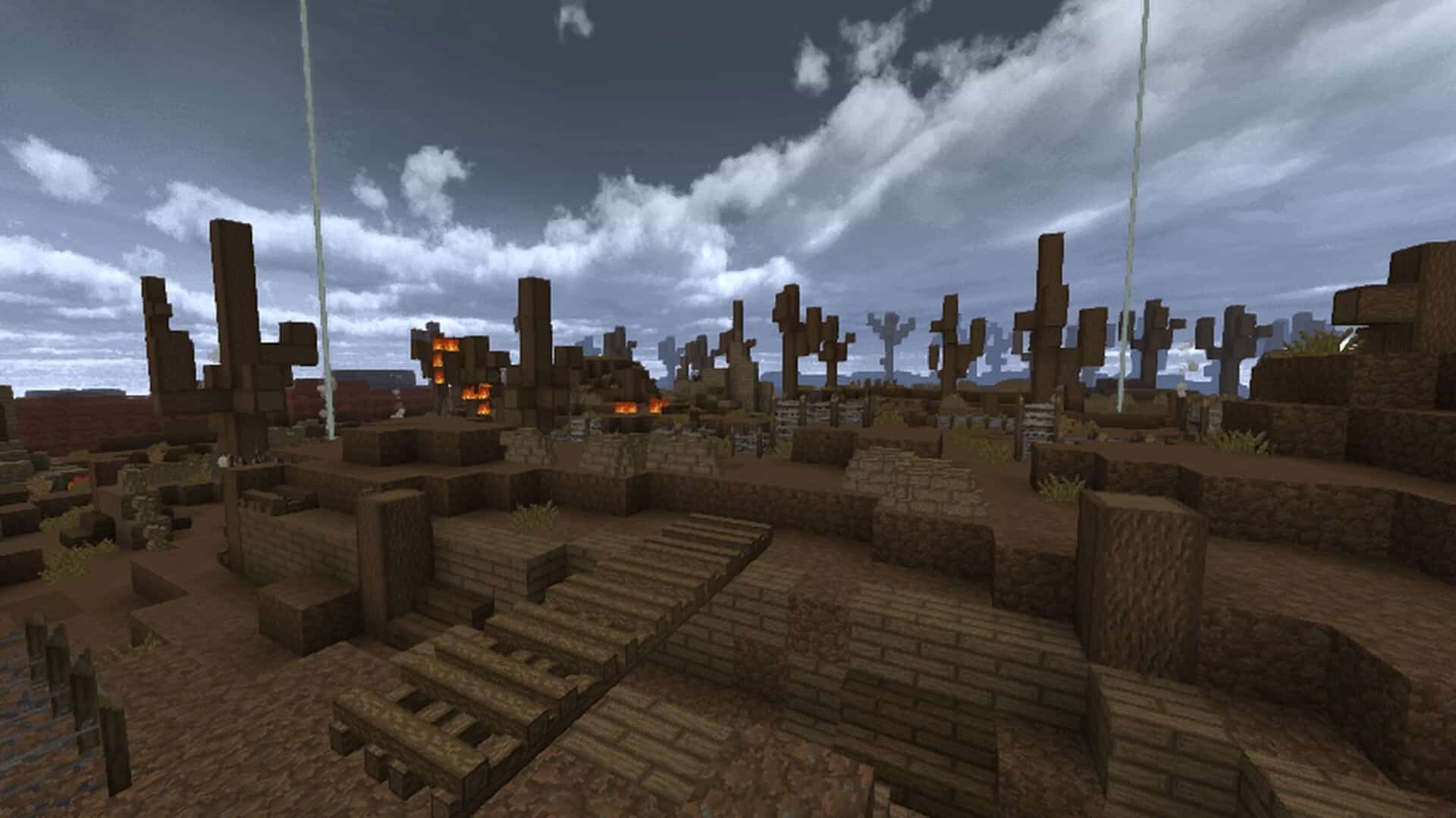
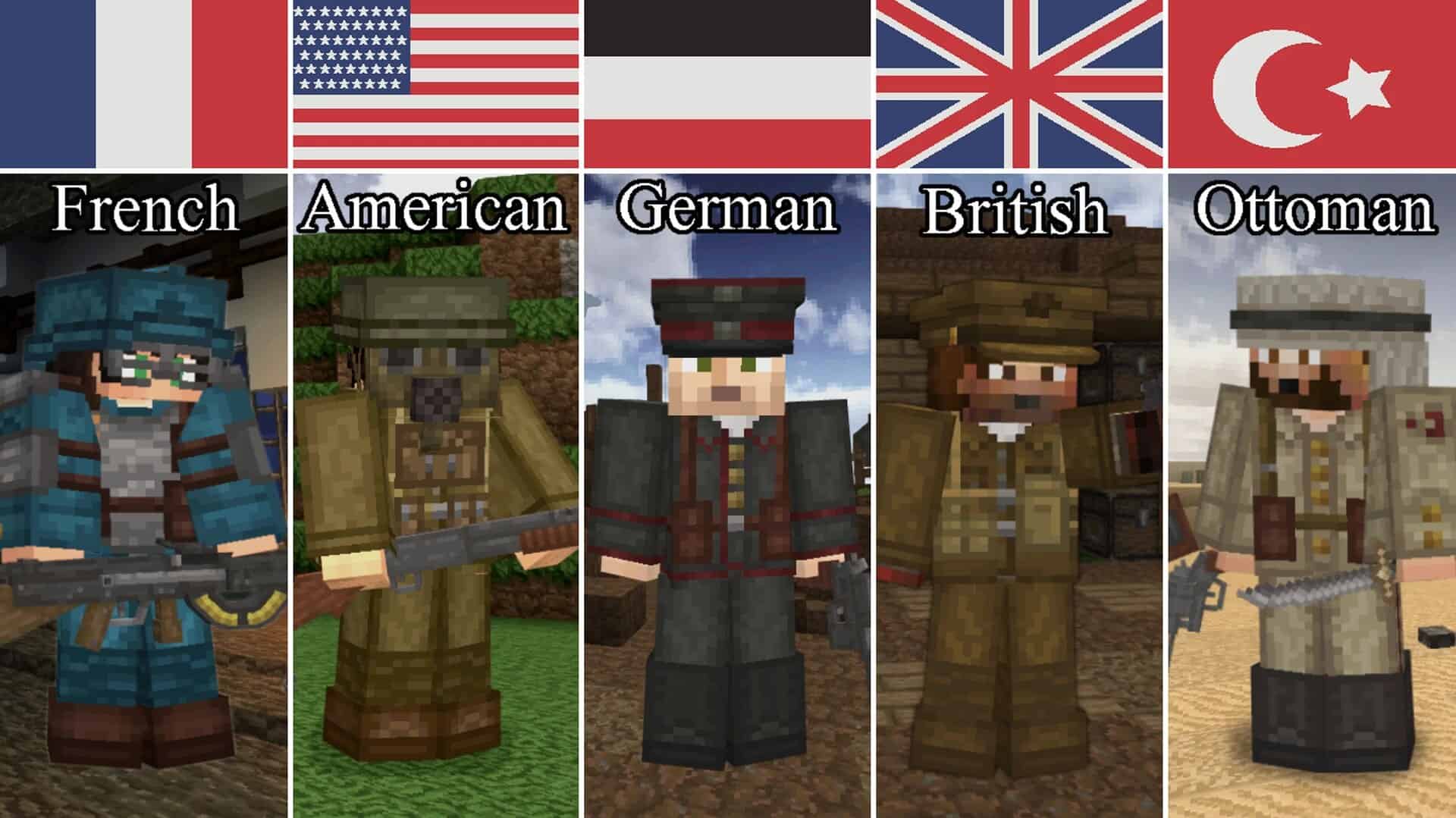
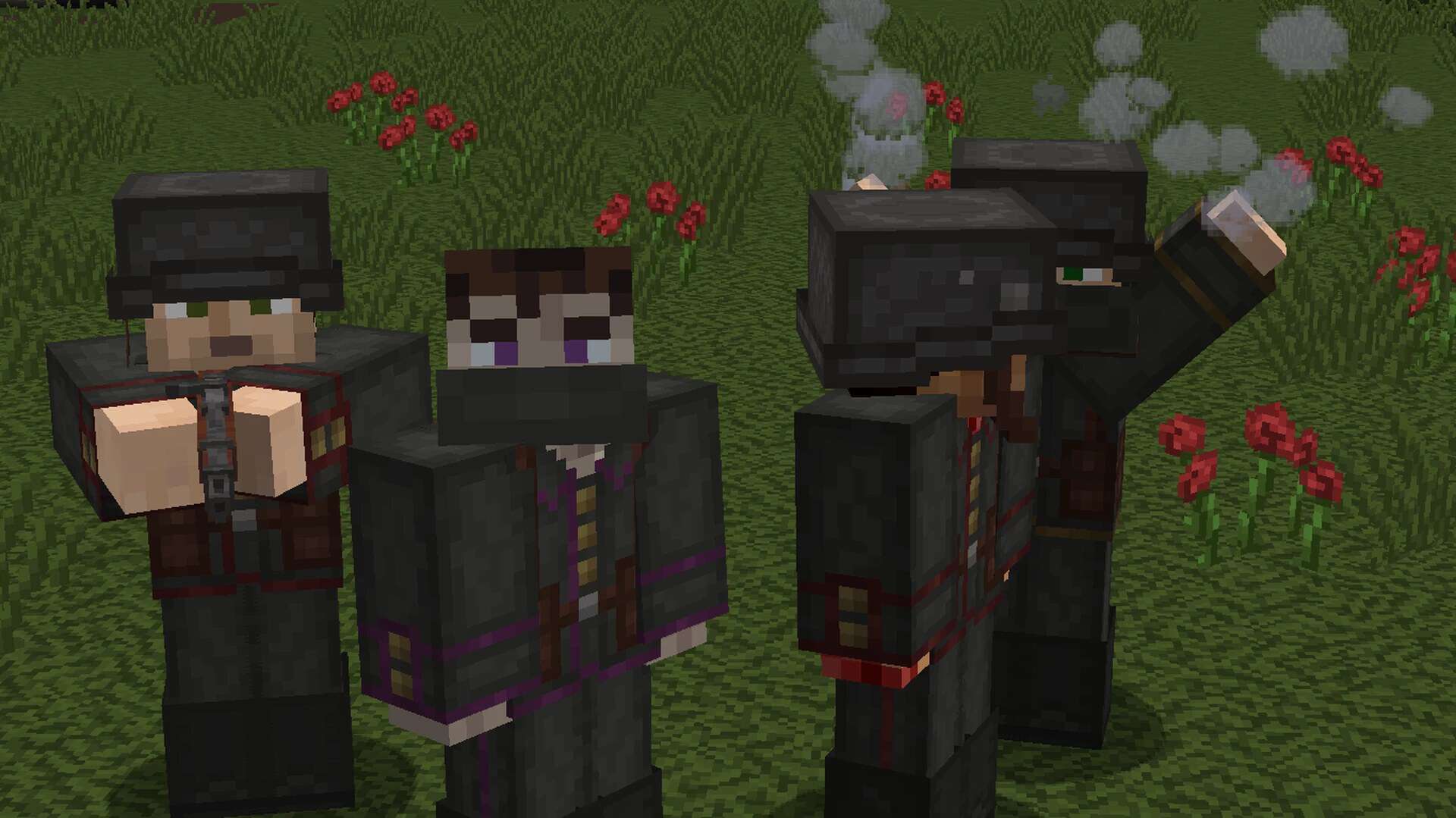
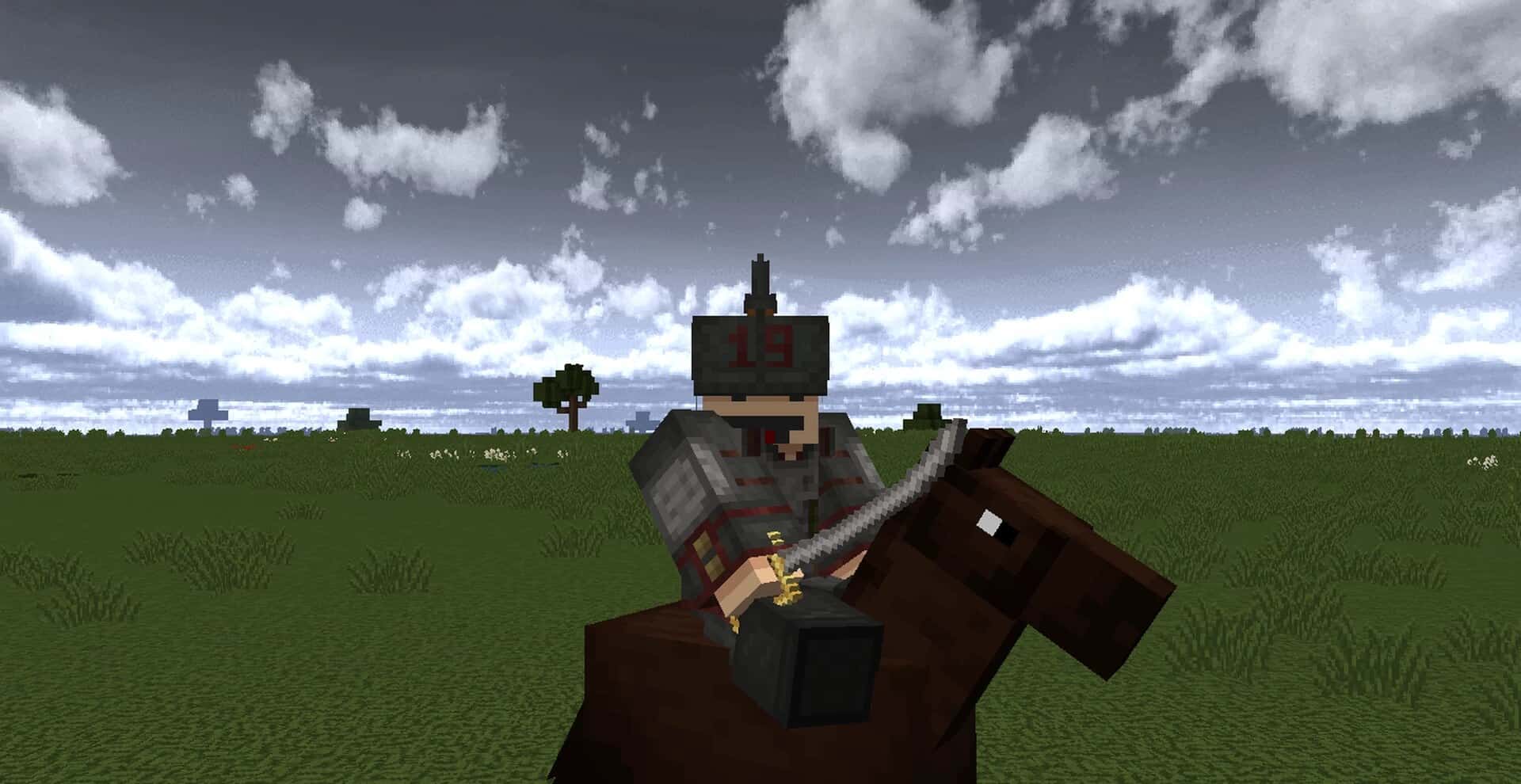
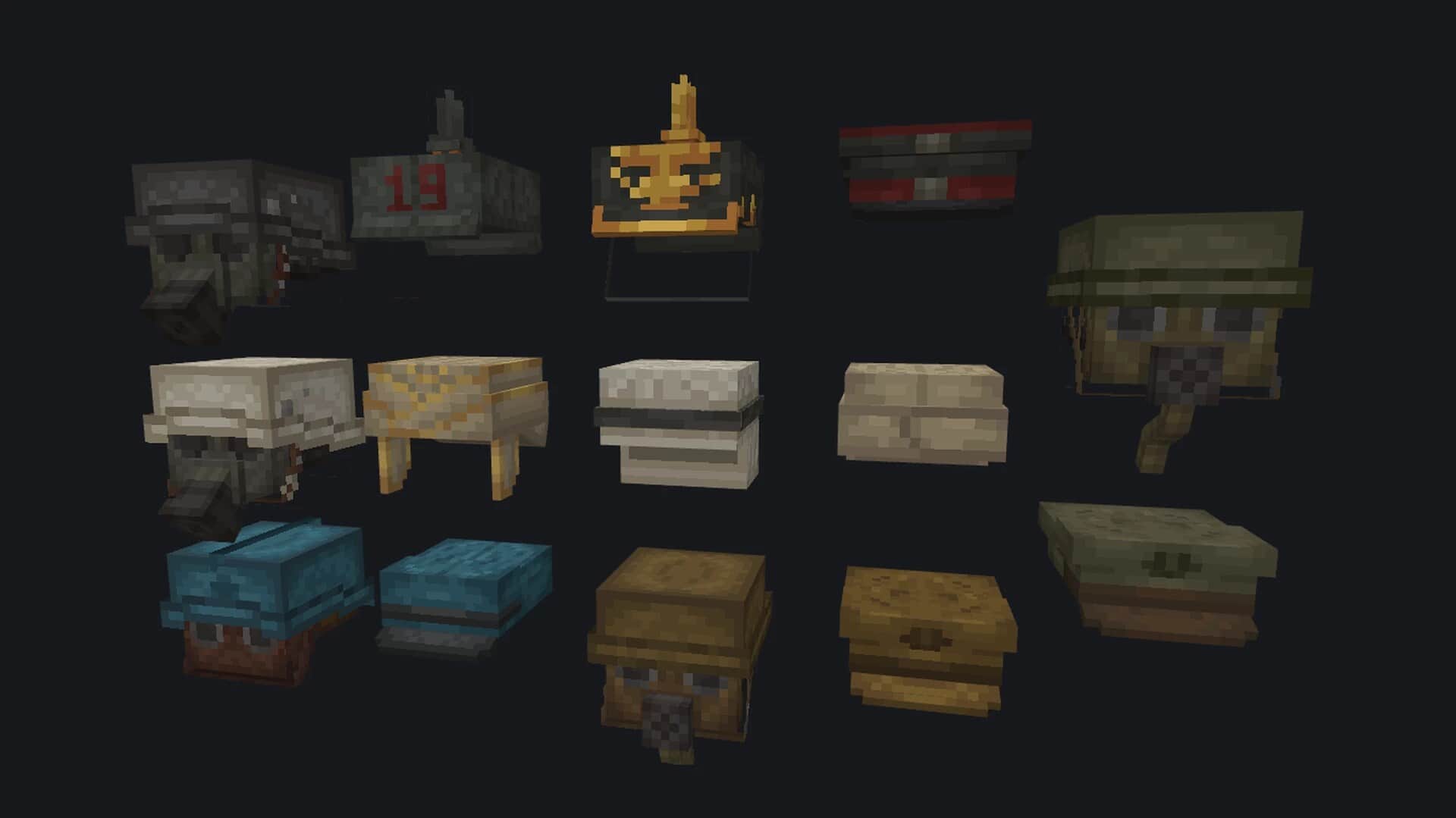
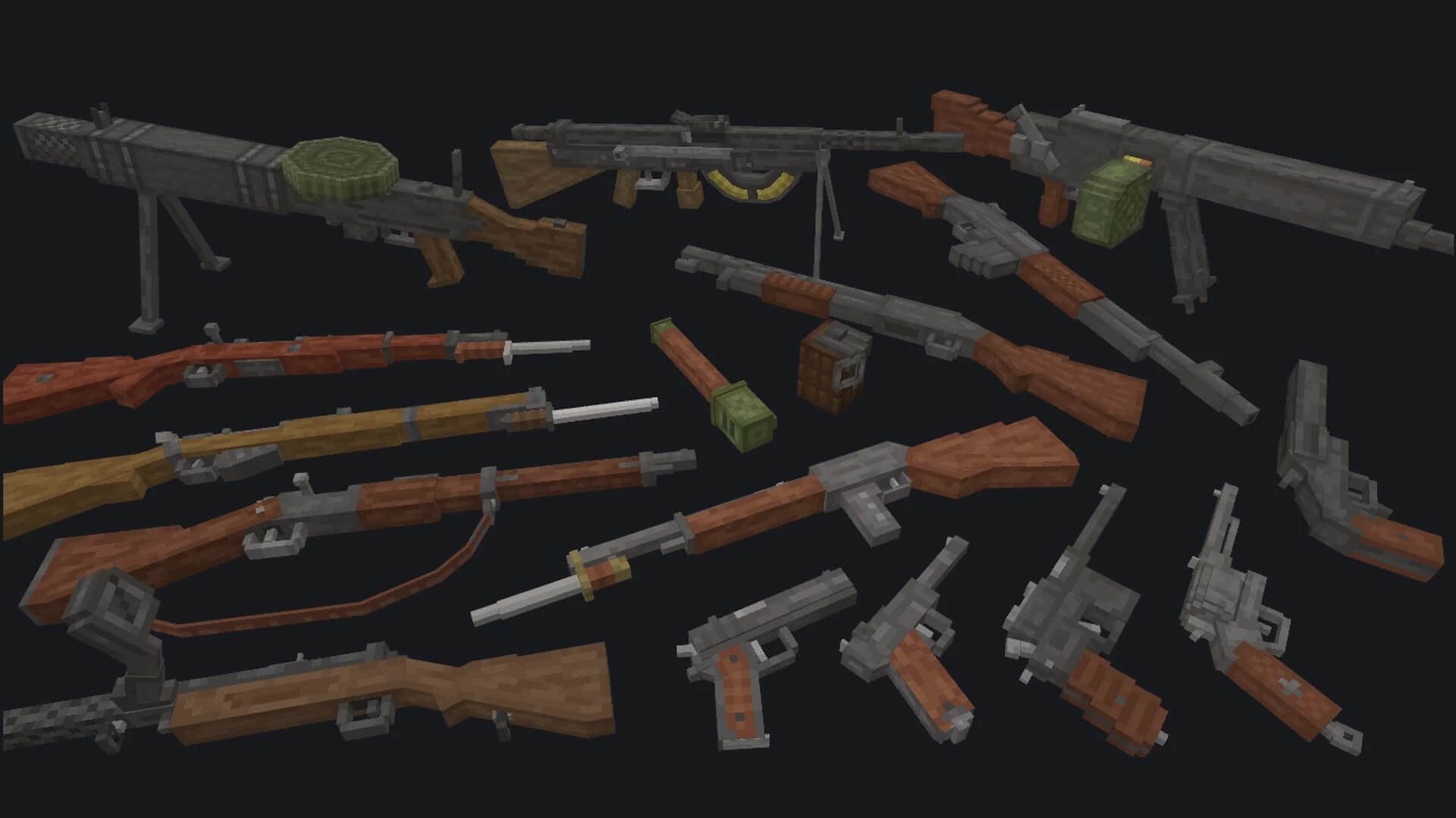
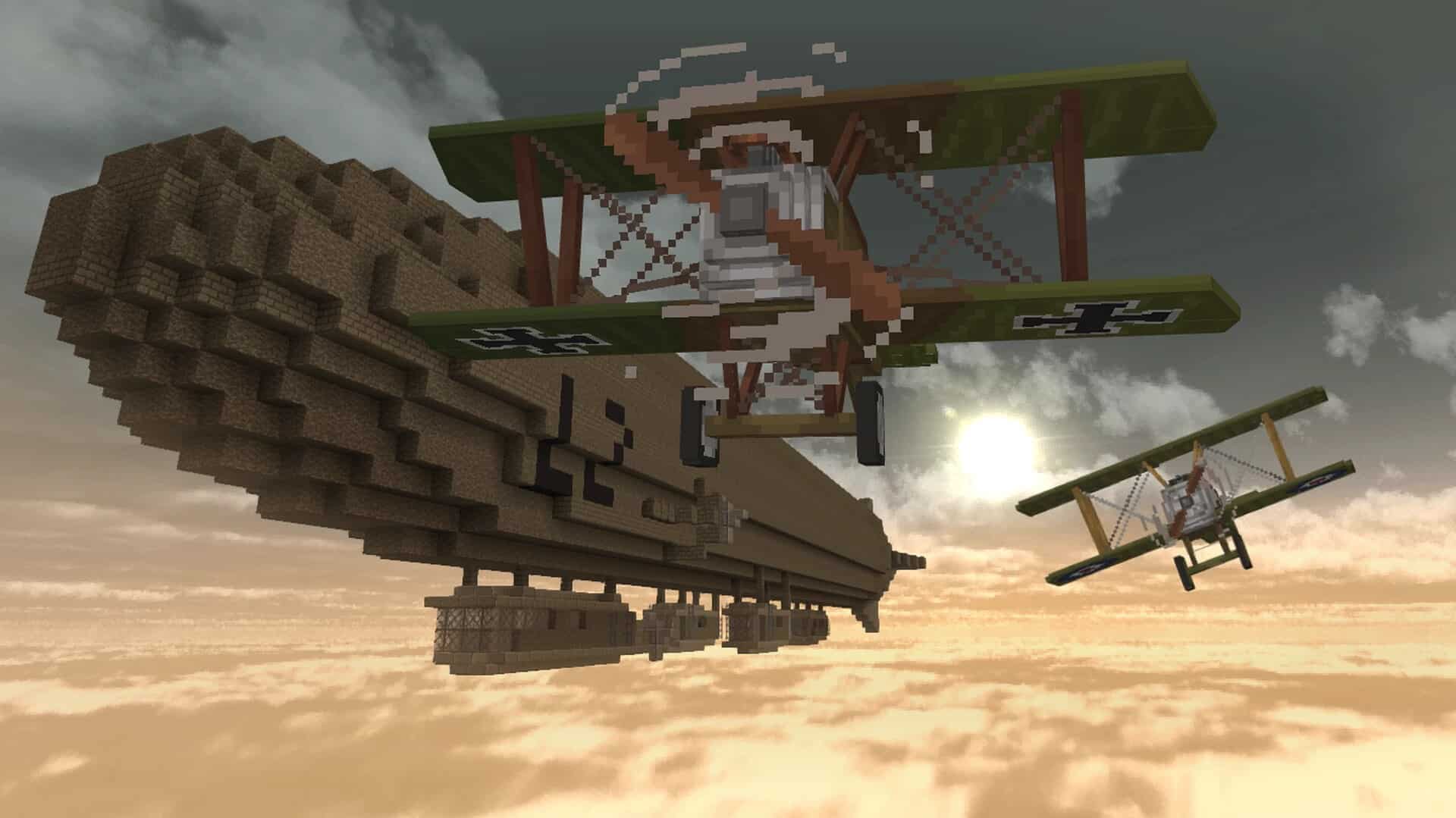
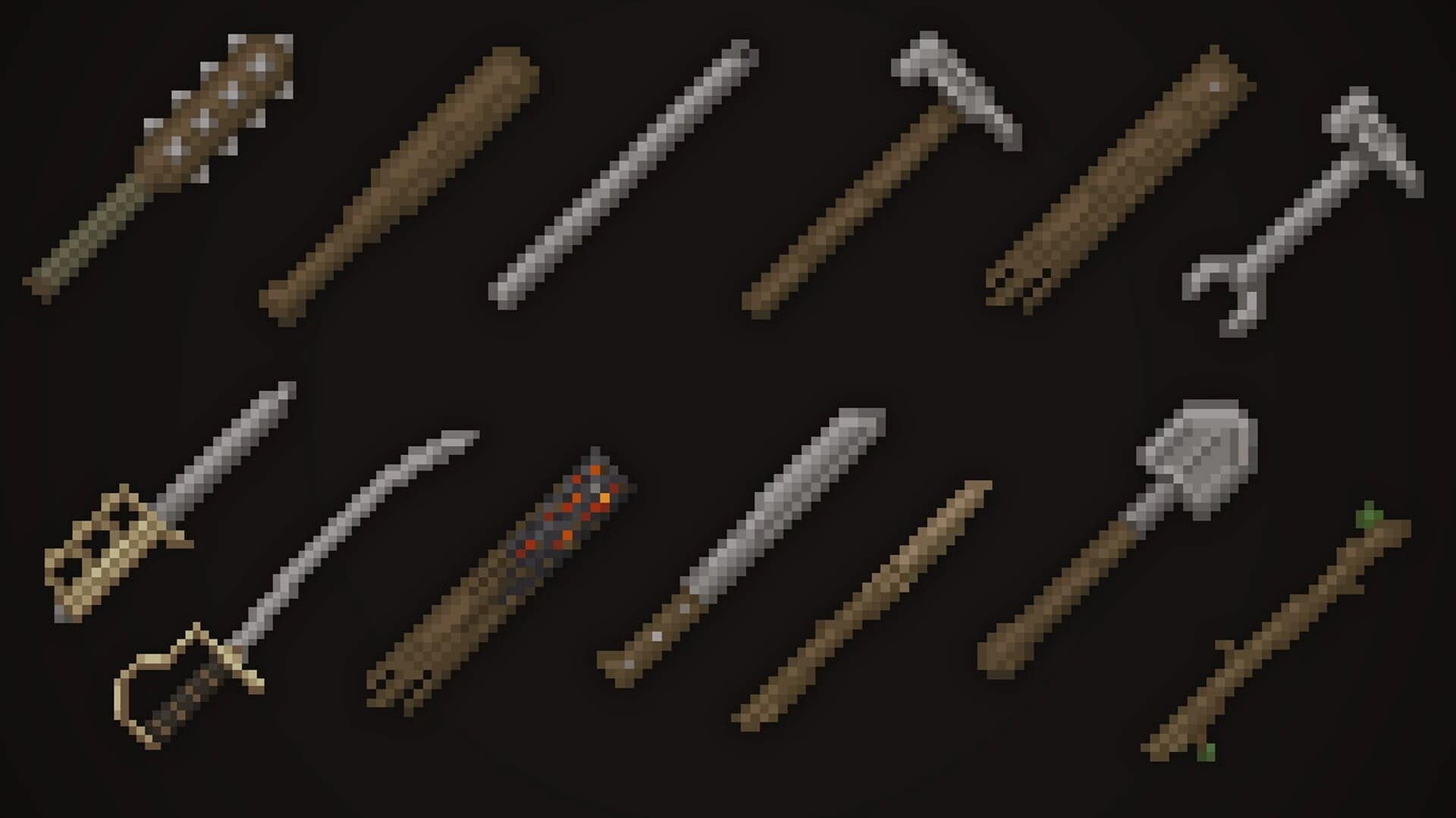
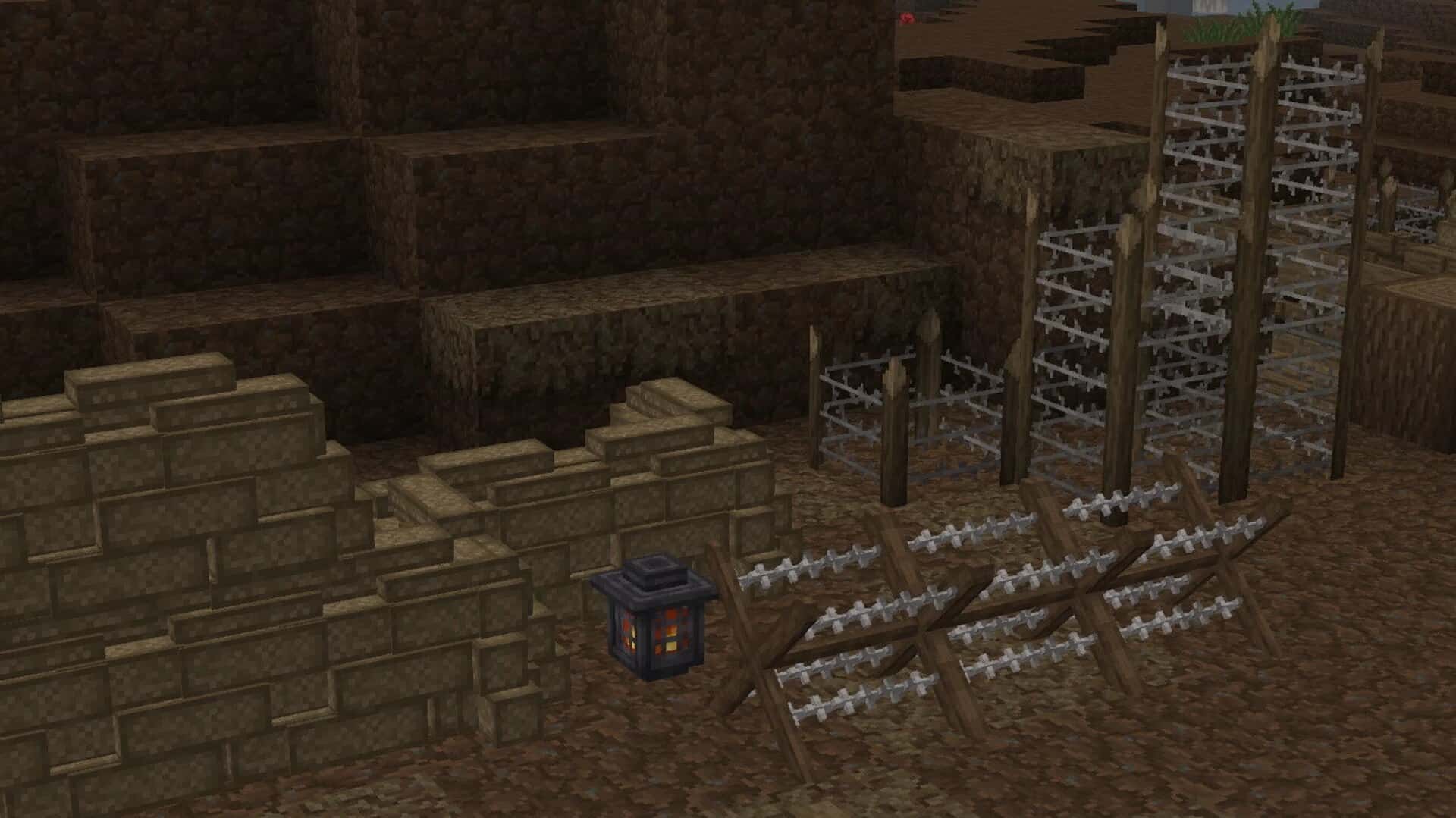
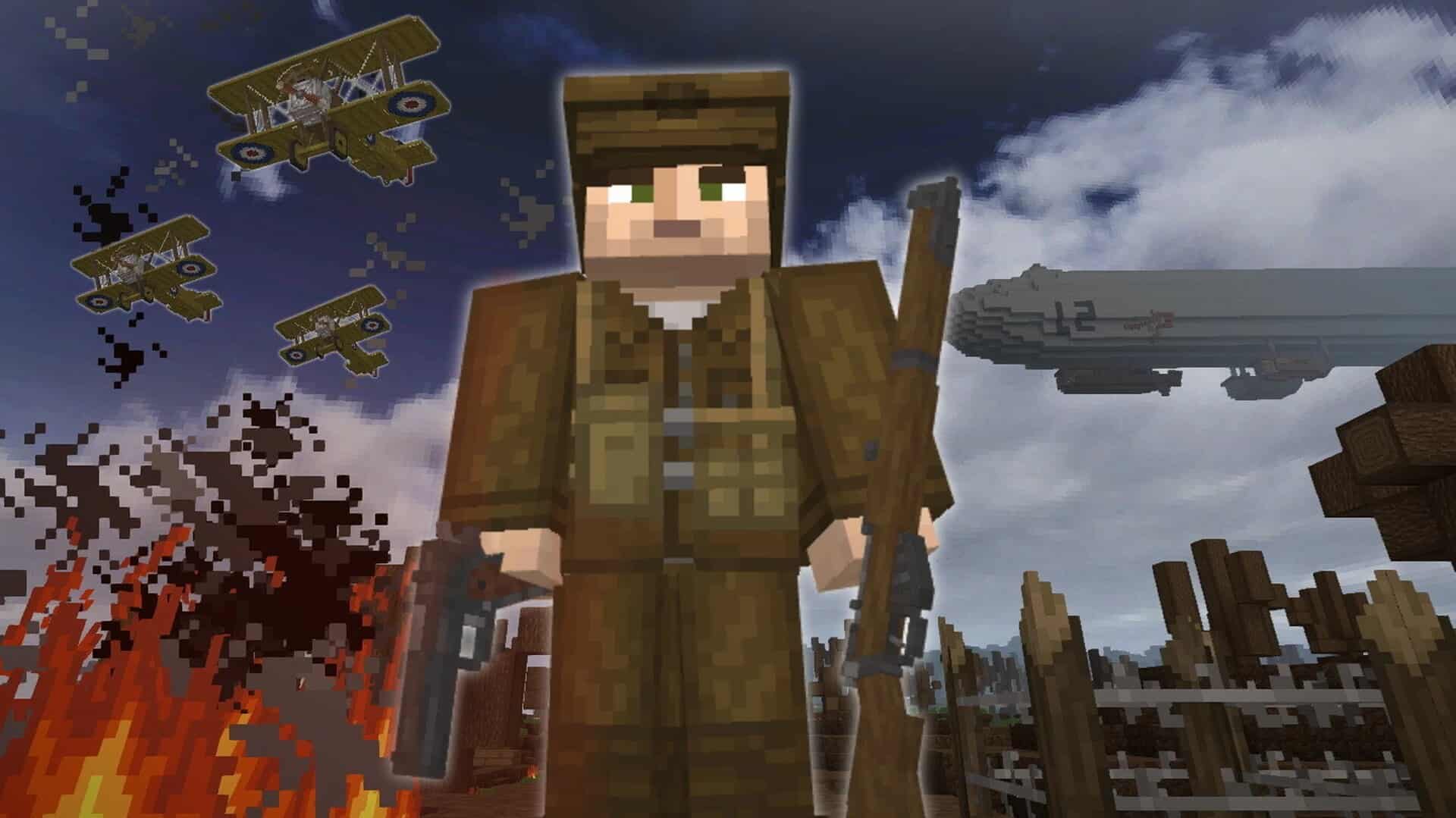
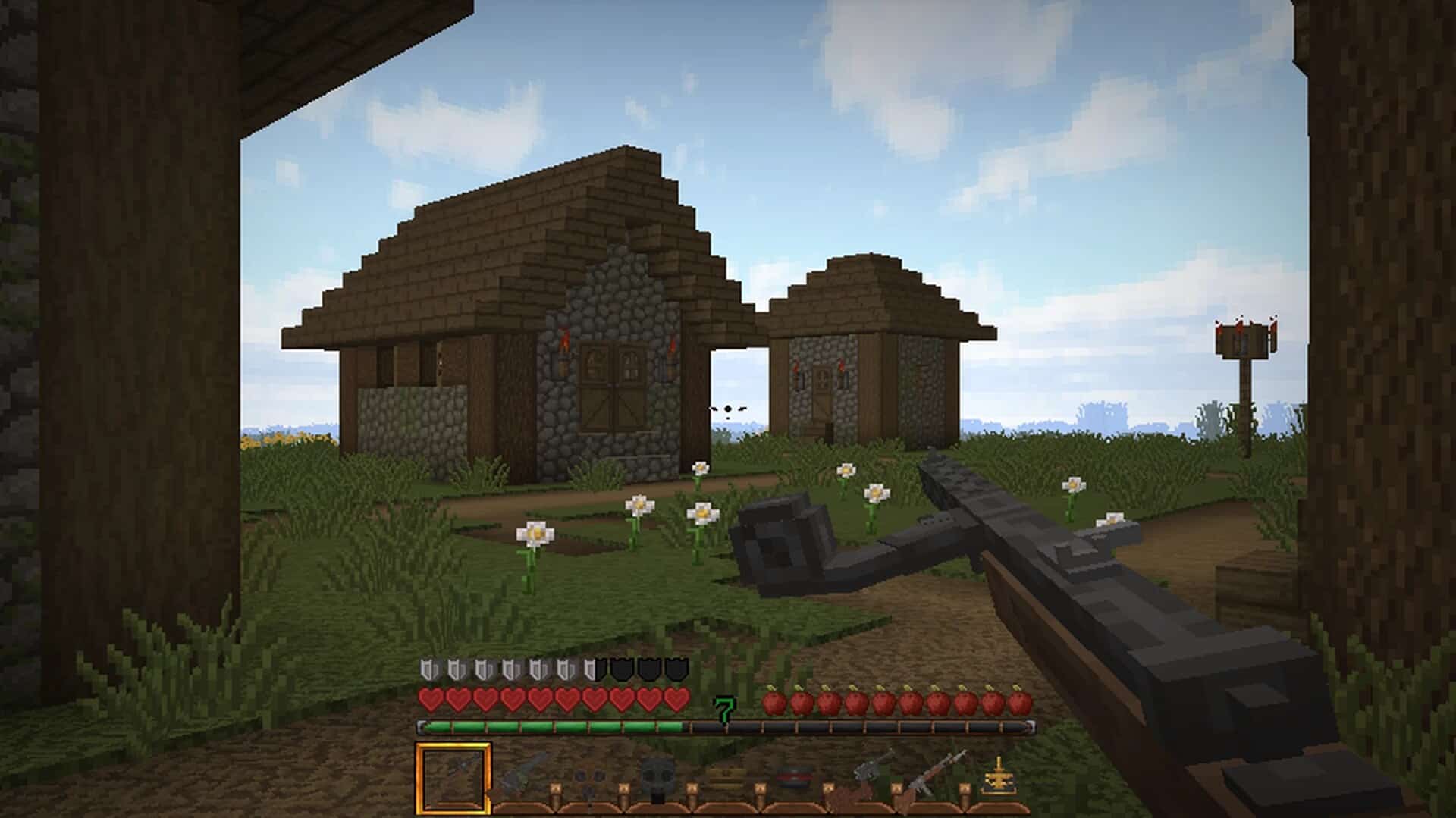
Drawing heavy inspiration from the harrowing background settings and scenic architecture of the First World War, I found that the World War I resource pack easily stands out as one of the most advanced Minecraft resource packs dedicated to delivering mind-blowing visual effects and immersive experiences. If you are like me and frequently prefer diving into Player versus Player servers, you will be glad to know that this resource pack is exceptionally compatible with server environments and provides precisely what you need to achieve the best gameplay possible. While you might notice that the pack still requires a few extra adjustments here and there, I am confident these small refinements will arrive in subsequent updates. Even now, you are guaranteed to enjoy fantastic visual effects long before the next update drops. Exploring this pack reveals a wide array of meticulously crafted textures and added features that authentically depict First World War scenery, perfectly designed to help you relive that historical atmosphere. Some of the standout textures you will discover in the World War I resource pack include detailed weapons, authentic uniforms, and moody environmental blocks, all combining to create that essential First World War effect.
Furthermore, I really appreciate how the World War I resource pack introduces wonderful environmental enhancements that grant Minecraft a special texture style, making PvP sessions much clearer and providing a smoother transitional aesthetic overall. Therefore, if you are eager to try something genuinely fresh and wish to enjoy an experience that feels almost entirely different from what you are used to, I wholeheartedly recommend giving this resource pack a try. Featuring textures built at a relatively high resolution, you are well on your way to enjoying a deeply engaging gaming journey. To get the absolute best performance out of this resource pack, I suggest playing on a PC capable of effortlessly running vanilla Minecraft, thanks to the slightly higher asset resolution. As long as your system meets the standard requirements, you will not have to worry about frame rate drops or performance issues at all.
World War I should be compatible with all of these Minecraft versions: 1.21.10 – 1.21.9 – 1.21.8 – 1.21.7 – 1.21.6 – 1.21.5 – 1.21.4 – 1.21.3 – 1.21.2 – 1.21.1 – 1.21 – 1.20.6 – 1.20.5 – 1.20.4 – 1.20.3 – 1.20.2 – 1.20.1 – 1.20 – 1.19.4 – 1.19.3 – 1.19.2 – 1.19.1 – 1.19 – 1.18.2 – 1.18.1 – 1.18 – 1.17.1 – 1.17 – 1.16.5 – 1.16.4 – 1.16.3 – 1.16.2 – 1.16.1 – 1.16 – 1.15.2 – 1.15.1 – 1.15 – 1.14.4 – 1.14.3 – 1.14.2 – 1.14 – 1.13.2 – 1.13.1 – 1.13 – 1.12.2 – 1.12 – 1.8.9 – 1.8.8 – 1.8.1 – 1.8.6 – 1.8
Screenshots
How to Install Texture Pack (Simple 10 Steps)
- Download OptiFine: Most of the texture packs and shaders need OptiFine. That’s why, first download and install OptiFine for the version of Minecraft you want to play.
- Download the Texture Pack: Get the texture pack you want from the download section. Choose the version that works with your Minecraft and your PC’s performance.
- Open Minecraft Launcher: Start Minecraft using the official game launcher — or even TLauncher, if you use that.
- Go to Options: From the main menu, click on the “Options” button.
- Open Resource Packs: Inside Options, click on “Resource Packs…”.
- Open the Resource Pack Folder: Click on “Open Resource Pack Folder” — this will open a folder named “resourcepacks”.
- Move the Pack File: Copy or move the .zip file you downloaded into that “resourcepacks” folder. (Don’t unzip the file — Minecraft uses it as-is!)
- Go Back and Refresh: Close the folder and click “Done”, then go back into “Resource Packs…” again.
- Activate the Pack: You’ll see the pack on the left side. Hover over it and click the arrow to move it to the right (active side).
Tip: If you get a message that the pack is for a different version, just click “Yes” — it usually works fine. - Click Done and Enjoy: Click “Done” again. Now your pack is ready to use in-game. It’s that easy!
Credits
This project was originally created and is proudly owned by SachoSenior (Zacho). We do not claim ownership of this content, nor do we modify the original files. We strongly encourage all players to support the original creator by downloading the pack through their official distribution channels.
Download Links
Java Edition
Download Instructions
Curseforge: download starts automatically after a few seconds;
Mediafire: click the big blue button with the text “DOWNLOAD”;
Google Drive: in the top right corner you will see a small download icon (down arrow), click it and the download should start;


