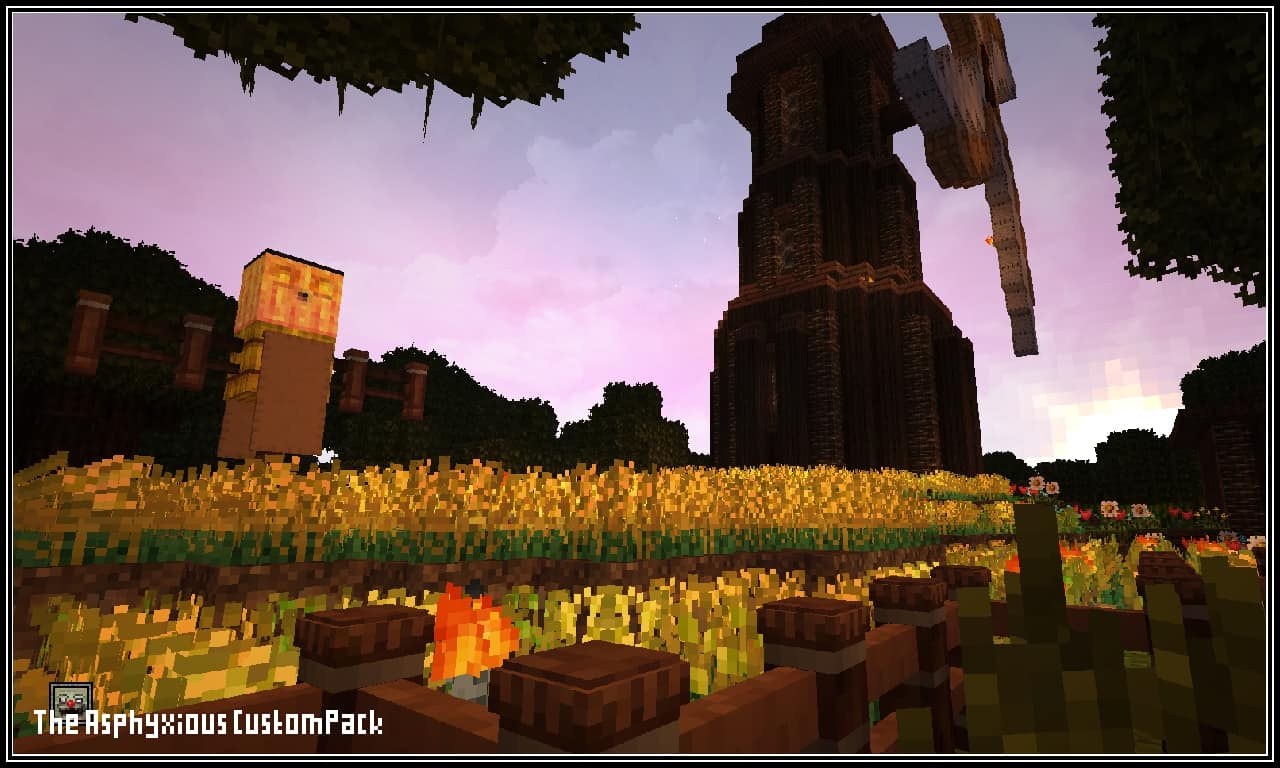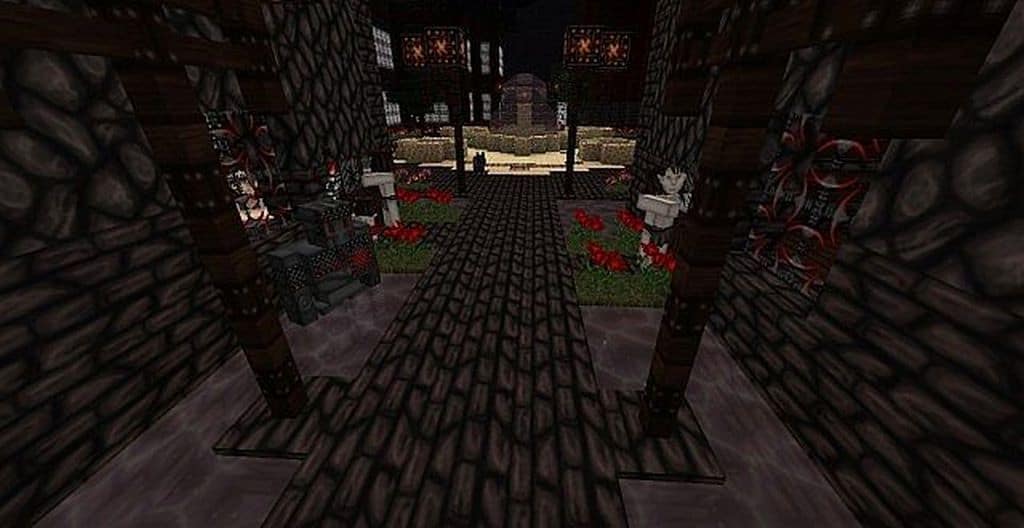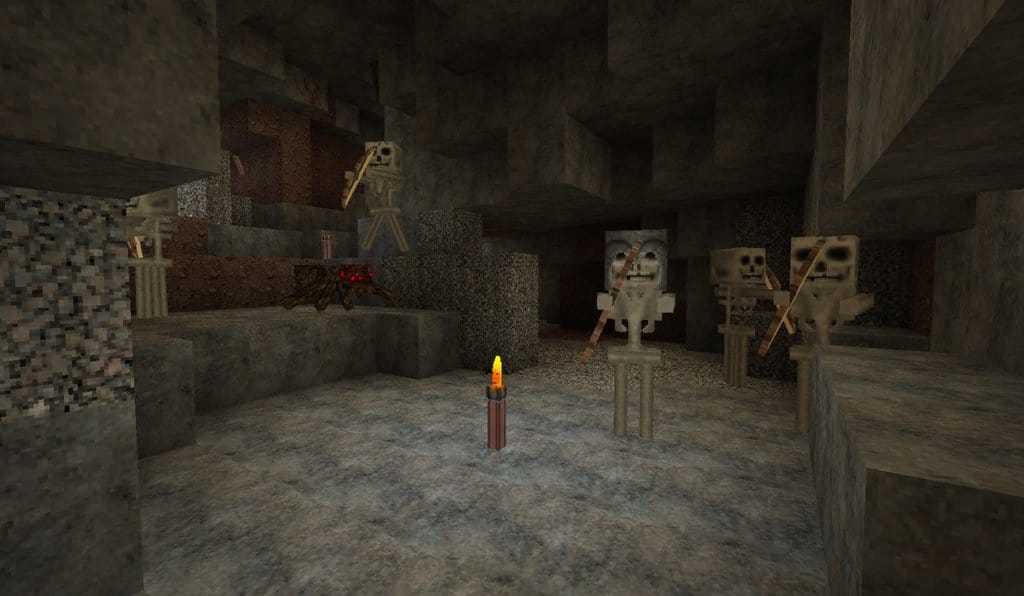
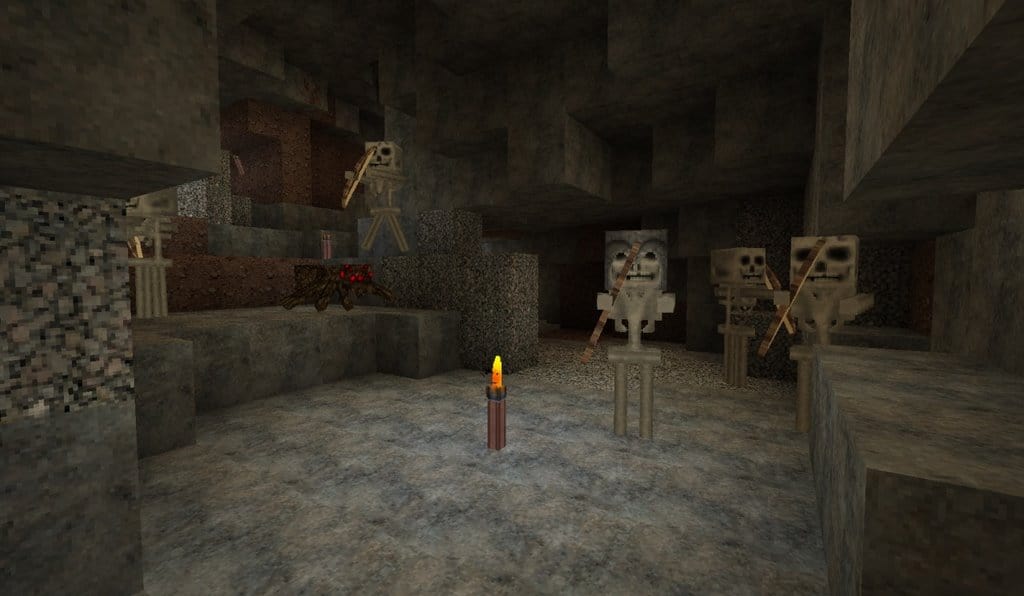
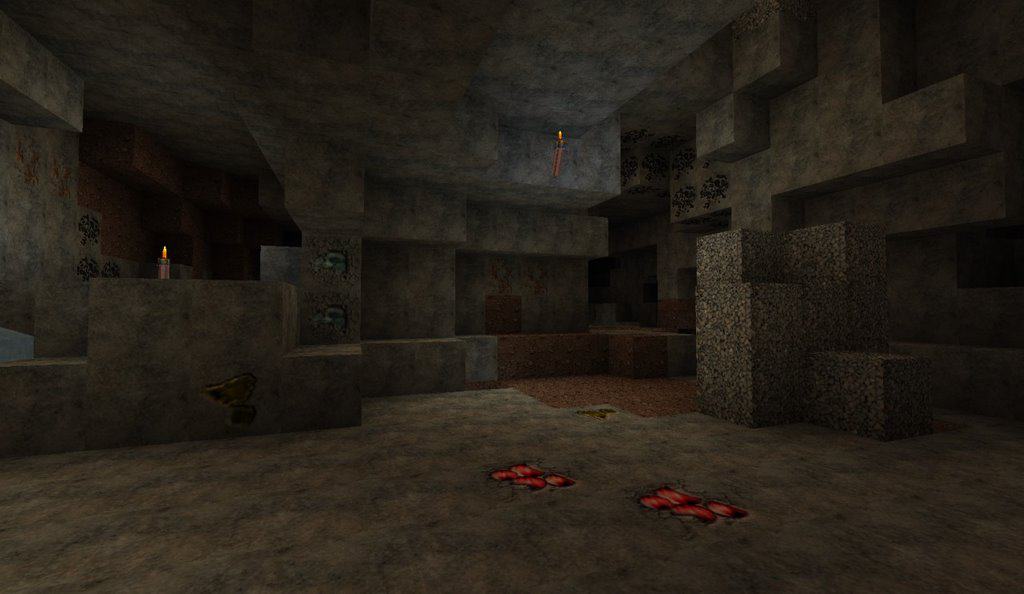
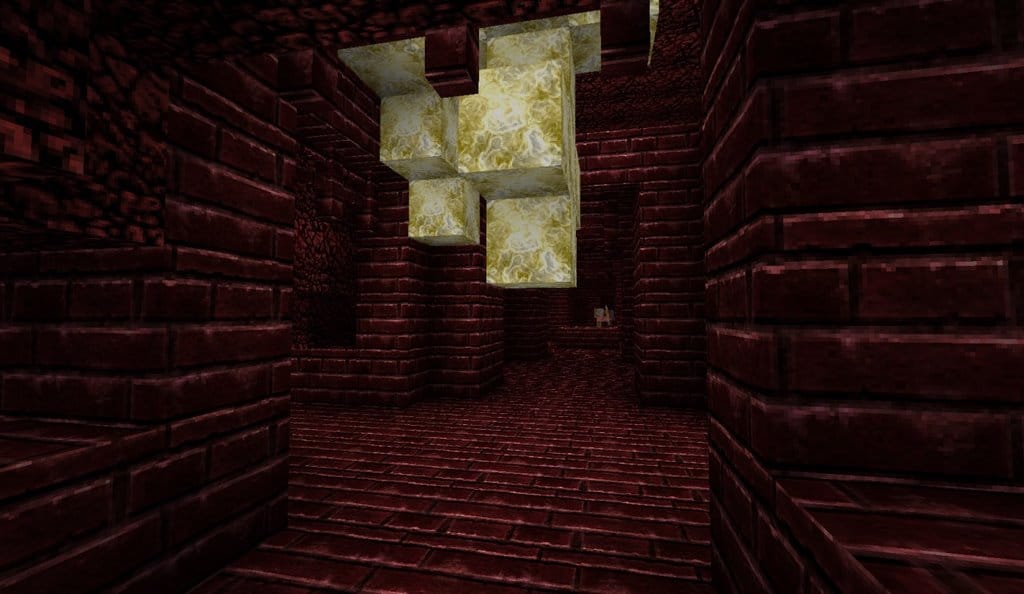
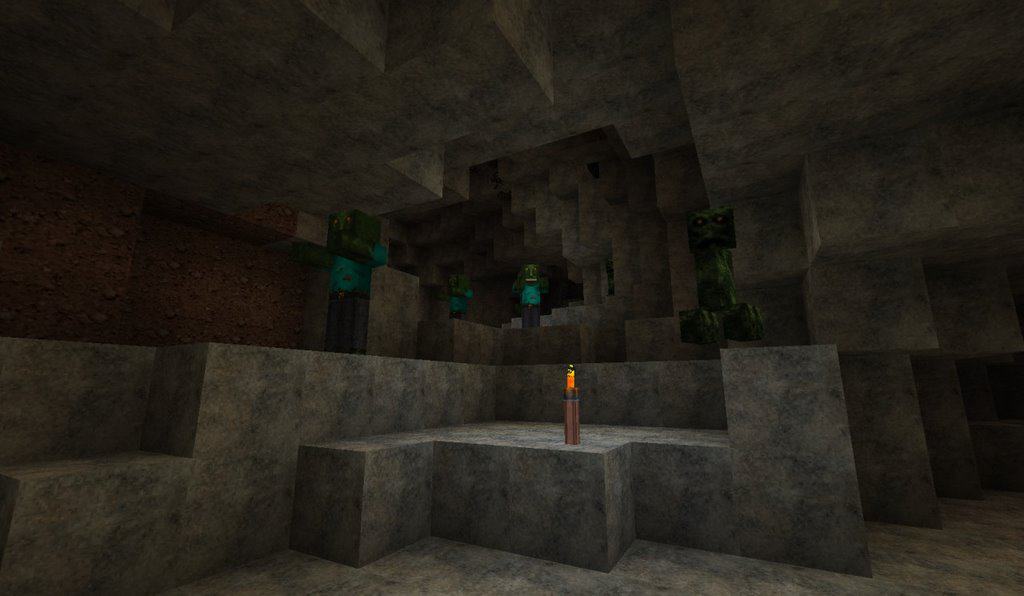
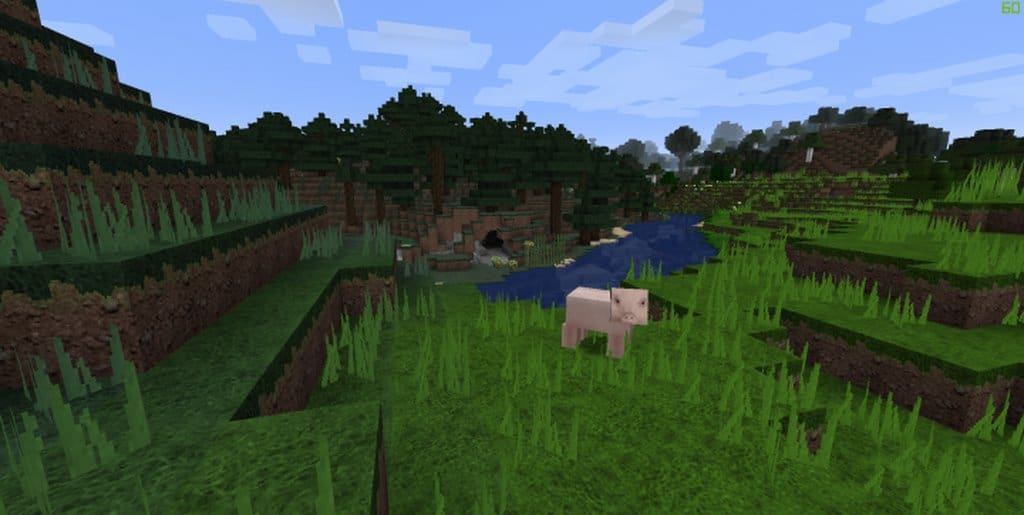
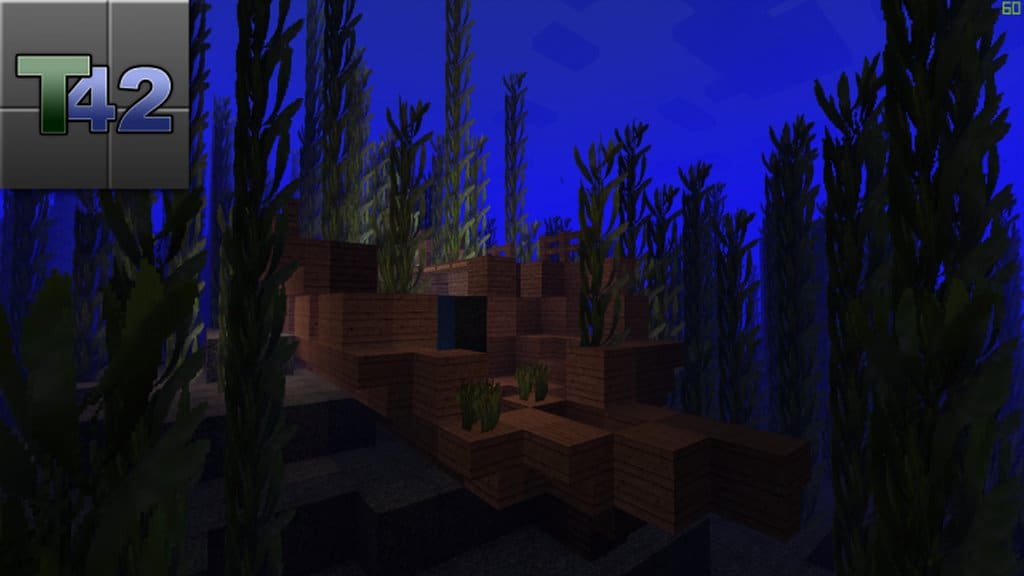
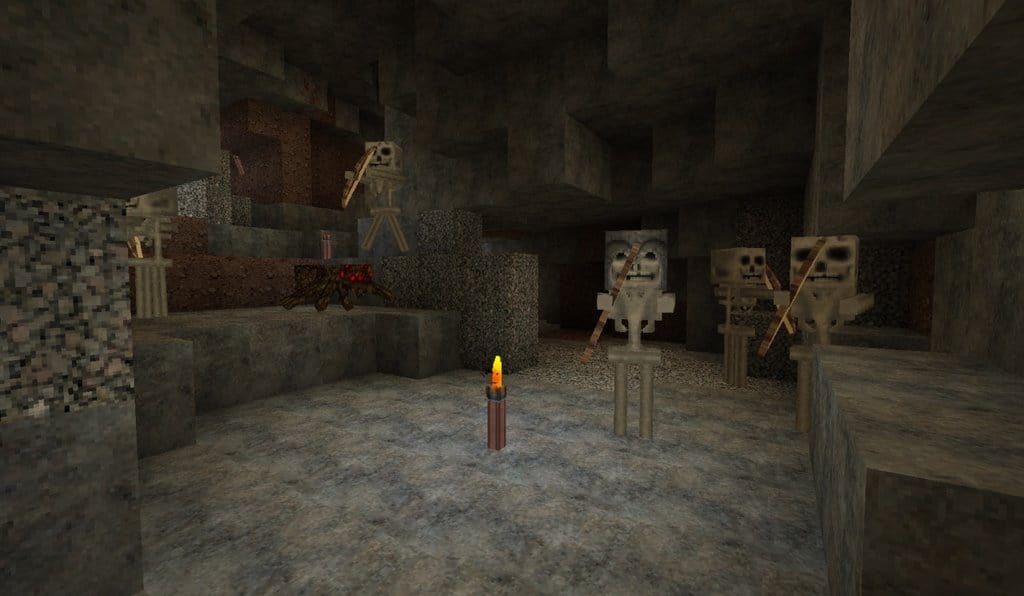
One of the absolute best things about Minecraft is the endless creativity it fosters in its players and the wider gaming development community. By using different resource packs, we can easily tailor our gameplay experience into anything we want, even if that means crossing genres in some way. That leads us nicely to the T42 resource pack, which completely transforms a standard Minecraft adventure into a spooky, survival-horror-themed thrill ride. If you are the sort of player who thoroughly enjoys a game with a dark and creepy atmosphere, reminiscent of titles like Silent Hill, then you are going to fall in love with this pack. The T42 HD resource pack crafts incredible textures that give Minecraft a much darker and grittier feel overall. Every location is updated to look wonderfully dank and worn, exactly as you would imagine a genuinely haunted house to look.
Because the pack operates at a crisp 64x resolution, the enhanced detail is astonishingly clear to see, making it delightfully frightening yet genuinely stunning to behold, especially when you venture into one of the game’s many dungeons. It is not just below ground that has received a fresh coat of paint, either; the T42 texture pack updates surface models as well. The new stone and brickwork carry a fascinating hint of Ancient Rome and Greece, complete with white marble palettes and columns that look like the absolute ideal textures if you want to build an ancient temple or similar grand structure. This update manages to cover up to 80% of Minecraft, which is a truly admirable effort from the creator. It also works smoothly with Minecraft versions all the way up to 1.14, though you might encounter a few minor technical issues here and there. Honestly, those are tiny complaints for such an immersive project. If you like your creepiness served with top-notch detail, it is definitely worth downloading right away!
T42 should be compatible with all of these Minecraft versions: 1.14.4 – 1.14.3 – 1.14.2 – 1.14 – 1.13.2 – 1.13.1 – 1.13
Screenshots
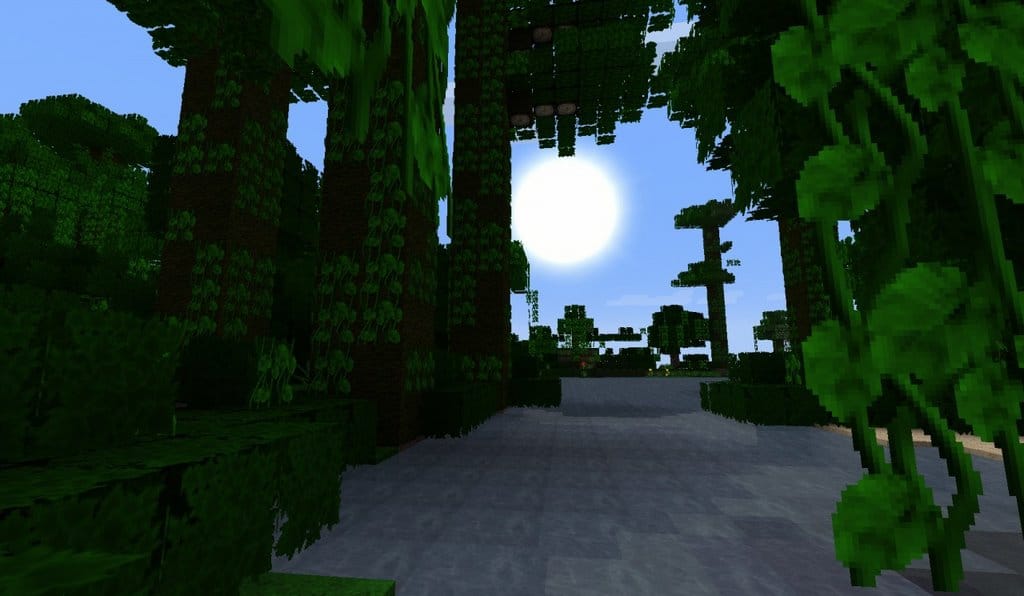
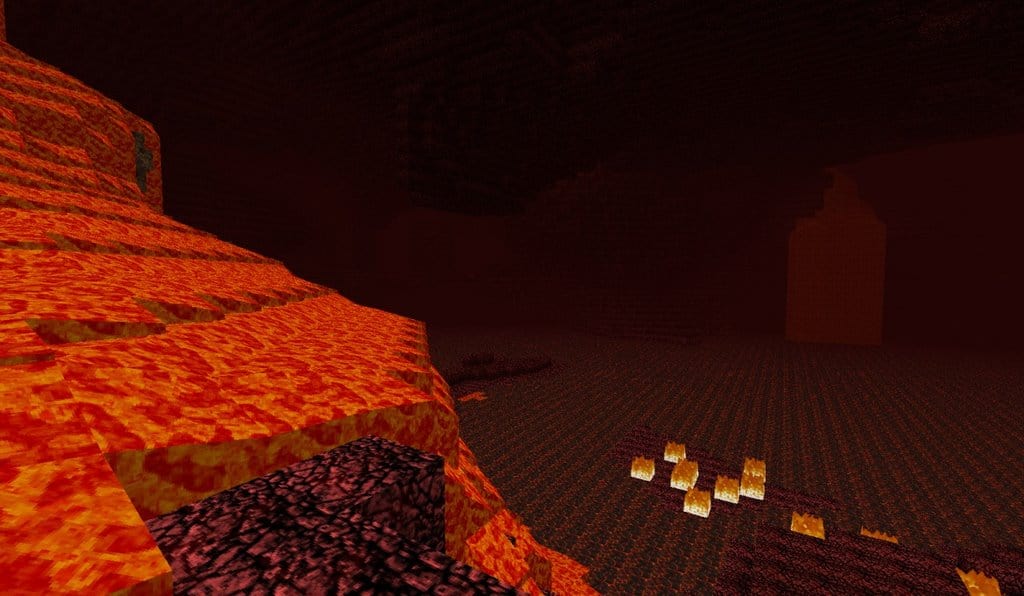
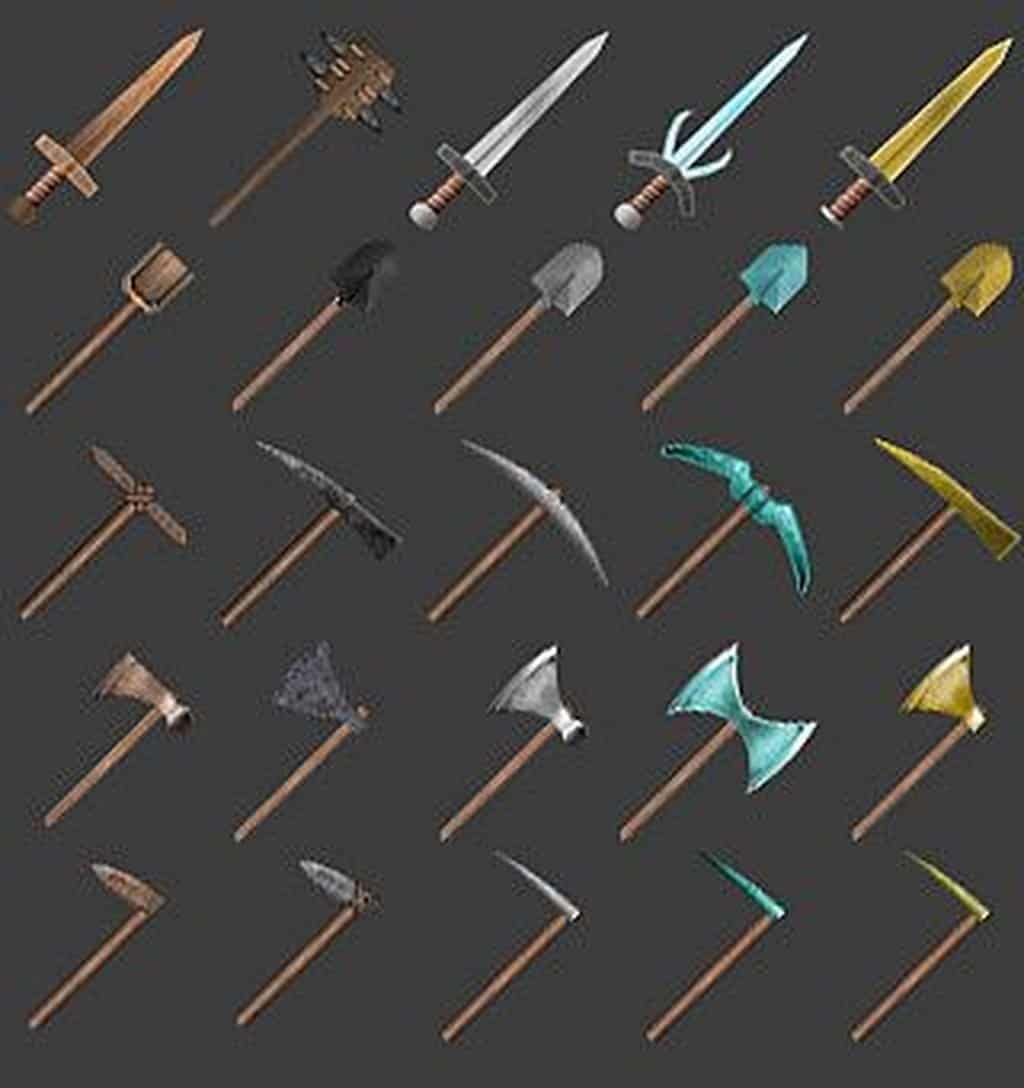
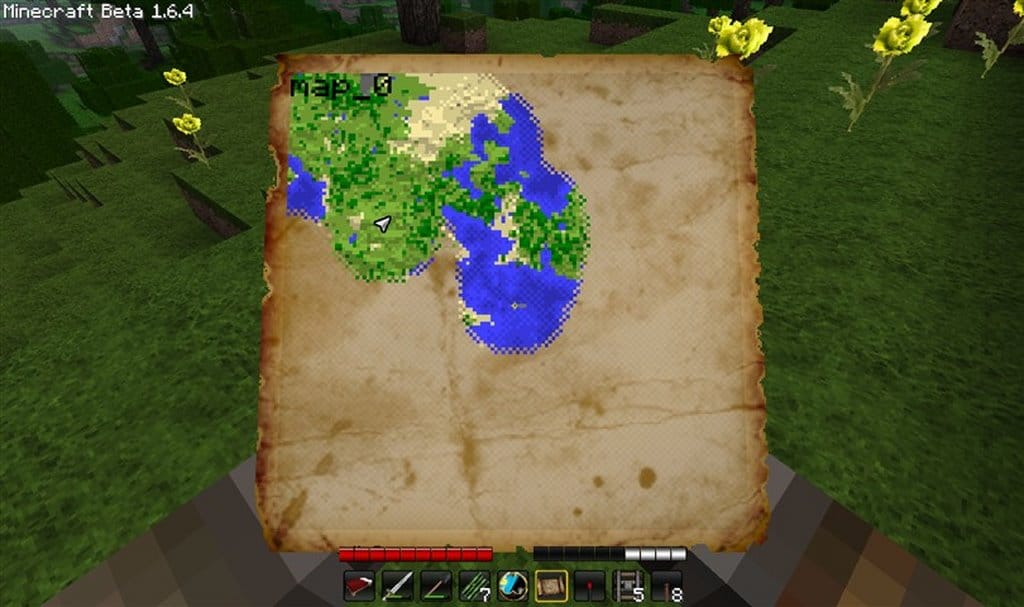
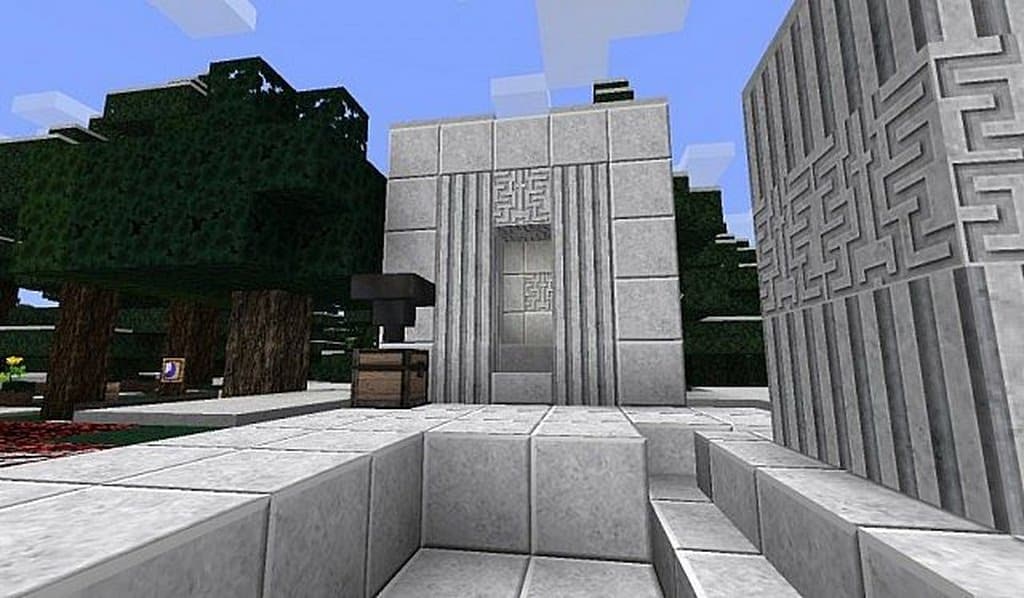
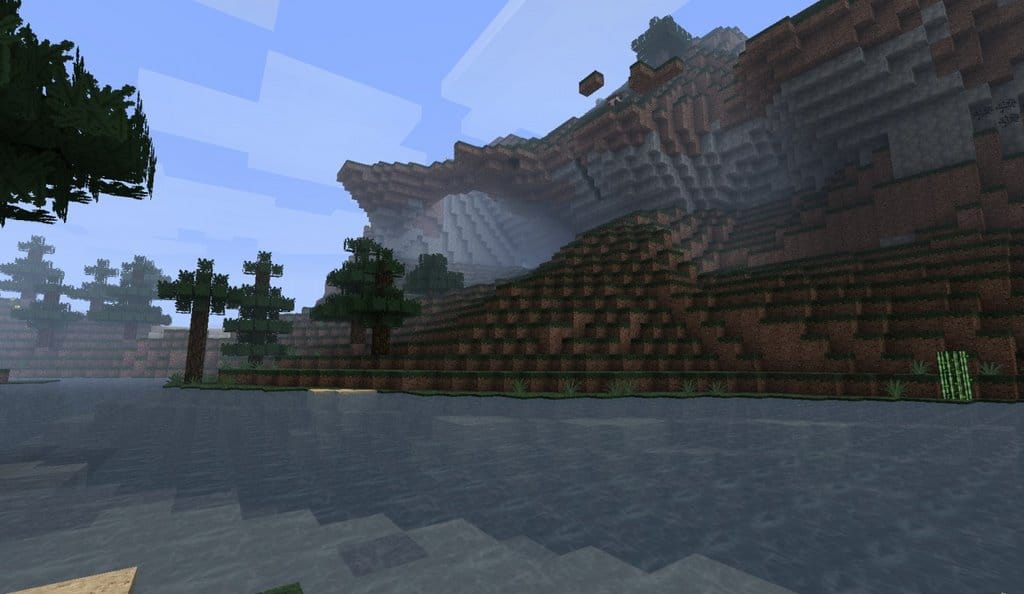
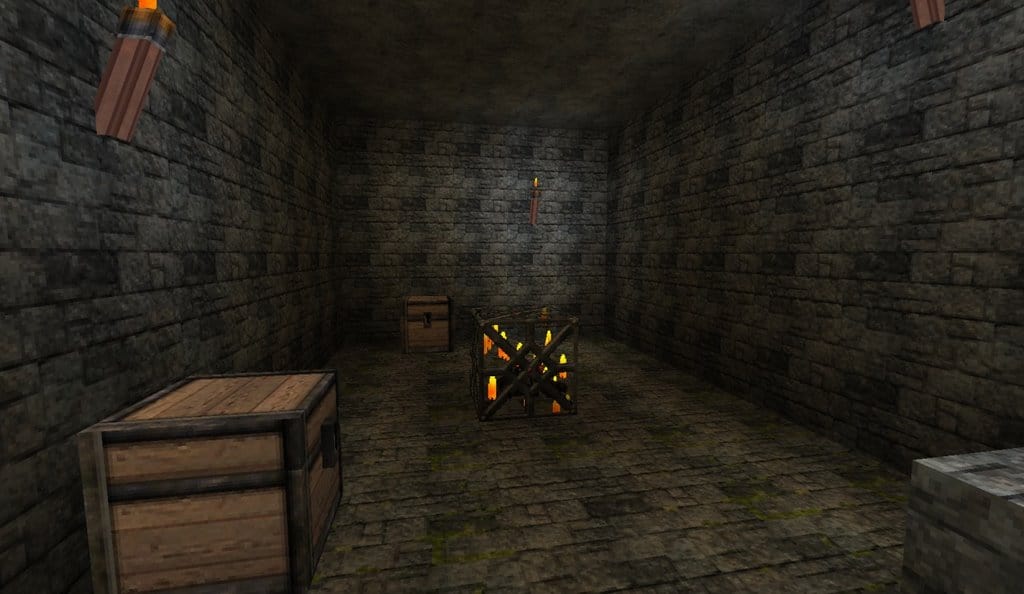
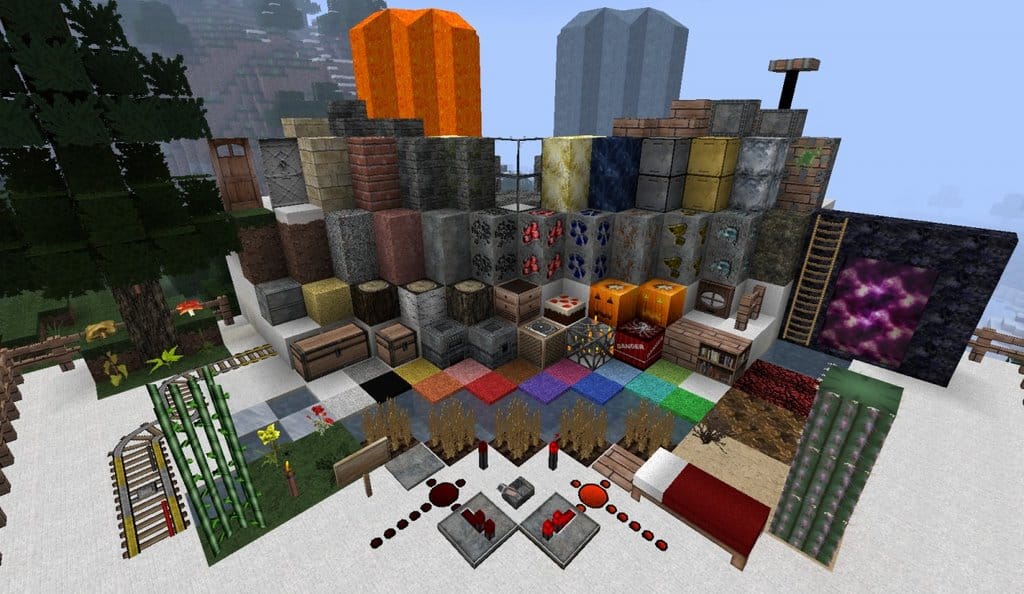
How to Install Texture Pack (Simple 10 Steps)
- Download OptiFine: Most of the texture packs and shaders need OptiFine. That’s why, first download and install OptiFine for the version of Minecraft you want to play.
- Download the Texture Pack: Get the texture pack you want from the download section. Choose the version that works with your Minecraft and your PC’s performance.
- Open Minecraft Launcher: Start Minecraft using the official game launcher — or even TLauncher, if you use that.
- Go to Options: From the main menu, click on the “Options” button.
- Open Resource Packs: Inside Options, click on “Resource Packs…”.
- Open the Resource Pack Folder: Click on “Open Resource Pack Folder” — this will open a folder named “resourcepacks”.
- Move the Pack File: Copy or move the .zip file you downloaded into that “resourcepacks” folder. (Don’t unzip the file — Minecraft uses it as-is!)
- Go Back and Refresh: Close the folder and click “Done”, then go back into “Resource Packs…” again.
- Activate the Pack: You’ll see the pack on the left side. Hover over it and click the arrow to move it to the right (active side).
Tip: If you get a message that the pack is for a different version, just click “Yes” — it usually works fine. - Click Done and Enjoy: Click “Done” again. Now your pack is ready to use in-game. It’s that easy!
Credits
This project was created by tpelham42. We do not own or modify this resource pack, and all rights remain with the original author. Please support the creator by downloading from their official links.
Download Instructions
Curseforge: download starts automatically after a few seconds;
Mediafire: click the big blue button with the text “DOWNLOAD”;
Google Drive: in the top right corner you will see a small download icon (down arrow), click it and the download should start;