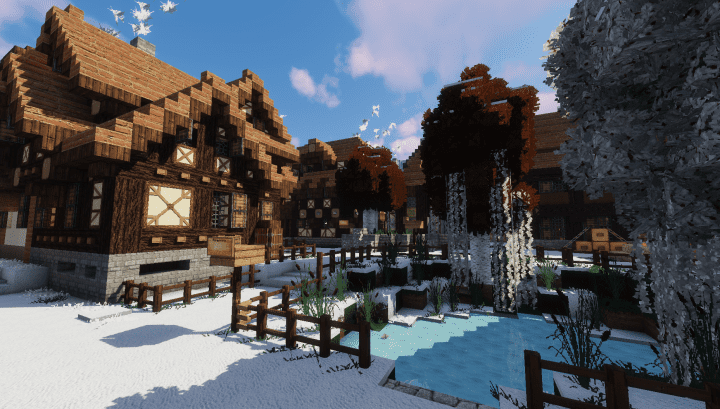
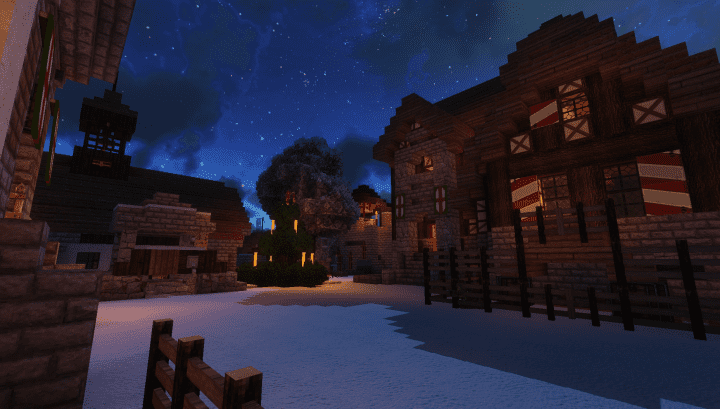
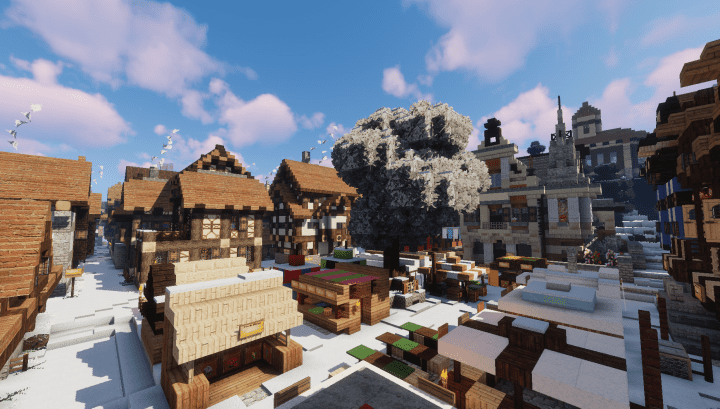
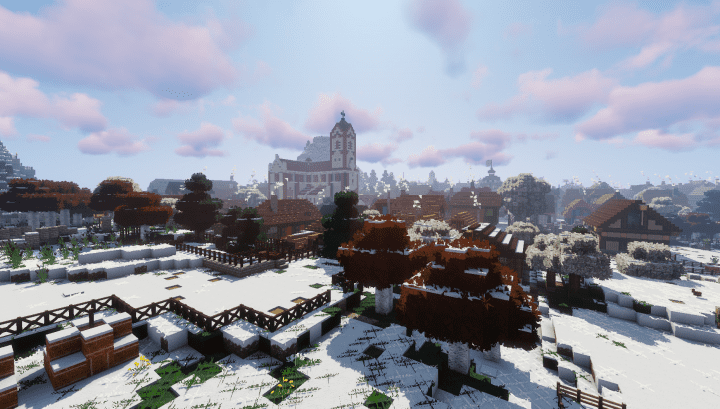
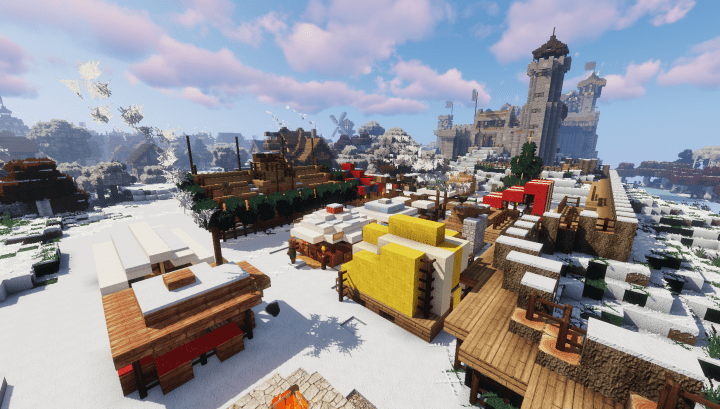
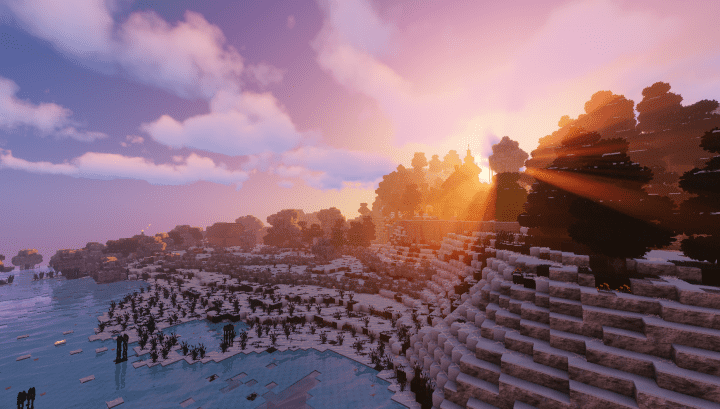
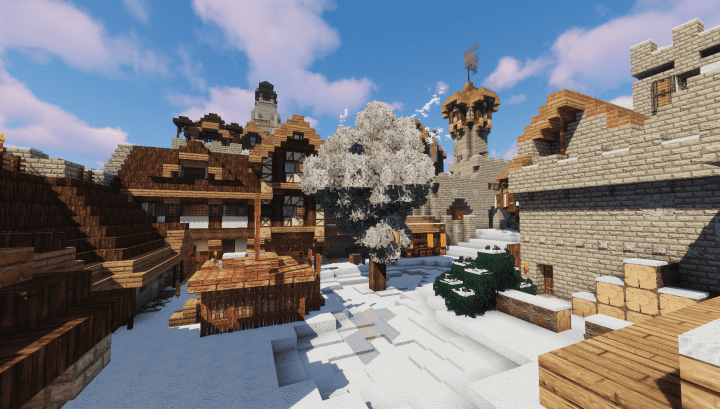
The Winthor Winter resource pack was released recently and honestly stands out as one of the very best resource packs available globally today. Its creator, Studio-Winthor (the makers of Winthor Medieval), crafted it with fantastic new functionalities and features specifically designed to perfectly withstand the winter season. I am really glad to see this resource pack made easily available online for everyone to download here. The immersive experience this resource pack delivers is truly one of a kind. An important point worth noting is that this resource pack shares the same incredible features as the Winthor Medieval pack while maintaining its own authentic charm and attractive textures. The comprehensive details, admirable and vibrant colors, plus the serene atmosphere found throughout this pack are exemplary characteristics that you will surely appreciate. As if that is not enough, this pack exhibits seasonal features that appropriately and beautifully meet the demanding aesthetic of the cold winter period.
For instance, the stunning snowy textures provide an elegant and classic visual experience that you simply cannot obtain from standard packs. The unique, newly updated custom font, on the other hand, elevates this pack to a whole new level compared to other resource packs out there. Give this pack a try and you will definitely enjoy all of its unwavering benefits. Another significant feature of this resource pack is that its textures were meticulously developed in a high resolution of 64×64 pixels. This resolution is far greater compared to the standard 16×16 resolution usually used by default in Minecraft. Because of this elevated high resolution, the resource pack is able to provide outstanding, crisp, and distinct visuals during gameplay that will make you admire your world constantly. If you want to enjoy Minecraft with a refreshing, stress-free atmosphere, I sincerely recommend trying out this resource pack. You will accomplish your building goals effectively and enjoy a truly exceptional gaming experience.
Winthor Winter should be compatible with all of these Minecraft versions: 1.13.2 – 1.13.1 – 1.13 – 1.12.2 – 1.12 – 1.11.2 – 1.11
Screenshots

How to Install Texture Pack (Simple 10 Steps)
- Download OptiFine: Most of the texture packs and shaders need OptiFine. That’s why, first download and install OptiFine for the version of Minecraft you want to play.
- Download the Texture Pack: Get the texture pack you want from the download section. Choose the version that works with your Minecraft and your PC’s performance.
- Open Minecraft Launcher: Start Minecraft using the official game launcher — or even TLauncher, if you use that.
- Go to Options: From the main menu, click on the “Options” button.
- Open Resource Packs: Inside Options, click on “Resource Packs…”.
- Open the Resource Pack Folder: Click on “Open Resource Pack Folder” — this will open a folder named “resourcepacks”.
- Move the Pack File: Copy or move the .zip file you downloaded into that “resourcepacks” folder. (Don’t unzip the file — Minecraft uses it as-is!)
- Go Back and Refresh: Close the folder and click “Done”, then go back into “Resource Packs…” again.
- Activate the Pack: You’ll see the pack on the left side. Hover over it and click the arrow to move it to the right (active side).
Tip: If you get a message that the pack is for a different version, just click “Yes” — it usually works fine. - Click Done and Enjoy: Click “Done” again. Now your pack is ready to use in-game. It’s that easy!
Credits
Credits: Developed by Studio-Winthor. We do not claim ownership of this content, nor do we modify or host these files on our servers. All rights remain with the original creator. Please visit and support the author via their official channels.
Download Links
Java Edition
Download Instructions
Curseforge: download starts automatically after a few seconds;
Mediafire: click the big blue button with the text “DOWNLOAD”;
Google Drive: in the top right corner you will see a small download icon (down arrow), click it and the download should start;


