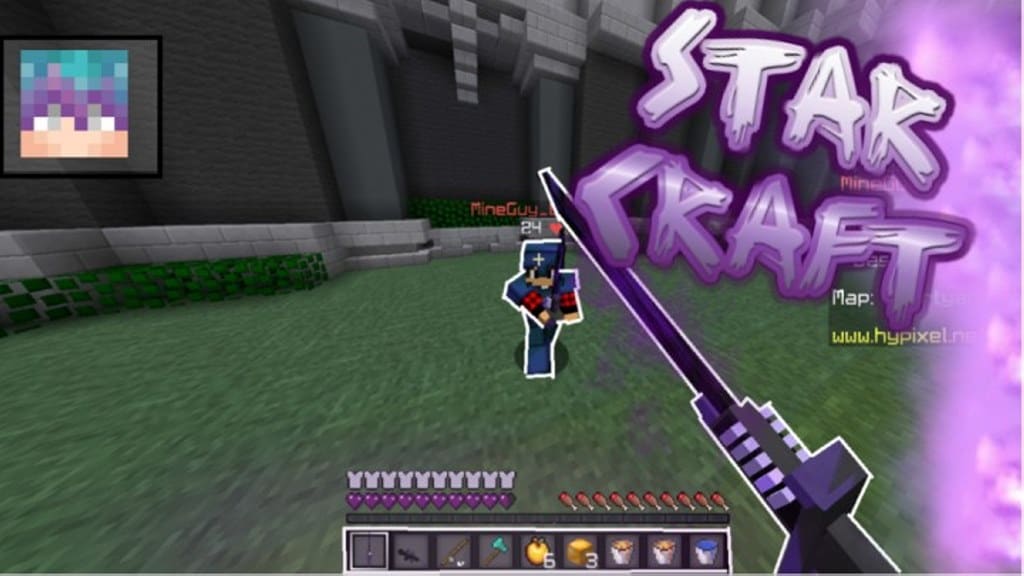
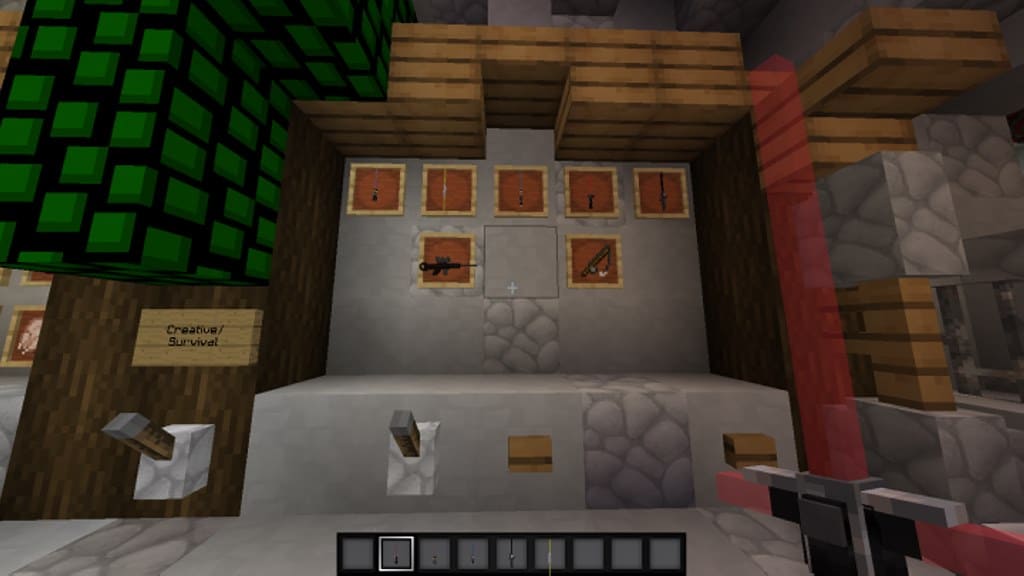
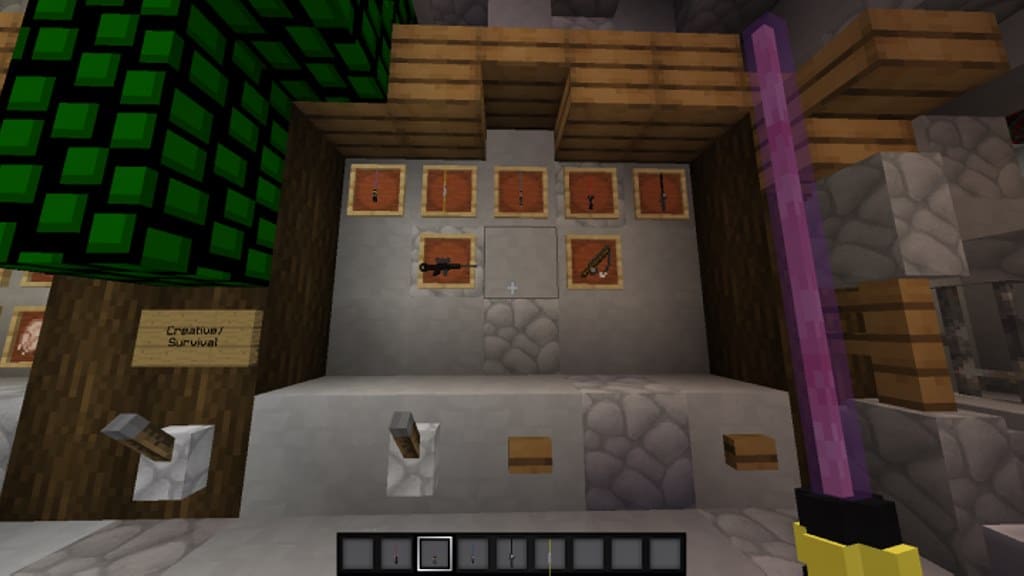
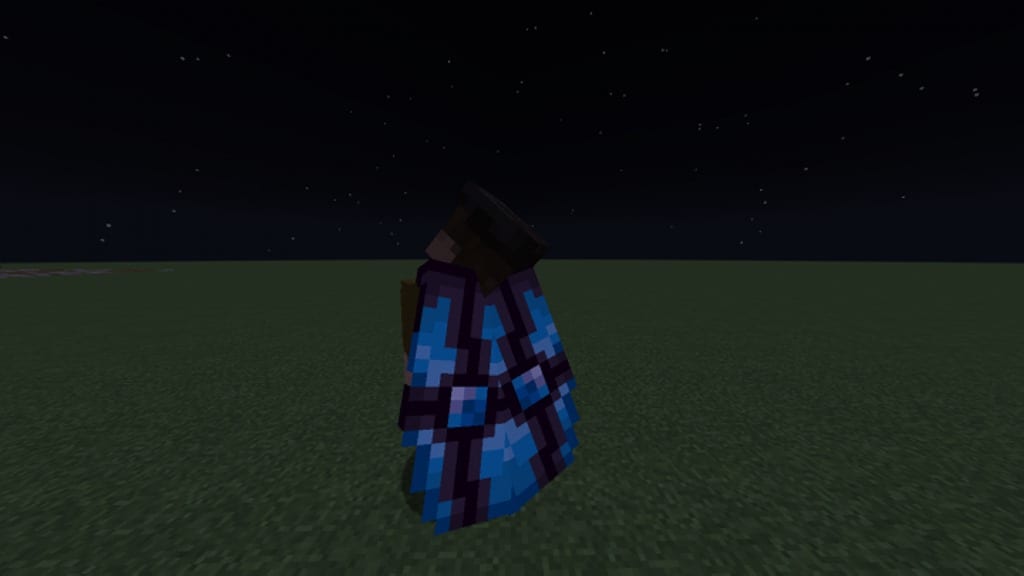
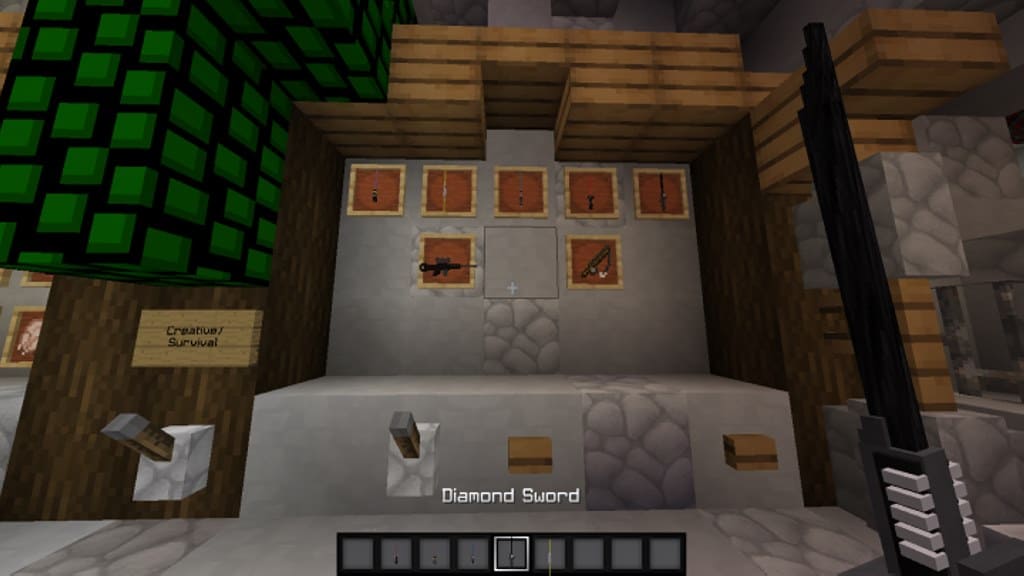
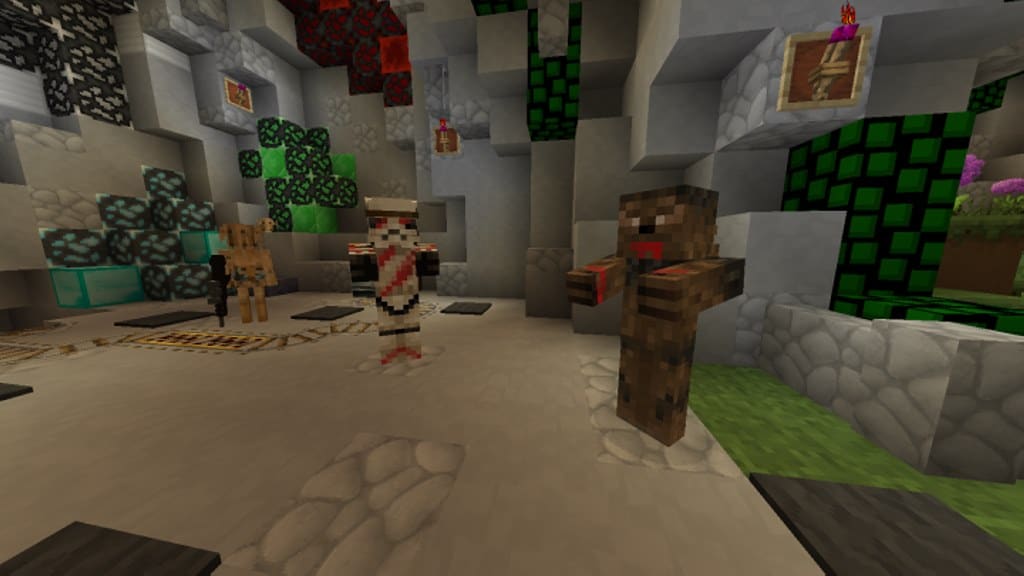
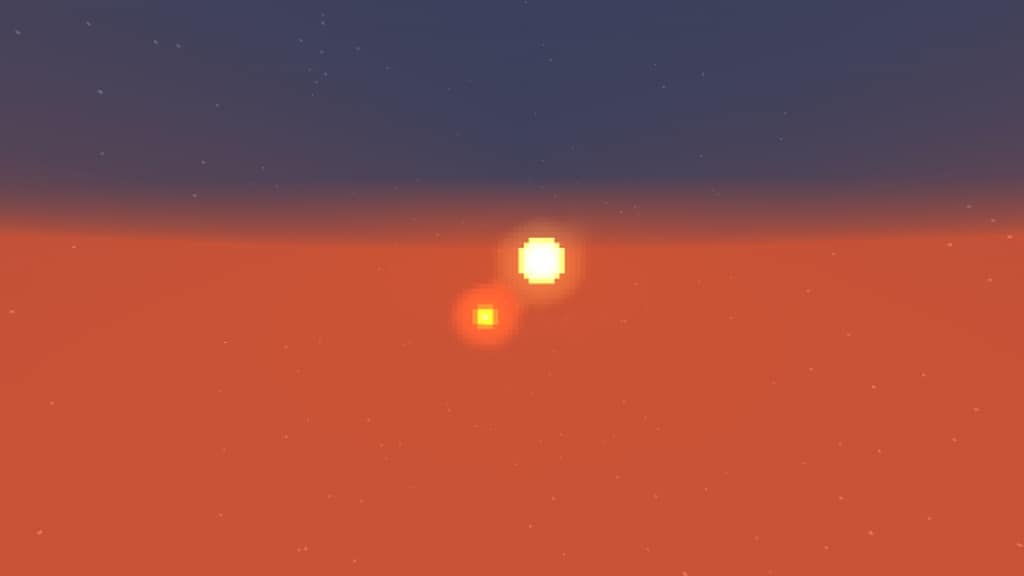
By looking at the StarCraft resource pack name, it might appear that it has derived inspiration from the immensely popular RTS game series developed by Blizzard; however, in reality, this is far from true. As a matter of fact, I found that this particular resource pack has been recently launched on the market and forms a part of the huge number of resource packs having the Star Wars theme that are obtainable for Minecraft at present. Taking everything into consideration, I truly believe it is arguably amongst the best packs available given that its execution is genuinely outstanding. If you are a Star Wars buff like me, it will simply not be possible for you to miss out on the StarCraft resource pack because of the fact that it offers some remarkable visuals which have drawn direct inspiration from Star Wars.
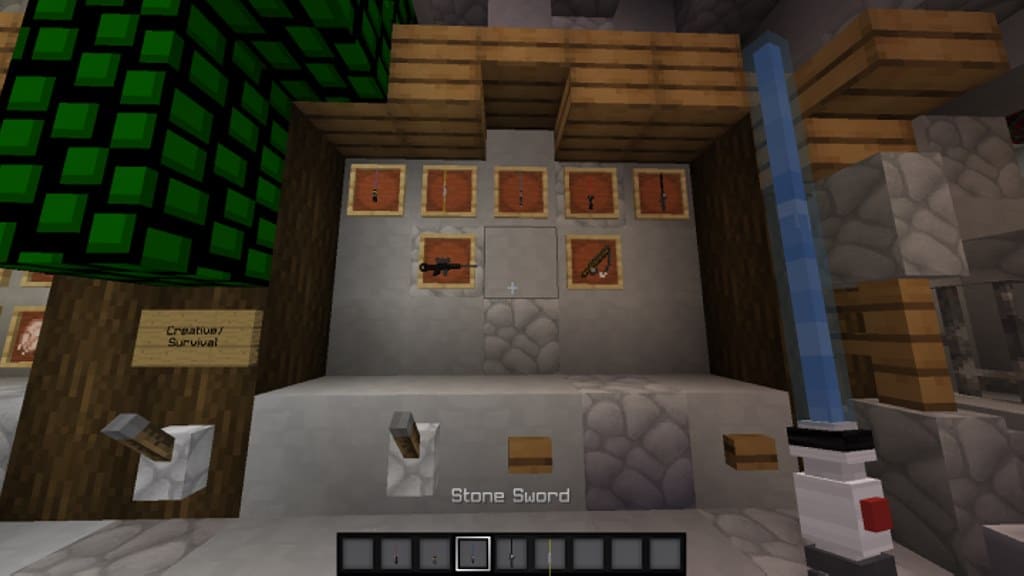
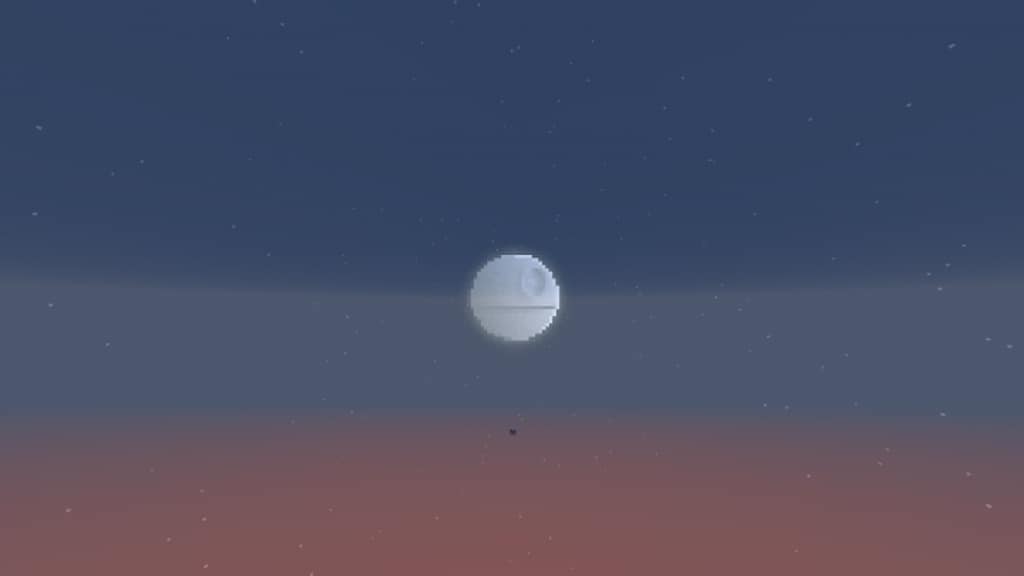
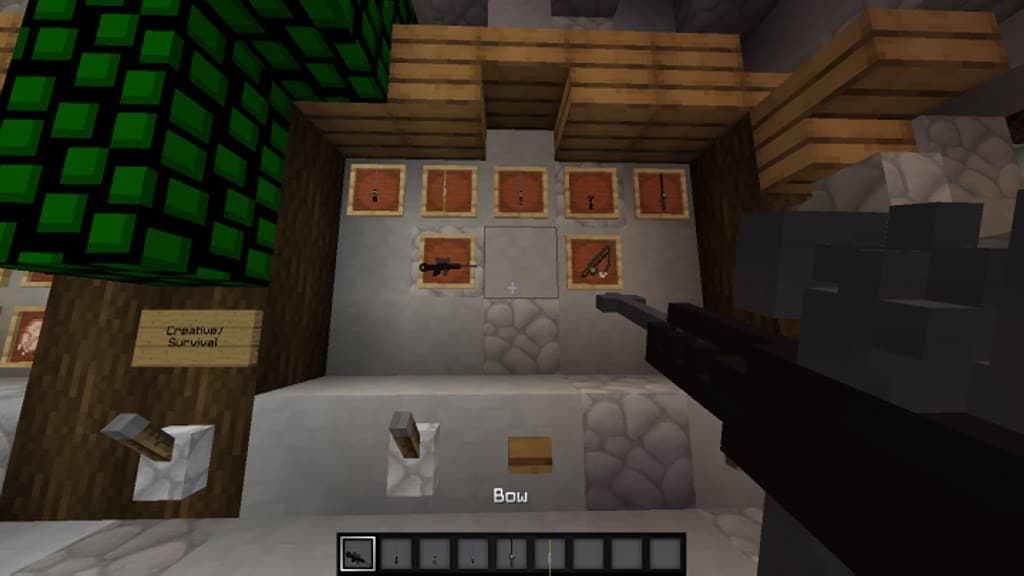
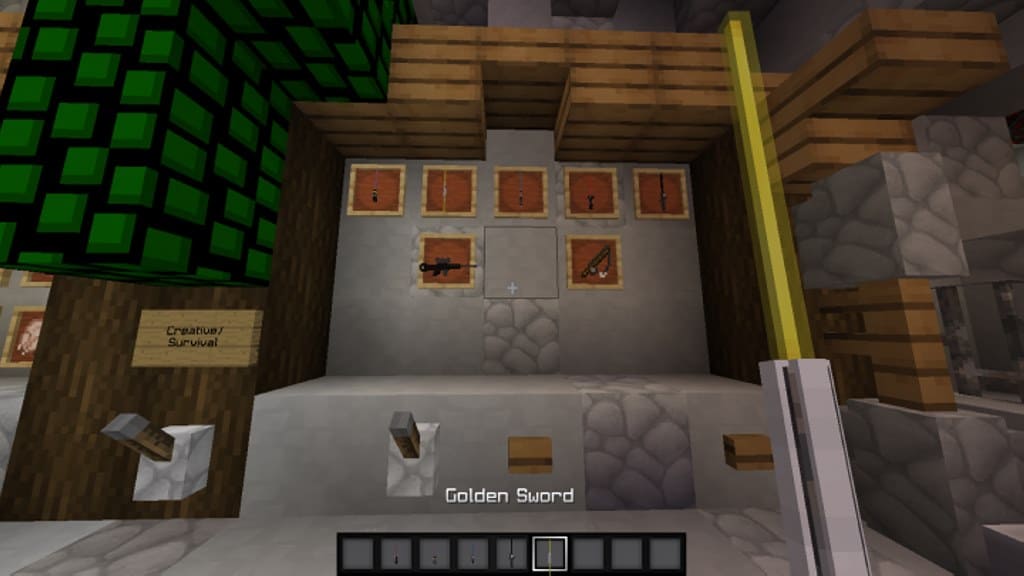
Here, I would like to mention in advance that StarCraft does not fall into the category of those packs which overhaul the appearance of Minecraft completely and transform the game into a totally different thing. Instead, I noticed that this particular pack helps to alter the game’s setting in various ways while putting into action different innovative items related to Star Wars for providing gamers with a genuine and more natural experience. You will come across different 3D models right here, and in general, I think you are going to thoroughly enjoy yourself with the impressive visuals offered by this pack thanks to the precise texture details. One more notable thing regarding this pack that I really appreciate is that it is capable of synergizing exceptionally well with other resource packs given that it does not modify the environment style to a great extent. StarCraft can boast of having an x64 resolution which is definitely much superior to the typical x16 resolution and, as a result, I should warn you that you might face issues in running this pack properly at consistent frame-rates in case the hardware of your computer happens to be below par.
StarCraft should be compatible with all of these Minecraft versions: 1.12.2 – 1.12 – 1.11.2 – 1.11 – 1.10.2 – 1.10 – 1.9.4 – 1.9
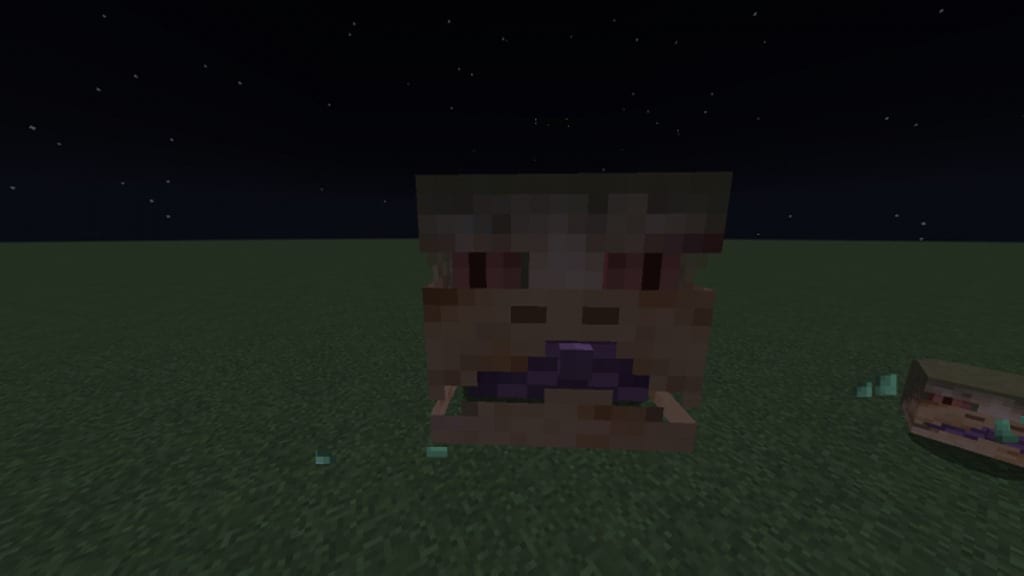
Screenshots
How to Install Texture Pack (Simple 10 Steps)
- Download OptiFine: Most of the texture packs and shaders need OptiFine. That’s why, first download and install OptiFine for the version of Minecraft you want to play.
- Download the Texture Pack: Get the texture pack you want from the download section. Choose the version that works with your Minecraft and your PC’s performance.
- Open Minecraft Launcher: Start Minecraft using the official game launcher — or even TLauncher, if you use that.
- Go to Options: From the main menu, click on the “Options” button.
- Open Resource Packs: Inside Options, click on “Resource Packs…”.
- Open the Resource Pack Folder: Click on “Open Resource Pack Folder” — this will open a folder named “resourcepacks”.
- Move the Pack File: Copy or move the .zip file you downloaded into that “resourcepacks” folder. (Don’t unzip the file — Minecraft uses it as-is!)
- Go Back and Refresh: Close the folder and click “Done”, then go back into “Resource Packs…” again.
- Activate the Pack: You’ll see the pack on the left side. Hover over it and click the arrow to move it to the right (active side).
Tip: If you get a message that the pack is for a different version, just click “Yes” — it usually works fine. - Click Done and Enjoy: Click “Done” again. Now your pack is ready to use in-game. It’s that easy!
Credits
This resource pack was originally created and developed by TricGaming. We do not claim ownership of this content, nor do we host modified versions of the original files. All rights remain with the original creator. We strongly encourage you to visit the official download links to support TricGaming.
Download Instructions
Curseforge: download starts automatically after a few seconds;
Mediafire: click the big blue button with the text “DOWNLOAD”;
Google Drive: in the top right corner you will see a small download icon (down arrow), click it and the download should start;


