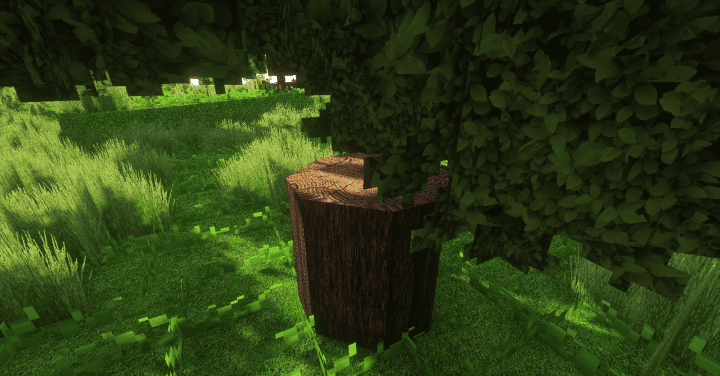
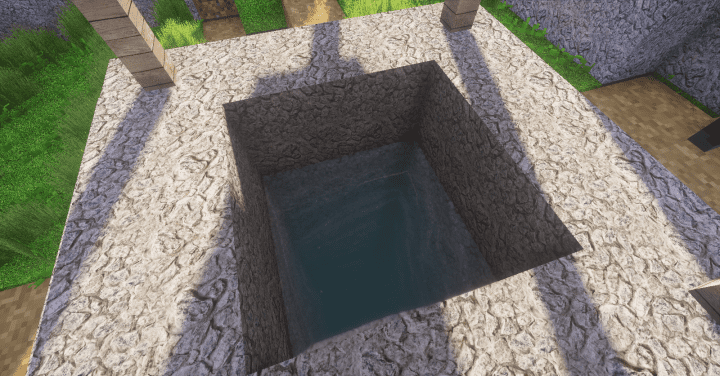
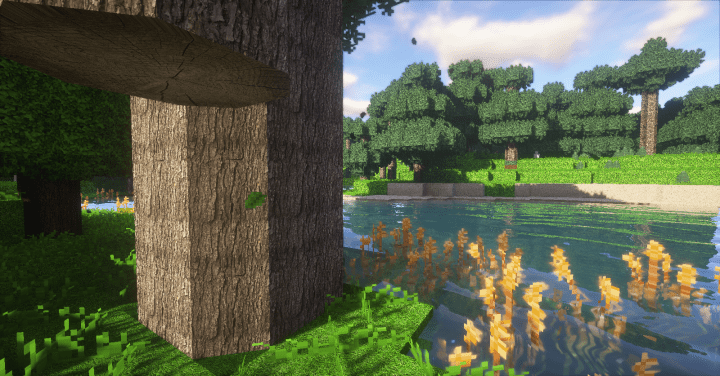
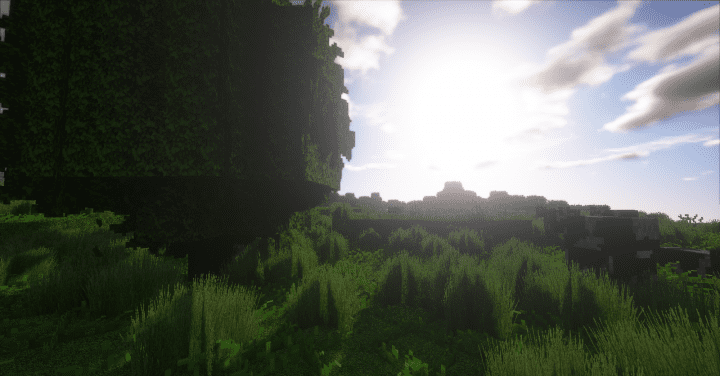
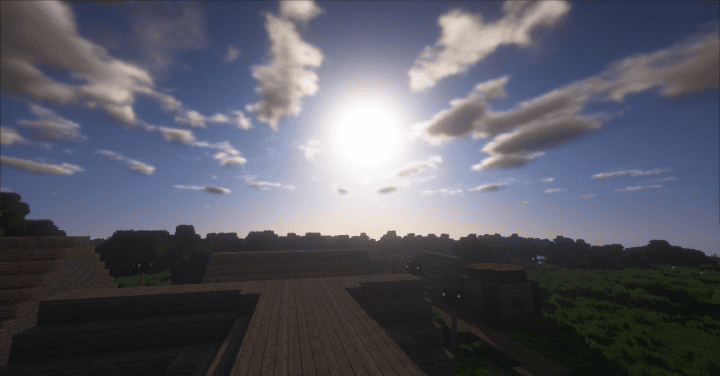
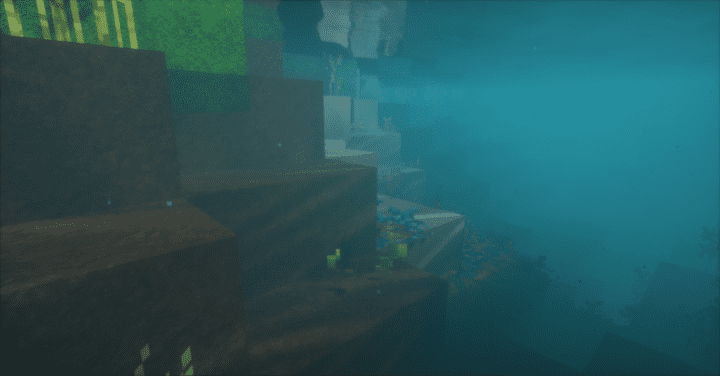
IwOB3ar, the brilliant mind behind numerous fantastic realism-focused resource packs, has delivered yet again with the Vision Realistic resource pack as one of their latest creations. IwOB3ar constantly stands out in the texture pack community by consistently bringing fresh, high-quality projects to life. Just like all the other genuinely impressive packs developed by this creator, Vision Realistic features an exceptionally well-completed art style heavily centered around true-to-life realism. Anyone who is a massive fan of the realistic art style and is actively looking to get a resource pack that executes it in a thoroughly nice and polished way with plenty of flair should definitely keep this resource pack in their sights. In the very words of the creator themselves, Vision Realistic is a resource pack that is genuinely based on real life.
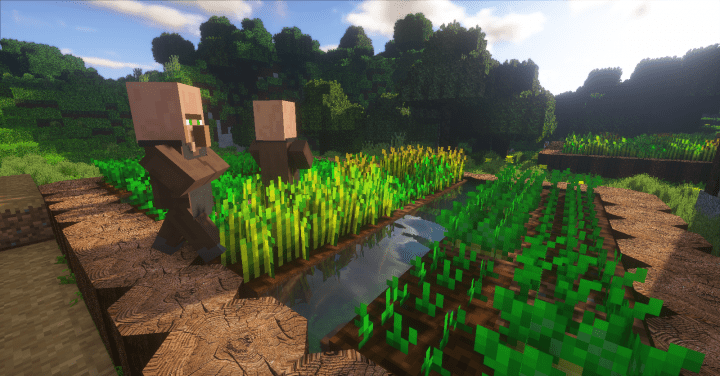
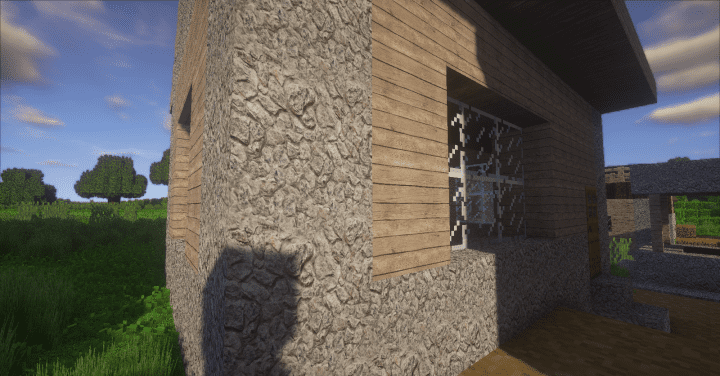
This description has proven to be remarkably accurate because the pack features visuals that look impressively real, transforming your standard gameplay into a much more immersive experience. Some of the key things you are going to notice when exploring the vast world of Minecraft with this resource pack applied include the tremendously high detail levels in the textures and the vibrant colors that truly stand out. The absolute most impressive thing about this pack, however, is how skillfully it manages to get rid of unwanted noise from the textures while still completely retaining its trademark level of detail. If you want to run this resource pack with minimal inconveniences and while maintaining a balanced framerate, you will need to equip a system featuring high-end, more powerful hardware. This is simply because Vision Realistic boasts a massive 512×512 high resolution. Thankfully, when it comes to optimization, Vision Realistic is wonderfully way ahead of other similar resource packs, meaning it will perform much better than your initial expectations might suggest.
VISION Realistic should be compatible with all of these Minecraft versions: 1.13.2 – 1.13.1 – 1.13 – 1.12.2 – 1.12 – 1.11.2 – 1.11 – 1.10.2 – 1.10 – 1.9.4 – 1.9 – 1.8.9 – 1.8.8 – 1.8.1 – 1.8.6 – 1.8
Screenshots
How to Install Texture Pack (Simple 10 Steps)
- Download OptiFine: Most of the texture packs and shaders need OptiFine. That’s why, first download and install OptiFine for the version of Minecraft you want to play.
- Download the Texture Pack: Get the texture pack you want from the download section. Choose the version that works with your Minecraft and your PC’s performance.
- Open Minecraft Launcher: Start Minecraft using the official game launcher — or even TLauncher, if you use that.
- Go to Options: From the main menu, click on the “Options” button.
- Open Resource Packs: Inside Options, click on “Resource Packs…”.
- Open the Resource Pack Folder: Click on “Open Resource Pack Folder” — this will open a folder named “resourcepacks”.
- Move the Pack File: Copy or move the .zip file you downloaded into that “resourcepacks” folder. (Don’t unzip the file — Minecraft uses it as-is!)
- Go Back and Refresh: Close the folder and click “Done”, then go back into “Resource Packs…” again.
- Activate the Pack: You’ll see the pack on the left side. Hover over it and click the arrow to move it to the right (active side).
Tip: If you get a message that the pack is for a different version, just click “Yes” — it usually works fine. - Click Done and Enjoy: Click “Done” again. Now your pack is ready to use in-game. It’s that easy!
Credits
The Vision Realistic resource pack was created by IwOB3ar. We do not claim ownership of this content, nor do we host or modify the original files. All rights remain with the original creator. We strongly encourage visiting and supporting the author through their official download channels.
Download Instructions
Curseforge: download starts automatically after a few seconds;
Mediafire: click the big blue button with the text “DOWNLOAD”;
Google Drive: in the top right corner you will see a small download icon (down arrow), click it and the download should start;


