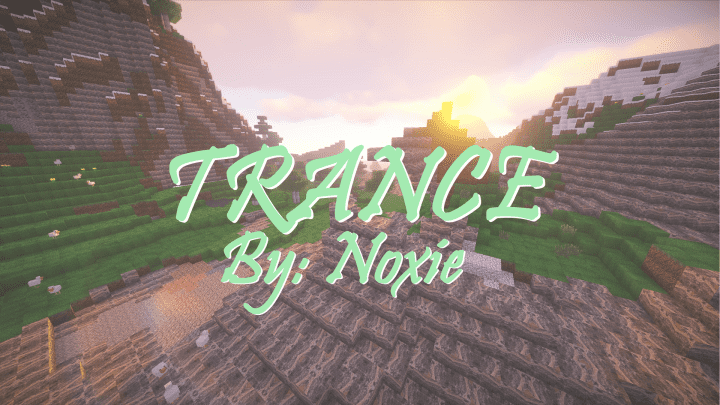
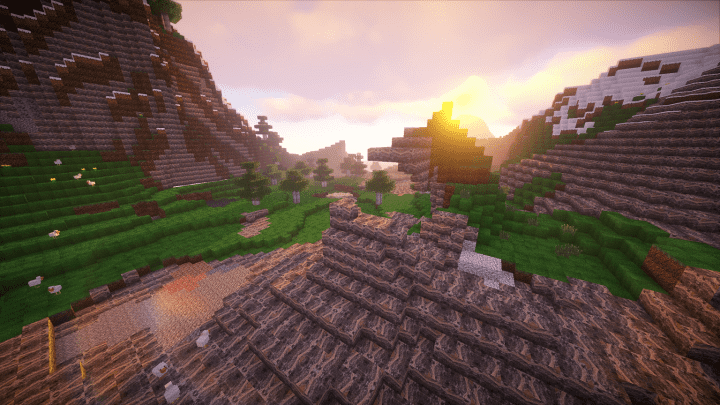
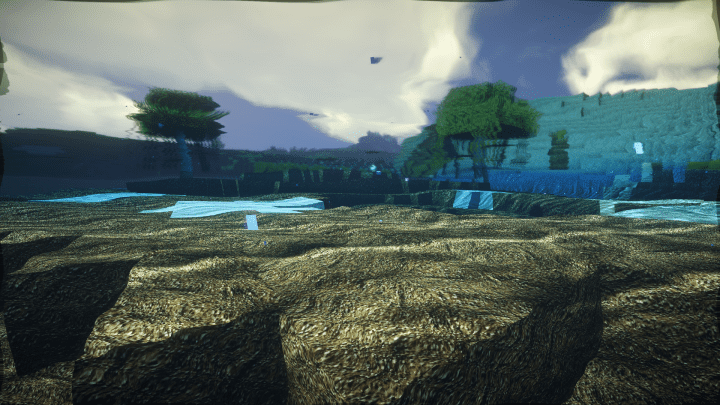
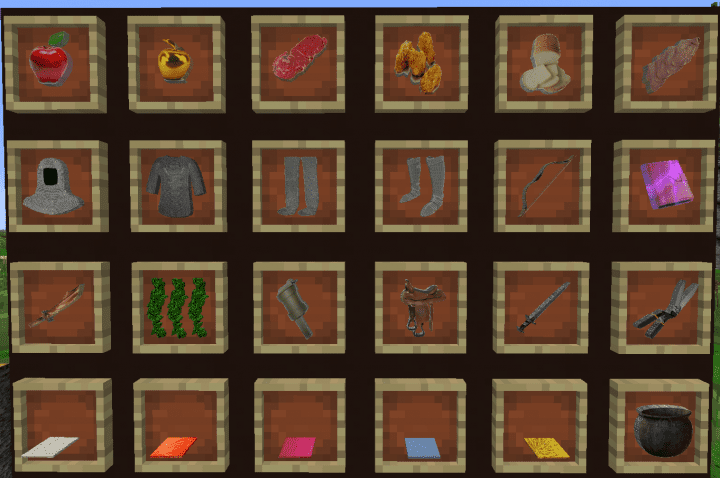
Trance HD resource pack truly captures high definition and steers it to a whole new level. It completely re-invents the Minecraft experience, giving every player a heavily exemplified gameplay. While Minecraft has several packs that leave players spoilt for choice, the classic experience often remains very similar due to the iconic pixelated visual effect native to the game. Luckily, there is a fresh trend of improvements that has seen quite a few resource packs unleash Minecraft in stunning HD, successfully infusing new life into designs that make the world feel wonderfully alive. Trance HD is definitely one of those standout packs that brings you this effect. Despite its relatively recent debut, all the early indications of Trance HD becoming a massive hit are overwhelming, already boasting over 15,000 downloads to its credit. The core design objective behind Trance HD was to help Minecraft attain a vibrant life and feel significantly more real. Compared to vanilla Minecraft, this definitely appeared to be quite a tough task to pull off, but the final results are honestly breathtaking and thoroughly impressive.
The experience you as a player derive from the features added in this pack is just incredible. From advanced texture impressions that kick in gorgeous visuals, merged with superior color palettes that seamlessly synergize to create an entirely new orientation for the Minecraft world, this pack plays second fiddle to no other in its category. Naturally, the functionality of high-definition packs demands top-notch systems to be properly integrated for optimal performance, and that is just an undeniable fact. The Trance HD pack is equipped with a massive x256 resolution capacity and therefore requires a high-end set of equipment and hardware to fully support its premium functionality. If you happen to compromise on the quality of your hardware and supporting systems, the most likely scenarios you will encounter are multiple frustrating issues regarding frame-rates that will greatly deplete the uniqueness of the experience. But when you pair the Trance HD pack with the right equipment and system, Minecraft gains a brilliant new relevance in your gaming world, and I truly recommend giving it a try if your PC can handle it!
Trance HD should be compatible with all of these Minecraft versions: 1.13.2 – 1.13.1 – 1.13 – 1.12.2 – 1.12 – 1.11.2 – 1.11
Screenshots
How to Install Texture Pack (Simple 10 Steps)
- Download OptiFine: Most of the texture packs and shaders need OptiFine. That’s why, first download and install OptiFine for the version of Minecraft you want to play.
- Download the Texture Pack: Get the texture pack you want from the download section. Choose the version that works with your Minecraft and your PC’s performance.
- Open Minecraft Launcher: Start Minecraft using the official game launcher — or even TLauncher, if you use that.
- Go to Options: From the main menu, click on the “Options” button.
- Open Resource Packs: Inside Options, click on “Resource Packs…”.
- Open the Resource Pack Folder: Click on “Open Resource Pack Folder” — this will open a folder named “resourcepacks”.
- Move the Pack File: Copy or move the .zip file you downloaded into that “resourcepacks” folder. (Don’t unzip the file — Minecraft uses it as-is!)
- Go Back and Refresh: Close the folder and click “Done”, then go back into “Resource Packs…” again.
- Activate the Pack: You’ll see the pack on the left side. Hover over it and click the arrow to move it to the right (active side).
Tip: If you get a message that the pack is for a different version, just click “Yes” — it usually works fine. - Click Done and Enjoy: Click “Done” again. Now your pack is ready to use in-game. It’s that easy!
Credits
This resource pack was created by Noxie. We do not claim ownership of this content, nor do we modify or host the original files on our servers. All rights remain with the original author. We strongly encourage you to support Noxie by visiting their official source links.
Download Links
Java Edition
Download Instructions
Curseforge: download starts automatically after a few seconds;
Mediafire: click the big blue button with the text “DOWNLOAD”;
Google Drive: in the top right corner you will see a small download icon (down arrow), click it and the download should start;


