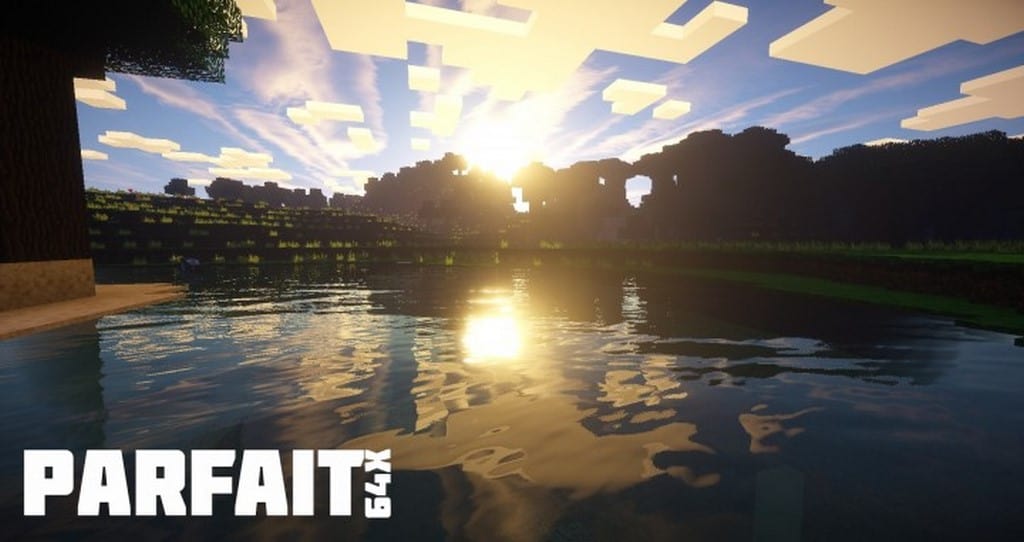
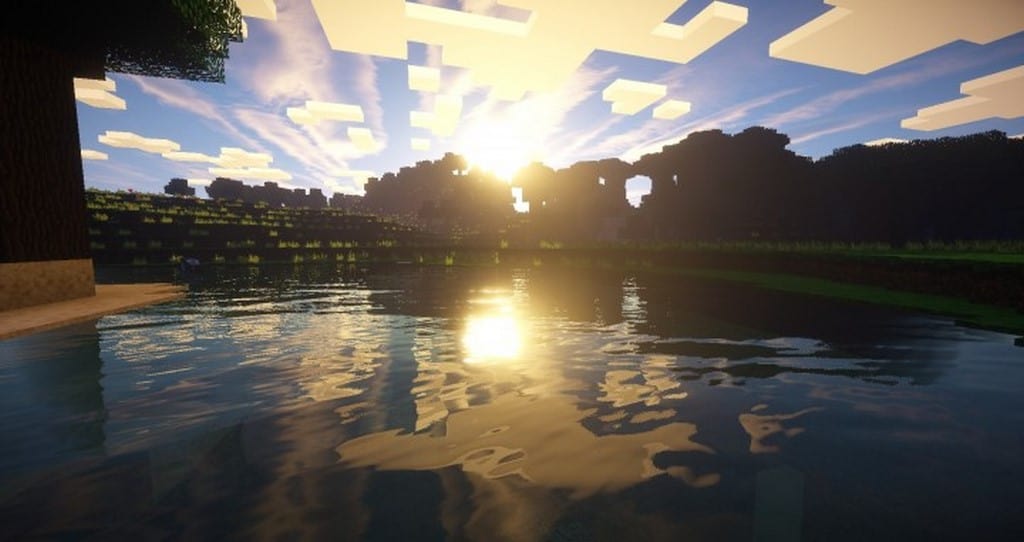
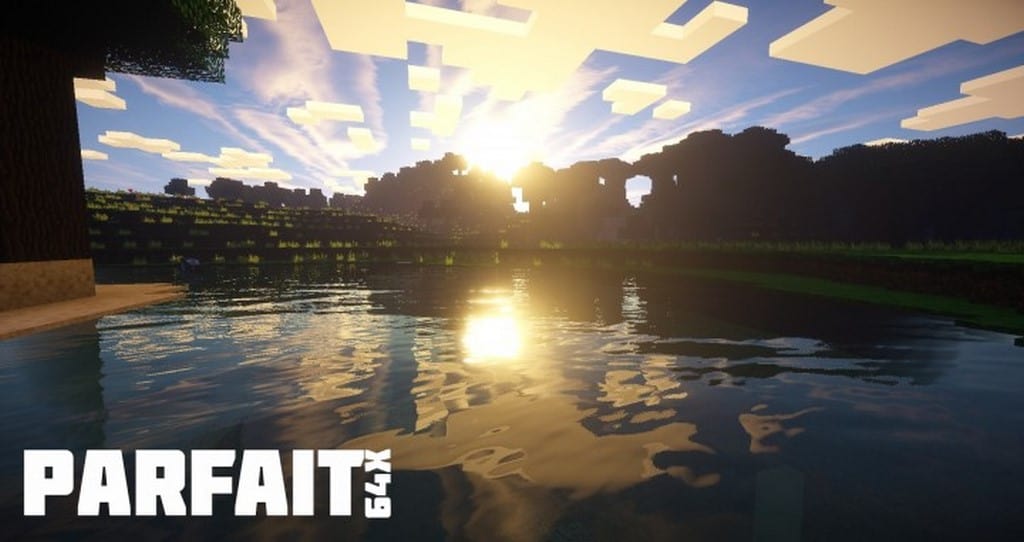
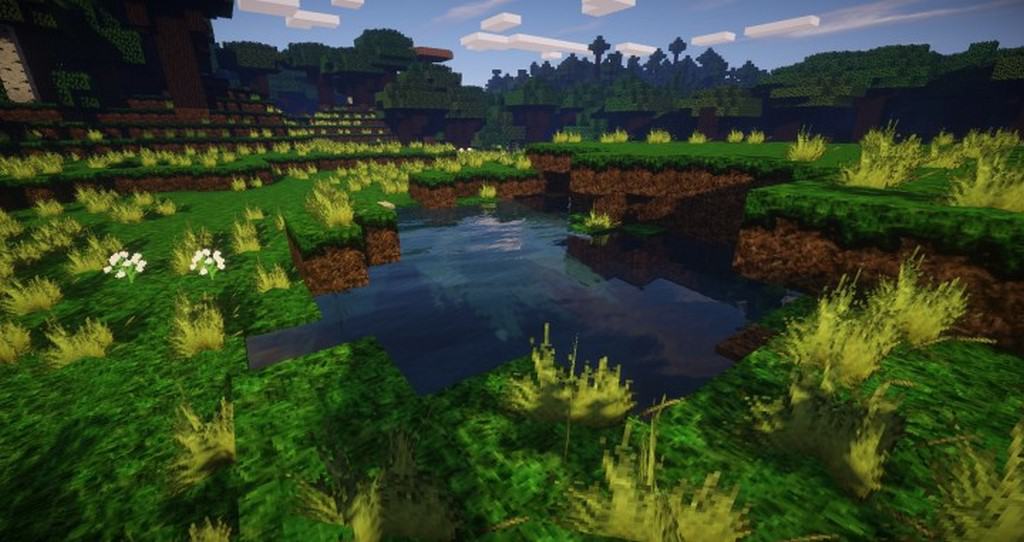
Usually, people think of parfaits as a yummy dessert that contains layers of ice cream and fruit served in a cup or glass. However, I found out that the Parfait resource pack in Minecraft isn’t about food at all! When I tested it, I realized the Parfait resource pack is actually about the English translation of the French word parfait, which means perfect. Minecraft uses the term perfect to mean a world where the game looks more like the real world, but better. While the Parfait texture pack may not be considered flawless by everyone, that really depends on how you view it. From my experience, it is a fantastic 64x resolution pack that makes Minecraft look significantly more realistic while still letting you enjoy seeing the world built out of blocks. Adding the Parfait resource pack truly makes the Minecraft environment feel much closer to reality. For instance, the grass genuinely looks like real grass rather than standard grass with dirt blocks, and if you pair it with your favorite shader packs, you can actually see dynamic shadows cast right on the grass too!
Additionally, I was really impressed by how much more real the water and lava look. The water actually appears to have natural ripples and gentle waves flowing across the oceans and rivers. Now, I should mention that the Parfait resource pack is not entirely complete just yet; however, Nibblets, the brilliant author behind the pack, continues to release steady updates for it. Having an incomplete pack can be either a good or a bad thing depending entirely on whether you prefer a fully finished resource pack right away. One major pro of using an incomplete resource pack is that new content is constantly being released at a steady pace, giving you plenty of exciting updates to look forward to. On the flip side, a con is that currently only certain aspects of Minecraft have that ultra-realistic feel, while the rest of the world still relies on standard vanilla blocks. Overall, I think this resource pack is exceptionally good for players who want to try something fresh and don’t mind combining default blocks with gorgeous, highly realistic areas throughout the Minecraft world.
Parfait should be compatible with all of these Minecraft versions: 1.13.2 – 1.13.1 – 1.13 – 1.12.2 – 1.12
Screenshots
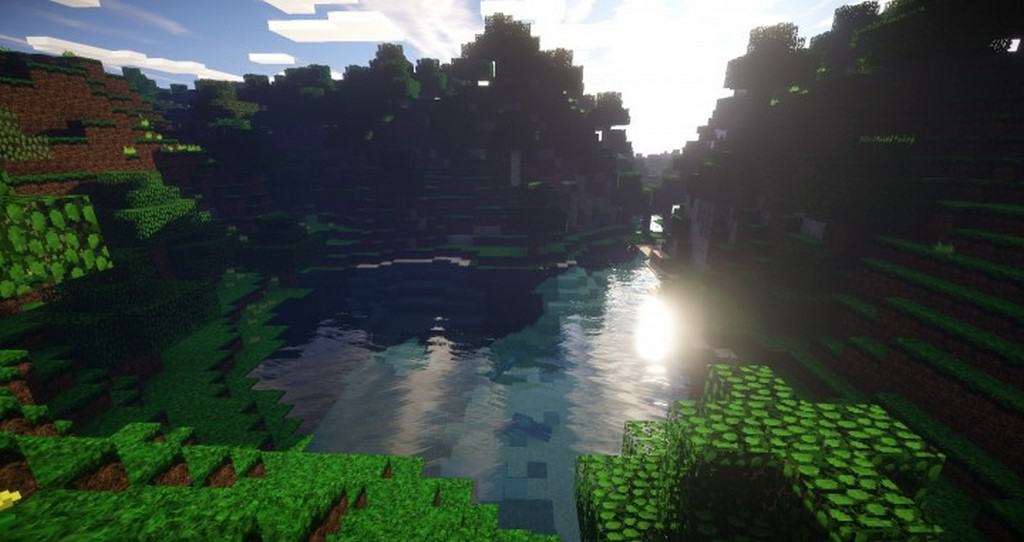
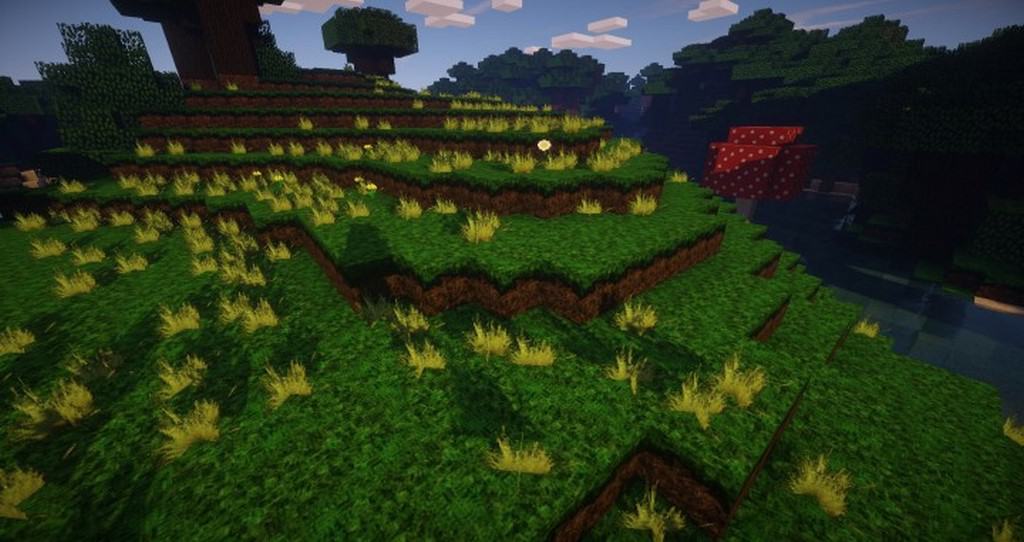
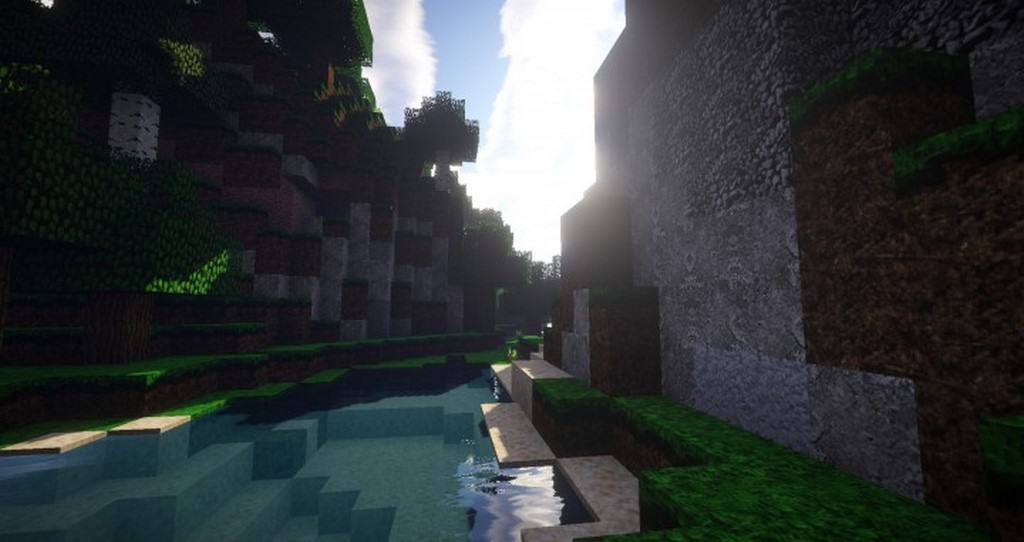
How to Install Texture Pack (Simple 10 Steps)
- Download OptiFine: Most of the texture packs and shaders need OptiFine. That’s why, first download and install OptiFine for the version of Minecraft you want to play.
- Download the Texture Pack: Get the texture pack you want from the download section. Choose the version that works with your Minecraft and your PC’s performance.
- Open Minecraft Launcher: Start Minecraft using the official game launcher — or even TLauncher, if you use that.
- Go to Options: From the main menu, click on the “Options” button.
- Open Resource Packs: Inside Options, click on “Resource Packs…”.
- Open the Resource Pack Folder: Click on “Open Resource Pack Folder” — this will open a folder named “resourcepacks”.
- Move the Pack File: Copy or move the .zip file you downloaded into that “resourcepacks” folder. (Don’t unzip the file — Minecraft uses it as-is!)
- Go Back and Refresh: Close the folder and click “Done”, then go back into “Resource Packs…” again.
- Activate the Pack: You’ll see the pack on the left side. Hover over it and click the arrow to move it to the right (active side).
Tip: If you get a message that the pack is for a different version, just click “Yes” — it usually works fine. - Click Done and Enjoy: Click “Done” again. Now your pack is ready to use in-game. It’s that easy!
Credits
This resource pack was created by Nibblets. We do not claim ownership of this content and do not modify the files. All rights belong to the original creator. We strongly encourage you to support Nibblets by visiting their official release pages.
Download Instructions
Curseforge: download starts automatically after a few seconds;
Mediafire: click the big blue button with the text “DOWNLOAD”;
Google Drive: in the top right corner you will see a small download icon (down arrow), click it and the download should start;


