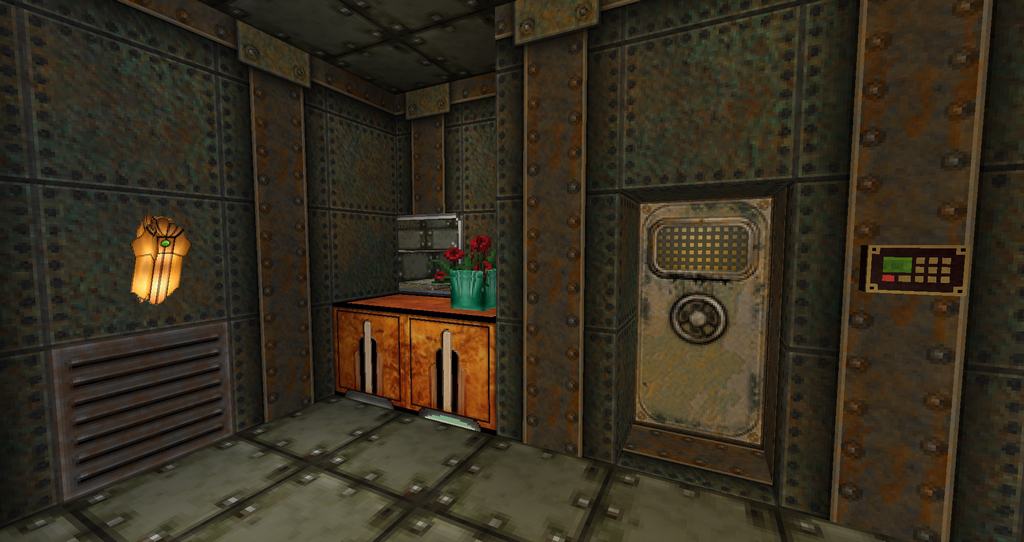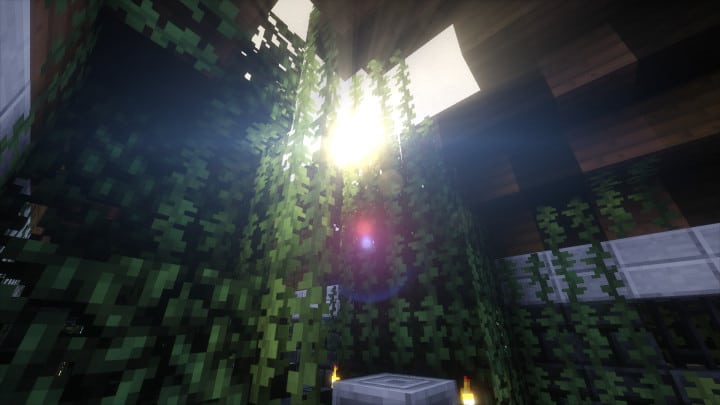
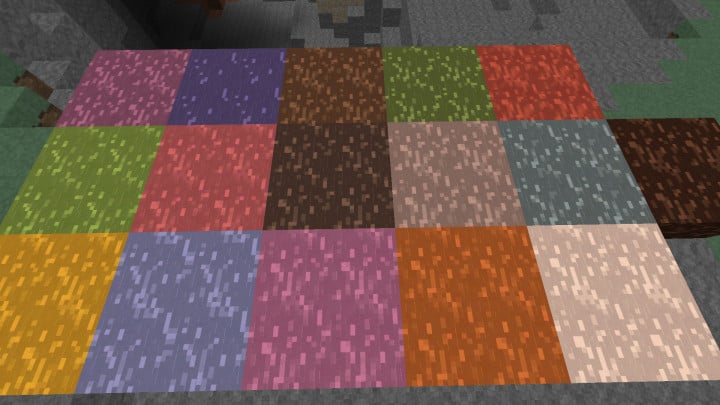
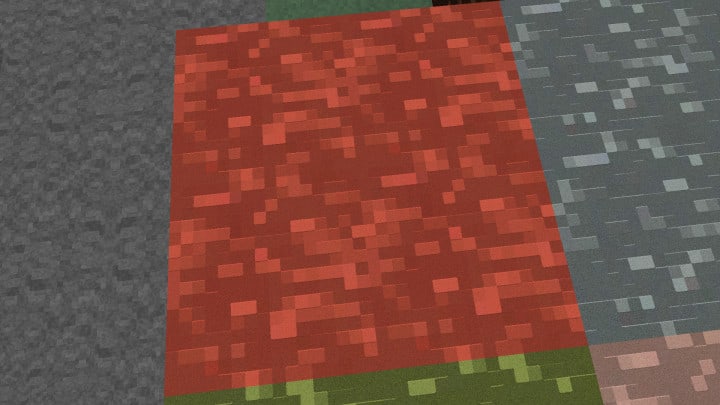
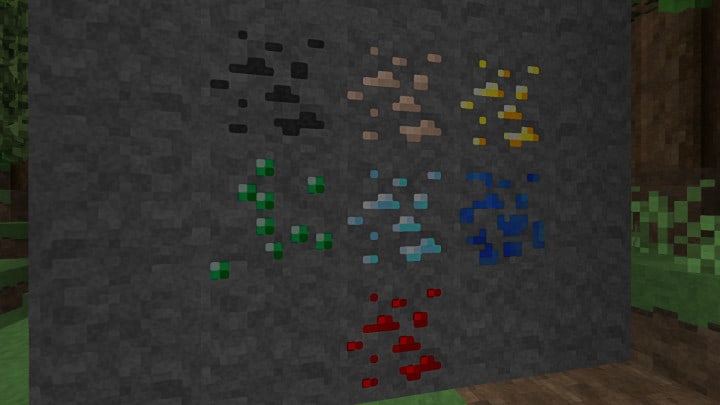
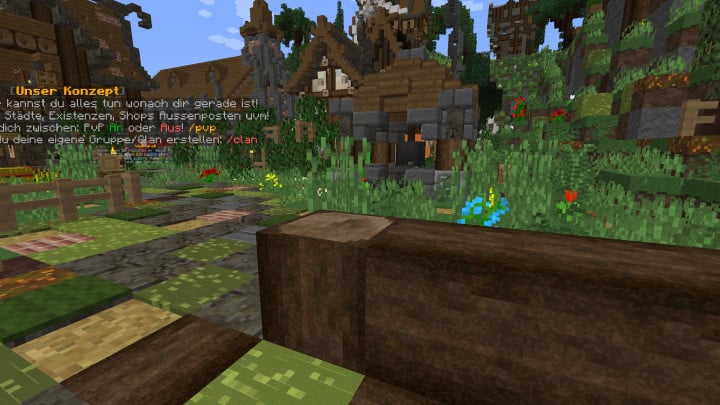
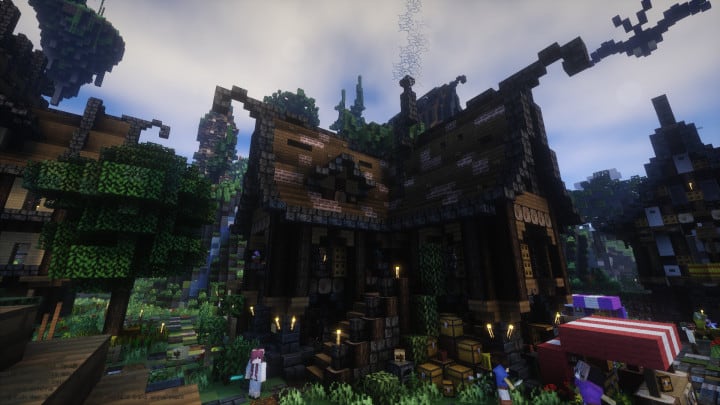
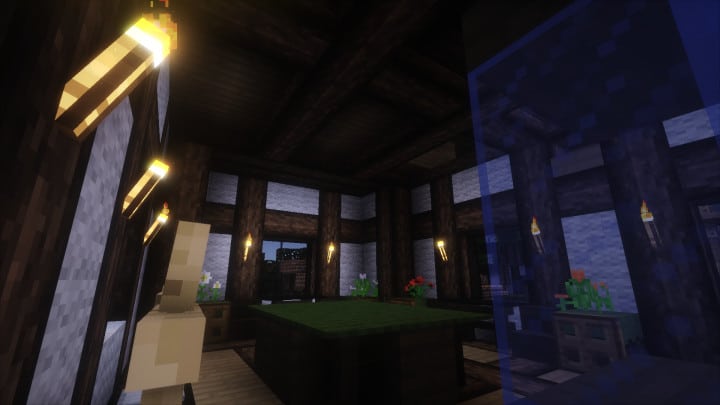
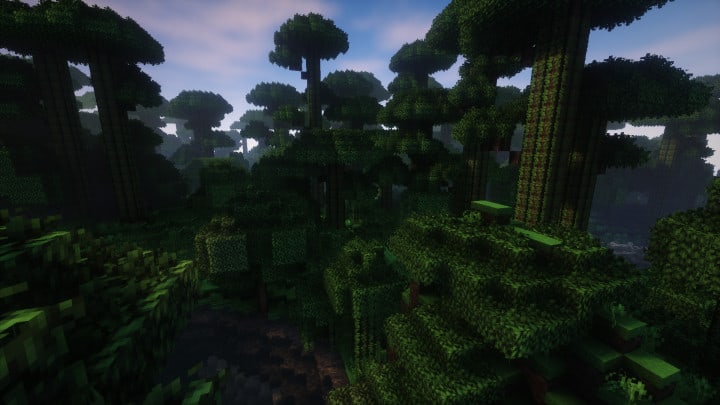
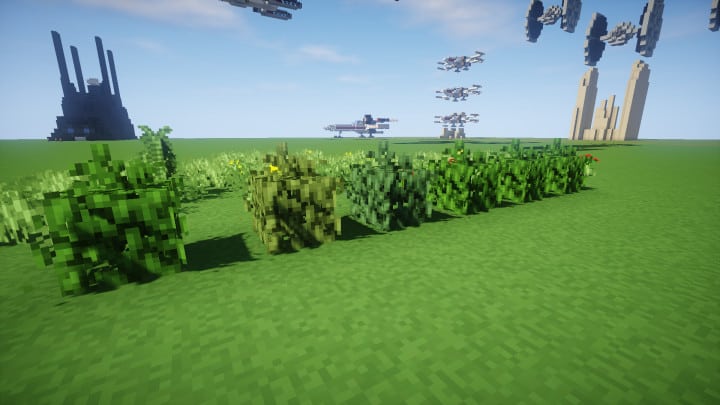
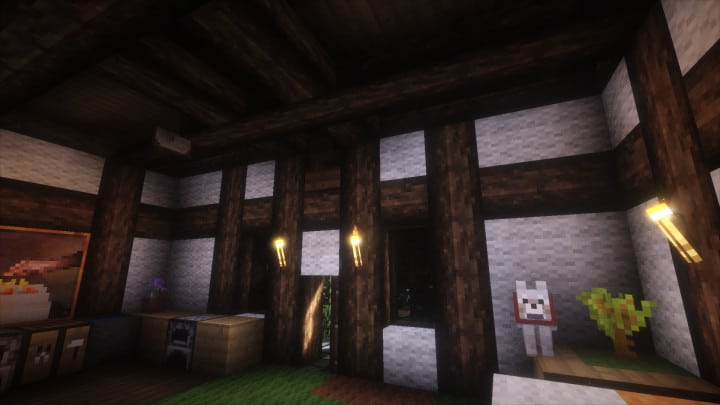
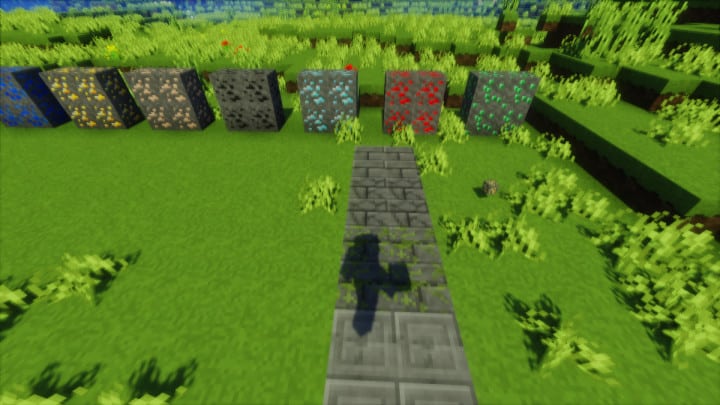
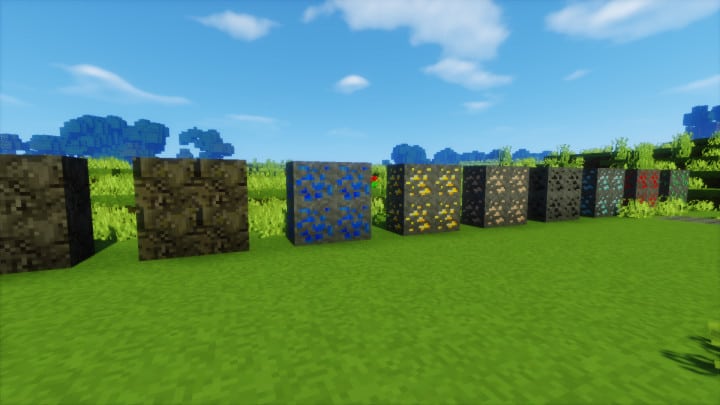
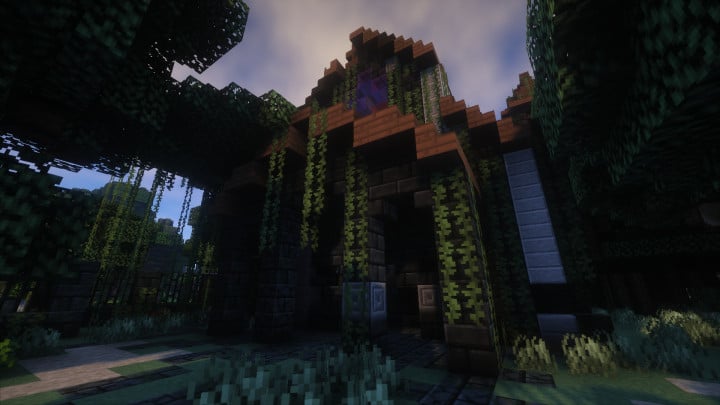
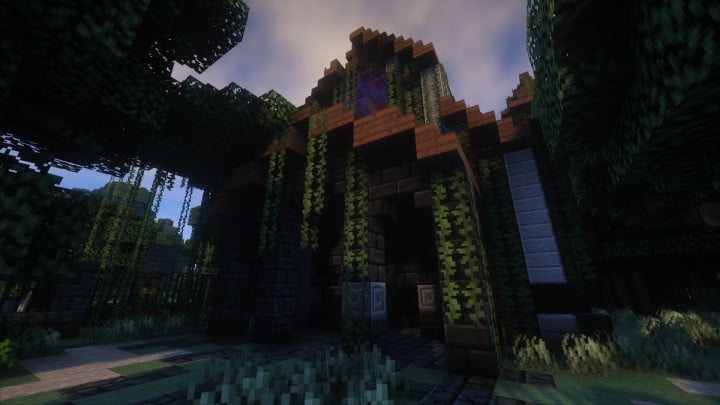
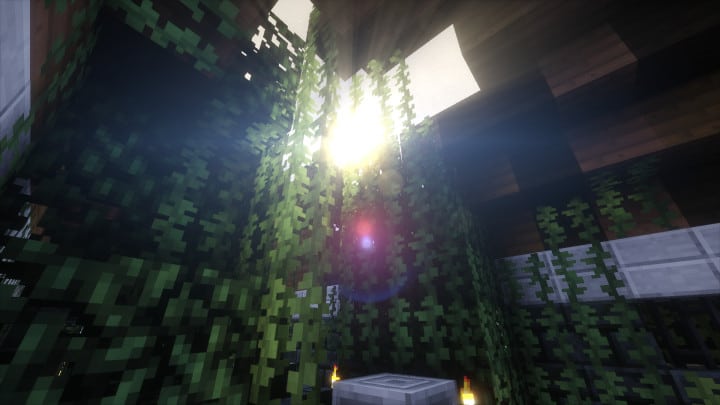
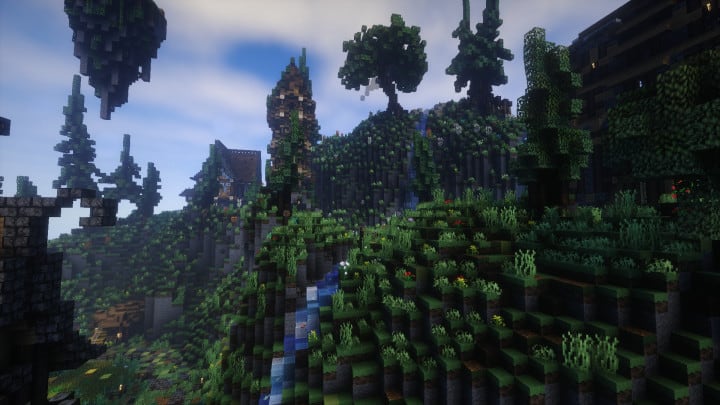
The Minecraft industry is gaining fame every day because of the revolution taking place. Many resource packs are developed to cater for enthusiasts who want to experience high performance. If you are a Minecraft fan, then you definitely need to install the Early Rustic Reborn resource pack. The pack comes with an incredible x512 resolution, but it also offers some other lower resolutions too. The 512x is an amazing advancement of the earlier 16x Early Rustic resource pack. It is a great design for players who like experiencing a unique art style offered by the Vanilla version but do not need the noisy textures in the vanilla version. This has displayed immense potential when it comes to performance, and its development is still in progress where the designers are promising that it will be one of the best packs available in the market for Minecraft. I think Early Rustic Reborn is truly one of the greatest packs released for Minecraft. You will find that it is a high-resolution pack that has the capability of offering the best moments to players, noting that the combination of high resolution and detailed textures offers maximum output that will amaze you in a way that has not been delivered by previous versions. The pack comes with a stunning high resolution of 512×512. This is the reason why you will need a high-resolution supporting PC for the pack to operate without problems or performance issues. But this should not worry you because modern PC hardware has catered for this, making quality machines that can easily handle higher resolutions like this, and it is a truly worthwhile investment if you don’t like facing simple frustrations. A high-end PC with excellent hardware will run the Early Rustic Reborn x512 resource pack smoothly without issues. Anyway, you can always use a lower resolution of Early Rustic Reborn if your PC happens to struggle with the x512 version.
Early Rustic Reborn should be compatible with all of these Minecraft versions: 1.12.2 – 1.12 – 1.11.2 – 1.11 – 1.10.2 – 1.10
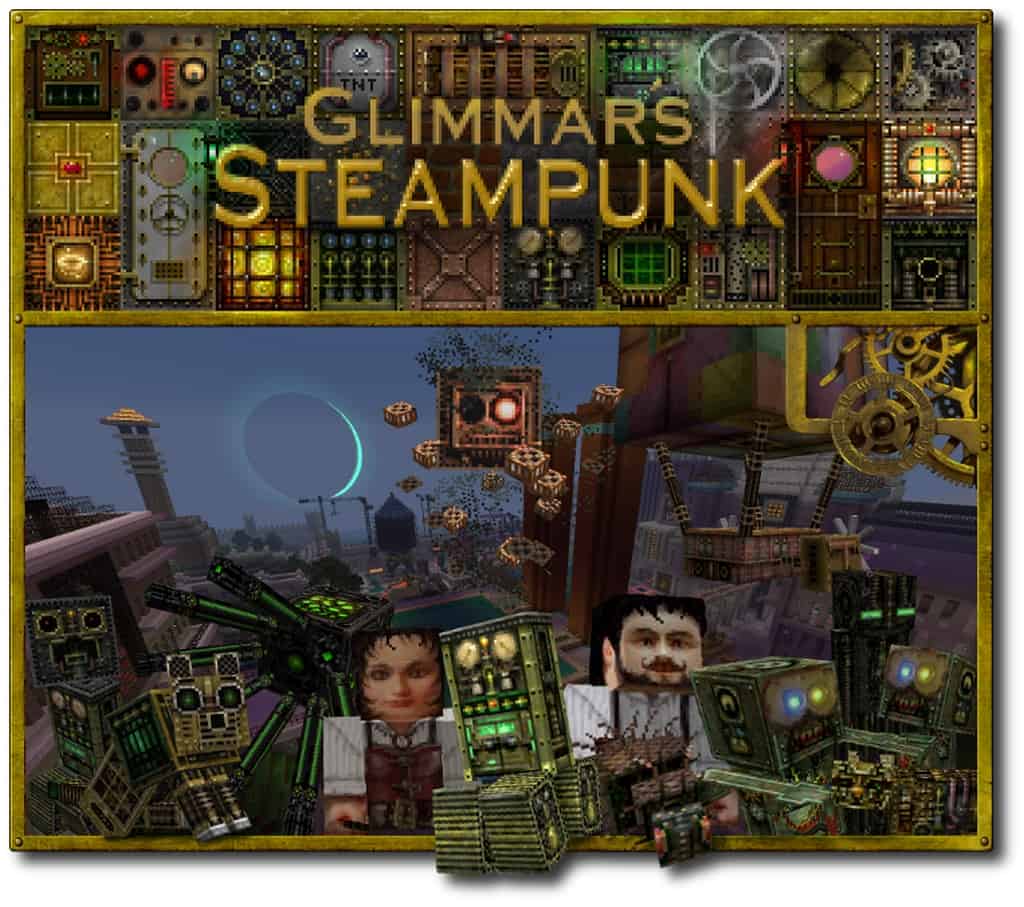
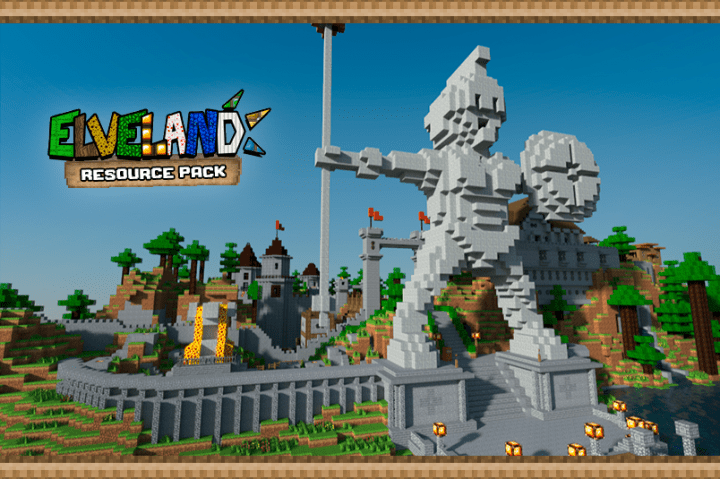
Screenshots
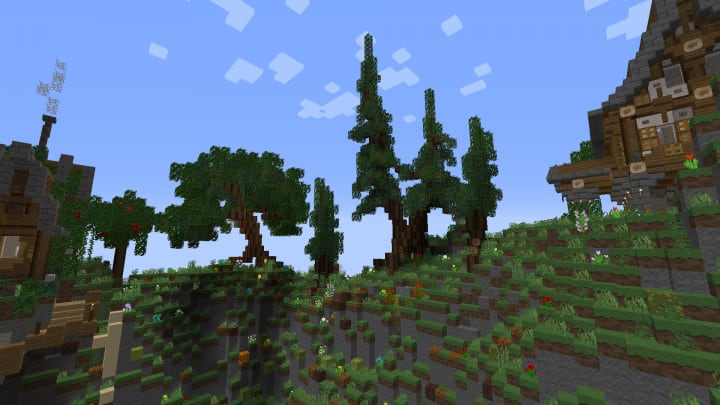
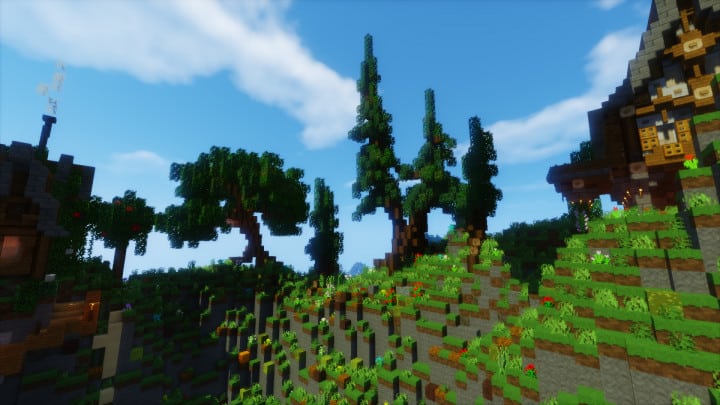
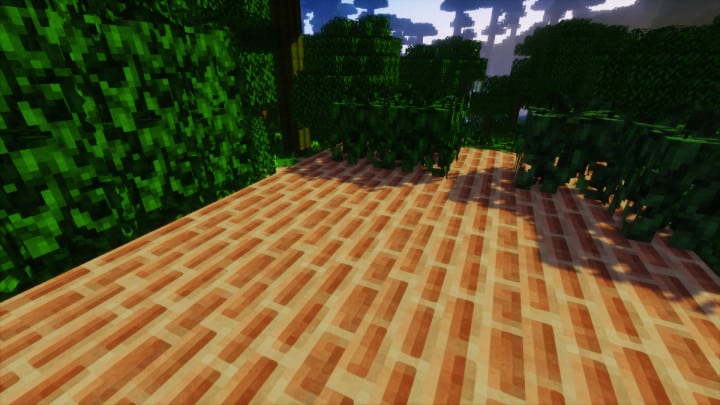
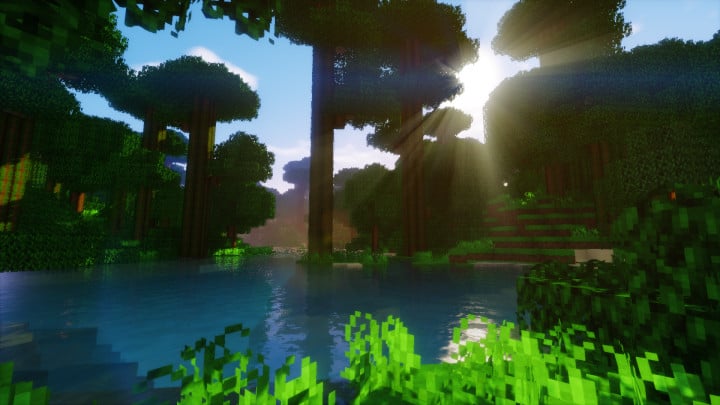
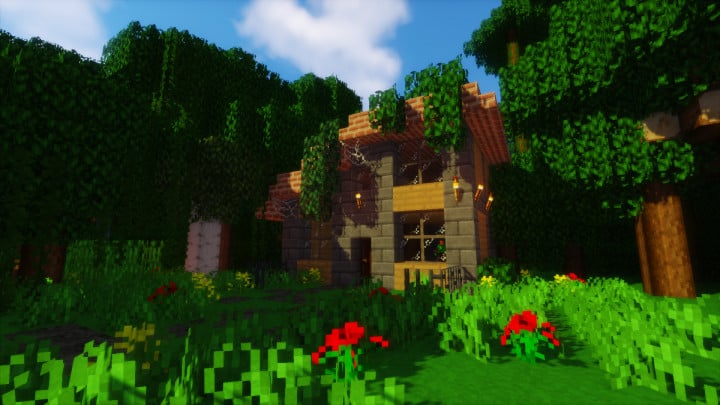
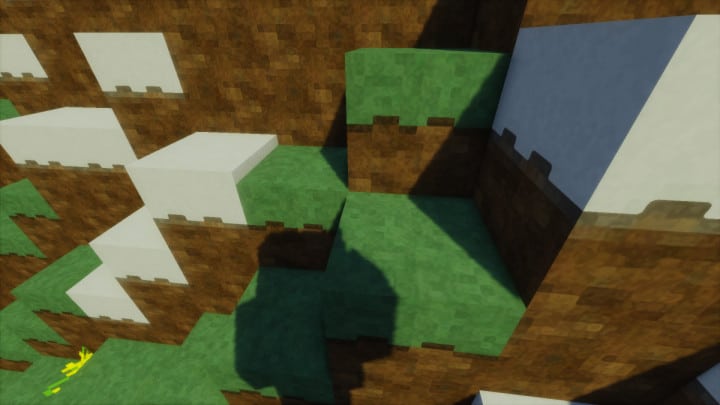
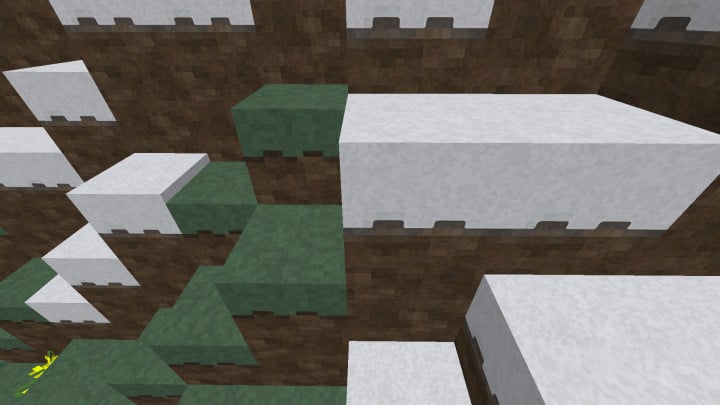
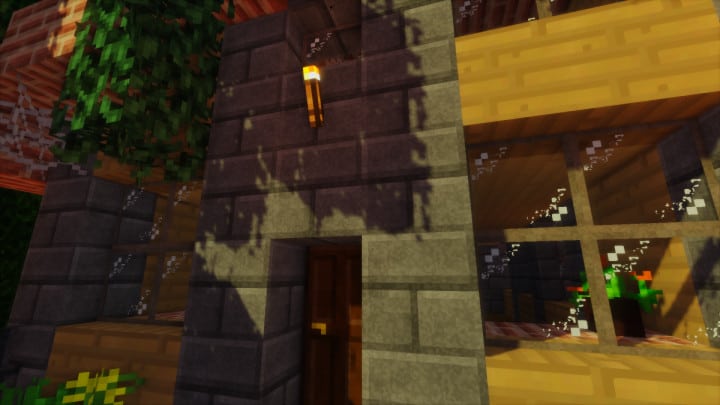
How to Install Texture Pack (Simple 10 Steps)
- Download OptiFine: Most of the texture packs and shaders need OptiFine. That’s why, first download and install OptiFine for the version of Minecraft you want to play.
- Download the Texture Pack: Get the texture pack you want from the download section. Choose the version that works with your Minecraft and your PC’s performance.
- Open Minecraft Launcher: Start Minecraft using the official game launcher — or even TLauncher, if you use that.
- Go to Options: From the main menu, click on the “Options” button.
- Open Resource Packs: Inside Options, click on “Resource Packs…”.
- Open the Resource Pack Folder: Click on “Open Resource Pack Folder” — this will open a folder named “resourcepacks”.
- Move the Pack File: Copy or move the .zip file you downloaded into that “resourcepacks” folder. (Don’t unzip the file — Minecraft uses it as-is!)
- Go Back and Refresh: Close the folder and click “Done”, then go back into “Resource Packs…” again.
- Activate the Pack: You’ll see the pack on the left side. Hover over it and click the arrow to move it to the right (active side).
Tip: If you get a message that the pack is for a different version, just click “Yes” — it usually works fine. - Click Done and Enjoy: Click “Done” again. Now your pack is ready to use in-game. It’s that easy!
Credits
This Resource Pack was originally created and developed by Rikoji. We do not claim ownership of this content, nor do we host modified files on our servers. All rights remain with the original creator. We strongly encourage you to visit and support Rikoji for their incredible work.
Download Links
Java Edition
Download Instructions
Curseforge: download starts automatically after a few seconds;
Mediafire: click the big blue button with the text “DOWNLOAD”;
Google Drive: in the top right corner you will see a small download icon (down arrow), click it and the download should start;