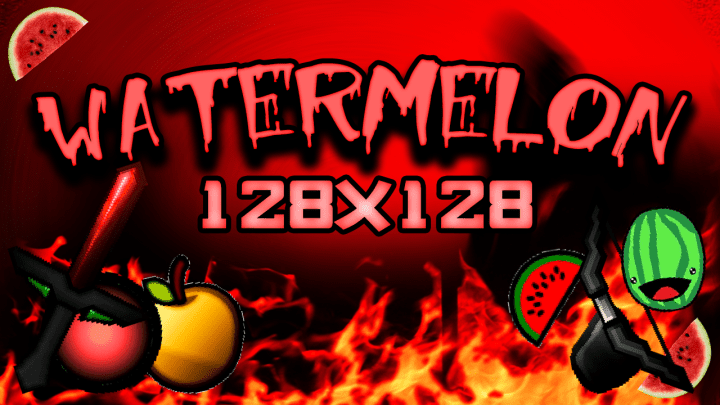
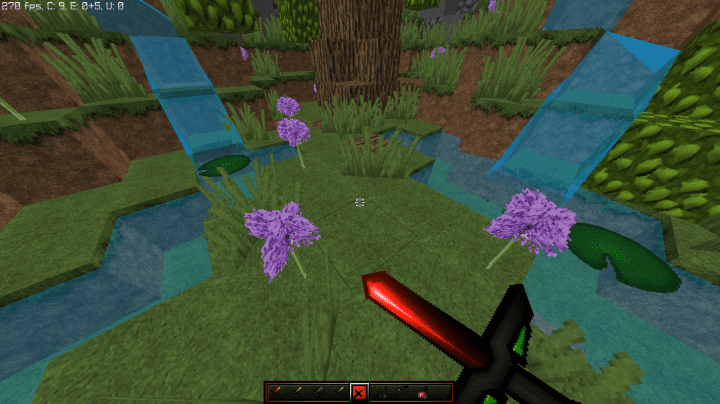
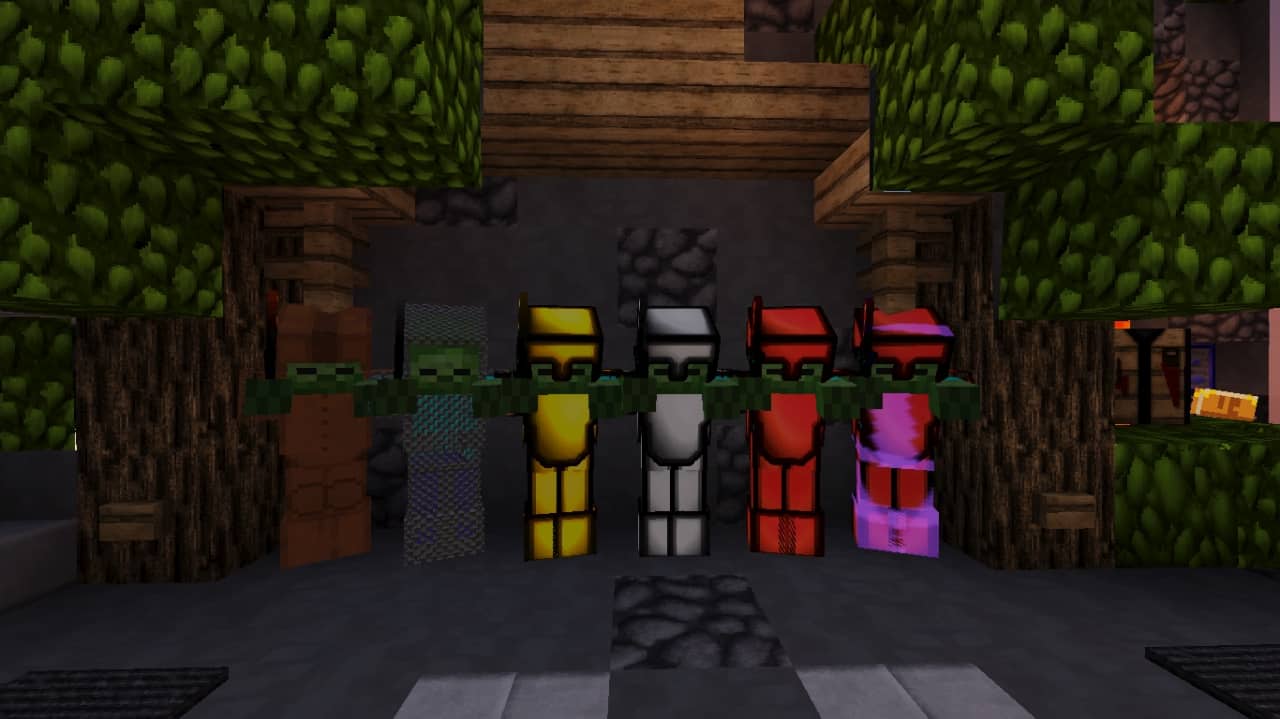
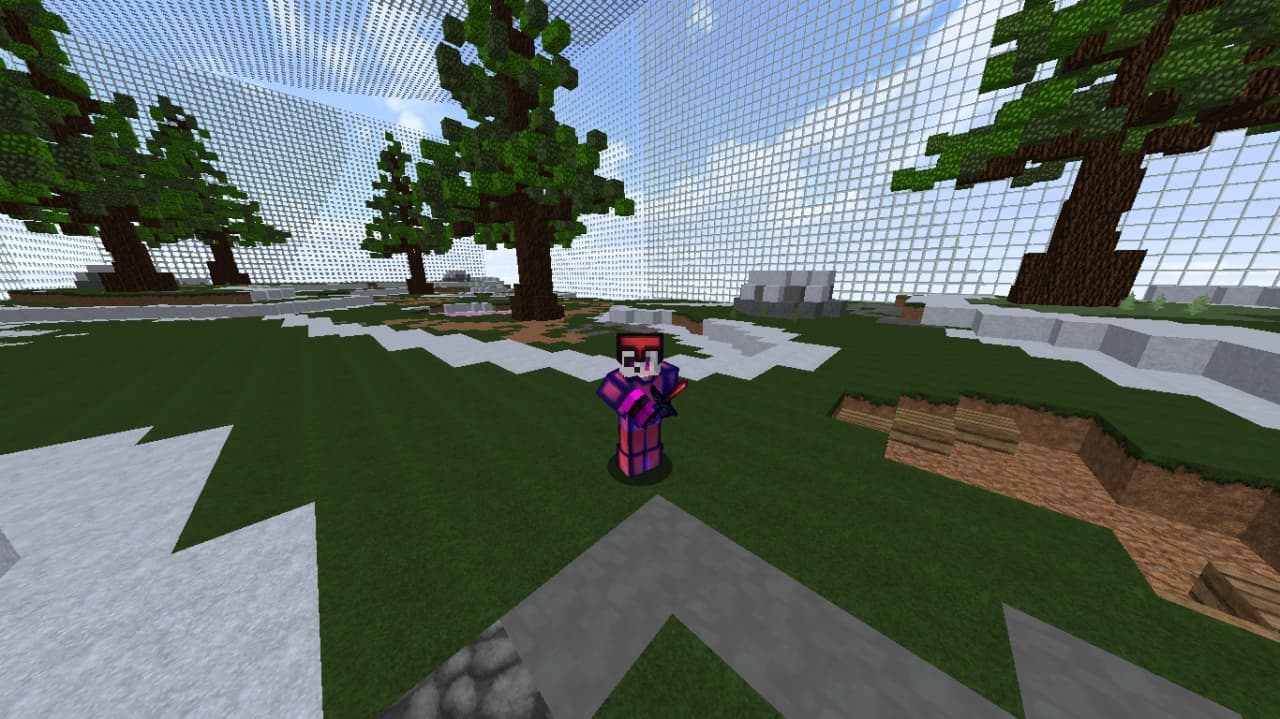
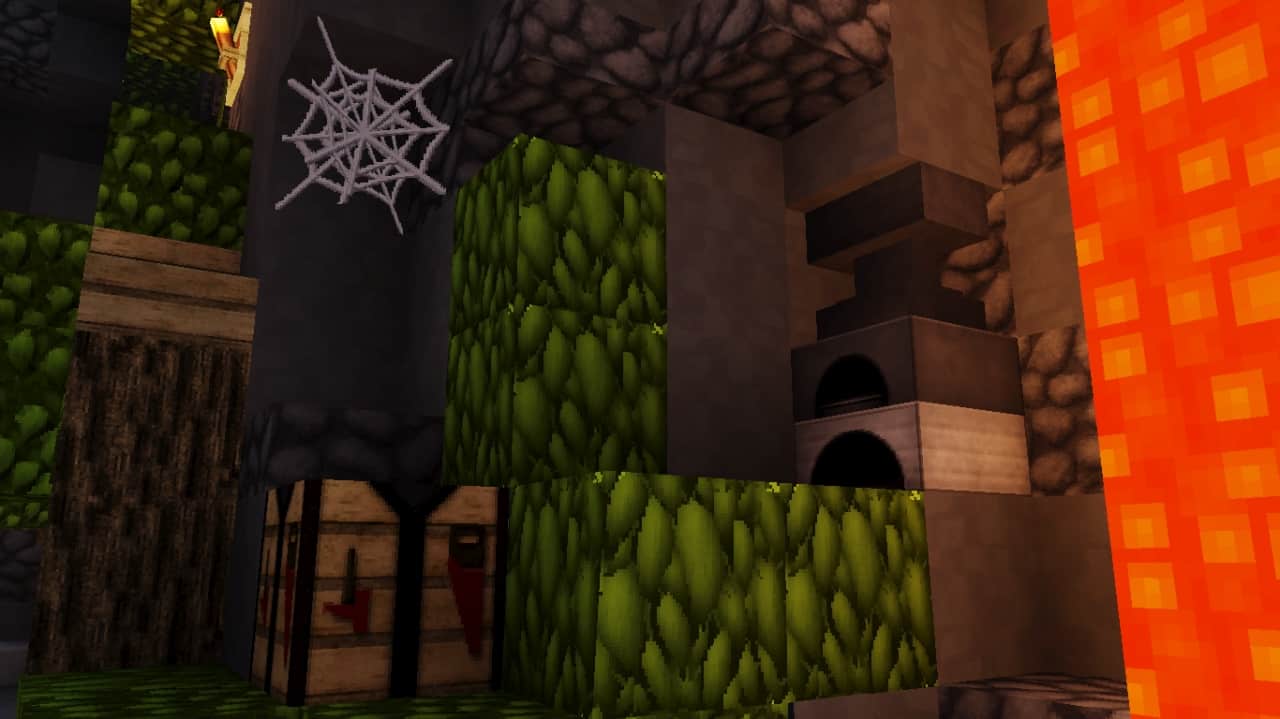
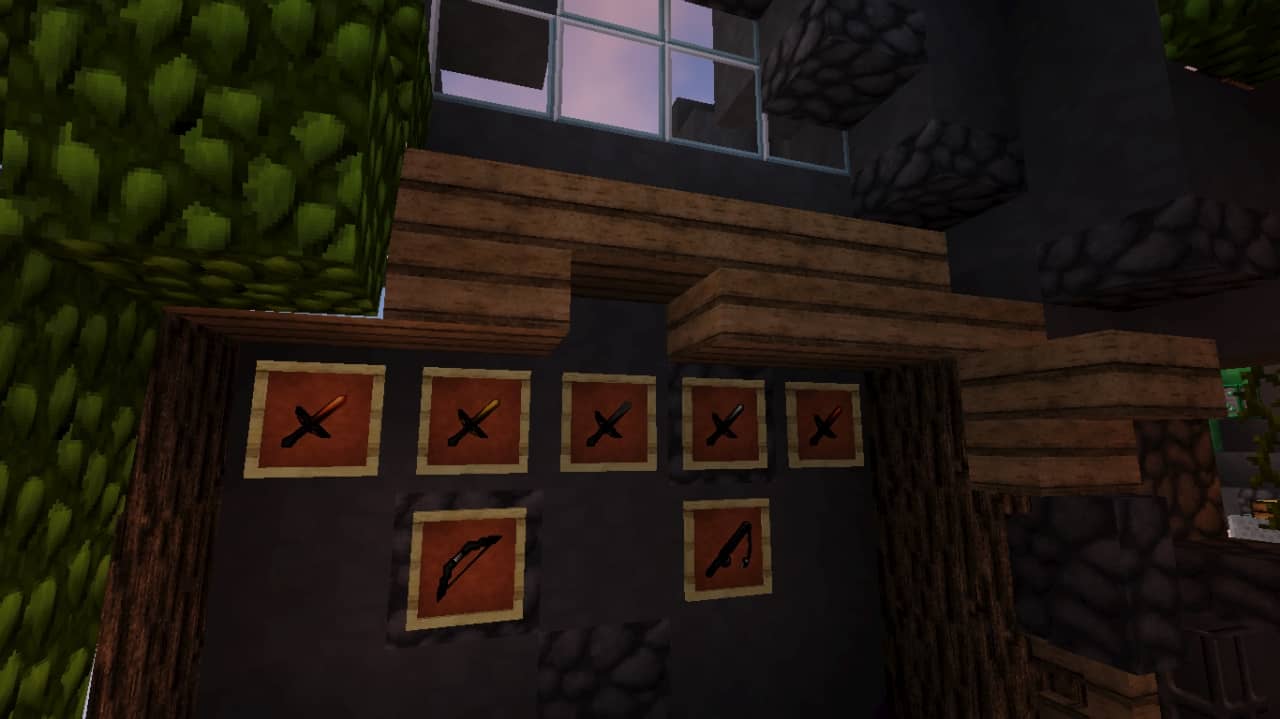
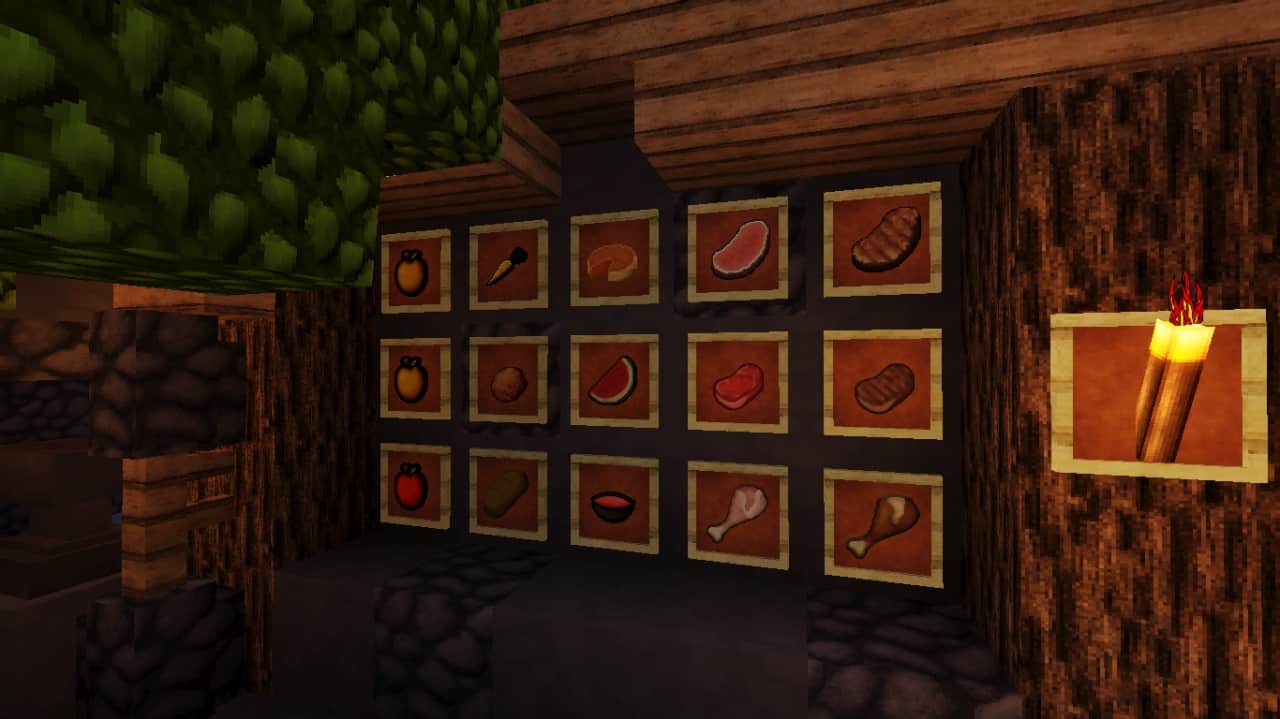
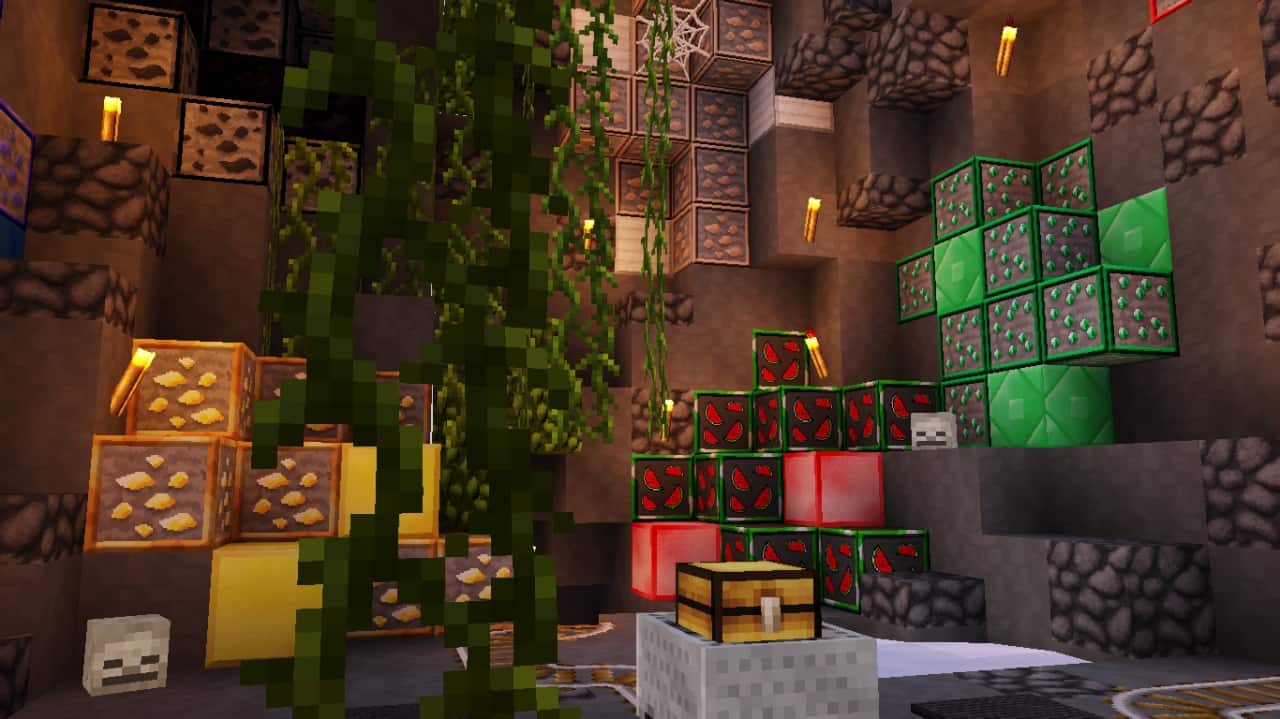
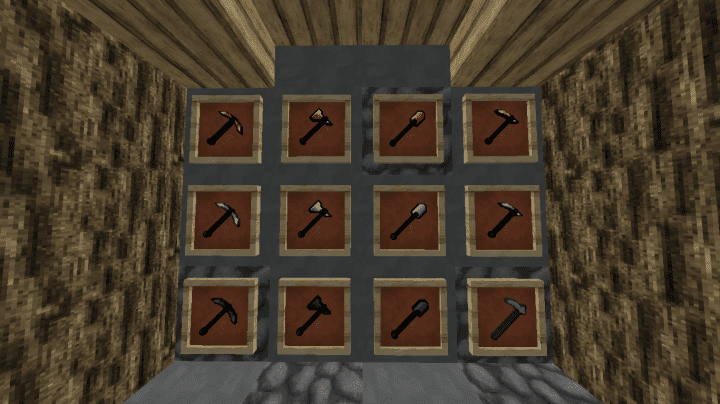
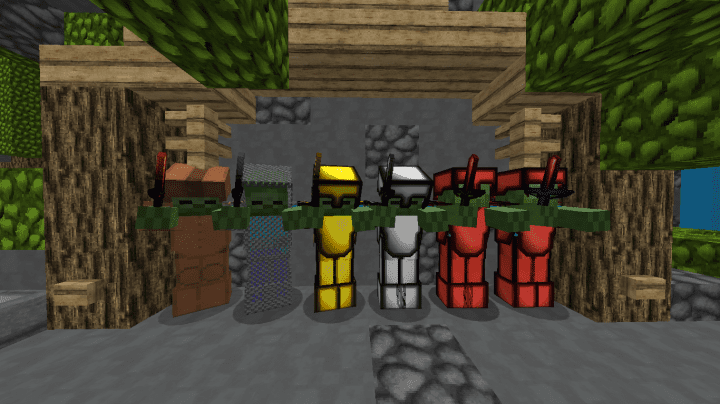
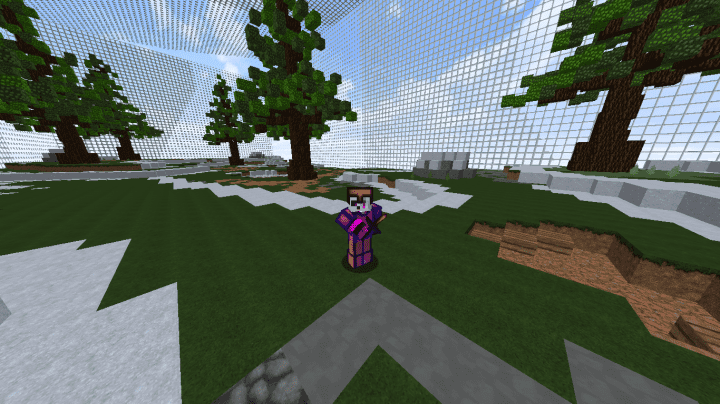
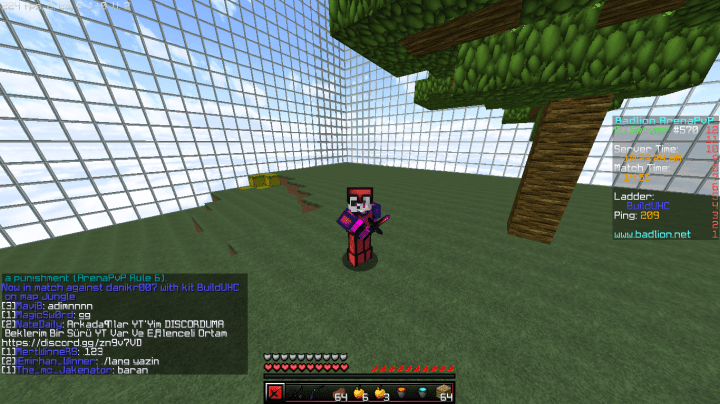
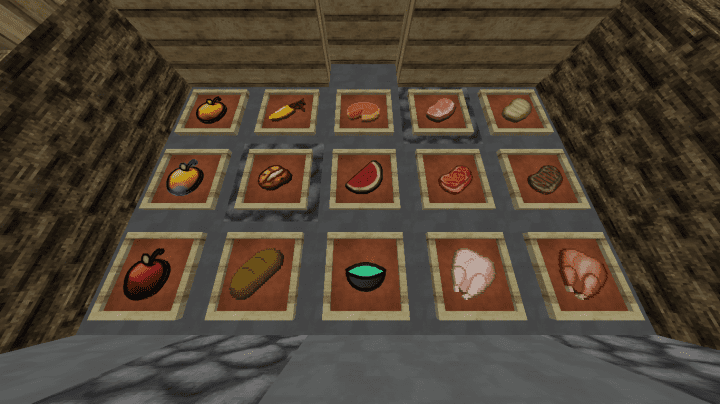
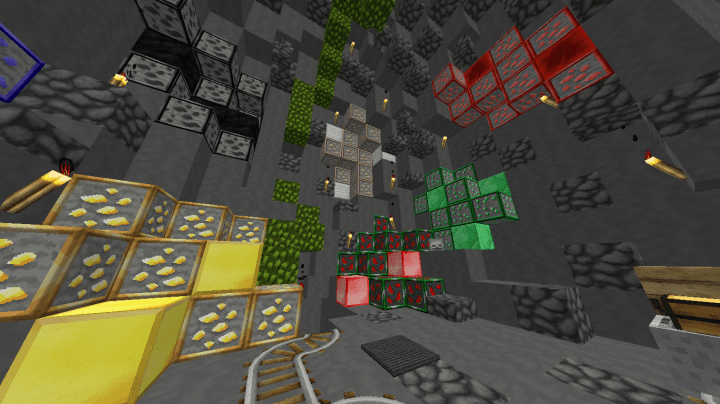
Watermelon PvP is brilliantly designed for players who want to enjoy their competitive PvP sessions without having to give up on high-quality visuals! I found that while the pack is crafted to run on a variety of systems, you really need a pretty powerful computer to make the most out of it and experience it to the fullest. This means that the resource pack definitely requires a machine with good specifications to run smoothly and perform at its optimal level. If you happen to have a lower-end PC, you can still boot up the game, but honestly, you might not enjoy it quite as much. What I love most is that the Watermelon PvP resource pack delivers stunning visuals, which is something that traditional PvP packs are not usually associated with. The pack features genuinely detailed textures while carefully avoiding any compromise on the core features expected of a competitive PvP pack. Therefore, you truly do not have to worry about your performance or experience being hindered by unnecessary visual elements.
Contrary to the standard experience you get from using the vanilla Minecraft palette, Watermelon PvP affords you a much better chance of spotting your targets in any given situation without breaking a sweat because the overall aesthetic is noticeably brighter. This brilliantly translates to sharper gameplay and an overall more pleasant encounter during intense matches! While other typical PvP resource packs usually stick to a standard 16x resolution, the Watermelon PvP resource pack goes one better and comes packed with a gorgeous 128x resolution. That drastic improvement in resolution gives Watermelon PvP a massive edge in style and clarity. Consequently, Watermelon PvP boasts extremely detailed textures that you simply cannot find in most other PvP resource packs. Nevertheless, this high resolution naturally comes with a price; you really do need a high-end computer with top-quality hardware so that you can run the pack seamlessly. If you want to fully reap the benefits of the high resolution and improved textures that come with the Watermelon PvP resource pack, you might just need to invest in a higher-quality machine if your current rig keeps letting you down.
Watermelon PvP should be compatible with all of these Minecraft versions: 1.8.9 – 1.8.8 – 1.8.1 – 1.8.6 – 1.8
Screenshots


How to Install Texture Pack (Simple 10 Steps)
- Download OptiFine: Most of the texture packs and shaders need OptiFine. That’s why, first download and install OptiFine for the version of Minecraft you want to play.
- Download the Texture Pack: Get the texture pack you want from the download section. Choose the version that works with your Minecraft and your PC’s performance.
- Open Minecraft Launcher: Start Minecraft using the official game launcher — or even TLauncher, if you use that.
- Go to Options: From the main menu, click on the “Options” button.
- Open Resource Packs: Inside Options, click on “Resource Packs…”.
- Open the Resource Pack Folder: Click on “Open Resource Pack Folder” — this will open a folder named “resourcepacks”.
- Move the Pack File: Copy or move the .zip file you downloaded into that “resourcepacks” folder. (Don’t unzip the file — Minecraft uses it as-is!)
- Go Back and Refresh: Close the folder and click “Done”, then go back into “Resource Packs…” again.
- Activate the Pack: You’ll see the pack on the left side. Hover over it and click the arrow to move it to the right (active side).
Tip: If you get a message that the pack is for a different version, just click “Yes” — it usually works fine. - Click Done and Enjoy: Click “Done” again. Now your pack is ready to use in-game. It’s that easy!
Credits
This resource pack was originally created by DustStorm_YT. We do not claim ownership of this content, nor have we modified the original files. We strongly encourage players to support the original creator by visiting their official download links and channels.
Download Instructions
Curseforge: download starts automatically after a few seconds;
Mediafire: click the big blue button with the text “DOWNLOAD”;
Google Drive: in the top right corner you will see a small download icon (down arrow), click it and the download should start;


