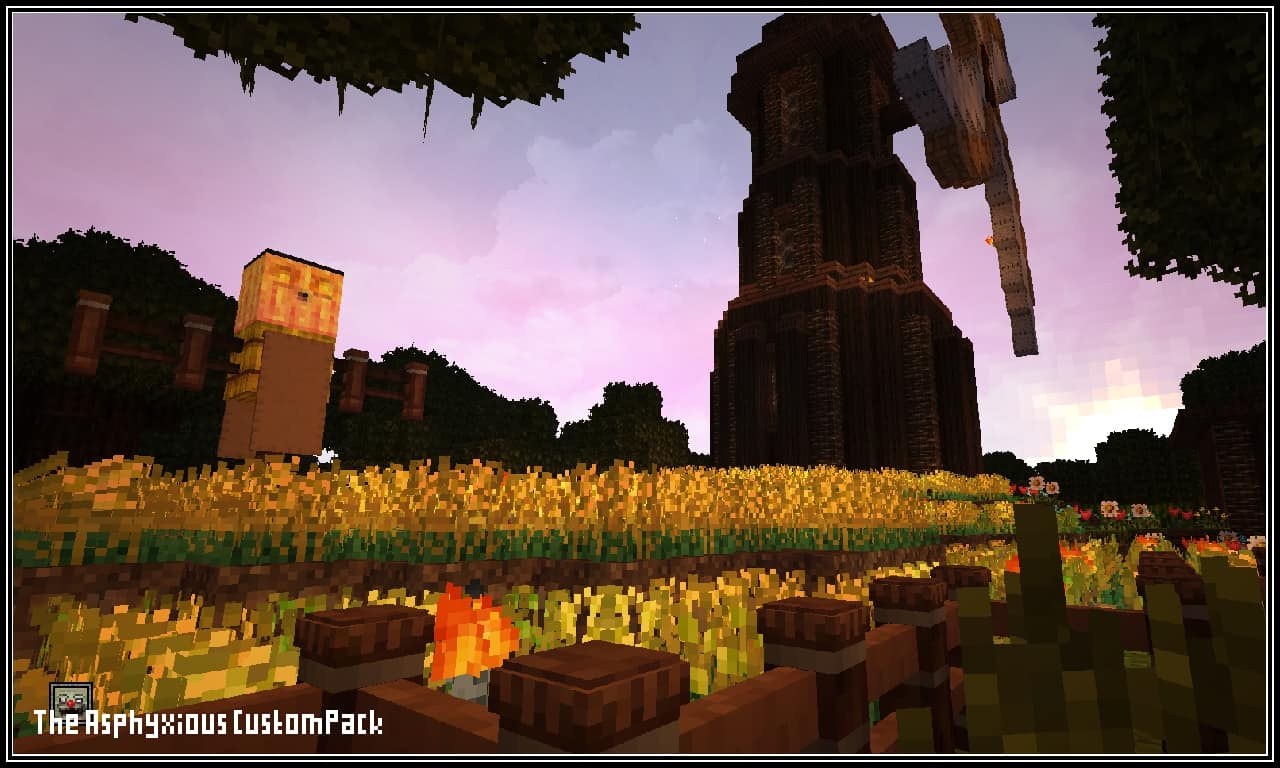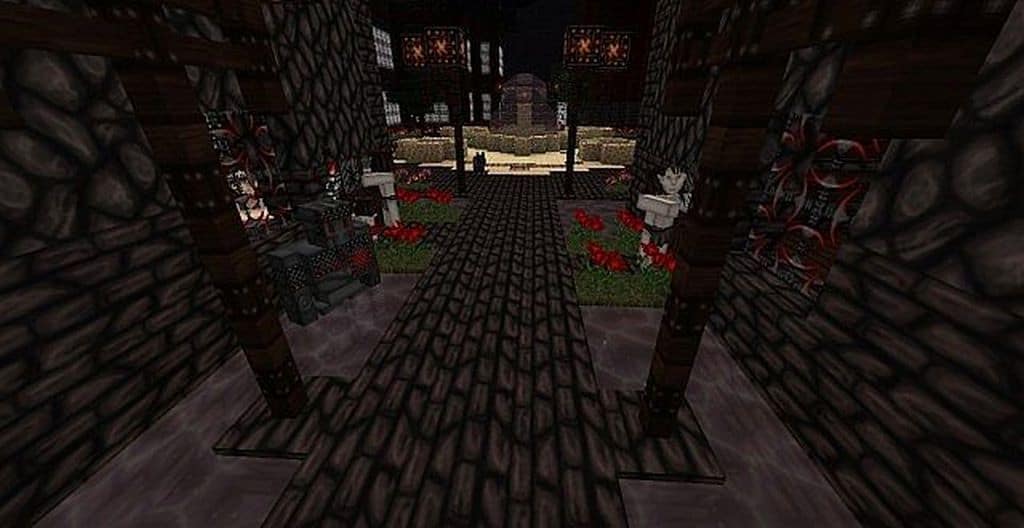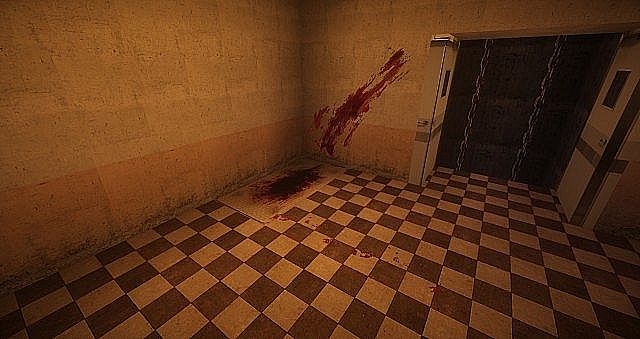
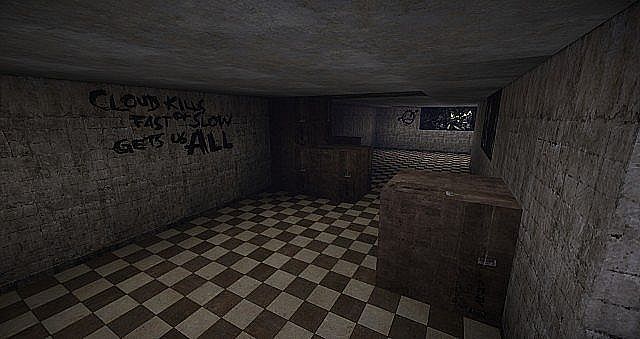
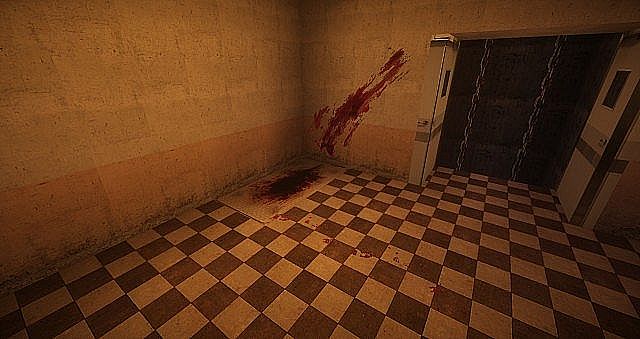
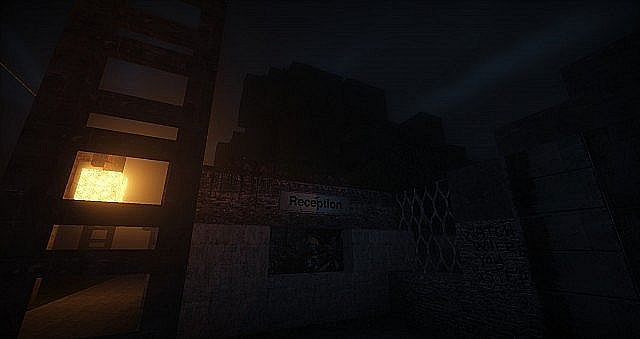
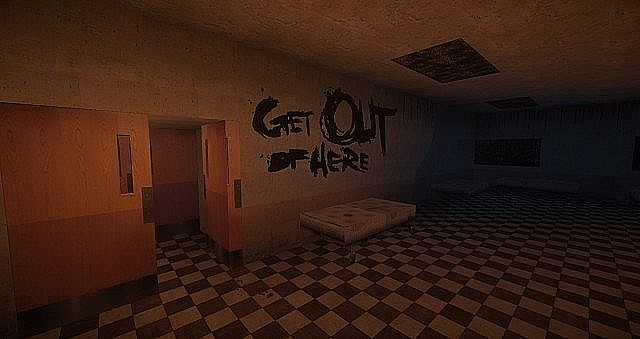
I had the absolute thrill of diving into the Forgotten Memories Resource Pack, which was crafted specifically for the Minecraft horror map of the very same name! Honestly, while I am not typically a massive fan of horror textures, I sometimes love switching things up and having fun with something delightfully spooky. In my honest opinion, these are exceptionally high-quality textures, and you can truly tell the author poured a tremendous amount of effort into bringing every creepy detail to life. If you want to squeeze every ounce of fright and deeply gloomy atmosphere out of your gameplay, this pack will uniquely suit you and elevate your world to terrifying new heights! Get ready to explore haunting visuals featuring abandoned wastelands, collapsing walls, eerie graffiti, and chilling blood stains.
Forgotten Memories should be compatible with all of these Minecraft versions: 1.8.1 – 1.7.10 – 1.7.9 – 1.7.4 – 1.7 – 1.6.4 – 1.6.2
Screenshots
How to Install Texture Pack (Simple 10 Steps)
- Download OptiFine: Most of the texture packs and shaders need OptiFine. That’s why, first download and install OptiFine for the version of Minecraft you want to play.
- Download the Texture Pack: Get the texture pack you want from the download section. Choose the version that works with your Minecraft and your PC’s performance.
- Open Minecraft Launcher: Start Minecraft using the official game launcher — or even TLauncher, if you use that.
- Go to Options: From the main menu, click on the “Options” button.
- Open Resource Packs: Inside Options, click on “Resource Packs…”.
- Open the Resource Pack Folder: Click on “Open Resource Pack Folder” — this will open a folder named “resourcepacks”.
- Move the Pack File: Copy or move the .zip file you downloaded into that “resourcepacks” folder. (Don’t unzip the file — Minecraft uses it as-is!)
- Go Back and Refresh: Close the folder and click “Done”, then go back into “Resource Packs…” again.
- Activate the Pack: You’ll see the pack on the left side. Hover over it and click the arrow to move it to the right (active side).
Tip: If you get a message that the pack is for a different version, just click “Yes” — it usually works fine. - Click Done and Enjoy: Click “Done” again. Now your pack is ready to use in-game. It’s that easy!
Credits
The Forgotten Memories Resource Pack was created by BlueGamerzTM. We do not claim ownership of this content, nor have we modified the original files. All rights belong to the original creator. We strongly encourage you to support BlueGamerzTM and their work.
Download Instructions
Curseforge: download starts automatically after a few seconds;
Mediafire: click the big blue button with the text “DOWNLOAD”;
Google Drive: in the top right corner you will see a small download icon (down arrow), click it and the download should start;