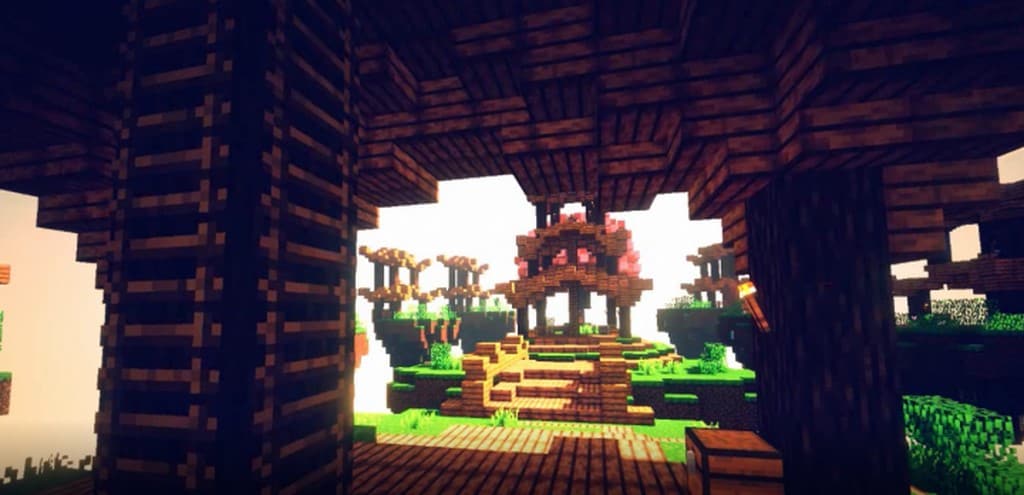
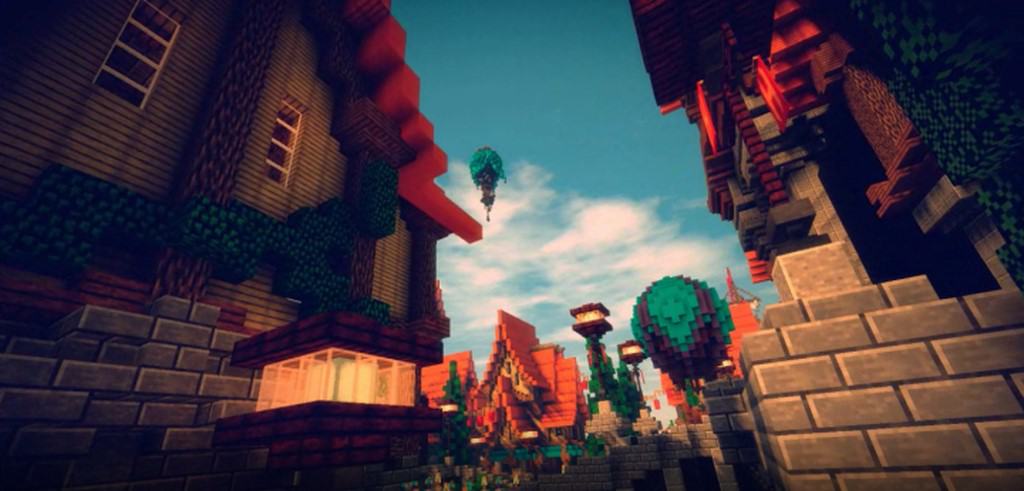
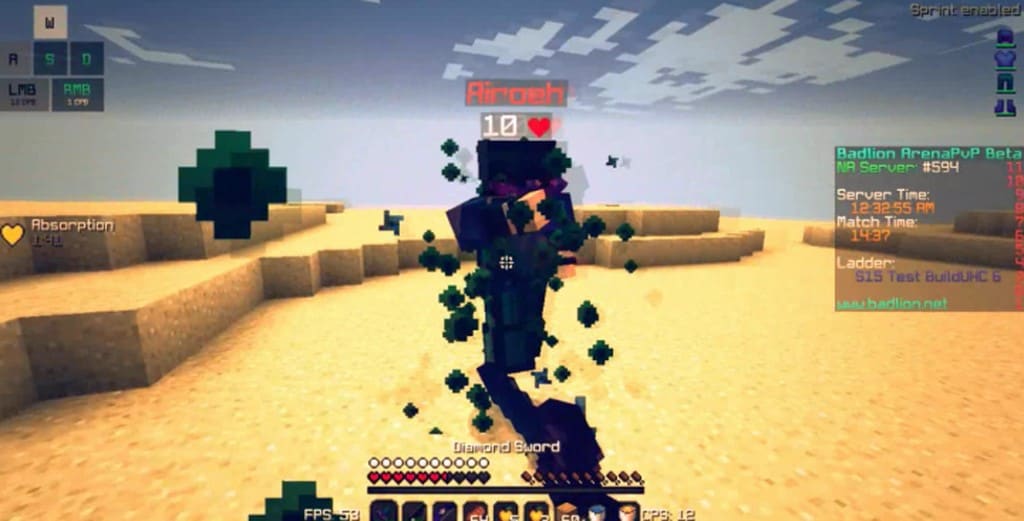
The biggest gripe you might have with the vast majority of resource packs is that most of them are absolute resource hogs. Higher resolutions, heavy lighting effects, complex shaders, and moving textures can completely destroy the framerates of anyone playing on an older system. While you may be able to run vanilla Minecraft just fine, many modern resource packs can easily become unplayable. The Moonwake PvP resource pack is the ultimate answer for all these players. It is a fantastic resource pack that uses fresh new textures while sticking to a modest resolution of 16x, which is the exact same as vanilla Minecraft. For you as the end-user, having a lower texture resolution means wonderfully smooth performance and zero frustrating framerate drops, even if you are gaming on an older computer. The entire Moonwake texture pack was thoughtfully designed with PC players in mind. It brilliantly overhauls many of the visuals in the game such as custom particle effects, introduces different types of terrain, provides brand new textures for certain blocks and materials, and sharpens the overall colors in the game.
Even though it maintains the exact same texture resolution as vanilla, it simply makes Minecraft look so much better without forcing you to make any compromises in terms of framerates. Being such a remarkably lightweight resource pack and exceptionally well-optimized to maintain great framerates even on older computers, the Moonwake resource pack is truly a stellar pick for competitive PvP players. Game performance is absolutely vital for PvP, which is precisely why it has managed to remain a hugely popular resource pack for so many. First published in late 2017, the Moonwake resource pack has successfully raked in tens of thousands of downloads. The talented creator, Toofee, consistently delivered several important updates for his resource pack. He also published several helpful videos on his YouTube channel to showcase his resource pack and demonstrate the progress on exciting new updates. Toofee even went ahead and released a fantastic Revamp version of Moonwake which includes multiple visual improvements, custom particle effects, and exciting new textures. You will be glad to know that the Moonwake resource pack can be installed manually since it does not rely on any special features, or it can be easily installed using Optifine HD for the best possible experience.
Moonwake should be compatible with all of these Minecraft versions: 1.8.9 – 1.8.8 – 1.8.1 – 1.8.6 – 1.8 – 1.7.10 – 1.7.9 – 1.7.4 – 1.7
Screenshots

How to Install Texture Pack (Simple 10 Steps)
- Download OptiFine: Most of the texture packs and shaders need OptiFine. That’s why, first download and install OptiFine for the version of Minecraft you want to play.
- Download the Texture Pack: Get the texture pack you want from the download section. Choose the version that works with your Minecraft and your PC’s performance.
- Open Minecraft Launcher: Start Minecraft using the official game launcher — or even TLauncher, if you use that.
- Go to Options: From the main menu, click on the “Options” button.
- Open Resource Packs: Inside Options, click on “Resource Packs…”.
- Open the Resource Pack Folder: Click on “Open Resource Pack Folder” — this will open a folder named “resourcepacks”.
- Move the Pack File: Copy or move the .zip file you downloaded into that “resourcepacks” folder. (Don’t unzip the file — Minecraft uses it as-is!)
- Go Back and Refresh: Close the folder and click “Done”, then go back into “Resource Packs…” again.
- Activate the Pack: You’ll see the pack on the left side. Hover over it and click the arrow to move it to the right (active side).
Tip: If you get a message that the pack is for a different version, just click “Yes” — it usually works fine. - Click Done and Enjoy: Click “Done” again. Now your pack is ready to use in-game. It’s that easy!
Credits
This resource pack was originally created and developed by Toofee. We do not claim ownership of this content, nor do we host modified files on our servers. All rights and intellectual property belong strictly to the original author. We strongly encourage you to support Toofee by downloading the pack from the official sources and checking out their official channels.
Download Links
Java Edition
Download Instructions
Curseforge: download starts automatically after a few seconds;
Mediafire: click the big blue button with the text “DOWNLOAD”;
Google Drive: in the top right corner you will see a small download icon (down arrow), click it and the download should start;


