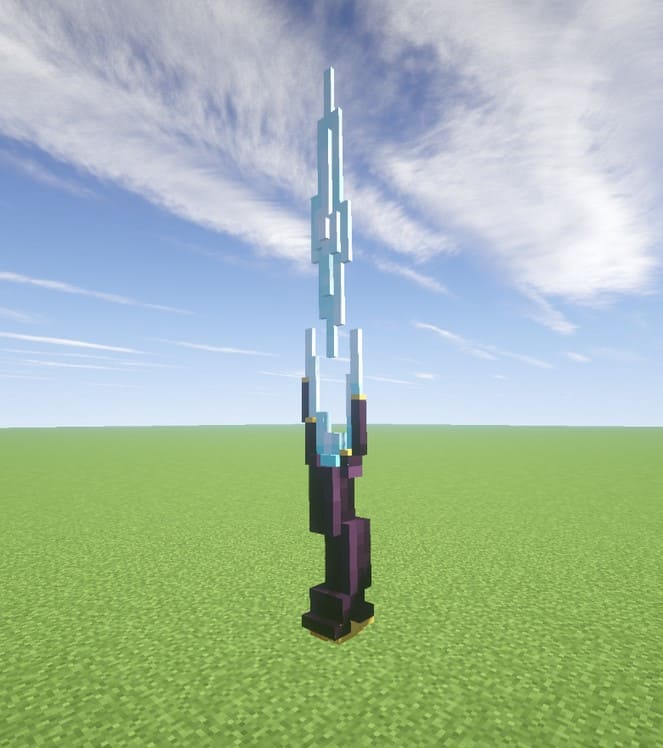
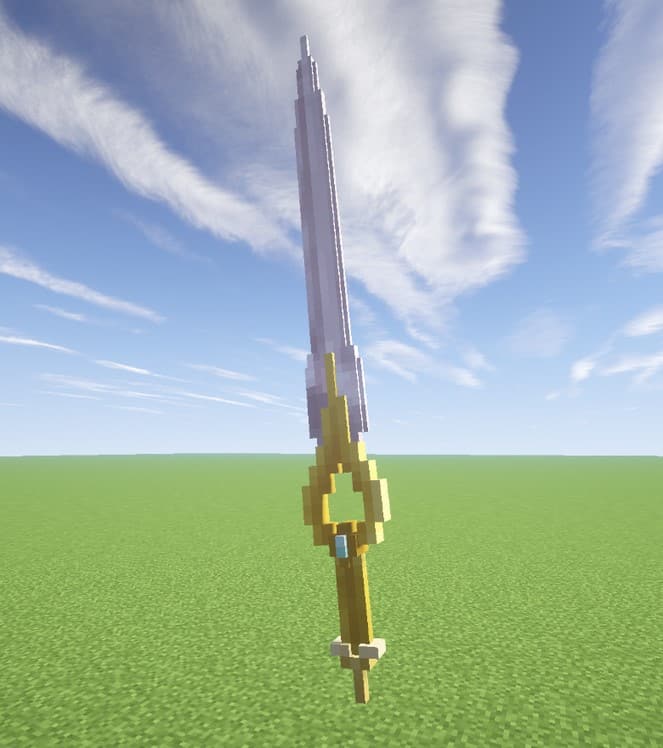
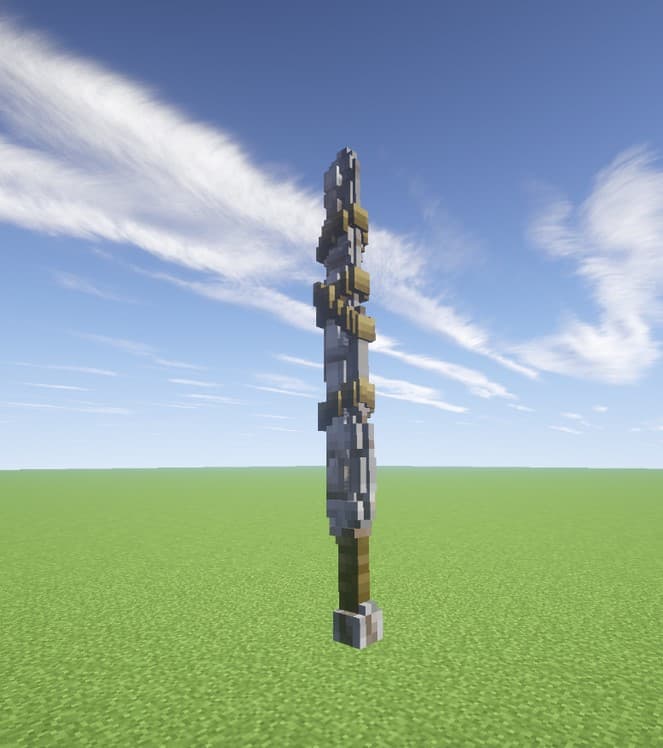
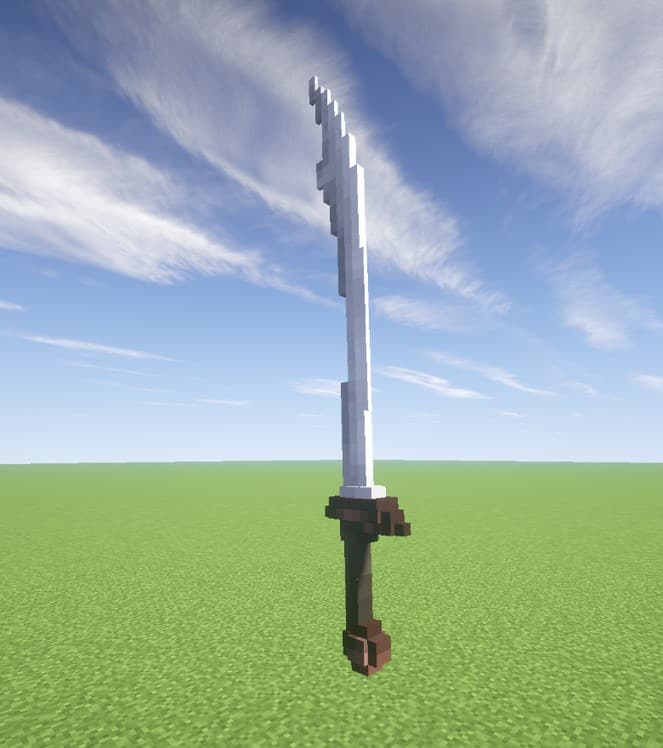
There are many Minecraft resource packs out there for gamers looking to spice up their block world, and I seriously love testing out new ones! Most resource packs focus on changing the design of the world as a whole, such as mob and block alterations, but the new Zori’s 3D Weapons Pack, however, focuses solely on the game’s weapon texture, bringing a breath of fresh air to the tools of the trade. It is such a wonderful pack for those looking to spice up their sword or axe design as they mow down mobs of zombies, trust me, you will enjoy every single strike. The most notable change to the weapons design is a three-dimensional upgrade to the two-dimensional original design, as well as added animations to the traditional movement of the tools. Along with the unique new look, players can apply some new features, such as assigning sword models to bows and vice versa. The new look of the tools, specifically the swords, is significant as well.
They are unique from one another, and have distinctive designs that truly set this pack apart from other resource packs I have used. Imagine a new Minecraft player, and the excitement of discovering the world for the first time by uncovering new structures, destroying challenging mobs, and unearthing unique worlds. That wonder can wear off over time though, and with any game, it is possible to become bored with the typical gameplay. Resource packs bring a new life to the Minecraft world, but the tool design and use typically stays the same, which is why Zori’s 3D Weapons Pack adds such incredible new life to one of the most exciting aspects of the game. It brings that wonder back while the adrenaline of being miles from your home late at night pumps through the player’s veins. The pack is also fully compatible with Minecraft 1.7.x and Minecraft 1.8.x, so you can easily drop it into your favorite older versions. Download Zori’s 3D Weapons pack today, and bring wonder back to your weapons!
Zori’s 3D Weapons should be compatible with all of these Minecraft versions: 1.9.4 – 1.9 – 1.8.9 – 1.8.8 – 1.8.1 – 1.8.6 – 1.8 – 1.7.10 – 1.7.9 – 1.7.4 – 1.7
Screenshots
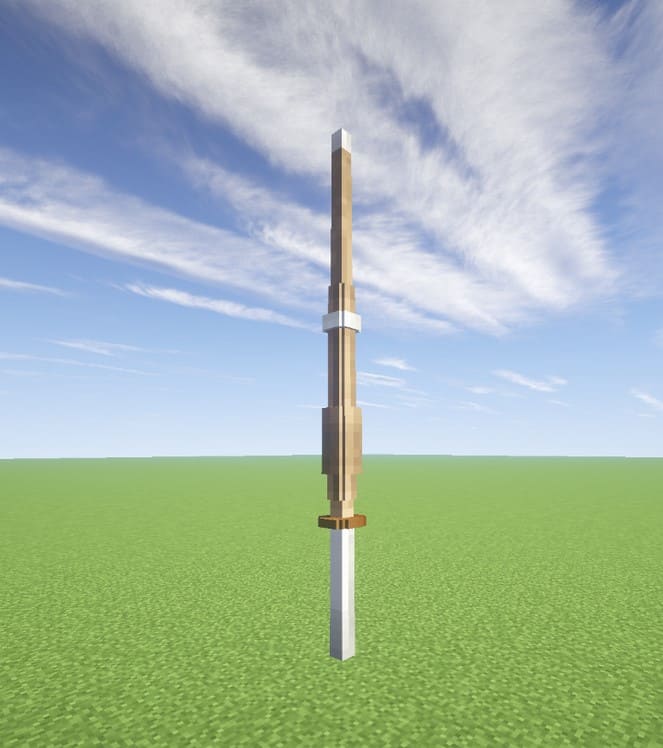
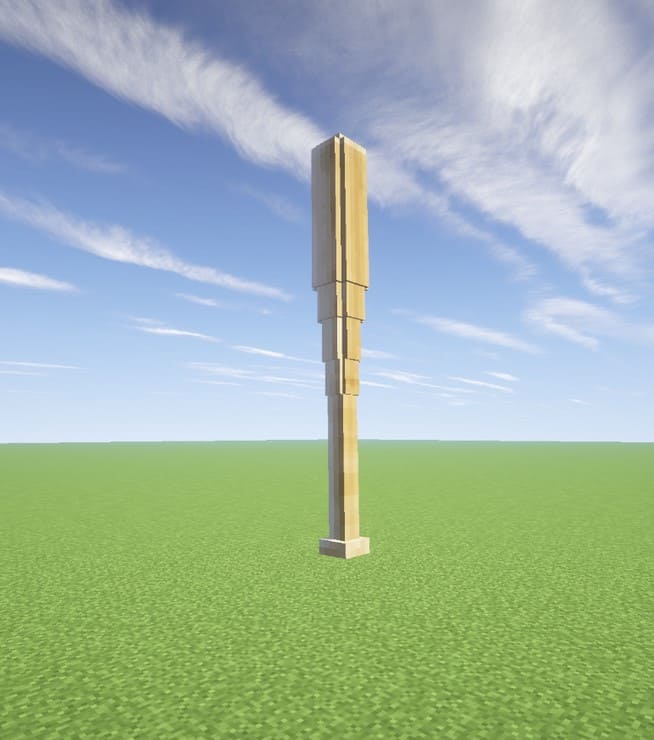
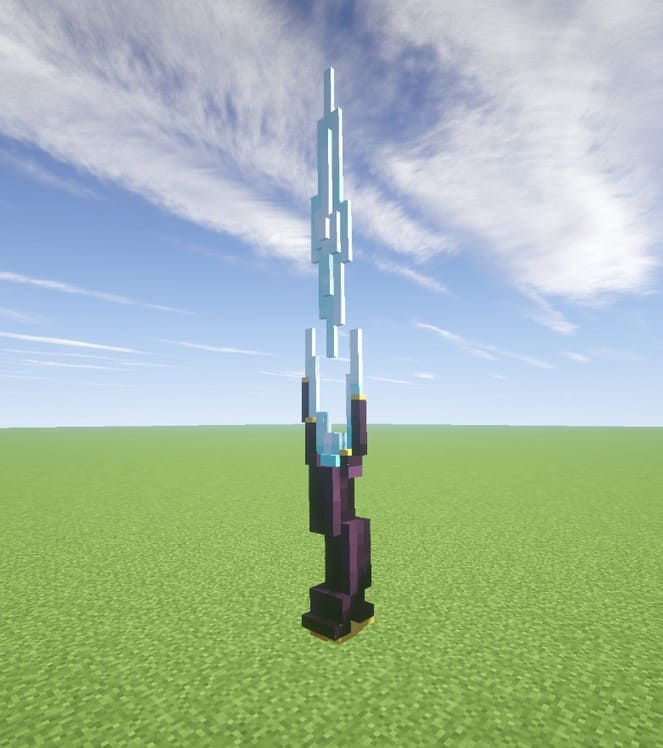
How to Install Texture Pack (Simple 10 Steps)
- Download OptiFine: Most of the texture packs and shaders need OptiFine. That’s why, first download and install OptiFine for the version of Minecraft you want to play.
- Download the Texture Pack: Get the texture pack you want from the download section. Choose the version that works with your Minecraft and your PC’s performance.
- Open Minecraft Launcher: Start Minecraft using the official game launcher — or even TLauncher, if you use that.
- Go to Options: From the main menu, click on the “Options” button.
- Open Resource Packs: Inside Options, click on “Resource Packs…”.
- Open the Resource Pack Folder: Click on “Open Resource Pack Folder” — this will open a folder named “resourcepacks”.
- Move the Pack File: Copy or move the .zip file you downloaded into that “resourcepacks” folder. (Don’t unzip the file — Minecraft uses it as-is!)
- Go Back and Refresh: Close the folder and click “Done”, then go back into “Resource Packs…” again.
- Activate the Pack: You’ll see the pack on the left side. Hover over it and click the arrow to move it to the right (active side).
Tip: If you get a message that the pack is for a different version, just click “Yes” — it usually works fine. - Click Done and Enjoy: Click “Done” again. Now your pack is ready to use in-game. It’s that easy!
Credits
Zori’s 3D Weapons Pack was created by Zorigami. We do not claim ownership of this content and provide the original download link strictly as hosted by the creator. All rights remain with Zorigami, and we encourage you to support the original author.
Download Instructions
Curseforge: download starts automatically after a few seconds;
Mediafire: click the big blue button with the text “DOWNLOAD”;
Google Drive: in the top right corner you will see a small download icon (down arrow), click it and the download should start;


