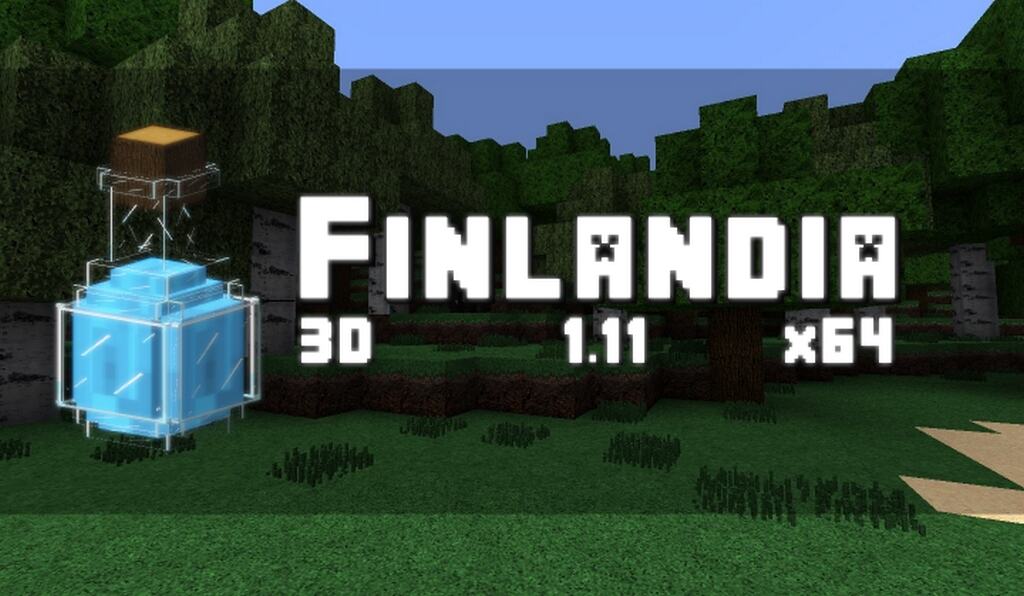
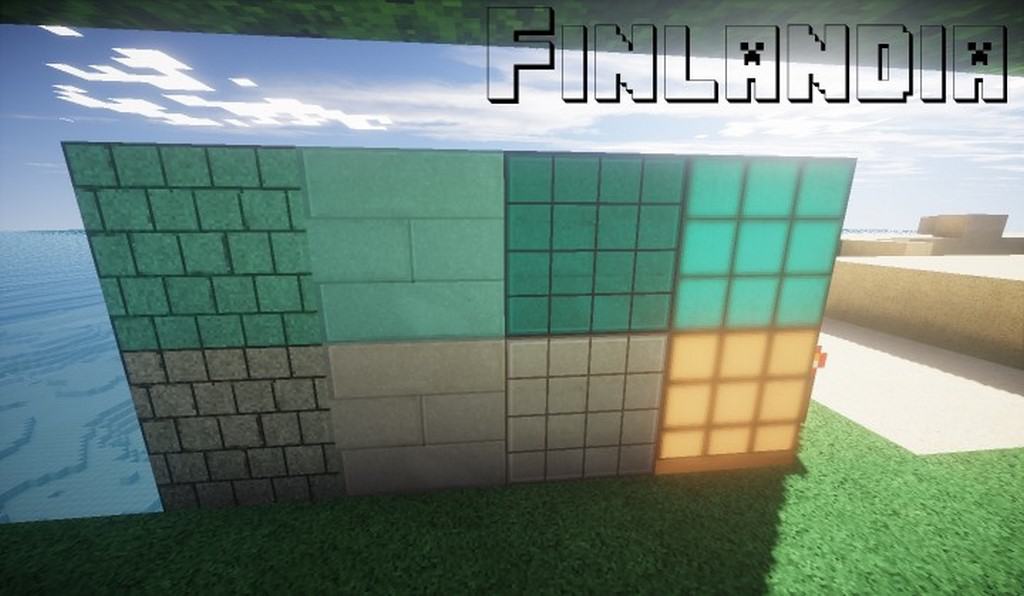
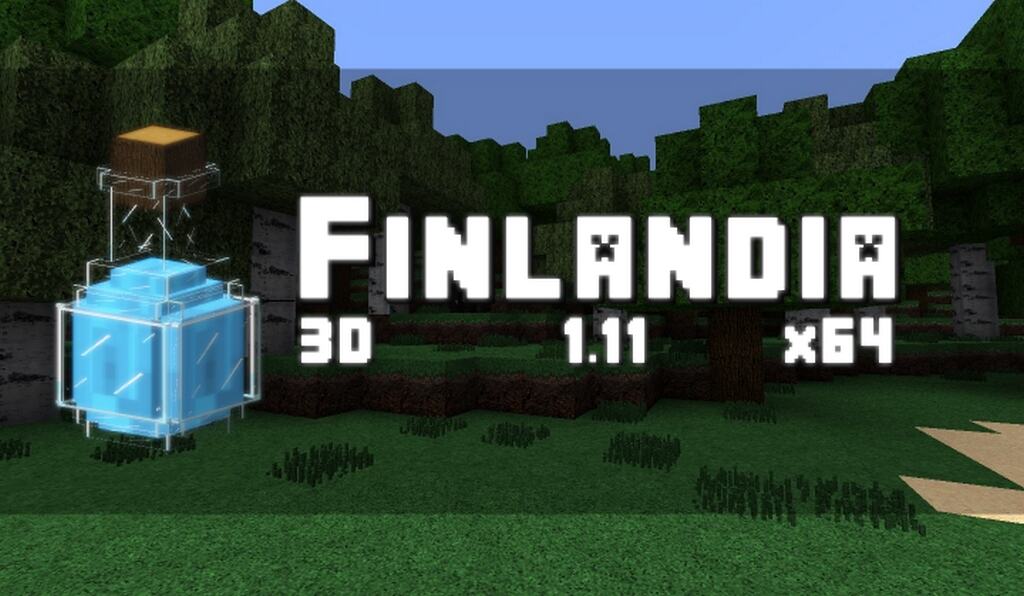
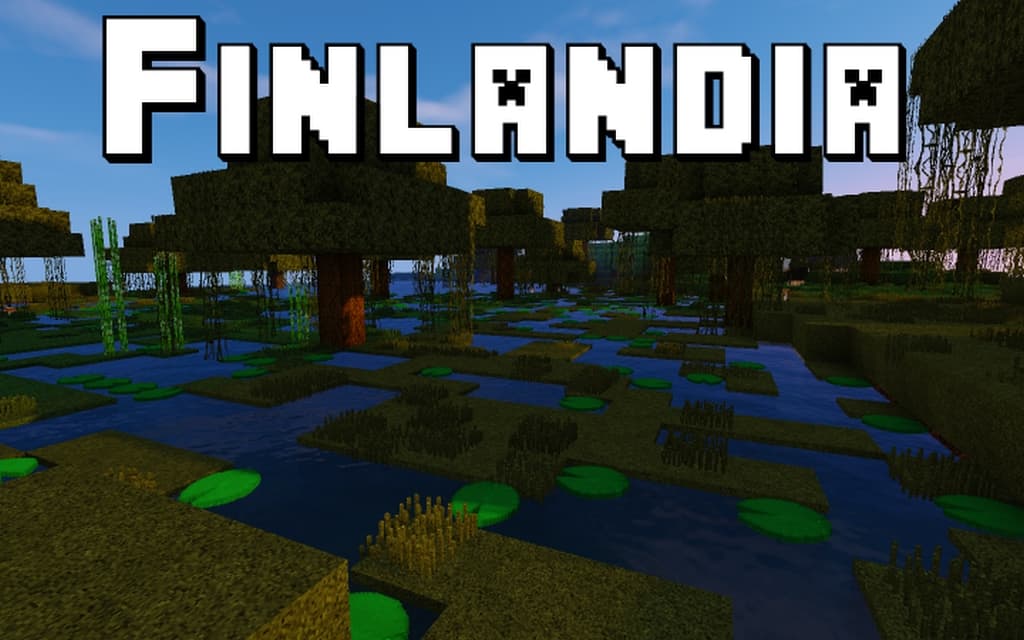
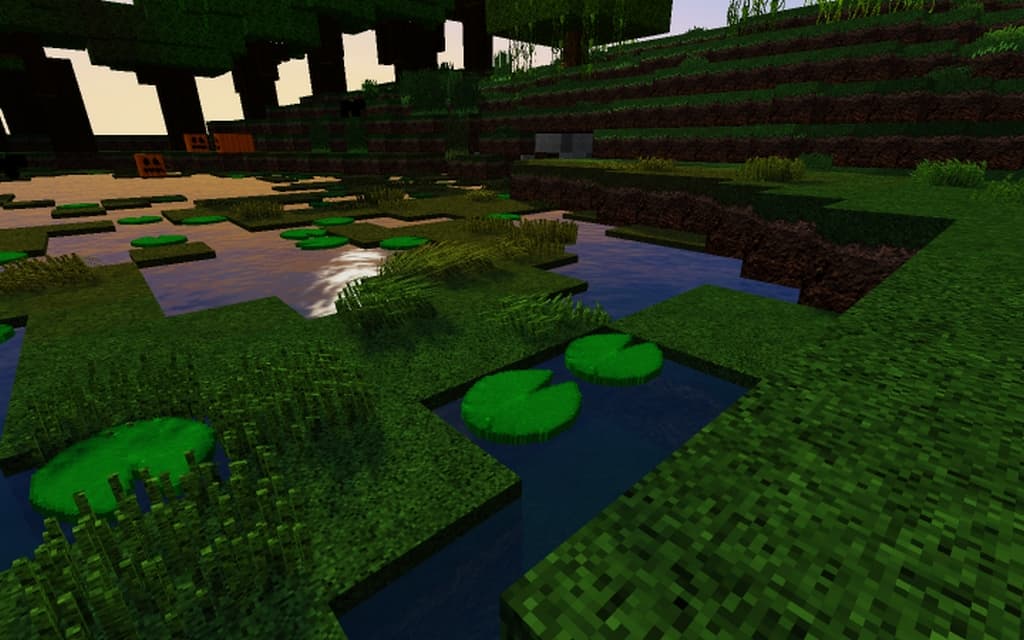
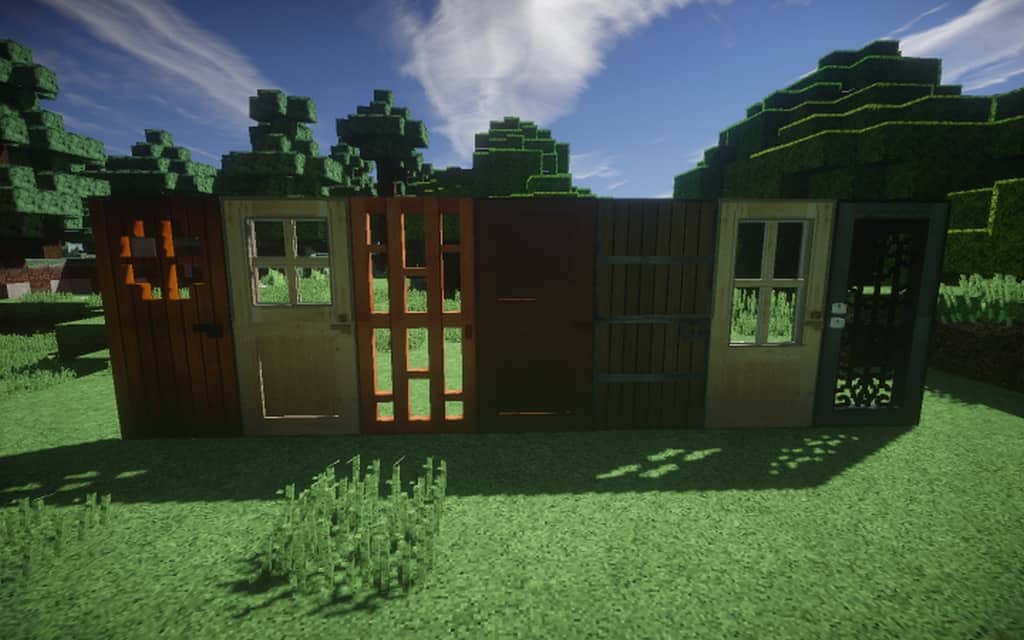
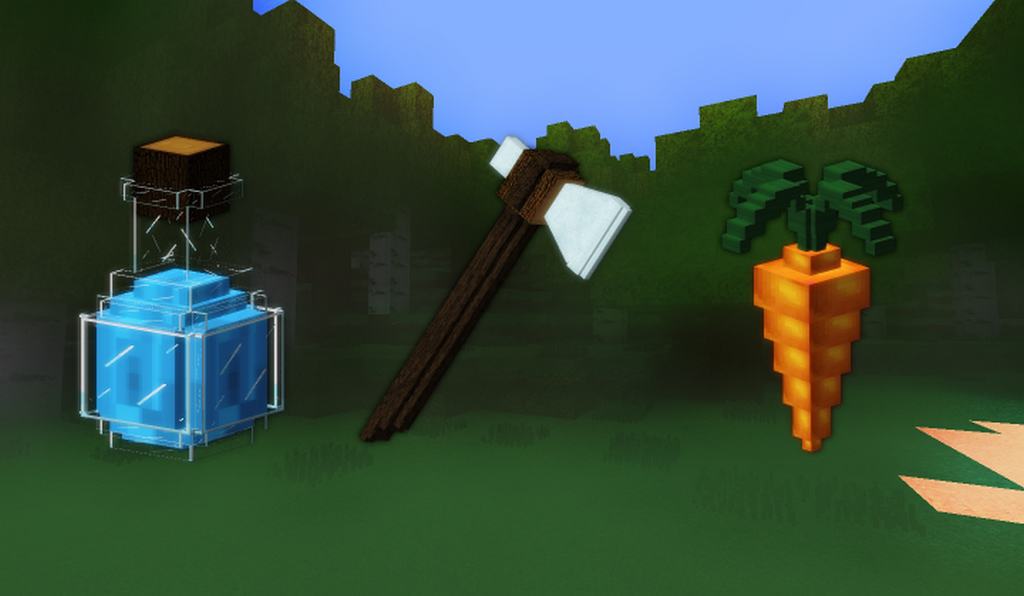
Are you on the hunt for an amazing photorealistic resource pack for Minecraft? If so, your search can finally come to an end because the Finlandia resource pack is fully ready to blow your mind and surpass all your expectations. A common issue with photorealistic resource packs is that they usually demand a high-end computer to run properly, often causing terrible lag and poor performance if your hardware isn’t top-tier. Thankfully, the Finlandia resource pack is a wonderful exception to this rule. It introduces a fantastic collection of textures that significantly enhance and upgrade the look of default vanilla Minecraft. All you really need is a system capable of handling 64x resolution texture packs so you can install and smoothly enjoy this pack without running into any issues. Let us dive into the unique and wonderful features of the Finlandia texture pack, which beautifully captures the authentic theme of Finland.
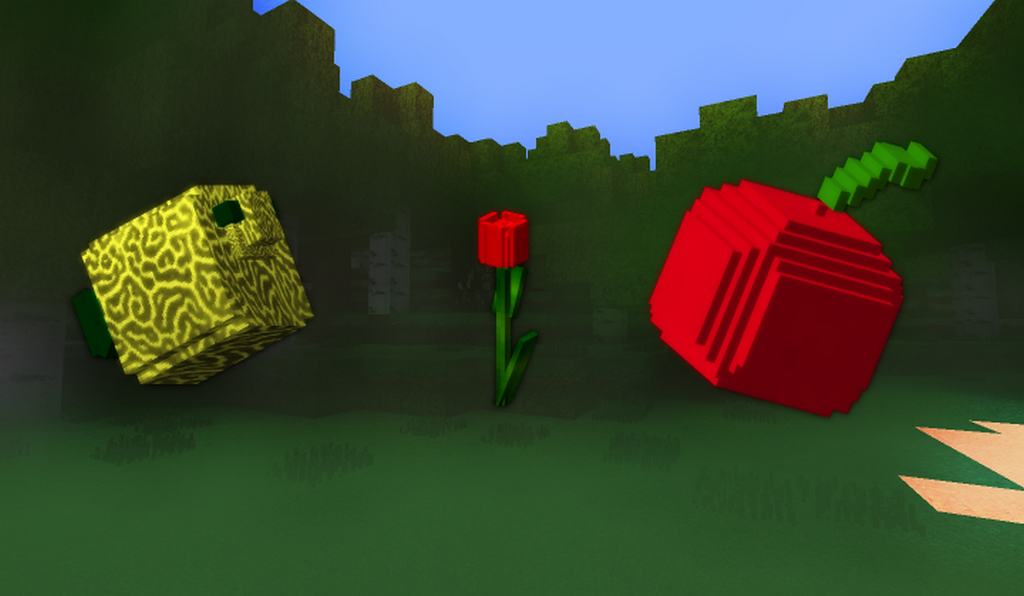
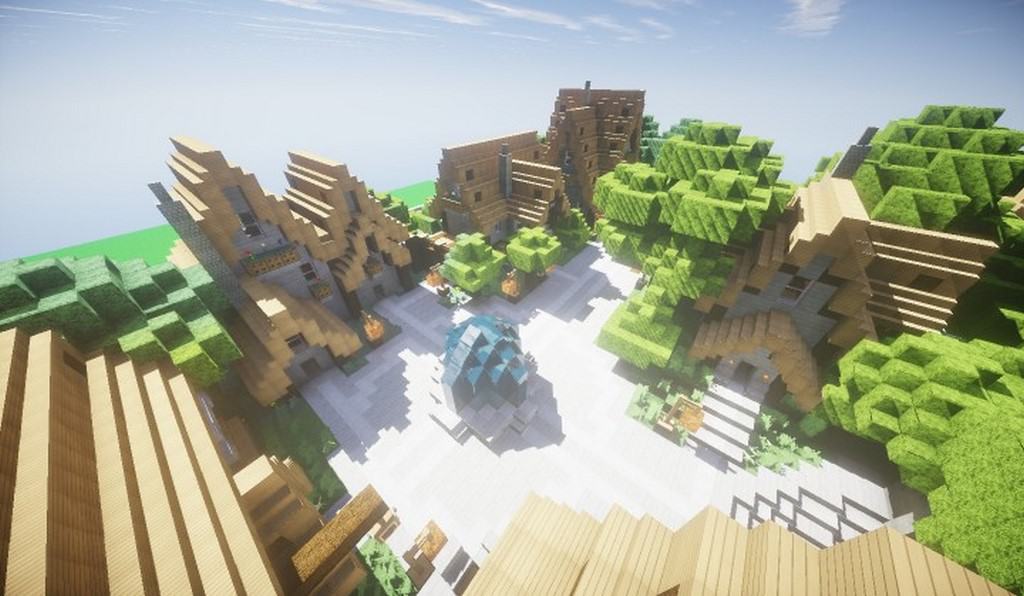
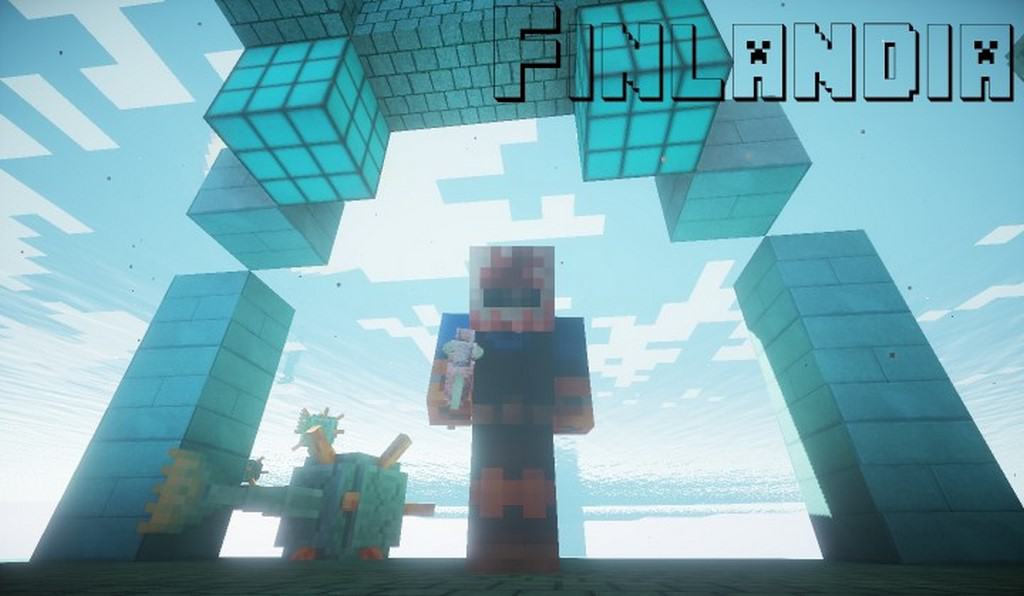
As you explore your world, you will discover stunning wintry biomes, beautifully frozen ice blocks, lush spruce trees, gorgeous snow coverings, and so much more integrated throughout the pack. With this resource pack enabled, the overall look of your game feels remarkably better, bolder, brighter, and much more vibrant. Every single texture in the Finlandia resource pack truly shines because it incorporates incredibly fine and minute details, such as intricately mottled ice and other subtle touches. Interestingly, certain elements remain intentionally untouched, like the wolves which retain their classic, original Minecraft textures. There is a distinct philosophy setting Finlandia apart from other packs; while most resource packs try to make Minecraft look vastly different by minimizing the classic blocky aesthetic, Finlandia takes a refreshing approach by staying true to that iconic blocky feel while delivering stunningly realistic textures.
Finlandia should be compatible with all of these Minecraft versions: 1.11.2 – 1.11 – 1.10.2 – 1.10 – 1.9.4 – 1.9 – 1.8.9 – 1.8.8 – 1.8.1 – 1.8.6 – 1.8
Screenshots
How to Install Texture Pack (Simple 10 Steps)
- Download OptiFine: Most of the texture packs and shaders need OptiFine. That’s why, first download and install OptiFine for the version of Minecraft you want to play.
- Download the Texture Pack: Get the texture pack you want from the download section. Choose the version that works with your Minecraft and your PC’s performance.
- Open Minecraft Launcher: Start Minecraft using the official game launcher — or even TLauncher, if you use that.
- Go to Options: From the main menu, click on the “Options” button.
- Open Resource Packs: Inside Options, click on “Resource Packs…”.
- Open the Resource Pack Folder: Click on “Open Resource Pack Folder” — this will open a folder named “resourcepacks”.
- Move the Pack File: Copy or move the .zip file you downloaded into that “resourcepacks” folder. (Don’t unzip the file — Minecraft uses it as-is!)
- Go Back and Refresh: Close the folder and click “Done”, then go back into “Resource Packs…” again.
- Activate the Pack: You’ll see the pack on the left side. Hover over it and click the arrow to move it to the right (active side).
Tip: If you get a message that the pack is for a different version, just click “Yes” — it usually works fine. - Click Done and Enjoy: Click “Done” again. Now your pack is ready to use in-game. It’s that easy!
Credits
The Finlandia resource pack was created by Hunajameloni. We do not claim ownership of this content, nor do we host modified versions of these files. We strongly encourage you to support the original creator by downloading the pack through their official channels.
Download Links
Java Edition
Download Instructions
Curseforge: download starts automatically after a few seconds;
Mediafire: click the big blue button with the text “DOWNLOAD”;
Google Drive: in the top right corner you will see a small download icon (down arrow), click it and the download should start;


