Have you heard about the fantastic Hyperion HD resource pack? Well, this texture pack genuinely improves the overall Minecraft game look and makes it even more stunning and amazing. It has already garnered well-deserved popularity from the Minecraft players. Want to know more about it? If yes, then keep reading the following sections! Don’t you dislike the dark, dingy sewer effects of the vanilla Minecraft game? It’s true that the base Minecraft game has some lackluster textures and effects, but do not worry! You can now easily improve the overall texture and effects of your Minecraft game simply by installing an easily available resource pack like this. The Hyperion HD resource pack may not be the largest one out there, but it isn’t the smallest one either; in addition to that, it can create bigger and better impacts than many resource packs having a 128x resolution.
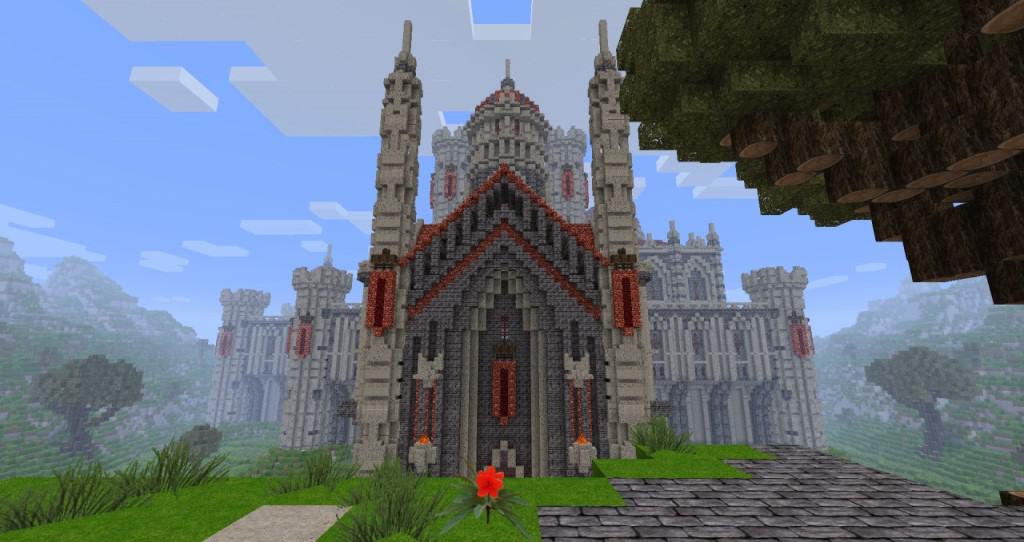
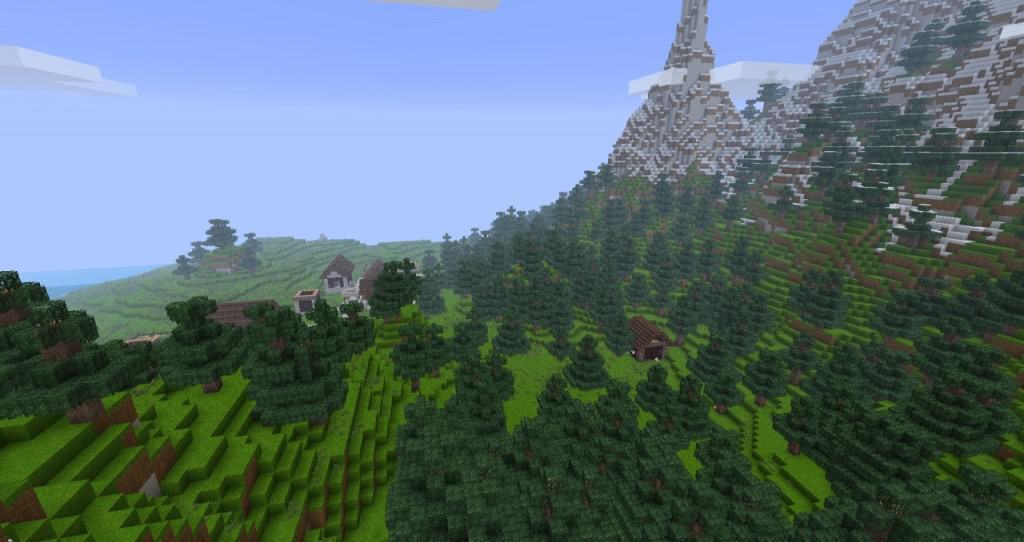
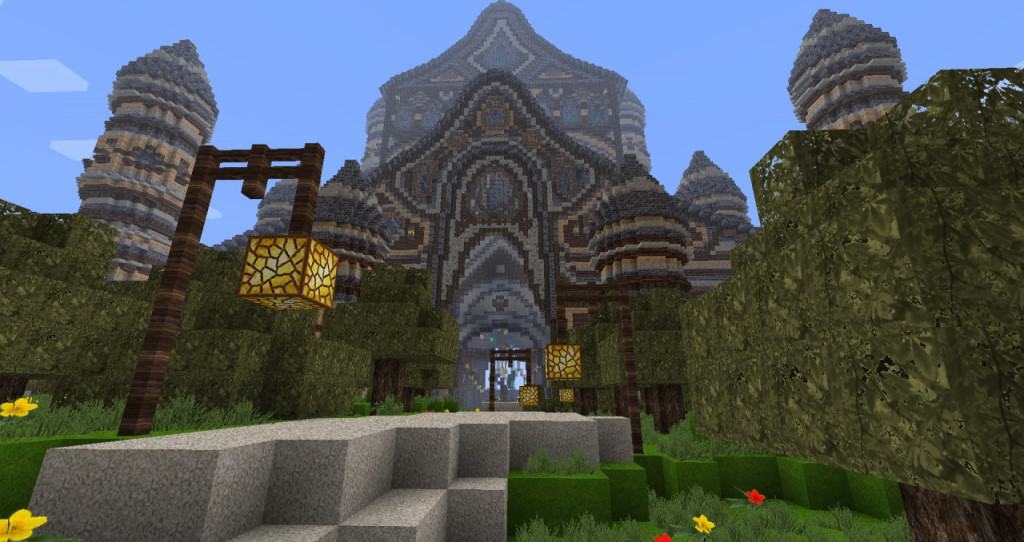
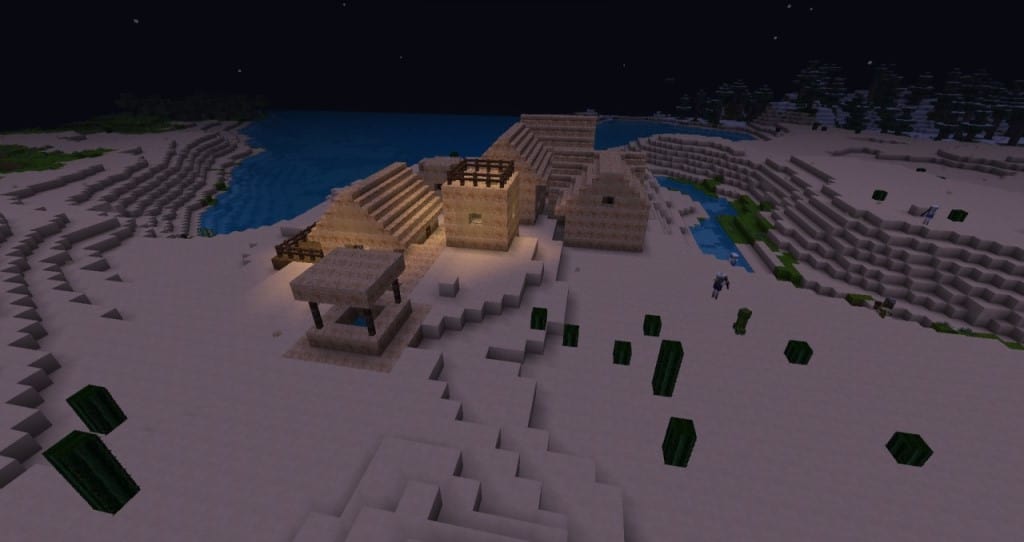
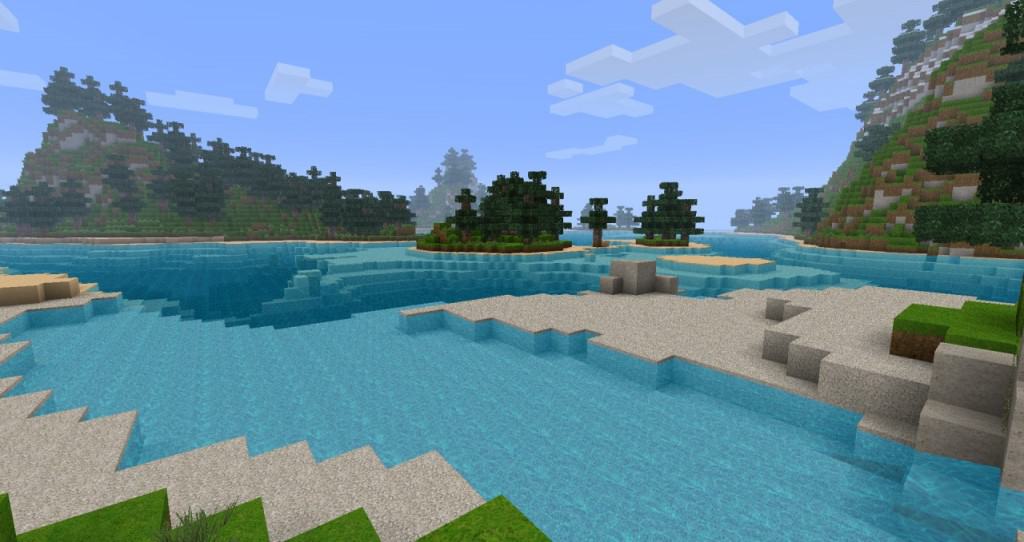
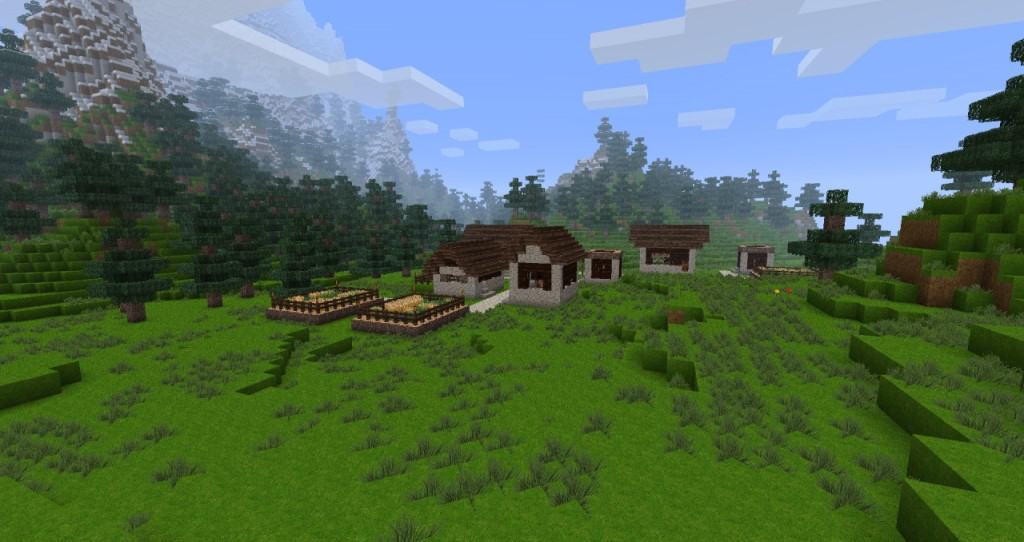
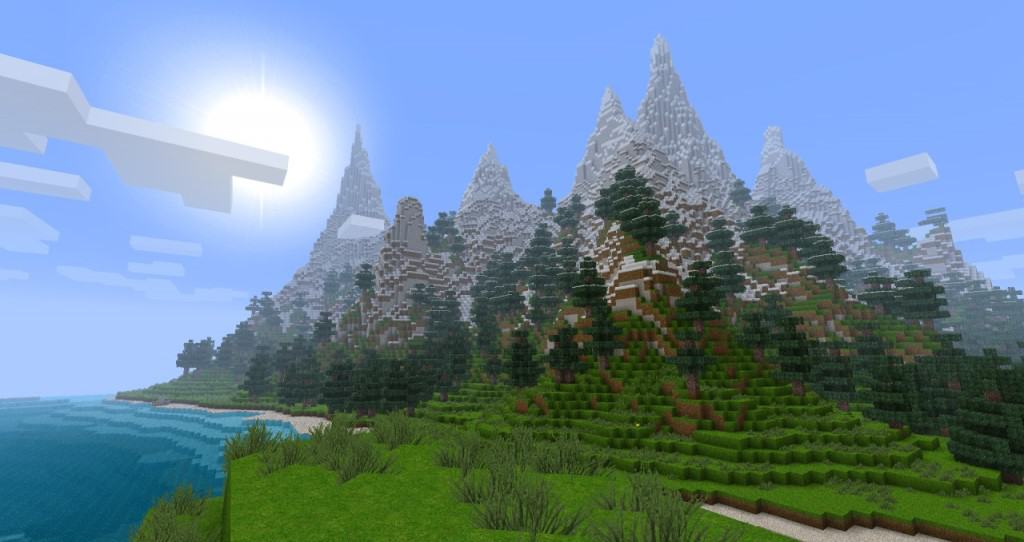
Wondering what benefits and changes you can observe by installing the Hyperion HD resource pack? I personally noticed very clear and see-through water of lakes, ponds, and rivers, which makes your fishing experience so much better and easier. In addition to it, the Hyperion HD resource pack creates an enriching and vibrant look and interface. For example, surroundings like jungle temples, deserts, villages, and even underwater fortresses look stunning and can be spotted on with absolute ease. Likewise, the wood and planks look so much better and more eye-catching when this resource pack is installed. That’s why it’s worth mentioning that the Hyperion HD resource pack is indeed great for all Minecraft game players. It will definitely make your gaming experience more intriguing and interesting. Hyperion HD adds a crisp and clean texture to the game, and because of this, the overall game experience looks infinitely more lively, vibrant, and invigorating.
Hyperion HD should be compatible with all of these Minecraft versions: 1.8.9 – 1.8.8 – 1.8.1 – 1.8.6 – 1.8 – 1.7.10 – 1.7.9 – 1.7.4 – 1.7 – 1.6.4 – 1.6.2
Screenshots
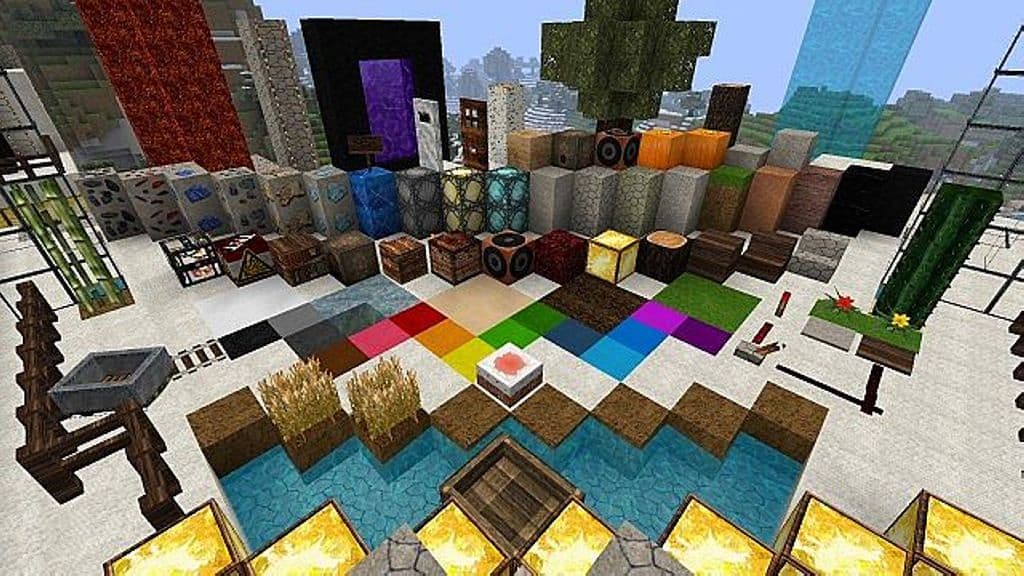
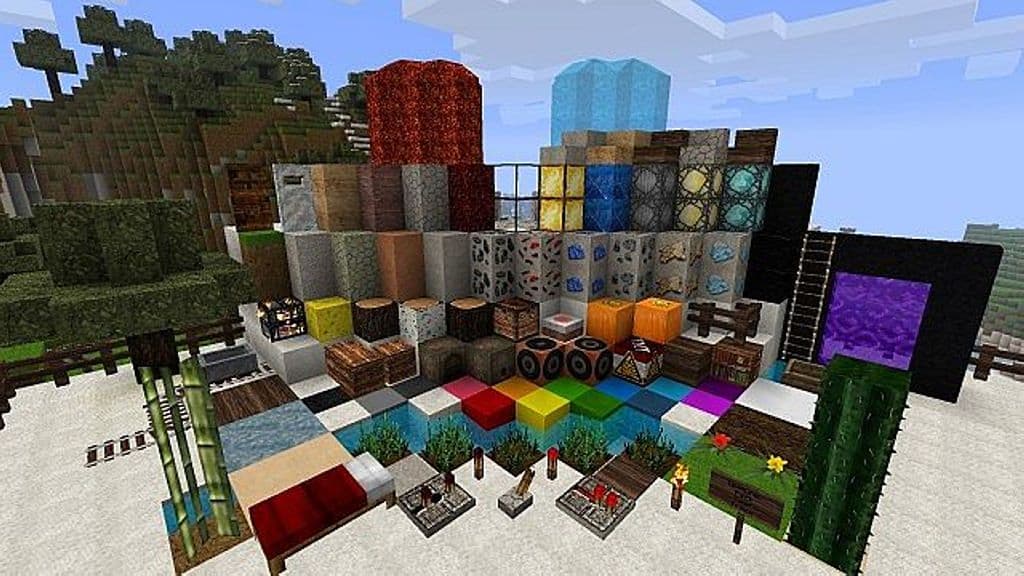
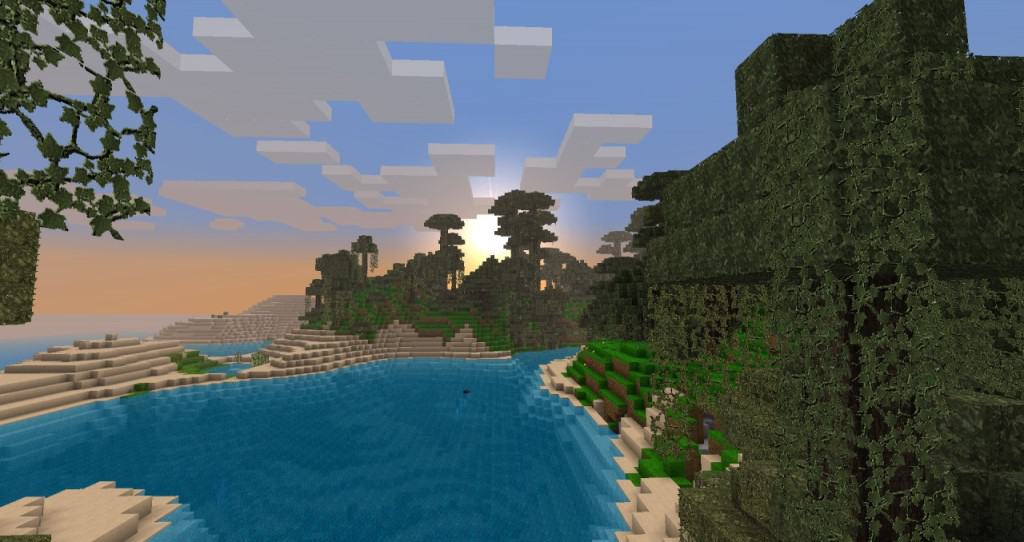
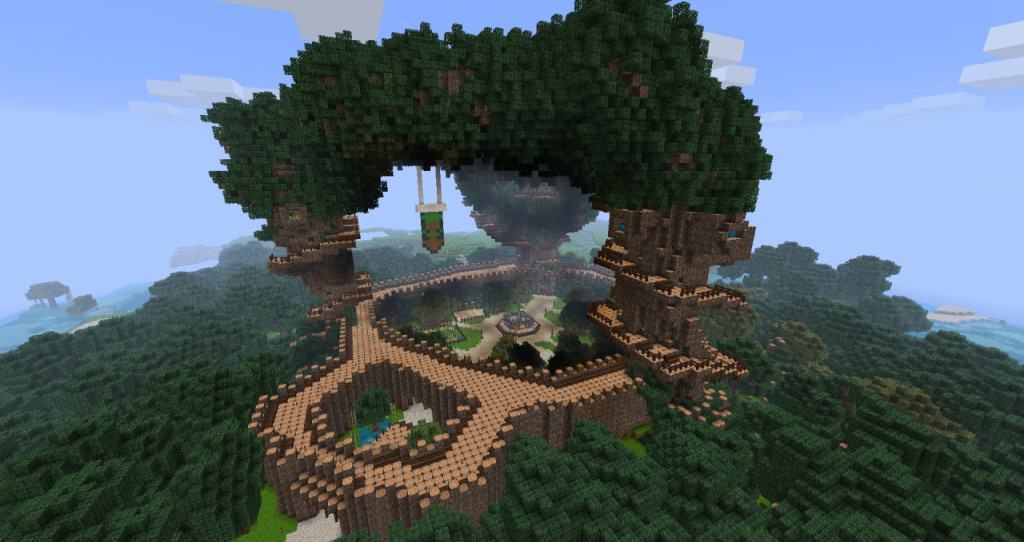
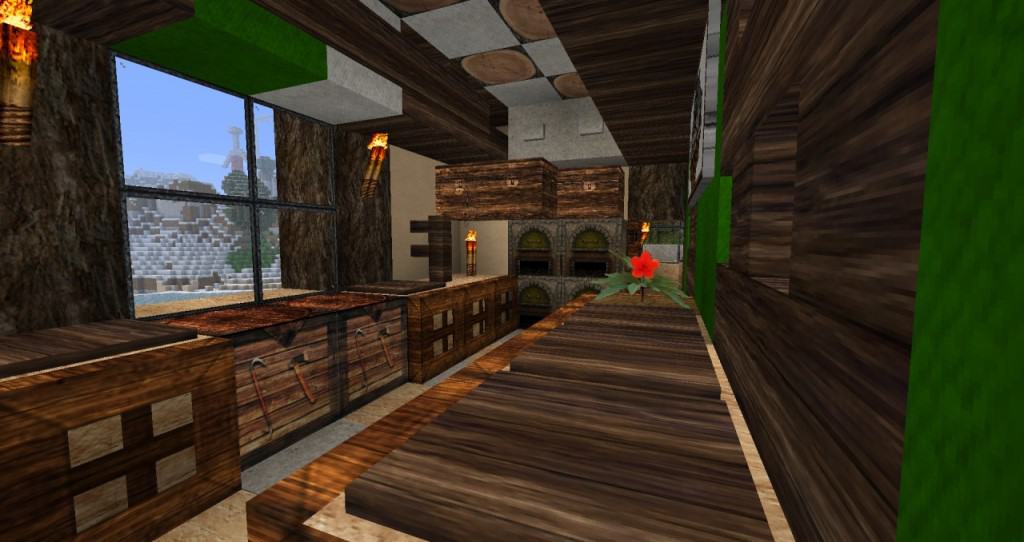
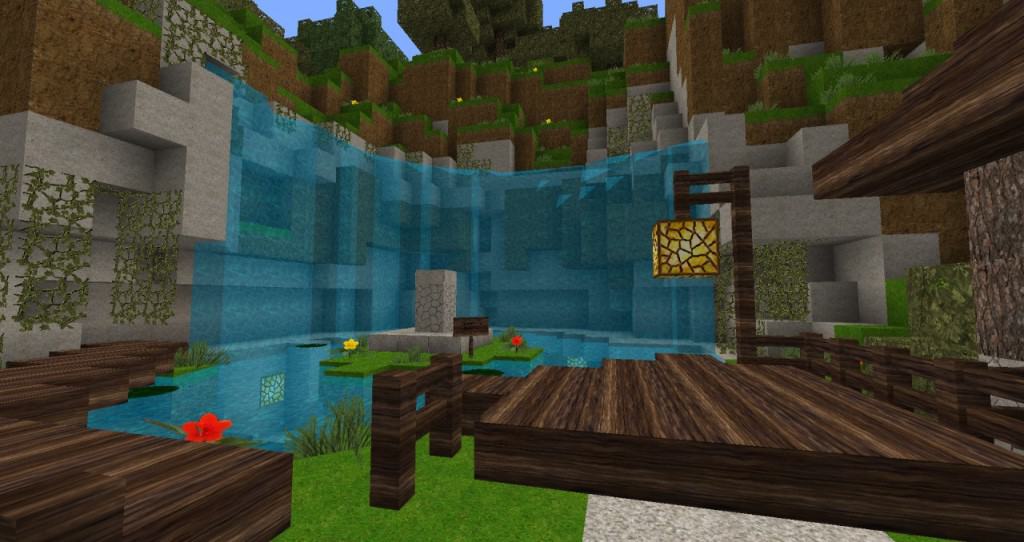
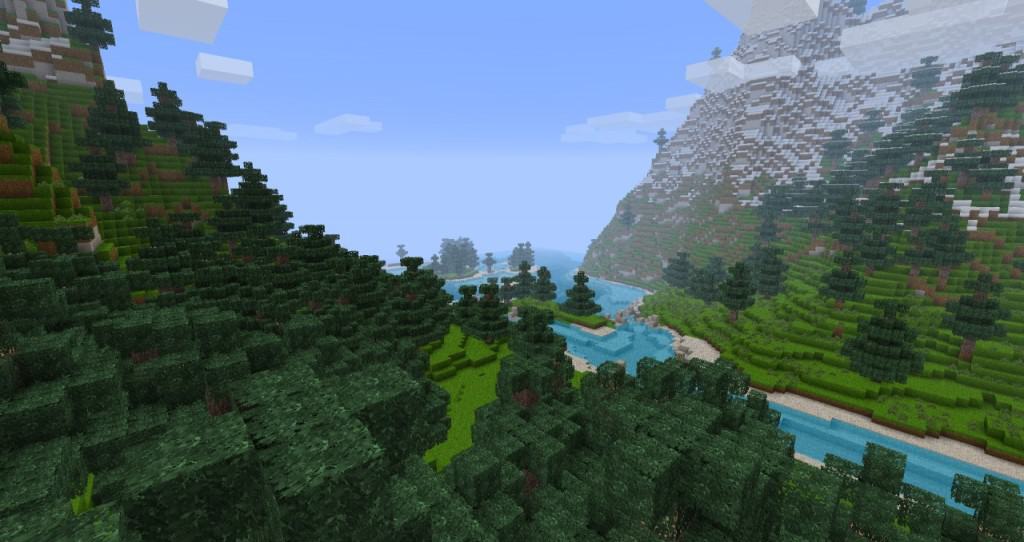
How to Install Texture Pack (Simple 10 Steps)
- Download OptiFine: Most of the texture packs and shaders need OptiFine. That’s why, first download and install OptiFine for the version of Minecraft you want to play.
- Download the Texture Pack: Get the texture pack you want from the download section. Choose the version that works with your Minecraft and your PC’s performance.
- Open Minecraft Launcher: Start Minecraft using the official game launcher — or even TLauncher, if you use that.
- Go to Options: From the main menu, click on the “Options” button.
- Open Resource Packs: Inside Options, click on “Resource Packs…”.
- Open the Resource Pack Folder: Click on “Open Resource Pack Folder” — this will open a folder named “resourcepacks”.
- Move the Pack File: Copy or move the .zip file you downloaded into that “resourcepacks” folder. (Don’t unzip the file — Minecraft uses it as-is!)
- Go Back and Refresh: Close the folder and click “Done”, then go back into “Resource Packs…” again.
- Activate the Pack: You’ll see the pack on the left side. Hover over it and click the arrow to move it to the right (active side).
Tip: If you get a message that the pack is for a different version, just click “Yes” — it usually works fine. - Click Done and Enjoy: Click “Done” again. Now your pack is ready to use in-game. It’s that easy!
Credits
The Hyperion HD resource pack was originally created by Th0rkel. We do not claim ownership of this content and provide the original download link unmodified. We encourage users to support the original creator and their work.
Download Instructions
Curseforge: download starts automatically after a few seconds;
Mediafire: click the big blue button with the text “DOWNLOAD”;
Google Drive: in the top right corner you will see a small download icon (down arrow), click it and the download should start;


