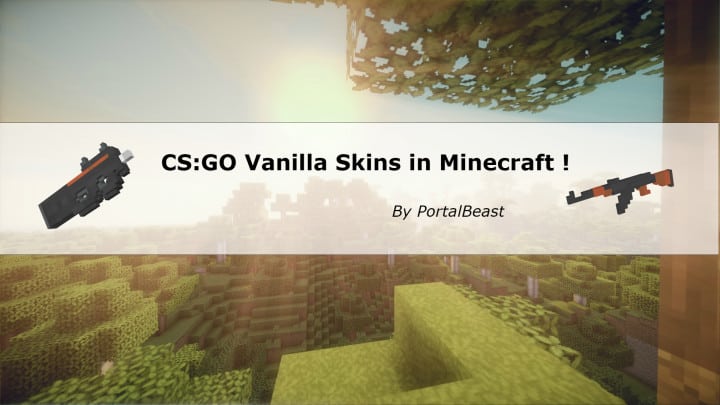
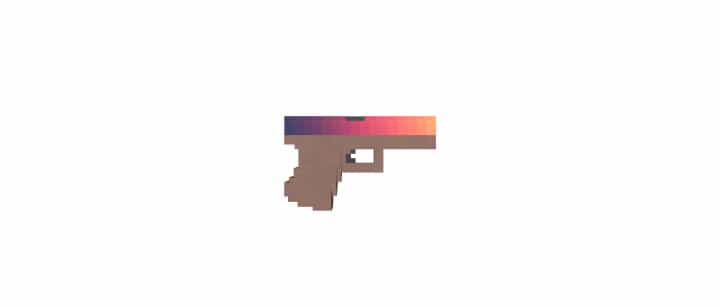
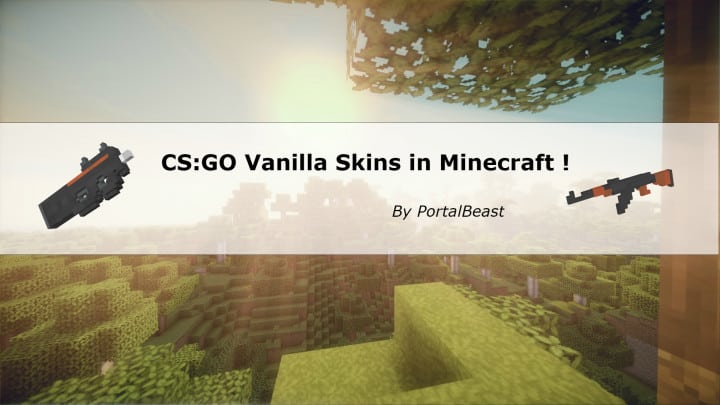
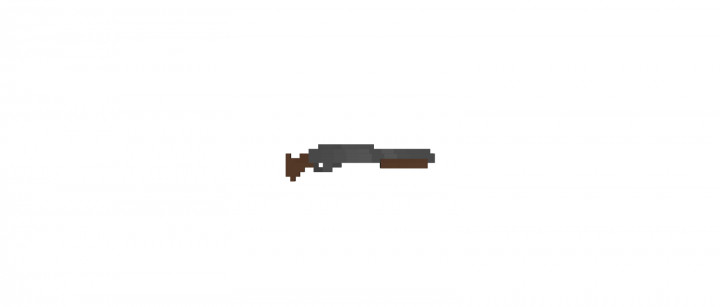
If you are hunting for an innovative resource pack for Minecraft, Counter Craft: Global Mining is an absolute must-try option that I really enjoyed testing out. It has been developed to mimic the addictive gameplay of Counter-Strike: Global Offensive, widely known as CS:GO. When I fired it up, I noticed the resource pack has been designed to bring an extensive variety of weapons into the gameplay of Minecraft, which is a really awesome thing to experience firsthand. It is genuinely surprising to see how well the developers have managed to accomplish this translation. Although this texture pack does not alter the entire appearance and overall graphics of the game to match CS:GO completely, it brilliantly brings a comprehensive variety of weaponry straight into Minecraft. The style and flair of each weapon, in particular, have been imitated to great effect. It is, however, completely understandable that Minecraft does not feature the state-of-the-art visuals found in CS:GO. Thus, the design of the weapons is relatively less sophisticated and detailed. Even so, this limitation does not stop Counter Craft: Global Mining from giving Minecraft aficionados exactly what they want. The weaponry is enriched with massive detail, successfully enhancing the game in a remarkably positive way.
As you might already know, Counter-Strike: Global Offensive boasts a large number of custom skins that add incredible class to the weapons. Unfortunately, these custom skins are not featured in the resource pack, meaning you can only access the conventional design of each weapon. Even with this limitation, Counter Craft: Global Mining is constantly being updated to provide Minecrafters with the ultimate gaming experience. Since this resource pack hit the community, many weapons have continued to be refined and updated. Fans of Counter-Strike: Global Offensive and everyone who loves Minecraft and prefers intense PvP in their play will truly enjoy Counter Craft: Global Mining, because with this set of textures you will now be able to use all your favorite guns and artilleries with immense ease. Although this does not completely convert the game into a gritty modern battleground, it does imitate the impressive aura of Counter-Strike in a very effective manner. Finally, the handy 32×32 resolution of the resource pack allows users to easily run it with Minecraft on practically any computer without performance issues.
Counter Craft: Global Mining should be compatible with all of these Minecraft versions: 1.11.2 – 1.11 – 1.10.2 – 1.10 – 1.9.4 – 1.9
Screenshots

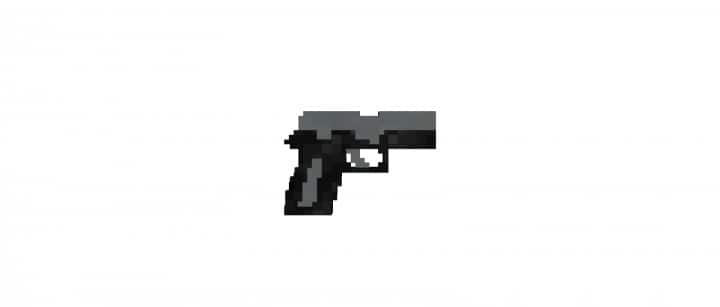
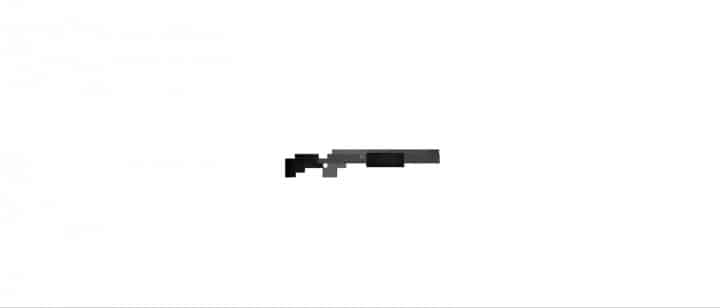



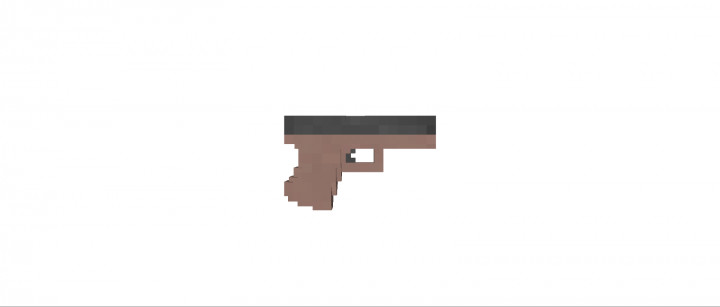





How to Install Texture Pack (Simple 10 Steps)
- Download OptiFine: Most of the texture packs and shaders need OptiFine. That’s why, first download and install OptiFine for the version of Minecraft you want to play.
- Download the Texture Pack: Get the texture pack you want from the download section. Choose the version that works with your Minecraft and your PC’s performance.
- Open Minecraft Launcher: Start Minecraft using the official game launcher — or even TLauncher, if you use that.
- Go to Options: From the main menu, click on the “Options” button.
- Open Resource Packs: Inside Options, click on “Resource Packs…”.
- Open the Resource Pack Folder: Click on “Open Resource Pack Folder” — this will open a folder named “resourcepacks”.
- Move the Pack File: Copy or move the .zip file you downloaded into that “resourcepacks” folder. (Don’t unzip the file — Minecraft uses it as-is!)
- Go Back and Refresh: Close the folder and click “Done”, then go back into “Resource Packs…” again.
- Activate the Pack: You’ll see the pack on the left side. Hover over it and click the arrow to move it to the right (active side).
Tip: If you get a message that the pack is for a different version, just click “Yes” — it usually works fine. - Click Done and Enjoy: Click “Done” again. Now your pack is ready to use in-game. It’s that easy!
Credits
This project was created by DoormsI. We do not own or claim ownership of this resource pack, and no modifications have been made to the original files provided by the creator. We strongly encourage all players to support DoormsI by downloading the pack from the official sources and checking out their future updates.
Download Instructions
Curseforge: download starts automatically after a few seconds;
Mediafire: click the big blue button with the text “DOWNLOAD”;
Google Drive: in the top right corner you will see a small download icon (down arrow), click it and the download should start;


