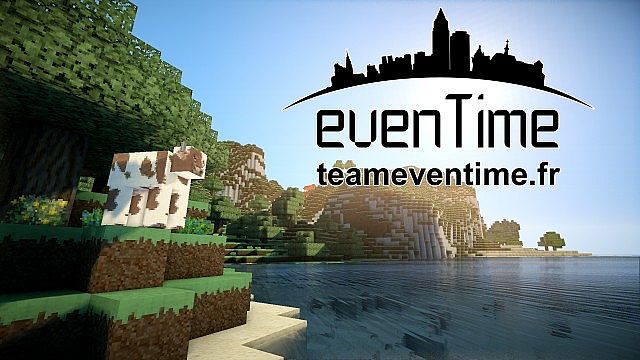
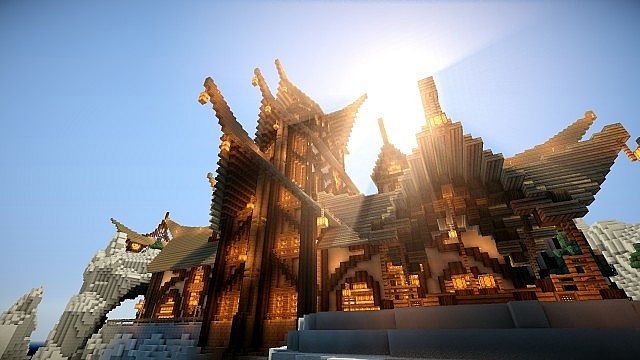
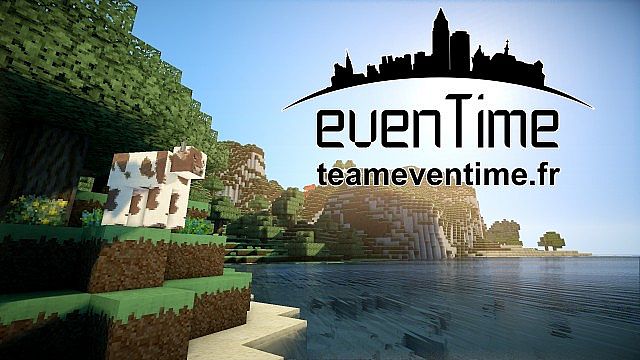
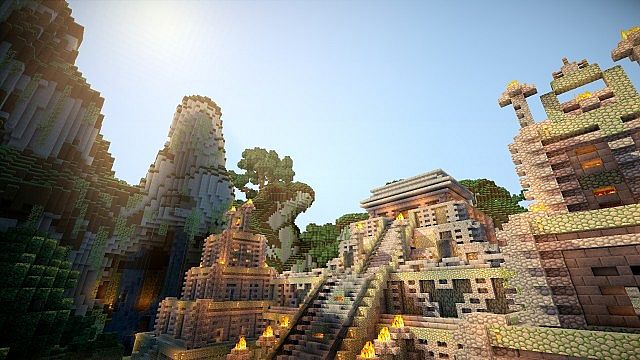
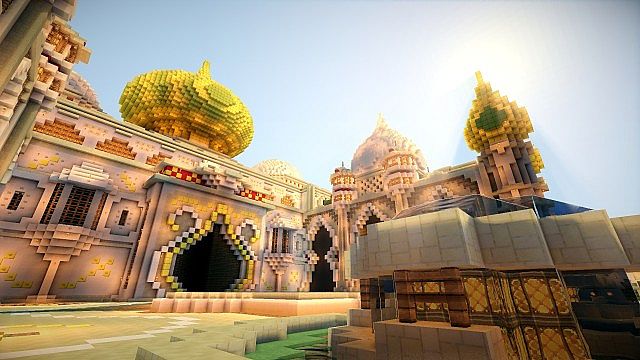
Today is an absolute treat, and I am so excited to share an incredible Minecraft resource pack crafted by the talented EventimeTeam and kyctarniq! Known simply as Eventime’s Resource Pack, this gem brings a wonderfully unique and exotic style to your game that you seriously have to experience for yourself.
The resource pack itself was originally built by the Eventime Team, and they did a truly phenomenal job bringing it to life. However, after Minecraft version 1.4.7 rolled out, the original team sadly stopped updating it. Thankfully, kyctarniq—the brilliant designer behind Xaiwaker and several other massively popular resource packs—decided to step in and update Eventime’s Resource Pack so we can all keep enjoying it today. Dive in and have fun!
evenTime should be compatible with all of these Minecraft versions: 1.11.2 – 1.11 – 1.10.2 – 1.10 – 1.9.4 – 1.9 – 1.8.1 – 1.8.6 – 1.8 – 1.7.10 – 1.7.9 – 1.7.4 – 1.7
Screenshots
How to Install Texture Pack (Simple 10 Steps)
- Download OptiFine: Most of the texture packs and shaders need OptiFine. That’s why, first download and install OptiFine for the version of Minecraft you want to play.
- Download the Texture Pack: Get the texture pack you want from the download section. Choose the version that works with your Minecraft and your PC’s performance.
- Open Minecraft Launcher: Start Minecraft using the official game launcher — or even TLauncher, if you use that.
- Go to Options: From the main menu, click on the “Options” button.
- Open Resource Packs: Inside Options, click on “Resource Packs…”.
- Open the Resource Pack Folder: Click on “Open Resource Pack Folder” — this will open a folder named “resourcepacks”.
- Move the Pack File: Copy or move the .zip file you downloaded into that “resourcepacks” folder. (Don’t unzip the file — Minecraft uses it as-is!)
- Go Back and Refresh: Close the folder and click “Done”, then go back into “Resource Packs…” again.
- Activate the Pack: You’ll see the pack on the left side. Hover over it and click the arrow to move it to the right (active side).
Tip: If you get a message that the pack is for a different version, just click “Yes” — it usually works fine. - Click Done and Enjoy: Click “Done” again. Now your pack is ready to use in-game. It’s that easy!
Credits
This resource pack was originally created by EventimeTeam and updated by kyctarniq. We do not claim ownership of this content, nor have we modified the download files. All rights belong to the original creators. We strongly encourage you to support the authors by downloading from their official links and checking out their other projects.
Download Instructions
Curseforge: download starts automatically after a few seconds;
Mediafire: click the big blue button with the text “DOWNLOAD”;
Google Drive: in the top right corner you will see a small download icon (down arrow), click it and the download should start;


