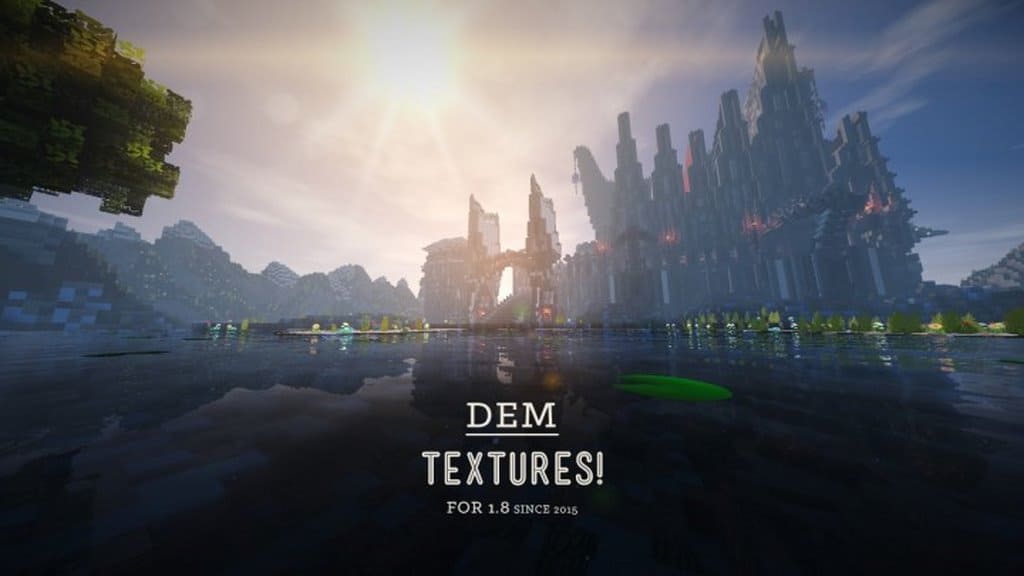
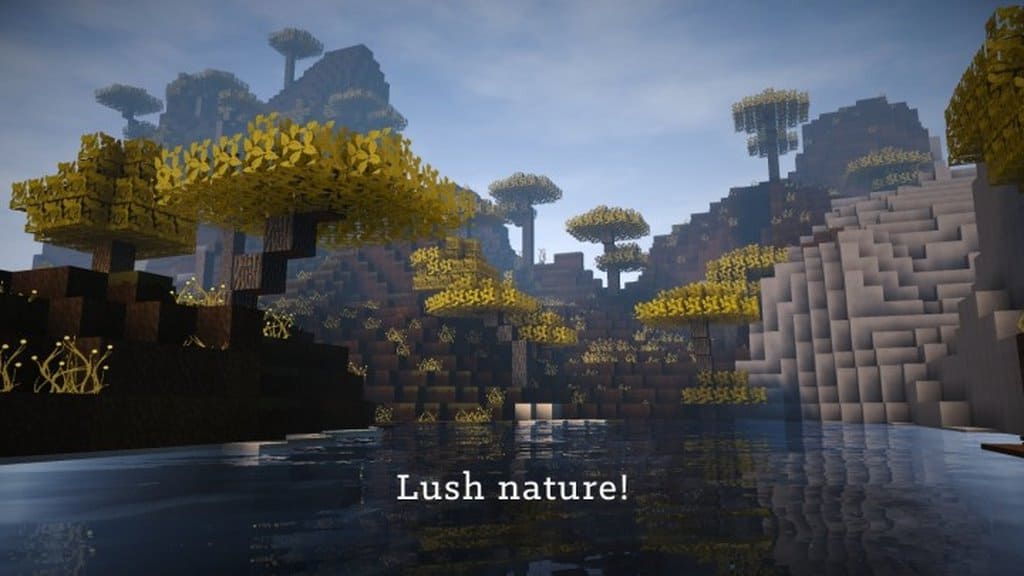
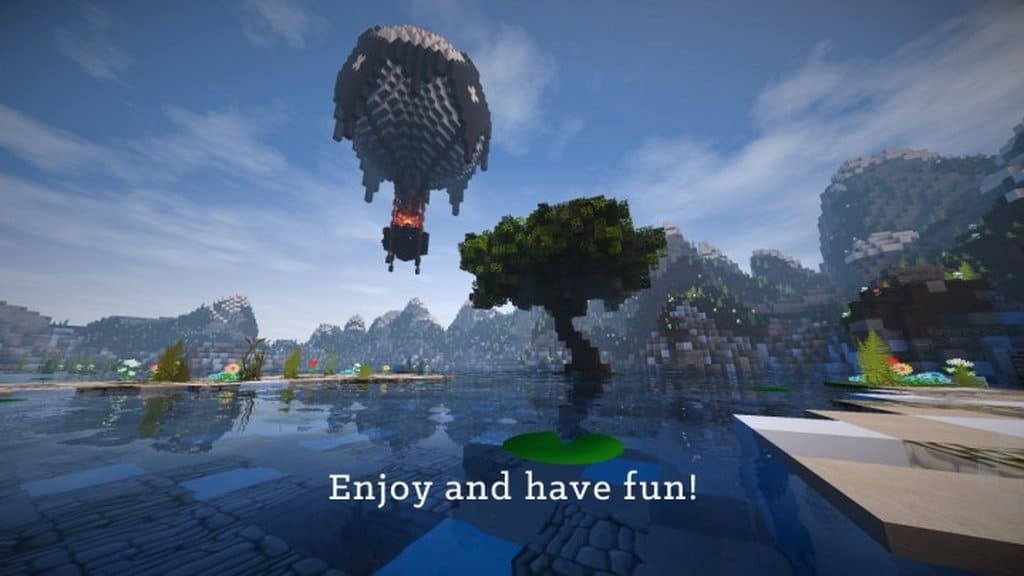
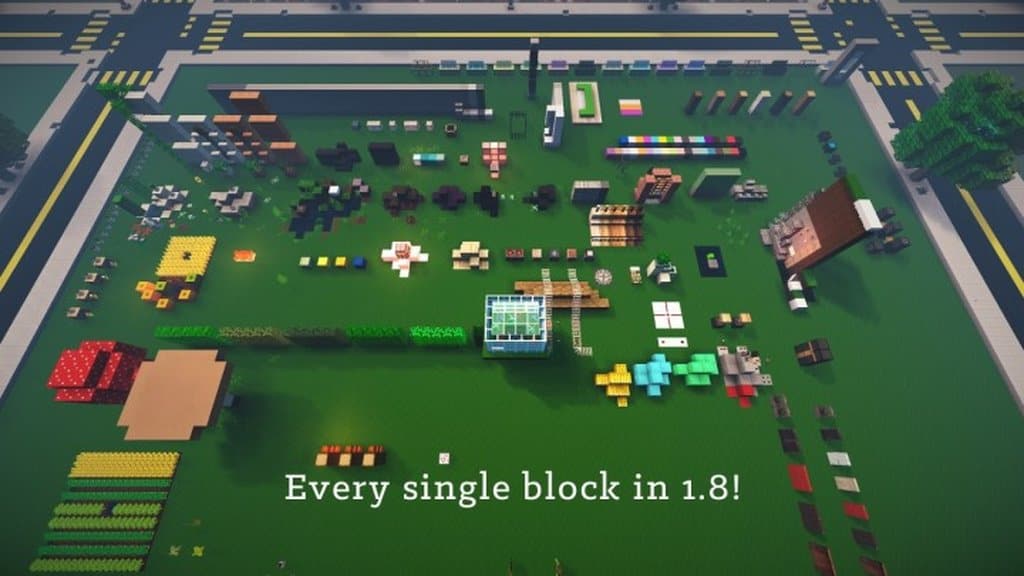
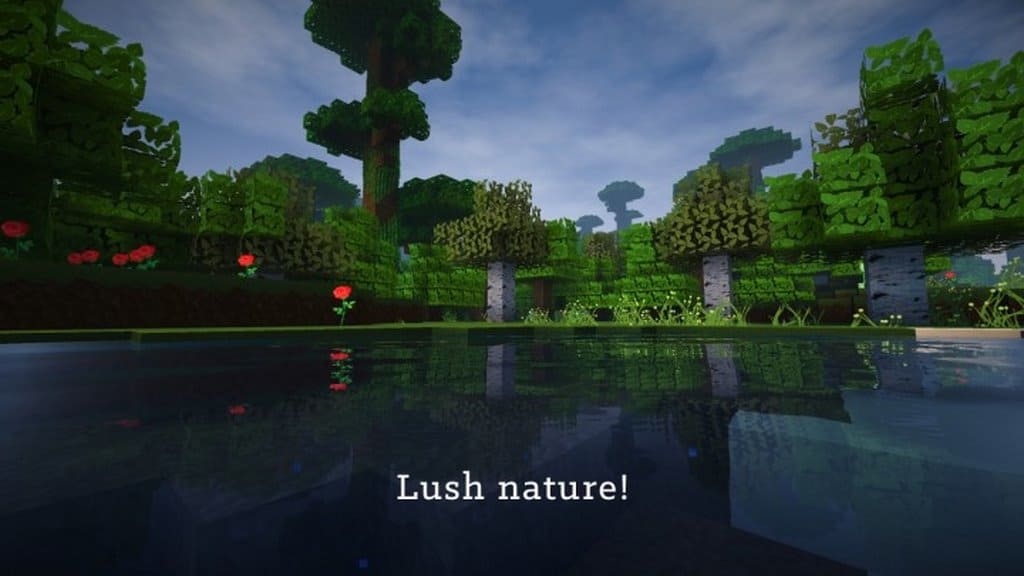
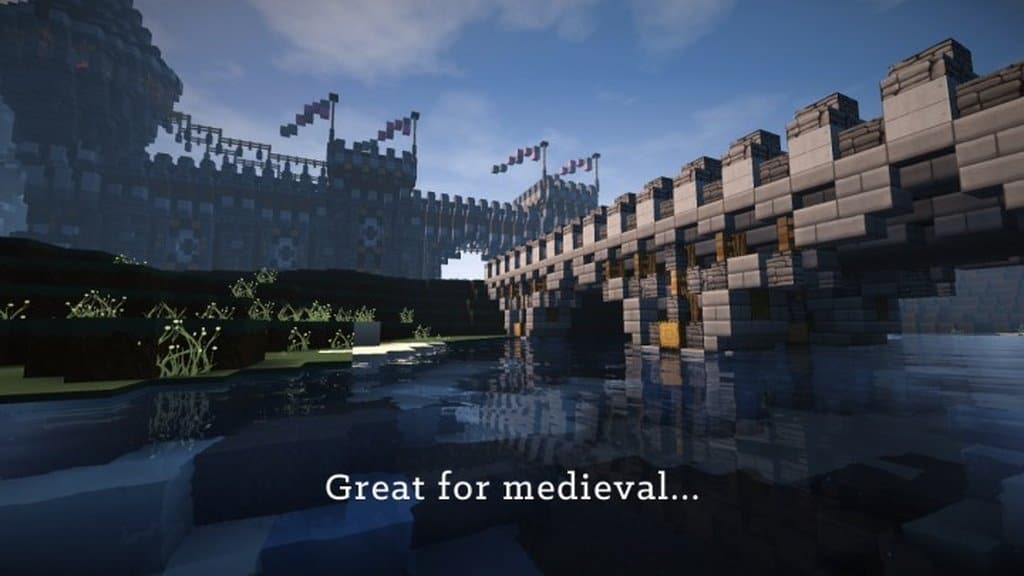
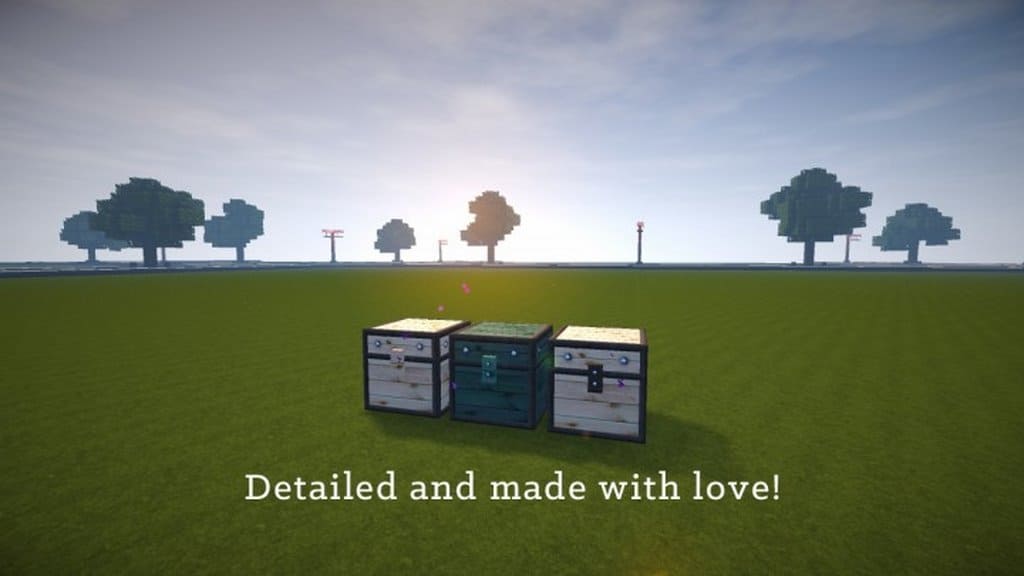
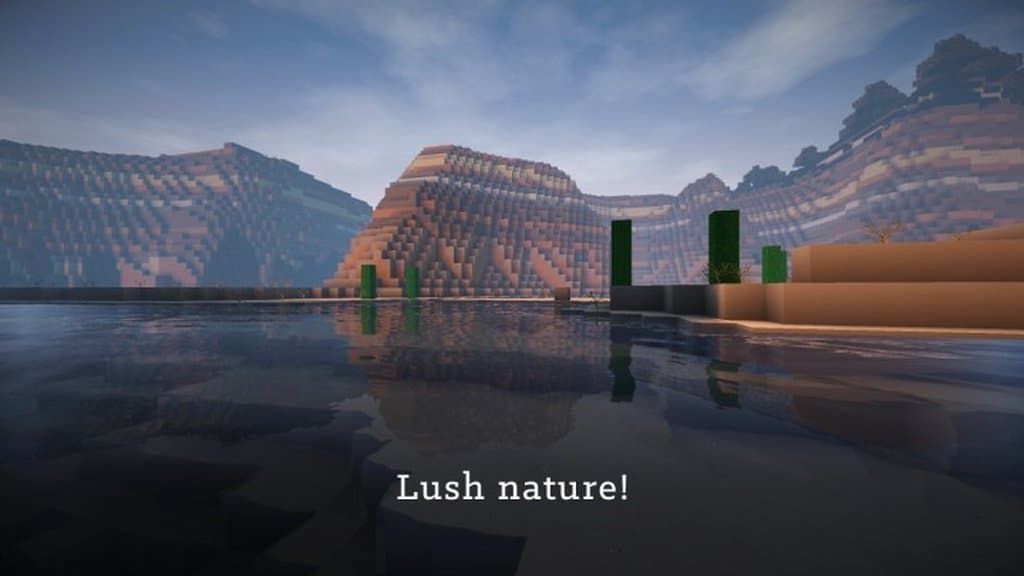
Many Minecraft players often find themselves torn when designing their world. Do they want to craft a sleek, modern city, or would they prefer a rustic, classic aesthetic? When working with resource packs, dramatic texture shifts can often make historic castles look jarringly futuristic and towering skyscrapers look strangely outdated. If you are hunting for that comfortable middle ground, you simply have to check out Dem Textures. This resource pack does a phenomenal job of striking that sweet spot between old-school charm and modern polish. For builders, this means you can finally design modern cities that look genuinely contemporary while keeping your ancient fortresses looking properly medieval. Best of all, both styles look breathtaking thanks to the gorgeous 128x high resolution! Of course, such a detailed resolution does come with the usual caveat that this pack will demand a bit more from your hardware and won’t run on every single machine out there.
While it is not quite as heavy as massive 256x or 512x packs, it is still a demanding asset that might give older computers a bit of trouble. Such is the wonderful challenge of customizing Minecraft! Adding to the flexibility, this pack is fully compatible with Minecraft versions 1.8 through 1.9. So, is Dem Textures truly worth downloading? If you are running an older, low-spec system, you might sadly need to pass, though that is purely a hardware limitation and not a reflection of the pack’s quality. For everyone with a capable rig, however, Dem Textures is absolute gold and definitely worth your time. As noted, the final result is a magnificent blend of high-definition blocks that fit seamlessly into either modern metropolitan areas or ancient settlements. It makes standard villager houses look remarkably cozy and attractive, ensuring your towering mega-skyscrapers won’t look entirely out of place next to your favorite village. Quite impressively, the talented creator demonkleenr managed to put this entire pack together in the span of just three months! If you want to experience a fresh visual style, we strongly recommend giving Dem Textures a try. The stunning results might just surprise you as much as they surprised us!
DEM Textures should be compatible with all of these Minecraft versions: 1.9.4 – 1.9 – 1.8.9 – 1.8.8 – 1.8.1 – 1.8.6 – 1.8
Screenshots


How to Install Texture Pack (Simple 10 Steps)
- Download OptiFine: Most of the texture packs and shaders need OptiFine. That’s why, first download and install OptiFine for the version of Minecraft you want to play.
- Download the Texture Pack: Get the texture pack you want from the download section. Choose the version that works with your Minecraft and your PC’s performance.
- Open Minecraft Launcher: Start Minecraft using the official game launcher — or even TLauncher, if you use that.
- Go to Options: From the main menu, click on the “Options” button.
- Open Resource Packs: Inside Options, click on “Resource Packs…”.
- Open the Resource Pack Folder: Click on “Open Resource Pack Folder” — this will open a folder named “resourcepacks”.
- Move the Pack File: Copy or move the .zip file you downloaded into that “resourcepacks” folder. (Don’t unzip the file — Minecraft uses it as-is!)
- Go Back and Refresh: Close the folder and click “Done”, then go back into “Resource Packs…” again.
- Activate the Pack: You’ll see the pack on the left side. Hover over it and click the arrow to move it to the right (active side).
Tip: If you get a message that the pack is for a different version, just click “Yes” — it usually works fine. - Click Done and Enjoy: Click “Done” again. Now your pack is ready to use in-game. It’s that easy!
Credits
This resource pack was created by demonkleenr, who retains all original ownership and rights. We do not own, host, or modify this file. We encourage you to support the creator by downloading the pack through the official links provided.
Download Instructions
Curseforge: download starts automatically after a few seconds;
Mediafire: click the big blue button with the text “DOWNLOAD”;
Google Drive: in the top right corner you will see a small download icon (down arrow), click it and the download should start;


