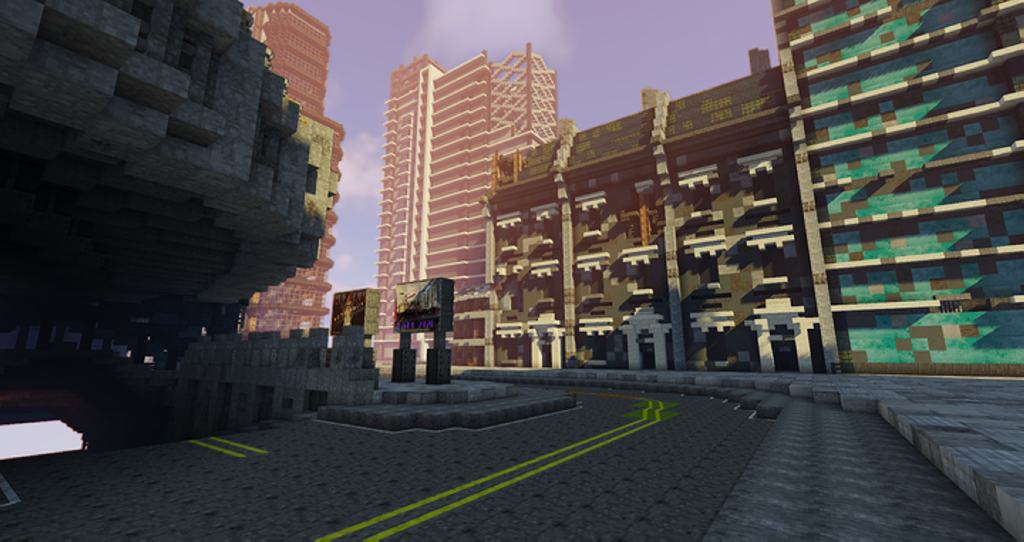
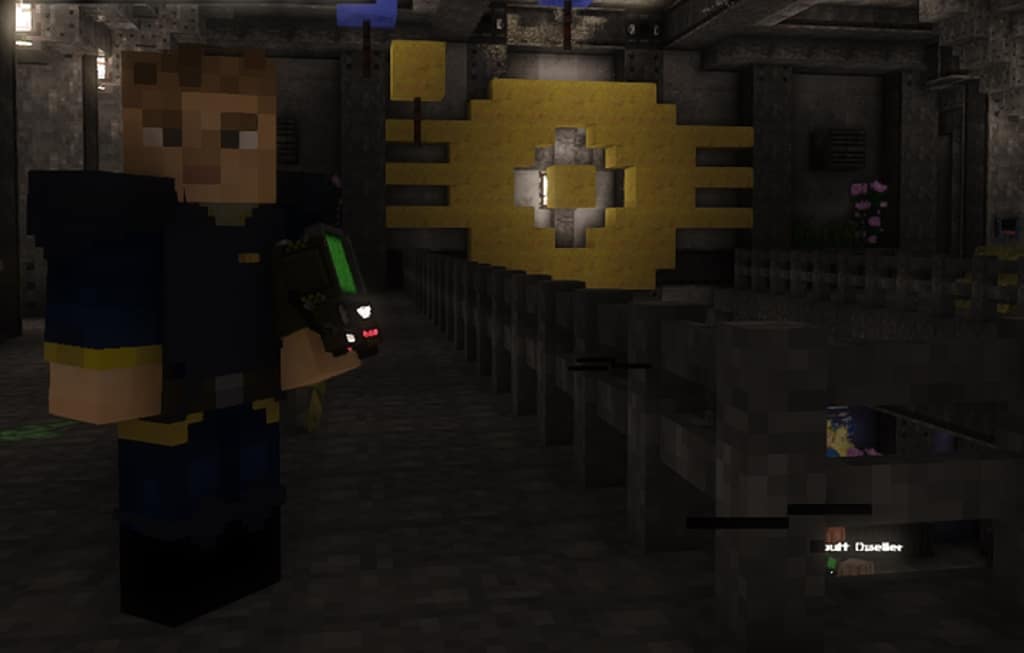
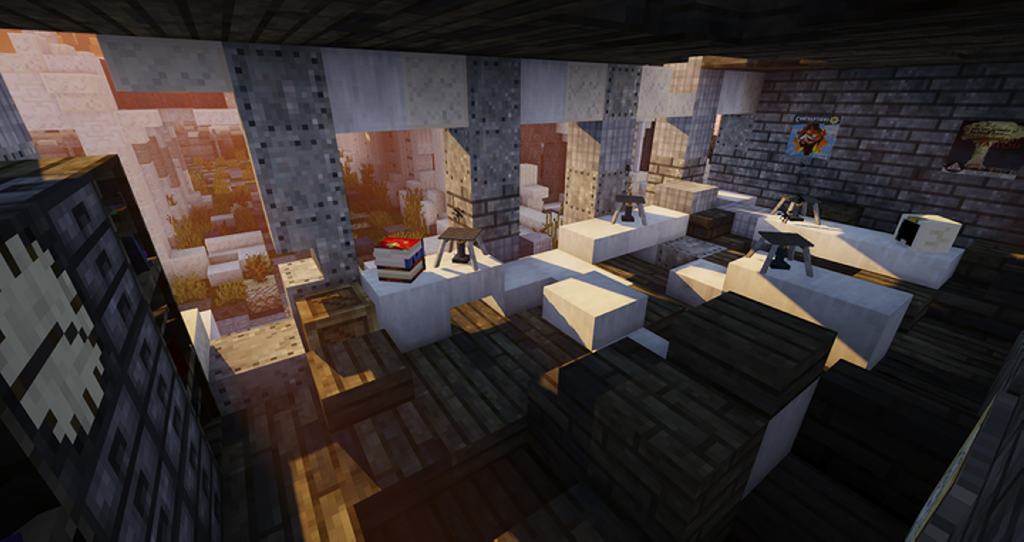
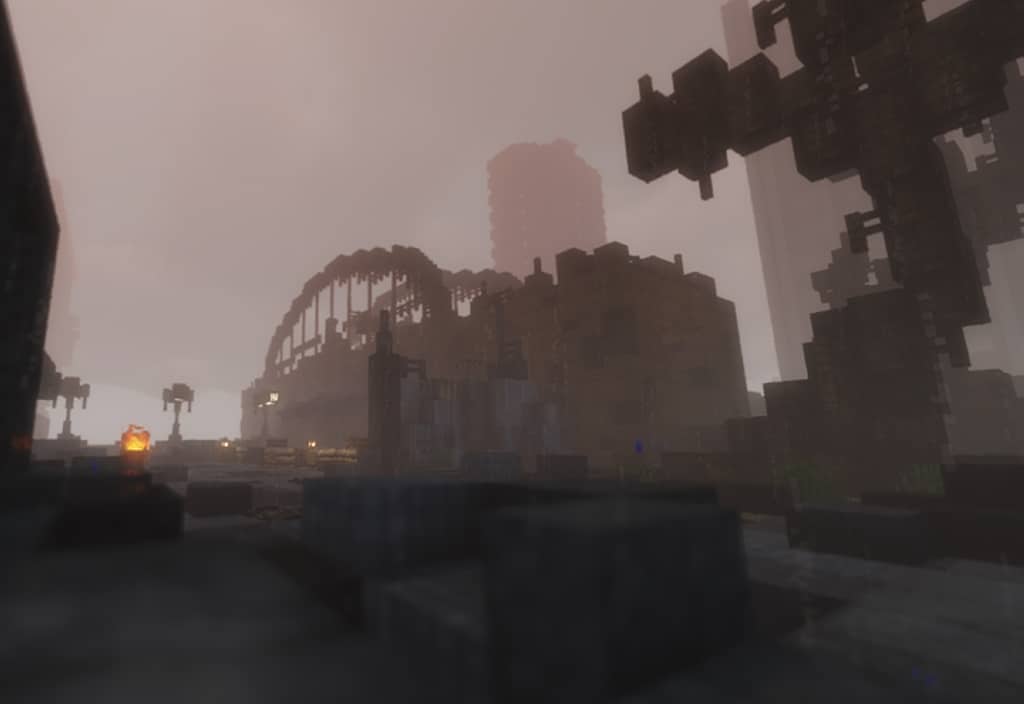
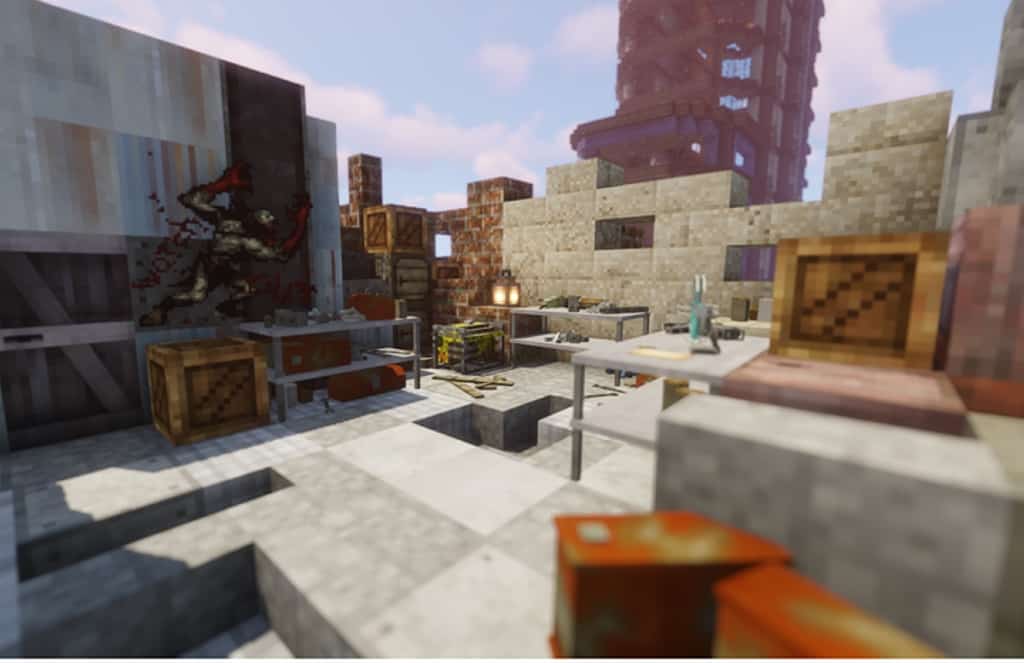
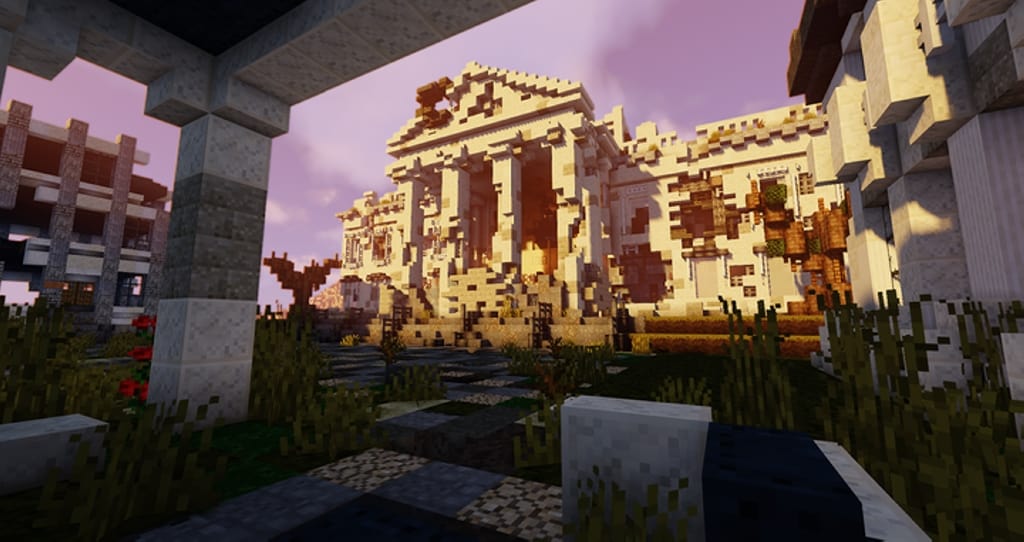
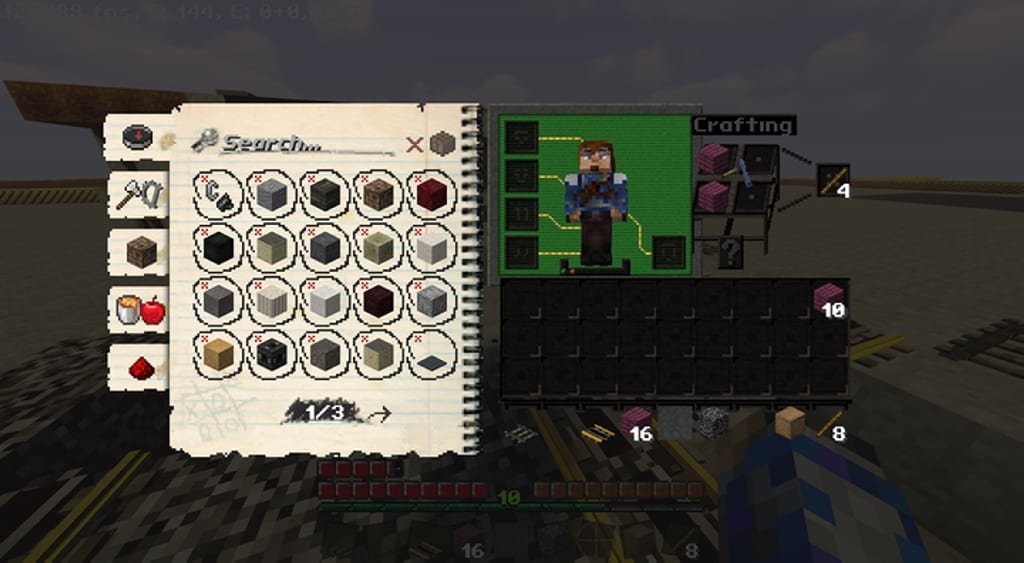
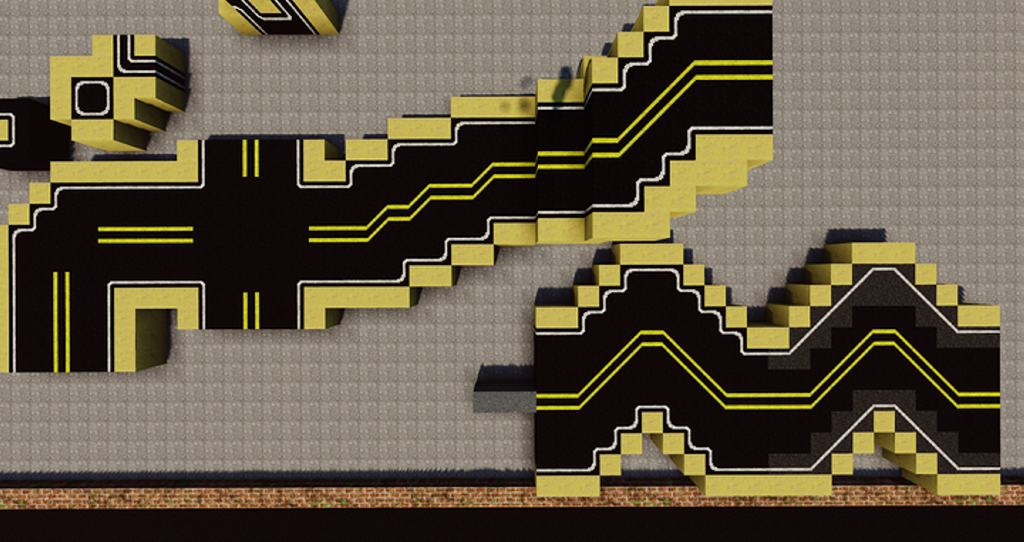
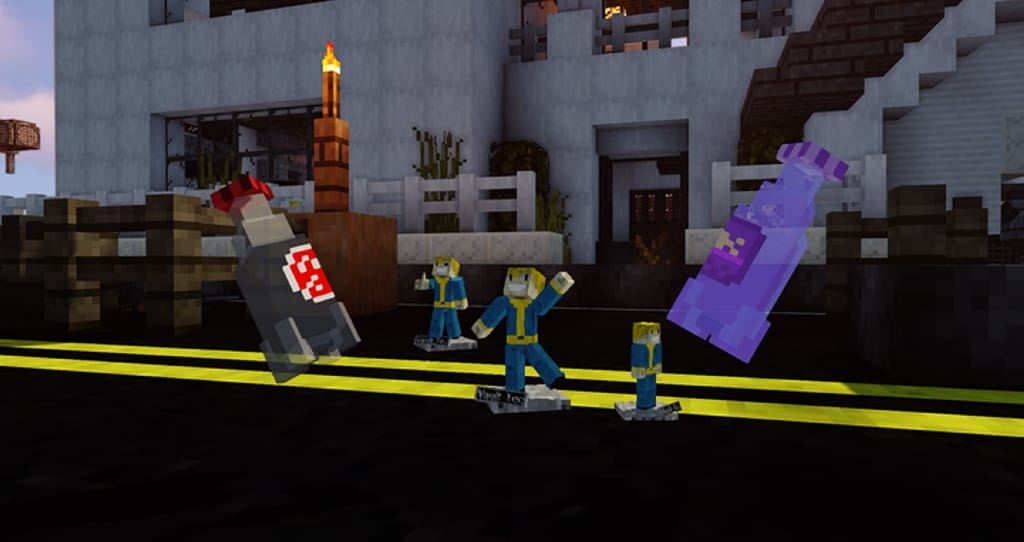
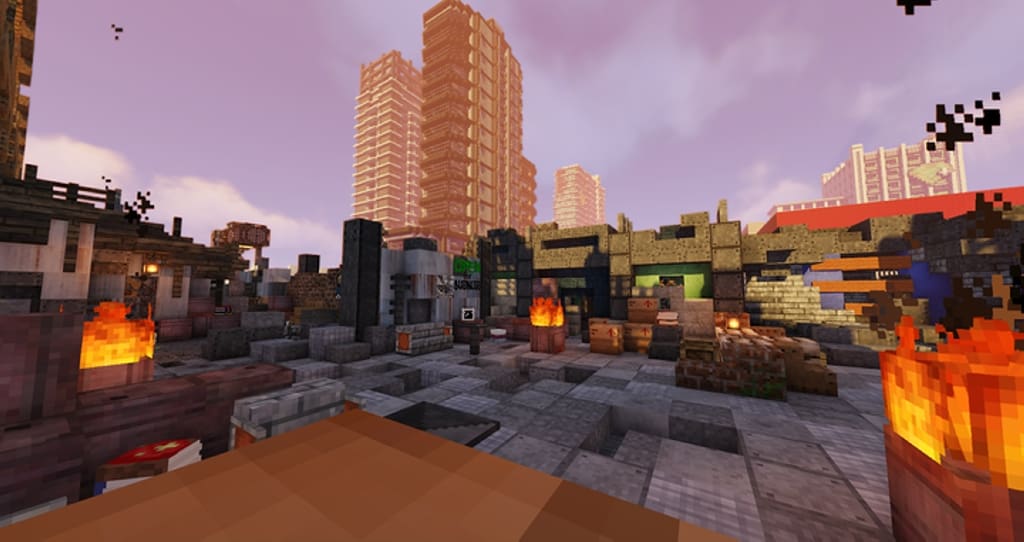
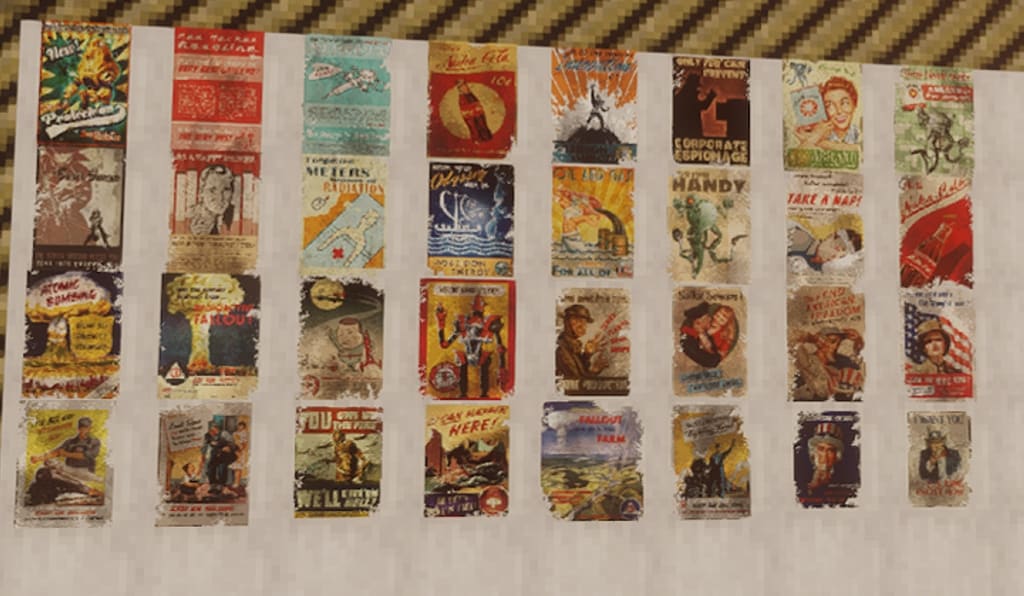
If you are a huge fan of post-apocalyptic movies, series, and games, or if you simply adore the Fallout video game saga, the Fallout Paradise resource pack has got to be your absolute best option. The primary objective of this resource pack is to give the textures a disused, rusty, and abandoned look to the blocks, as if they had been exposed to a nuclear explosion or radioactive fallout, among other nuclear disasters, all expertly applied to the relative simplicity of a game like Minecraft. The pack is specifically designed for adventure maps, or to set up post-apocalyptic-themed maps created by yourself or by anyone else in the community. The very first thing you might think when you see the name of the resource pack is that you would never put the words “Fallout” and “paradise” in the same sentence. If you don’t happen to know about the Fallout saga, it can be summarized this way: Years after a nuclear war took place on a global scale, the Earth has become a desert wasteland that is practically uninhabitable due to radiation and mutations of animals and people that were unable to find shelter. In this fantastic texture pack, many blocks look darker, dirtier, and grittier, perfectly representing the dark events described above.
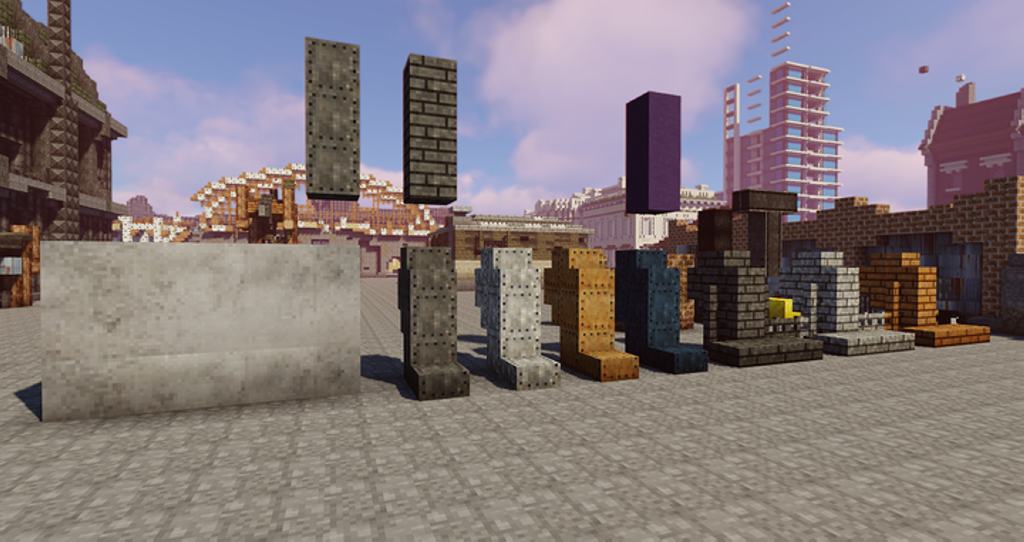
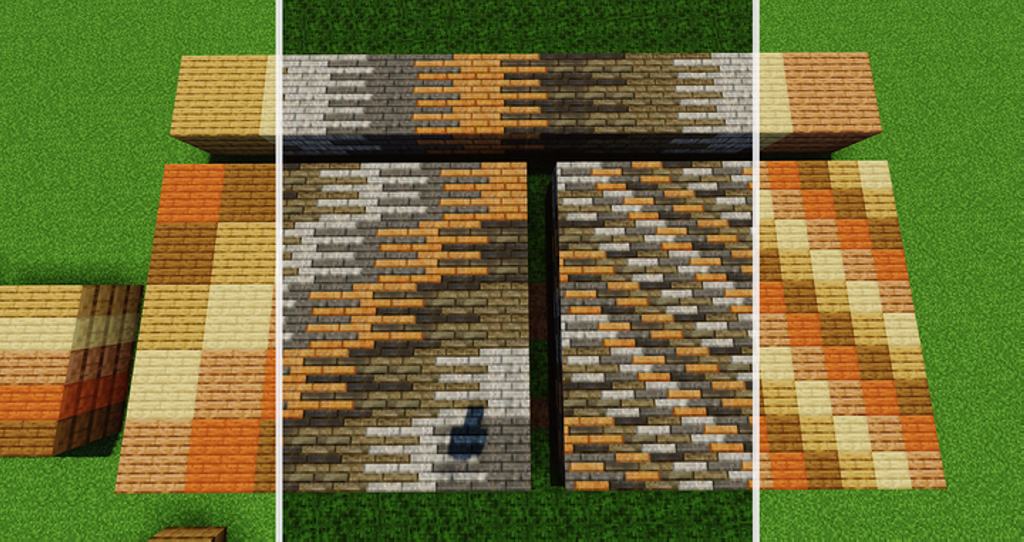
Blocks that are generally used for construction feature textures resembling metal sheets, which when placed in structures, simulate that they have been made from scrap and pieces of metal, so if you are looking for a texture pack that highlights the pristine beauty of traditional constructions, you better look for another one entirely. You also have to understand that Fallout Paradise isn’t completely finished yet, but that certainly doesn’t mean the textures that have already been added are bad; on the contrary, the currently added textures look incredible in-game. Most of the main building blocks are fully modified, and the rest are thoughtfully planned for future updates. The origin of the word “Paradise” in the name can be attributed to the fascinating fact that the pack is quite green compared to the games it imitates, featuring many healthy trees, mushrooms, plants, and all sorts of crops and flowers. Fallout is a wonderfully well-known video game saga loved by many people, and for this reason, Fallout Paradise is a fantastic pack that allows fans of this game to immerse themselves in a construction game as mythical as Minecraft while enjoying that iconic Fallout touch. Finally, it must be said that while many Fallout-themed resource packs of a post-apocalyptic type have been created, it is completely up to you to choose the pack that you like the most, and we can happily say this pack stands shoulder-to-shoulder with the rest.
Fallout Paradise should be compatible with all of these Minecraft versions: 1.16.5 – 1.16.4 – 1.16.3 – 1.16.2 – 1.16.1 – 1.16 – 1.15.2 – 1.15.1 – 1.15 – 1.14.4 – 1.14.3 – 1.14.2 – 1.14 – 1.13.2 – 1.13.1 – 1.13 – 1.12.2 – 1.12 – 1.11.2 – 1.11 – 1.10.2 – 1.10 – 1.9.4 – 1.9 – 1.8.9 – 1.8.8 – 1.8.1 – 1.8.6 – 1.8 – 1.7.10 – 1.7.9 – 1.7.4 – 1.7
Screenshots
How to Install Texture Pack (Simple 10 Steps)
- Download OptiFine: Most of the texture packs and shaders need OptiFine. That’s why, first download and install OptiFine for the version of Minecraft you want to play.
- Download the Texture Pack: Get the texture pack you want from the download section. Choose the version that works with your Minecraft and your PC’s performance.
- Open Minecraft Launcher: Start Minecraft using the official game launcher — or even TLauncher, if you use that.
- Go to Options: From the main menu, click on the “Options” button.
- Open Resource Packs: Inside Options, click on “Resource Packs…”.
- Open the Resource Pack Folder: Click on “Open Resource Pack Folder” — this will open a folder named “resourcepacks”.
- Move the Pack File: Copy or move the .zip file you downloaded into that “resourcepacks” folder. (Don’t unzip the file — Minecraft uses it as-is!)
- Go Back and Refresh: Close the folder and click “Done”, then go back into “Resource Packs…” again.
- Activate the Pack: You’ll see the pack on the left side. Hover over it and click the arrow to move it to the right (active side).
Tip: If you get a message that the pack is for a different version, just click “Yes” — it usually works fine. - Click Done and Enjoy: Click “Done” again. Now your pack is ready to use in-game. It’s that easy!
Credits
This resource pack was originally created and developed by Lexline. We do not claim ownership of this modification, nor have we altered its original files. We strongly encourage all players to support the original creator by visiting their official platforms and download links.
Download Links
Java Edition
Download Instructions
Curseforge: download starts automatically after a few seconds;
Mediafire: click the big blue button with the text “DOWNLOAD”;
Google Drive: in the top right corner you will see a small download icon (down arrow), click it and the download should start;


