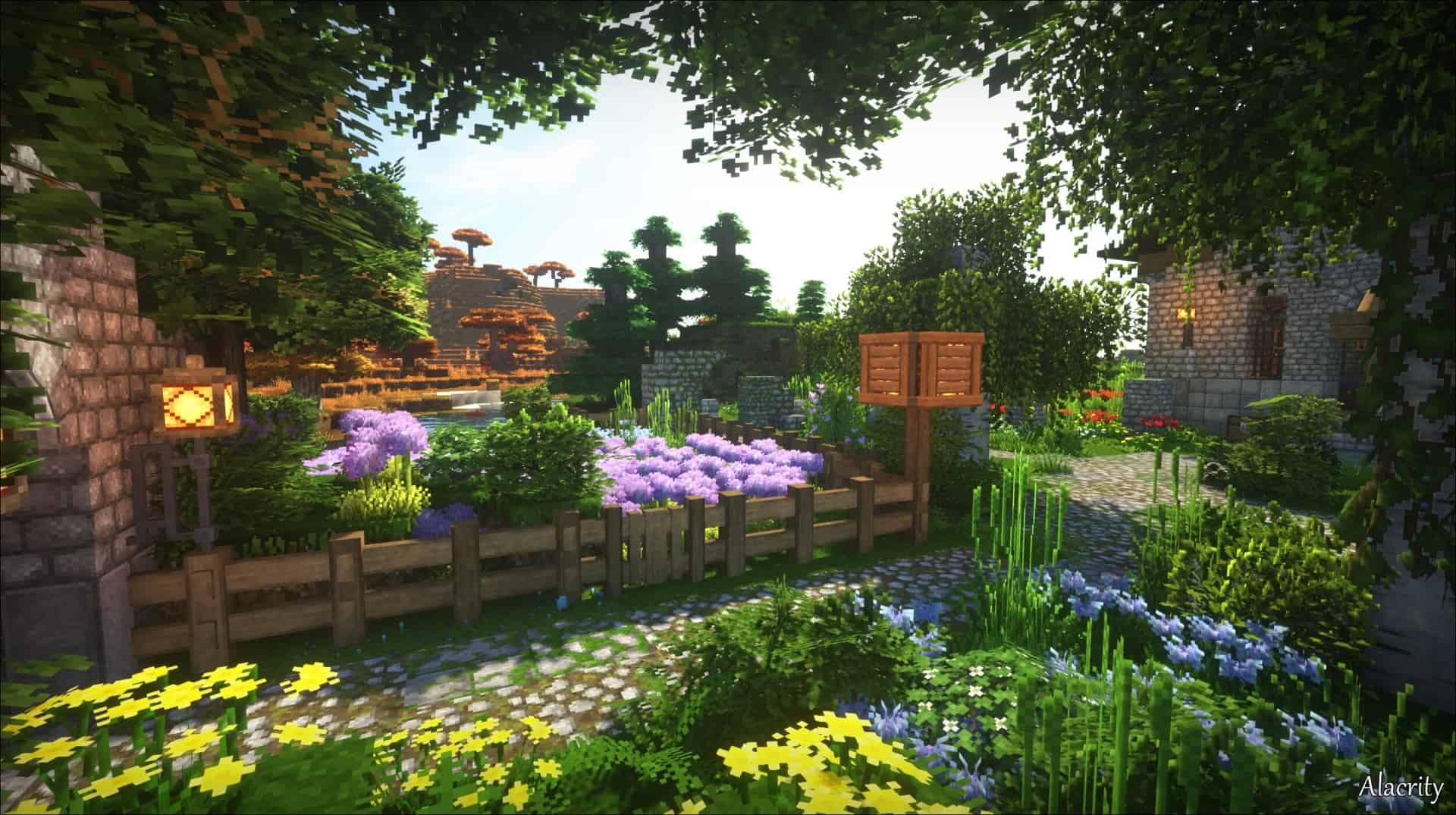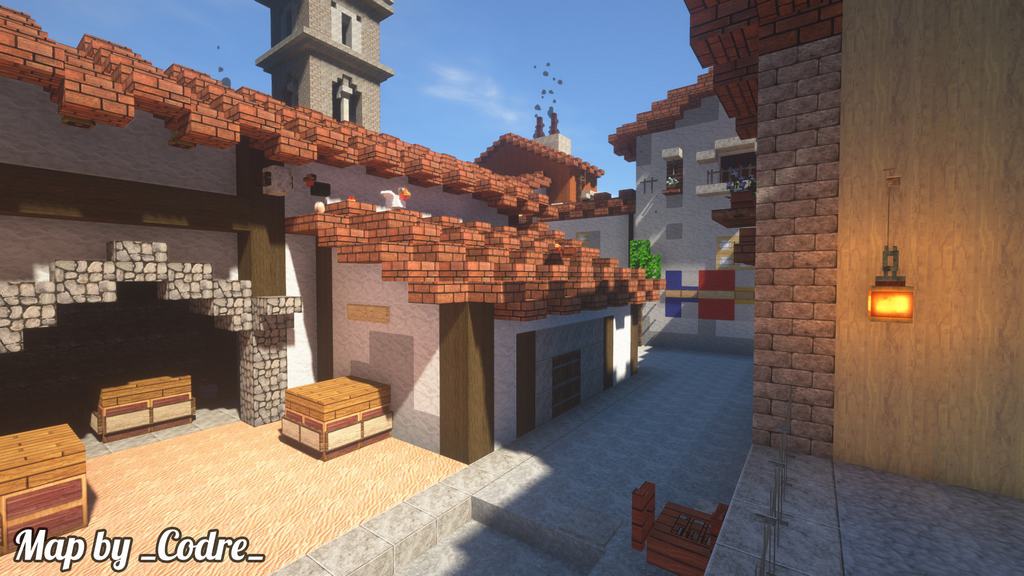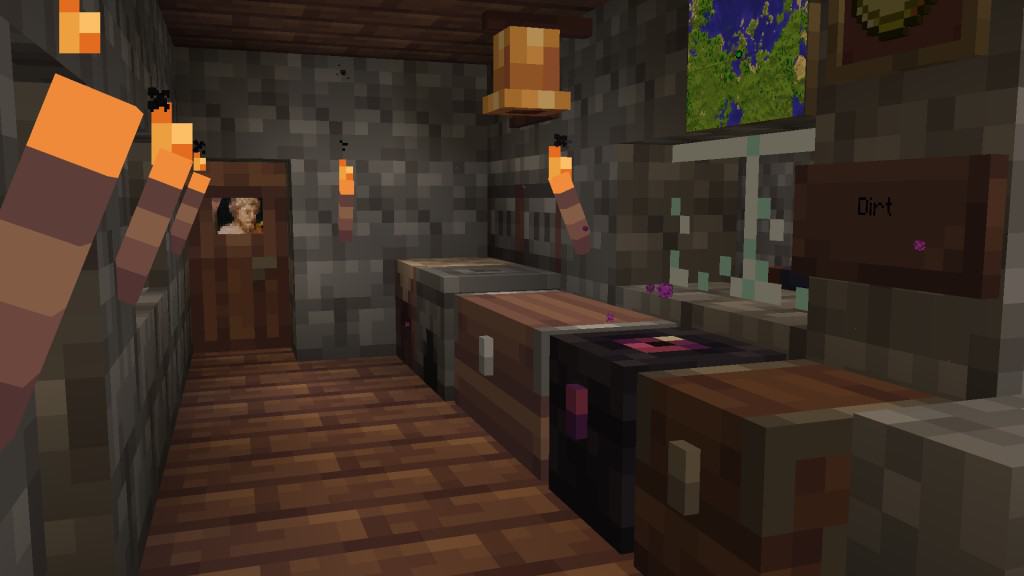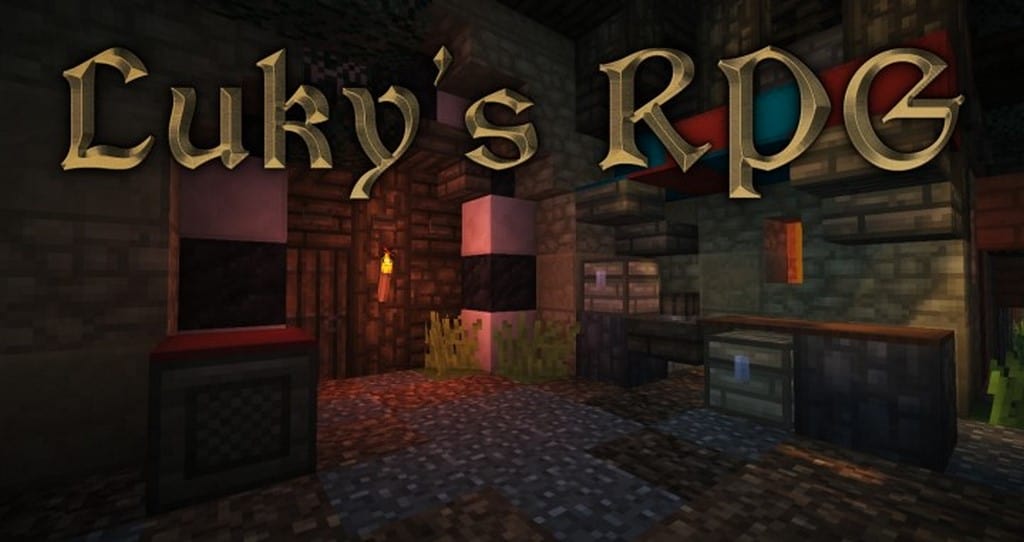
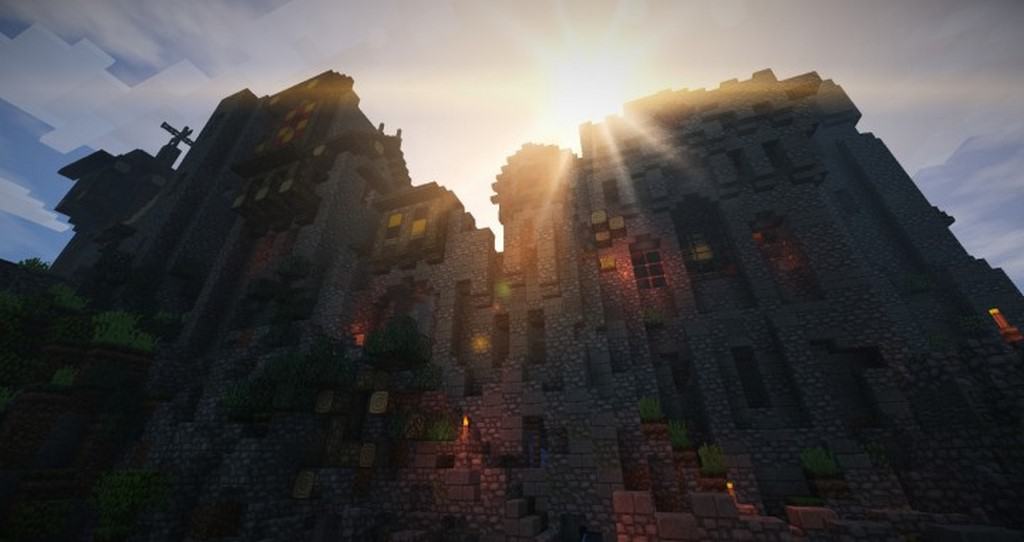
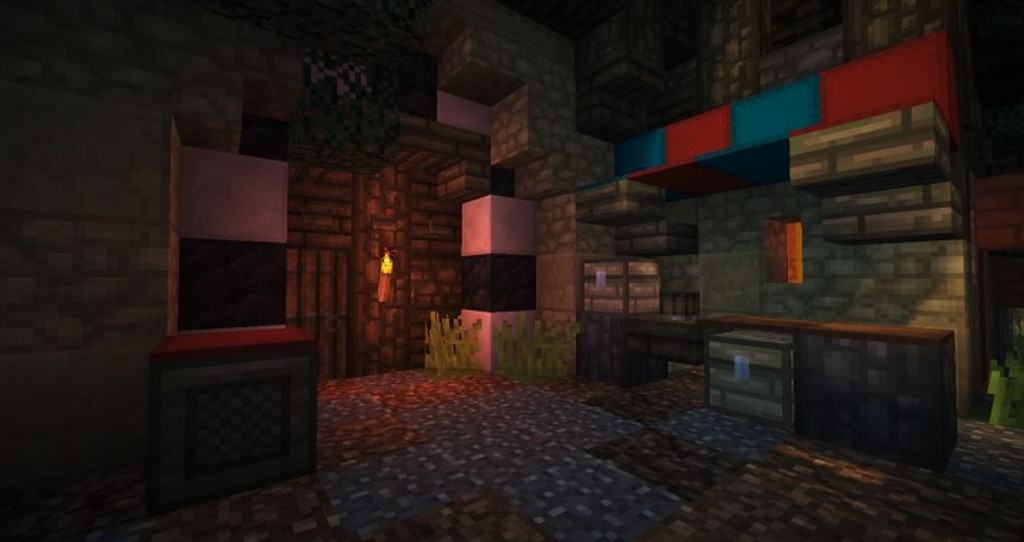
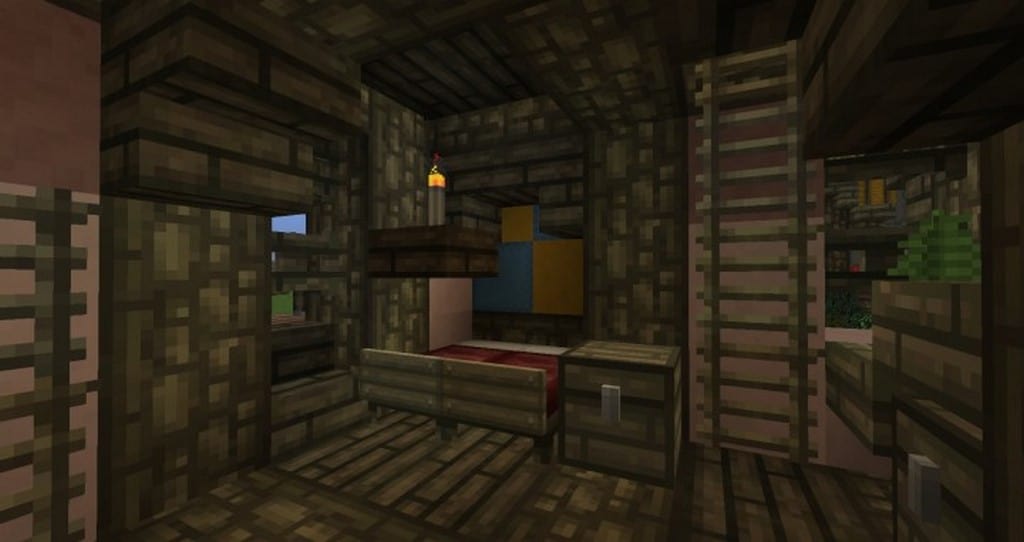
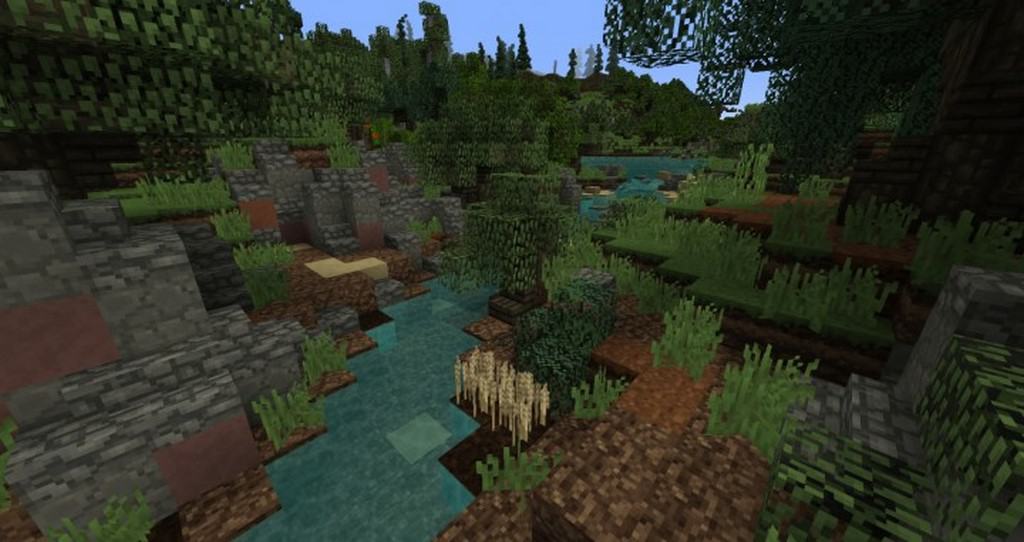
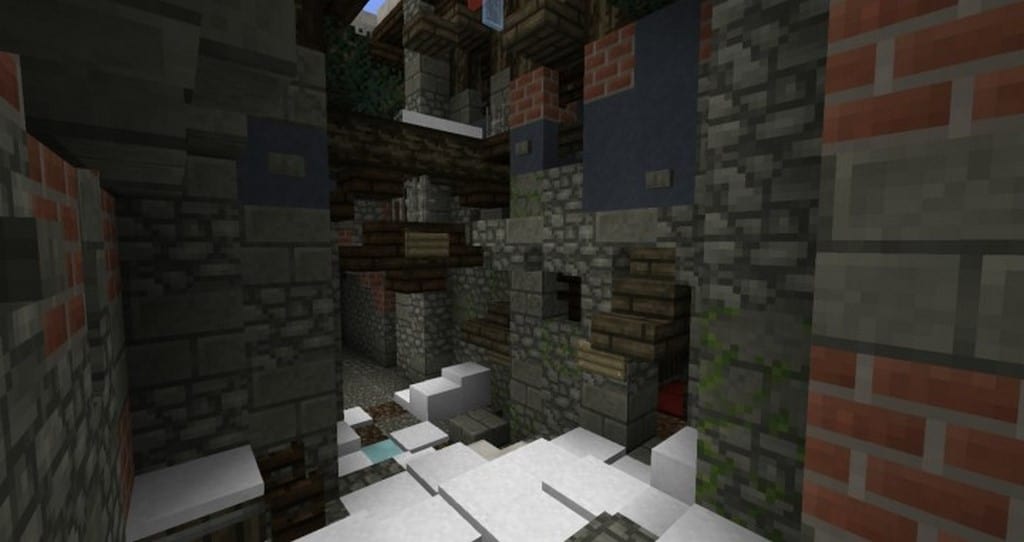
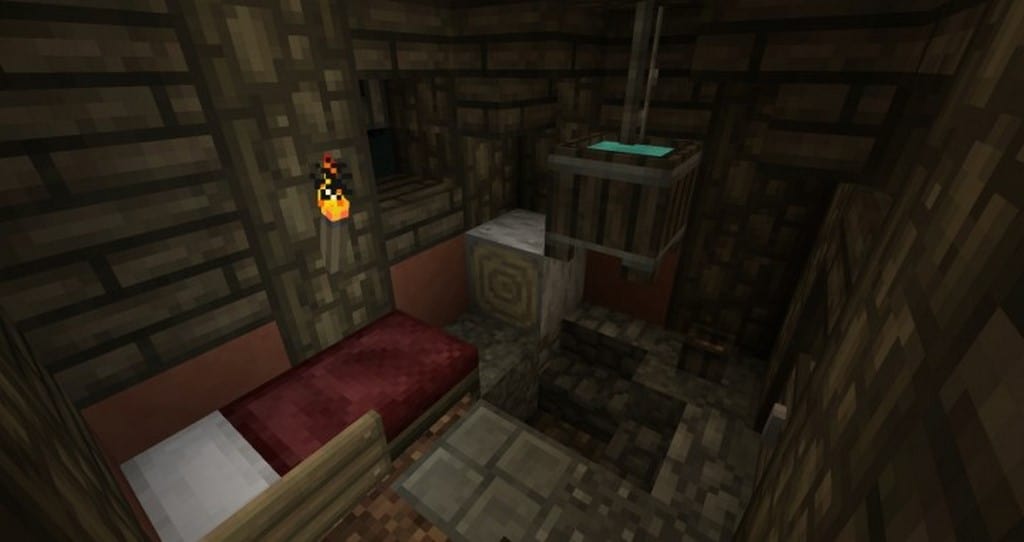
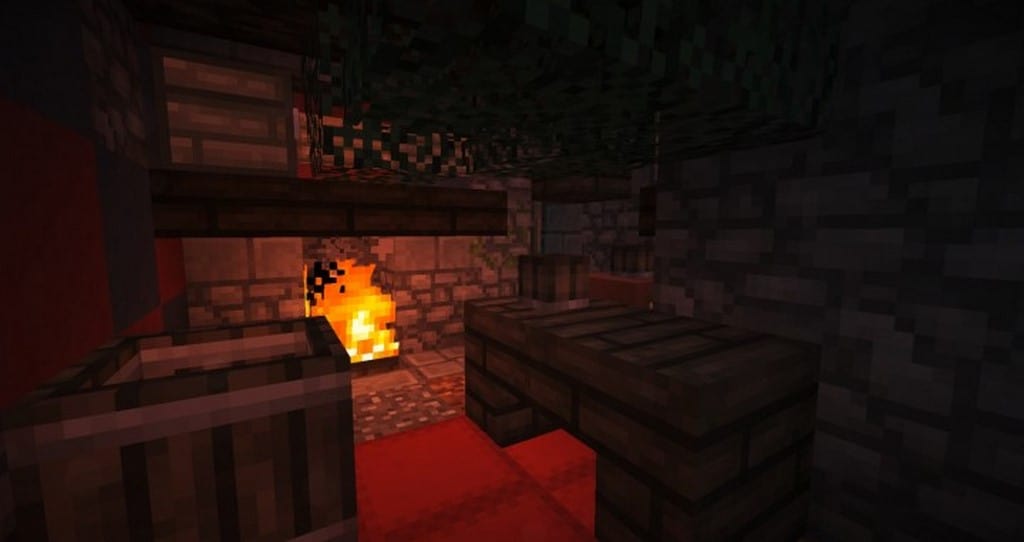
Luky’s RPG resource pack can be an exceptional recommendation for you if you are searching for an authentic RPG theme. I found that it is a low resolution resource pack which you can easily install and use in your game without any worries! Please note that low resolution resource packs are quite famous and popular among players because these packs do not create any heavy burden on CPU usage and other system resources. Luky’s RPG resource pack is definitely no exception to this rule. At first glance, this particular texture pack may not seem exceptionally special or unique. However, once you install and start using this pack, you will eventually witness some fantastic changes, such as darkened and flattened textures, blocks featuring blurry faces, and subtle low lighting effects, among other things. Therefore, if you are looking for textures that genuinely feel weather-beaten, a bit run-down, and wonderfully rustic, you simply must consider using Luky’s RPG resource pack.
It brings a naturally rustic look into the game, and in my experience, it looks quite great. Once this resource pack is fully installed, you will immediately notice that villages, castles, and homes receive a gorgeous rustic makeover. Similarly, exterior buildings and various blocks look even better and brighter. Yet, this is definitely not something that will hurt your eyes for sure! That is because the colors are precisely chosen to create a wonderful gradient-like view. Every single texture in Luky’s RPG resource pack features a smooth blend of multiple colors. In this clever way, it creates the distinct illusion of shadow effects. These illusion shadow effects are typically found only in heavy shader packs. The best part is that Luky’s RPG resource pack somehow manages to cover this feature as well. From an overall note, it can safely be mentioned that this particular resource pack brings an incredible rustic vibe where nothing is overly bright or bold, and you will even find some amazing illusion shadow effects to boot.
Luky’s RPG should be compatible with all of these Minecraft versions: 1.8.9 – 1.8.8 – 1.8.1 – 1.8.6 – 1.8 – 1.7.10 – 1.7.9 – 1.7.4 – 1.7
Screenshots

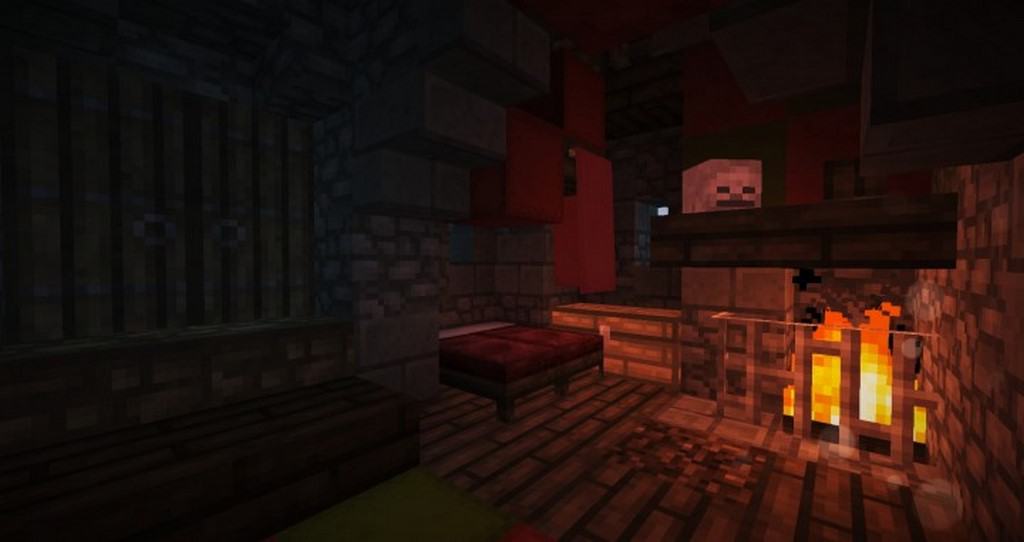
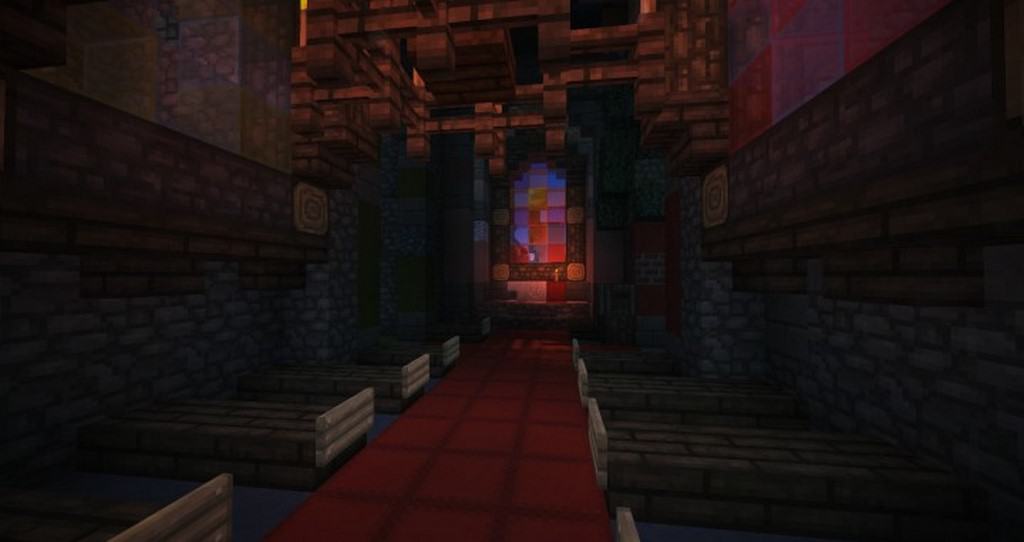

How to Install Texture Pack (Simple 10 Steps)
- Download OptiFine: Most of the texture packs and shaders need OptiFine. That’s why, first download and install OptiFine for the version of Minecraft you want to play.
- Download the Texture Pack: Get the texture pack you want from the download section. Choose the version that works with your Minecraft and your PC’s performance.
- Open Minecraft Launcher: Start Minecraft using the official game launcher — or even TLauncher, if you use that.
- Go to Options: From the main menu, click on the “Options” button.
- Open Resource Packs: Inside Options, click on “Resource Packs…”.
- Open the Resource Pack Folder: Click on “Open Resource Pack Folder” — this will open a folder named “resourcepacks”.
- Move the Pack File: Copy or move the .zip file you downloaded into that “resourcepacks” folder. (Don’t unzip the file — Minecraft uses it as-is!)
- Go Back and Refresh: Close the folder and click “Done”, then go back into “Resource Packs…” again.
- Activate the Pack: You’ll see the pack on the left side. Hover over it and click the arrow to move it to the right (active side).
Tip: If you get a message that the pack is for a different version, just click “Yes” — it usually works fine. - Click Done and Enjoy: Click “Done” again. Now your pack is ready to use in-game. It’s that easy!
Credits
This resource pack was created by LukyLucaz and Andre Jolicoeur. We do not claim ownership of this content, nor have we modified the original files. Please support the creators by visiting their official release pages.
Download Instructions
Curseforge: download starts automatically after a few seconds;
Mediafire: click the big blue button with the text “DOWNLOAD”;
Google Drive: in the top right corner you will see a small download icon (down arrow), click it and the download should start;