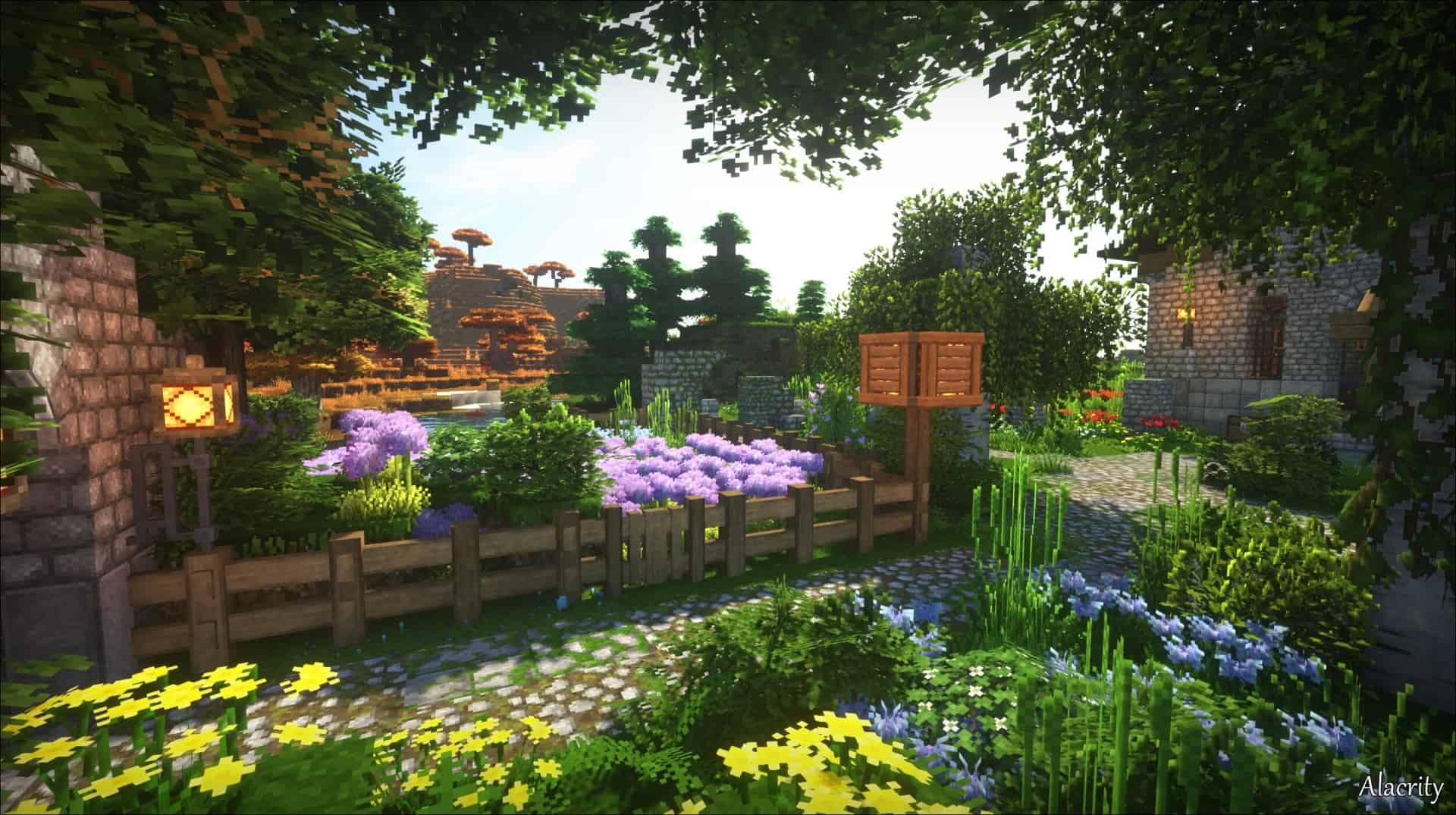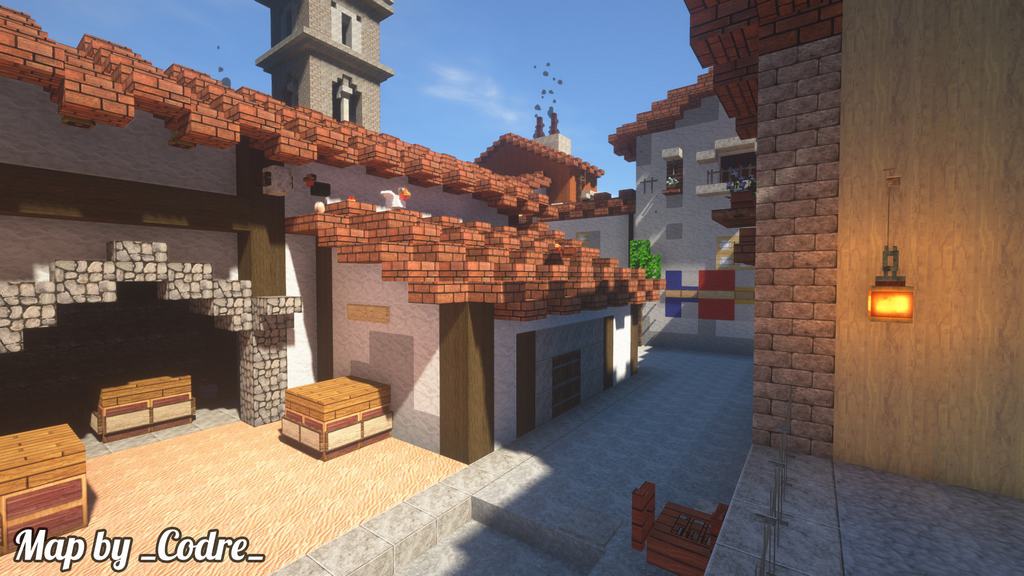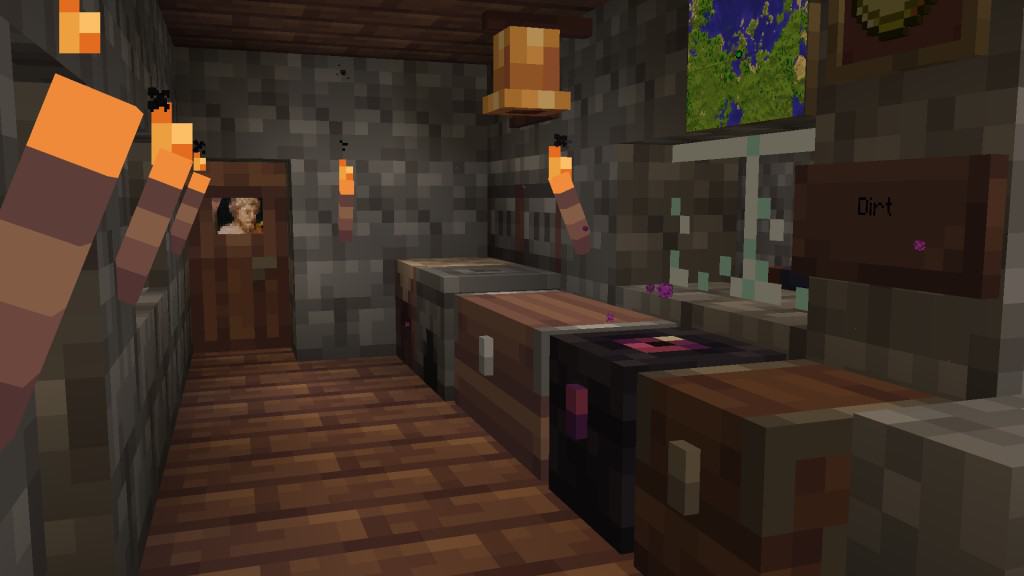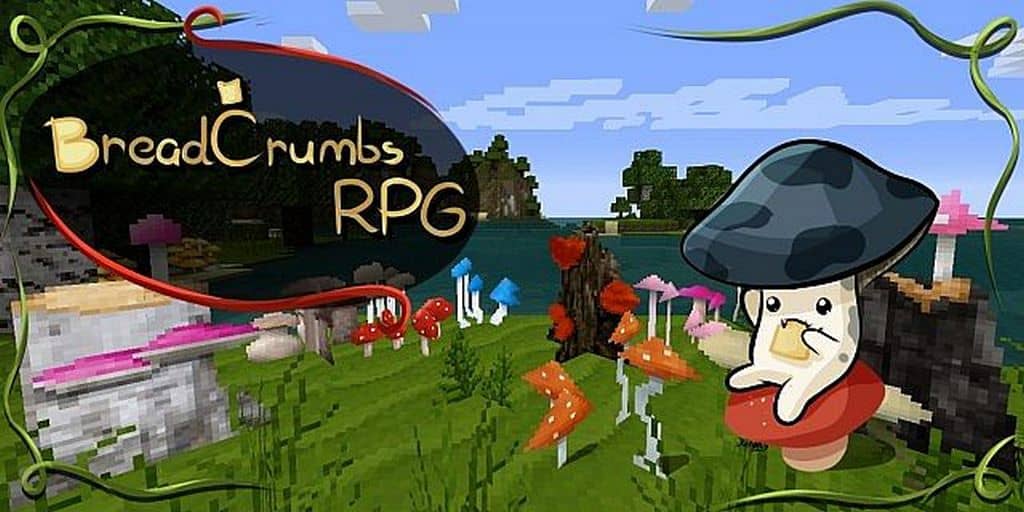
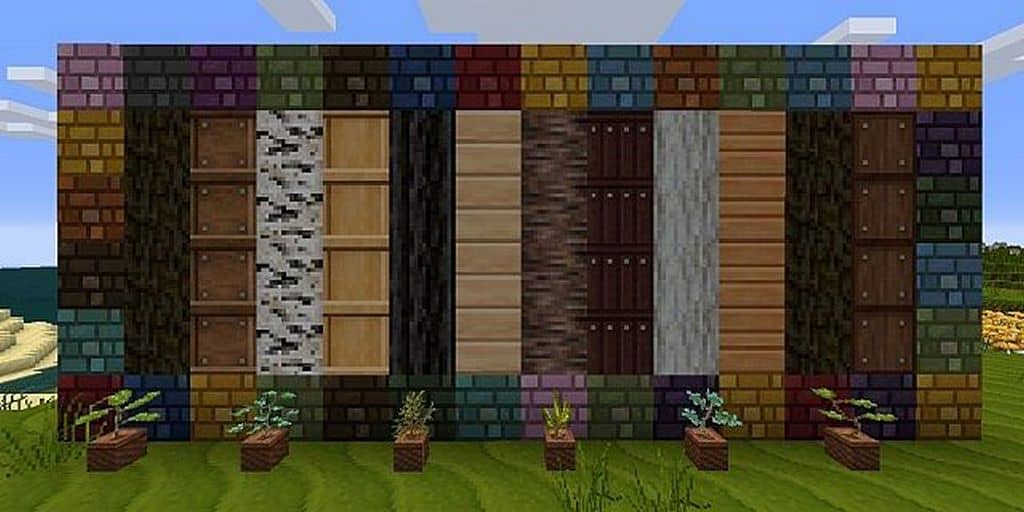
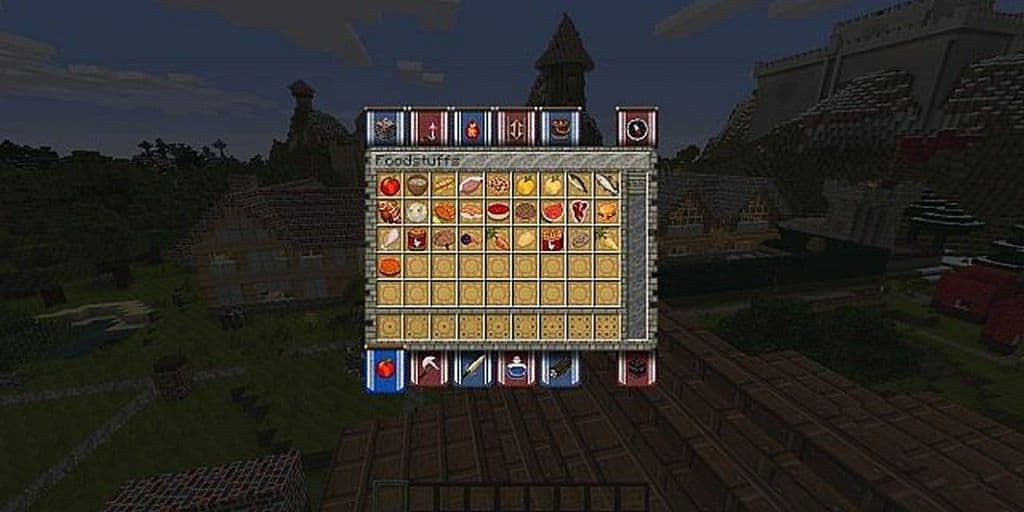
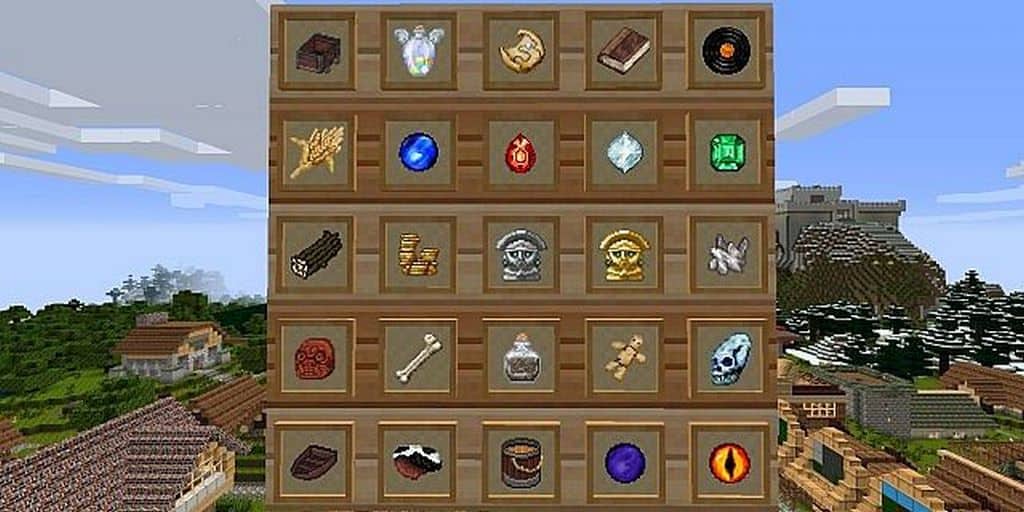
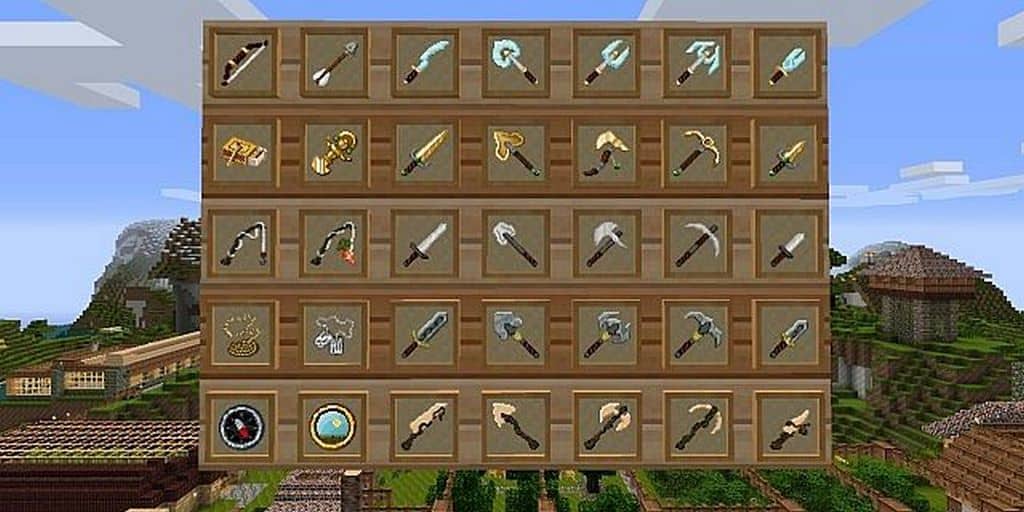
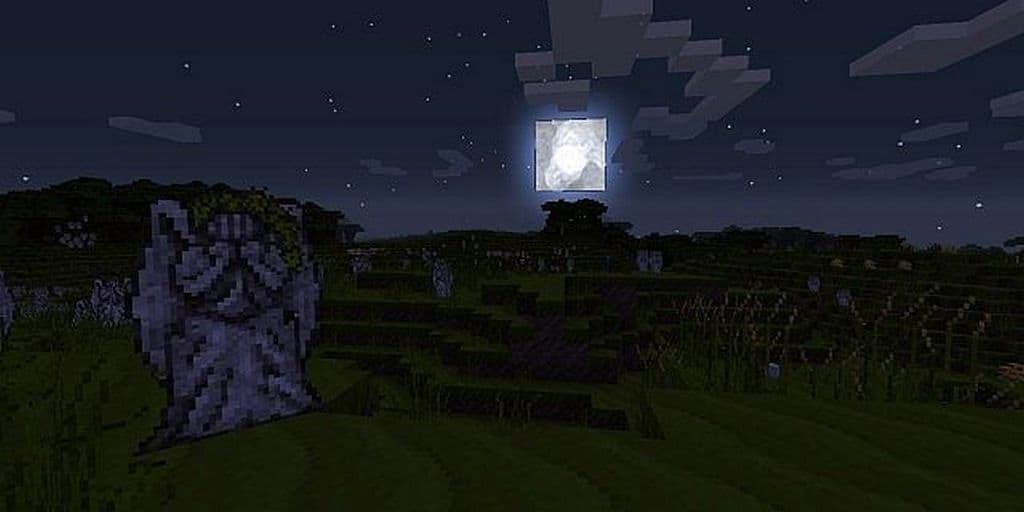
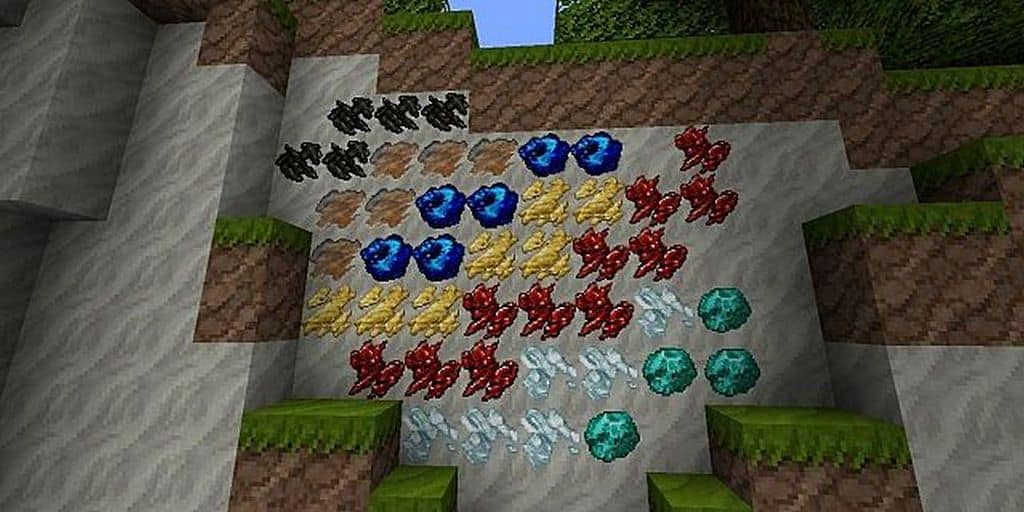
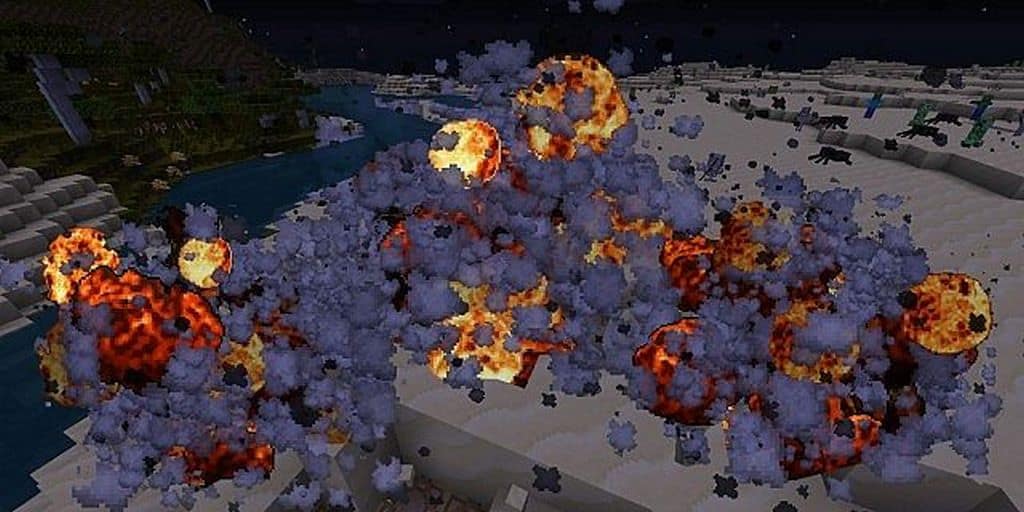
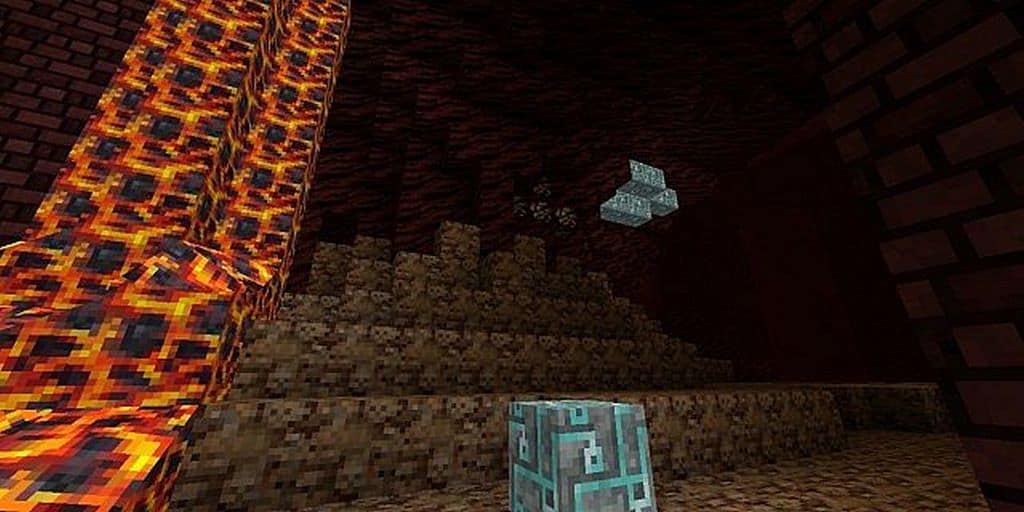
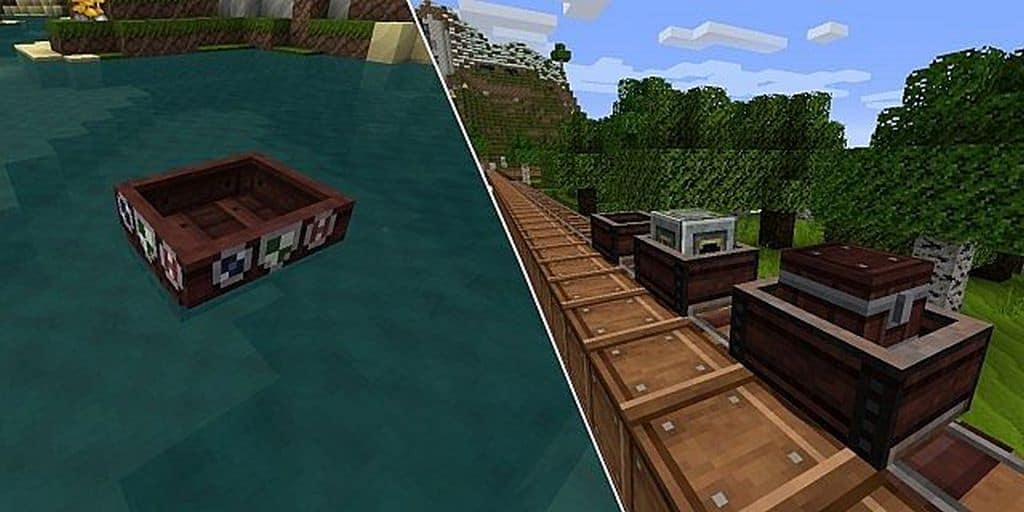
I had an absolute blast testing out the BreadCrumbs RPG resource pack for Minecraft, created in a fascinating hybrid resolution of 16×16 and 32×32 pixels by Rengel and ZoominShroom. The pack genuinely tries to explore and craft a more fulfilling experience by designing all the graphics in unusual ways, and I really enjoyed how it pulled this off. If you have been searching for that authentic medieval RPG theme in your Minecraft world, this resource pack successfully brings the same effect with its remarkably realistic style. It truly boasts high-detail, intricate, and charming graphics that totally transform the atmosphere. I did notice, however, that the BreadCrumbs RPG resource pack makes several textures darker, which provides an overall gloomy effect to the game that fits the theme nicely, though some surfaces do not seem to reflect light properly. Even with the lower resolution elements, the pack manages to offer a fantastic amount of detail, though it is worth keeping in mind that some textures are actually 16×16 instead of 32×32.
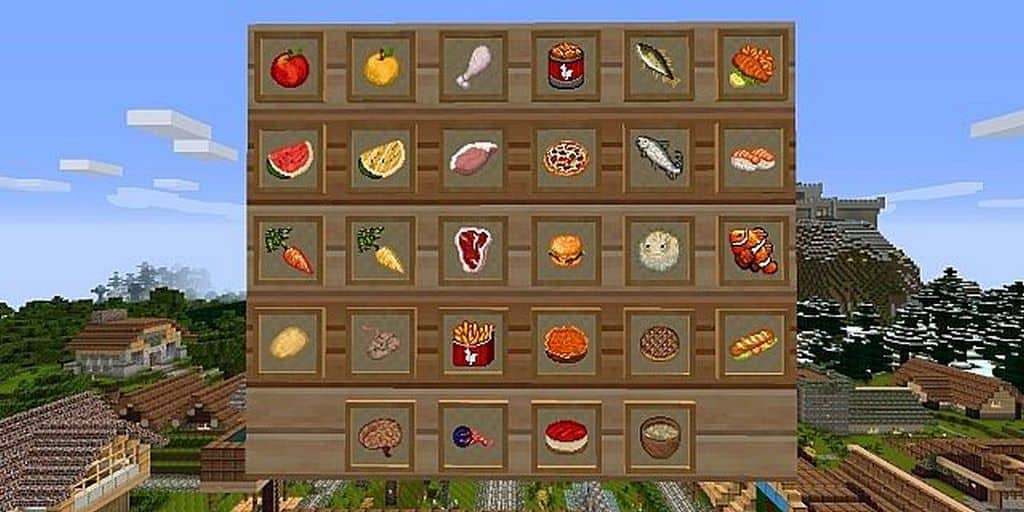
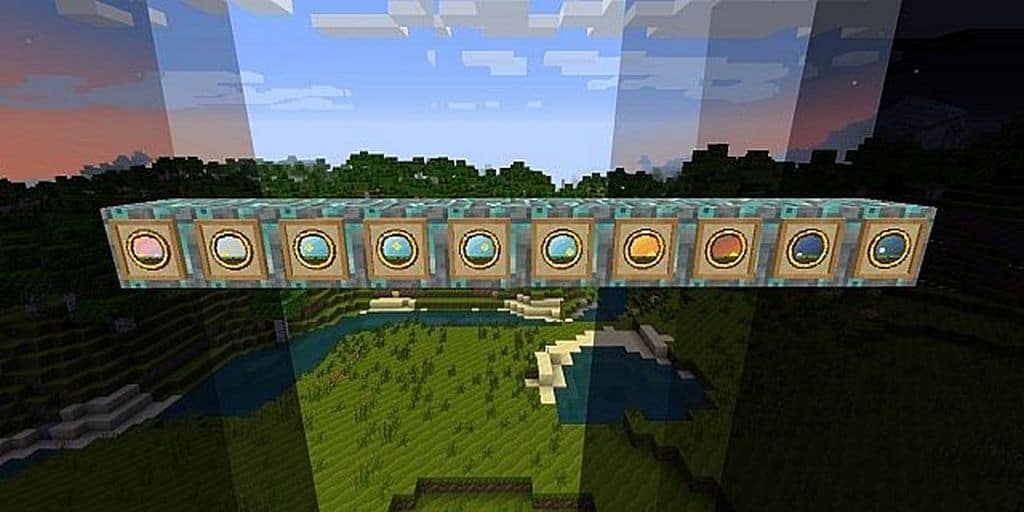
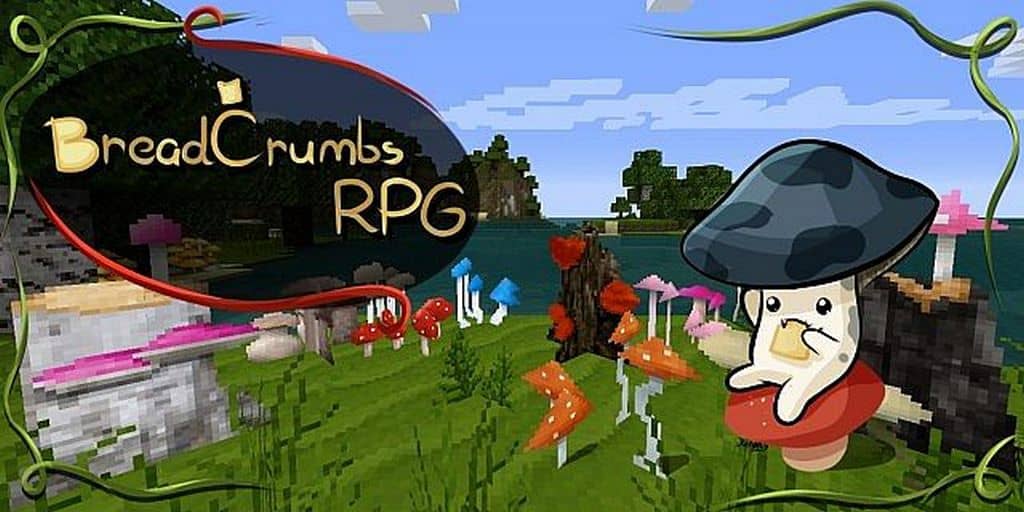
The modified item textures provide a fresh lease of life to every item in Minecraft because they completely change the looks of each one of them in the user interface, which I found incredibly satisfying to look at while managing my inventory. If you have installed mushroom mods earlier, you are sure to like this resource pack because it adds many wonderful mushroom textures. Plus, if you have ever felt agitated about breaking wheat when it is still under development, you will be glad to know this resource pack has brilliantly addressed this problem for you. After installing it, I found that I could quickly determine whether crops were still under development or fully ready for harvesting, which easily stands out as one of the most significant plus points of the whole experience. Since the developers made most of this resource pack in 16×16 while mixing in many useful 32×32 item textures, you are sure to get a better FPS and a fair amount of performance enhancement. Since standard Minecraft resource packs usually come in 16×16, you will not run into any frame rate issues while running it as long as your system can already handle the vanilla game without problems.
BreadCrumbs RPG should be compatible with all of these Minecraft versions: 1.7.10 – 1.7.9 – 1.7.4 – 1.7 – 1.6.4 – 1.6.2
Screenshots



How to Install Texture Pack (Simple 10 Steps)
- Download OptiFine: Most of the texture packs and shaders need OptiFine. That’s why, first download and install OptiFine for the version of Minecraft you want to play.
- Download the Texture Pack: Get the texture pack you want from the download section. Choose the version that works with your Minecraft and your PC’s performance.
- Open Minecraft Launcher: Start Minecraft using the official game launcher — or even TLauncher, if you use that.
- Go to Options: From the main menu, click on the “Options” button.
- Open Resource Packs: Inside Options, click on “Resource Packs…”.
- Open the Resource Pack Folder: Click on “Open Resource Pack Folder” — this will open a folder named “resourcepacks”.
- Move the Pack File: Copy or move the .zip file you downloaded into that “resourcepacks” folder. (Don’t unzip the file — Minecraft uses it as-is!)
- Go Back and Refresh: Close the folder and click “Done”, then go back into “Resource Packs…” again.
- Activate the Pack: You’ll see the pack on the left side. Hover over it and click the arrow to move it to the right (active side).
Tip: If you get a message that the pack is for a different version, just click “Yes” — it usually works fine. - Click Done and Enjoy: Click “Done” again. Now your pack is ready to use in-game. It’s that easy!
Credits
This resource pack was originally created by ZoominShroom and Rengel. We do not own, host, or modify this resource pack in any way. All rights, intellectual property, and original assets belong strictly to the original authors. We strongly recommend visiting the official source links to download and support the creators.
Download Instructions
Curseforge: download starts automatically after a few seconds;
Mediafire: click the big blue button with the text “DOWNLOAD”;
Google Drive: in the top right corner you will see a small download icon (down arrow), click it and the download should start;