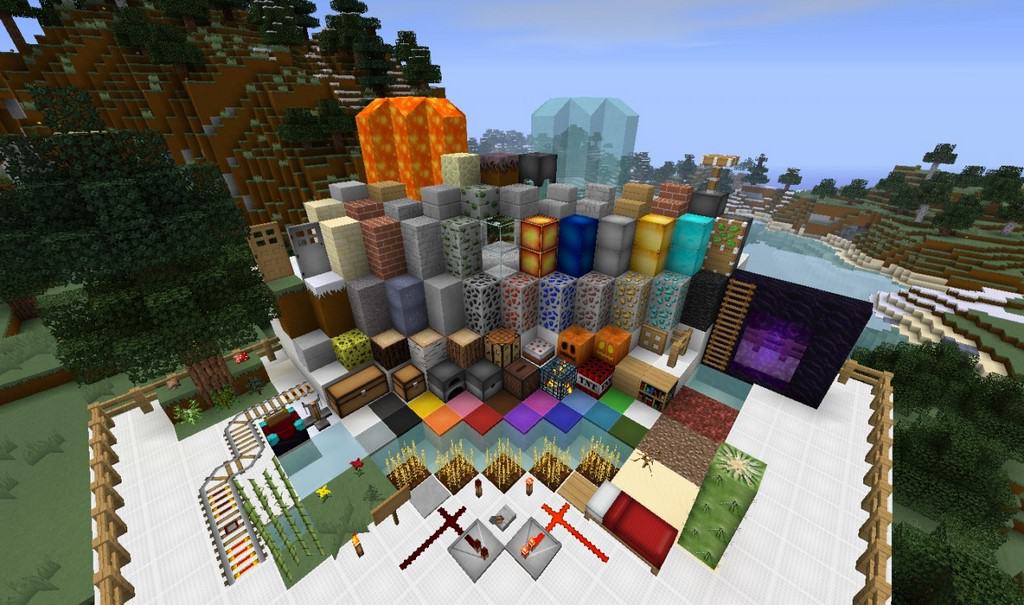
Not every resource pack aims to completely transform Minecraft into something entirely foreign. The Defscape resource pack avoids chasing hyper-realistic graphics, focusing instead on enriching existing textures with extra detail. First released 11 years ago, Defscape has aged gracefully, even though the original developer stopped pushing updates a decade ago. Despite being abandoned, the pack survives and continues to see regular downloads today. This longevity is largely because it skips overly demanding ultra-high-resolution textures and complex animations, meaning it does not force you to use shaders. It performs remarkably well even on older hardware, depending strictly on the resolution version you choose to run. Originally, Defscape launched in three distinct resolutions: the standard vanilla 16x, a refined 32x, and a highly detailed 64x. While the 16x and 32x variants barely impact your frame rate, the 64x version definitely calls for a more capable system to maintain smooth gameplay.
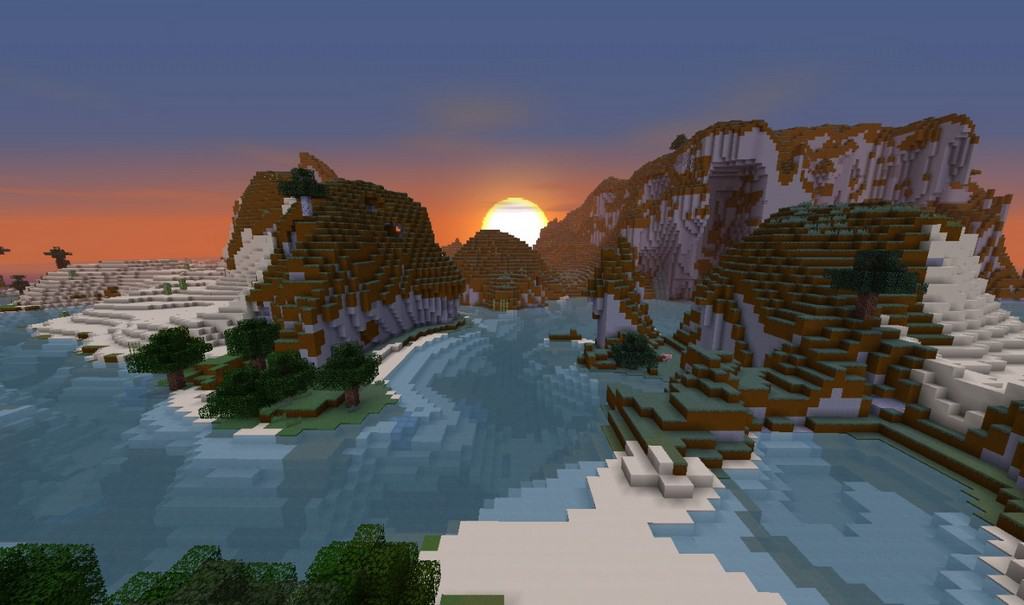
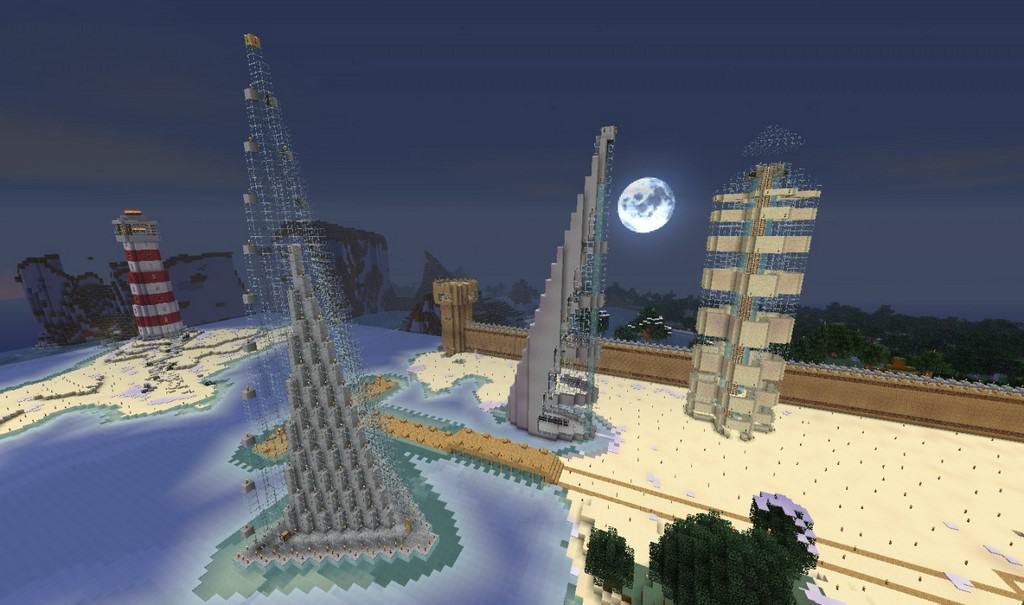
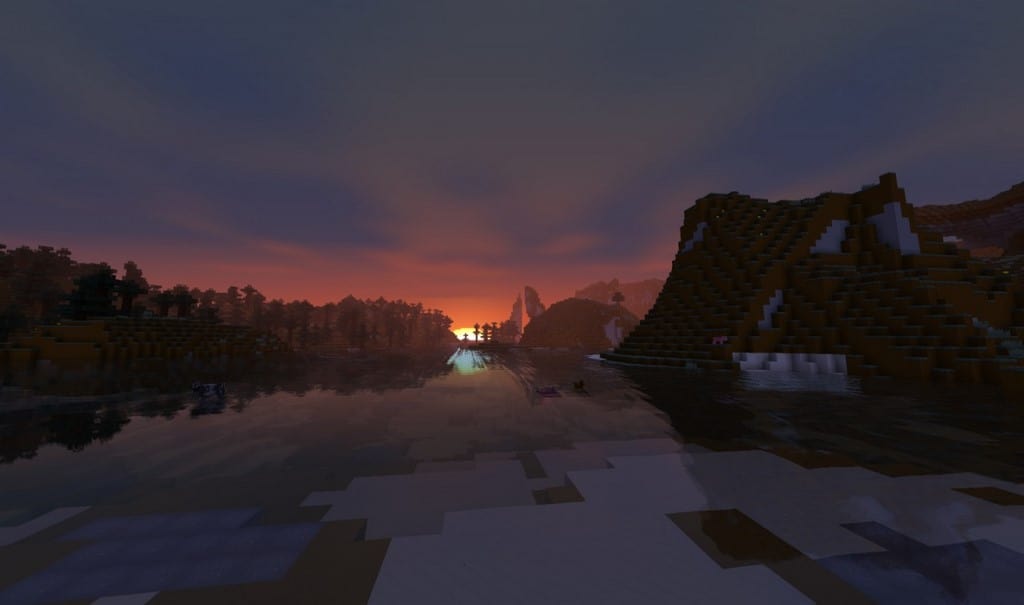
Looking closer at its core objective, Defscape simply sharpens up Minecraft’s overall visual presentation. The textures are not totally swapped out, ensuring everything instantly feels familiar yet undeniably better. The 64x version successfully cuts down on harsh blocky pixelation while making minor environmental objects like grass, leaves, and flowers feel much smoother. Most of the natural world remains authentic to vanilla, but every single texture is packed with finer details. That said, Defscape does introduce genuine changes by offering brand-new models and textures for select mobs, setting them apart from default Minecraft. It also packs a punch with fresh armor and weapon designs. From the looks of it, this pack heavily favors PvP enthusiasts since it preserves stellar performance while adding tailored PvP textures. For the absolute best experience, I definitely recommend pairing Defscape with Optifine, which prevents animation bugs on incorrect blocks, fixes font rendering, and ensures water and grass textures display properly.
Defscape should be compatible with all of these Minecraft versions: 1.7.10 – 1.7.9 – 1.7.4 – 1.7 – 1.6.4 – 1.6.2
Screenshots
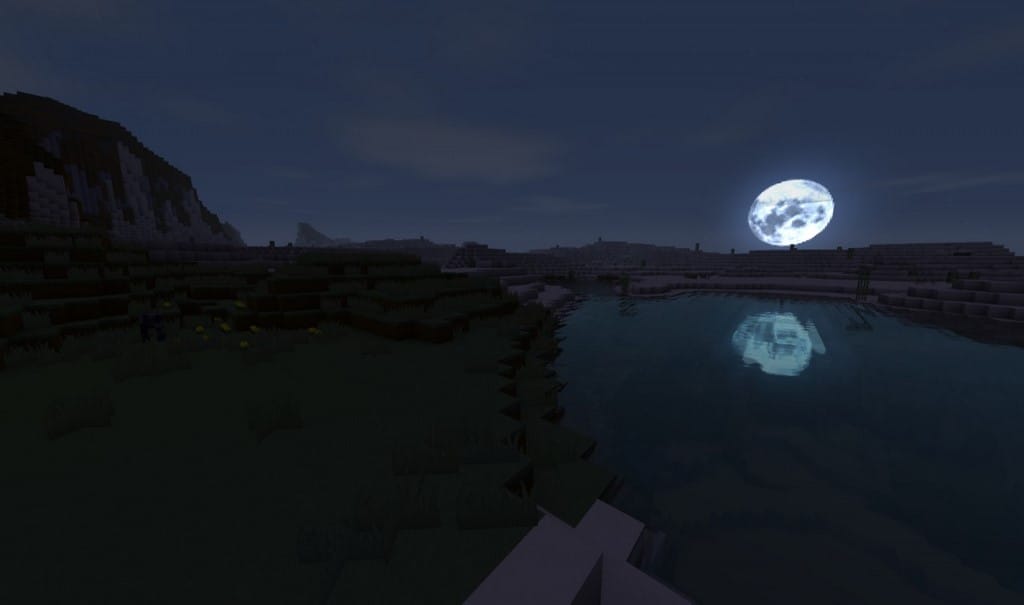
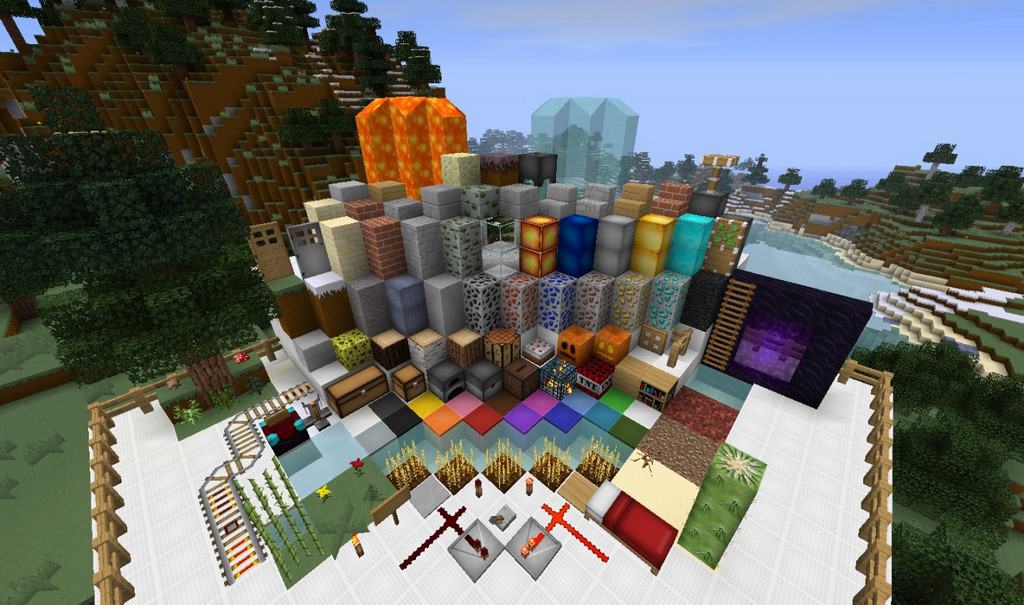
How to Install Texture Pack (Simple 10 Steps)
- Download OptiFine: Most of the texture packs and shaders need OptiFine. That’s why, first download and install OptiFine for the version of Minecraft you want to play.
- Download the Texture Pack: Get the texture pack you want from the download section. Choose the version that works with your Minecraft and your PC’s performance.
- Open Minecraft Launcher: Start Minecraft using the official game launcher — or even TLauncher, if you use that.
- Go to Options: From the main menu, click on the “Options” button.
- Open Resource Packs: Inside Options, click on “Resource Packs…”.
- Open the Resource Pack Folder: Click on “Open Resource Pack Folder” — this will open a folder named “resourcepacks”.
- Move the Pack File: Copy or move the .zip file you downloaded into that “resourcepacks” folder. (Don’t unzip the file — Minecraft uses it as-is!)
- Go Back and Refresh: Close the folder and click “Done”, then go back into “Resource Packs…” again.
- Activate the Pack: You’ll see the pack on the left side. Hover over it and click the arrow to move it to the right (active side).
Tip: If you get a message that the pack is for a different version, just click “Yes” — it usually works fine. - Click Done and Enjoy: Click “Done” again. Now your pack is ready to use in-game. It’s that easy!
Credits
This resource pack was originally created by d3fin3d. We do not claim ownership of this content, nor do we host modified files. All rights remain with the original creator, and we strongly encourage supporting their work.
Download Links
Java Edition
Download Instructions
Curseforge: download starts automatically after a few seconds;
Mediafire: click the big blue button with the text “DOWNLOAD”;
Google Drive: in the top right corner you will see a small download icon (down arrow), click it and the download should start;


