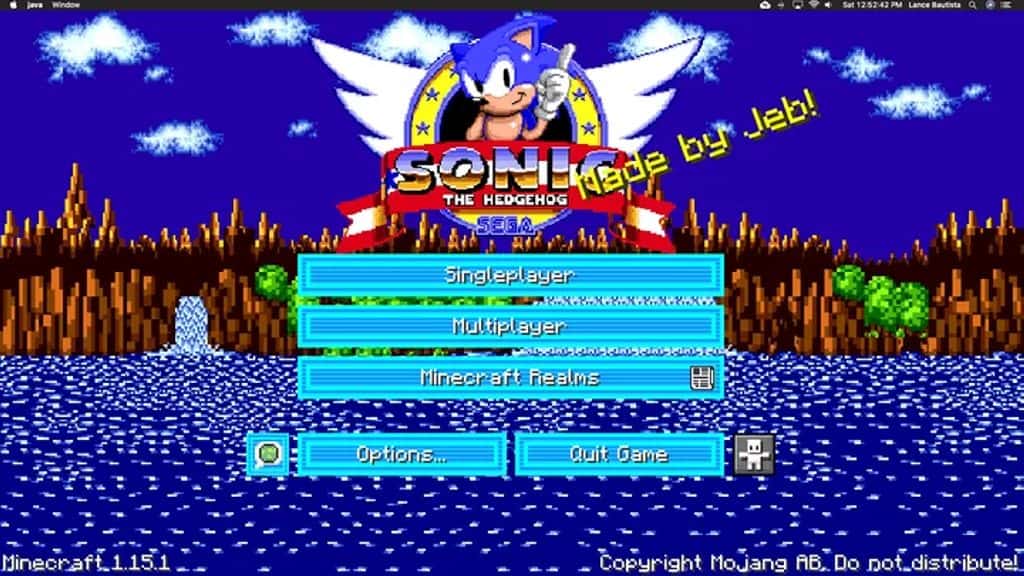
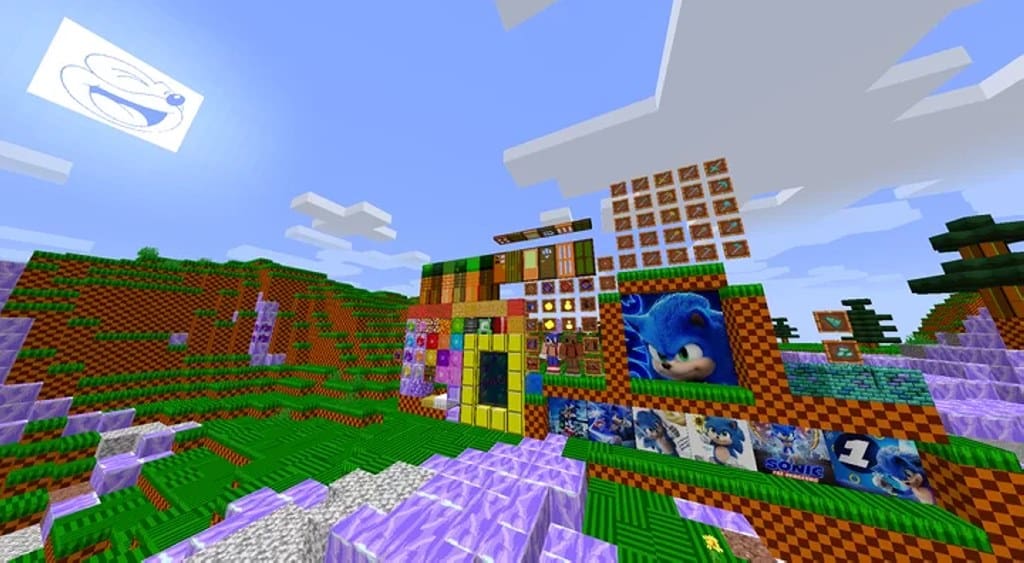
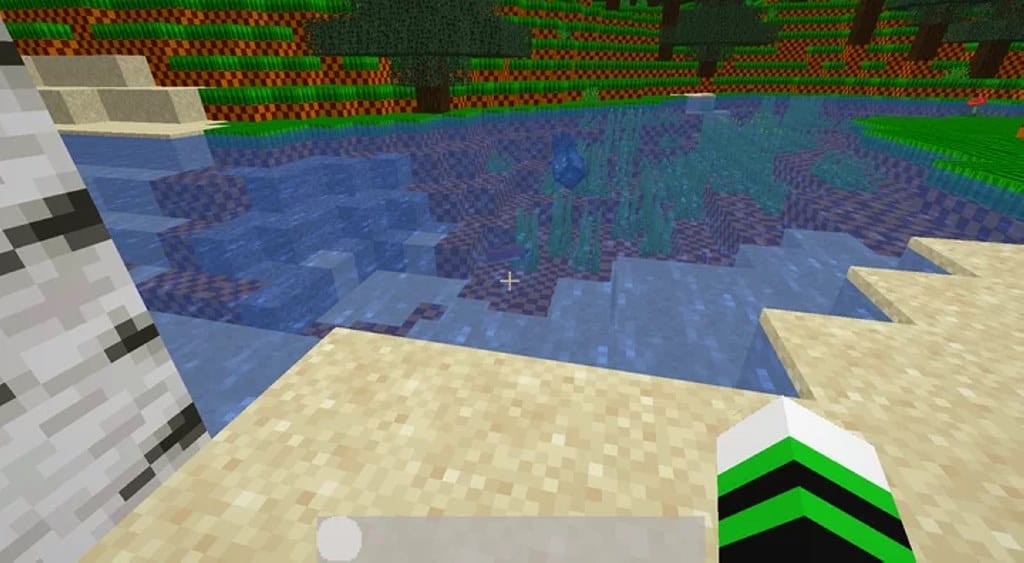
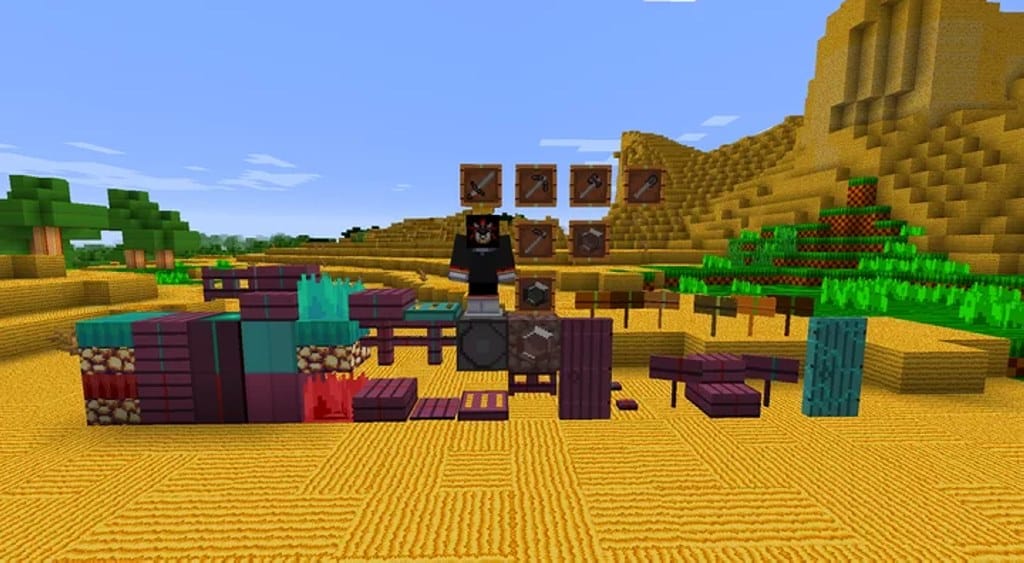
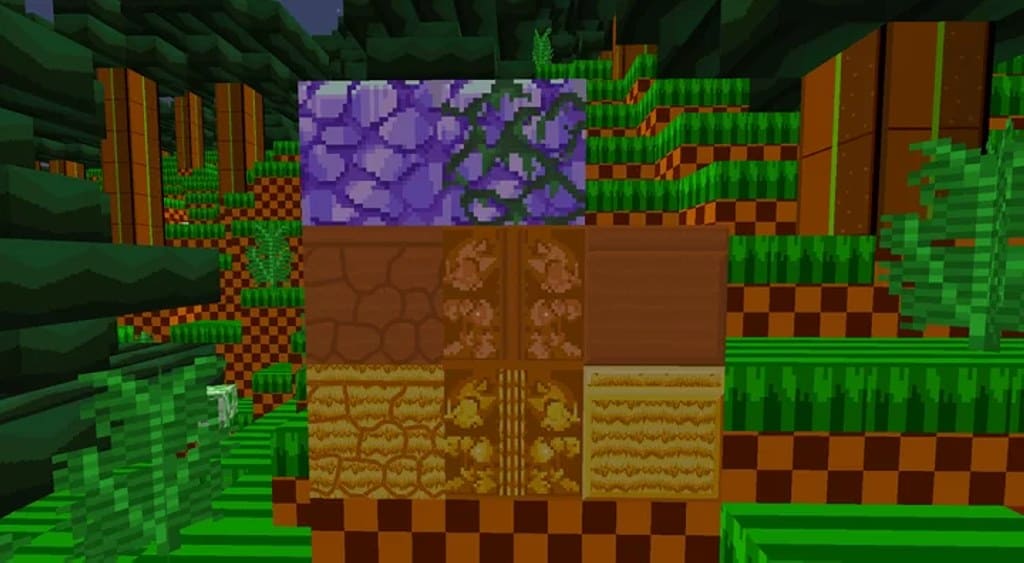
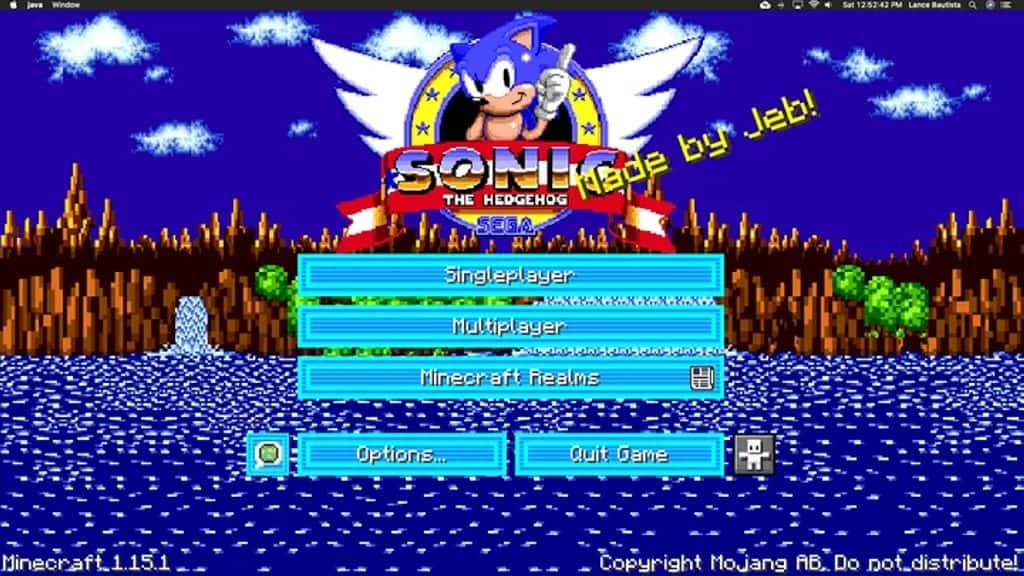
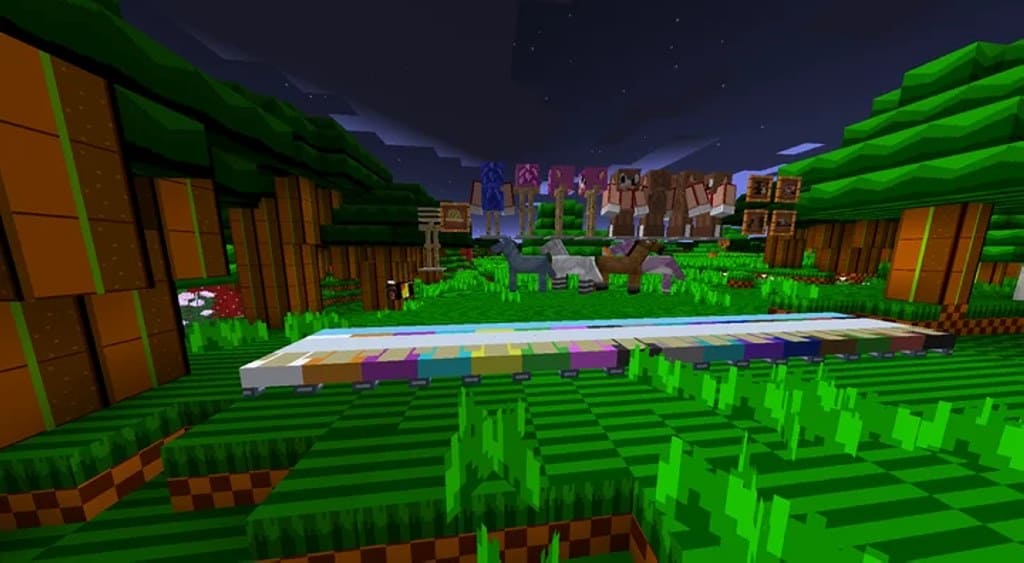
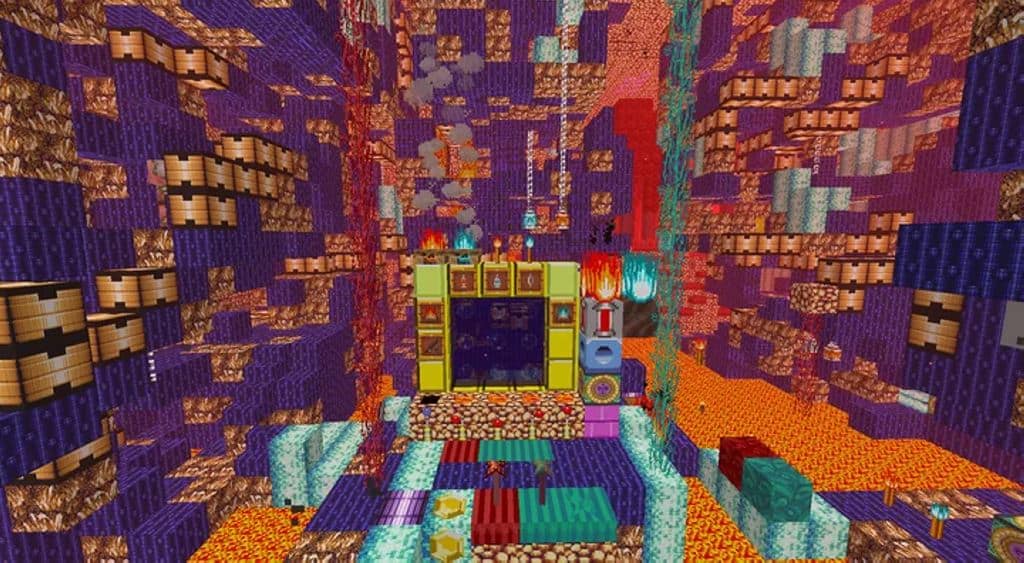
There are plenty of Minecraft texture packs that are inspired by TV shows or cartoons, but this one is truly special. The Sonic the Hedgehog resource pack brings, as you already know, the iconic Sonic right into Minecraft, and I had an absolute blast testing it out! With several visual upgrades and changes, the pack brings Minecraft even closer to old 8-bit games that may feel wonderfully familiar to many players. The resource pack uses new textures for most blocks that focus less on details and more on solid colors, which I found to be a really refreshing artistic direction. This makes the game more cartoonish and more vibrant due to the color palette introduced by the resource pack. Most of the blocks now use textures that do not mix too many colors and that have very simple patterns, creating a clean aesthetic. These new textures make it much easier to recreate levels and worlds inspired by the cartoons and the old 8-bit Sonic the Hedgehog games. The textures themselves are a departure from the standard texture in vanilla Minecraft, and there are also new animations and effects alongside a few new models for vegetation that really pull the world together.
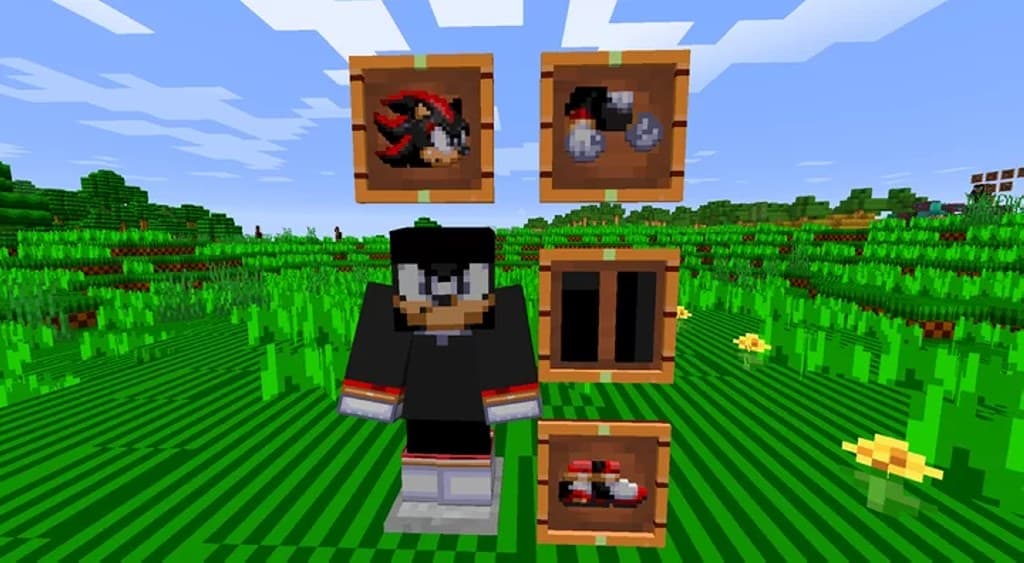
Fire and lava were also changed, and the overall vibe that the resource pack introduces is that everything looks much greener, giving it a lively ecosystem feel. Sounds have also been changed in the Sonic the Hedgehog pack, and I really enjoyed how much atmosphere they add. This resource pack also includes new sounds to make the gameplay more immersive, and they truly shine during exploration. The sounds further accentuate the 8-bit arcade vibe, and players familiar with the old Sonic games will certainly recognize them instantly. The resource pack also takes some assets from the games such as icons and sprites that were converted into ingame paintings, which is a neat touch for fans. There is also a new texture for players that makes them look like Sonic, adding to the fun roleplay potential. Despite most blocks having a new cartoonish look, the resource pack is made available in 32x resolution as it allows for higher fidelity for assets that were taken from the Sonic games. As the default resolution in vanilla Minecraft is 16x, some players can experience minor performance degradation when using the resource pack especially since it has a lot of new moving textures, so keep that in mind if you are running on lower-end hardware.
Sonic the Hedgehog should be compatible with all of these Minecraft versions: 1.16.5 – 1.16.4 – 1.16.3 – 1.16.2 – 1.16.1 – 1.16 – 1.15.2 – 1.15.1 – 1.15
Screenshots

How to Install Texture Pack (Simple 10 Steps)
- Download OptiFine: Most of the texture packs and shaders need OptiFine. That’s why, first download and install OptiFine for the version of Minecraft you want to play.
- Download the Texture Pack: Get the texture pack you want from the download section. Choose the version that works with your Minecraft and your PC’s performance.
- Open Minecraft Launcher: Start Minecraft using the official game launcher — or even TLauncher, if you use that.
- Go to Options: From the main menu, click on the “Options” button.
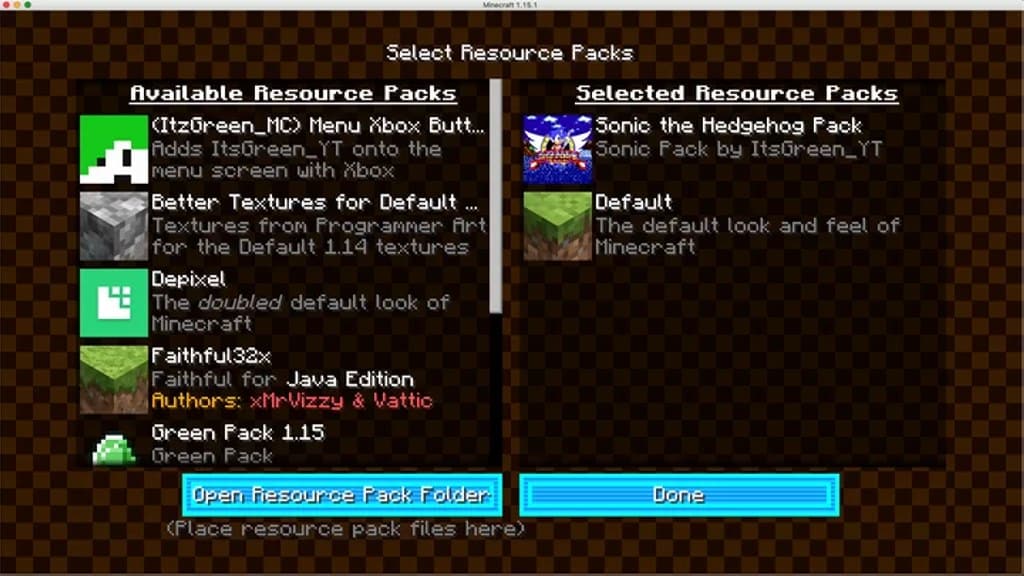
- Open Resource Packs: Inside Options, click on “Resource Packs…”.
- Open the Resource Pack Folder: Click on “Open Resource Pack Folder” — this will open a folder named “resourcepacks”.
- Move the Pack File: Copy or move the .zip file you downloaded into that “resourcepacks” folder. (Don’t unzip the file — Minecraft uses it as-is!)
- Go Back and Refresh: Close the folder and click “Done”, then go back into “Resource Packs…” again.
- Activate the Pack: You’ll see the pack on the left side. Hover over it and click the arrow to move it to the right (active side).
Tip: If you get a message that the pack is for a different version, just click “Yes” — it usually works fine. - Click Done and Enjoy: Click “Done” again. Now your pack is ready to use in-game. It’s that easy!
Credits
This resource pack was created by ItzGreenForever. We do not claim ownership of this content, nor do we modify the original files. All rights remain with the original creator. We strongly encourage you to support ItzGreenForever by visiting their official download sources.
Download Instructions
Curseforge: download starts automatically after a few seconds;
Mediafire: click the big blue button with the text “DOWNLOAD”;
Google Drive: in the top right corner you will see a small download icon (down arrow), click it and the download should start;


