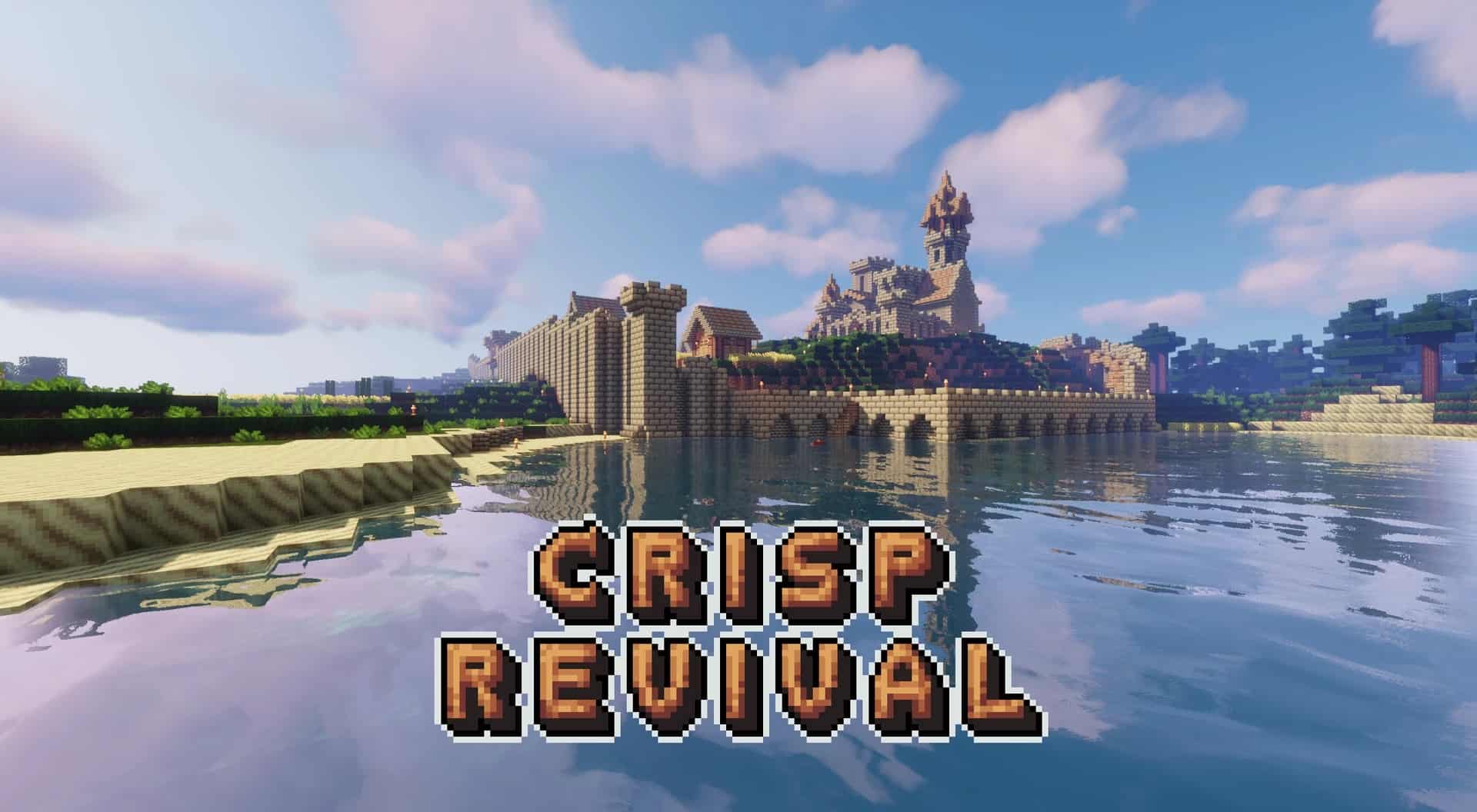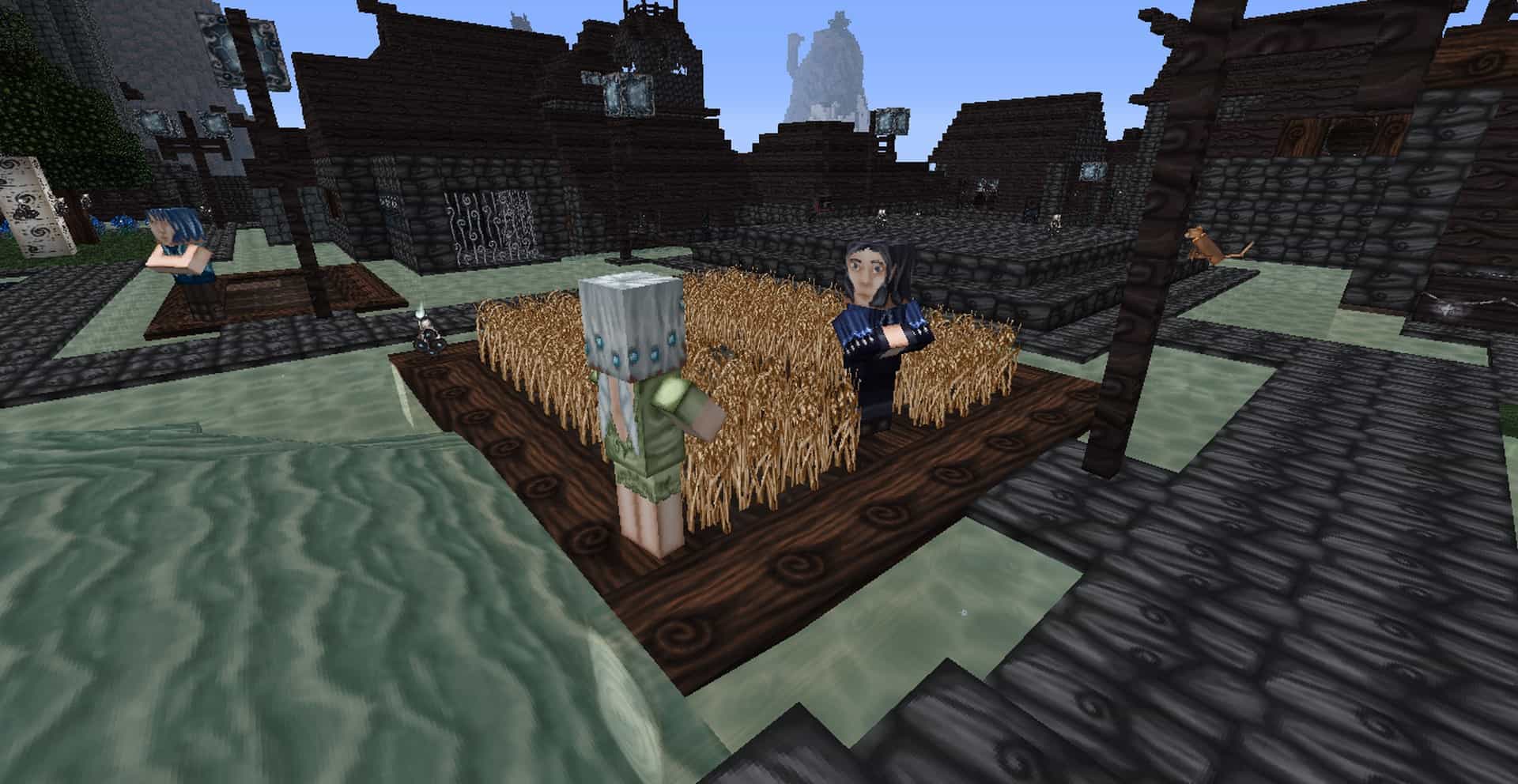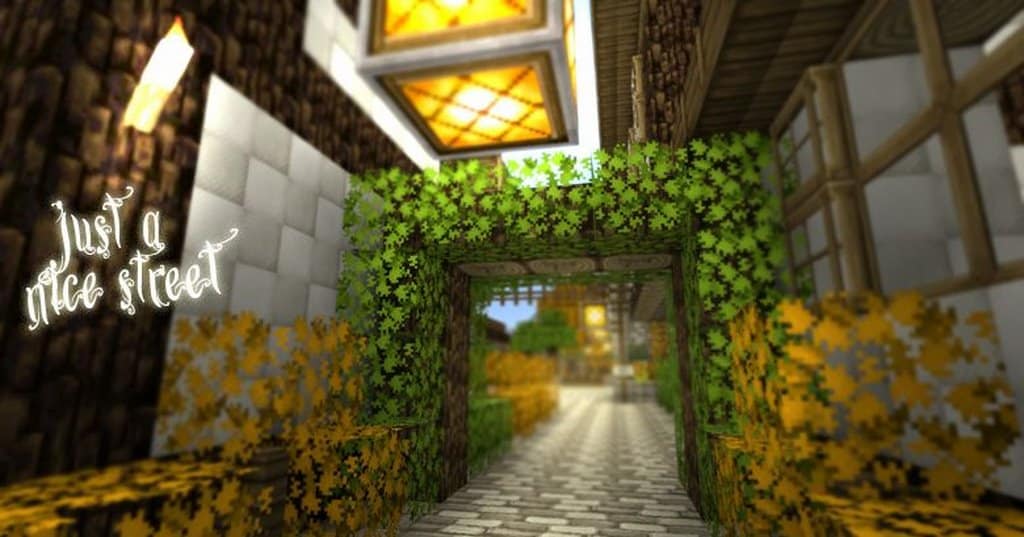
There are plenty of resource packs that claim to be inspired by pixel art. Such claims rarely live up to expectations since Minecraft is already a game that relies on pixel art for its visuals. Attempting to make Minecraft even more loyal to this art style is a creatively challenging task and not everyone succeeds despite their bold claims. Pixel Daydreams is one fantastic example of a resource pack that claims to be inspired by pixel art and tweak colors and textures in Minecraft to be more in tune with this art style. Surprisingly, I found that the Pixel Daydreams resource pack manages to achieve a visual art style that is truly closer to pixel art than vanilla Minecraft and managed to do so in great style. The Pixel Daydreams has an interesting origin story. The resource pack was released around Christmas in 2013. It was not complete and it is not complete now, but it introduced plenty of visual changes to make vanilla Minecraft even more lively, bright, and enjoyable. Not long after release, the original developer, Steelfeathers, gave up on the project. It was his first project and he abandoned the idea of keeping it updated. Sadly, the Pixel Daydreams resource pack managed to gather a reasonable following amongst the community when further development was abandoned. Fortunately, development and updates were picked up by community user Sassafrassanid and published the first update in 2021. He continued to release updates for the resource pack to maintain it relevant. Pixel Daydreams manages to achieve a lot in terms of visual upgrades without changing anything in terms of texture resolution. The resource pack still uses 16x textures meaning that we get the same amount of detail. However, it changes textures to such a degree that anyone can notice that it is not vanilla Minecraft.
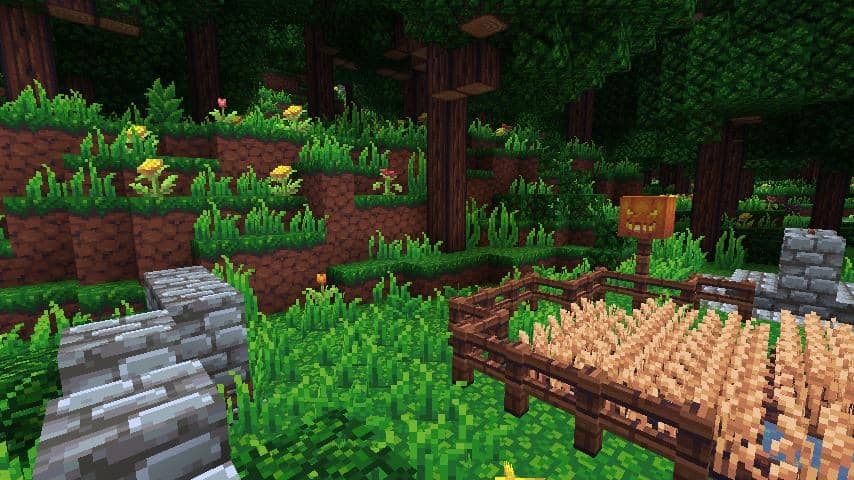
The first thing that you will notice when loading up Pixel Daydreams is the increased contrast. Some textures such as the ones from grass, leaves, and other types of green terrain are simply greener. Blocks such as dirt, sand, rocks, etc. have much more intense colors. The colors have been altered to such a degree that they truly look as if they are inspired by pixel art style but without feeling excessively cartoonish. The color choices are so good that they make vanilla Minecraft look dull and dated. In total, around 50% of all the textures in Minecraft have been updated, redone, or recolored in Pixel Daydreams, with more textures being added via updates by the community member that picked up the development on the resource pack. Besides the regular terrain and environment texture update, the original developer also replaced the original textures for ores and things such as wood, ladders, bricks, chests, doors, and more. All these new textures accentuate the pixel art-inspired visuals. Another aspect of the game that was changed was the player HUD and GUI. The inventory, menus, crafting screens, and player HUD were changed to be more in line with the art style of the ingame textures. The item icons in the inventory have not been changed. The same goes for weapons and armor as they also remained unchanged. What was changed was some textures for mobs. The Pixel Daydreams resource pack is a PvP-friendly pack. It does not affect game performance in any way shape or form as it uses the same 16x texture resolution. At the same time, it does not add dynamic textures which means that the game will run the same with or without the resource pack installed. What the resource pack does not do is add more details to textures. Running with the standard 16x resolution means that you cannot add more details to textures when compared to the details on the vanilla Minecraft textures. There are only so many pixels that can fit on texture with a 16x resolution.
Pixel Daydreams should be compatible with all of these Minecraft versions: 1.18.2 – 1.18.1 – 1.18 – 1.17.1 – 1.17 – 1.16.5 – 1.16.4 – 1.16.3 – 1.16.2 – 1.16.1 – 1.16 – 1.7.10 – 1.7.9 – 1.7.4 – 1.7 – 1.6.4 – 1.6.2
Screenshots
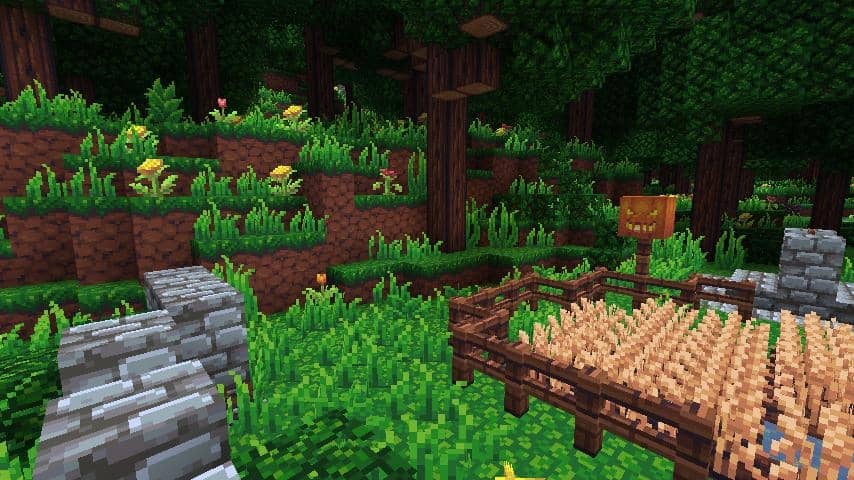
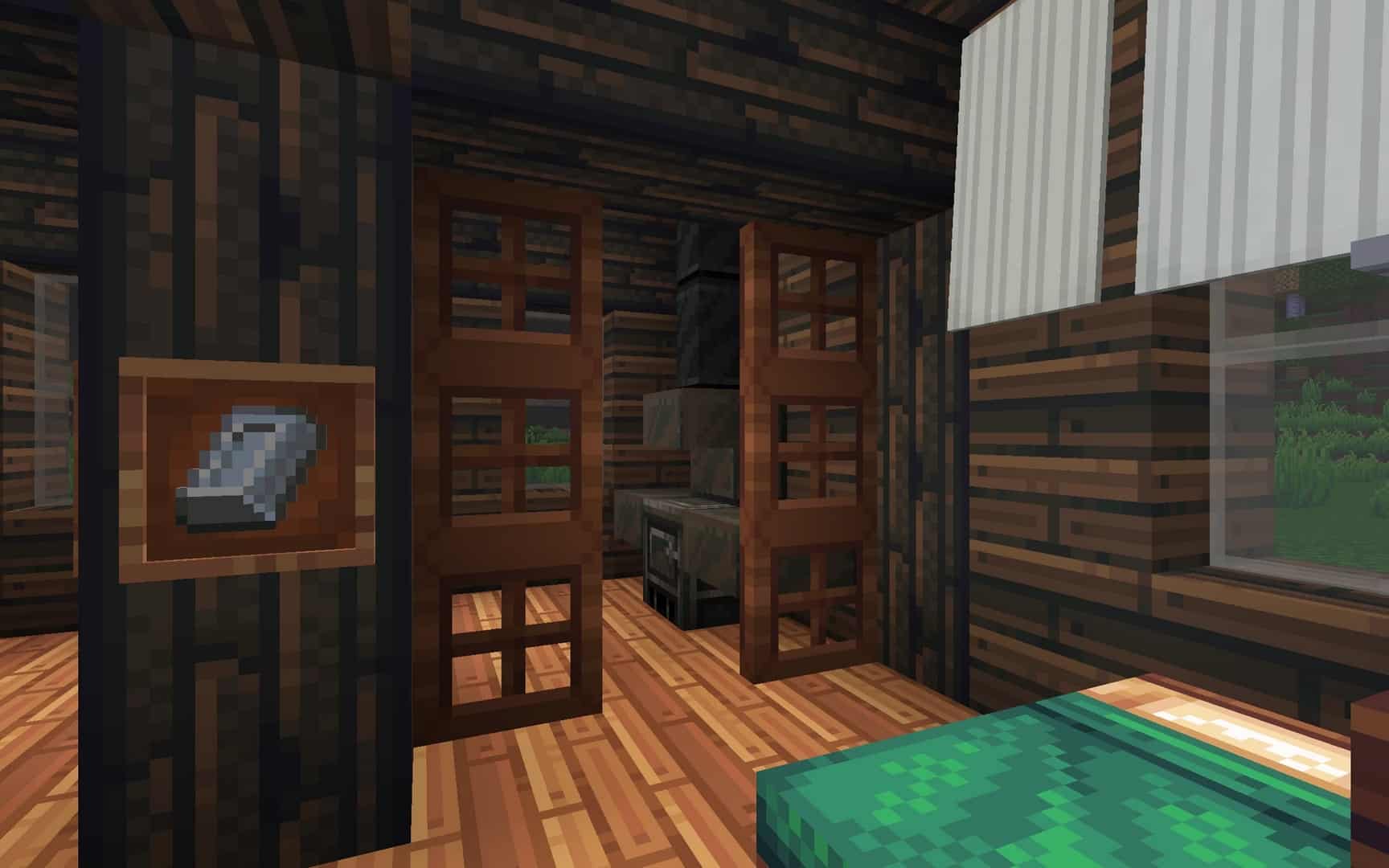
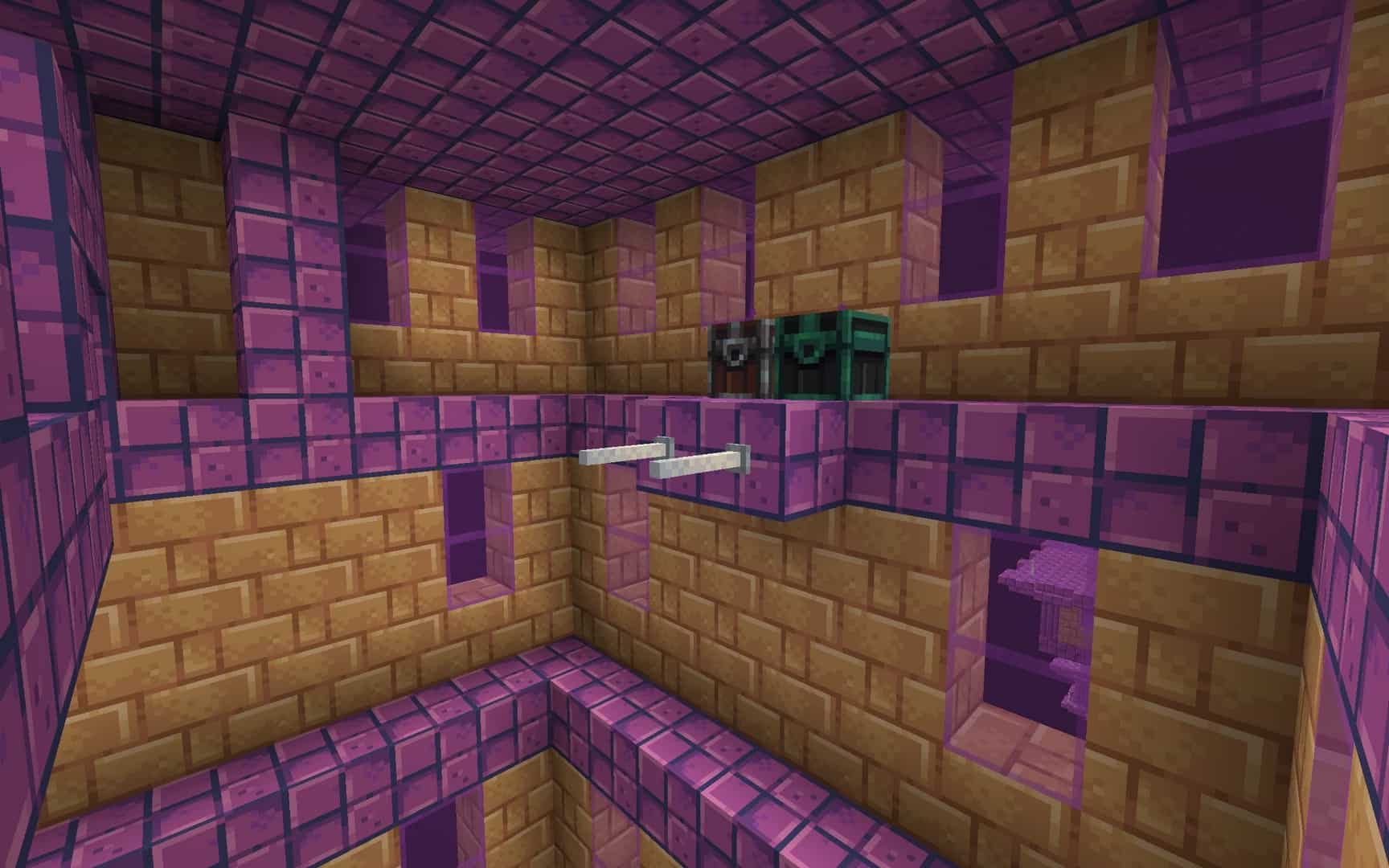
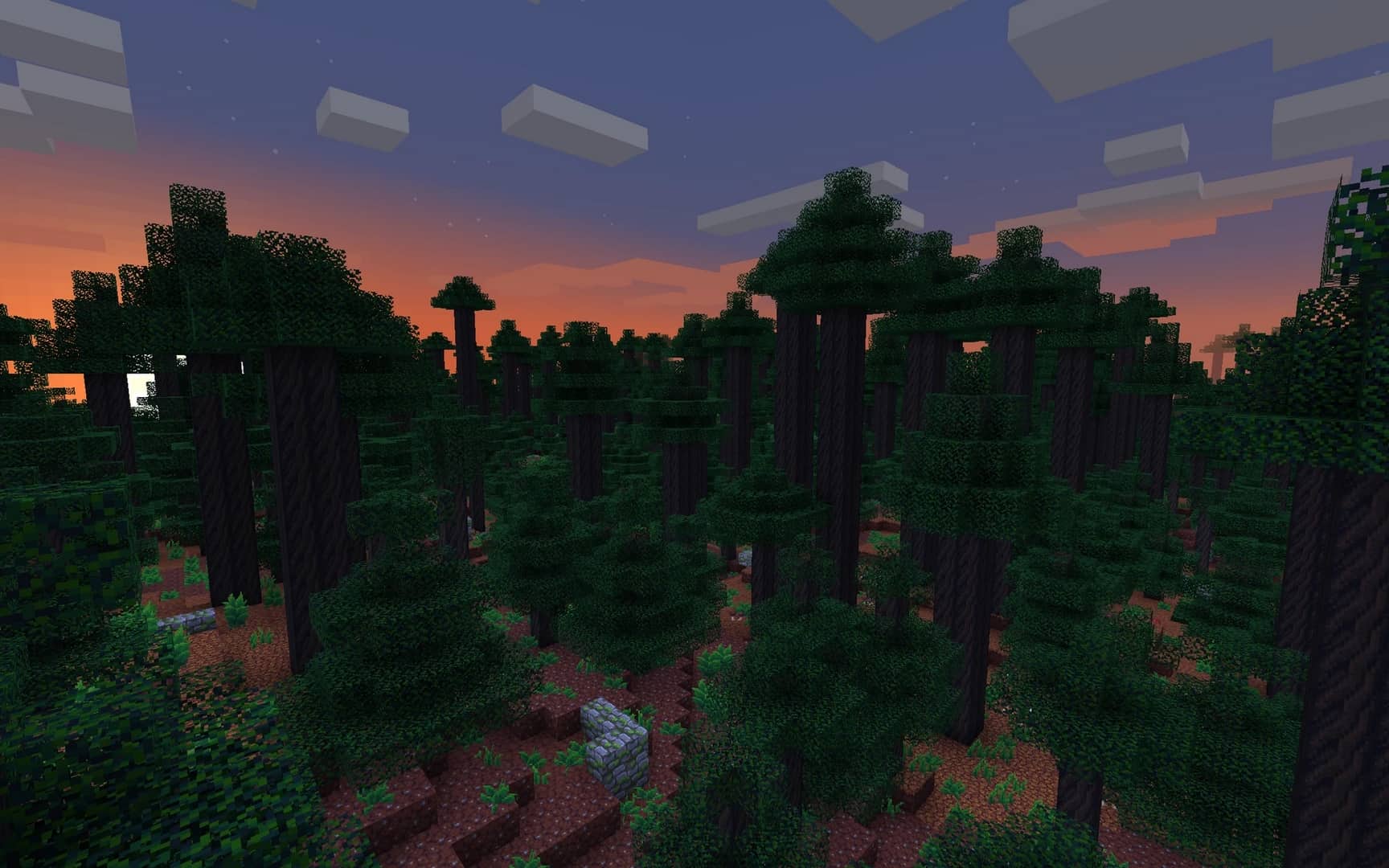

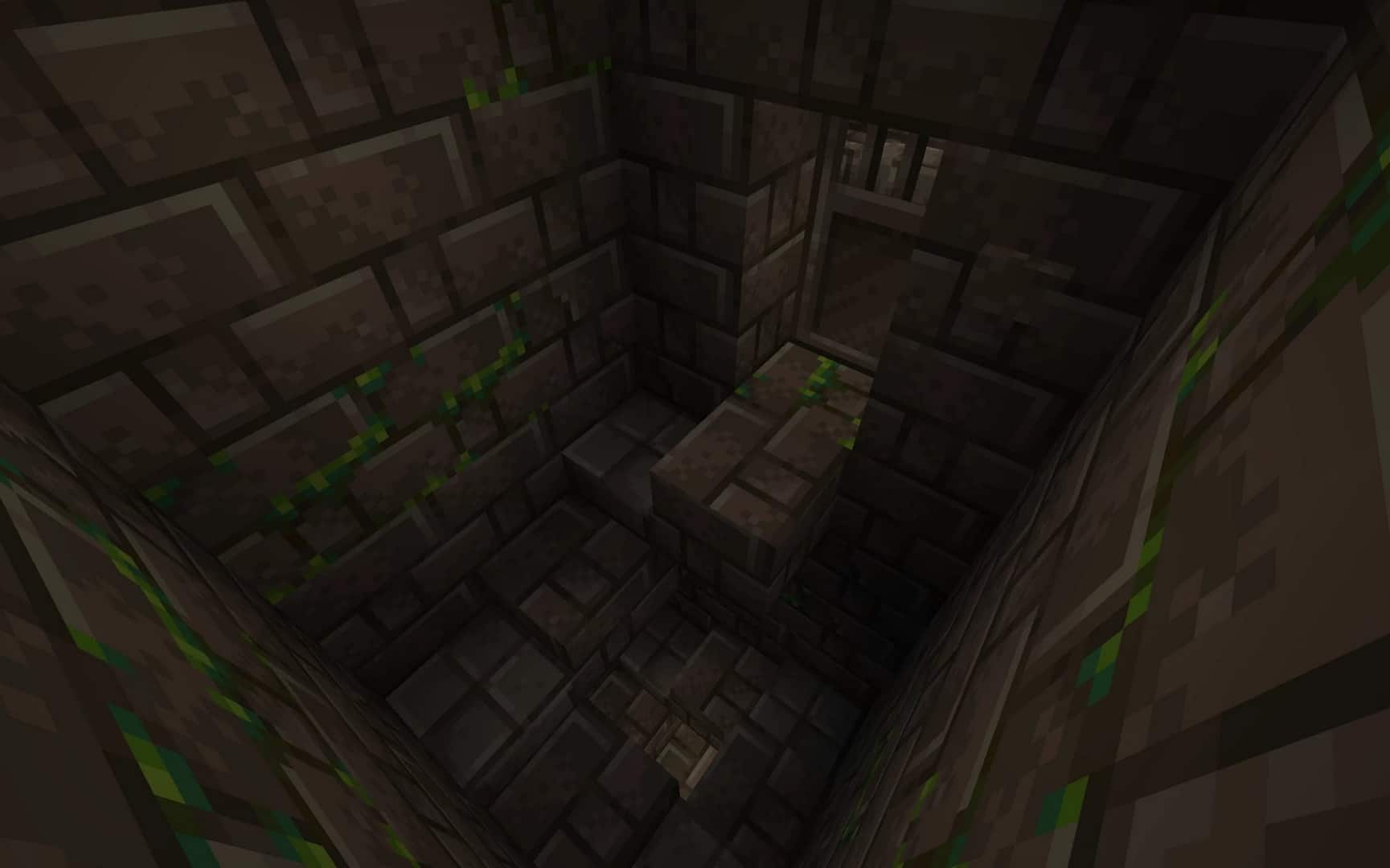


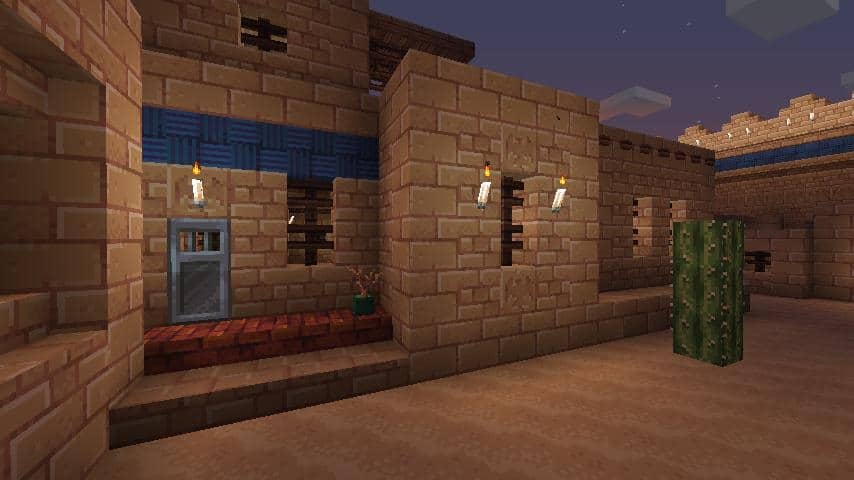
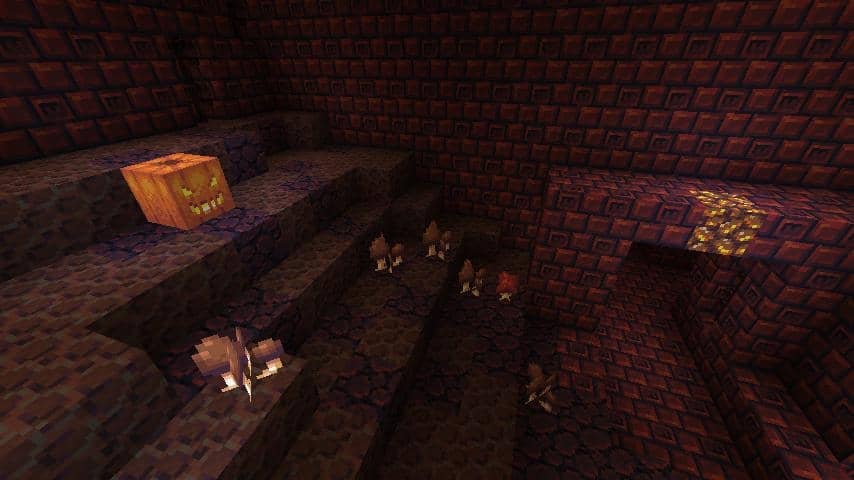
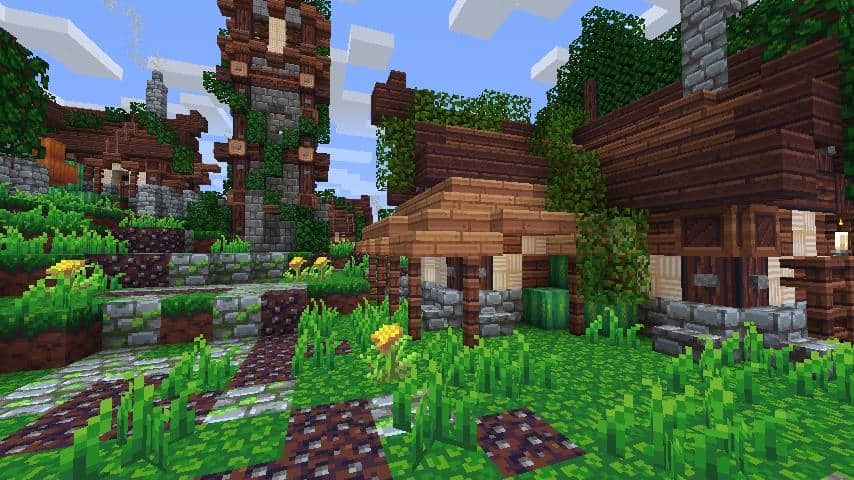
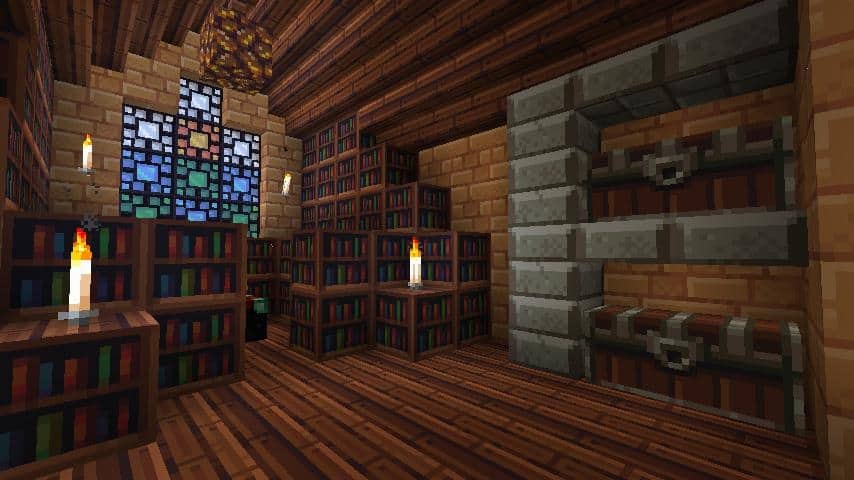
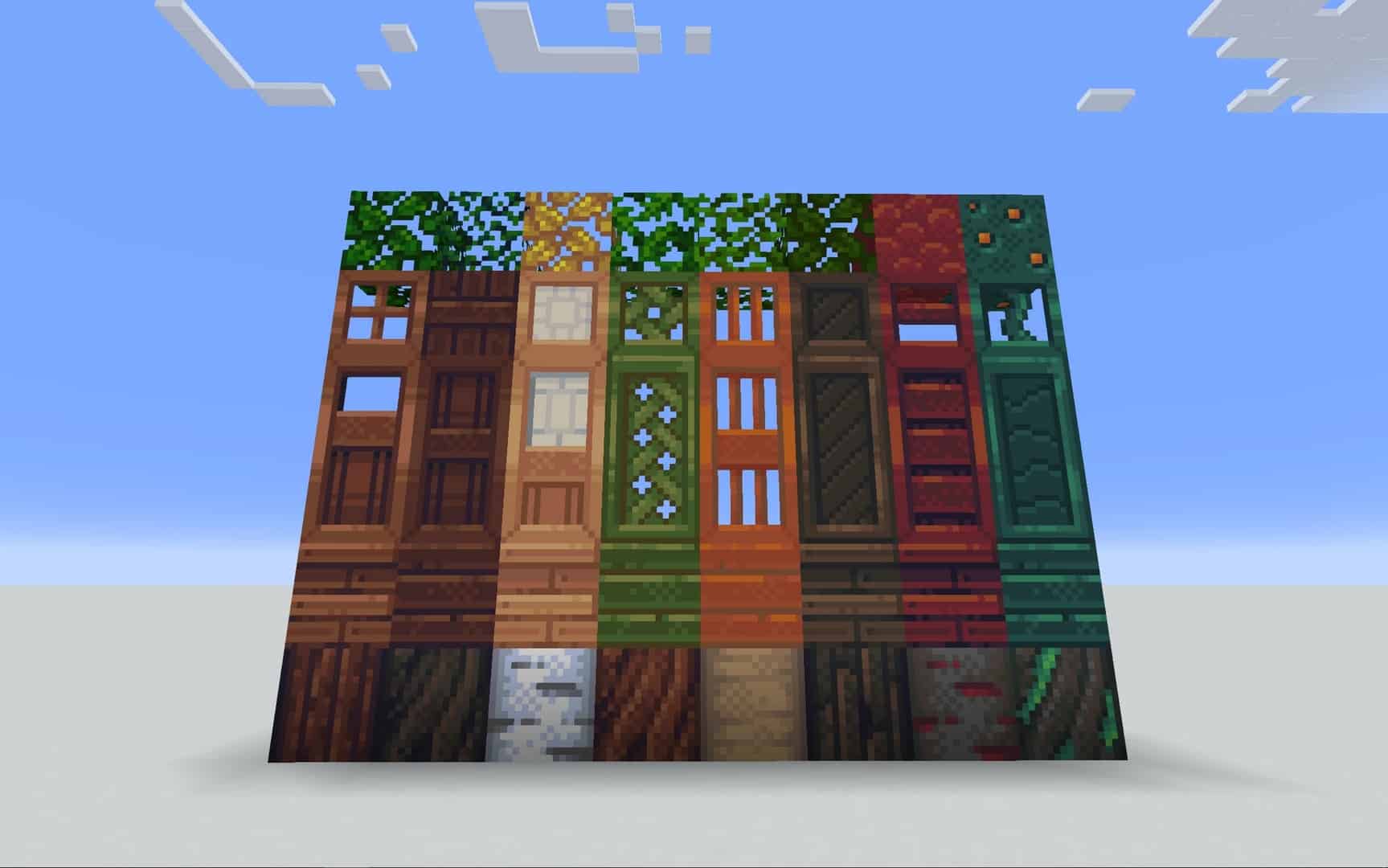
How to Install Texture Pack (Simple 10 Steps)
- Download OptiFine: Most of the texture packs and shaders need OptiFine. That’s why, first download and install OptiFine for the version of Minecraft you want to play.
- Download the Texture Pack: Get the texture pack you want from the download section. Choose the version that works with your Minecraft and your PC’s performance.
- Open Minecraft Launcher: Start Minecraft using the official game launcher — or even TLauncher, if you use that.
- Go to Options: From the main menu, click on the “Options” button.
- Open Resource Packs: Inside Options, click on “Resource Packs…”.
- Open the Resource Pack Folder: Click on “Open Resource Pack Folder” — this will open a folder named “resourcepacks”.
- Move the Pack File: Copy or move the .zip file you downloaded into that “resourcepacks” folder. (Don’t unzip the file — Minecraft uses it as-is!)
- Go Back and Refresh: Close the folder and click “Done”, then go back into “Resource Packs…” again.
- Activate the Pack: You’ll see the pack on the left side. Hover over it and click the arrow to move it to the right (active side).
Tip: If you get a message that the pack is for a different version, just click “Yes” — it usually works fine. - Click Done and Enjoy: Click “Done” again. Now your pack is ready to use in-game. It’s that easy!
Credits
Pixel Daydreams was originally created by Steelfeathers and is currently maintained by Sassafrassanid. We do not claim ownership of this content, and we do not modify or host the files on our servers. All rights belong to the original creators. We strongly encourage you to support the authors by downloading from their official links.
Download Instructions
Curseforge: download starts automatically after a few seconds;
Mediafire: click the big blue button with the text “DOWNLOAD”;
Google Drive: in the top right corner you will see a small download icon (down arrow), click it and the download should start;