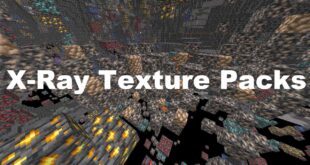
Minecraft Texture Packs Minecraft Resource Packs

Finding ores is one of the most time-consuming parts of survival gameplay, especially when you are deep underground with limited resources. The Visible Ores texture pack focuses on solving that exact problem without changing how Minecraft fundamentally looks or feels. Instead of adding unrealistic effects or glowing overlays, it improves ore visibility in a clean, vanilla-friendly way. The result is a more efficient mining experience that still respects Minecraft’s original art direction.
Designed as a practical quality-of-life pack, Visible Ores helps players quickly identify valuable blocks while keeping the rest of the world untouched.
What Visible Ores Is
Visible Ores is a lightweight Minecraft texture pack that makes all ore blocks significantly easier to spot by enhancing their contrast and outlines. Rather than redesigning ores completely, the pack subtly highlights them so they stand out clearly against surrounding stone and deepslate. This makes mining faster and less frustrating, especially in darker caves or long strip-mining sessions.
The pack is fully compatible with modern Minecraft versions and works seamlessly in survival, hardcore, and creative worlds.
Visible Ores is compatible with the following Minecraft versions:
1.16.x – 1.17.x – 1.18.x – 1.19.x – 1.20.x (and newer updates when supported)
The pack uses a 16x resolution, making it extremely lightweight and suitable for all systems, including low-end PCs. OptiFine is not required, but it can be used optionally for shader compatibility or other visual enhancements. The pack also works well with Fabric-based setups and performance mods like Sodium.
Art Style, Visual Direction, and Gameplay Clarity
The visual approach of Visible Ores is strictly vanilla-friendly. Textures remain faithful to Minecraft’s default style, with no exaggerated colors or glowing effects that could feel out of place. Instead, ores are given clearer borders and higher contrast, allowing them to pop naturally from stone backgrounds.
Colors are carefully balanced so that each ore type remains instantly recognizable. Coal, iron, gold, redstone, lapis, diamond, emerald, copper, and nether ores all benefit from improved visibility without looking artificial. This makes it easier to scan cave walls at a glance, even in low-light conditions.
From a gameplay perspective, the pack greatly improves readability. Players can identify ores faster, reduce missed resources, and spend less time placing excessive torches just to check cave walls. Importantly, this clarity does not extend to non-ore blocks, ensuring that the overall environment still feels familiar and uncluttered.
The pack does not alter UI elements, items, or menus, keeping everything consistent with default Minecraft. Its focus remains purely on world textures and mining clarity.
Perfect For Players Who
- Want faster and more efficient mining without using mods
- Prefer vanilla-style visuals over flashy or glowing textures
- Play survival or hardcore and rely heavily on resource gathering
- Use low-end or mid-range hardware and need lightweight packs
- Want better visibility in caves without breaking immersion
Screenshots
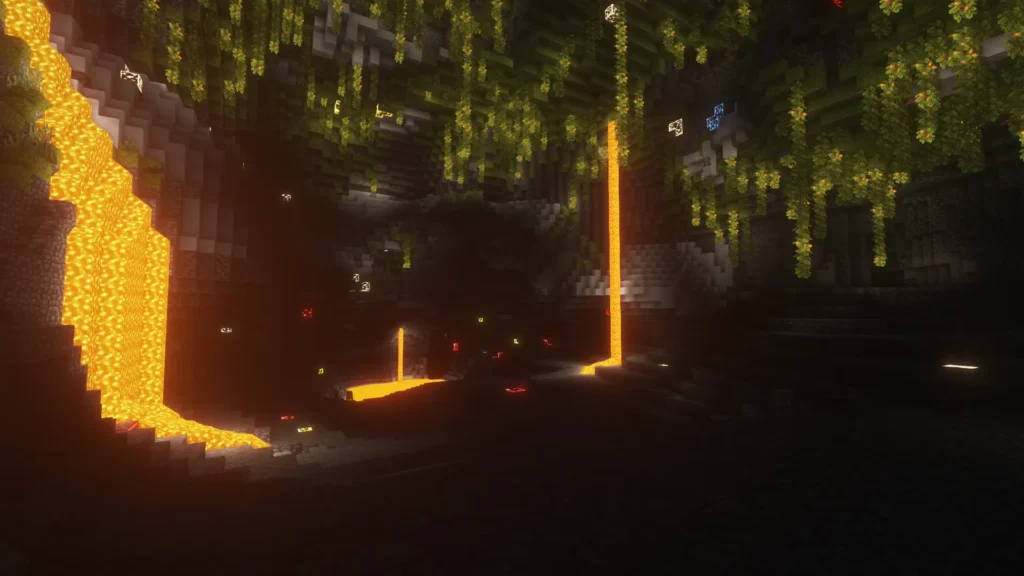
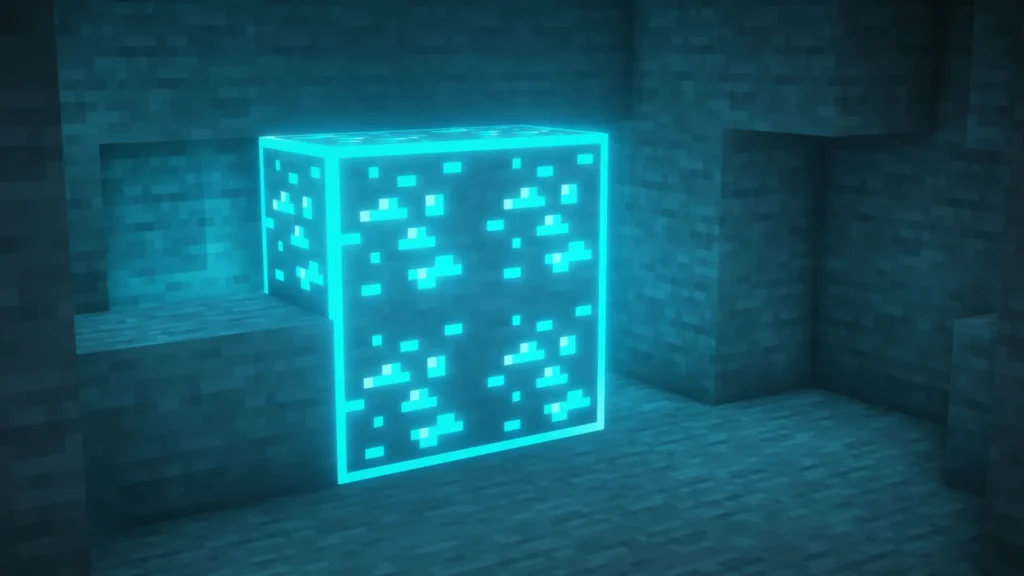
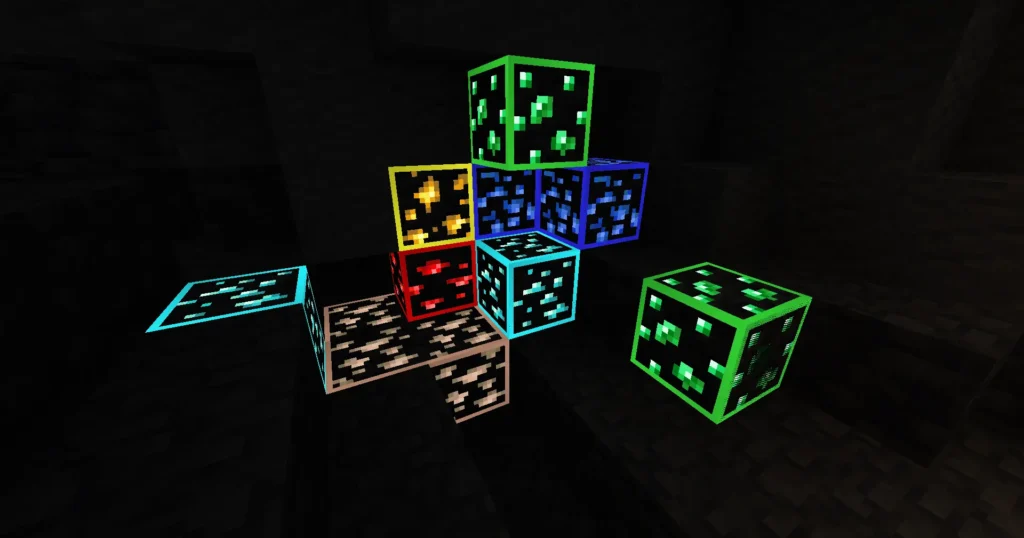
The screenshots shown are taken from official sources and in-game captures. They demonstrate how ores stand out naturally while the surrounding blocks remain unchanged. These images highlight the pack’s consistency, subtle enhancements, and its effectiveness during real gameplay scenarios.
Download
You can download the texture pack using the official link below.
Creator: Visible Ores Pack Creator
Full credit goes to the original creator for their work on this texture pack.
Java Edition:
[16x] [1.21.x – 1.20.2] Download Visible Ores Resource Pack
[16x] [1.20.1 – 1.20] Download Visible Ores Resource Pack
[16x] [1.19.x] Download Visible Ores Resource Pack
[16x] [1.18.x] Download Visible Ores Resource Pack
[16x] [1.17.x] Download Visible Ores Resource Pack
[16x] [1.16.x] Download Visible Ores Resource Pack
Curseforge: download starts automatically after a few seconds;
Mediafire: click the big blue button with the text “DOWNLOAD”;
Google Drive: in the top right corner you will see a small download icon (down arrow), click it and the download should start;