Minecraft Texture Packs Minecraft Resource Packs

Mellow Shader – Clean Visuals With Smooth Performance
Introduction
Minecraft shaders often promise stunning visuals but end up sacrificing performance, especially on low-end systems. Mellow Shader takes a different approach. Instead of pushing heavy realism or cinematic effects, it focuses on subtle lighting improvements and a cleaner atmosphere that stays close to vanilla Minecraft. The result is a shader pack that feels polished, calm, and easy to run, even on modest hardware. For players who want better lighting without turning their PC into a space heater, Mellow Shader sets realistic and honest expectations.
What Mellow Shader Is
Mellow Shader is a lightweight Minecraft shader pack designed to enhance lighting and atmosphere while keeping performance as stable as possible. It does not aim for extreme realism like SEUS or IterationT, nor does it heavily stylize the game. Instead, it improves the core visuals Minecraft already has, making the world feel softer and more natural.
Compared to popular “vanilla-plus” shaders, Mellow Shader keeps effects minimal and avoids aggressive post-processing. This makes it especially appealing to players using older GPUs or integrated graphics.
Mellow Shader is compatible with the following Minecraft versions: 1.16.x – 1.17.x – 1.18.x – 1.19.x – 1.20.x (and newer updates as supported by loaders).
It works with OptiFine and also supports Iris for players using Sodium-based performance setups.
Visual Style and Atmosphere
The visual identity of Mellow Shader can best be described as soft and balanced. Lighting is smoother than vanilla, with gentle brightness transitions that avoid harsh contrasts. Sunlight feels warm during the day, while nights are darker but still playable without relying on extreme bloom or color grading.
Shadows are present but intentionally light. They add depth to terrain and structures without becoming overly sharp or distracting. This keeps the game readable, which is important for survival gameplay.
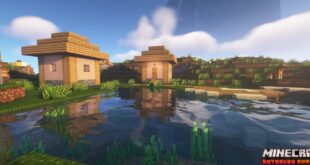
Water visuals are simple and clean. Reflections are subtle, avoiding heavy mirror-like effects, and water movement feels calm rather than dramatic. The sky is clear and natural, with soft clouds and smooth color gradients during sunrise and sunset. Overall, the atmosphere feels relaxed and consistent, making long play sessions easy on the eyes.
Performance and System Requirements
Performance is where Mellow Shader truly stands out. It is designed to run well on low-end and older systems while still offering a visible visual upgrade.
On entry-level GPUs like GTX 1650 or older cards such as GT 710-class hardware, players can expect playable frame rates with basic lighting improvements enabled. This makes it a strong option for laptops and budget PCs.
Mid-range GPUs like GTX 1660, RTX 2060, or RX 6600 can run Mellow Shader smoothly at higher settings, maintaining stable FPS even with moderate render distances. The shader does not aggressively scale GPU usage, which helps keep temperatures and power consumption in check.
On modern GPUs such as RTX 3060, RTX 4070, or RX 6700 XT, performance is effectively a non-issue. These systems can run the shader at maximum settings while still achieving high frame rates, making it ideal for recording gameplay or casual cinematic shots without heavy tuning.
Perfect For Players Who
Mellow Shader is best suited for players who value smooth performance over flashy effects. It is ideal for low-end PC users who want shaders without major FPS loss, survival players who prefer clear visuals, and builders who want consistent lighting without dramatic color shifts. It also works well for players new to shaders who want a simple, reliable starting point.
Screenshots
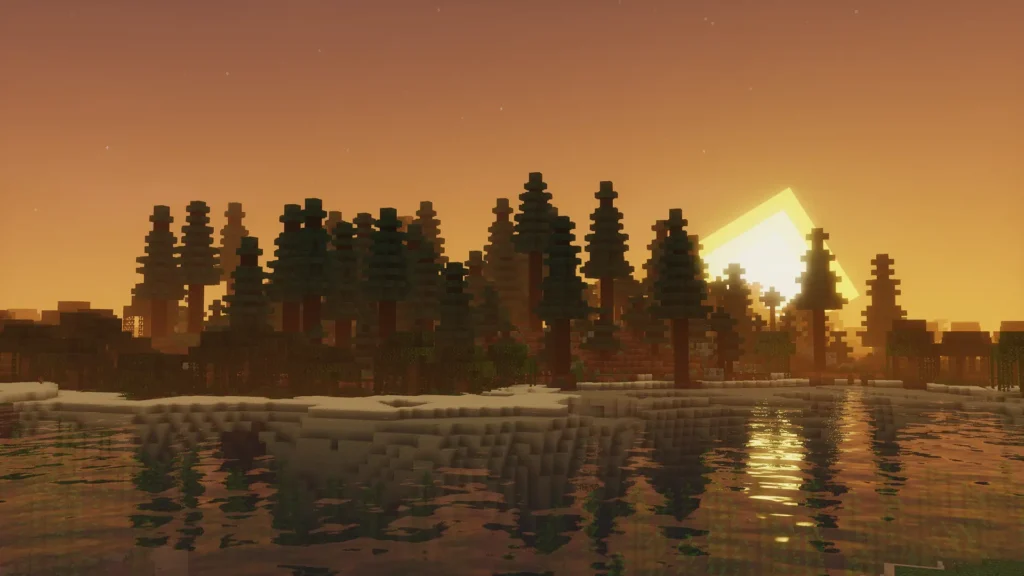
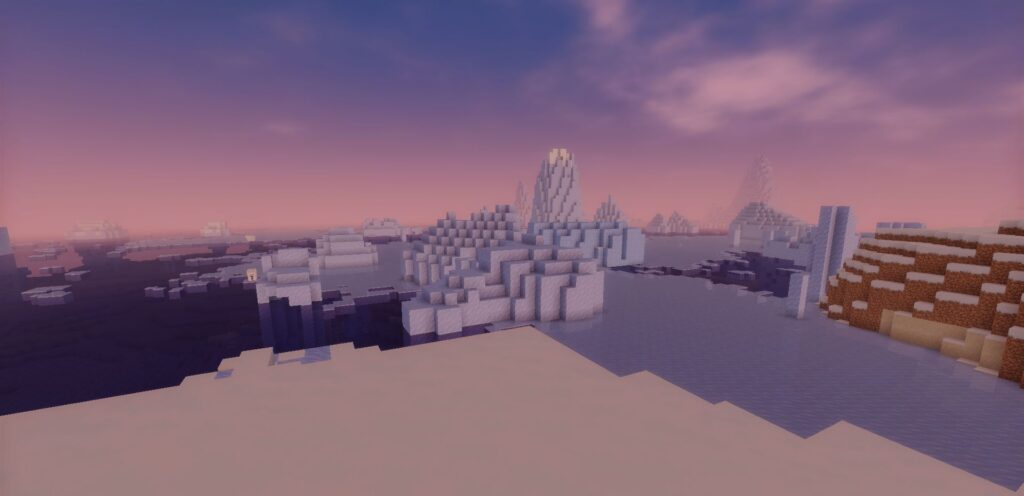
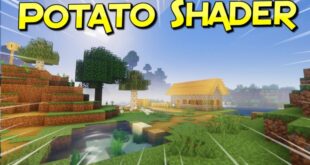
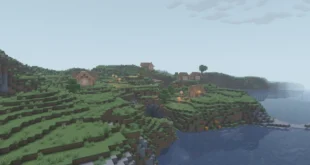
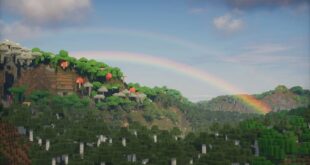
The screenshots shown above are taken from official sources and demonstrate how Mellow Shader looks while running in-game. They highlight the shader’s soft lighting, clean atmosphere, and overall visual balance without focusing on advanced technical effects.
Download
You can download the shader using the official link below.
Mellow Shader is created by its original developer, and full credit goes to the shader’s creator for their work and continued updates.
Disclaimer
We do not host shader files. We only provide links to official sources, and availability of external links may change over time.