Minecraft Texture Packs Minecraft Resource Packs

Introduction
Minecraft’s default visuals work well, but they often fall short when you want a world that feels rich, atmospheric, and immersive. That is exactly where Excalibur Texture Pack stands out. Designed with a strong medieval fantasy identity, this pack transforms Minecraft into a darker, more detailed experience while still respecting the game’s original structure. From castles and villages to survival builds, Excalibur delivers a cohesive visual style that feels handcrafted and intentional rather than flashy or exaggerated.
What Excalibur Texture Pack Is
Excalibur Texture Pack is a full Minecraft resource pack built around a medieval and RPG-inspired theme. Its primary goal is to replace Minecraft’s bright and simple textures with more grounded, stone-heavy, and fantasy-oriented visuals. Unlike vanilla-friendly packs that focus on subtle upgrades, Excalibur commits fully to its theme, making it ideal for players who want their world to feel like a classic fantasy realm.
Excalibur is commonly compared to packs like John Smith Legacy or Conquest, but it maintains its own identity through slightly cleaner textures and consistent color choices. It is designed mainly for Java Edition and works best with shaders, although shaders are not required.
Excalibur Texture Pack is compatible with the following Minecraft versions: 1.16.x – 1.21.x (and newer updates as they release).
The pack primarily uses a 32x resolution, offering noticeably more detail than vanilla while remaining playable on most modern systems. OptiFine is optional but recommended to get the best visual results, especially for connected textures and improved lighting.
Art Style, Visual Direction, and Gameplay Clarity
The visual direction of Excalibur Texture Pack is firmly rooted in medieval fantasy. Textures lean toward rugged stone, aged wood, worn metals, and darker natural tones. This immediately changes the mood of the game, making environments feel heavier, more atmospheric, and more realistic without going into full photorealism.
Color usage is carefully balanced. Grass, foliage, and terrain avoid overly bright greens and instead use muted, natural shades that fit well with medieval builds. Blocks such as stone bricks, cobblestone, and wood planks receive the most attention, making castles, fortresses, and villages look far more detailed and believable.
Despite its detail, gameplay clarity remains solid. Blocks are still easy to distinguish, and important materials retain clear visual separation. Items and tools follow the same medieval aesthetic, with slightly rougher textures that make them feel crafted rather than cartoonish. The UI remains readable and consistent, avoiding unnecessary visual clutter that could distract during regular gameplay.
When paired with shaders, Excalibur truly shines. Soft lighting and shadows enhance the depth of textures, making interiors feel warm and moody while outdoor environments gain a cinematic atmosphere. Even without shaders, the pack delivers a strong visual upgrade over vanilla.
Perfect For Players Who
Excalibur Texture Pack is best suited for:
- Players who enjoy medieval, fantasy, or RPG-style worlds
- Builders focused on castles, towns, and detailed survival bases
- Players who want a fully themed experience, not just a vanilla upgrade
- Systems that can comfortably handle 32x texture packs, with or without shaders
Screenshots Section
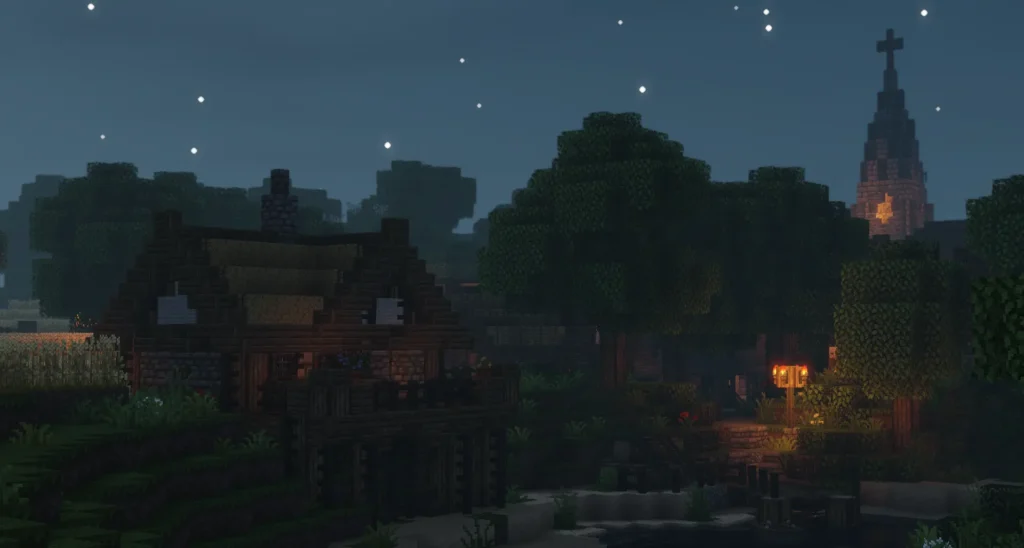
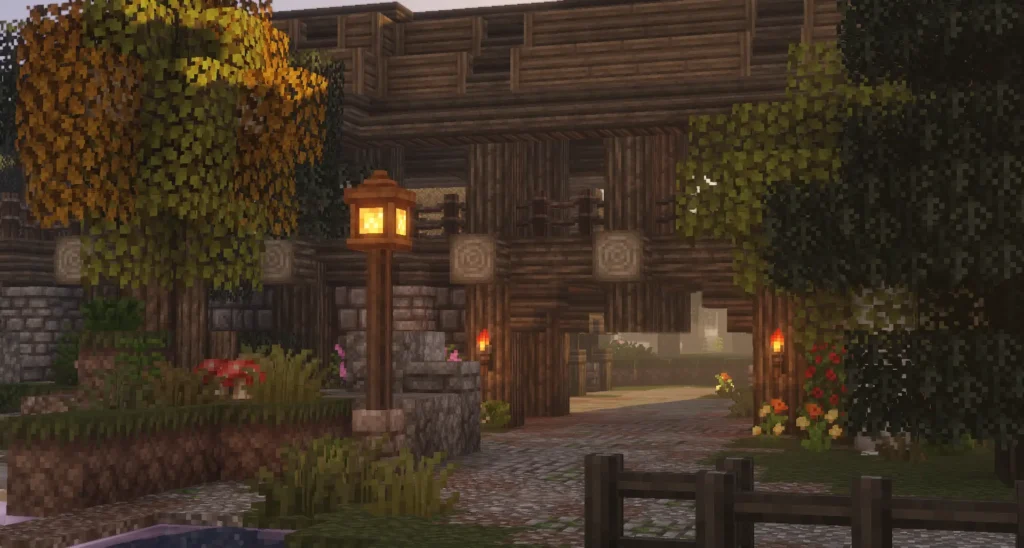
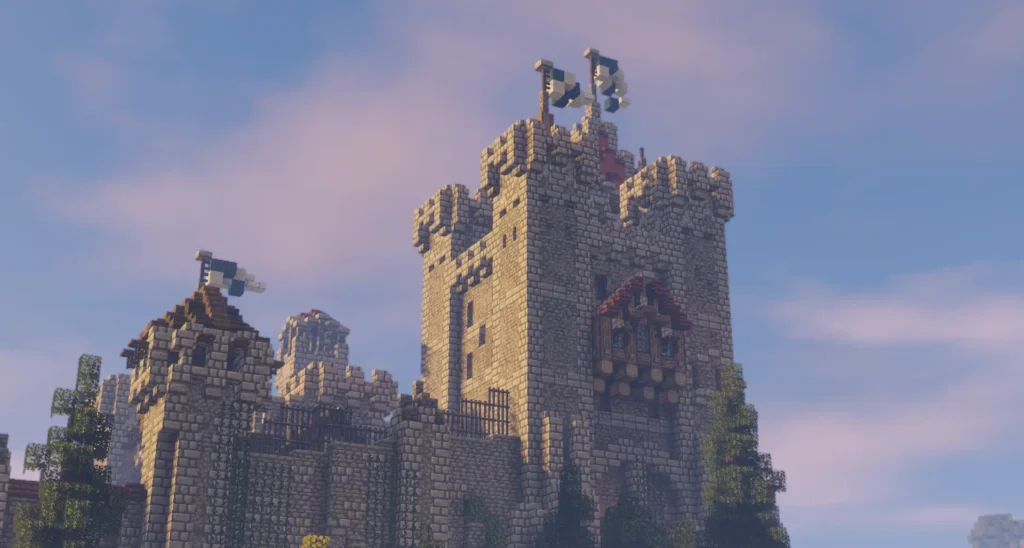
The screenshots shown are taken from official sources and demonstrate how Excalibur Texture Pack looks during actual gameplay. They highlight the pack’s consistent medieval art style, detailed block textures, and how environments appear in real in-game lighting conditions.
Download
You can download the texture pack using the official link below.
Creator: Excalibur is created by its original author, and full credit goes to the creator for their work and continued support of the Minecraft community.
Disclaimer
We do not host texture pack files. We only provide links to official sources, and availability of external links may change over time.