Minecraft Texture Packs Minecraft Resource Packs

Introduction
Minecraft’s default interface is iconic, but long play sessions can make its bright menus and white backgrounds feel tiring on the eyes. That is exactly where Default Dark Mode Texture Pack comes in. This resource pack focuses on one simple but impactful goal: converting Minecraft’s classic user interface into a clean, dark-themed version while keeping everything else familiar.
Instead of reworking blocks, mobs, or items, this pack targets the UI itself. Menus, inventories, and interface elements are redesigned with darker tones to create a more comfortable and modern experience. The result is a subtle but noticeable upgrade that feels natural, especially for players who prefer minimalist changes or spend hours in-game.
What Default Dark Mode Texture Pack Is
Default Dark Mode Texture Pack is a lightweight UI-focused resource pack designed to give Minecraft a dark theme without changing the core gameplay visuals. Its design philosophy is simple: preserve the vanilla look and layout while replacing bright backgrounds with darker, more eye-friendly colors.
Unlike full texture overhauls such as Faithful or Bare Bones, this pack does not modify blocks, items, or environments. Instead, it works more like a quality-of-life improvement, similar in spirit to dark mode features found in modern apps and operating systems.
Default Dark Mode Texture Pack is compatible with the following Minecraft versions: 1.16.x – 1.20.x (and newer updates where UI structure remains consistent). It is built at a 16x resolution, making it extremely lightweight and suitable for all systems. The pack works perfectly in vanilla Minecraft, and OptiFine is optional, not required, since there are no advanced texture features involved.
Art Style, Visual Direction, and Gameplay Clarity
The visual direction of Default Dark Mode Texture Pack can best be described as vanilla-friendly and minimalist. Every UI element keeps its original shape, position, and scale. The only major change is color. Bright whites and light grays are replaced with deep grays and dark backgrounds, while text remains clear and readable.
This careful balance ensures that gameplay clarity is never compromised. Item icons stand out more clearly against darker inventory slots, making it easier to identify tools, armor, and resources at a glance. Menu navigation also feels cleaner, as buttons and panels have stronger contrast without looking flashy or overdesigned.
From a usability perspective, the dark UI reduces eye strain during night-time play sessions or long survival runs. Crafting menus, settings screens, and container interfaces all feel calmer and more consistent. Importantly, the pack does not introduce custom fonts or experimental UI layouts, so everything behaves exactly as players expect in standard Minecraft gameplay.
Perfect For Players Who
- Prefer a clean, modern dark-themed interface
- Play long sessions and want reduced eye strain
- Want a vanilla-plus experience with minimal changes
- Use low-end or high-end systems and want zero performance impact
Screenshots Section
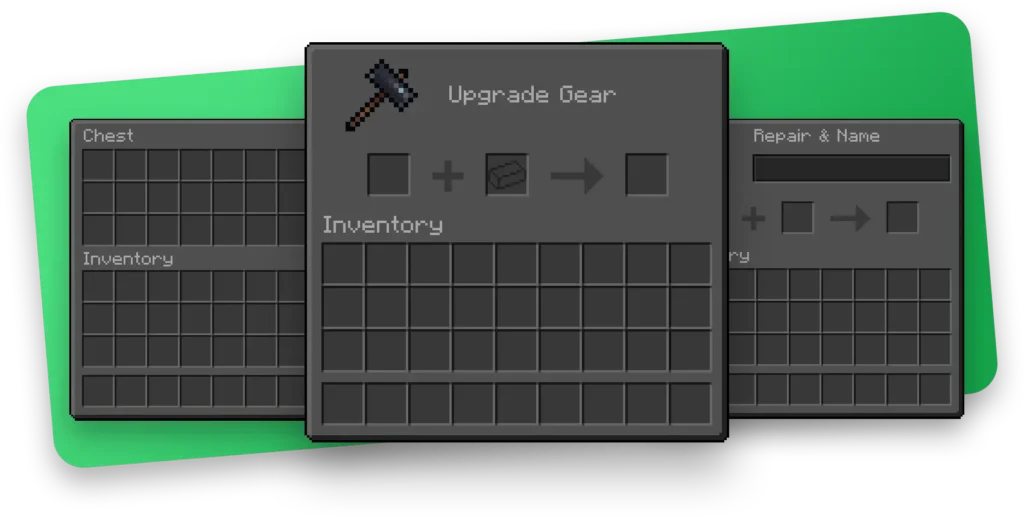
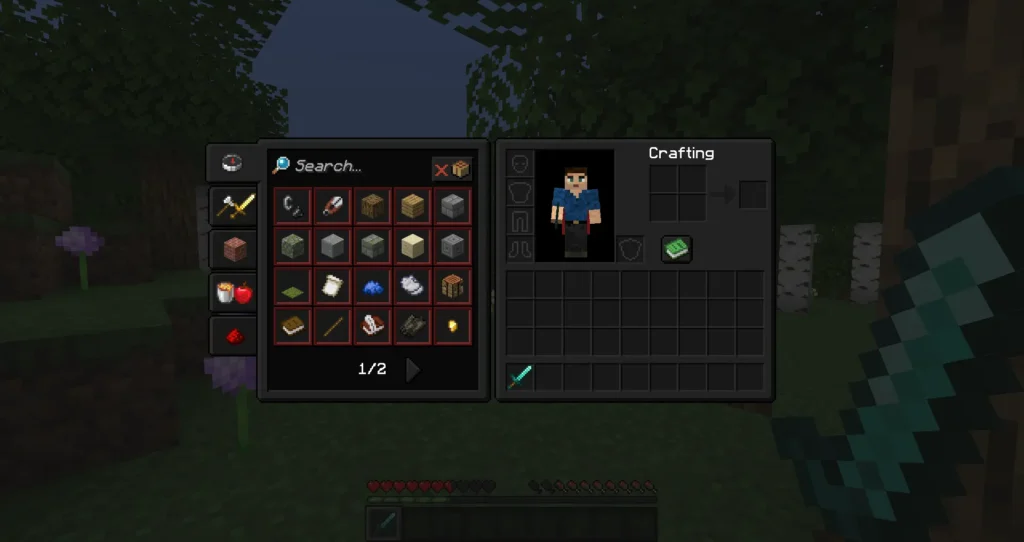
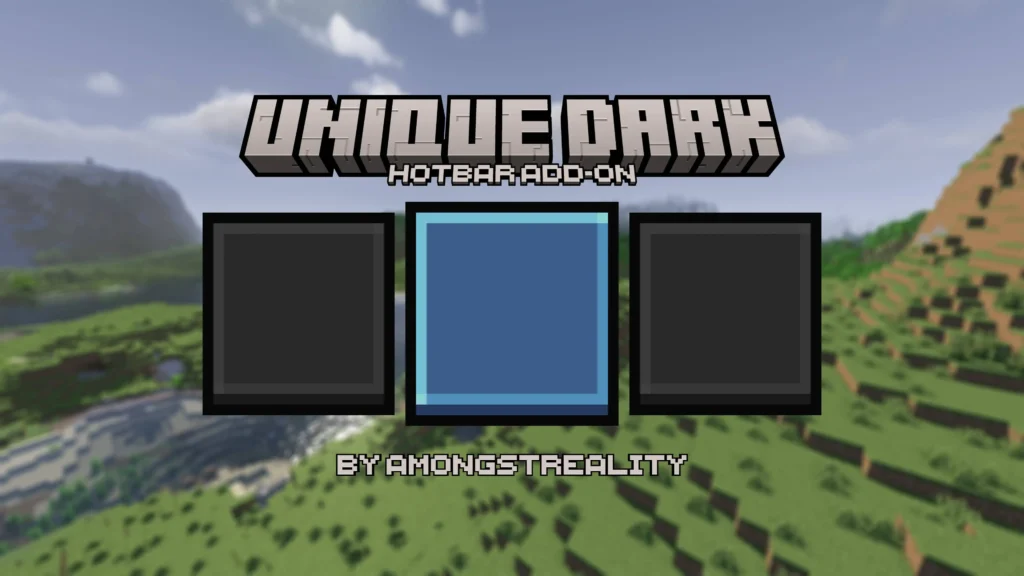
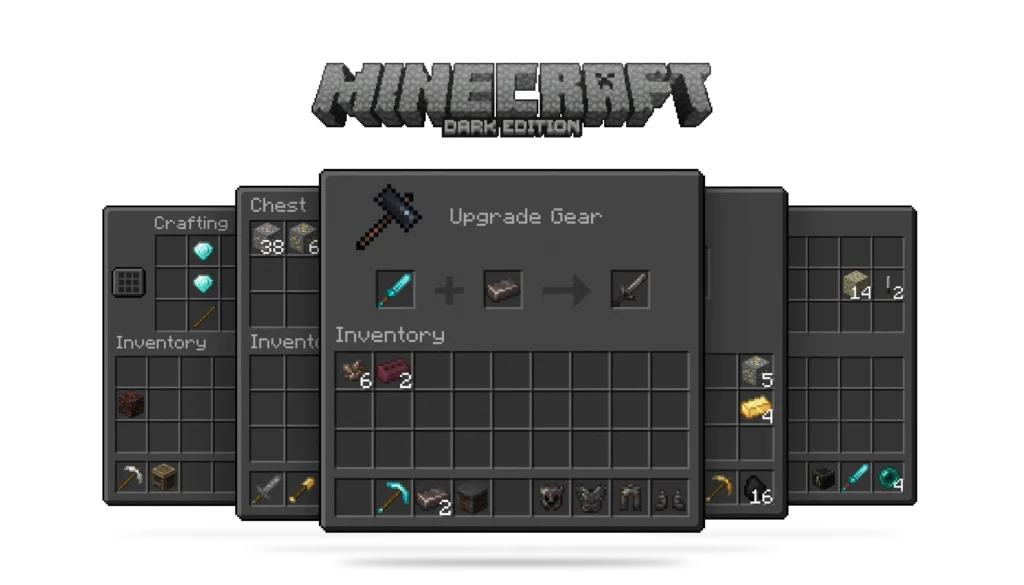
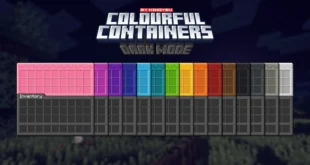
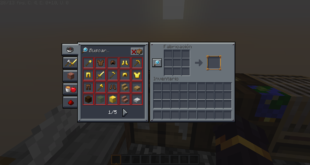
The screenshots shown above are taken from official sources and demonstrate how Default Dark Mode Texture Pack looks while running in-game. They highlight the redesigned menus, inventory screens, and UI panels, showing how the dark theme remains consistent across different interfaces without affecting gameplay visuals.
Download
You can download the texture pack using the official link below.
Creator: Default Dark Mode Texture Pack is created by its original developer, and full credit goes to the creator for their work and ongoing updates. organized_scripts
Disclaimer
We do not host texture pack files. We only provide links to official sources, and availability of external links may change over time.